














Step 1
Upload
Add your logo, graphic, or text design. Use transparent PNGs for clean edges, or upload JPGs and let the tool fit the artwork to the garment.
Create realistic T-shirt and sweatshirt mockups with AI. Upload designs, choose styles, generate high-res product images fast. Try it online now.
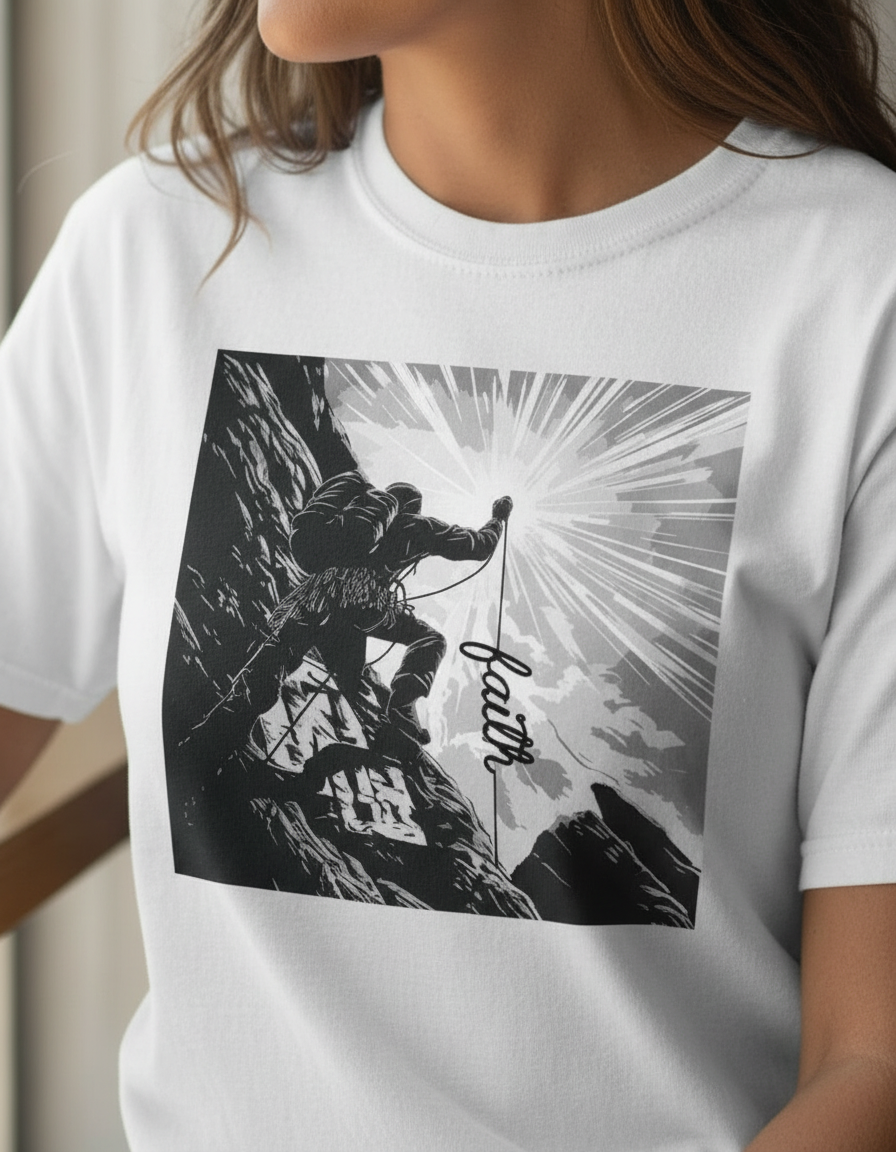
How to use Product Mockup generator T-shirts, Sweatshirts, etc
Learn how to create professional T-shirt and sweatshirt product mockups with AI. In three quick steps, upload your design, choose a garment, and export high-quality images for eCommerce and marketing.
Step 1
Add your logo, graphic, or text design. Use transparent PNGs for clean edges, or upload JPGs and let the tool fit the artwork to the garment.

Step 2
Select apparel type, color, and mockup style. Adjust placement and scale on the chest, back, or sleeve to match your branding and print specs.

Step 3
Click generate to create realistic mockups instantly. Download high-resolution images for product pages, ads, and social posts, with consistent lighting and angles.
Features
Generate realistic product mockups for T-shirts, sweatshirts, and more using AI. Turn flat designs into polished garment visuals with consistent lighting, natural fabric shading, and accurate placement. Create multiple variants quickly for print-on-demand listings, brand presentations, and marketing—without a photoshoot or complex editing.
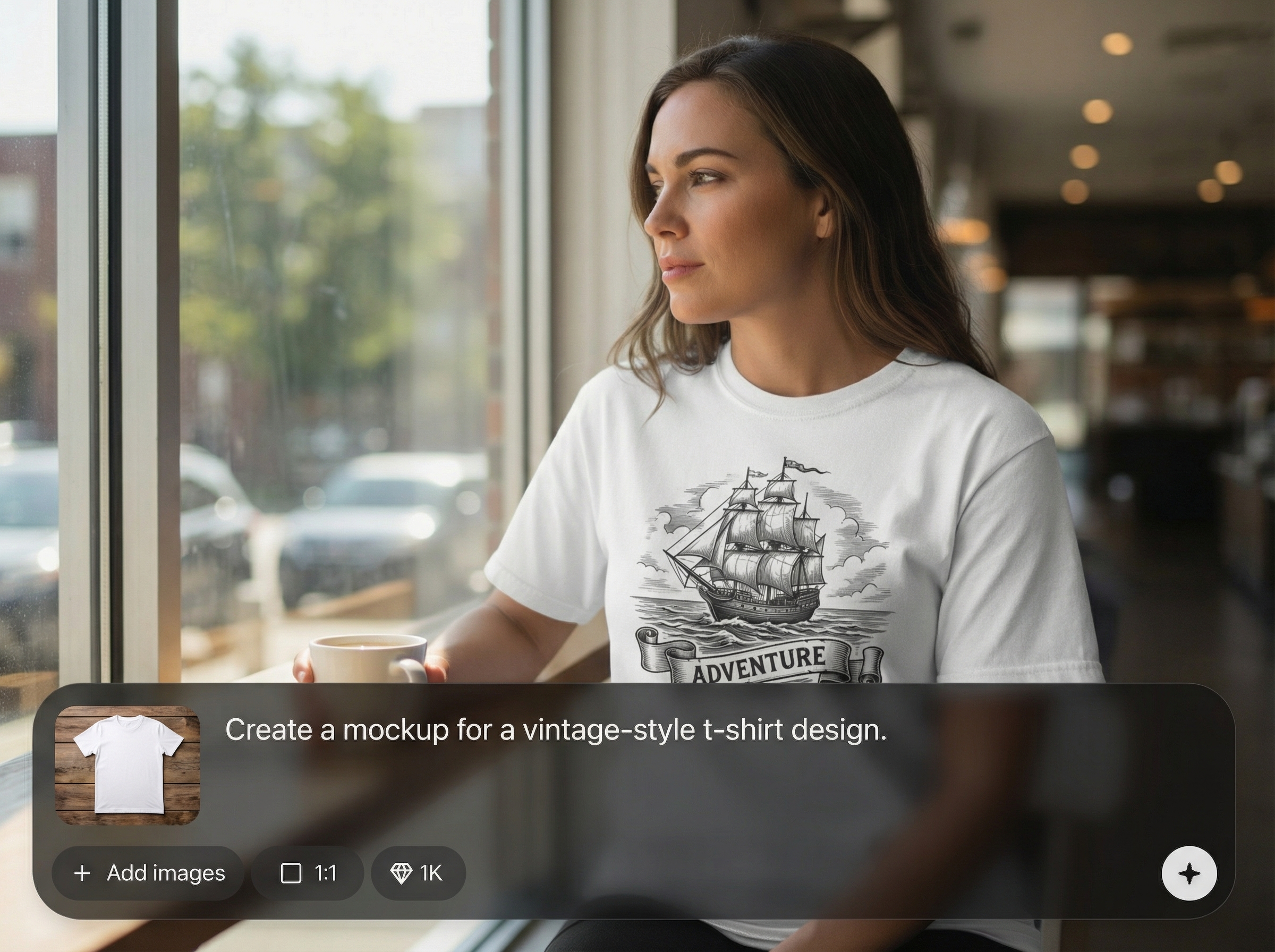
Produce mockups with believable folds, shadows, and print blending. AI helps your design sit naturally on the garment, improving realism for storefronts and campaigns.
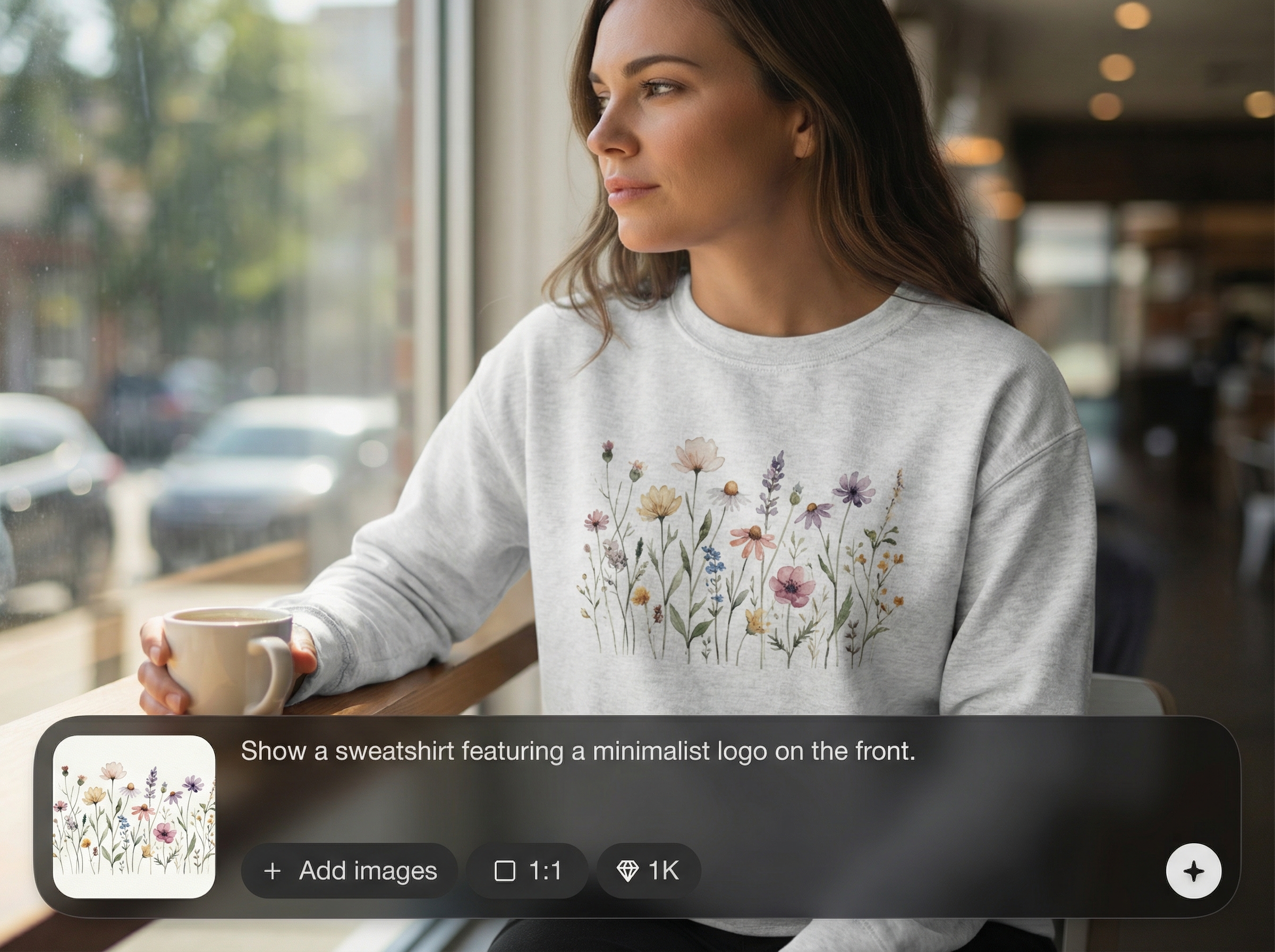
Create colorways, placements, and style options in seconds. Generate multiple product images for A/B testing and catalog expansion without repeating manual mockup work.
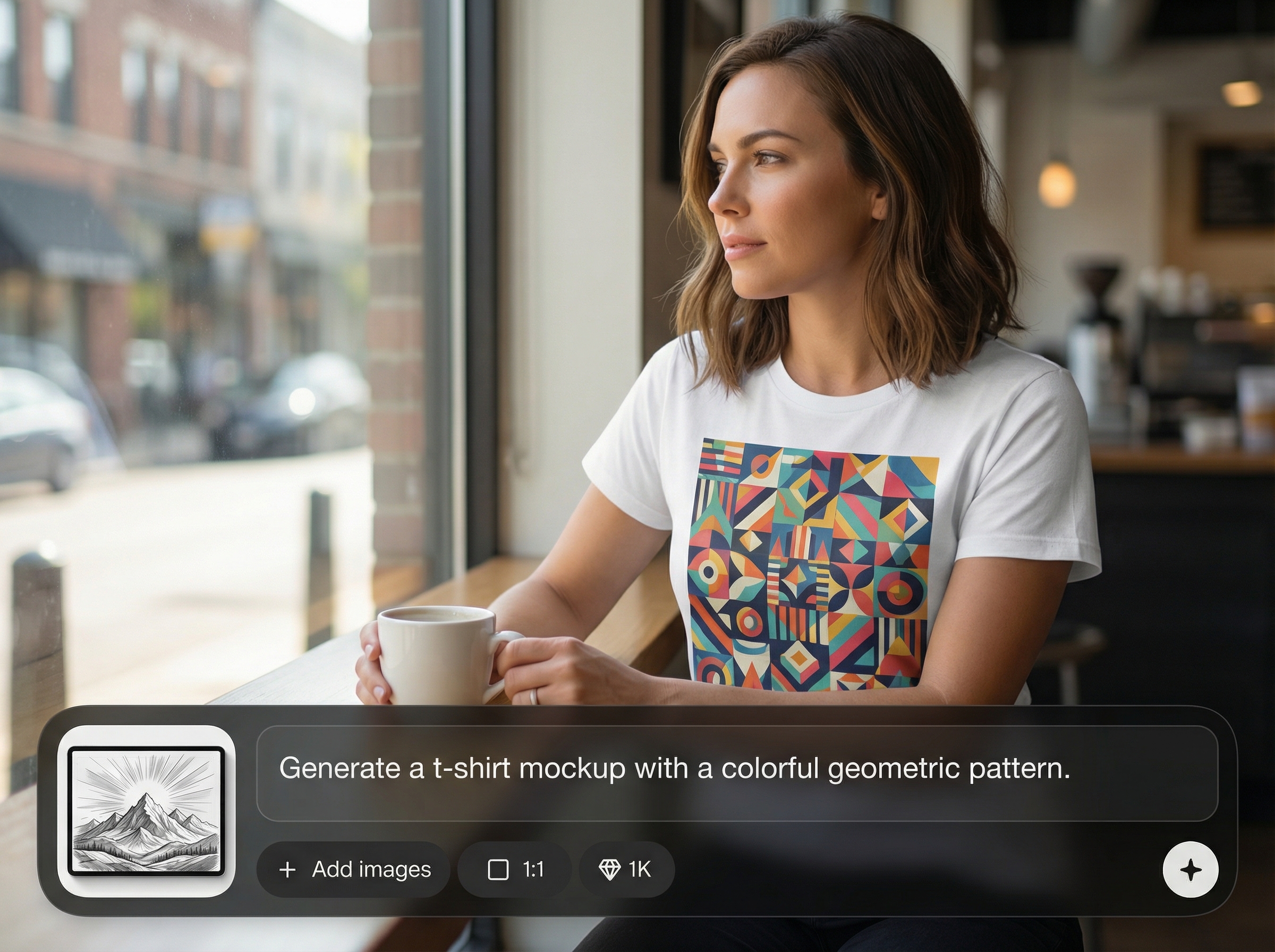
Download clean, high-resolution product images optimized for eCommerce. Keep visuals consistent across your store with repeatable mockup settings and cohesive presentation.
About
Product Mockup generator T-shirts, Sweatshirts, etc turns your artwork into realistic apparel mockups in seconds. Upload a design, pick garment types like T-shirts or sweatshirts, and generate clean, studio-style product images ready for listings and lookbooks. Quickly test variations, colors, and placements without costly photoshoots.
Get realistic AI mockups with fast iteration and consistent quality. Create apparel product images without expensive photoshoots, complex templates, or time-consuming editing. Generate variants for colors and placements to keep your storefront and marketing visuals cohesive and conversion-ready.
Start by uploading your design, then choose an apparel type and mockup style. Adjust placement, generate your results, and download high-resolution images for eCommerce, ads, or brand presentations.
Use cases
Discover how different creators use this app in their workflow.
Generate T-shirt and sweatshirt mockups for product pages quickly. Publish new designs faster with consistent, professional visuals that reduce setup time.
Create cohesive apparel mockups for pitch decks and lookbooks. Show collections, color options, and placements without scheduling a studio shoot.
Produce scroll-stopping product images for campaigns. Test different colors and layouts rapidly to find the mockups that convert best.
Krea is one of the world's leading generative AI platforms. See what others say.
Real reviews on TrustpilotSo many AI tools out there but I always come back to Krea. It's really the one AI platform that 'just works'.

FYN
Krea's interfaces are still the best in the industry. Everything looks and feels so clean and easy to use! Imo the easiest to use gen AI website.

Lynn
Ultra fast generations. Extremely simple to use. All the latest AI models.

Daniel
KREA is the only AI subscription I have right now besides ChatGPT.

Sophia M.
Answers to common questions about AI apparel mockups and product image generation.
It generates realistic mockups for apparel like T-shirts and sweatshirts from your uploaded design. You can choose styles, colors, and placement to produce listing-ready product images quickly.
No. The tool handles placement and realistic rendering automatically. Upload your artwork, adjust a few options, and export high-resolution mockups without advanced photo editing.
Transparent PNG files usually deliver the cleanest results for logos and graphics. JPG works too for full-coverage art; you can resize and reposition before generating the final images.
Yes. Generate variations by switching garment colors, mockup styles, or design placement. This makes it easy to build a catalog and test which options perform best.
Yes. The outputs are designed to look professional and consistent, ideal for product pages, marketplaces, and ads. Export high-resolution images that align with typical eCommerce requirements.
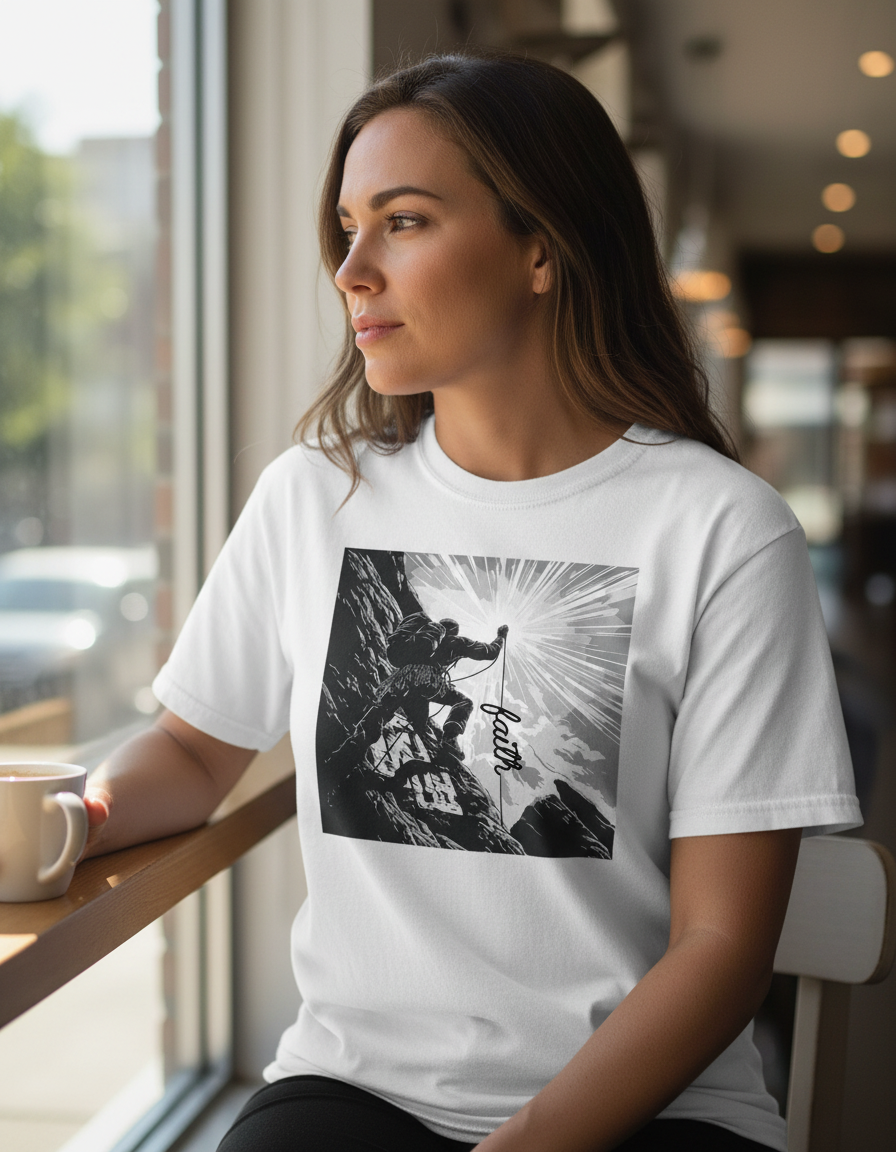
Upload a design and generate realistic T-shirt and sweatshirt mockups in seconds for listings, ads, and lookbooks.

