








Created by unequivocallushbullfrog

AI Jewelry Shot Generator: Create 3 Shots Online

Umka Jewelry generates 3 polished shots for your upcoming jewelry collection in minutes. Use AI to create consistent lighting, clean backgrounds, and campaign-ready compositions without a studio setup. Export images optimized for ecommerce, lookbooks, and ads while keeping your collection’s style cohesive across every shot.

Browse more apps
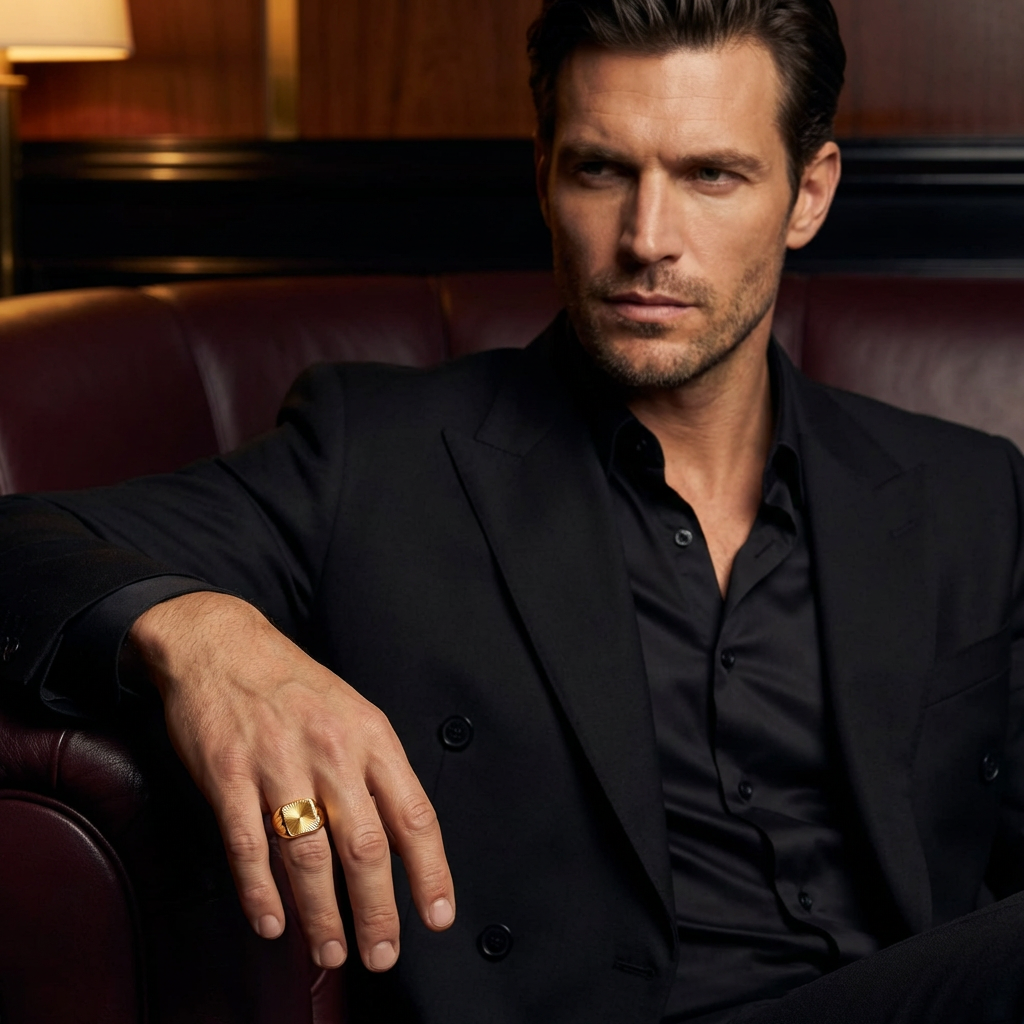
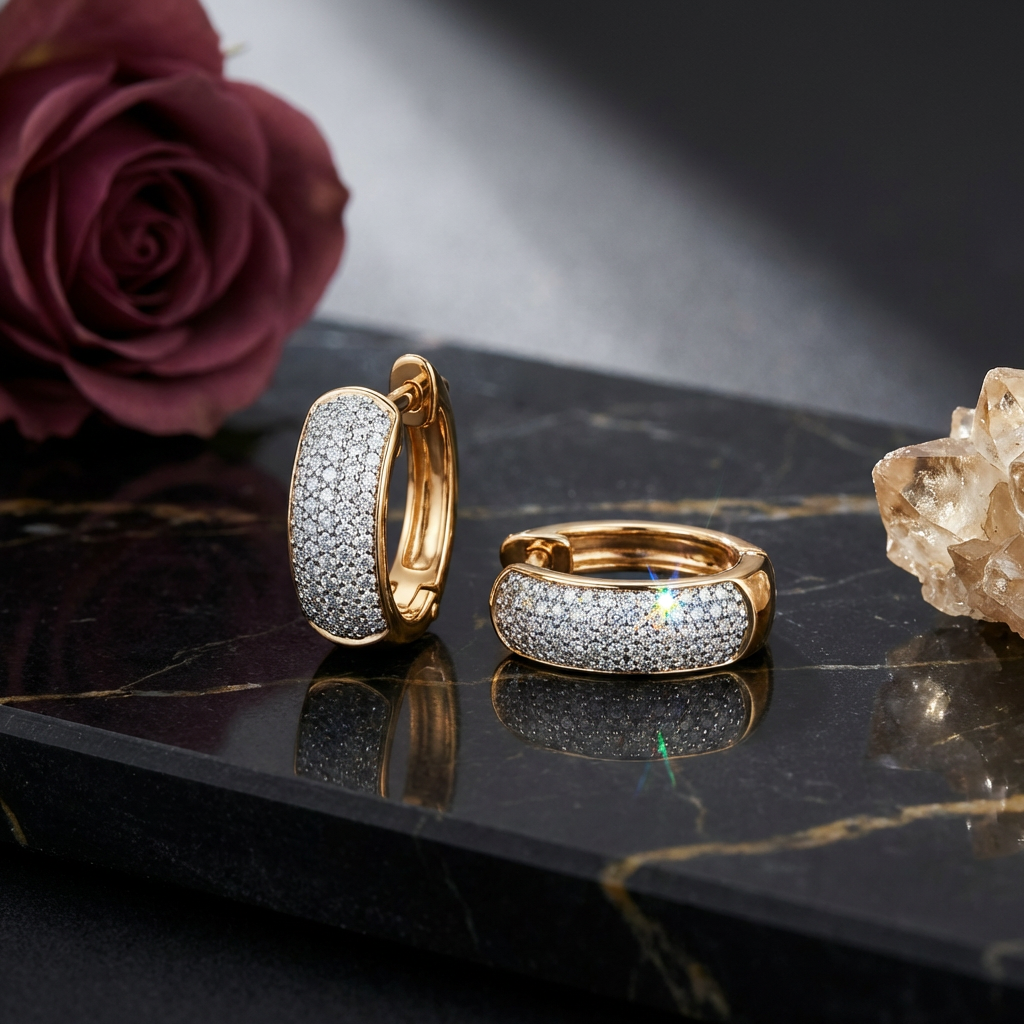
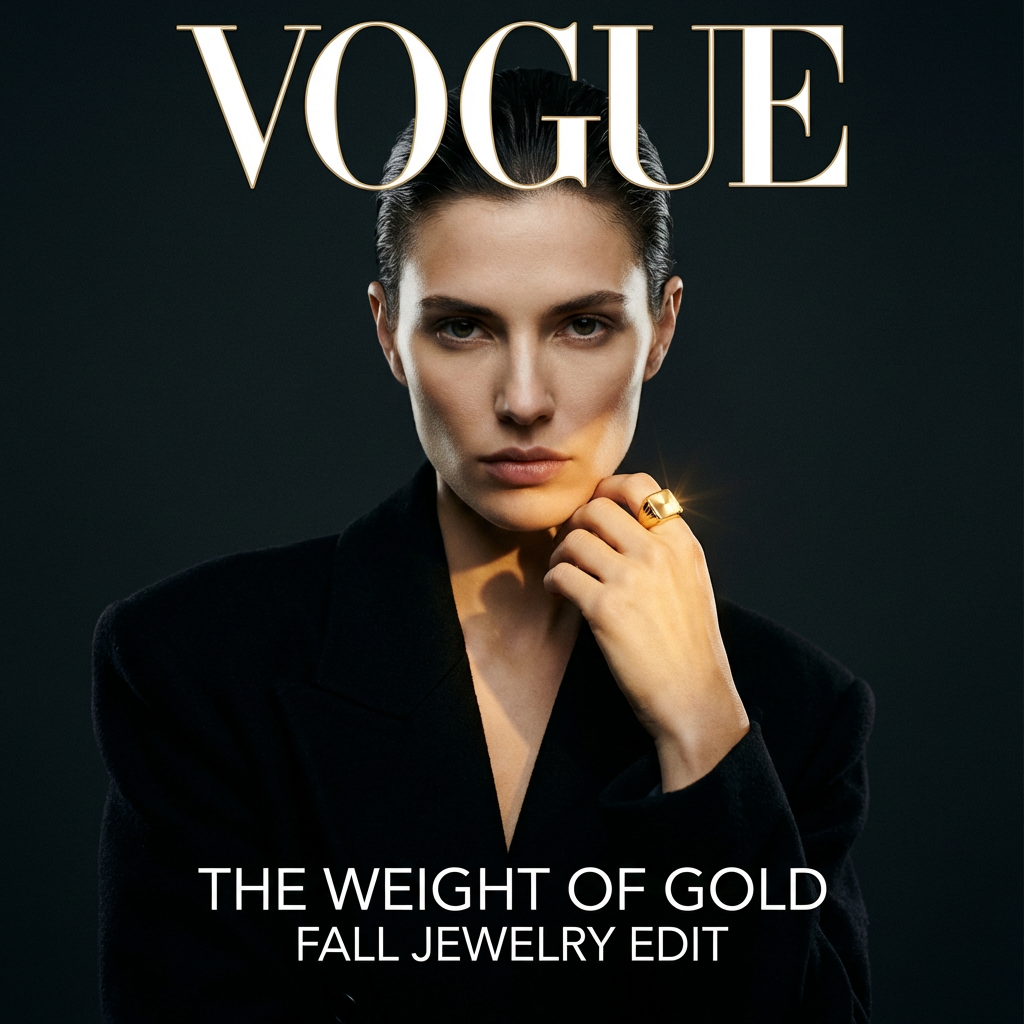
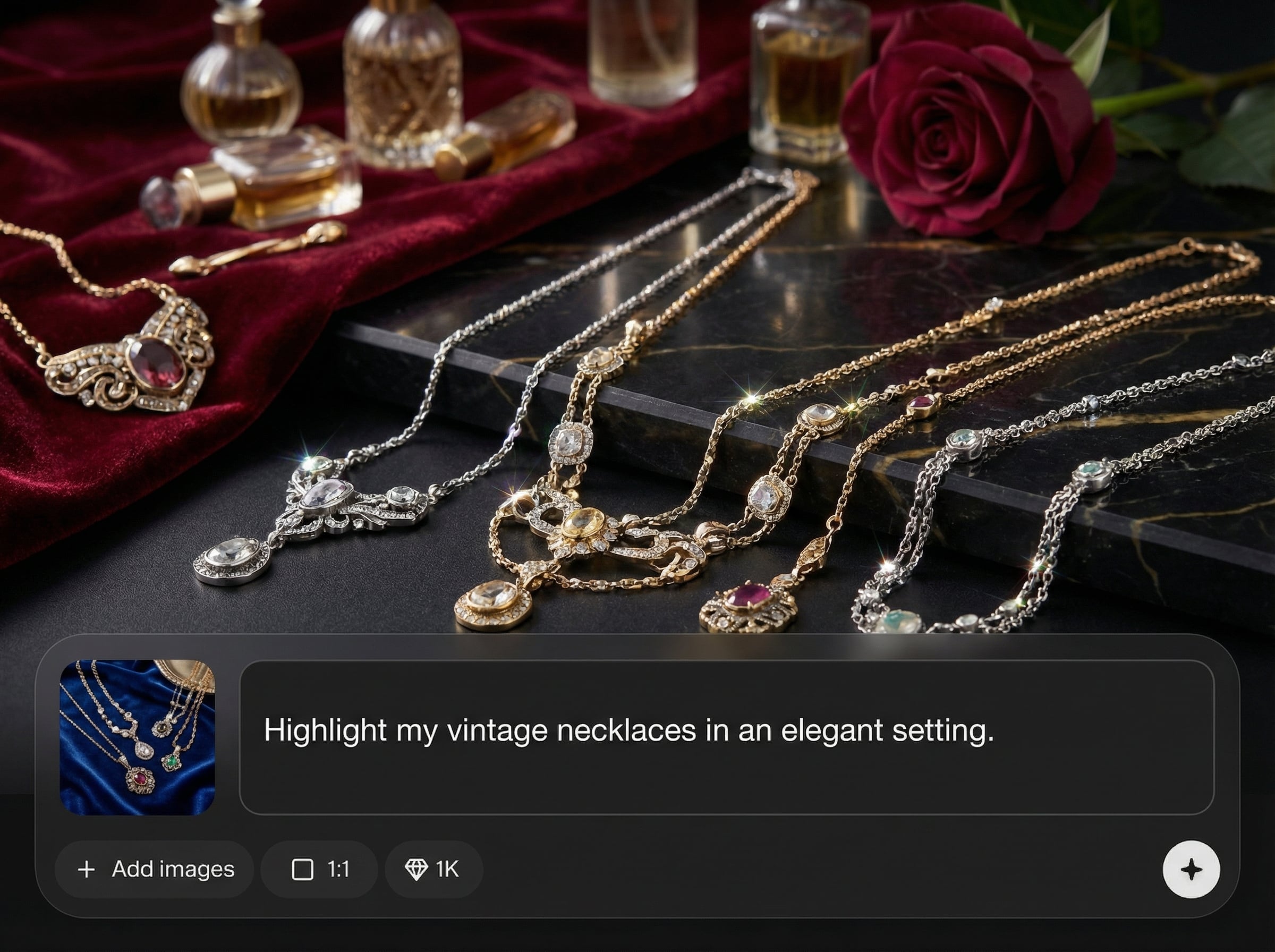
Example output from Umka Jewelry

Example output

Follow these quick steps to generate three consistent, high-quality jewelry images for your next drop. Upload your product reference, choose a style, and export shots ready for ecommerce, lookbooks, or ads.

How to use Umka Jewelry

Create 3 jewelry shots in minutes

1 Upload

Add your jewelry reference image and choose your product type. Set basic preferences like background, material emphasis, and framing to match your collection’s visual direction.
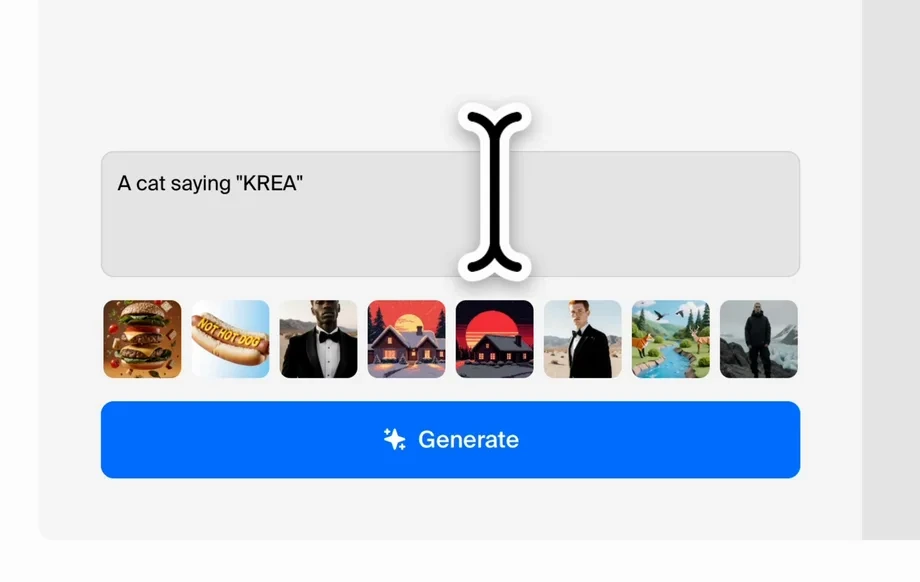
2 Generate

Run the AI generator to create 3 distinct shots. Review options for lighting, angle, and composition, then refine settings to keep every image consistent.
3 Export

Download your selected shots in high resolution. Use them across ecommerce listings, social ads, and lookbooks with consistent styling and clean, professional presentation.

Features built for jewelry visuals

Umka Jewelry focuses on one outcome: three strong product shots for your upcoming collection. Generate clean, consistent images with controlled lighting and styling, then export results that fit ecommerce standards. Save time on reshoots while keeping every item aligned with the same visual system.
Feature card

3-shot output, every time

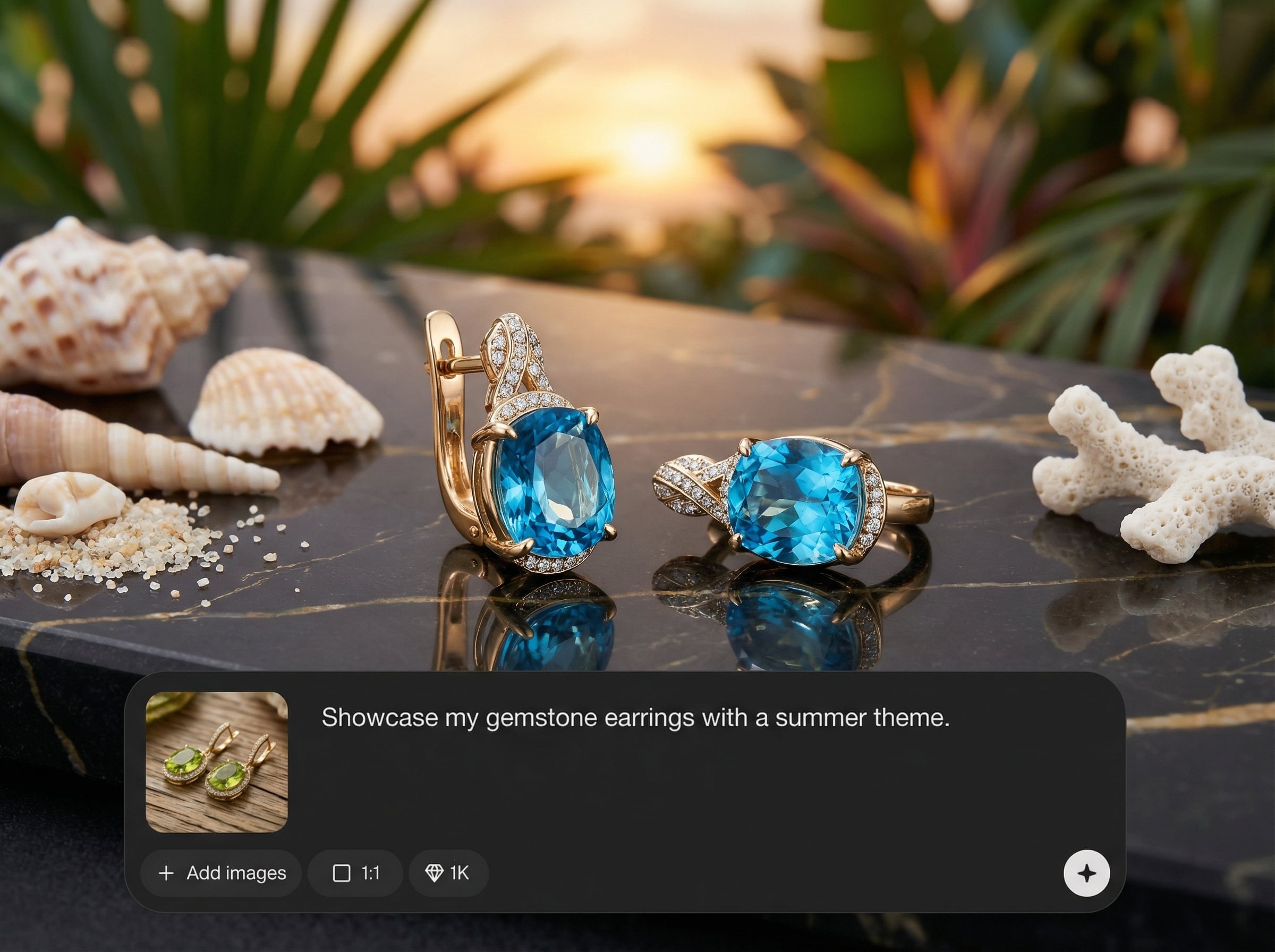
Generate three complementary angles or compositions per item to support listings, lookbooks, and ads. Keep a consistent set without manually planning multiple setups or edits.
Consistent lighting and styling

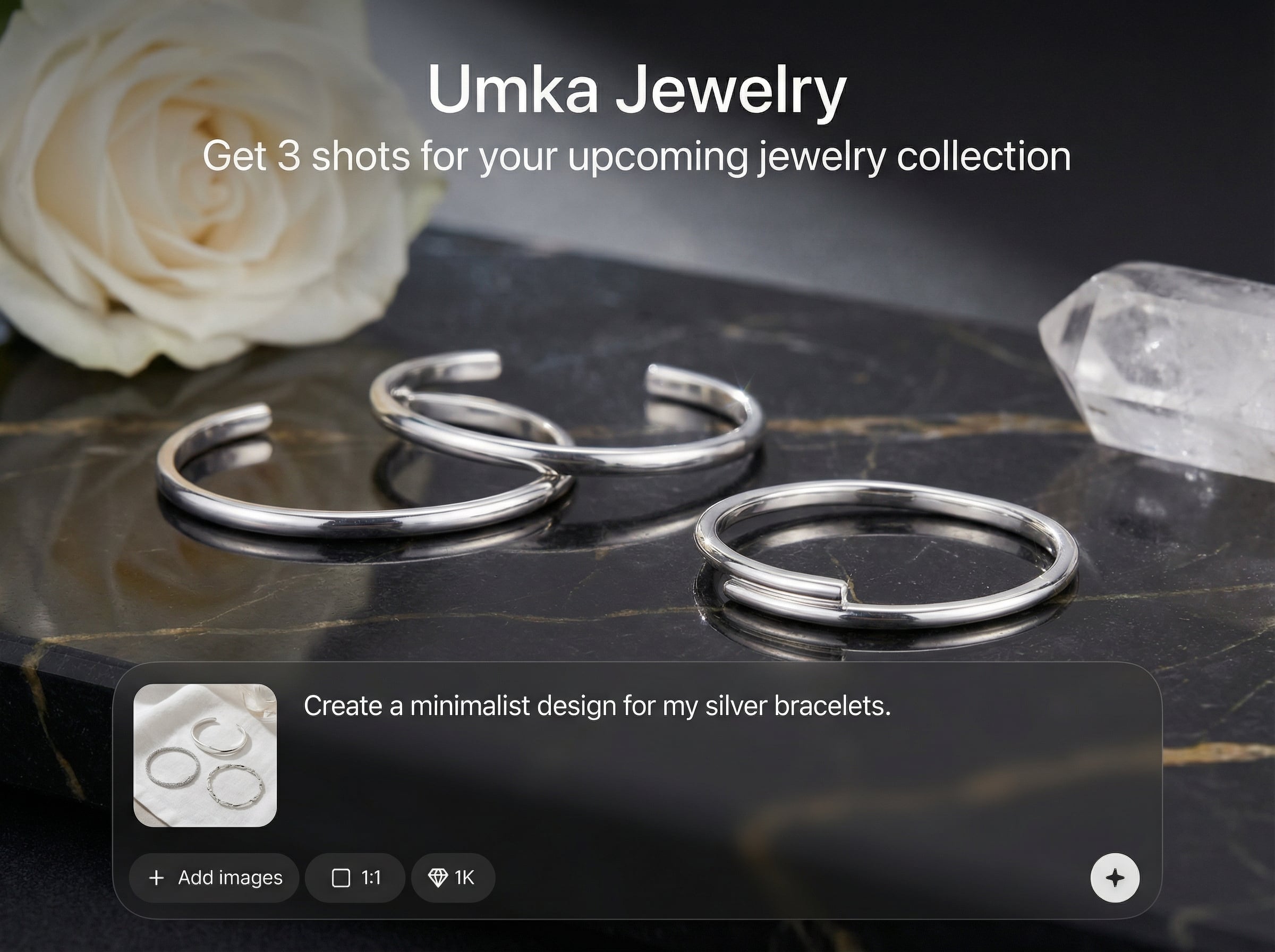
Maintain a cohesive look across your collection with stable lighting, backgrounds, and framing. Reduce visual drift between items so your product grid and campaign pages feel unified.
Feature card
Feature card

Fast iterations for drops

Create new shot sets quickly when designs change or new variants arrive. Iterate on angles and presentation in minutes, without waiting for studio time or extensive retouching cycles.

Who is Umka Jewelry for?

Discover how different users leverage this AI tool to enhance their creative workflow.

Ecommerce product listings

Generate clean, consistent jewelry product shots for PDPs and marketplaces. Improve clarity, reduce distractions, and keep every SKU presented with matching lighting and framing.

Lookbooks and collection previews

Build a cohesive set of three shots per piece for collection pages and previews. Keep a unified aesthetic across materials, stones, and silhouettes.

Ads and social campaigns

Produce campaign-ready jewelry visuals quickly for launches and promos. Test multiple compositions while keeping brand-consistent styling across all creative variations.

Why Choose Umka Jewelry ?

Umka Jewelry is built for jewelry presentation: consistent lighting, clean backgrounds, and three shot-ready results per item. Move faster from design to launch with fewer reshoots, clearer listings, and a cohesive look across your entire collection.

Getting Started

Upload a product reference, choose your preferred style and background, then generate three shots. Review results, tweak settings if needed, and export high-resolution images for your storefront or campaign.

Trusted by over 30 million users and companies worldwide. Krea is one of the world's leading generative AI platforms.

Intuitive, powerful, and free. See what others say about Krea.

Read our testimonials

So many AI tools out there but I always come back to Krea. It's really the one AI platform that 'just works'.

FYN

FYN

Krea's interfaces are still the best in the industry. Everything looks and feels so clean and easy to use! Imo the easiest to use gen AI website.

Lynn

Lynn

Ultra fast generations. Extremely simple to use. All the latest AI models.

Daniel

Daniel

KREA is the only AI subscription I have right now besides ChatGPT.

Sophia M.

Sophia M.

Frequently asked questions

Answers to common questions about generating AI jewelry product shots with Umka Jewelry.

Generate consistent jewelry visuals fast—ready for ecommerce, lookbooks, and ads in just a few steps.


Get 3 shots for your next collection

Explore More AI Tools

Discover other powerful AI tools on Krea to enhance your creative workflow.

Generate high-quality images with state of the art models

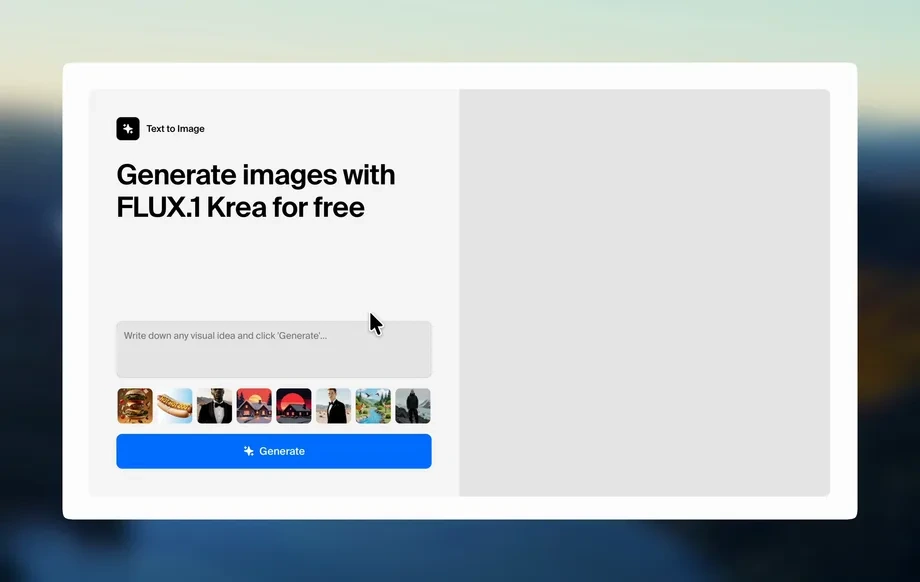
  1. AI Image Generator – FLUX.1 Krea

    Generate images with FLUX.1 Krea for free

  2. AI Image Generator – Wan 2.2

    Generate images with Wan 2.2 for free

  3. AI Image Generator – Qwen

    Generate images with Qwen for free

  4. AI T-Shirt Design Generator

    AI T-Shirt Design Generator - Create Custom Shirt Designs Free

  5. Upscale Image

    Upload as photo and let Krea boost its quality up to 8K resolution.

  6. AI Polaroid Photo Generator

    Create Polaroid photos with AI

Generate videos with AI

  1. AI Video Generator – Sora 2

    Generate videos with Sora 2

  2. AI Video Generator – Veo 3.1

    Generate videos with Veo 3.1

Edit images with AI: turn photos into cartoons, remove text, change styles and more

  1. Nano Banana Pro Editor

    Edit Images with Nano Banana Pro

  2. Text Remover

    Remove Text From Images for Free - AI Text Removal Tool

  3. AI Hairstyle

    AI Hairstyle Changer - Try Haircuts & Hair Styles Online Free

  4. Object Remover

    Remove objects from images for free.

  5. Change Lighting

    Change lighting in your photos instantly for free.

  6. Cartoonify

    AI Cartoon Generator - Turn a Photo Into a Cartoon for Free

  7. Colorize

    Add vibrant colors to your photos for free.

  8. Movie Poster

    AI Movie Poster Generator

  9. Clothes Changer

    AI Clothes Changer - Free Virtual Try On

  10. Nano Banana Image Editor

    Edit Images with Nano Banana

  11. Product Photo

    AI product photography with people holding products

  12. Image to Image

    Transform any image with AI for free

Community AI Apps

Discover AI apps created by the Krea community

  1. Hair Tattos

    Upload your logo or any shape the app will realistically shave it onto the horse. No horses were harmed <3

  2. Blueprintify

    Converts any object image into a professional engineering blueprint on a deep-blue grid: orthographic views plus isometric, dimensions and tolerances, numbered callouts and detail insets, a parts list, and a title block

  3. Cinematic 9-Angle Grid

    This app turns a single 16:9 reference frame into a 3x3 collage of nine cinematic angles of the same action, keeping the characters, poses, and lighting while changing only the camera. Powered by Nano Banana Pro for maximum realism and quality.

  4. Storm Clouds

    Photorealistic ref-based transformation into a dramatic sky scene where swirling storm clouds naturally form the unmistakable silhouette of the referenced object/logo/person.

  5. 💥 Deconstructor

    Deconstruct any objects you can imagine: food, gadgets, cars, furniture, flowers, insects, architecture. Two different approaches to deconstruction will help you find the best option.

  6. Slit-Scan

    Add a Slit-Scan effect to your photo

  7. Bobblehead Maker

    Create a bobblehead figurine of any character

  8. Hairstyle Changer

    Transform your hair into any hairstyle in any color.

  9. Pure Art

    Upload an image of your product and watch it become a work of pure art! (High-quality images on a white background work best.)

  10. Palmistry

    Find out what the lines on your palm say about you.

  11. On Set Selfie Generator

    Generates POV selfies with actors from your chosen TV show or movie. Input your portrait + specify the show/film → outputs a realistic on-set selfie moment as if you're there with the cast. Perfect for fan content or immersive behind-the-scenes vibes.

  12. Behind The Scenes

    Transform any image into a cinematic behind-the-scenes video. Upload a photo and watch the app reveal how the moment could have been filmed using dynamic camera setups, props, lighting, and crew movement.

  13. Boxing Day

    Ever wonder who would win in a fight? Upload a picture of yourself and a friend and let the app decide. Boxing day is a playful app that generates boxing characters from your uploaded image, places them in the ring and animates their fight. May the best fighter win!

  14. Face Chart Generator & Makeup Transfer

    Creates technical face chart from mood references, then applies the design to your model. Input mood images → annotated face chart with placement details → makeup applied to portrait. Delivers both blueprint and final beauty result. Professional workflow for controlled, reference-driven makeup application.

  15. ⌛️ Few Moments Later

    It’s hard to imagine that the things around us may change, or even disappear within just a few decades. Discover how your apartment, or any other object, might transform over the years. Works best with vertical images in 3:4 format

  16. Sims Character

    Upload an image of yourself and an environment!

  17. Styrofoam Tray

    Place any object or your head in the Styrofoam Tray

  18. NEO METAL PLATE

    Upload your logo or image the app will instantly emboss it onto a metal plate with realistic depth and volume. You can also try close-ups of characters for experimentation. Just upload the metal does the rest.

  19. balloon yourself

    Turn your photos into cute balloons

  20. Outfit 💥 Exploder

    Create an explosive scheme for your outfit using just one photo

  21. Freeze-Me!

    Upload your product image and see the magic happening! (High-quality images on a white background work best.)

  22. # ASCII #

    Turn any logo or object photo into a sleek black poster made of glowing white ASCII.

  23. Ugly Christmas Portrait

    Ho ho ho?

  24. OverFiller Face

    Deliberately exaggerates lips and cheekbones with an “overfilled” look and adds a post-blepharoplasty vibe — everything intentionally excessive, with the background left unchanged.

  25. LogoSkin

    Add your logo and choose any texture

  26. Yo' Supreme Selfie

    Drop your selfie, treat yo'self and stunt like a baller!

  27. Postcard New Year

    Create a personalized New Year postcard in a vintage style. You can upload only your own photo or a photo of your entire family — both options are allowed. Please upload photos that belong to you personally.

  28. Natural Skin - V2

    “Natural Skin” agit comme un expert en texture organique, Il réinjecte : ✔ pores ✔ micro-imperfections ✔ relief naturel ✔ cohérence biologique

  29. Easy 4k Product Image Generator

    Generates high-quality 4K product images in seconds. Upload your product, choose a style or background, and get ready-to-use visuals for e-commerce, ads, and social media.

  30. Gameboy Me

    Create a Gameboy style character of yourself or any character you choose, let the app decide your map setting and action as you move through the level