














Step 1
Upload
Add your product photo and choose a target style like white background, lifestyle surface, or gradient. The AI detects edges and prepares a clean cutout.
Create clean PDP product shots with AI in seconds. Remove backgrounds, match lighting, and export ecommerce-ready images fast. Try PDP Product Shots.
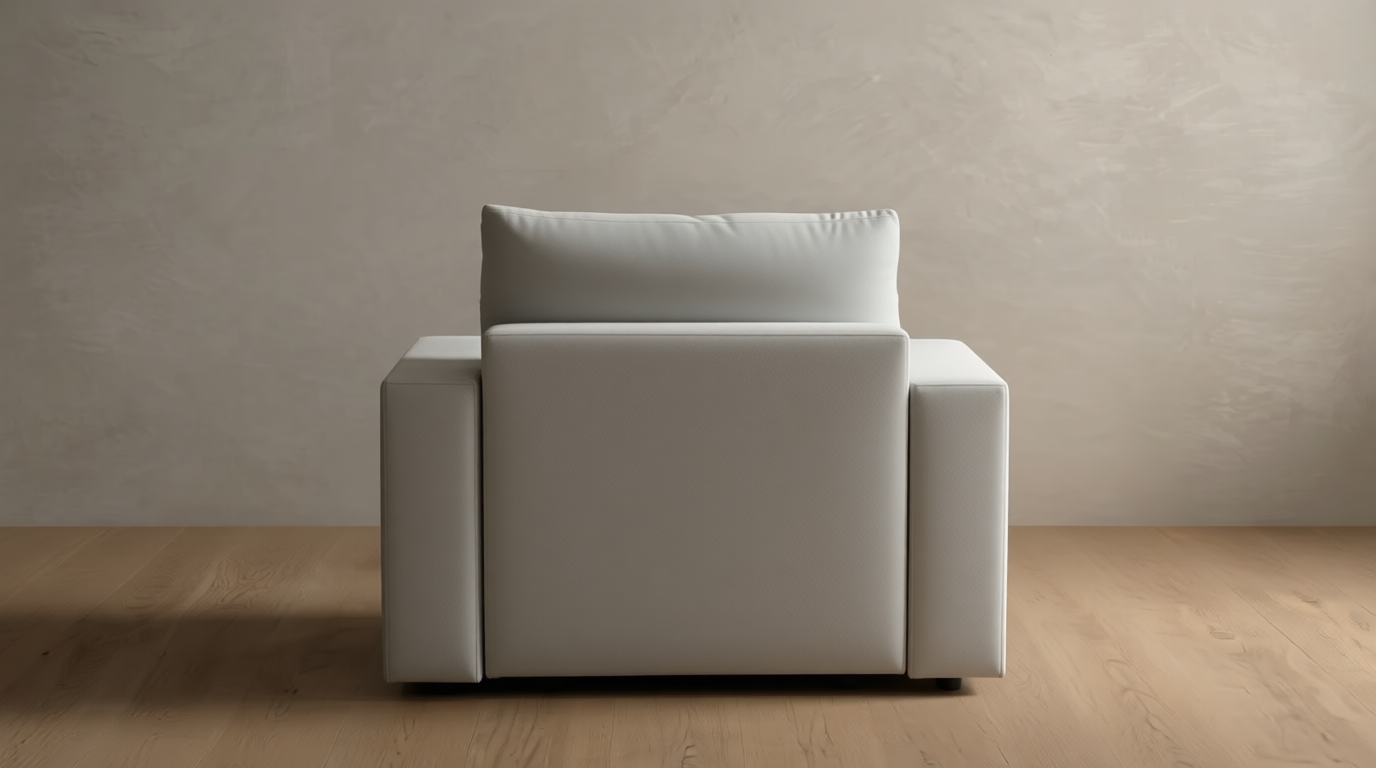
How to use PDP Product Shots
Create professional product listing images with an AI workflow designed for speed and consistency. Follow these steps to upload your product, refine the look, and export PDP assets sized for ecommerce.
Step 1
Add your product photo and choose a target style like white background, lifestyle surface, or gradient. The AI detects edges and prepares a clean cutout.

Step 2
Adjust background, lighting direction, shadows, and reflections to match your brand. Preview variations to keep colors accurate and product details sharp.

Step 3
Download high-resolution product shots for PDPs, ads, and marketplaces. Export with consistent framing and multiple aspect ratios to fit your ecommerce templates.
Features
PDP Product Shots turns everyday photos into ecommerce-ready product images with consistent lighting, shadows, and backgrounds. Generate clean cutouts, refine the scene, and keep your catalog visually uniform across SKUs. Save time on editing while producing high-resolution assets optimized for PDPs, ads, and marketplaces.
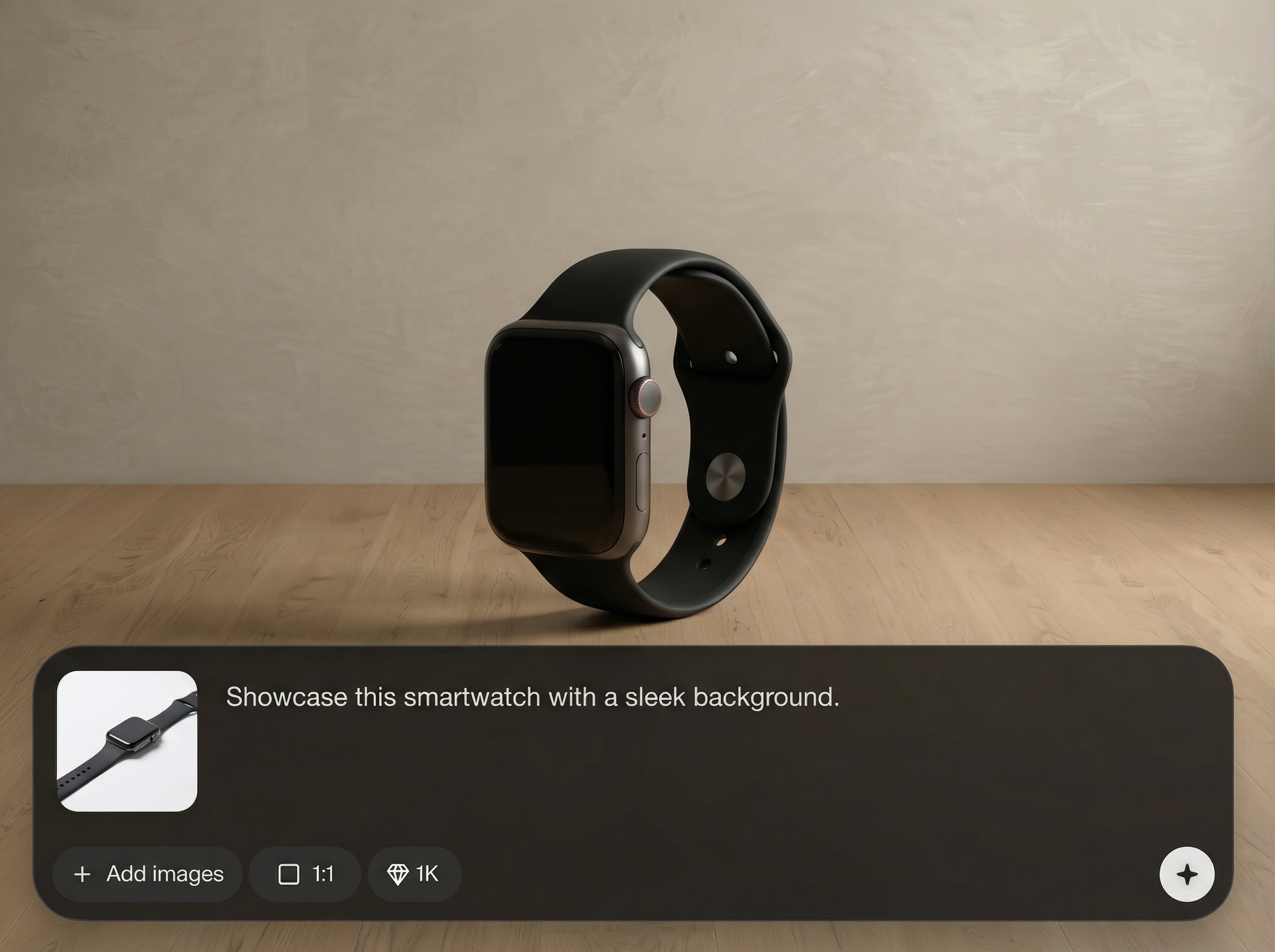
Remove backgrounds automatically and swap in white, gradient, or custom scenes. Get crisp edges around complex products and keep the focus on what you’re selling.
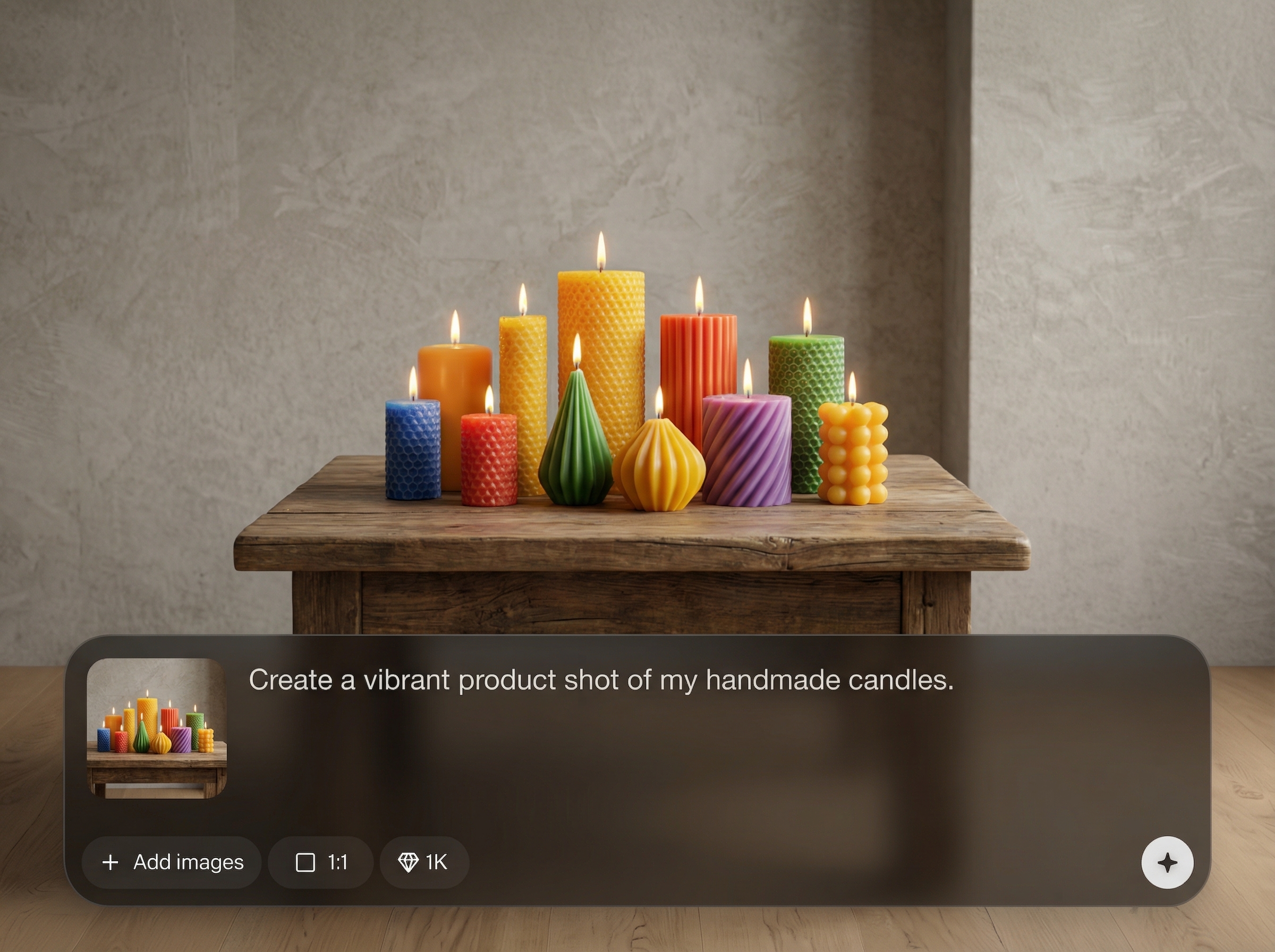
Apply realistic lighting, shadows, and reflections for a polished PDP look. Generate multiple variations quickly to match brand guidelines and seasonal campaign needs.
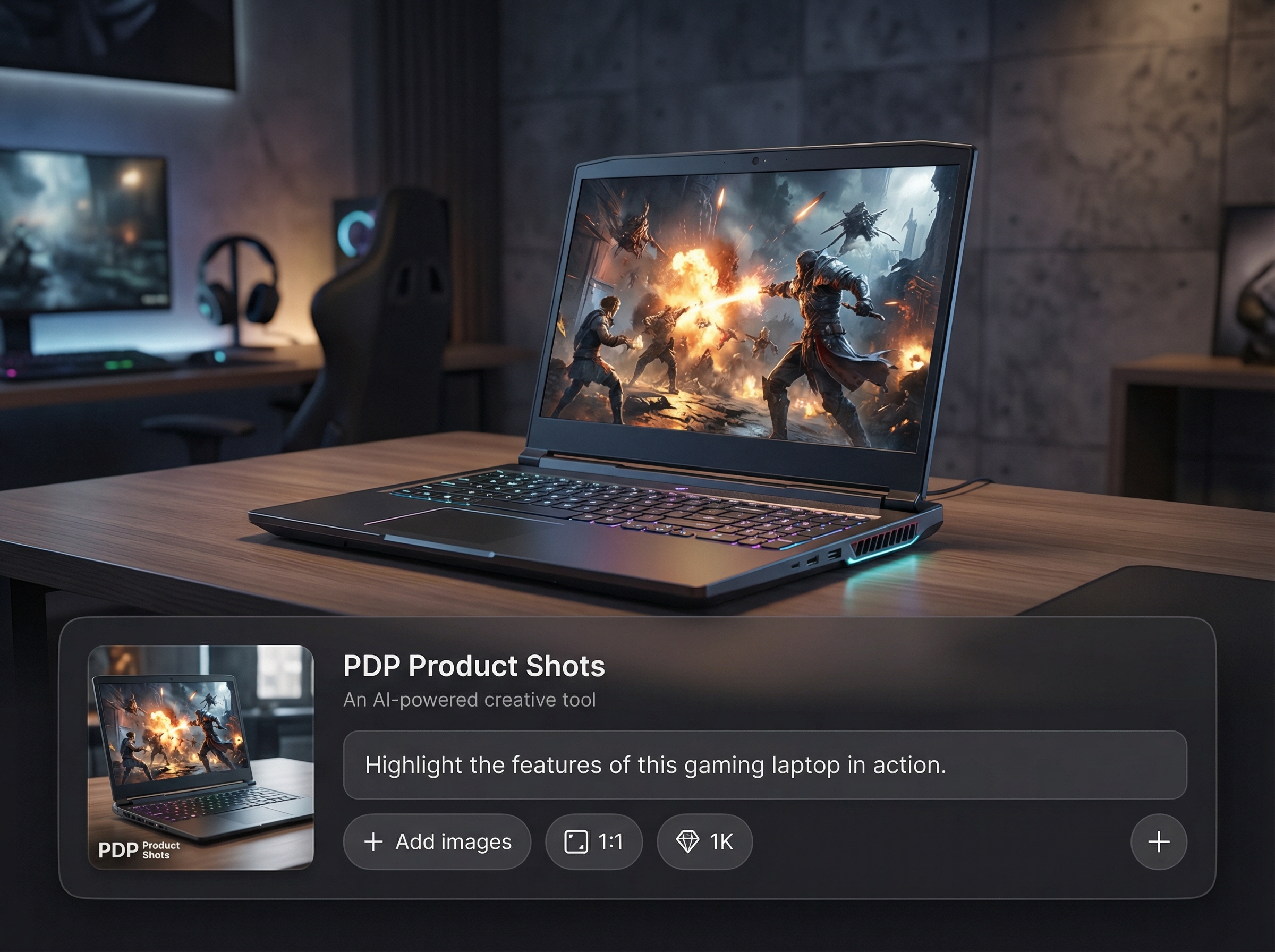
Standardize framing and style across product lines with repeatable settings. Export high-resolution images in common aspect ratios for Shopify, Amazon, and PDP templates.
About
PDP Product Shots generates clean, consistent product photos for ecommerce PDPs using AI. Upload a product image, remove or replace backgrounds, and apply studio-style lighting and shadows for a polished look. Export high-resolution, marketplace-ready images that improve listing clarity and help products stand out across catalogs and campaigns.
PDP Product Shots focuses on ecommerce essentials: clean cutouts, consistent lighting, and repeatable styling for catalogs. Generate multiple PDP variations without reshoots, reduce editing time, and keep branding uniform across channels with high-resolution exports.
Open PDP Product Shots, upload a product image, and pick a background style. Refine lighting and shadows, preview variations, then export PDP-ready files in the sizes your store and marketplaces need.
Use cases
Discover how different creators use this app in their workflow.
Create clean, consistent product photos that improve clarity on product pages. Generate variations for main images, thumbnails, and detail views without reshoots.
Produce compliant product shots for marketplaces with fast background swaps and uniform framing. Export high-resolution images that look consistent across large catalogs.
Generate product images for banners and paid ads with brand-matched lighting and backgrounds. Create multiple looks quickly to test creative and seasonal themes.
Krea is one of the world's leading generative AI platforms. See what others say.
Real reviews on TrustpilotSo many AI tools out there but I always come back to Krea. It's really the one AI platform that 'just works'.

FYN
Krea's interfaces are still the best in the industry. Everything looks and feels so clean and easy to use! Imo the easiest to use gen AI website.

Lynn
Ultra fast generations. Extremely simple to use. All the latest AI models.

Daniel
KREA is the only AI subscription I have right now besides ChatGPT.

Sophia M.
Answers to common questions about generating PDP product shots with AI.
It’s an AI product photo generator for creating clean PDP-ready images. Upload a product photo, remove or replace the background, enhance lighting, and export ecommerce-friendly shots quickly.
Yes. The tool uses AI segmentation to create crisp cutouts, even around detailed shapes. You can place the product on white, gradients, or custom backgrounds while maintaining accuracy.
Yes. You can apply studio-style lighting, drop shadows, and reflections to keep product shots uniform. Create multiple variations while preserving the same look across a catalog.
Export high-resolution images suitable for PDPs, ads, and marketplaces. Download in common formats and aspect ratios so assets fit Shopify themes, Amazon listings, and web templates.
The workflow is designed to preserve key details while enhancing presentation. For best results, start with a well-lit photo and use previews to confirm color, texture, and branding consistency.
Upload a product photo and generate clean, consistent ecommerce images with AI—fast, polished, and ready to publish.

