
.webp)
Krea vs Veras
Veras renders straight from your Revit, SketchUp, or Rhino model. Krea renders from any sketch, photo, or prompt — then upscales, edits, animates, and iterates in real time.
Krea powers 40M+ creatives, enterprises, and everyday people
Krea or Veras?
Both are excellent. Here is an honest take on when each one is the better choice.
Choose Krea when you
-
You start from a sketch, photo, or screenshot
Krea renders from any image or a plain-text prompt, so you can explore a look before a finished 3D model exists — no CAD plugin required.
-
You want more than still renders
Upscale to 22K, edit on a canvas, iterate in real time, and animate a still into a moving walkthrough. One tool for the whole visual, not just the render.
-
You want the best models in one place
Krea 2, Nano Banana Pro, GPT Image 2, and 100+ more, versus a single proprietary rendering model.
-
You want to start free
A free plan and paid plans from $8 a month, next to Veras’ trial-then-$29 pricing.
-
You build or automate
A public REST API and an MCP endpoint for agents like Claude Code and Cursor. Veras has neither.
Choose Veras when you
-
You live inside Revit, SketchUp, or Rhino
Veras renders straight from the model you already have open, without exporting anything. That in-app workflow is its core strength.
-
You need geometry-locked fidelity
When the render has to match your exact BIM geometry and camera, rendering directly from the model keeps every line true.
-
You want one plugin for your CAD suite
If your team works entirely inside a single authoring tool, a native plugin across Revit, SketchUp, Rhino, Forma, Archicad, and Vectorworks can be the simplest fit.
Krea vs Veras: Key differences
| Feature | Krea | Veras |
|---|---|---|
| Works from | Sketches, photos, screenshots, or text — no 3D model needed | Your Revit, SketchUp, or Rhino model |
| Integration | Web app and API, no CAD plugin | Native plugins for Revit, SketchUp, Rhino, and more |
| Model fidelity | Guided by your image, with control over how far it strays | Renders directly from your model’s geometry |
| Beyond rendering | Video, upscale to 22K, editing, real-time, 3D, training | AI still renders |
| Models | 100+, incl. Krea 2, Nano Banana Pro, GPT Image 2 | Veras’ own rendering model |
| API & automation | Public REST API plus MCP | No public API |
| Price | Free, then from $8 a month | 15-day trial, then from $29 a month |
Last updated: October 2026 · See full comparison ↓
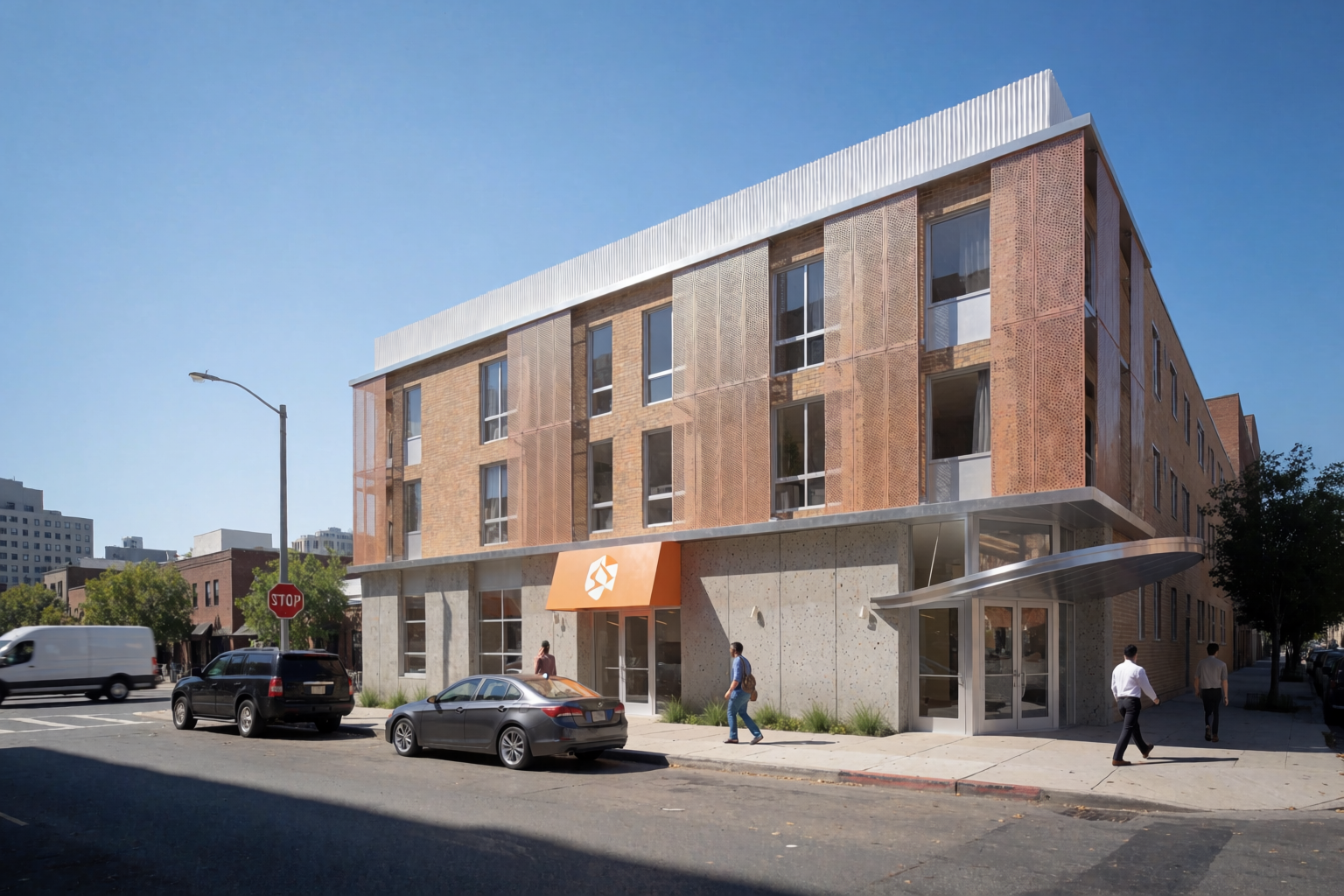
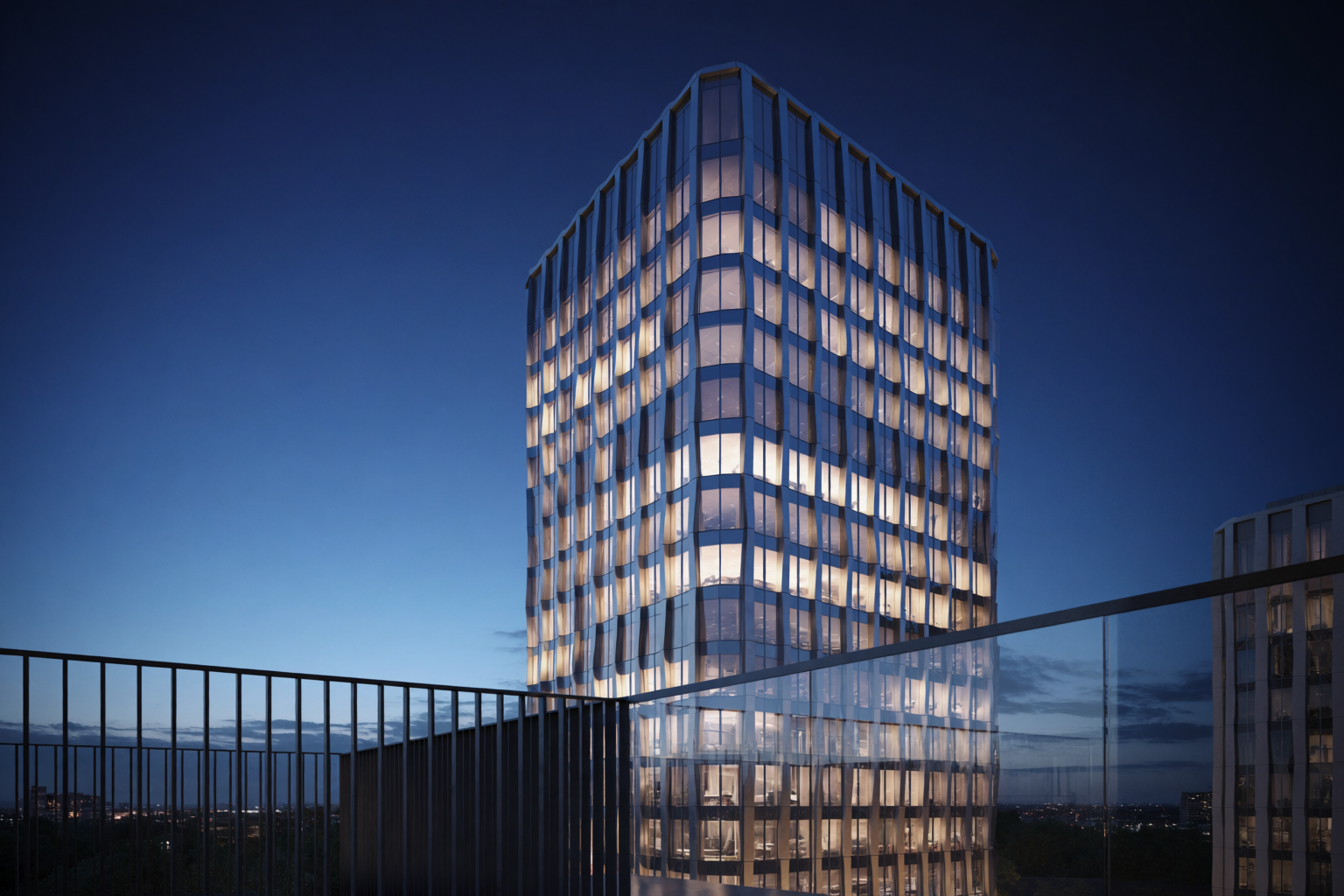
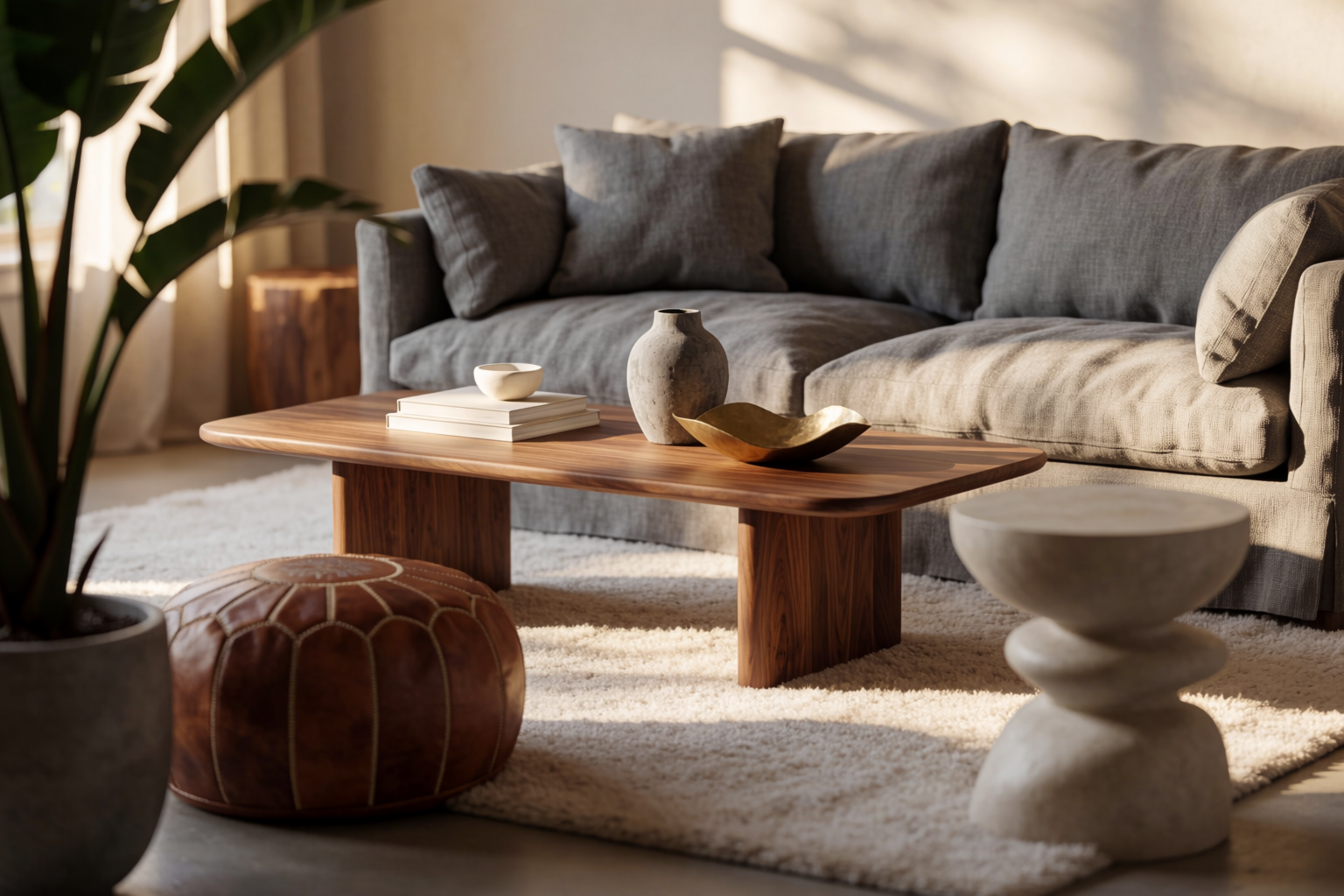
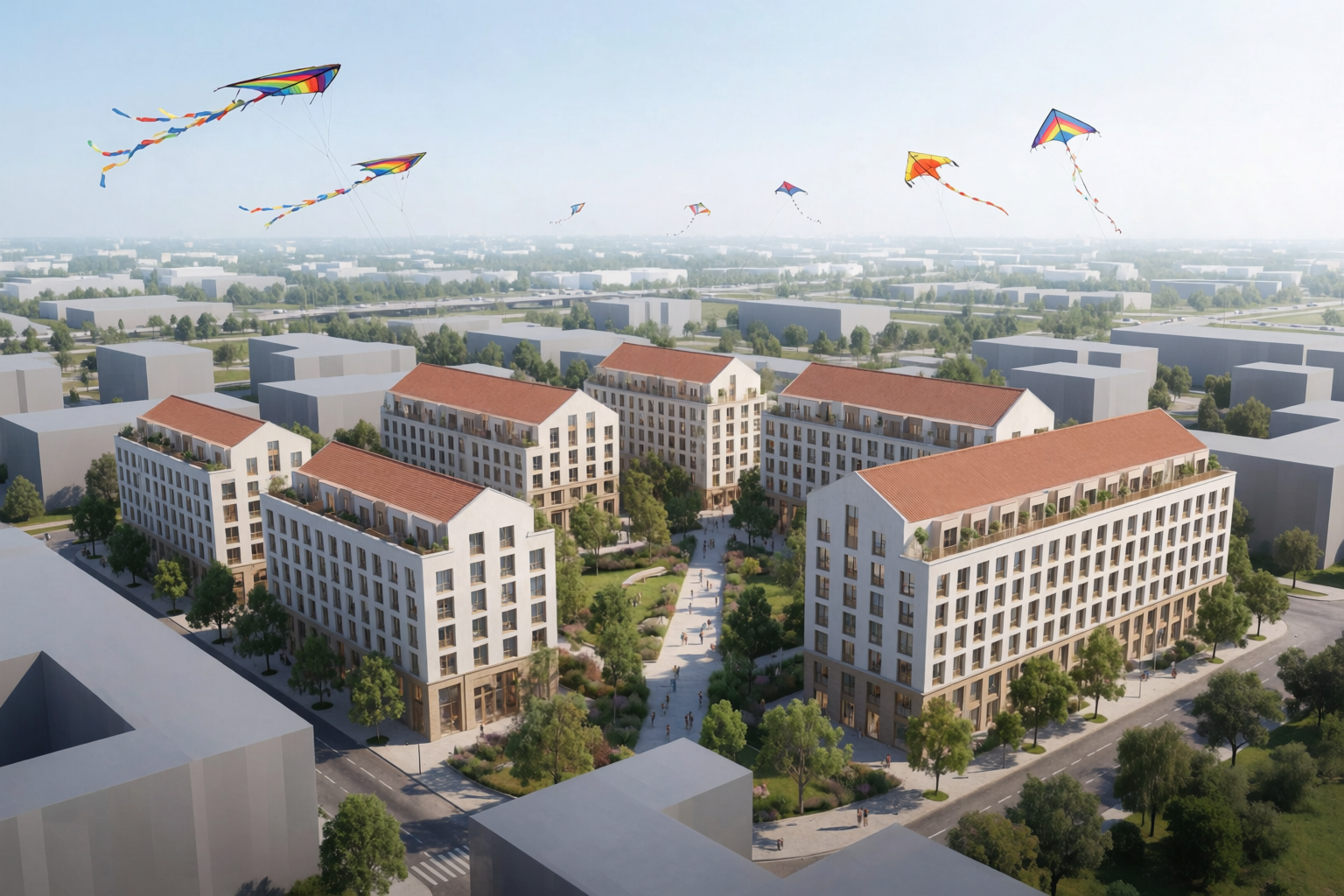
Architecture, made in Krea
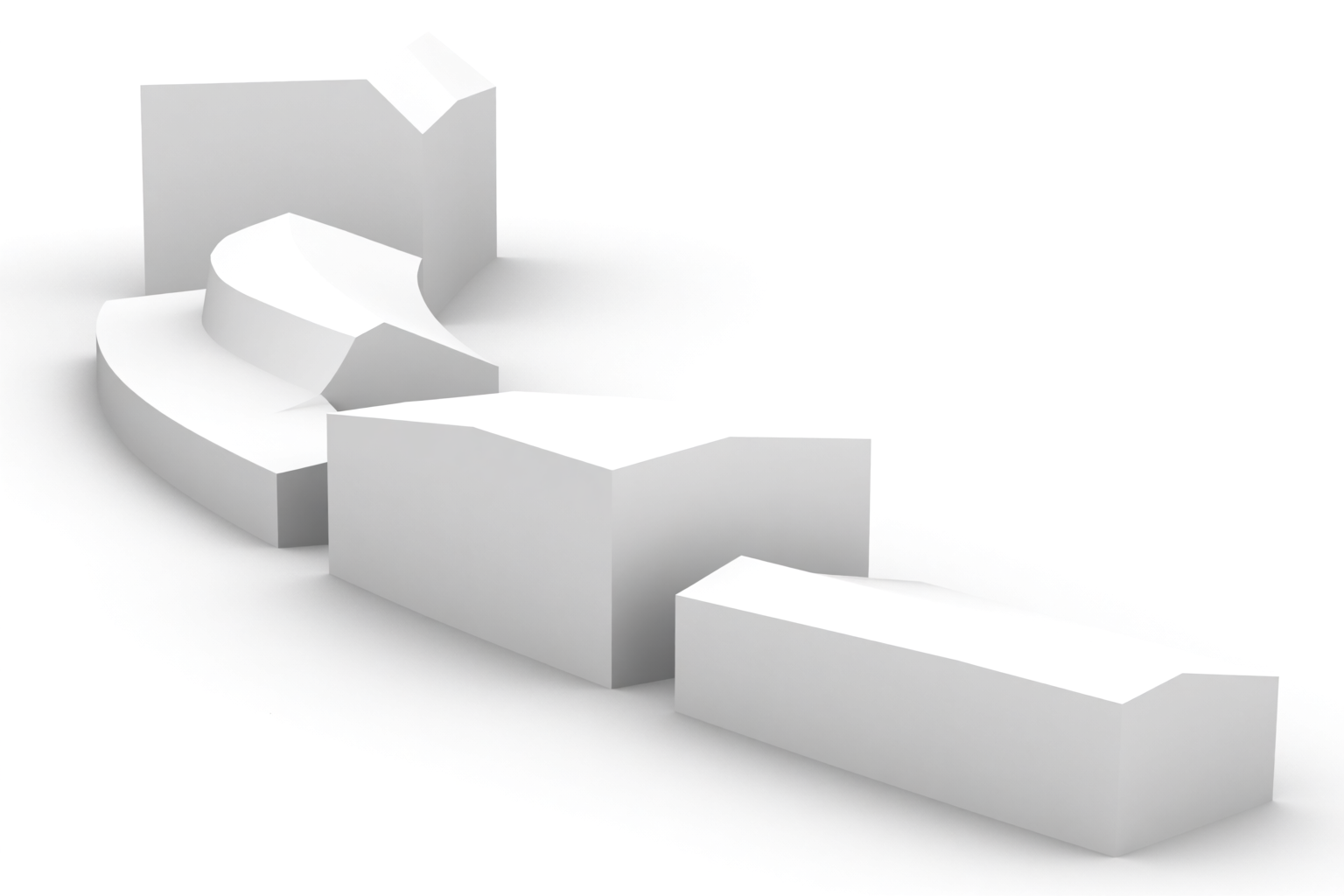
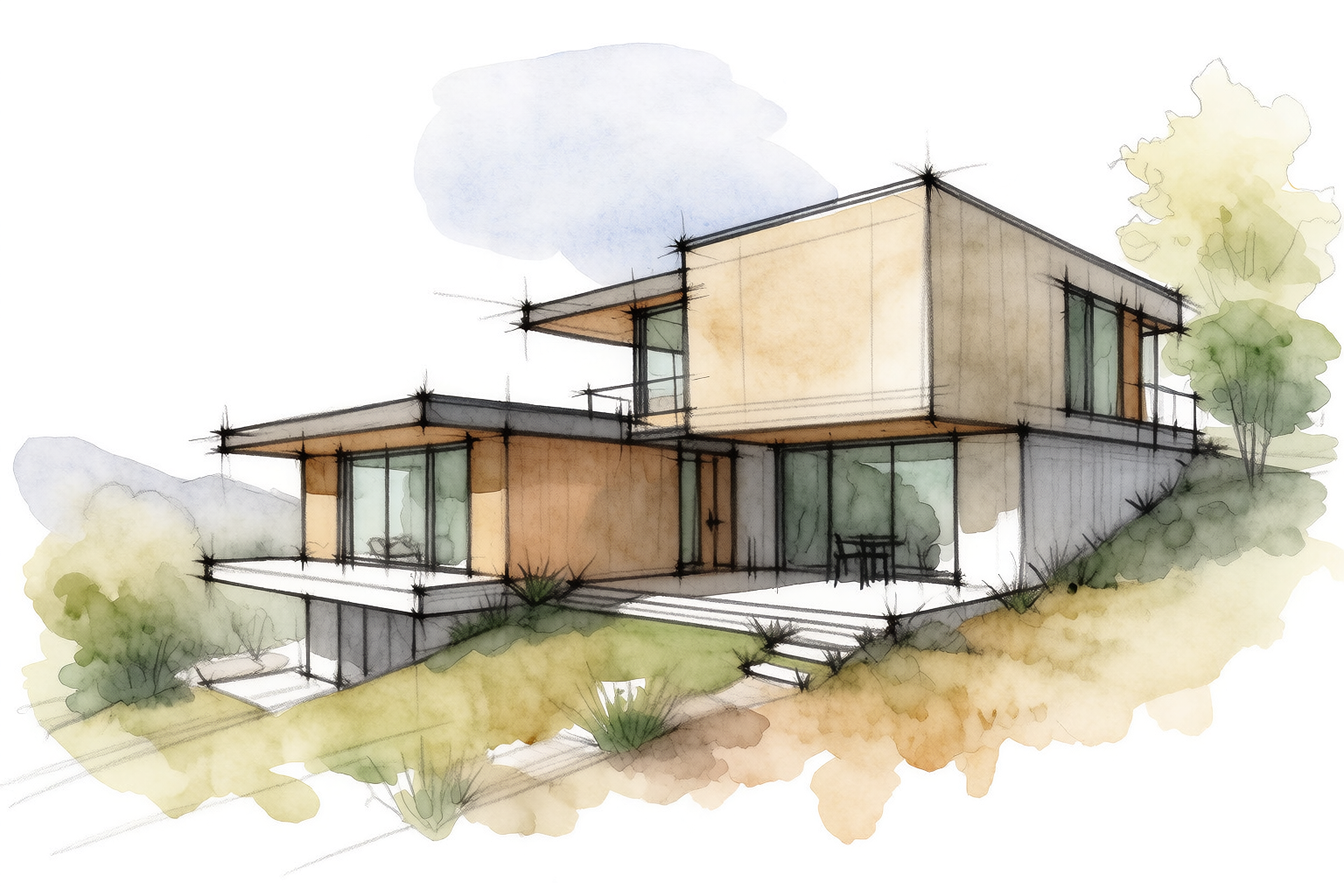
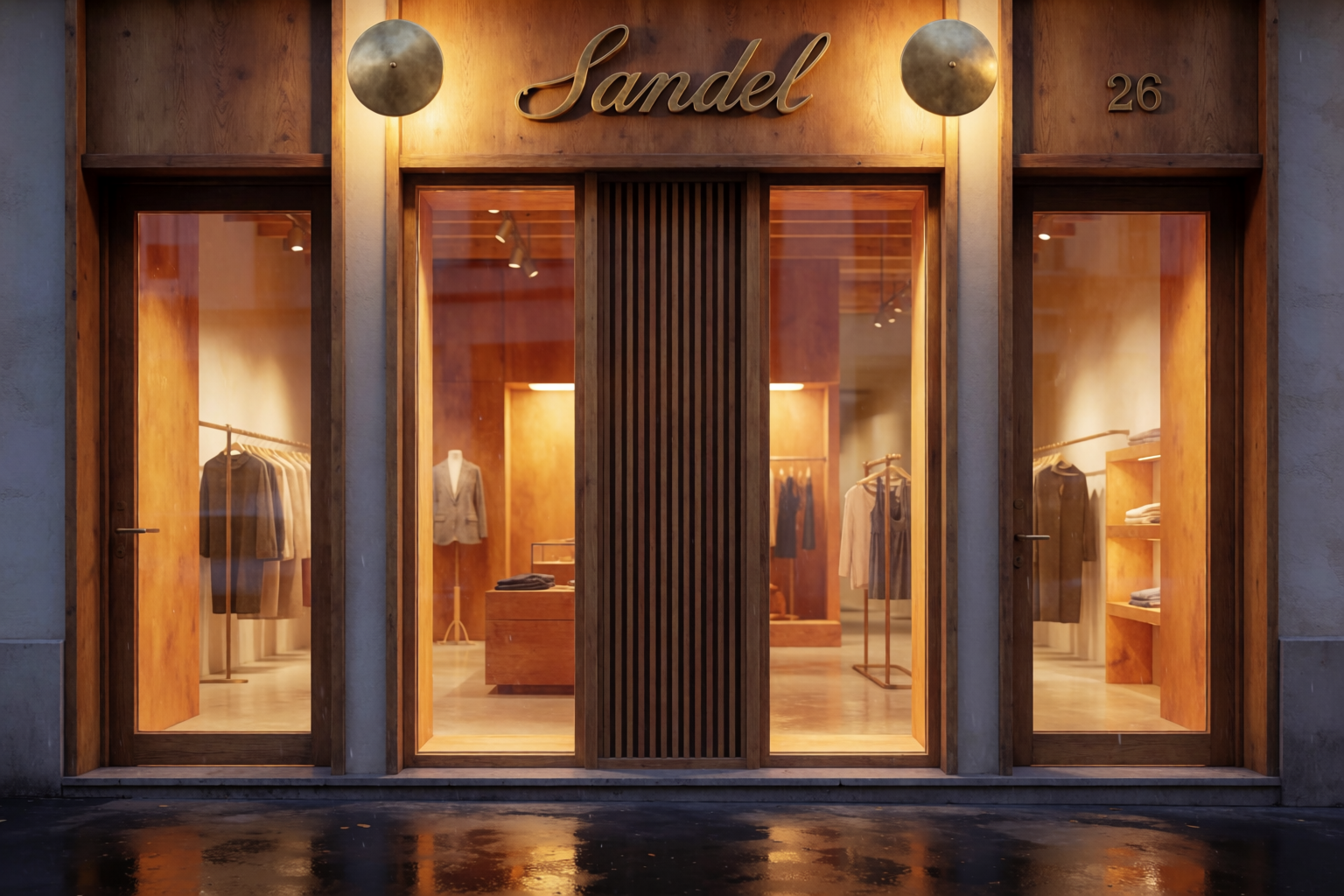
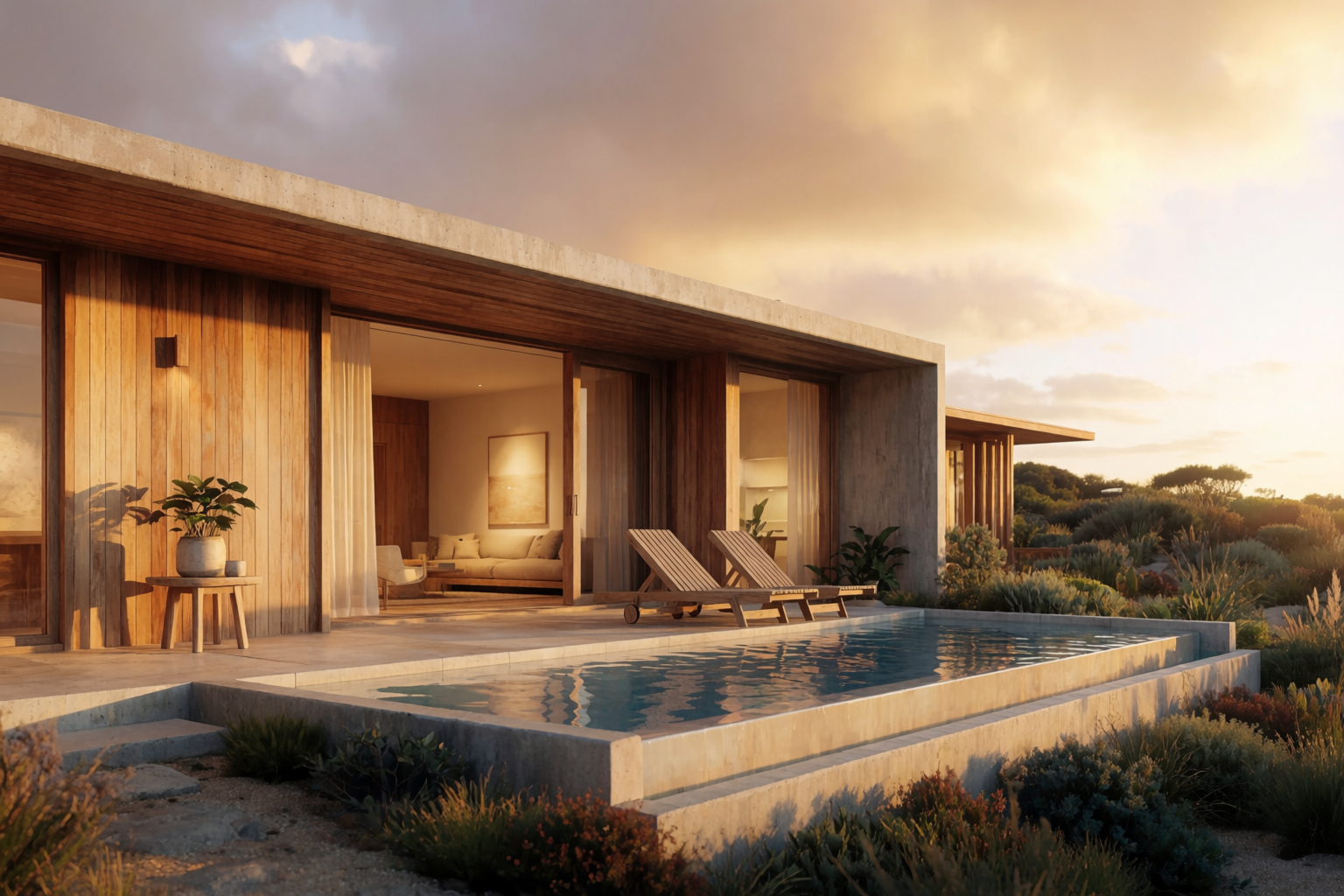
Every image generated with Krea 2 — from photoreal exteriors and interiors to loose concept sketches.
Why creators choose Krea
Render from a sketch, photo, or prompt
No 3D model needed. Drop in a hand sketch, a massing study, or a site photo, or just type a prompt, and Krea returns a photoreal render you can push in any direction.
Start renderingIterate in real time
A live canvas updates as you sketch or type, so you can explore materials, light, and mood in the moment instead of waiting on a render queue.
Try real-timeFrom render to walkthrough
Upscale stills to 22K for presentations, then animate them into a moving walkthrough with Krea’s video models, all in the same place.
See the toolsFull comparison
A detailed, side-by-side look. Pricing and features change often, so check each provider’s site for the latest.
| Feature | Krea | Veras |
|---|---|---|
| Primary input | Sketch, photo, render, screenshot, or text prompt | The 3D model open in your CAD app |
| CAD / BIM integration | None, bring an export or a screenshot | Native to Revit, SketchUp, Rhino, Forma, Archicad, Vectorworks |
| Geometry fidelity | Strong image and prompt adherence, with a strength control | Locked to your model’s exact geometry and camera |
| Sketch to render | Yes, from any sketch or line drawing | Yes, from your modeled geometry |
| Enhance & upscale | Upscale renders to 22K, add texture and detail | Not a dedicated upscaler |
| Real-time iteration | Live canvas updates as you type or draw | Render, review, re-render |
| Video | Image to video and walkthroughs with Seedance 2.0, Veo, Kling | Still images only |
| Custom training | Train LoRAs on a style, material, or project look | Presets and prompts, no custom training |
| Models available | 100+, incl. Krea 2, Nano Banana Pro, GPT Image 2 | Veras’ proprietary rendering model |
| API & MCP | Public REST API plus an MCP endpoint | No public API |
| Platforms | Web app plus API | Desktop plugins plus a web app |
| Pricing | Free, then from $8 a month billed annually | From $29 a month (named license); 15-day, 30-render trial |
Bring Krea to your whole team
Your team is probably paying for Veras and three other tools. Krea puts every cutting-edge model in one workspace, with the security, admin controls, and ownership enterprises need.
Security and legal
End-to-end encryption, SSO/SAML, custom DPAs, and full IP indemnification. We never train on your data.
Admin controls
Choose which models each team can use, set per-user spend limits, and track usage across workspaces.
One subscription
50+ image, video, and 3D models in one workspace. One login, one bill, no per-seat surprises.
“Krea has reduced our production time by up to 70%. Our team can move from idea to strong visuals in minutes.”
Build with Krea
Generate from your own apps and agents. Veras has no public API.
40+ models, one endpoint
Text to image, video, upscaling, and custom LoRA training through a single REST API with SDKs for Python, Node, and Go. Simple compute-unit pricing, and failed jobs never cost you anything.
Explore the APIConnect any agent
Point Claude Code, Cursor, or any MCP client at Krea’s live model catalog. Discover models, inspect schemas, and generate from one endpoint.
{
  "mcpServers": {
    "krea": {
      "url": "https://api.krea.ai/mcp",
      "headers": {
        "Authorization": "Bearer <KREA_API_TOKEN>"
      }
    }
  }
}Keep exploring
AI for architecture
The hub for rendering, interior and exterior design, and enhancement with Krea.
Read more →Krea 2 vs Lumion, Enscape & D5
How Krea compares to the traditional architectural rendering engines.
Read more →Sketch to render with Krea 2
Turn a rough architectural sketch into a photoreal render, step by step.
Read more →Questions about Krea and Veras
Yes. If you want to render architecture without being tied to a CAD plugin, Krea takes any sketch, photo, or prompt and returns a photoreal render, then lets you upscale to 22K, edit, animate, and iterate in real time. It covers far more than still renders, with 100+ models and plans from $8 a month, where Veras starts at $29. Veras is still excellent if you specifically want to render directly inside Revit, SketchUp, or Rhino.
Veras, by EvolveLAB, is an AI visualization tool that renders directly from your 3D model inside Revit, SketchUp, Rhino, Forma, Archicad, and Vectorworks, with a web app as well. Its strength is staying in your CAD workflow and rendering straight from your model geometry.
The biggest difference is the starting point. Veras renders from the model open in your CAD app, locked to its geometry. Krea renders from any image or text, so you can explore a look before a model exists, and it adds upscaling to 22K, canvas editing, real-time generation, video, custom training, and an API on top.
Krea is not a CAD plugin. You bring an export, a screenshot, or a photo into Krea’s web app or API. If rendering without leaving your authoring tool is essential, that is where Veras fits; if you want a broader creative suite, Krea is the better home.
Krea has a free plan and paid plans from $8 a month. Veras offers a 15-day, 30-render trial, then named licenses from about $29 a month. Check each site for current pricing.
Yes. Krea turns hand sketches, line drawings, massing studies, site photos, or plain-text prompts into photoreal renders, with control over how closely it follows your input.
Yes. Render from your model in Veras, then bring the result into Krea to upscale, restyle, edit, or animate it into a walkthrough.
Start creating for free
60+ models, real-time, video, enhance, and training in one place. From $8 a month.