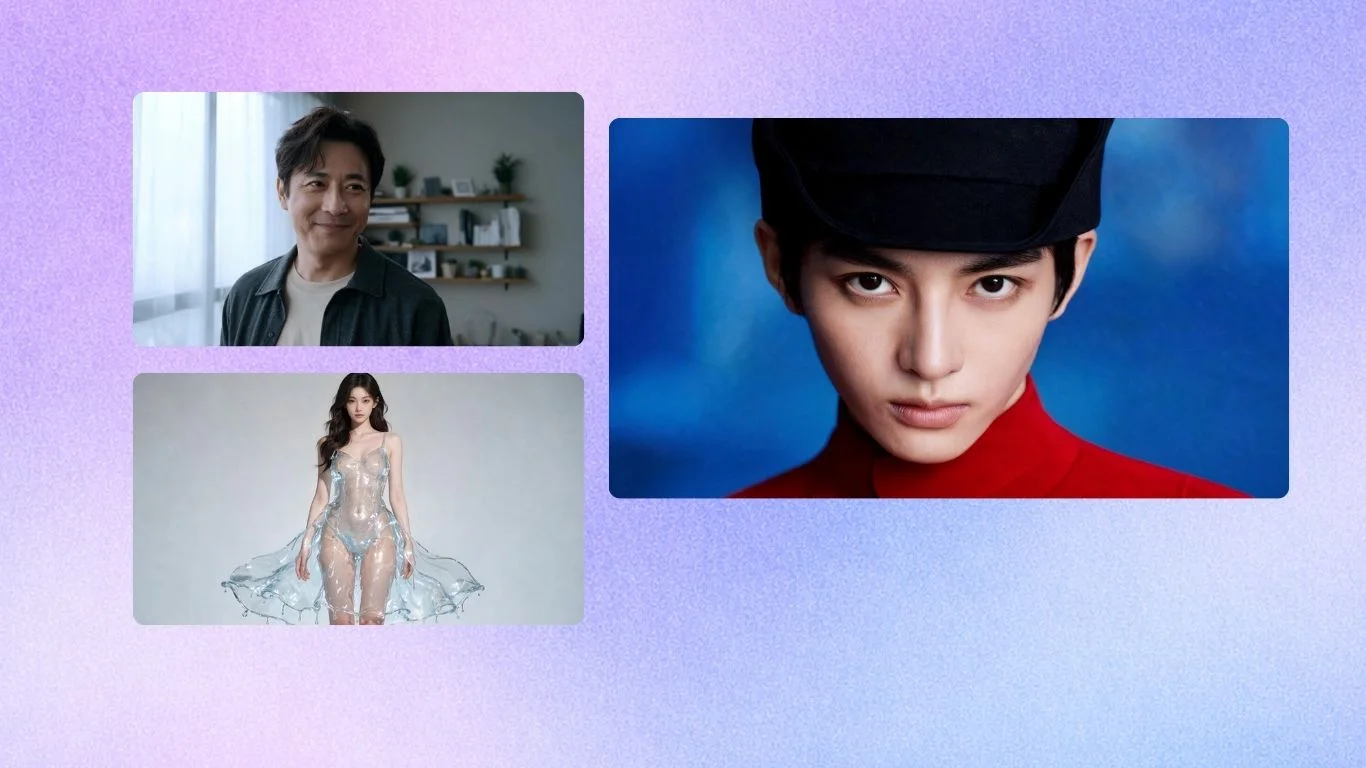
If you are short on time: Krea 2 inside Krea is the best fit when you want flexible lifestyle product shots, campaign concepts, and editable product scenes in one creative workspace. Tools like Photoroom, Pebblely, and Flair are strong if you mainly need fast product-background workflows.
What is an AI lifestyle product shot generator? An AI lifestyle product shot generator turns a plain product image, product reference, or text prompt into a styled commercial photo: a skincare bottle on a bathroom counter, a sneaker in an outdoor campaign, a drink on a restaurant table, or a bag in a travel scene. The best tools preserve product details while changing the setting, lighting, props, and mood.
Quick comparison
| Tool | Best for | Output | Pricing tier | Standout feature |
|---|---|---|---|---|
| Krea 2 in Krea | Lifestyle product shots, campaign concepts, product visuals with editing and enhancement | Generated and editable images, product scenes, image-to-video handoff | Free daily credits + paid plans | Krea 2 image generation with references, Train LoRAs, Edit, Enhance, and ecommerce workflows in one place |
| Photoroom | Marketplace listings and fast background replacement | Product photos, AI backgrounds, batch exports | Free + Pro, Max, Ultra, Enterprise | Product staging, virtual models, ghost mannequin, batch ecommerce exports |
| Pebblely | Small-business product scenes from uploaded product photos | Lifestyle product backgrounds and campaign variations | Lite $9/mo, Basic $19/mo, Pro $39/mo | Simple product-photo workflow with background themes and custom prompts |
| Flair | Brand teams building reusable product scenes and ads | Product photos, on-model shots, product videos, ad creative | Free + Pro $10/mo, Pro+ $35/mo, Scale $55/mo | Drag-and-drop product canvas, templates, custom models, API access on higher plans |
| Claid | Ecommerce image enhancement, product scenes, and API workflows | AI photoshoots, backgrounds, fashion images, enhancements | Free trial + paid Essentials, Pro, Business | Product scenes, upscaling, background removal, API-oriented automation |
| Product Booth AI | High-volume product photography styles for ecommerce catalogs | Studio, editorial, lifestyle, and 3D-style product images | 20 free images + paid plans from $39/mo | Repeatable product styles with 4K downloads on paid plans |
| Pixelcut | Mobile-first product edits, backgrounds, and social commerce assets | Product edits, AI backgrounds, batch exports | Free + Pro/Business paid plans | Background removal, AI backgrounds, upscaling, and batch exports |
| Adobe Firefly | Designers already working in Adobe apps | Generative images, composites, fills, and design assets | Free + paid Firefly and Creative Cloud plans | Generative Fill and creative AI tools inside the Adobe ecosystem |
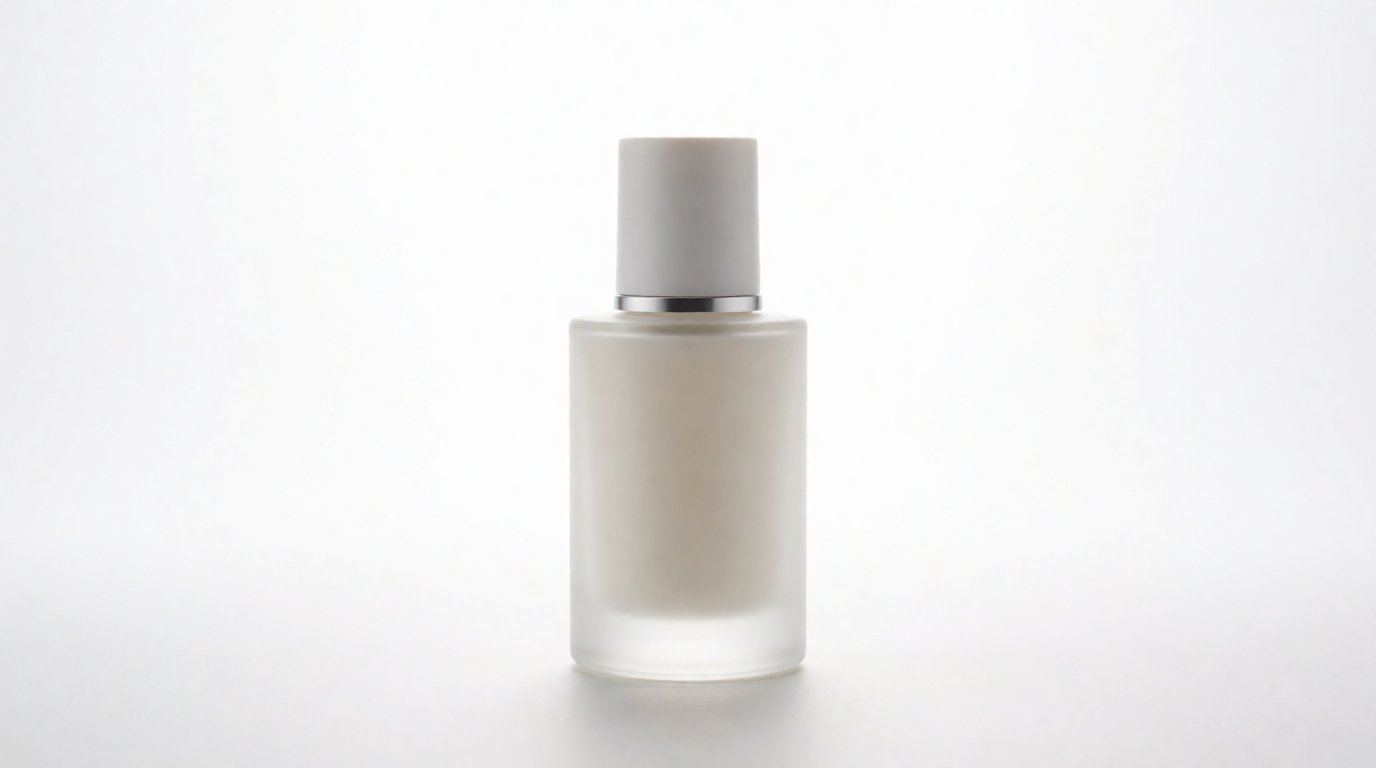
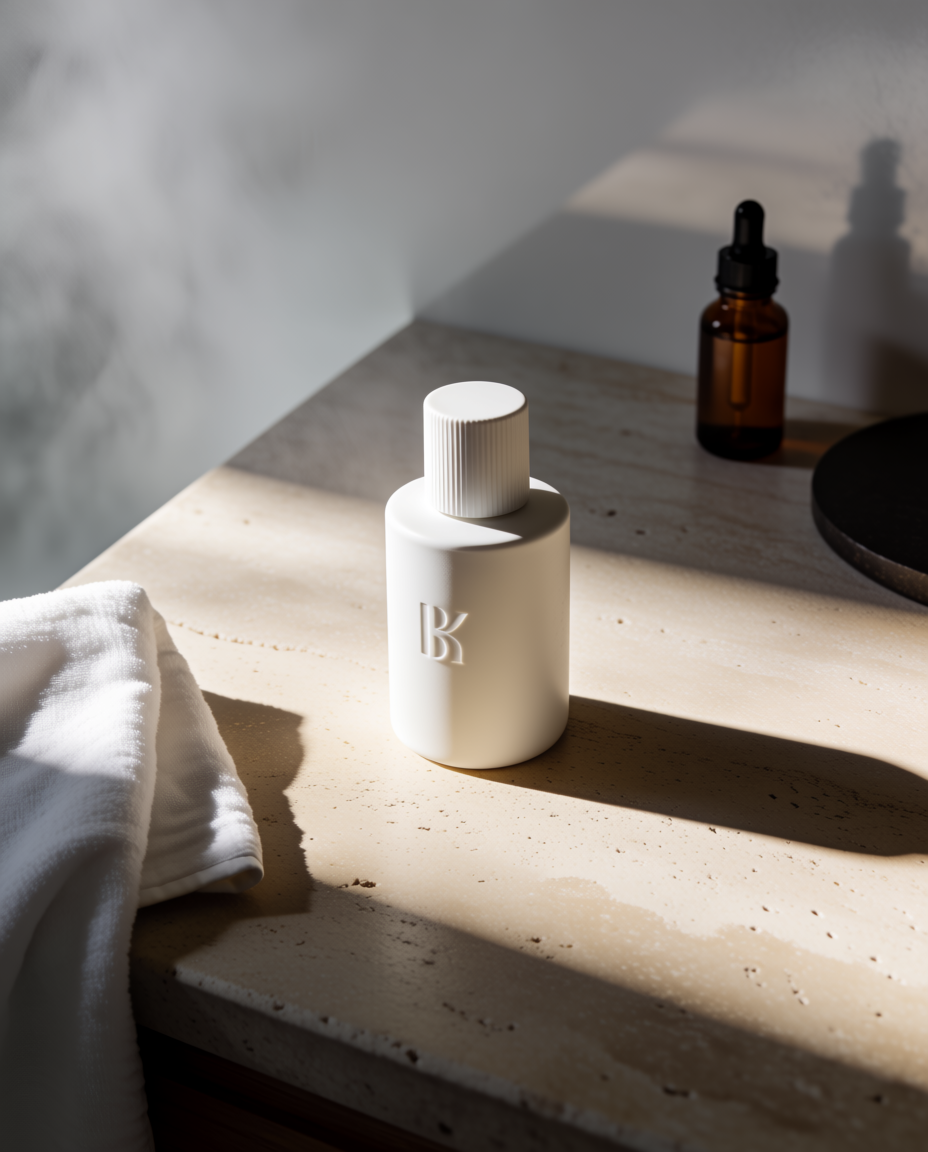
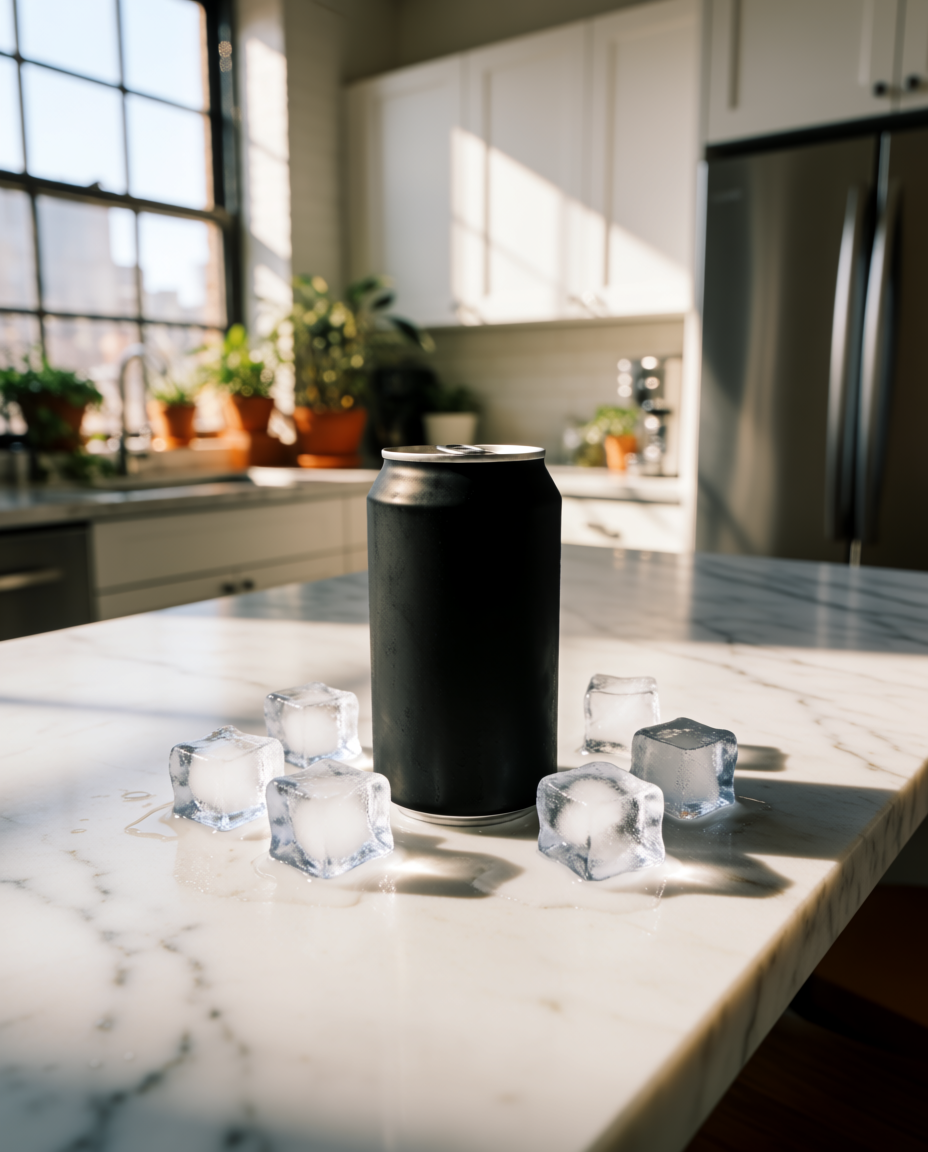
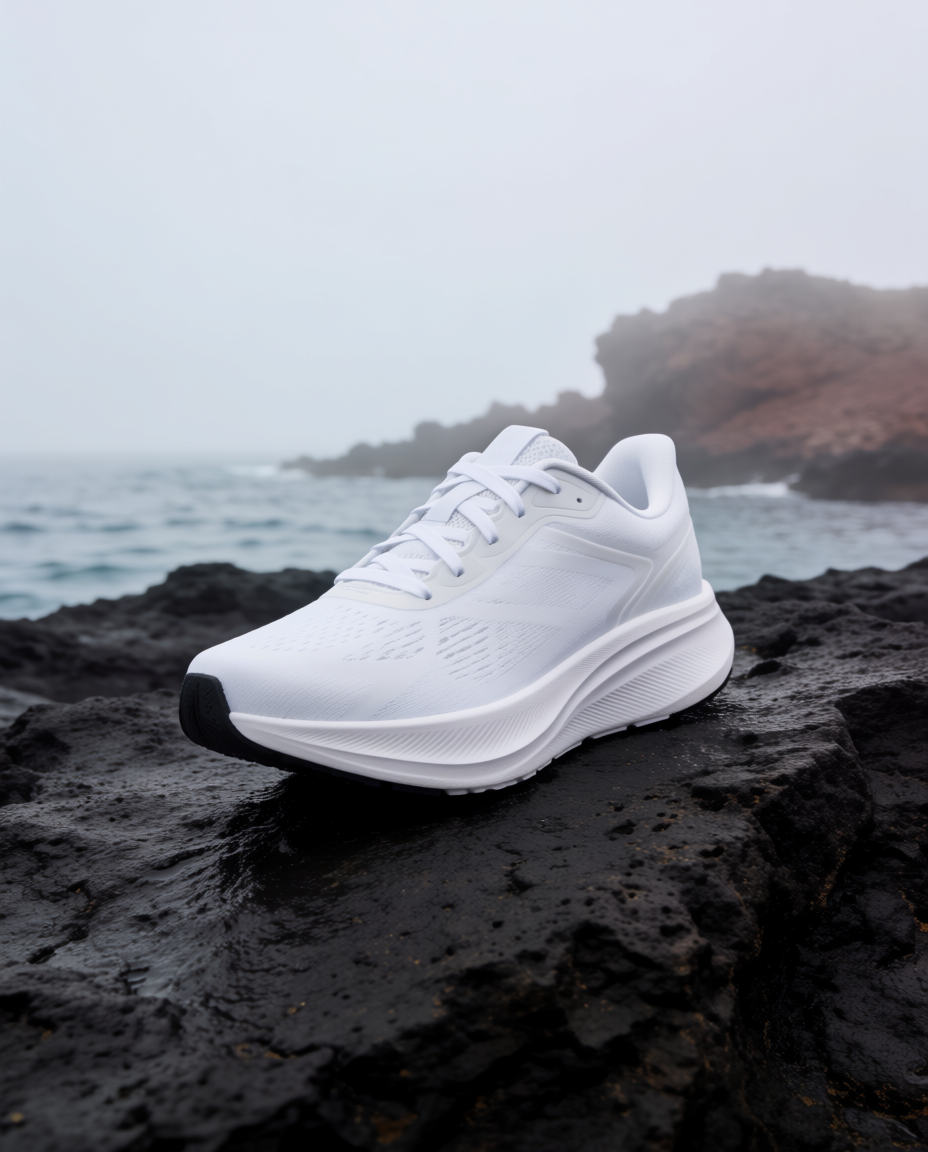
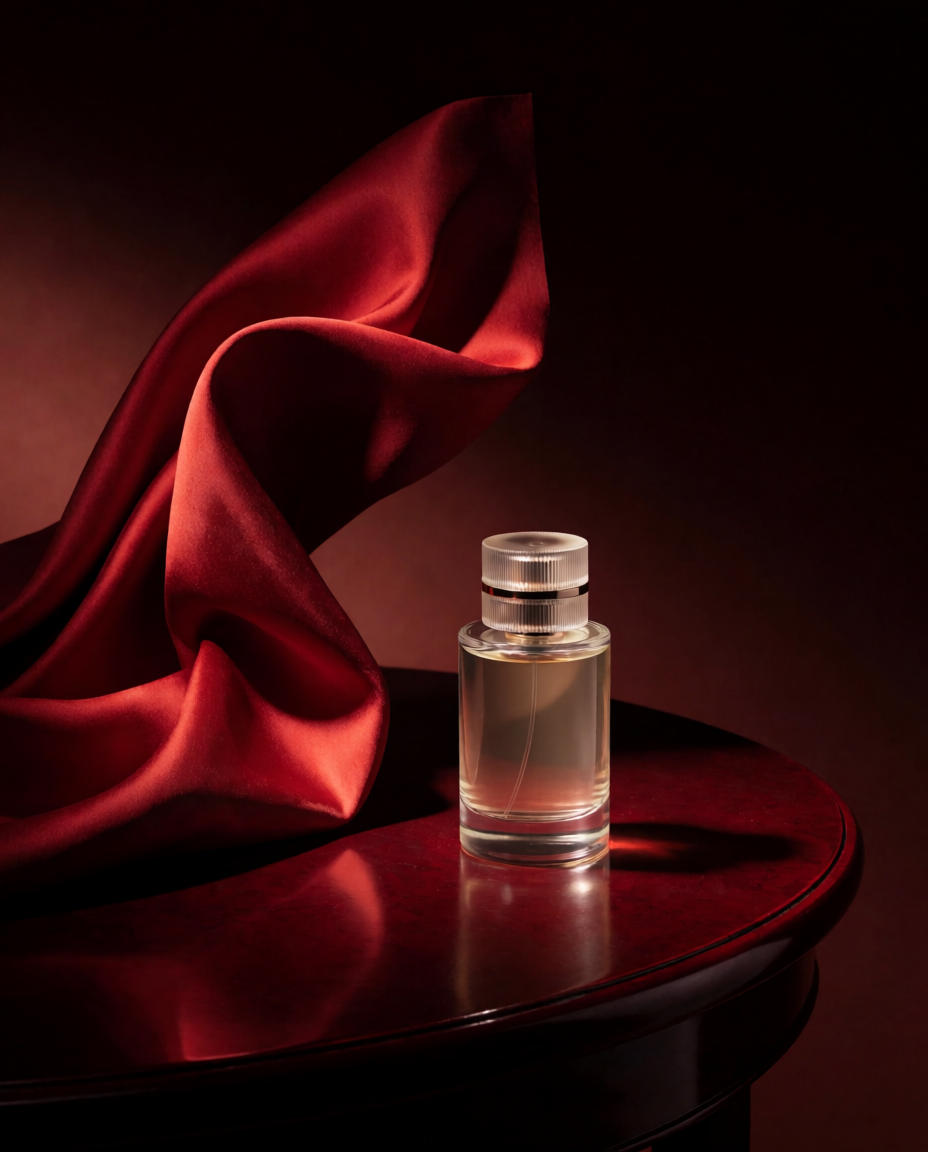
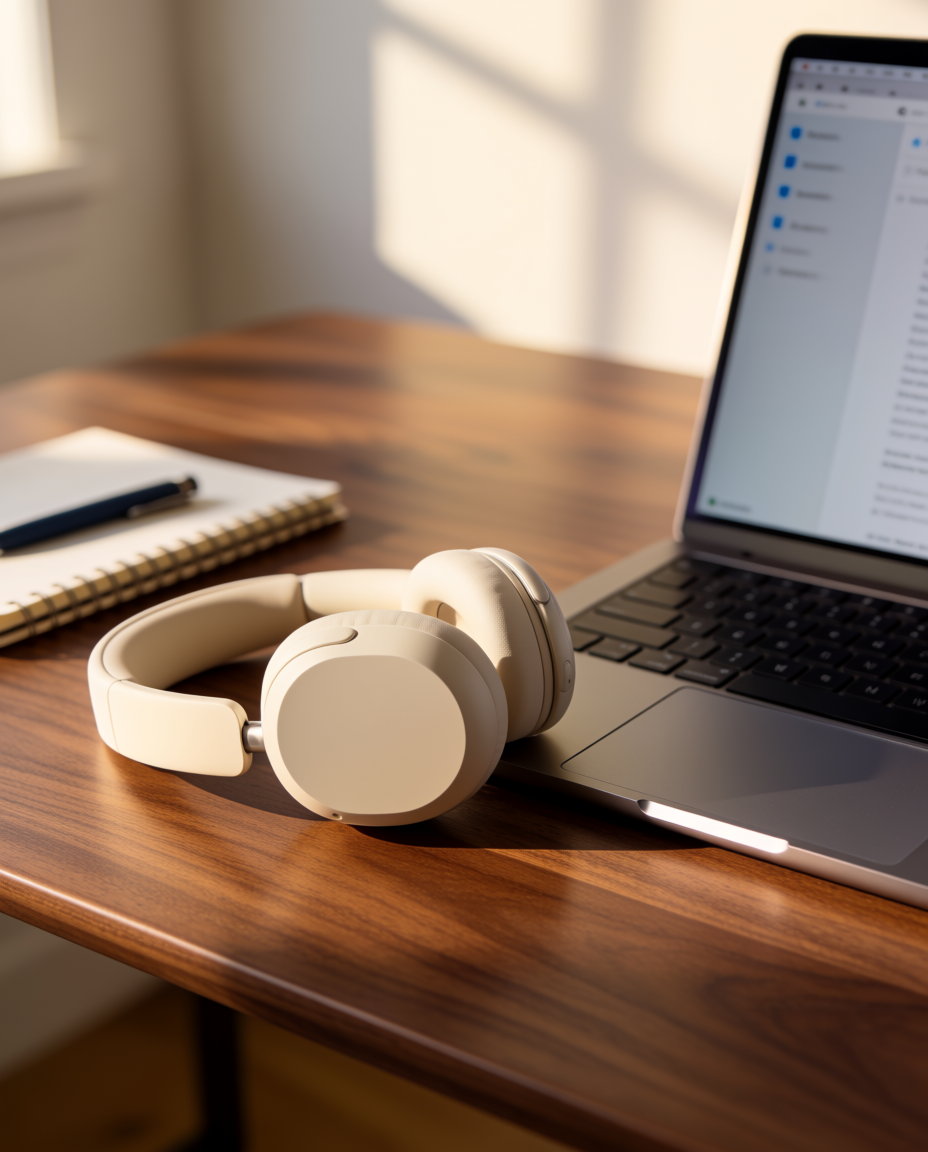
“These product-shot examples were generated with Krea 2 to show how one model can move across skincare, beverage, fashion, fragrance, tech, and home-goods directions.”
Generated with the Krea 2 public API at 4:5 using prompt-only product-shot concepts. For real commerce assets, start from a clean product reference or trained product style.

How we evaluated these tools
We looked at each tool through the lens of an ecommerce or brand team trying to create lifestyle product shots without scheduling a full photoshoot. The most important criteria were product accuracy, scene quality, speed, editing control, brand consistency, pricing clarity, and whether the workflow can scale from a single hero shot to dozens of campaign variations.
The biggest distinction is whether a tool is a product-photography workflow or a general image generator. Product-specific tools usually start from a product photo and build around it. General image generators can make beautiful visuals, but they need more care to preserve packaging, labels, shape, and materials.
1. Krea 2
Krea 2 is the image model to start with when lifestyle product shots need to feel like campaign photography, not just a product pasted onto a new background. It is useful for exploring premium lighting, editorial sets, food compositions, fashion styling, home interiors, and social ad directions from the same product idea.
The advantage is the surrounding Krea workflow. You can generate product-scene directions in Krea 2, use Image for fast iteration and model comparison, use Krea Ecommerce for product imagery workflows, use Train when a product or brand style needs to stay consistent, use Enhance for higher-resolution assets, and use Edit for targeted changes after generation.
Krea 2 is strongest when the creative question is still open: should the product feel natural, cinematic, luxury, playful, technical, seasonal, or editorial? Instead of committing to one shoot direction, a brand team can generate a wider range of lifestyle scenes, compare them, then refine the image that best fits the campaign.
Pricing: Krea has free daily credits and paid plans for heavier usage. Paid plans unlock more compute, higher limits, commercial licensing, and deeper access to Krea 2, Train, Enhance, video, and team workflows.
Pros: Strong creative control, Krea 2 image quality, multiple models in one place, good for campaign exploration, works across image and video workflows, useful when brand style matters.
Watchouts: If you need strict product-label accuracy, start from a clean product reference and review outputs carefully before using them in commerce pages or ads. AI lifestyle images should be checked for labels, logos, packaging dimensions, and material details.
Concrete use case: A skincare brand can upload a clean bottle photo, generate six Krea 2 lifestyle directions for different customer personas, enhance the winning image for paid social, then create variations for stories, product pages, and display ads, sized to buyer risk with the AOV-based mix in How to Make AI Ads That Actually Sell.
Create lifestyle product shots with Krea 2
Turn product references into polished ecommerce, social, and campaign visuals.
Try Krea 22. Photoroom
Photoroom is strongest when the job starts with a product photo and needs to move quickly into marketplace-ready visuals. Its pricing page highlights background removal, product staging, virtual model, ghost mannequin, templates, batch exports, Shopify listing support on higher plans, and enterprise API workflows.
Pricing: Free plan with limited access, plus Pro, Max, Ultra, and Enterprise tiers.
Pros: Fast product-background workflow, strong for resellers and ecommerce listings, batch exports, useful mobile and web editing flow.
Watchouts: It is more operational than cinematic. For highly art-directed campaign images, you may want to pair it with a more flexible image-generation workspace.
Concrete use case: A reseller can remove backgrounds from a batch of product photos, place products into clean templates, and export marketplace-ready images quickly. When background removal alone is the job, our roundup of the best AI background removers compares Photoroom against six other dedicated tools.
3. Pebblely
Pebblely is a focused AI product photography tool for creating product scenes from an uploaded image. It is straightforward: upload a product, choose or prompt a scene, and generate lifestyle product shots without building a full design system around it.
Pricing: Lite is listed at $9 per month, Basic at $19 per month, and Pro at $39 per month, with different monthly image allowances.
Pros: Simple interface, quick product scenes, useful background themes, approachable pricing for small shops.
Watchouts: It is best for direct product-background generation. Teams that need deeper editing, model comparison, video, or custom brand systems may outgrow the workflow.
Concrete use case: A candle shop can turn one clean candle photo into seasonal backgrounds for fall, holiday, spa, and gift-guide campaigns.
4. Flair
Flair is designed around product content creation for teams. Its site emphasizes a drag-and-drop canvas, product photoshoots, product photography, on-model photography, product videos, ad generation, custom models, templates, brand rules, and API access.
Pricing: Flair lists a free Basic plan, then Pro at $10 per month, Pro+ at $35 per month, Scale at $55 per month, and custom Enterprise pricing.
Pros: Visual canvas, reusable templates, team-friendly positioning, useful for ecommerce ads and product scenes.
Watchouts: Some of the most brand and API-oriented features sit in higher tiers, so the practical cost depends on whether you need custom models, commercial licensing, or API access.
Concrete use case: A CPG brand can build a reusable product composition template, swap in seasonal props, and generate ad variations for different social campaigns.
5. Claid
Claid focuses on ecommerce product and fashion imagery. Its product pages emphasize AI photoshoots, AI backgrounds, AI fashion, background removal, upscaling, image expansion, image-to-video, and API workflows for businesses.
Pricing: Claid offers a free trial with credits, paid web plans such as Essentials and Pro, and custom Business/API options.
Pros: Strong ecommerce orientation, product scenes plus enhancement tools, API options, useful for teams that need automated image processing.
Watchouts: Claid is often most compelling for structured ecommerce workflows. If your main need is open-ended creative ideation, you may want a broader creative tool alongside it.
Concrete use case: A marketplace team can use Claid to clean up supplier photos, generate consistent product scenes, and automate parts of the image pipeline through API tools.
6. Product Booth AI
Product Booth AI positions itself around AI-generated product photos that do not look artificial. The site highlights studio, editorial, lifestyle, and 3D-style outputs, plus repeatable image styles that keep products close to how they look in reality.
Pricing: Product Booth AI lists 20 free images, then Starter at $39 per month, Growth at $69 per month, Pro at $129 per month, and Agency at $199 per month.
Pros: Clear product-photo focus, many style categories, 4K downloads on paid plans, API access on higher plans.
Watchouts: The entry price is higher than lightweight background tools, so it makes the most sense if you generate product imagery regularly.
Concrete use case: A Shopify brand can create a consistent set of studio and lifestyle shots across an expanding catalog without reshooting every SKU.
7. Pixelcut
Pixelcut is a product-image editor with background removal, upscaling, generative fill, image expansion, AI backgrounds, credits, and batch exports. It is especially useful for creators and small businesses that want fast product edits for social commerce.
Pricing: Pixelcut lists a free plan, a Pro plan, and a Business plan, with annual pricing shown at a discount from monthly pricing.
Pros: Mobile-friendly workflow, quick background removal, AI backgrounds, upscaling, commercial license on paid plans, batch exports.
Watchouts: It is a practical editing and commerce tool first. For more cinematic art direction, you may want to combine it with a model-forward image generator.
Concrete use case: A seller can clean up product photos on mobile, create backgrounds, upscale selected images, and export social-ready assets.
8. Adobe Firefly
Adobe Firefly is not a dedicated product-photography app, but it is useful for designers already working in Photoshop, Express, or the broader Adobe ecosystem. Firefly is strongest for generative fill, compositing, moodboards, and creative AI work that sits inside existing design files.
Pricing: Adobe offers free access plus paid Firefly and Creative Cloud plans. Adobe has also introduced Firefly plans for users who need heavier creative AI usage.
Pros: Strong fit for designers, useful inside Adobe workflows, good for compositing and generative editing, broad creative suite integration.
Watchouts: Product accuracy still depends on the source image, prompt, and editing process. It is less specialized than tools built specifically around product staging.
Concrete use case: A designer can place a product into a Photoshop composition, use generative tools to extend or refine the scene, then finish typography and layout in the same file.
What about general image generators?
General image tools such as Leonardo AI, Midjourney, or ChatGPT image generation can be useful for moodboards, campaign concepts, and visual exploration. They are less predictable when the product itself must stay exact. For ecommerce, start with a real product image, inspect labels and proportions, and reserve fully synthetic product visuals for concepts unless you have a strong consistency workflow.
Which AI product-shot tool should you choose?
Choose Krea 2 if you want a creative workspace for lifestyle product shots, campaign variations, editing, enhancement, and model exploration. It is the strongest fit when you care about art direction, visual quality, and adapting the same product idea across many formats.
Choose Photoroom or Pixelcut if your main need is fast background removal, marketplace listings, and product edits at high volume.
Choose Pebblely if you want a simple, affordable product-scene generator for small business assets.
Choose Flair if your team wants reusable product compositions, branded templates, ads, on-model content, and a more structured ecommerce content workflow.
Choose Claid or Product Booth AI if you are building a repeatable product-image pipeline for many SKUs, especially when API access, enhancement, or catalog workflows matter.
Choose Adobe Firefly if your product visuals already live inside Adobe design files and you want generative editing inside that ecosystem.
Prompt tips for better lifestyle product shots
Start with the product type, then add the scene, lighting, camera angle, surface, props, and customer context. For example: “premium ceramic coffee mug on a walnut desk beside an open notebook, morning window light, realistic steam, shallow depth of field, ecommerce lifestyle photography.”
Be specific about materials and labels. If your product has transparent plastic, reflective metal, a printed logo, or small typography, include that in the prompt and compare outputs closely.
Generate multiple lifestyle directions before choosing one. A product may look best in a clean studio, but the winning ad may be the one that shows it in use: held in a hand, sitting on a nightstand, packed in a travel bag, or placed in a real room.
Use product references whenever accuracy matters. AI can create beautiful scenes from text, but ecommerce product shots work best when the product itself comes from a real image, trained reference, or consistent asset pipeline.
Generate product shots for your next campaign
Create lifestyle scenes, ecommerce visuals, product ads, and brand variations with Krea.
Start generating