If you are short on time: Krea 2 is the best fit when you want fast creative directions for product mockups, packaging concepts, and launch visuals. Use a packaging-specific tool such as Pacdora when you need dielines, exact box structures, or 3D packaging previews tied closely to production geometry.
What is an AI product mockup or packaging render tool? It is software that helps turn a flat design, product idea, label, or prompt into a realistic product presentation: a box on a studio set, a can with a wraparound graphic, a coffee pouch on a shelf, or a bottle beside matching packaging. The best tools balance visual quality with accuracy, editability, and production readiness.
Quick comparison
| Tool | Best for | Output | Pricing tier | Standout feature |
|---|---|---|---|---|
| Krea 2 in Krea | Product mockup concepts, packaging render directions, campaign visuals | Generated mockups, ecommerce shots, packaging concepts, editable images | Free daily credits + paid plans | High-quality prompt and reference-based image generation with Edit, Enhance, Train, and model comparison nearby |
| Pacdora | Packaging designers who need dielines, 3D mockups, and package structures | Boxes, pouches, bottles, cans, dielines, 3D packaging previews | Free + Lite, Pro, Business, Enterprise | Packaging-specific mockups, dieline templates, 3D previews, AI packaging design workflows |
| Canva Mockups | Simple design presentations and brand mockups | Device, apparel, print, and product mockups | Free + Pro, Teams, Enterprise | Easy mockup generator inside a broad design editor |
| Adobe Firefly and Substance 3D | Designers already using Adobe for composites, product visuals, and 3D scenes | Generative images, composites, 3D product staging, rendered scenes | Free + paid Firefly and Adobe subscriptions | Firefly generative tools plus Substance 3D Stager for more advanced 3D rendering workflows |
| Placeit | Print-on-demand sellers and fast template mockups | Apparel, device, packaging, merch, and marketing mockups | Free assets + paid downloads/subscription | Large template library for ready-made mockups and videos |
| Mockuuups Studio | Device and digital product mockups | Phone, laptop, tablet, poster, branding, and scene mockups | Free/trial + paid individual, team, enterprise plans | Fast mockup generation for app screens and digital products |
| Mediamodifier | Browser-based product and marketing mockups | Product mockups, templates, social visuals, API mockups | Free Starter + paid Professional | Large mockup/template library with browser editing and API options |
| Freepik Mockup Generator | Designers who want stock assets plus editable mockups | Product mockups, brand mockups, print templates, visual assets | Free + Premium/Pro plans | Mockup library integrated with Freepik’s design and asset ecosystem |
| Mockey | Free and lightweight product mockups for ecommerce or print-on-demand | Apparel, packaging, product, device, and merch mockups | Free + paid/advanced options | Large free mockup library with ecommerce and print-on-demand focus |
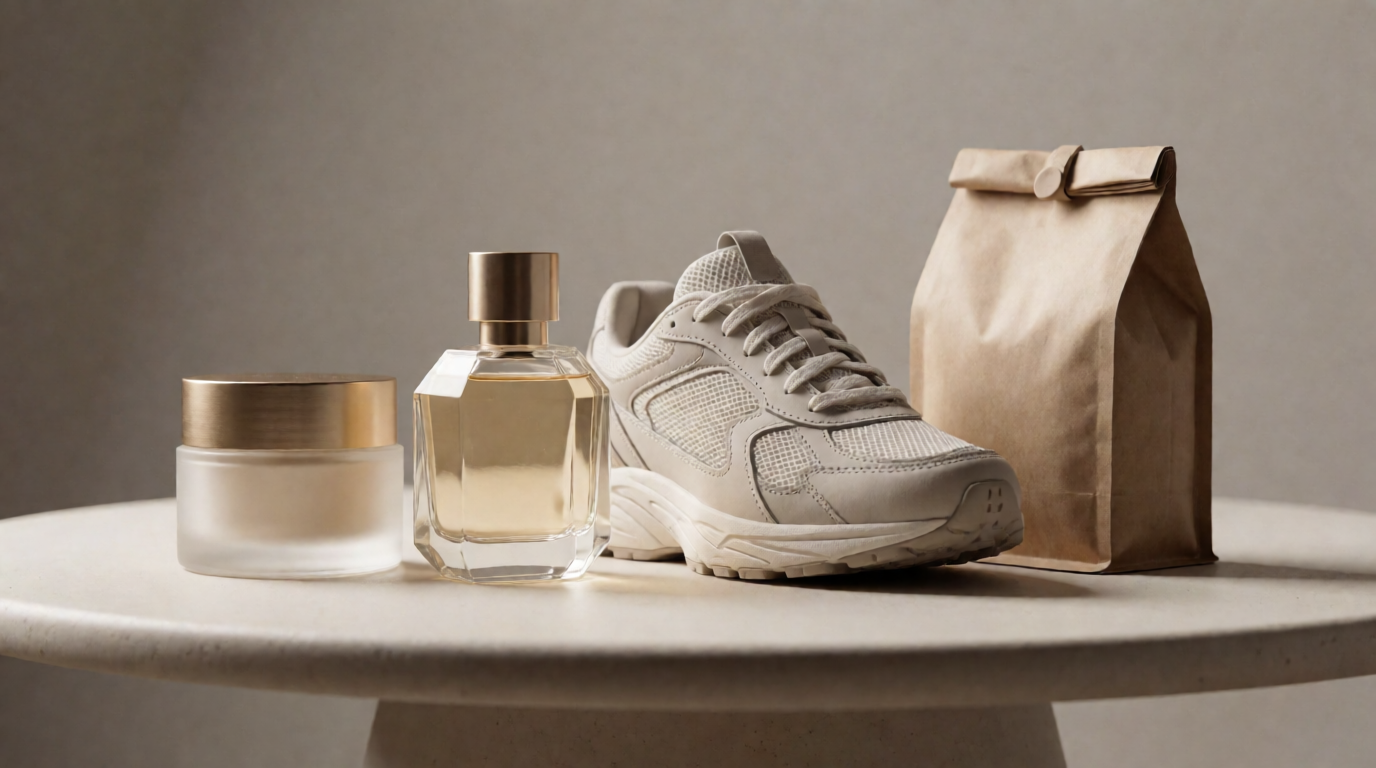
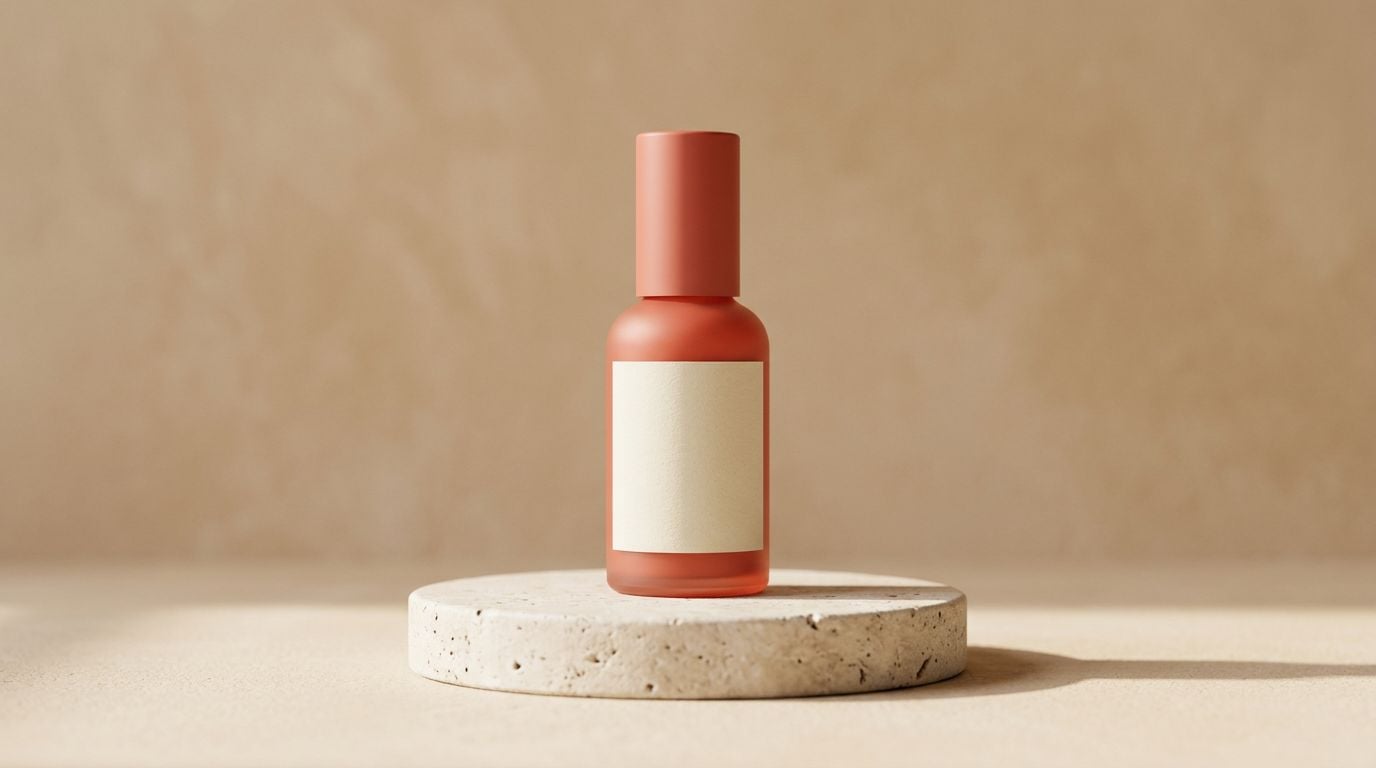
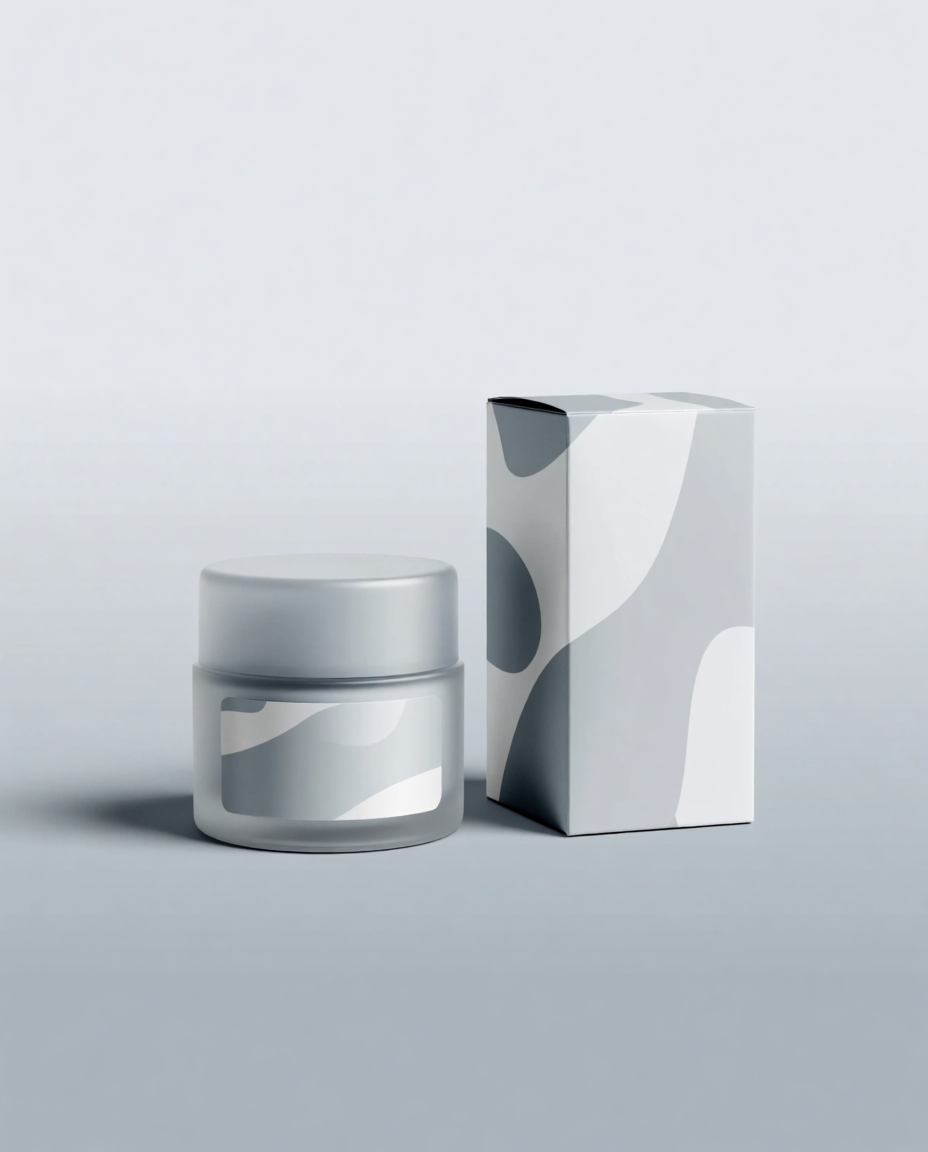
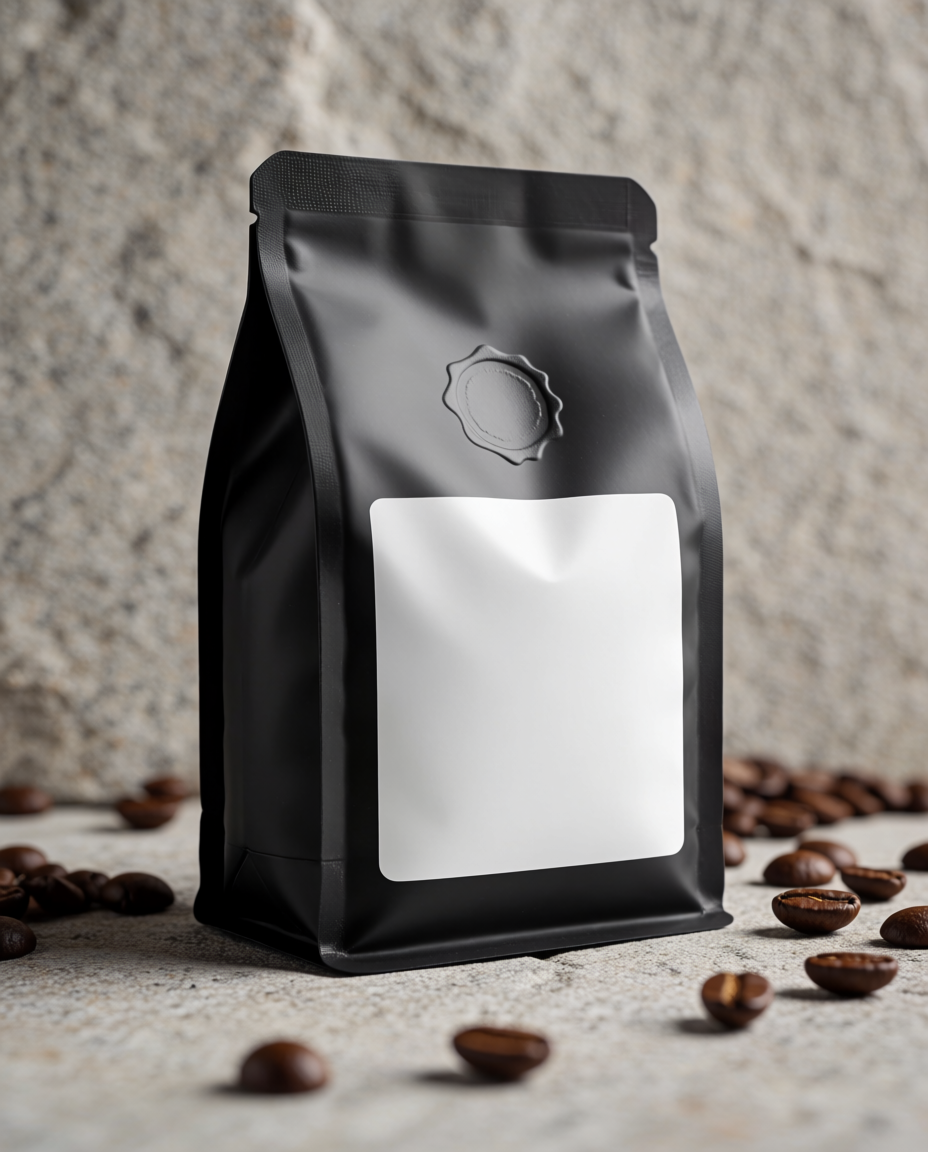
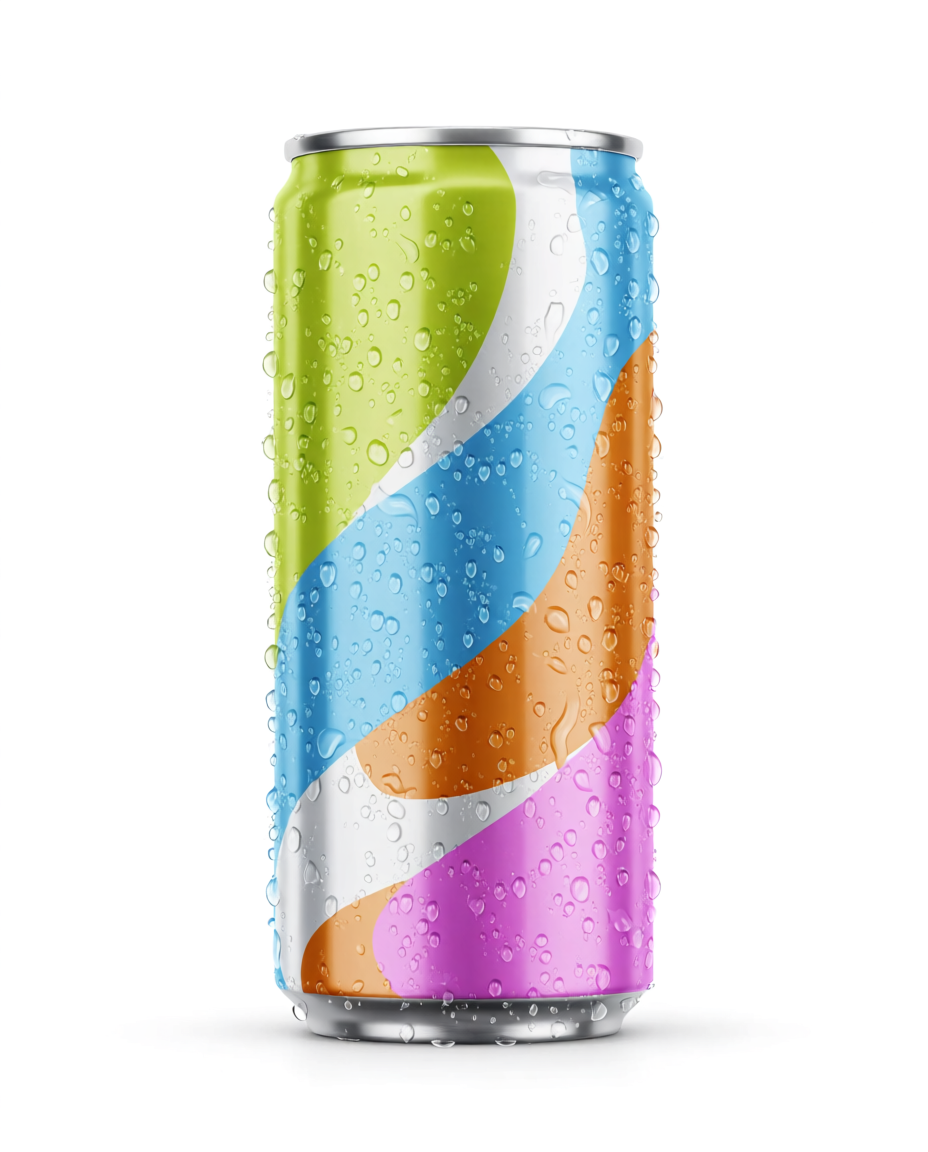
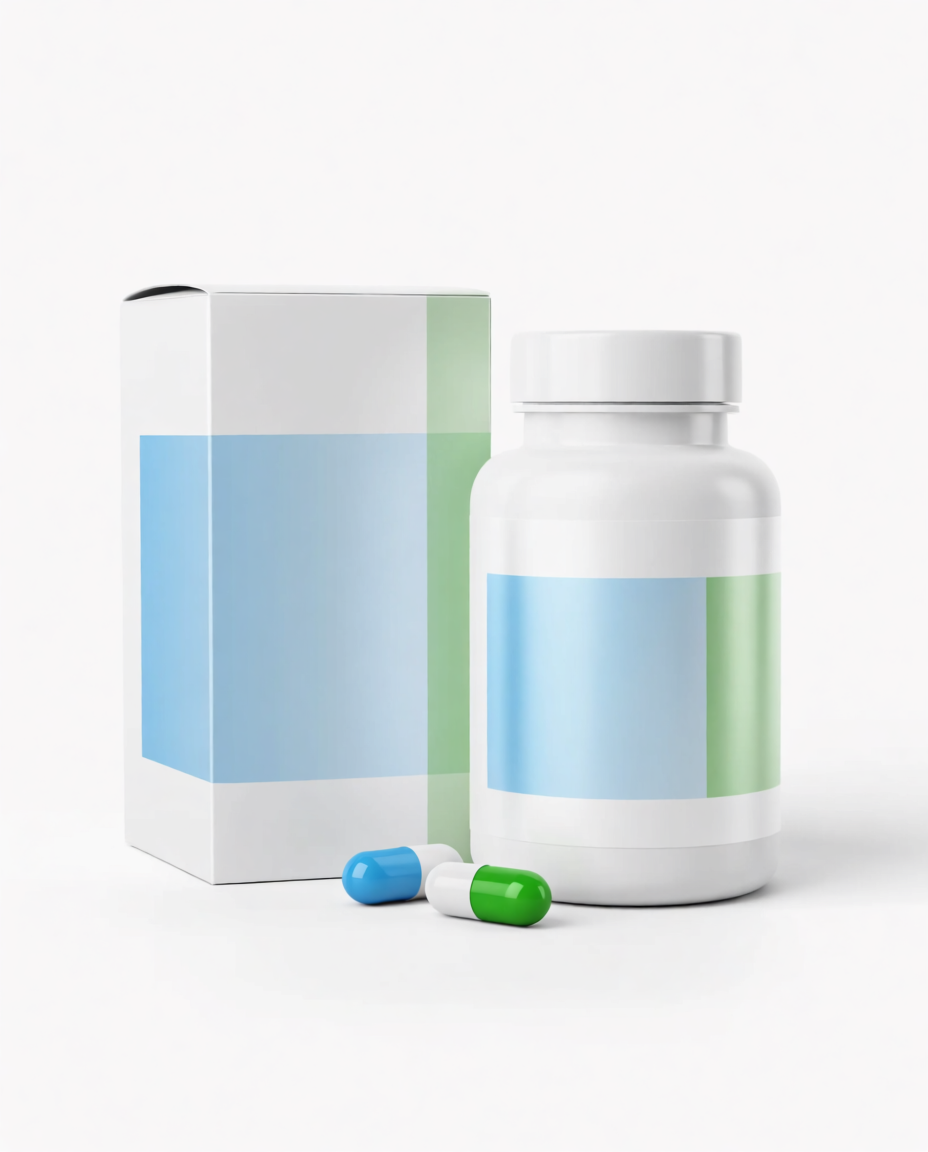
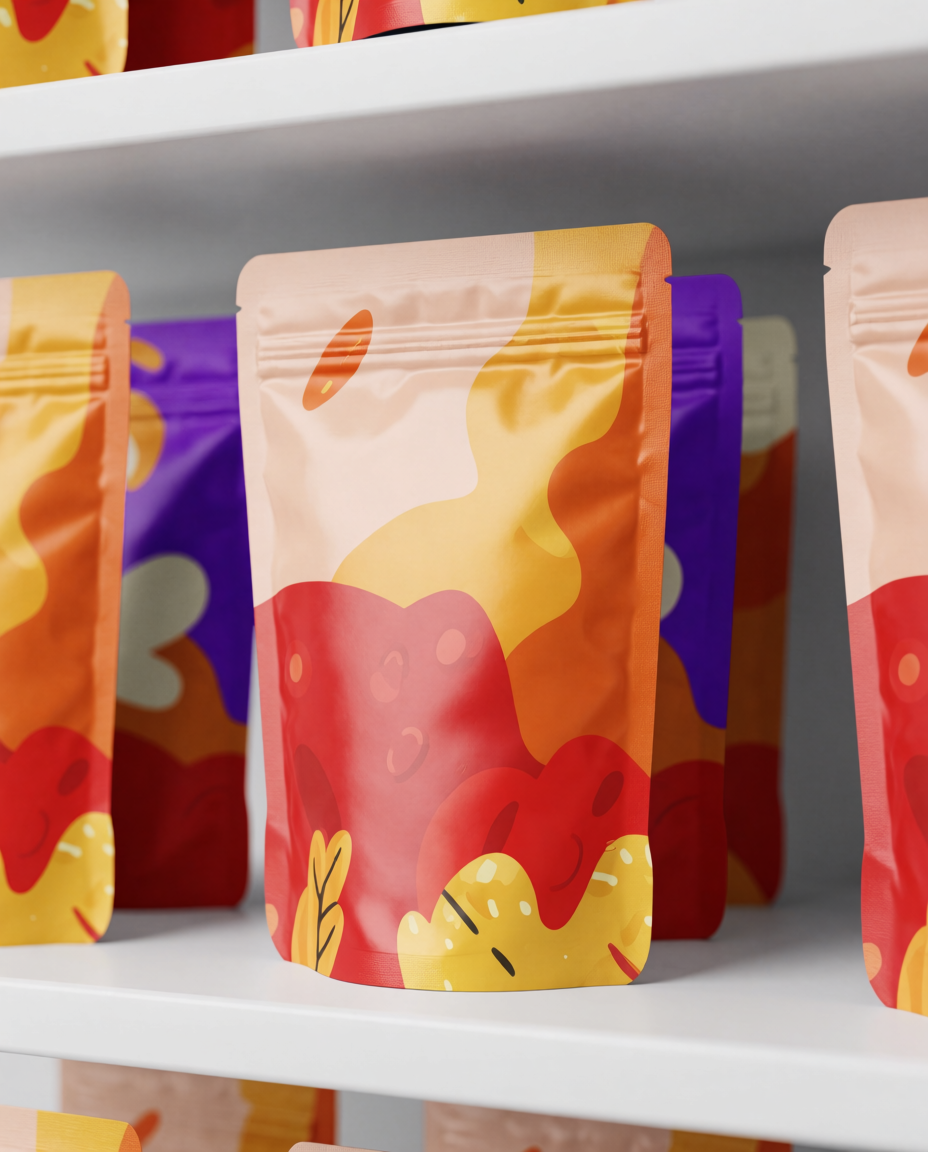
“These examples show how Krea 2 can quickly explore packaging forms, materials, lighting, and campaign-ready presentation styles before a final production mockup exists.”
Generated with the Krea 2 public API at 4:5 using prompt-only product and packaging concepts. For final commerce assets, use your real artwork, product references, or trained brand assets.

How we evaluated these tools
We looked at each platform from the perspective of a founder, designer, ecommerce team, or packaging studio that needs to move from idea to presentation quickly. The most important criteria were mockup realism, packaging accuracy, control over structure and materials, speed, editability, pricing clarity, and whether the tool is appropriate for a real production workflow or mainly for visual exploration.
A key distinction matters: product mockups are not always packaging engineering tools. A beautiful AI render can help sell a direction, test a campaign mood, or create an investor-deck visual. It does not automatically replace dielines, print specs, regulatory copy, barcode placement, material testing, or supplier proofing.
1. Krea 2
Krea 2 is strongest when you need to explore visual directions quickly: a skincare jar with matching carton, a new beverage can look, a premium candle box, a snack pouch on shelf, or a whole campaign mood around a packaging idea. It is less about choosing a prebuilt template and more about generating the visual world around the product.
That makes Krea useful early in the packaging process. You can test materials, colors, lighting, shelf contexts, photography styles, and product families before committing to a production file. You can also use Image for model comparison, Train for more consistent products or brand styles, Edit for targeted changes, and Enhance when a chosen direction needs more resolution.
Pricing: Krea has free daily credits and paid plans for heavier usage. Paid plans unlock more compute, higher limits, commercial licensing, and deeper access to Krea 2, Train, Enhance, video, and team workflows.
Pros: Fast visual exploration, strong generated-image quality, useful for campaign mockups, works across product categories, can sit beside editing and enhancement workflows.
Watchouts: Krea 2 is not a dieline generator or packaging CAD system. For final print production, pair it with exact artwork files, a packaging-specific platform, or a designer who can validate dimensions, folds, materials, and print constraints.
Concrete use case: A beverage startup can generate ten can design directions, compare shelf and studio presentations, pick a mood for the pitch deck, then later turn the winning direction into exact artwork and supplier-ready mockups.
Create product mockups with Krea 2
Generate packaging concepts, ecommerce visuals, and campaign-ready product renders in Krea.
Try Krea 22. Pacdora
Pacdora is one of the most packaging-specific tools in this category. Its official pages emphasize 3D packaging mockups, dieline templates, boxes, bottles, cans, pouches, AI packaging design, AI backgrounds, and a workflow that can move closer to real packaging structure than a generic image generator.
Pricing: Pacdora lists a free tier plus paid Lite, Pro, Business, and Enterprise plans.
Pros: Strong packaging focus, dieline and template library, 3D mockup previews, useful for boxes and structural packaging, better fit for production-adjacent packaging workflows.
Watchouts: If your main goal is open-ended campaign imagery, Pacdora can feel more structured than a creative image generator. If your main goal is print production, still check dielines and specs with your printer.
Concrete use case: A packaging designer can choose a box structure, apply label artwork, preview it in 3D, and use the mockup in client presentations before sending files toward production.
If the deliverable needs to be an actual 3D model rather than a rendered preview, see our guide to the best AI 3D model generators.
3. Canva Mockups
Canva’s mockup generator is best for quick presentations, student projects, small businesses, and brand collateral. Canva’s Smartmockups-style workflow lets users upload designs and place them into products, devices, apparel, print pieces, and other common mockup formats.
Pricing: Canva offers a free plan plus paid Pro, Teams, and Enterprise options.
Pros: Easy to learn, broad template library, good for non-designers, connected to Canva’s editor, useful for social posts and decks.
Watchouts: Canva is not ideal when you need exact packaging geometry, custom dielines, or highly art-directed product render control.
Concrete use case: A small brand can place a label design onto a simple product mockup and build a sales deck, social post, or landing page graphic without opening advanced 3D software.
4. Adobe Firefly and Substance 3D
Adobe Firefly is useful for generative backgrounds, composites, and design exploration inside Adobe workflows. For more advanced 3D product and packaging scenes, Adobe’s Substance 3D ecosystem, especially Stager, is a better fit because it is built around placing 3D assets, materials, lights, and cameras.
Pricing: Adobe offers free and paid Firefly plans, while Substance 3D tools are separate paid Adobe subscriptions for individuals, teams, and enterprises.
Pros: Strong fit for professional designers, good integration with Photoshop and Illustrator workflows, useful for composites and more advanced product staging.
Watchouts: The learning curve and cost can be higher than simple browser mockup tools. Firefly alone is not a packaging-production system.
Concrete use case: A designer can create label artwork in Illustrator, composite a campaign scene in Photoshop with Firefly, or stage a product package in Substance 3D for a polished render.
5. Placeit
Placeit is a practical template library for fast mockups, especially for print-on-demand, apparel like t-shirt designs, merchandise, and common ecommerce assets. It is less AI-native than some tools, but it is useful when the template already exists and speed matters more than custom art direction.
Pricing: Placeit offers some free assets plus paid downloads and subscription access.
Pros: Large library, quick uploads, useful mockup videos, strong for merch and print-on-demand sellers.
Watchouts: Template libraries can look generic if many brands use the same scenes. Packaging structure coverage depends on available templates.
Concrete use case: A print-on-demand seller can upload artwork to apparel, mugs, tote bags, and product shots for an online storefront.
6. Mockuuups Studio
Mockuuups Studio is strongest for device and digital product mockups. It is a good fit for app screens, websites, UI portfolios, and software marketing assets, with integrations and workflows aimed at designers who need polished device scenes quickly.
Pricing: Mockuuups Studio lists free/trial access plus paid plans for individuals, teams, and enterprise users.
Pros: Fast device mockups, good for software products, team workflows, Figma-friendly positioning.
Watchouts: It is not the first choice for complex physical packaging renders, box structures, or product dielines.
Concrete use case: A SaaS team can turn app screenshots into laptop and phone mockups for landing pages, ads, investor decks, and launch announcements.
7. Mediamodifier
Mediamodifier combines a mockup generator, marketing templates, and browser-based editing. Its pricing page highlights a free Starter plan and paid Professional access, plus a broad collection of mockup and design templates.
Pricing: Free Starter plus paid Professional access, with monthly and yearly billing options.
Pros: Browser-based, broad mockup/template coverage, simple editor, useful for repeat marketing assets, API options for some mockup workflows.
Watchouts: Like most template systems, realism depends on the specific template and how well your artwork fits the object.
Concrete use case: A marketer can place a product label, book cover, poster, or app screen into multiple mockups and export campaign assets without a full design stack.
8. Freepik Mockup Generator
Freepik’s mockup generator is useful for designers who already use Freepik for stock imagery, vectors, PSDs, icons, and design assets. It can be a convenient way to find editable mockups and turn flat artwork into presentation visuals.
Pricing: Free access plus Premium and Pro-style paid plans for broader asset access and higher usage.
Pros: Large asset ecosystem, useful for graphic designers, broad template categories, quick access to stock and mockup resources.
Watchouts: Licensing and asset access vary by plan, so check usage rights for commercial work.
Concrete use case: A designer can find a packaging or print mockup, insert artwork, then use Freepik’s broader asset library to finish a campaign presentation.
9. Mockey
Mockey is a lightweight mockup generator with a focus on free online mockups for ecommerce and print-on-demand. Its official pages describe a large mockup library across apparel, packaging, product, device, and merch categories.
Pricing: Mockey promotes free mockup creation with paid or advanced options depending on the workflow.
Pros: Easy entry point, useful for ecommerce sellers, broad category coverage, good for quick product listing visuals.
Watchouts: It is better for fast mockup creation than deeply customized packaging design or production-ready structural previews.
Concrete use case: A seller can upload artwork and create quick mockups for apparel, packaging, accessories, or product listings.
Which tool should you choose?
Choose Krea 2 if you want to explore packaging visuals, product mockup concepts, launch campaigns, ecommerce images, and brand moods before a final mockup workflow is locked.
Choose Pacdora if you need packaging-specific structures, dielines, 3D previews, and a workflow closer to packaging design production.
Choose Canva, Mediamodifier, Freepik, Placeit, Mockuuups Studio, or Mockey when you need fast template-based mockups for social, decks, ecommerce listings, or print-on-demand stores.
Choose Adobe Firefly and Substance 3D if you already work in Adobe and need either generative compositing or more professional 3D staging control.
A simple packaging mockup workflow
Start with the role of the visual. If it is for exploration, use Krea 2 to generate many directions quickly. If it is for production review, start with the package structure, dieline, dimensions, and print constraints.
Create a clean front-facing concept first. Use blank labels or simple abstract graphics while you test shape, material, lighting, and category cues. Once the direction works, bring in real artwork, typography, legal copy, barcode placement, claims, and brand marks.
Check the details before using the image commercially. Packaging visuals can be misleading if the box size, cap shape, pouch seams, label wrap, or product claims do not match the real object.
For final packaging, use AI renders as a creative layer, not the only source of truth. Always validate with a dieline, supplier proof, physical sample, or packaging designer before printing.
Prompt tips for better AI packaging renders
Describe the object type clearly: “stand-up pouch,” “folded carton,” “rigid gift box,” “aluminum can,” “dropper bottle,” “supplement bottle,” or “mailer box.” The more specific the structure, the better the mockup direction.
Include materials and finish: matte paper, soft-touch laminate, frosted glass, amber glass, foil pouch, glossy aluminum, embossed seal, metallic foil, spot UV, recycled cardboard, or textured label stock.
Ask for no readable text when you are exploring form and mood. AI-generated text can look convincing from a distance but fail under inspection. Add real typography later with a design tool.
Separate concept renders from final mockups. A concept render can be imaginative and atmospheric; a final packaging mockup should preserve label alignment, proportions, folds, seams, and legal details.
Explore packaging concepts with Krea 2
Generate product mockups, packaging directions, and campaign-ready renders in a few prompts.
Start in Krea