“Envato or Canva” is really two different products competing for the same job. Envato Elements is a subscription library: you pay once a month and download other designers’ finished templates, stock photos, fonts, and video templates, each covered by a commercial license. Canva is a layout editor with a template library built in, plus a metered AI add-on. Neither one makes you an original asset — both hand you someone else’s pre-made design and let you fill in the blanks.
That is the real decision behind “which is better.” Do you want a polished, pre-built layout you can finish in minutes, licensed for reuse? Or do you want an asset nobody else has, built from your own prompt, with no template fee and no chance a competitor ships the exact same design? This guide compares Envato Elements, Canva, and a smaller marketplace, Creative Fabrica, on price and licensing, then gives the honest case for generating an original asset with Krea instead — including where that approach stops working.
At a glance
| # | Option | Best for | Starting price | Catch |
|---|---|---|---|---|
| 1 | Envato Elements | Templates + stock library on one license | $16.50/month (Core, billed annually) | AI credits are thin on the entry plan; pricing restructured in February 2026 |
| 2 | Canva | Fast layout from a huge free template library | Free forever; Pro from $15/month (billed annually) | AI image credits are capped even on Pro (500/month, shared pool) |
| 3 | Creative Fabrica | Niche fonts, crafts, and print-on-demand assets | Around $9-9.99/month list; often discounted on annual plans | Pricing is promo-driven; few polished ad or brochure templates |
| 4 | Krea | An original asset generated from your own prompt | Free forever; paid plans lift the daily cap | Not a template library — no drag-and-drop layout to drop text into |
Generate an asset nobody else has
Skip the template license. Describe what you need and Krea 2 makes it, free to start.
Try Krea 2How we chose and tested
Every price and quota below comes from the vendor’s own page, checked in September 2026: Envato’s plan-change explainer and pricing page, Canva’s pricing page, and Creative Fabrica’s subscription page. Envato restructured its individual plan into three tiers (Core, Plus, Ultimate) in February 2026; older posts that quote a single “Envato Elements price” are describing the plan Envato retired. Canva’s numbers were confirmed against its live US pricing page. Creative Fabrica does not publish one fixed price — its subscription page runs frequent promotions — so we quote both the list price and the commonly discounted annual rate, and say so plainly rather than picking whichever number looks best. Every image in this post is a raw, single Krea 2 generation from the exact prompt printed beside it; none of them are screenshots of Envato, Canva, or Creative Fabrica output.
1. Envato Elements — one license, 29 million pre-made assets
Envato Elements is a subscription library of templates, stock photos, video templates, fonts, graphics, music, and 3D assets — over 29 million items, with a lifetime commercial license attached to every download. In February 2026, Envato replaced its single individual plan with three tiers: Core ($16.50/month billed annually, $39/month billed monthly) includes unlimited downloads and 20 AI credits a month; Plus ($39/month annually, $59/month monthly) raises that to 200 AI credits and 3 parallel AI generations; Ultimate (roughly $99-$168/month annually depending on the AI-credit tier you pick — 500, 1,000, or 2,000 credits — up to $259/month billed monthly) adds 10 parallel AI generations. All three tiers include the same unlimited-download library; only the AI allowance and generation speed change.
How licensing and downloads work: every download under an active subscription carries a lifetime commercial license — you keep the right to use the asset in client work even after you cancel, though you can no longer download new items. There is no per-project or per-client fee on top of the subscription; the catch is that other subscribers can download the exact same template, so a popular item shows up on more than one site.
Where it stops: the entry-level Core plan’s 20 AI credits a month is a token allowance, not a real generation tool — Envato’s AI sits on top of a template business, not the other way around. For teams that mostly need finished layouts (flyers, presentation decks, video intros) rather than AI generation, Core is the cheapest way to get Envato’s video templates and stock photo library on one license.
2. Canva — the free template library everyone already has
Canva is a drag-and-drop editor built around a template library, with AI features (Magic Studio: Magic Media, Magic Write, background removal) metered by a shared credit pool. The Free plan is genuinely free forever — no card required — with 5GB of storage, over 250,000 templates, and 50 Magic Studio credits a month. Pro costs $18/month billed monthly, or $180/year billed annually (about $15/month effective), and raises the credit pool to 500 Magic Studio credits a month, plus the full template and stock library, brand kit, and background remover without the free plan’s limits.
How licensing and downloads work: a Canva design is not “downloaded” the way an Envato template is — you edit inside Canva’s editor and export the finished file (PNG, PDF, MP4). Commercial use of free-tier templates is allowed under Canva’s terms; some premium templates, photos, and elements are marked and only unlock on paid plans. There is no separate per-template license fee once you can access it — the subscription is the license.
Where it stops: Magic Studio’s 500 monthly credits on Pro sound generous until you realize every AI feature — image generation, background removal, resizing — draws from the same pool. If AI image quality or volume is the point, not the layout around it, Canva’s allowance runs out fast; see our breakdown of what Canva’s free plan actually includes and our wider list of Canva alternatives for AI-first design.
3. Creative Fabrica — the niche marketplace for fonts and crafts
Creative Fabrica is a smaller marketplace focused on fonts, SVGs, craft files (embroidery, cut files), and print-on-demand graphics rather than polished ad or brochure templates. Its All-Access subscription lists at roughly $9-9.99/month, cancel anytime, though annual plans are routinely discounted to around $4-5/month in promotions — check the live page, because the list price and the promo price both appear depending on when you land on it. All-Access includes unlimited downloads across its catalog, a free trial of 10 premium downloads to test the library first, and a basic print-on-demand license bundled in so t-shirt, mug, and planner sellers can use assets on physical products.
How licensing and downloads work: the standard subscription license covers personal and small commercial use per download; sellers doing print-on-demand at volume should confirm the bundled POD license covers their specific use case, since POD rights are the marketplace’s main differentiator from Envato and Canva.
Where it stops: Creative Fabrica’s catalog is deep in fonts and craft-cut files but thin on the kind of finished marketing collateral (social ad kits, brochure layouts, presentation decks) that Envato and Canva both carry. It is the right pick for a specific niche, not a general Envato or Canva substitute.
4. Krea — generate the asset instead of licensing one
Envato, Canva, and Creative Fabrica all sell the same underlying thing: someone else’s pre-made design, with a license attached. Krea is a different category — it generates an original image from your own prompt. There is no per-template license fee, because there is no template; there is no risk of a competitor using the identical design, because the output is generated fresh from your words. The free plan gives 100 compute units a day on Krea 2, no credit card, with basic 2K upscaling included.
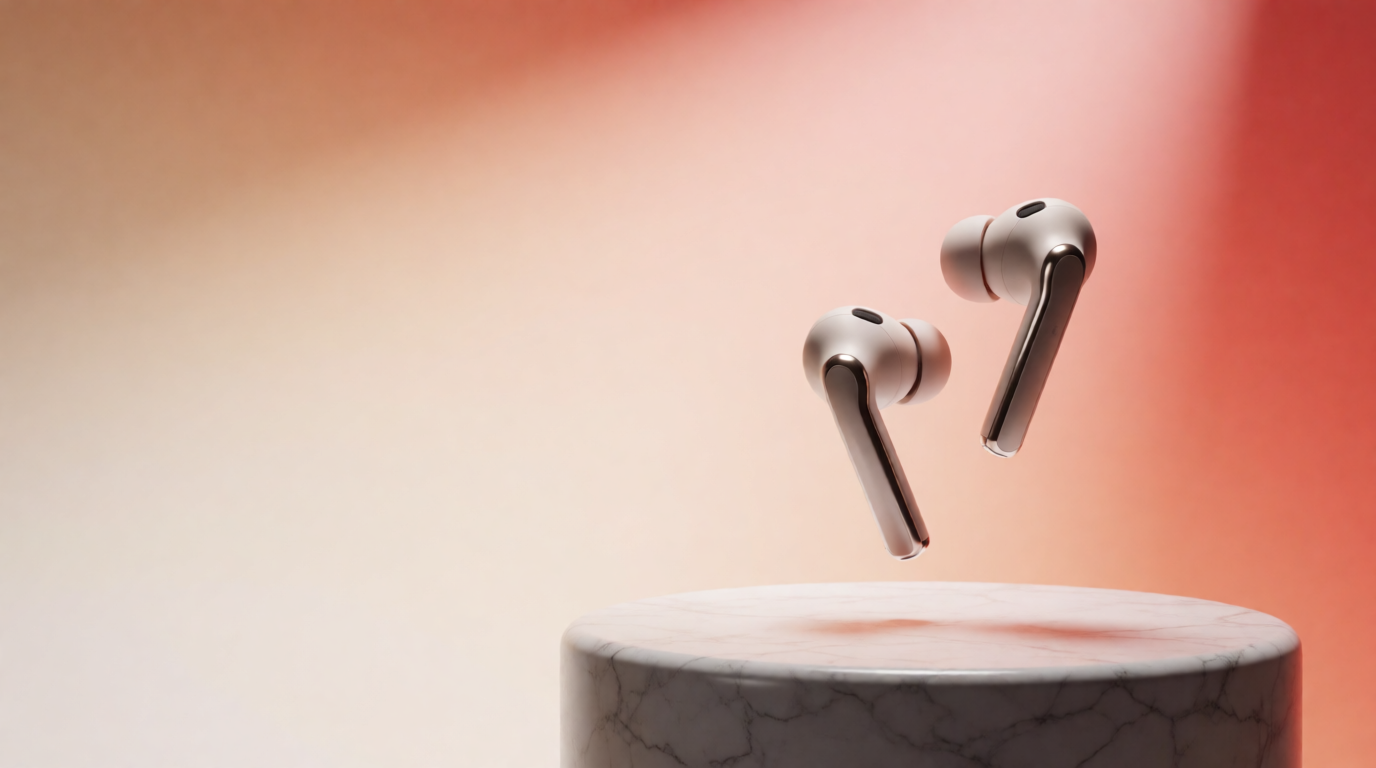
Here is the kind of social promotional graphic people normally pull from an Envato or Canva template, generated instead as one raw Krea 2 output:
Prompt:
Social media promotional graphic: a pair of wireless earbuds floating above a marble podium, warm gradient studio background in coral and cream, soft daylight, generous clean negative space on the left for a headline, editorial product photography.
Variation tips: name the product and the podium material directly; ask for the negative space “on the left” or “on the right” so a headline drops in without covering the subject.
And a print-style concept shot, the kind of thing a brochure template on Envato would normally frame for you:
Prompt:
A flat-lay marketing brochure mockup photographed from directly above: a blank cream cardstock trifold brochure, a potted succulent, a fountain pen, and fabric swatches in sage green and terracotta, soft natural window light, minimal styling, editorial flat lay.
Variation tips: describe the surface and props first, the brochure last — flat-lay prompts read better when the scene is set before the subject.
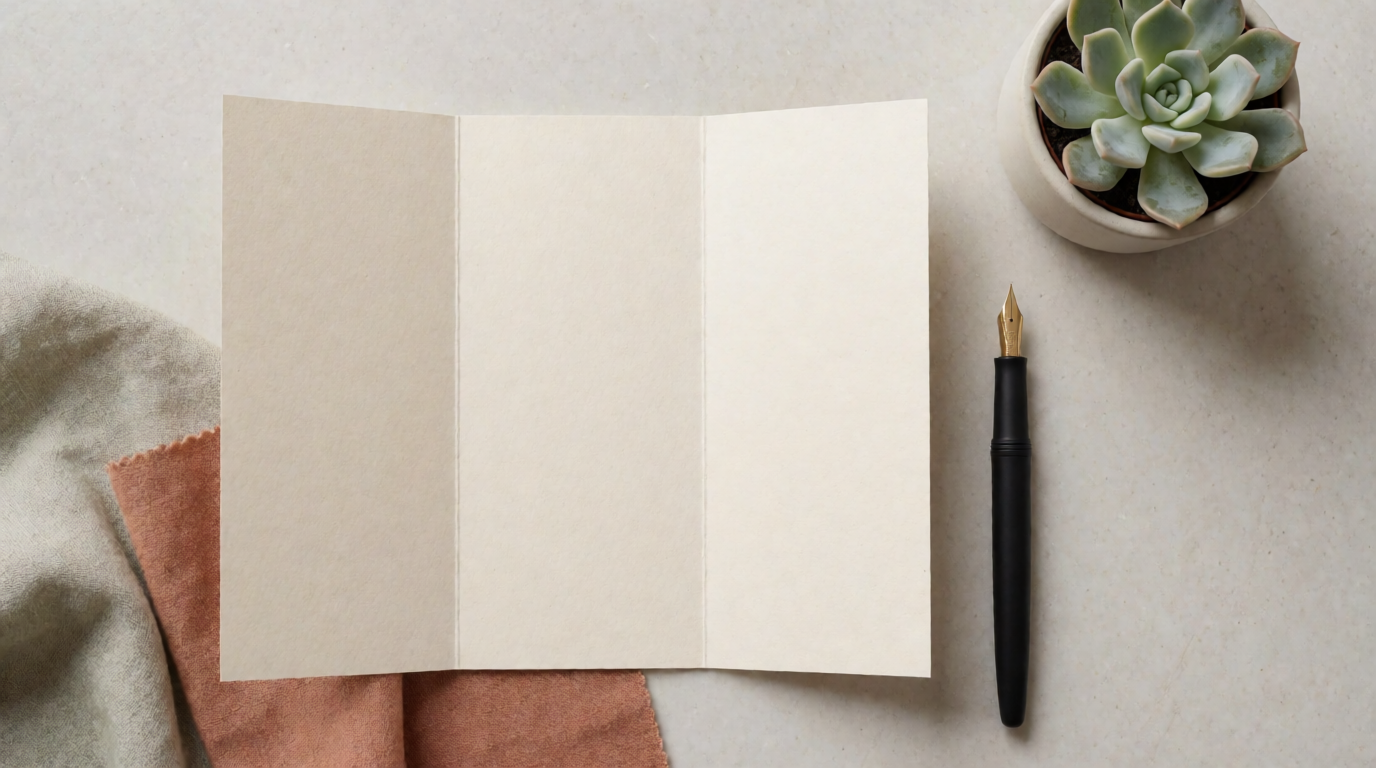
Where it stops, plainly: that flat-lay is one image, not an editable multi-page brochure kit. Krea is not a template library. If you need a full brochure, a multi-page kit, or a deck with a dozen coordinated slides, assembling it from an Envato or Canva template is still faster than prompting each page from scratch — Krea gives you the imagery, not the page layout, the fonts, or the print bleed. Paid Krea plans add the full model library, AI editing for changing an existing image without regenerating it, 8K upscaling, and video generation; none of them add a drag-and-drop layout editor.
Price and license, side by side
| Tool | Entry price | Top individual tier | License model | AI generation included |
|---|---|---|---|---|
| Envato Elements | $16.50/mo (Core, annual) | ~$99-$259/mo (Ultimate, credit tier + billing) | Lifetime commercial license per download | 20-2,000 AI credits/month depending on tier |
| Canva | Free | $18/mo ($15/mo annual) Pro | Subscription is the license; some assets premium-gated | 50 (Free) or 500 (Pro) Magic Studio credits/month, shared pool |
| Creative Fabrica | ~$9-9.99/mo list (often $4-5/mo on annual promos) | Same tier, annual discount | Standard + bundled basic POD license | Built-in Studio/AI tools, not a headline feature |
| Krea | Free (100 compute units/day) | Paid plans lift the daily cap | No per-asset license fee; commercial license on paid plans | Full generation on every plan; free plan resets daily |
Terms and promotional pricing change; confirm the current number on each vendor’s page before you buy or subscribe a team.
Which one should you pick?
Pick by what you are actually buying, not by brand recognition:
- You need a finished layout fast and don’t mind sharing the design pool → Canva Free, or Pro if 50 monthly AI credits is not enough.
- You want one license covering templates, stock photos, video templates, and fonts together → Envato Elements Core, upgrading to Plus or Ultimate only if you use its AI generation heavily.
- You sell print-on-demand or need craft-specific files (fonts, SVGs, cut files) → Creative Fabrica.
- You need an asset nobody else is using, and you’re generating single images rather than multi-page kits → Krea, paired with any layout tool — including Canva’s free tier — for the text and export sizes around it.
- You need a full brochure, deck, or multi-page kit today → start from an Envato or Canva template; prompting each page from scratch is still the slower path in 2026.
A common real workflow splits the difference: generate the hero image or product shot in Krea, then drop it into a Canva or Envato template for the surrounding layout. Here is that hero-image half of the workflow as one raw Krea 2 output:
Prompt:
Wide e-commerce hero banner: a minimalist leather handbag suspended mid-air above a matte stone podium, dramatic warm side light, fine dust particles, deep amber-to-charcoal gradient background, clean negative space on the right for copy, premium editorial product photography.
Variation tips: specify where the gradient goes light-to-dark so the headline has genuine contrast to sit on; “matte stone podium” reads more premium than “table.”
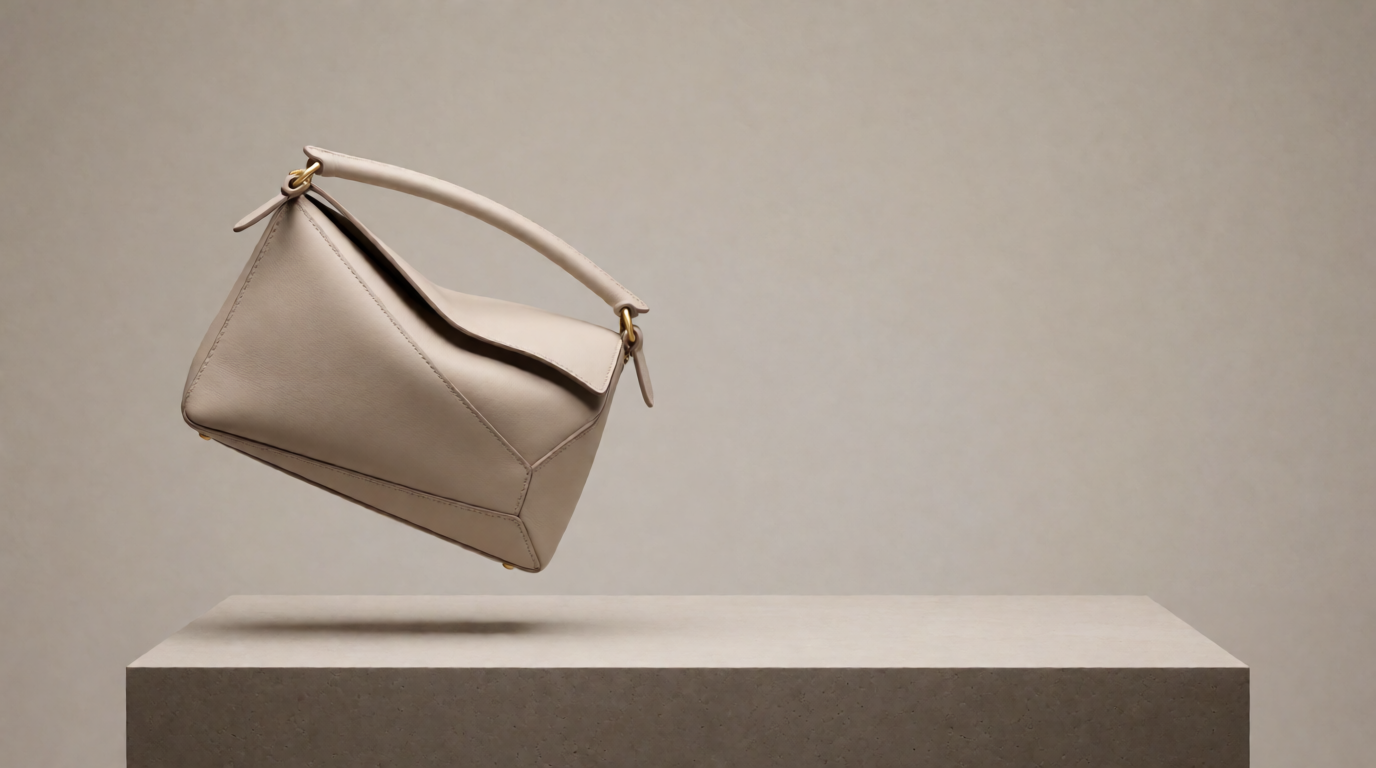
And a background built purely for copy space, the role a stock photo from Envato or Canva’s library usually fills:
Prompt:
Minimal abstract background of layered translucent paper shapes in dusty rose and warm beige tones, soft diffused studio light, large clean negative space in the center for overlaid text, calm premium feel.
Variation tips: name two colors maximum — abstract backgrounds read cleaner with a tight palette than with three or more named tones.
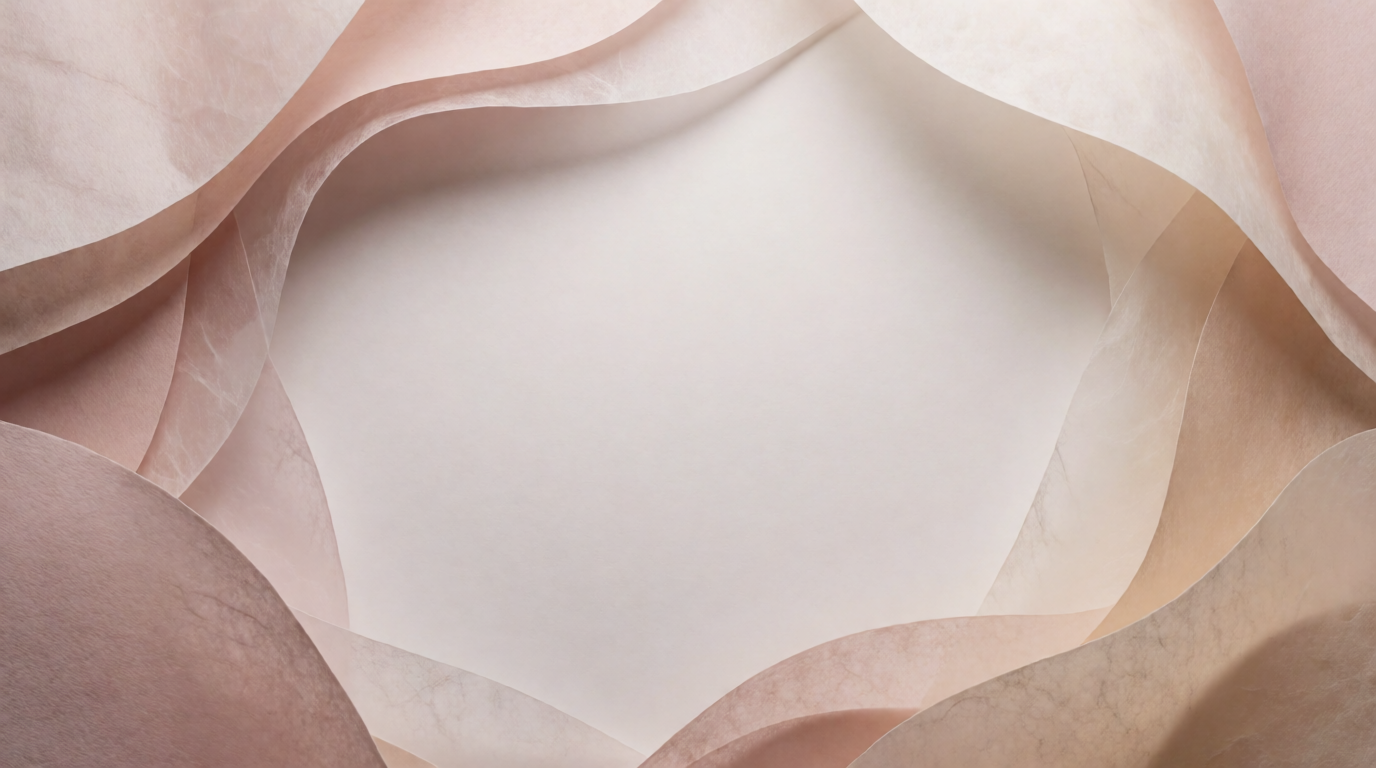
For a wider comparison of stock photography against AI-generated imagery specifically, see free stock photos vs. AI-generated images in 2026. If your next asset is a logo rather than a photo or banner, our AI logo generator guide covers that case directly.
Frequently asked questions
Which is better, Envato or Canva?
Is there a free alternative to Envato?
Can AI replace template marketplaces?
How much does Envato Elements cost in 2026?
Is Canva Pro worth it over the free plan?
What is the difference between Envato Elements and Creative Fabrica?
Skip the template license
Generate an original image from your own prompt — no per-template fee, free to start.
Try Krea free