An AI 3D model generator turns a text prompt or a 2D image into a textured 3D mesh in seconds to minutes. In 2026 the good ones are genuinely usable for game props, previz, product mockups, and 3D printing — but none of them replaces a modeler for hero assets, and the pricing models differ enough to change which tool fits you. This guide compares six generators by what they cost, what their free routes actually include, which formats they export, and where each one stops.
One honest note up front: every mesh from every tool on this list needs cleanup before it ships in a production game or a manufactured product. AI meshes still arrive with dense triangulated topology, fused details, or texture seams. The right question is not “which tool is perfect” but “which tool gets me closest, at what price”.
The best AI 3D model generators at a glance
| # | Tool | Best for | Free route | Entry paid price | Export formats |
|---|---|---|---|---|---|
| 1 | Krea 3D | 3D inside a full image + video pipeline | No free 3D (free plan is Krea 2 images) | Pro, $35/mo | GLB |
| 2 | Meshy | All-round dedicated 3D generation | 100 credits/mo (~3 textured models) | Pro, from $20/mo | FBX, OBJ, USDZ, GLB, STL, BLEND |
| 3 | Tripo | Fast game-asset iteration | 300 credits/mo | Pro, $19.90/mo | GLB, OBJ, FBX, STL, USDZ |
| 4 | Hunyuan 3D | Best genuinely free option | 20 generations/day, open-source weights | Free / API credits | OBJ, GLB |
| 5 | Rodin (Hyper3D) | Highest mesh fidelity per generation | Generate free, pay $1.50/credit on download | Creator, $30/mo | GLB, GLTF, OBJ, FBX, STL, USDZ |
| 6 | Spline | Interactive 3D for the web | Free plan with 2,000 AI credits/mo | Hobby, $15/mo | GLTF, USDZ, STL (paid) |
Prices are the vendors’ published monthly rates as of August 2026; most drop 20–40% on annual billing. Details and sources are in each section.
How we chose and tested
Every price, quota, and format claim in this post comes from the vendor’s own published pages, checked in August 2026: Krea’s pricing page, Meshy’s pricing and credits guide, Tripo’s site, Tencent’s Hunyuan 3D launch note and open-source weights, Hyper3D’s pricing, and Spline’s pricing.
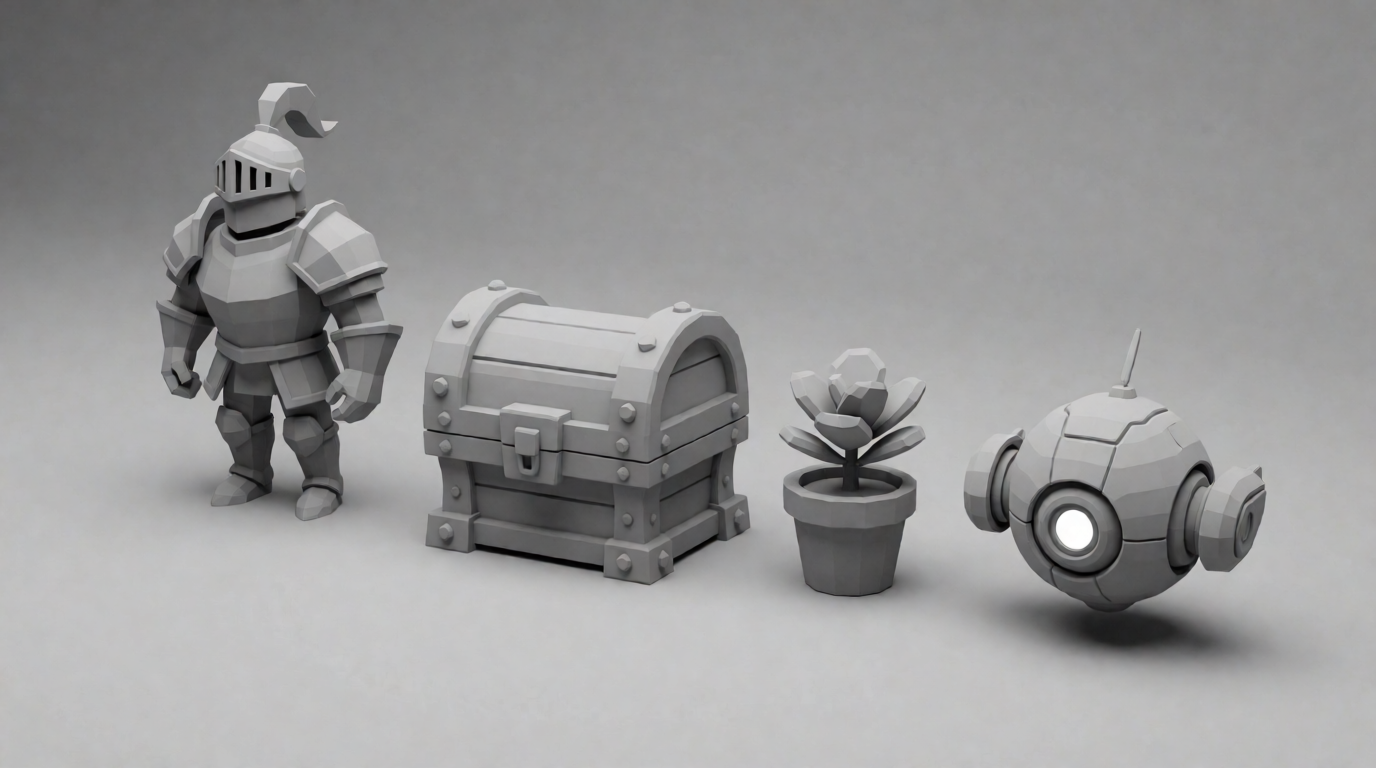
The images in this post are raw single generations from Krea 2, Krea’s in-house image model — each one is the unedited output of the exact prompt above it. They show the kind of reference art you feed an image-to-3D generator (single object, neutral background, clear silhouette); they are not outputs of the 3D tools themselves. Where we ran an actual 3D generation, we say so.
1. Krea 3D — 3D inside a full creative pipeline
Krea’s 3D generator is not a standalone 3D product; it is one tab in a workspace that also holds image generation, video, and editing. That is the argument for it. The strongest 3D results in 2026 come from a two-step workflow — generate a clean reference image first, then convert it to a mesh — and Krea is the only tool on this list where both steps live under one subscription. It runs multiple current 3D models behind one interface (Hunyuan3D 3.1 Pro, Hunyuan3D-2.1, TRELLIS, TRELLIS 2, and Tripo, per Krea’s public model list), supports text-to-3D and image-to-3D, and exports GLB files that open directly in Blender, Unity, or Unreal.
Prompt (image reference for image-to-3D):
An isometric stylized cottage with a mossy roof and a stone chimney, single object, soft warm light, 3D render style, plain background
Variation tips: keep one object per image and a plain background — image-to-3D models reconstruct a single clean silhouette far better than a scene; add “front three-quarter view” when the model needs to see two faces of the object.

Pricing: Krea’s free plan is Krea 2 image generation only — 100 compute units per day, with 3D not included. The Basic plan ($9/month) also excludes 3D. Access to all 3D and lipsync models starts on Pro at $35/month ($21/month billed annually) and continues on Max at $70/month, both with the commercial license included.
Where it stops: there is no free 3D tier, so zero-budget users should start lower on this list. Export is GLB only — no FBX or STL without a converter — and there is no built-in retopology, rigging, or animation. Krea wins when 3D is one step in a larger image/video workflow, not when you need a dedicated mesh-processing pipeline.
Try it: generate a reference image with Krea 2, then convert it in Krea 3D on any Pro plan.
Generate your first 3D object
Make a reference image with Krea 2, then turn it into a mesh with Krea 3D on the Pro plan.
Open Krea 3D2. Meshy — the all-round dedicated generator
Meshy is the most complete standalone 3D generator: text-to-3D, image-to-3D, retexturing, remeshing, AI repair, and free auto-rigging with preset animations. Its export list is the widest here — FBX, OBJ, USDZ, GLB, STL, and BLEND on every tier including Free — which matters when your engine or printer is picky.
Prompt:
A stylized fantasy treasure chest with gold trim and glowing blue runes, game-ready prop, PBR materials, three-quarter view, centered on a neutral gray background, 3D render style
Variation tips: name the material workflow (“PBR materials”) and the use (“game-ready prop”) — Meshy’s texturing stage responds to both; swap “fantasy” for “sci-fi crate” to reuse the same structure across a prop set.
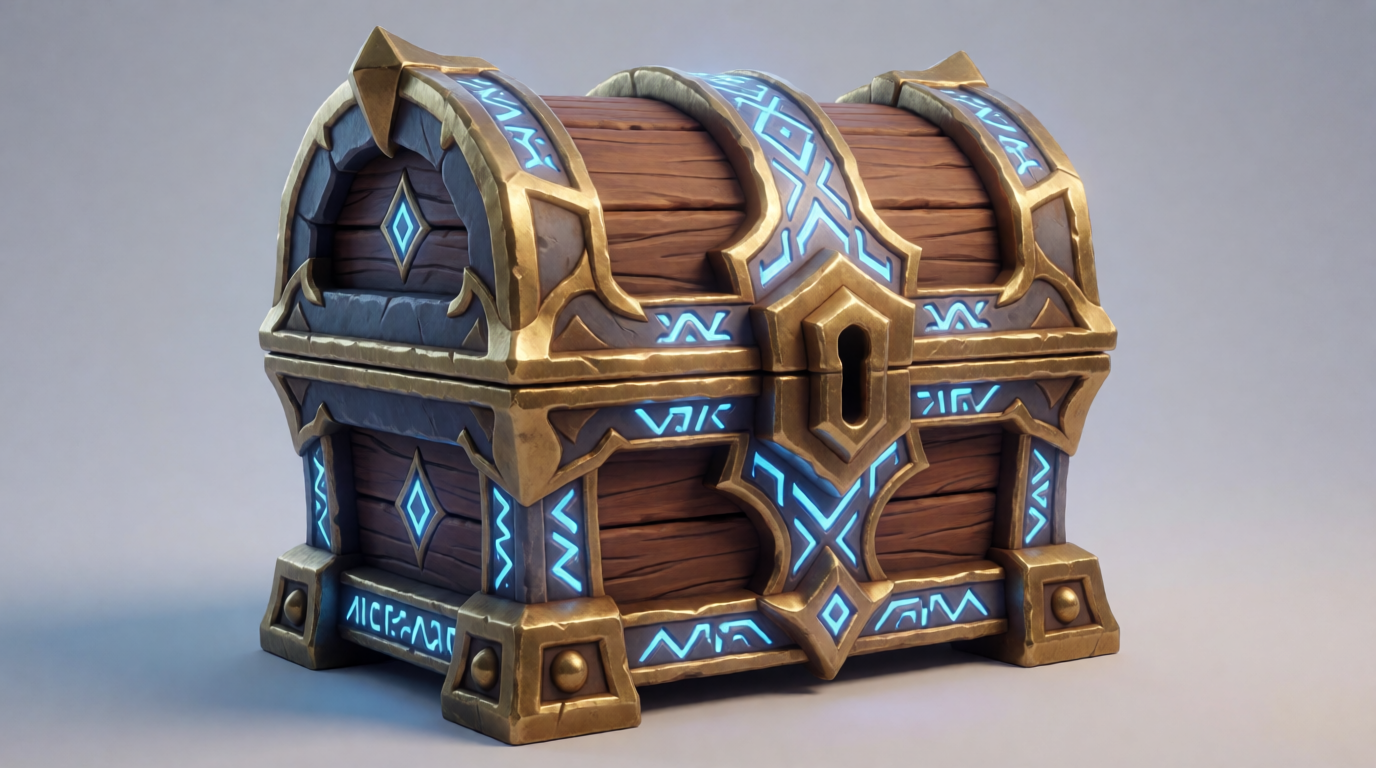
Pricing: the free plan gives 100 credits per month, no card required. A full generation costs 30 credits (20 mesh + 10 texture, per Meshy’s credits guide), so free means about three textured models a month. Paid plans run Pro from $20/month up to Ultra at $100/month, with a Studio team plan at $70/month.
Where it stops: free outputs ship under a CC BY 4.0 license — you can sell them, but you must credit Meshy; full asset ownership is listed on the Premium tier ($40/month). Meshes are still AI-typical: dense topology that needs a remesh pass before animation-heavy use, and 100 free credits evaporate fast once you start iterating.
3. Tripo — fastest iteration for game assets
Tripo built its reputation on speed: draft meshes in seconds, good enough geometry to block out a game scene the same afternoon. It offers text-to-3D, image-to-3D, rigging, and stylization presets, and its underlying model is solid enough that other platforms (including Krea) license it.
Prompt:
A cute low-poly fox character standing in T-pose, front view, flat colors, game character concept, centered on a plain light background
Variation tips: ask for a T-pose or A-pose whenever the mesh will be rigged — generators reconstruct spread limbs much more cleanly than crossed ones; “low-poly” and “flat colors” steer toward geometry that survives retopology.
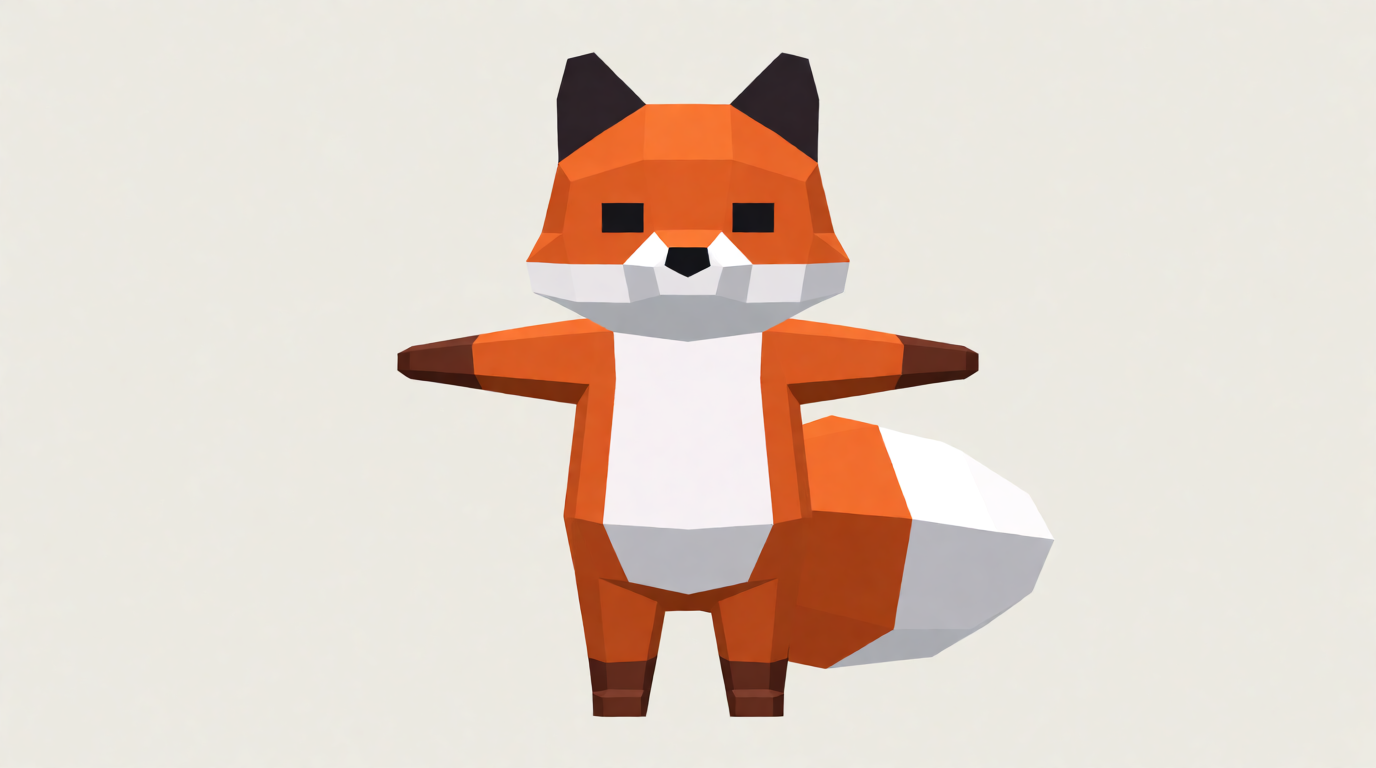
Pricing: Tripo lists a free plan of about 300 credits per month, with a standard generation around 25 credits, and a Pro plan at $19.90/month with 3,000 credits — the cheapest paid entry among dedicated tools here (tripo3d.ai; Tripo’s site blocks some crawlers, so confirm on the live pricing page). Exports cover GLB, OBJ, FBX, STL, and USDZ.
Where it stops: free-plan outputs are not licensed for commercial use — a paid plan is required to ship what you make. Fine surface detail (faces, hands, engraved text) is where the meshes visibly soften, and complex multi-part objects tend to fuse into one shell.
4. Hunyuan 3D — the best genuinely free generator
If the question is “what is the best free AI 3D model generator”, the honest 2026 answer is Tencent’s Hunyuan 3D. The hosted global platform gives 20 free generations per day — more than most paid entry tiers — and the model weights are open source on Hugging Face, so anyone with a consumer GPU can run it locally with no quota at all. Output covers standard formats such as OBJ and GLB, and the engine ships basic editing tools.
Prompt:
A retro toy rocket ship with chrome fins and a round porthole window, single object centered on a plain pastel background, soft studio lighting, 3D render style
Variation tips: “toy style” and “single object centered” produce the clean, convex shapes free-tier 3D models handle best; describe the material (“chrome fins”) rather than the lighting when the texture matters more than the mood.
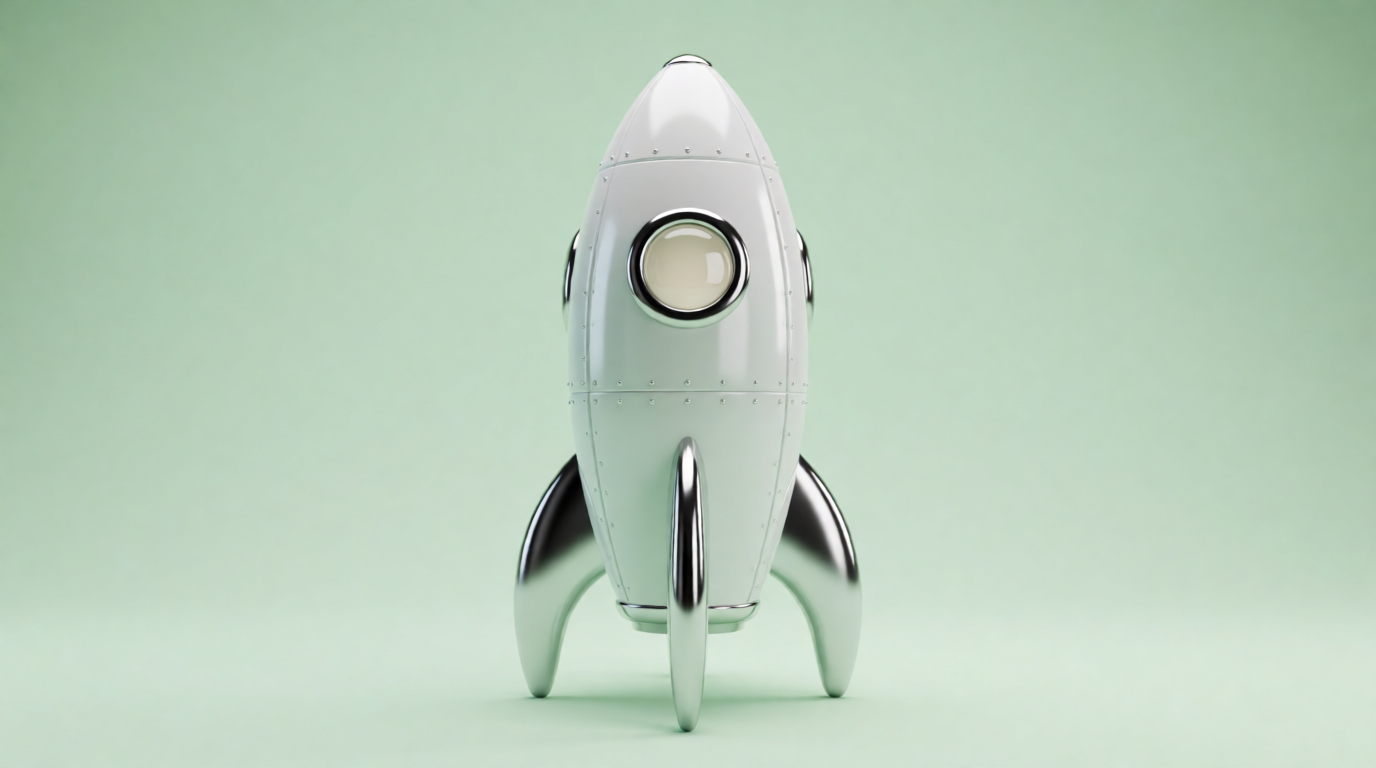
We tested the image-to-3D step for this post: the rocket image above, fed to Hunyuan3D-2.1 (via Krea 3D), returned a textured GLB mesh in under a minute. Below is the raw preview render of that mesh — no cleanup:
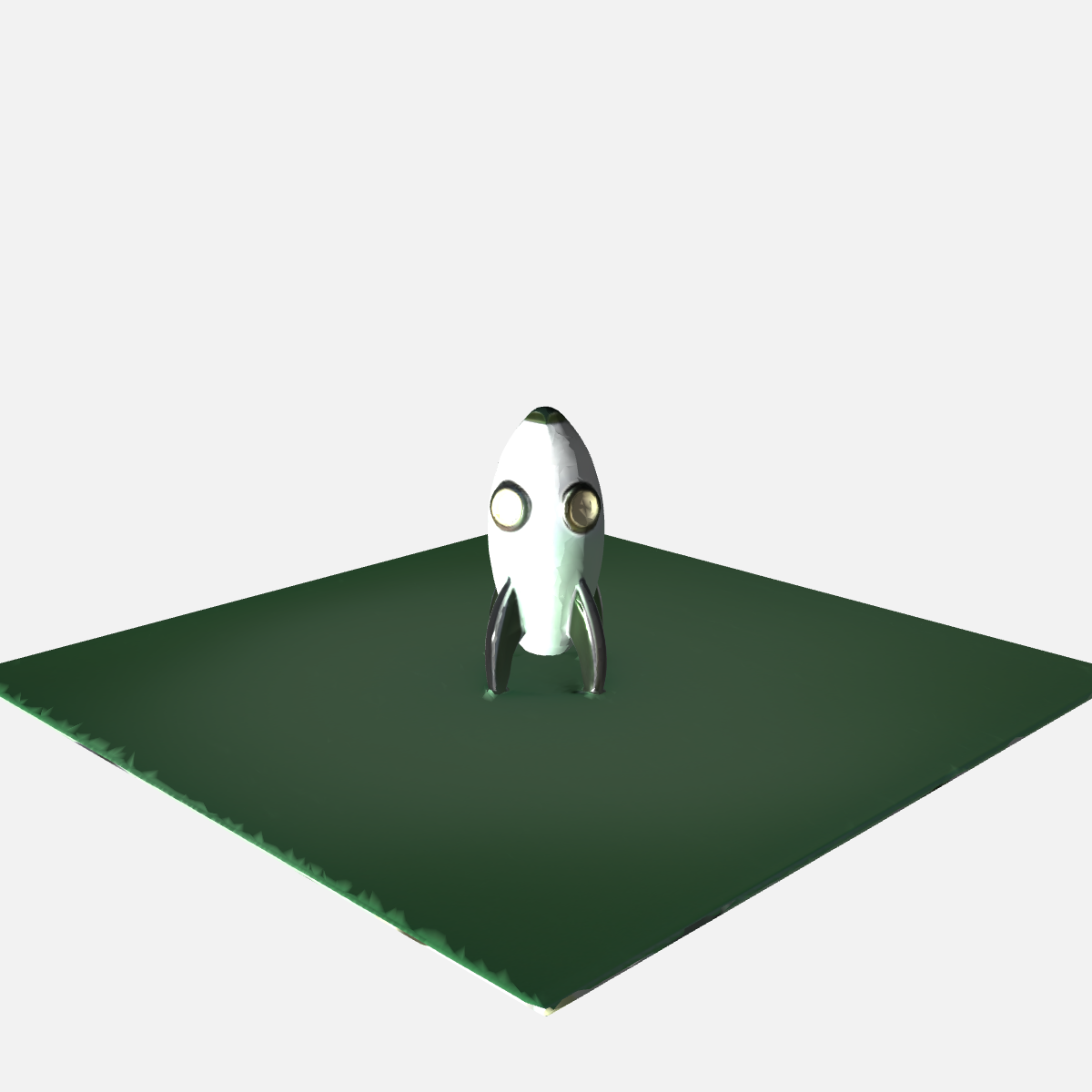
The silhouette, fins, and porthole carried over well; the surface detail came back softer than the source image, and the background became a mesh plane. Both are typical of current image-to-3D reconstruction, and both are one minute of cleanup in Blender.
Pricing: the hosted platform is free at 20 generations/day; enterprise API access goes through Tencent Cloud with free starter credits. Self-hosting costs only your hardware.
Where it stops: the hosted platform is consumer-grade — no team features, no asset management, and the interface trails the Western tools. Self-hosting requires real setup (Python environment, GPU VRAM) that non-technical users will not enjoy. There is no built-in rigging or animation.
5. Rodin (Hyper3D) — highest fidelity per generation
Rodin by Hyper3D aims at production quality rather than volume: its meshes are consistently the most detailed from a single generation, and its pay-by-result model is unique on this list — you generate and regenerate for free, and credits ($1.50 each) are only charged when you download. That makes it the cheapest way to get one excellent mesh and an expensive way to get fifty.
Prompt:
A detailed steampunk pocket watch with brass gears and an engraved cover, product photography style, single object on a white background, sharp focus
Variation tips: fidelity-oriented generators reward specific part names (“brass gears”, “engraved cover”) over adjectives; add “symmetrical front view” when the object has a canonical face.
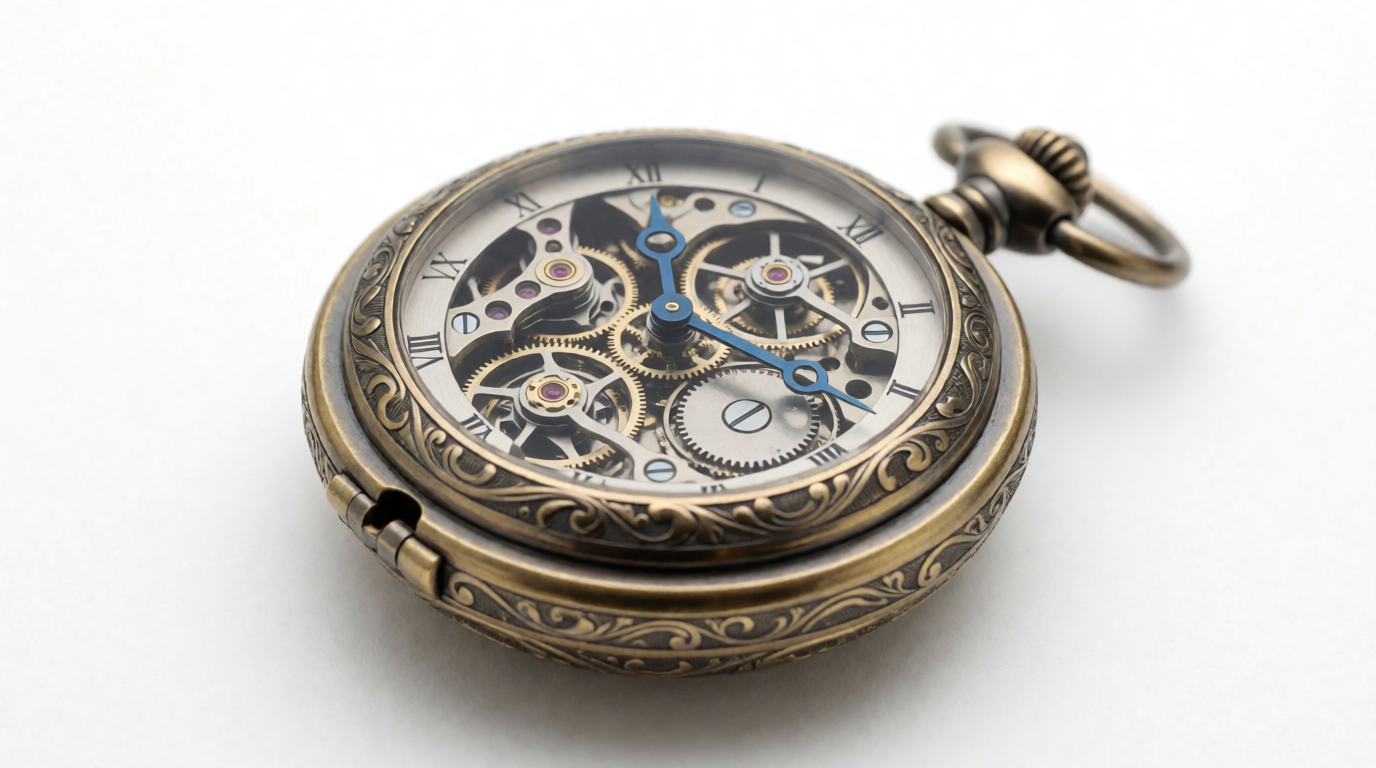
Pricing: the free tier includes the pay-per-download model and up to 10 private assets. Creator is $30/month ($24/month annually, roughly 60 models), Business is $120/month ($96/month annually, with API access). Paid plans carry unlimited export and use rights. Exports cover GLB, GLTF, OBJ, FBX, STL, and USDZ.
Where it stops: cost scales with iteration — if your workflow is “generate 30, keep 2”, the per-download pricing punishes you. Generation is slower than Tripo’s, and the tool does nothing downstream: no scene assembly, no animation, no web publishing.
6. Spline — 3D for the web, with AI attached
Spline is a different animal: a browser-based 3D design tool with AI generation built in, aimed at interactive 3D for websites and product pages rather than game or print assets. You generate or model objects, add interactions, and embed the result directly — a pipeline none of the mesh-first tools above offer.
Settings recipe (Spline AI): start a new file, open the AI panel, and generate with a single-object prompt such as “a soft rounded 3D mascot robot, pastel colors”. Set the environment light to Studio, add a Mouse Press → Spin interaction on the object, and use Export → Web to get an embeddable viewer link.
Variation tips: treat Spline’s AI as a starting point and do the finishing with its native modeling tools; rounded, soft-material objects match its renderer’s strengths.
Pricing: the free plan includes 2,000 AI credits per month with limited personal files, and web exports carry a Spline watermark. Hobby is $15/month ($12 annually), Pro at $30/month ($25 annually) removes the watermark and adds video export, Max is $70/month ($60 annually) with 10,000 credits and more media generation. 3D file export (GLTF, USDZ, STL) sits on paid tiers.
Where it stops: Spline is not a mesh generator for external pipelines — if the goal is an FBX for Unity or an STL for a printer, the tools above do it better. Its AI output is stylized rather than photoreal, and the free watermark rules out client work.
How to turn a 2D image into a 3D model with AI
Every serious generator on this list accepts image input, and image-to-3D beats text-to-3D whenever you care about a specific design. The working pipeline in 2026:
- Make a clean reference image. One object, neutral background, front or three-quarter view. An image model like Krea 2 does this in seconds; a product photo on a plain table also works.
- Optional: add views. Some models (Hunyuan3D 3.1 Pro among them) accept multiple views of the same object and reconstruct more accurately from front + side + back.
- Feed it to an image-to-3D model. Krea 3D, Meshy, Tripo, Hunyuan 3D, and Rodin all take the image and return a textured mesh, typically in one to three minutes.
- Clean up. Remesh or retopologize before rigging or printing; check for fused parts and texture seams.
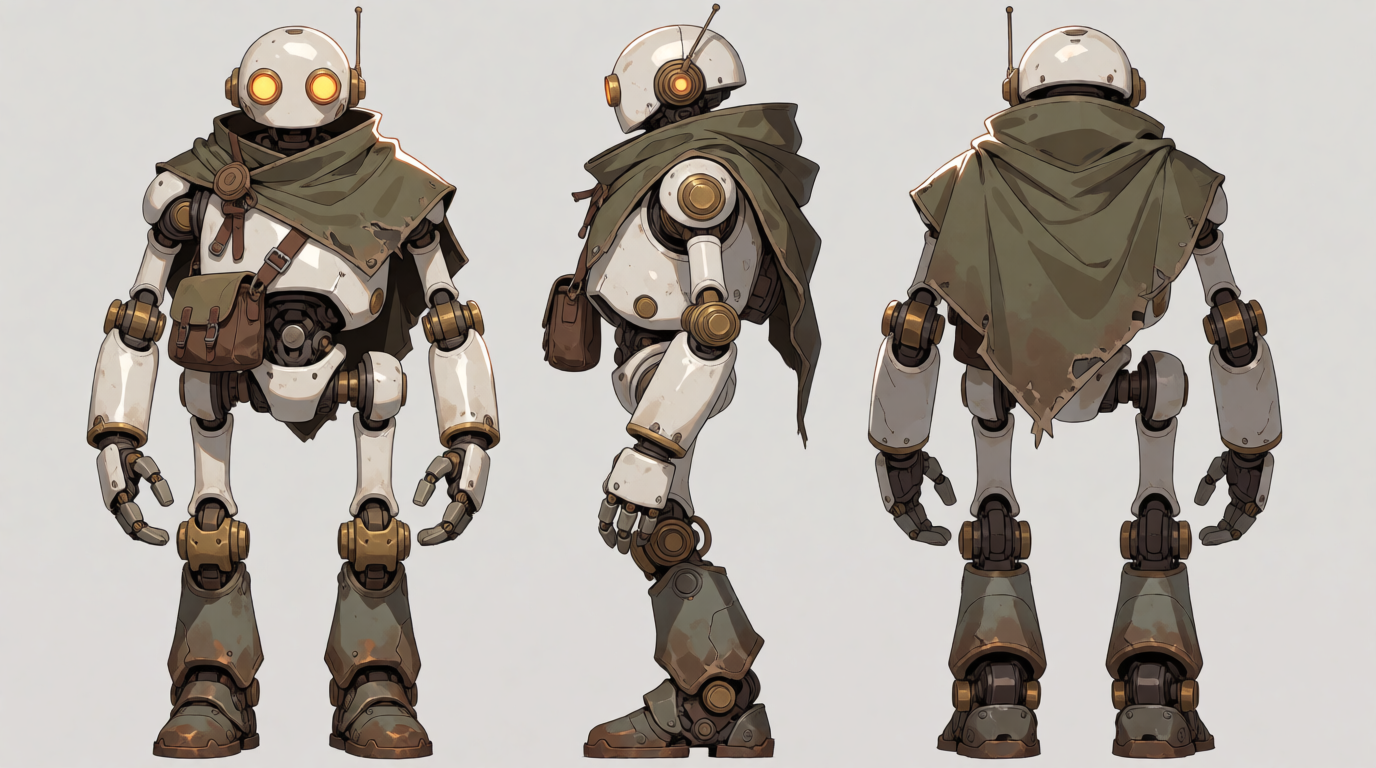
Prompt (multi-view reference):
Character turnaround sheet of a stylized robot adventurer: front view, side view, and back view, consistent proportions, flat neutral background, clean concept art style
Variation tips: “consistent proportions” is the phrase that keeps the three views usable as a set; generate the sheet, crop the views, and feed them to a multi-view 3D model separately.
Which one should you pick?
- You already generate images or video with AI: Krea — the reference-image step and the 3D step live in one subscription, alongside image, video, and edit tools.
- You want one dedicated 3D tool and wide export options: Meshy.
- You iterate fast on game props and want the cheapest paid plan: Tripo.
- You want free, or you self-host: Hunyuan 3D.
- You need one high-fidelity mesh, not fifty drafts: Rodin.
- The output lives on a website, not in an engine: Spline.
For the neighboring questions — free image and video generation — see our guides to the best free AI image generators, the best free AI video generators, and the top AI tools by what you make.
AI 3D model generators: FAQ
What is the best free AI 3D model generator?
Which AI 3D model generator is the best?
What is the best AI 3D model generator in 2026?
How much do AI 3D model generators cost?
How to turn a 2D image into a 3D model with AI?
How to make an AI 3D model of yourself?
Start with the reference image
The best 3D results start from a clean 2D reference. Generate one free with Krea 2, then convert it on a Pro plan.
Try Krea free