“Is there anything better than FaceApp?” usually means one of two different requests. Some people want the same thing FaceApp does — tap a filter, get an aged face, a gender swap, or a new hairstyle, in one step, on a phone. Others have a photo they want to change in a way no preset covers: a specific new hair color, a different outfit, a different room, a different mood. FaceApp is built for the first job. This guide compares it against Facetune and Remini, then covers Krea for the second job — and says plainly where Krea does not replace FaceApp.
Portrait tools at a glance
| # | Tool | Best at | Free tier | Price (checked Sep 2026) |
|---|---|---|---|---|
| 1 | FaceApp | One-tap aging, gender swap, hairstyle filters | Many filters free, watermarked | No published fixed price; monthly/annual in-app, ~$4.99/week or ~$19.99/year per third-party trackers |
| 2 | Facetune | One-tap skin, body, and feature retouching | Free tools with a weekly save limit | $25/mo, $40/quarter, or $77.99/yr (facetuneapp.com), 7-day trial |
| 3 | Remini | Face reconstruction on old/blurry photos | Free app with ads | From $4.99/week (App Store listing) |
| 4 | Krea | Prompt-driven portrait restyle: age, hair, scene, lighting | Krea 2 image generation, 100 compute units/day | Free; Individual Pro $35/mo for 20,000 units |
Restyle a portrait with a written prompt
Describe the change you want — older, a new hairstyle, a new scene — instead of picking from a filter list.
Try Krea EditHow we chose and tested
FaceApp’s numbers come from its own FAQ and Terms of Use, checked live on 2026-09-30. FaceApp publishes no fixed price, so the weekly and yearly figures here are estimates from a third-party price tracker, flagged as such. Facetune’s prices come directly from facetuneapp.com/pricing, fetched the same day. Remini’s price is its own App Store listing; our photo enhancer guide covers Remini in depth, so this post keeps it short. Krea’s plan numbers come from its pricing page, also checked live.
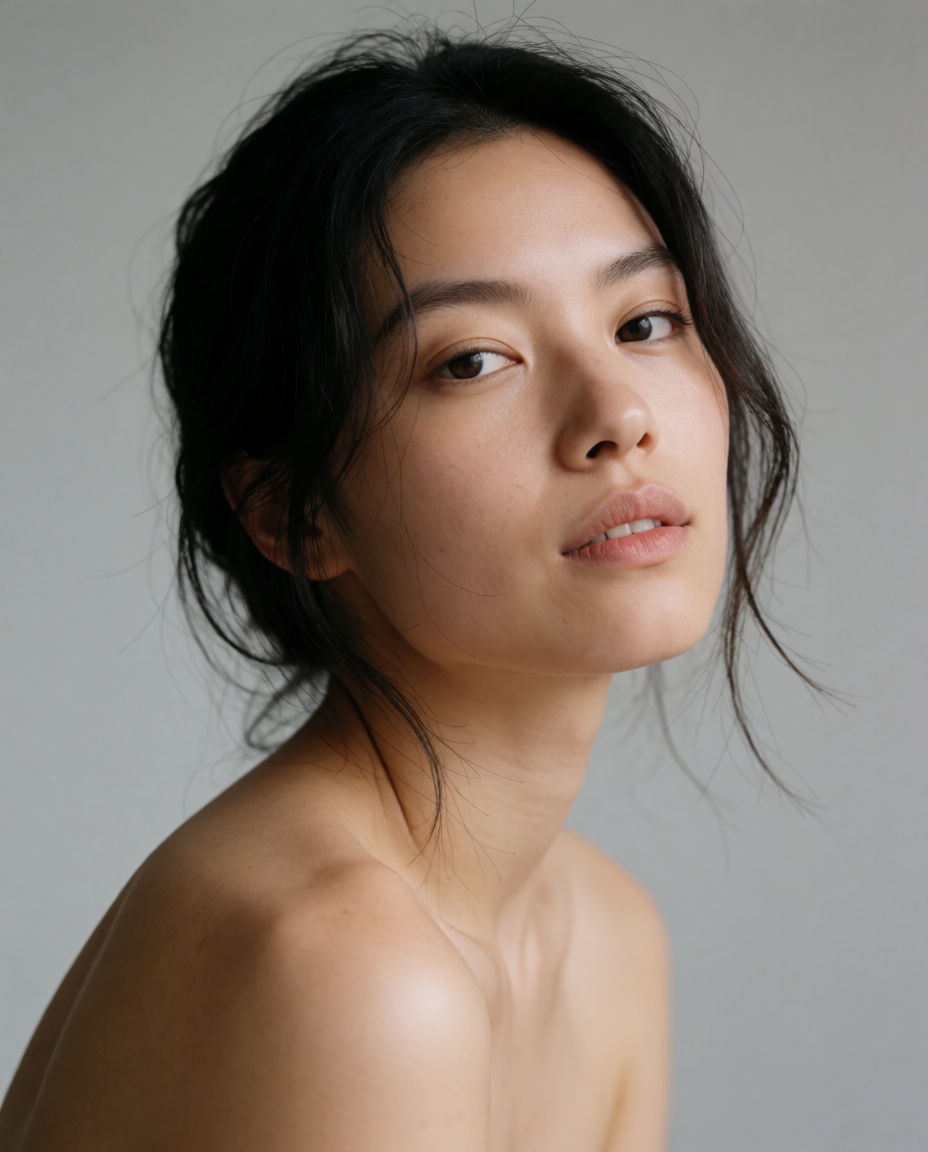
We judged each tool on one question: what does it do to a portrait, in how many steps, for how much money. Every image below is a single, raw Krea 2 Turbo generation from the exact prompt printed beside it — none are outputs from FaceApp, Facetune, or Remini. They illustrate the kind of look each tool is built to produce, or, in Krea’s section, the actual result of the printed prompt.
1. FaceApp — one-tap aging, gender swap, and hairstyle filters
FaceApp is the app most people mean by “the aging filter app.” Its App Store listing describes more than 60 photorealistic filters for a single selfie: aging and de-aging, gender swap, hairstyle and hair color changes, smiles, and makeup. FaceApp’s FAQ states that “the aging filters can be used in both the free and Pro versions of FaceApp,” and that “many popular features and filters are included in the free version.” Pro unlocks the rest and removes the watermark; FaceApp’s Terms of Use state that “if you use the free version of the App, you hereby agree that FaceApp may place its watermark on Transformed Content.”
FaceApp does not publish a fixed Pro price. Its FAQ says only that “FaceApp Pro subscription is available in different plans (for example, monthly and annual)… To view current subscription options and prices in your local currency, check the PRO section inside the app,” and that “the annual plan is usually the best value.” Third-party price trackers report roughly $4.99/week or $19.99/year as of 2026, but treat that as an estimate, not FaceApp’s own number — the App Store and Google Play show your actual local price. A free trial may or may not be offered, depending on your country.
Filter recipe (aging): open a selfie → the Age filter → pick a direction (older or younger) → the app applies its aging model in one tap → compare to the original before saving, since Pro removes the watermark the free result carries.
Variation tips: the gender-swap and hairstyle filters follow the same one-tap pattern. Small, front-facing, well-lit selfies give the most convincing result; side angles and low light make the filter’s seams more visible.
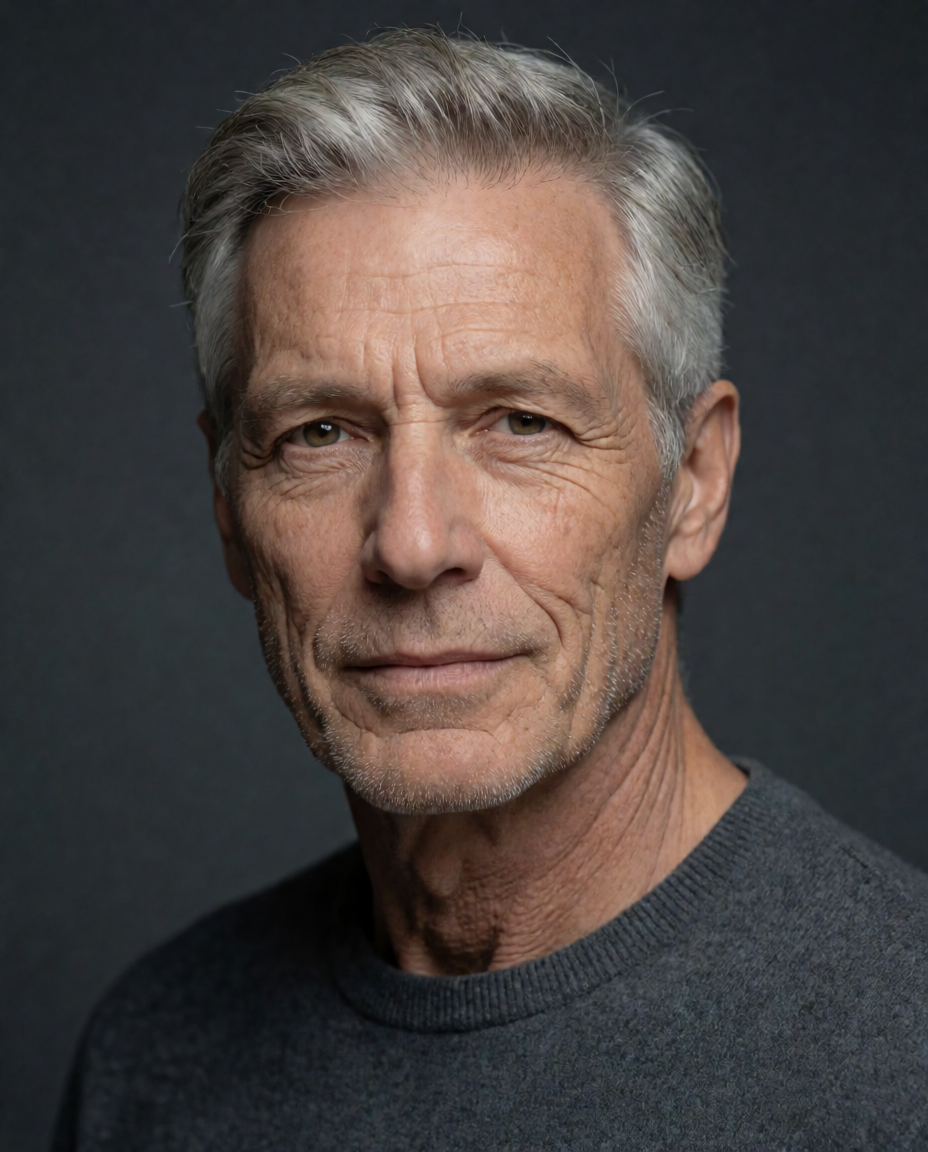
The kind of result FaceApp’s aging filter is known for, shown as a raw Krea 2 Turbo generation of the look — not FaceApp output:
Prompt (Krea 2 Turbo):
Photorealistic portrait of a man in his 30s, digitally aged to look 70 years old, natural wrinkles and gray hair, same facial structure, soft studio light, realistic skin texture
Where it stops: FaceApp does one job — apply a pretrained filter to a face — extremely well, in one tap. It does not let you describe a custom change (“make my hair copper and curly, change the background to a beach”); you pick from its filter list. And because it does not publish a price, comparing the real cost across regions and app stores takes an extra step the other tools here do not require.
2. Facetune — one-tap skin, body, and feature retouching
Facetune, made by Lightricks, is the app most people reach for to retouch a photo before posting it: smoothing skin, whitening teeth, reshaping facial features, and adjusting body proportions, each as a slider or a one-tap tool rather than a written instruction. Facetune is free to download, and its pricing page states plainly: “Facetune is free to download. Subscriptions to Facetune start at $25 per month, with discounted options if you subscribe quarterly ($40 every 3 months) or annually ($77.99 per year, saving you nearly 50%).” A 7-day free trial applies to all three plans; Facetune’s help center describes the free tier as selected editing tools with a weekly save limit, no subscription required. Mobile in-app pricing inside the iOS or Android app can differ from the web price above — check your app store before subscribing.
Filter recipe (portrait retouch): open a photo → Smooth for even skin, kept low so texture survives → Whiten on the teeth only → Reshape for a slight jaw or eye adjustment → Details to sharpen eyes and hair → compare zoomed on the face before saving.
Variation tips: stack small adjustments rather than one large one — a single aggressive Smooth pass is the most common way a retouch looks fake. Reshape works face by face on a group photo; do not apply one setting to a crowd.
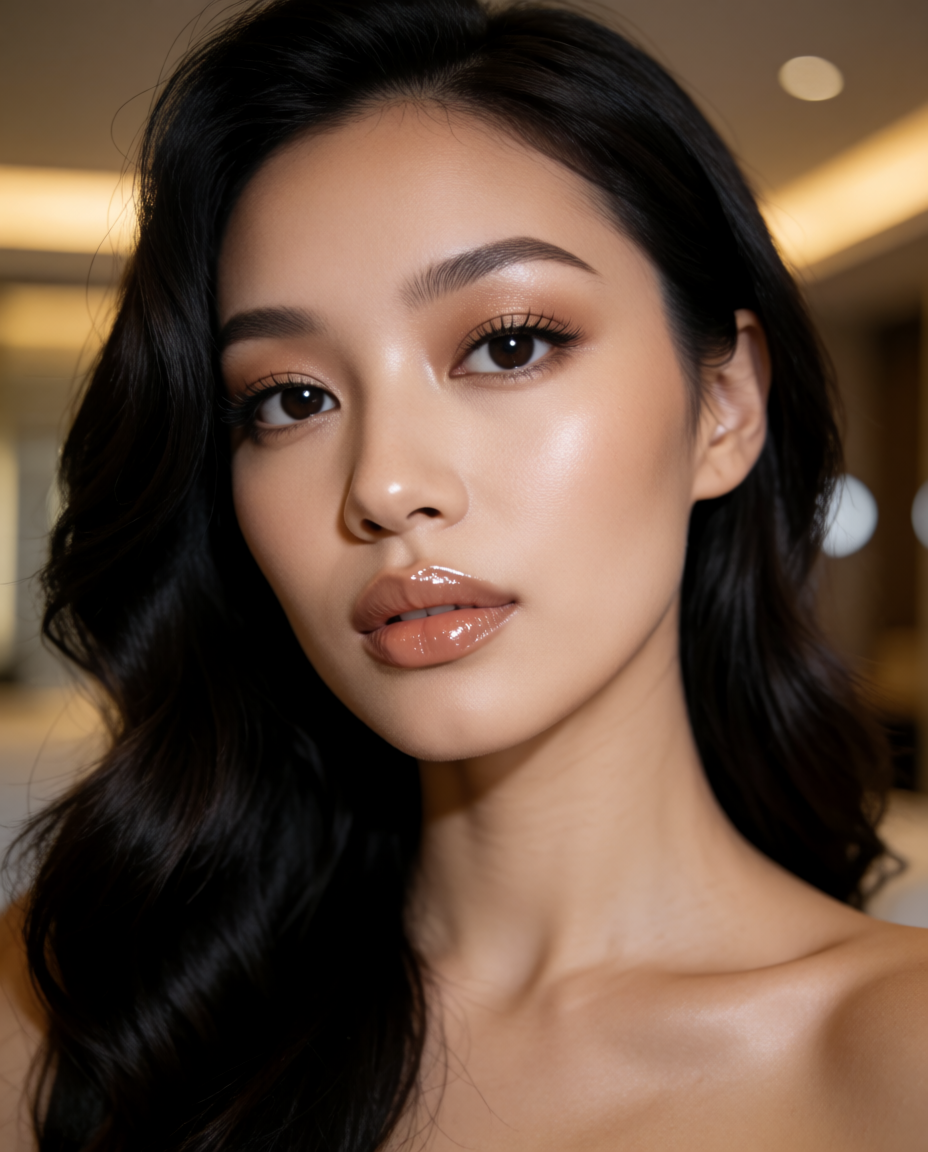
The kind of result Facetune’s retouch tools are built for, shown as a raw Krea 2 Turbo generation of the look — not Facetune output:
Prompt (Krea 2 Turbo):
Glamour portrait of a woman, smooth even skin, subtle facial retouching, glossy lips, soft beauty lighting, high-end selfie aesthetic
Where it stops: Facetune retouches an existing photo; it does not generate a new scene, a new hairstyle, or a new outfit from a description. At $25/month for the web plan, it is the most expensive of these tools if you pay monthly — the yearly plan at $77.99 is the value option, and the free tier’s weekly save limit is real: expect to hit it if you edit often.
3. Remini — face reconstruction on old and blurry photos, briefly
Remini is built for a narrower job than FaceApp or Facetune: reconstructing detail on small, blurry, or scanned faces, most often old family photos. It is a genuine comparison point here because its face-recovery mode does change how a face looks, the same broad category as FaceApp’s filters — but its purpose is restoration, not creative restyling. Its App Store listing lists in-app plans from $4.99/week, with the free version ad-supported and export-limited. Our photo enhancer guide already covers Remini’s pricing, free-tier limits, and a settings recipe in full, so we will not repeat it here.
Where it stops, in short: Remini reconstructs faces that are already in a photo; it has no aging filter, no gender swap, and no hairstyle change tool. If a face is already sharp, Remini has little to add — the tools above are the ones built for that.
4. Krea — restyle a portrait with a written prompt, not a filter list
Krea is not a face-filter app, and this section says that first. Krea Edit and Krea 2 image generation work by prompt: you describe the change — older, a different hairstyle, a different scene, different lighting — and the model applies it, region by region if needed. FaceApp’s aging filter is a pretrained, one-tap transform built and tuned for exactly that one job; Krea has no equivalent one-tap “make me older” button. What it has instead is a general portrait editor that can produce a similar creative outcome — an aged look, a new hairstyle, a changed background — from a sentence, because the result is generated, not selected from a preset list.
Krea’s pricing page lists a Free plan with no credit card: 100 compute units per day, Krea 2 image generation, and limited upscaling to 2K, but no commercial license and no access to the full model library. Individual Pro is $35/month for 20,000 compute units, which adds the commercial license and the rest of Krea’s image and video models.
Copy-paste prompt (aging look):
Portrait of a person, styled as an older version of themselves, same identity, natural aging, soft studio light
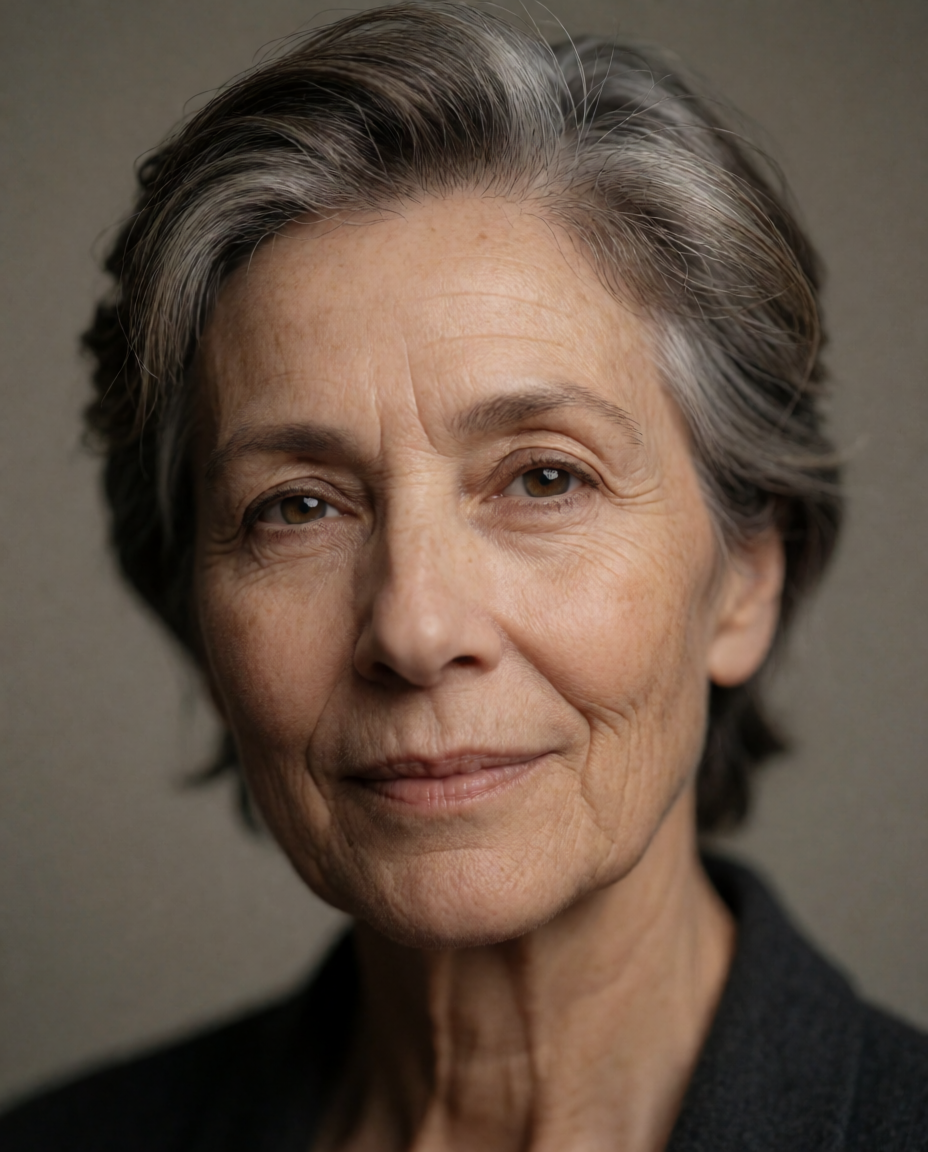
Variation tips: name the specific aging cues you want — gray hair, wrinkles, a receding hairline — rather than just “older,” and Krea 2 follows them more consistently. Add “same facial structure” to keep the result recognizable as the same person.
Copy-paste prompt (hairstyle change):
Portrait of a person, hairstyle changed to a short textured crop, outdoor golden-hour lighting, cinematic film photography look, same facial features, natural expression
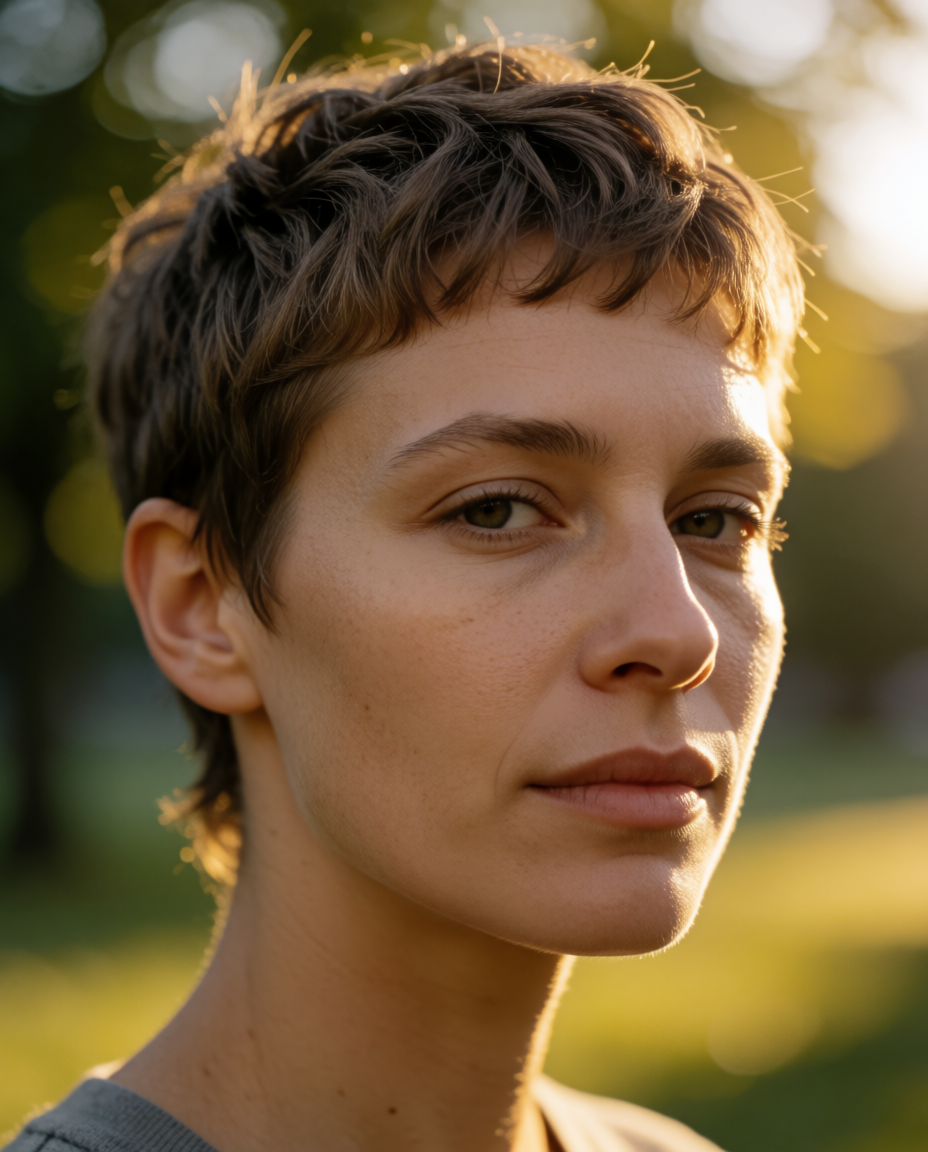
A third restyle, changing the scene rather than the face, shows the same range applied to setting instead of age or hair:
Prompt (scene change):
Portrait of a person, background changed to a cozy candlelit cafe interior, warm bokeh lights, natural color grading, photorealistic
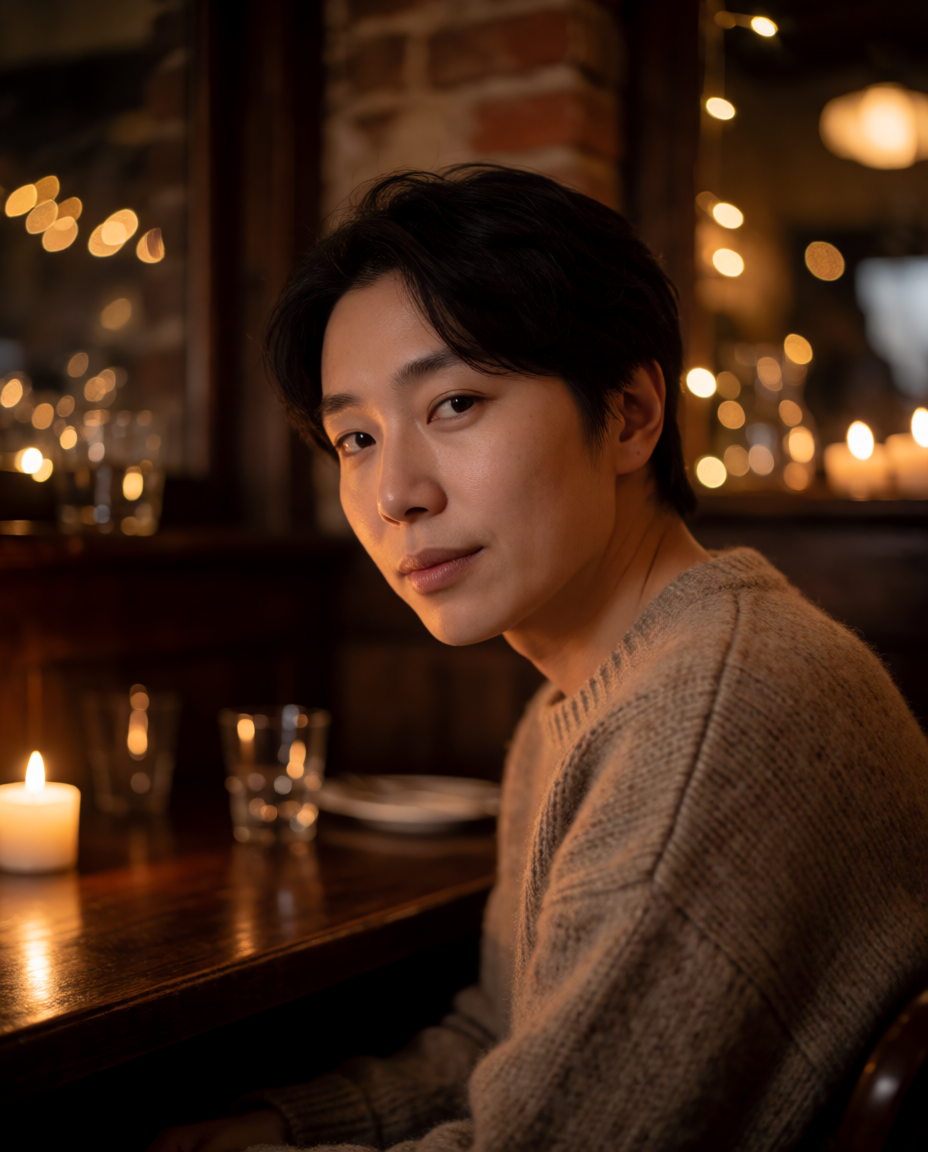
Variation tips: describe the light source and its color (“candlelit,” “warm bokeh”) rather than just naming the location — lighting language drives more of the mood shift than the setting name alone. To restyle an actual uploaded photo, region-select the background in Krea Edit and describe only the part you want changed; the face holds.
Where it stops, honestly: Krea is not a one-tap aging or gender-swap filter app, and it does not carry FaceApp’s specific pretrained aging or gender transforms as ready-made presets. Every restyle here took a written prompt, and prompt results vary run to run in a way a fixed filter does not. If what you want is FaceApp’s exact one-tap simplicity — press Age, get the same aging transform every time — stay with FaceApp or a similar filter app. If what you want is a specific creative outcome no preset covers, a written prompt is the more flexible tool, and that is the case Krea is built for. See our full guide to editing and stylizing a photo with AI for more region-edit and restyle recipes.
Three restyles from three written prompts, generated with Krea 2 Turbo
Age, hairstyle, and scene each changed by a different written prompt, not a filter preset. Every image is the exact prompt's raw output.
Describe the restyle you want
No filter list — write what should change about the portrait, and Krea Edit applies it.
Try Krea EditFree tiers compared
“Is FaceApp free?” and “is Facetune free?” both have the same short answer: yes to download, no to the full feature set.
| Tool | Free allowance | Watermark | What free will not do |
|---|---|---|---|
| FaceApp | Many filters, unspecified quota | Yes, on free exports | All filters, and a clean export |
| Facetune | Selected tools, weekly save limit | Not stated | Full retouch toolkit past the weekly limit |
| Remini | Free app, ad-supported | No (ads instead) | Ad-free, unlimited exports |
| Krea | 100 compute units/day, Krea 2 only | No | Commercial license, full model library, higher-res upscaling |
Which one should you pick?
Pick by what you actually want to do to the photo:
- A one-tap aging, gender-swap, or hairstyle filter, no writing required → FaceApp. Free covers most filters with a watermark; Pro removes it, at a price only shown inside the app.
- Retouching a photo you already like — skin, teeth, body, features → Facetune. $77.99/year is the value plan; the free tier’s weekly save limit is a real constraint if you edit often.
- An old, blurry, or scanned face that needs reconstruction, not restyling → Remini, covered in full in our photo enhancer guide.
- A specific creative change no preset covers — a described age, hairstyle, outfit, or scene → Krea. Free to start at 100 compute units/day; write the prompt instead of picking a filter, and expect to iterate on the wording.
- FaceApp’s exact one-tap simplicity, nothing else → nothing here replaces that; stay with FaceApp.
Frequently asked questions
Is there anything better than FaceApp?
What is the best FaceApp alternative?
Can AI change how old I look in a photo?
Is FaceApp actually free?
Does Krea have a one-tap aging filter like FaceApp?
What is the cheapest FaceApp alternative?
Restyle a portrait your way
Write the change instead of picking a filter. Free to start, no credit card.
Try Krea Edit free