DALL-E, as a standalone product, does not exist anymore. OpenAI retired the DALL-E 3 model from its API on May 12, 2026, and inside ChatGPT the DALL-E brand had already been quietly replaced back in March 2025 by OpenAI’s newer GPT Image family. What people still call “DALL-E” today is really ChatGPT’s built-in image generator, and on the free plan it is capped hard: OpenAI doesn’t publish one fixed number, but independent trackers and community reports consistently land on roughly 2 to 3 images per rolling 24-hour window before you hit a wall. That is a real constraint if you need more than a couple of images a day and don’t want to pay $20/month for ChatGPT Plus. This guide covers five places to generate images for free or near-free instead — Krea, Microsoft’s Bing/Copilot Image Creator (which is, honestly, also DALL-E under the hood), Ideogram, Adobe Firefly, and Leonardo.Ai — with what each one’s free tier actually includes, what it costs to go further, and where each one stops being enough.
How DALL-E works today (and why people look elsewhere)
Two routes exist. Inside ChatGPT, free users get that rolling 2-3-images-a-day allowance on GPT Image, reset on a per-user clock rather than at midnight. Paying $20/month for ChatGPT Plus or $8/month for the lighter Go plan raises the ceiling substantially, though OpenAI doesn’t publish an exact Plus quota either — it shows your remaining allowance in the product. The other route is the API: gpt-image-1, gpt-image-1-mini, and the newer gpt-image-2 replaced DALL-E 3 entirely, billed per image rather than per subscription, with gpt-image-2 running from roughly $0.006 a frame at low quality up to about $0.21 at high quality on a 1024×1024 output. Neither route is free beyond that small daily ChatGPT allowance, and neither gives you a dashboard of past generations, style controls, or a commercial license baked into a free tier the way some of the alternatives below do.
At a glance: free alternatives to DALL-E
| Tool | Free tier | Cheapest paid plan | What free actually gets you |
|---|---|---|---|
| Krea | 100 compute units/day, no card | Basic, $9/month ($5.25/month billed yearly) | Krea 2 image generation, basic 2K upscaling, limited LoRA training — no video, 3D, Nodes, or commercial license |
| Bing/Copilot Image Creator | Free, unlimited at standard speed, limited daily “boost” credits for faster generation | Copilot Pro, from $20/month | DALL-E-family image generation (GPT-4o/MAI-Image-1 now mixed in), personal non-commercial license only |
| Ideogram | 10 slow credits/week | Plus, $20/month ($15/month billed yearly) | Full model set including text-in-image, but outputs are public and queued |
| Adobe Firefly | Daily generations across image/video/audio, count not published | Standard, $9.99/month | A curated model set inside Adobe’s ecosystem; the strongest partner models (Gemini, GPT Image, Kling) burn credits fast |
| Leonardo.Ai | 150 tokens/day, resets every 24 hours | Essential, $12/month ($10/month billed yearly) | Phoenix model plus a canvas/video toolset, but every free output is public |
ChatGPT itself isn’t in this table on purpose — its free image allowance is roughly 2-3 a day with no dashboard, no style system, and no way to keep generations private, which is the entire reason people search for an alternative.
How we verified this
Every number in this post comes from a vendor’s own pricing or help page, checked this week in October 2026, plus two of Krea’s own recent deep dives on Adobe Firefly and Leonardo.Ai, both last updated in September 2026. Krea’s own free-tier facts come from krea.ai/pricing, read directly off its check/x feature marks rather than assumed. Microsoft does not publish one fixed weekly boost number for Bing/Copilot Image Creator — community reports on Microsoft’s own support forum range from 15 to 25 over the course of 2026, so we state that as a range rather than inventing precision OpenAI’s partner doesn’t offer. Every image below is a single, raw Krea 2 generation made from the exact prompt printed beside it — none of them were made with the tool they illustrate, and none imply a screenshot of a competitor’s product.
Generate free, keep it private
Krea's free plan runs Krea 2 at 100 compute units a day — no card, and nothing lands in a public feed.
Try Krea 2 free
A single, raw Krea 2 generation illustrating “which way now” — not a real signpost, not made by any tool in this post.
1. Krea — best for private generations and a photoreal model
Prompt:
Photorealistic macro photo of a cheerful red fox wearing a striped scarf sitting in a snowy pine forest, soft winter daylight, shallow depth of field, no text
Variation tips: swap only the style clause (photorealistic → flat vector, oil painting, etc.) and hold the subject fixed to see a model’s range without rewriting the whole brief.
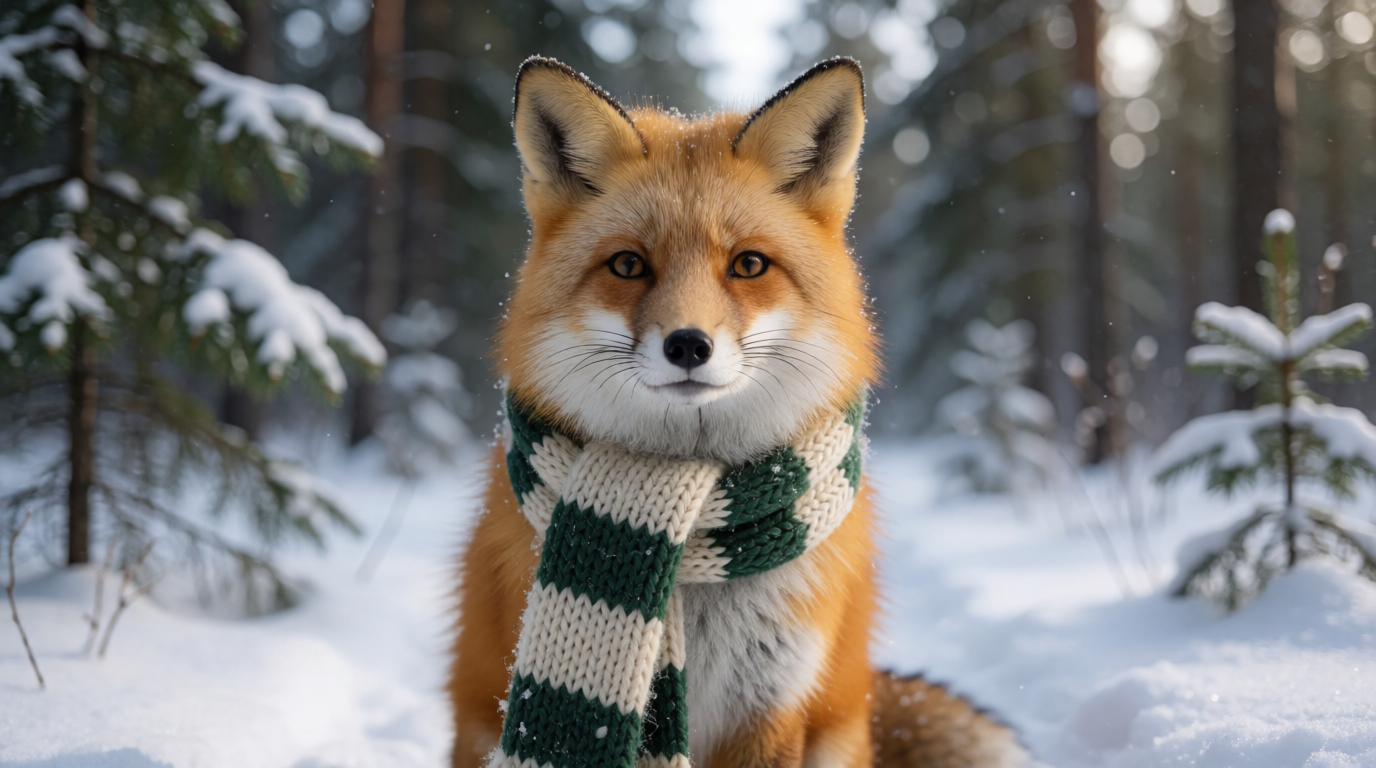
Krea’s biggest practical difference from ChatGPT’s free image allowance is that nothing you generate on Krea is public by default, and the free allowance is daily rather than a hard monthly wall. Per krea.ai/pricing, checked this week, the Free plan gives 100 compute units a day, no credit card required, and runs Krea 2 image generation with limited LoRA training (up to 50 images) and basic upscaling to 2K resolution. The site’s own feature table marks full access to the broader third-party model library, video generation, 3D and lipsync models, Krea Nodes, and the commercial license with an explicit “x” on Free — those are Basic-and-up features, not Free ones.
Style range is the thing a single ChatGPT image allowance can’t show you in three tries a day. Below is the same fox, same scarf, same forest, generated twice with only the style words changed — both raw Krea 2 outputs:
One scene, two styles — raw Krea 2 outputs

Prompts:
Flat vector illustration of a cheerful red fox wearing a striped scarf sitting in a snowy pine forest, warm color palette, clean geometric shapes, greeting card style, no text
Photorealistic macro photo of a cheerful red fox wearing a striped scarf sitting in a snowy pine forest, soft winter daylight, shallow depth of field, no text
Variation tips: keep every noun identical across both prompts and change only the adjectives describing medium and lighting — that isolates the style difference instead of also changing the composition.
Where Krea stops: the free plan does not include the full model library, video, 3D, lipsync, Krea Nodes, or a commercial license — those start at Basic, $9/month ($5.25/month billed yearly) for 5,000 compute units a month. If your whole need is “generate a couple of private images a day with real style control,” Free covers it; if you need video or commercial rights on your output, you’re paying regardless of which tool you pick.
Try Krea 2 free — 100 compute units a day, no credit card.
2. Bing/Copilot Image Creator — the closest thing to “free DALL-E” that still exists
Prompt:
Simple cheerful birthday card illustration of a golden retriever puppy wearing a party hat surrounded by balloons and confetti, bright pastel background, playful clean illustration style, no text
Variation tips: Image Creator favors short, concrete prompts with one clear subject — long multi-clause prompts tend to get flattened into a generic composition.

A raw Krea 2 generation illustrating a casual card-making use case — not a Bing or Copilot screenshot.
Here’s the honest note the task asked for: Microsoft’s Image Creator from Designer (formerly Bing Image Creator) is still, in large part, DALL-E. It launched on DALL-E 2, moved to DALL-E 3, and in 2026 mixes in GPT-4o image generation and Microsoft’s own MAI-Image-1 depending on the request — so picking this as a “DALL-E alternative” is really picking a different front door to overlapping OpenAI technology, not a clean break from it. What makes it worth listing anyway is the price: it’s free with just a Microsoft account, generation is effectively unlimited at standard speed, and a pool of daily “boost” credits (reports on Microsoft’s own support forum put the number anywhere from 15 to 25 over the course of 2026 — Microsoft hasn’t published one fixed figure and has changed it more than once) buys faster generation once you burn through them, dropping you to a slower queue rather than cutting you off.
The catch that matters more than the boost count: Microsoft’s consumer license is personal and non-commercial. “Free” here does not clear an image for client work, paid merchandise, or advertising — if you need commercial rights, this option is out regardless of cost. Copilot Pro starts around $20/month and raises daily boosts to 100, but still sits inside the same consumer terms.
Where it stops: no API, no batch generation, square 1024×1024 output in most flows, and a license that rules out commercial use even on the (hypothetical) paid tier. It’s the right pick only when “free and unlimited at slow speed” matters more than ownership of what you make.
3. Ideogram — best for accurate text inside the image
Prompt:
Vintage travel poster for a mountain town, bold condensed typography reading “ALPINE RIDGE” across the top, a snow-capped peak and a pine forest below, muted retro color palette, clean crisp lettering, poster art style
Variation tips: quote the exact text you want rendered, in quotation marks, and keep it short — three or four words renders far more reliably than a full sentence.
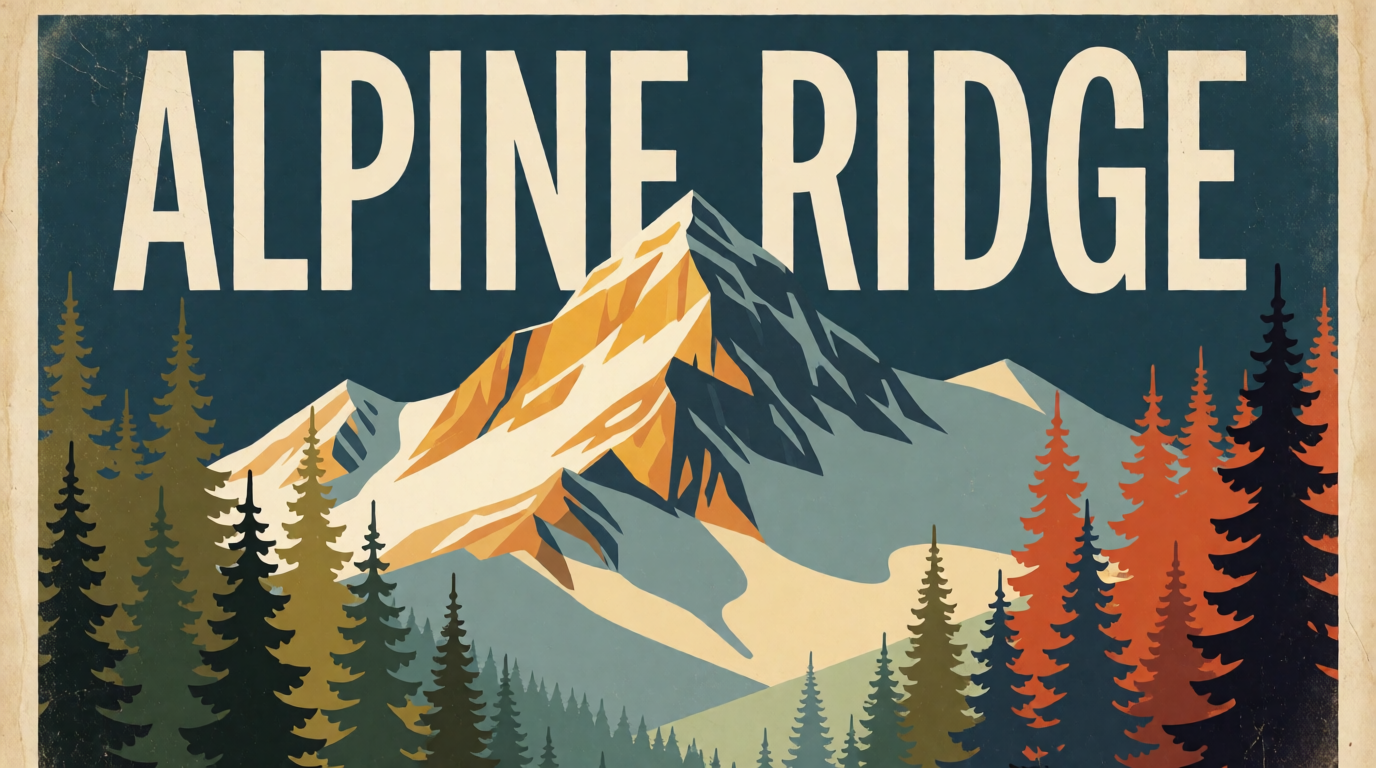
A raw Krea 2 generation illustrating the kind of lettered-poster brief Ideogram is known for — not an Ideogram screenshot.
Ideogram built its reputation on rendering legible text inside a generated image — logos, posters, product labels — a job DALL-E’s successors handle inconsistently. Its free plan gives 10 slow credits a week, enough for roughly 10-40 images depending on which model you select, run through a queue that can take several minutes under load. The catch: by Ideogram’s own account, images made on the free tier are public by default and visible in its explore feed, and you can’t delete them afterward.
Ideogram Plus is $20/month ($15/month billed yearly) for 1,000 priority credits, unlimited slow credits, and private generation; Pro is $60/month ($42/month billed yearly) for 3,500 priority credits plus batch generation. Both paid tiers add quality export and drop the public-feed requirement.
Where it stops: free outputs are public and permanent, the slow queue is genuinely slow under load, and private generation — the thing most people actually want from “a DALL-E alternative” — is a paid-only feature here. If privacy matters more than text accuracy, look elsewhere on this list first.
4. Adobe Firefly — best if you’re already paying for the Adobe ecosystem
Prompt:
Flat lay photo of a brand identity design board on a wooden desk, color swatches, a logo mockup card, packaging mockup boxes, neatly arranged, soft studio lighting, overhead shot, no readable text
Variation tips: name the surface and lighting explicitly (“wooden desk,” “soft studio lighting”) — flat-lay prompts without a stated light source tend to render flat and shadowless.
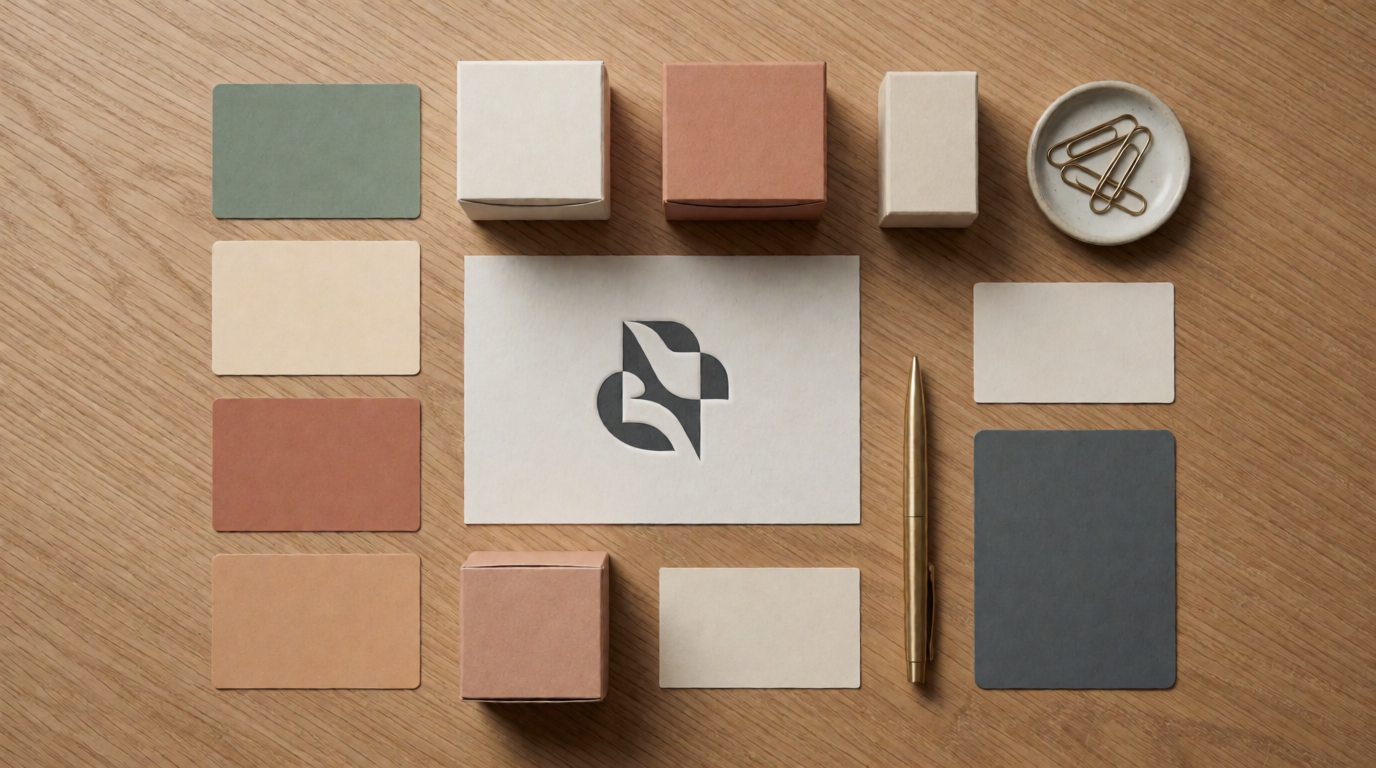
A raw Krea 2 generation illustrating a brand-design use case — not an Adobe Firefly screenshot.
Adobe Firefly gives free daily generations across image, video, and audio on a curated model set that refreshes every day — Adobe doesn’t publish the exact daily count, only that it resets. The appeal isn’t the free allowance itself; it’s that Firefly sits inside Photoshop, Express, and Illustrator, so a generated image can go straight into a layered design file instead of being exported and re-imported from somewhere else.
Standard image generations are unlimited on every paid tier, and credits only meter the “premium” generations — the partner models Adobe now resells inside Firefly, including Gemini, GPT Image, and Kling. Firefly Standard is $9.99/month for 2,000 credits; Pro is $19.99/month for 4,000; Pro Plus and Premium run $49.99 and $199.99/month respectively (Adobe discounts both 30% for a first year at time of writing), topping out at unlimited Veo 3.1 Fast and Kling 3.0 video on Premium.
Where it stops: Firefly’s own in-house image models have historically trailed the frontier on photorealism and prompt adherence, which is part of why Adobe now resells other vendors’ models inside it — and running those partner models is exactly what burns through your credit balance fastest. If you don’t already pay for Creative Cloud, the ecosystem benefit disappears and you’re left paying for access to models you could use more cheaply on their own platforms.
5. Leonardo.Ai — best for a broader toolset on one free daily allowance
Prompt:
Fantasy concept art of an armored warrior character standing on a cliff edge at sunset, dynamic rim lighting, dramatic clouds, digital painting style, game asset illustration, no text
Variation tips: name the lighting direction (“rim lighting,” “sunset”) explicitly — concept-art prompts read as flatter digital paintings without a stated light source.
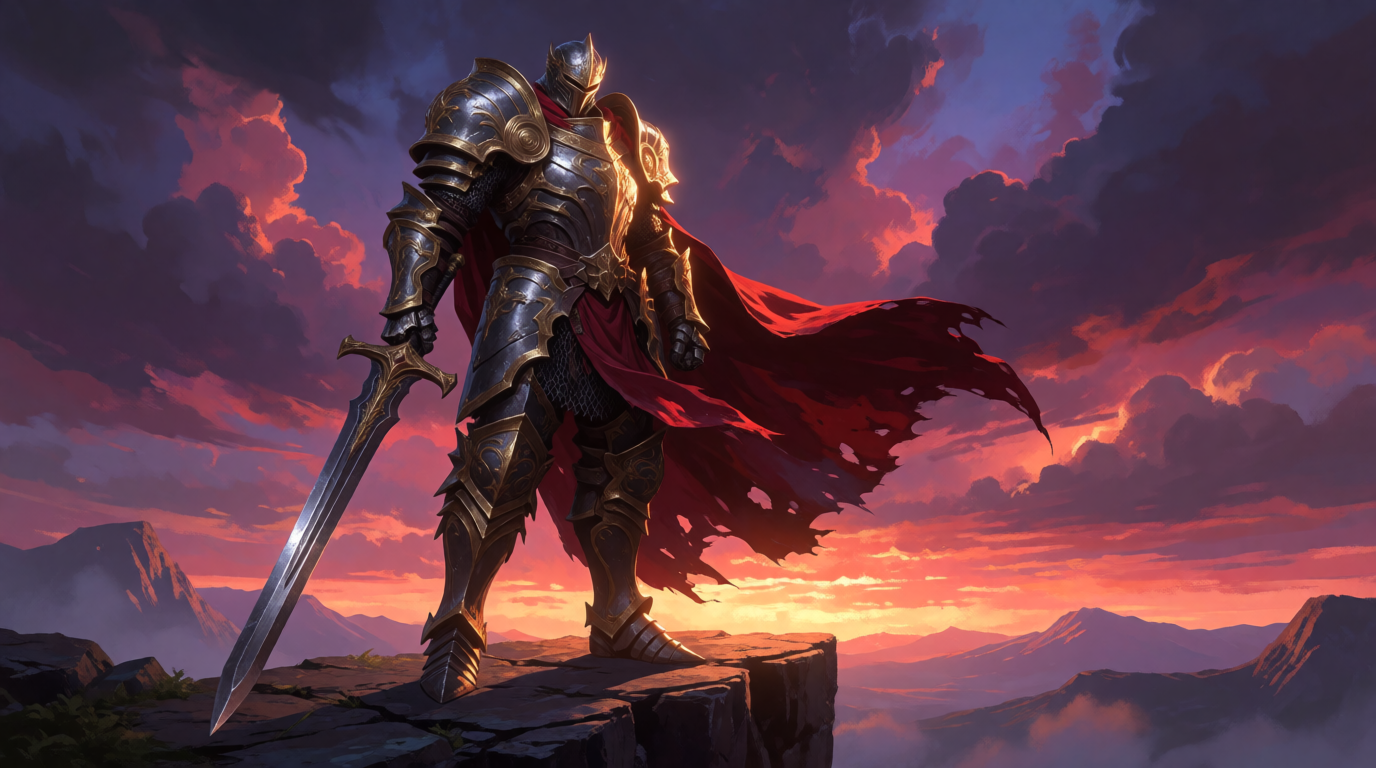
A raw Krea 2 generation illustrating a concept-art use case — not a Leonardo.Ai screenshot.
Leonardo.Ai, owned by Canva, gives 150 tokens a day on its free plan, resetting every 24 hours, with access to its Phoenix model plus canvas, image-to-video (on some models), and basic 3D tooling in one place — a broader toolset on one page than most of this list. The number of images 150 tokens buys varies by model: a dozen generations on a cheap model, far fewer on an expensive one.
The real cost of free here isn’t the token count, it’s privacy and ownership. Per Leonardo’s own Commercial Usage article, free-tier generations are “publicly viewable for other Leonardo users to copy and remix,” and IP in free-tier content “will vest in us” — Leonardo — rather than in you. Paid plans flip both: private generation and output ownership. Essential is $12/month ($10/month billed yearly) for a monthly token allowance with a rollover bank; Premium and Ultimate scale up from there with more tokens and relaxed generation once you run out.
Where it stops: free output is public and not legally yours to claim ownership of, and video on the free tier only works on some models with no image-upload support. If you need the result to stay private from day one, budget for a paid plan before you start.
How to pick, without burning generations testing
Test the one constraint your use case can’t survive, not the one with the flashiest demo. Run the same subject through two or three tools and check specifically for the thing that actually matters to your job — not overall image quality, which most 2026-era models handle reasonably well.
- You need the result to stay private and off a public feed → Krea or a paid Ideogram/Leonardo plan. Krea’s free plan is private from day one; Ideogram and Leonardo only go private once you pay.
- You need commercial rights on day one, for free → none of these five clear that bar at $0. Krea’s free plan explicitly excludes the commercial license; Bing/Copilot’s consumer terms are non-commercial; Ideogram, Firefly, and Leonardo all gate ownership or commercial use behind a paid tier.
- You need legible text rendered inside the image → Ideogram, accepting that free-tier output is public.
- You’re already paying for Creative Cloud → Firefly, since the model access is a smaller add-on cost than starting fresh elsewhere.
- You want one free daily allowance plus a broader toolset (canvas, some video, 3D) → Leonardo.Ai, accepting public outputs on free.
- You just want more than 2-3 images a day for free, full stop, and don’t need commercial rights → Bing/Copilot Image Creator — it’s still substantially the same underlying OpenAI-family technology as DALL-E, just reached through a different front door and a more generous free allowance.
Start free, keep it private
Krea's free plan runs Krea 2 with 100 compute units a day, no credit card. Basic is $9/month ($5.25/month billed yearly) for the full model library, video, and commercial rights.
Try Krea freeA note on how small this question actually is
This post exists because people do ask it — “what are the best alternatives to DALL-E” is a real, measured monthly search behind an AI assistant, not a guess. It is also, honestly, the smallest-volume question in the batch of posts this one belongs to: roughly 3,800 monthly asks in the data we pulled, against a 3,800-11,400 range across the batch. That’s real demand, worth a genuinely useful answer — just not a signal to oversell. DALL-E’s retirement as a standalone brand is a smaller, more niche question than “is Midjourney free” or “ChatGPT vs Midjourney,” and this post sizes its claims accordingly.
For the wider field this narrows down from, see the best free AI image generators in 2026 and ChatGPT vs. Midjourney: which AI image generator in 2026. For a Midjourney-specific version of this same question, see the 5 best Midjourney alternatives in 2026 and is Midjourney free in 2026.