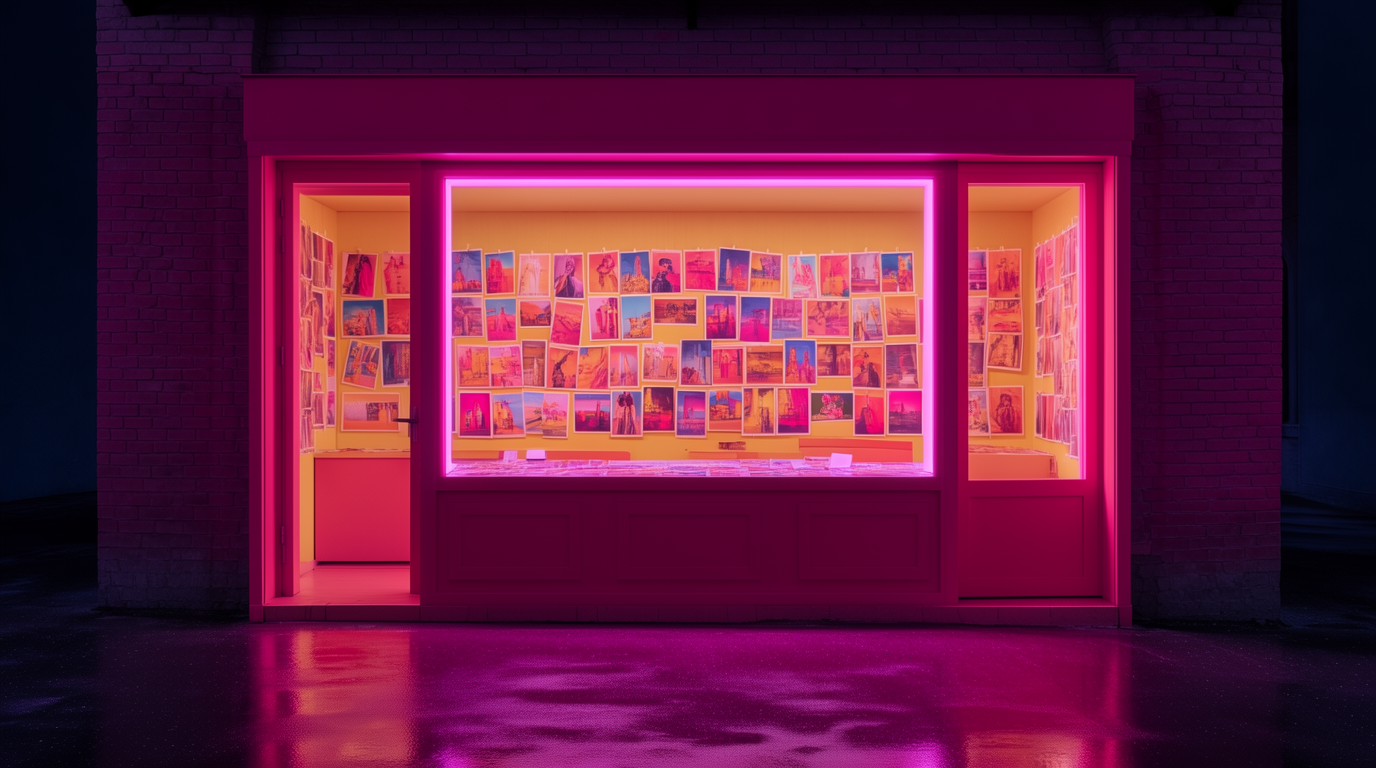
“Free AI image generator” usually means one of three things: a real free plan, a metered trial, or a free app with the good models behind a paywall. The difference decides whether you can finish a project without paying, so this guide compares the free tiers themselves — daily limits, which models you actually get, watermarks, and commercial use — not the paid products around them, or whether a free stock photo already covers the brief.
Every tool below has a genuinely usable free route in 2026. We list what each free tier includes, where it stops, and the kind of work it suits.
The best free AI image generators at a glance
| # | Tool | Best for | Free allowance | Catch |
|---|---|---|---|---|
| 1 | Krea | Frontier-model generation (Krea 2) | 100 compute units/day | Video, full library, commercial use are paid |
| 2 | ChatGPT (GPT-Image) | Long, specific briefs | Daily cap, slows under load | No editing pipeline |
| 3 | Google Gemini (Nano Banana) | Text in images, conversational edits | Generous, unpublished | SynthID watermark |
| 4 | Ideogram | Typography and logos | ~10 slow credits/day | Free images are public |
| 5 | Leonardo AI | Game-art styles | 150 fast tokens/day | Public + Leonardo holds the IP |
| 6 | Microsoft Copilot | Zero learning curve | 15 fast boosts, then slow queue | No settings, no pipeline |
| 7 | Canva | Images inside designs | ~20 premium AI credits/month | Quality trails dedicated tools |
Generate your first image free
Open Krea 2 and run your first prompt on today's free compute.
Open Krea 2How we chose and tested
Every allowance above comes from the provider’s published plan pages as of August 2026 — Ideogram’s plan docs, Leonardo’s pricing page, Canva’s Magic Studio limits, Microsoft’s boost system, and Krea’s own pricing page. We also ran the same three briefs through each free tier: a photoreal portrait, a product shot, and a typography poster. The example images in this post are raw single generations from the stated prompt — no retouching, no cherry-picking across dozens of attempts.
1. Krea — the most complete free plan
Krea’s free plan gives 100 compute units per day, no credit card: Krea 2 — the in-house frontier model — for direction-driven generation with style references, plus basic upscaling to 2K and limited LoRA training. Paid plans unlock the full model library (third-party image and video models), the 8K-class Enhancer, editing, and the commercial license. What makes the free tier notable is the model behind it: a frontier image model with style-reference control, not a demoted demo model.
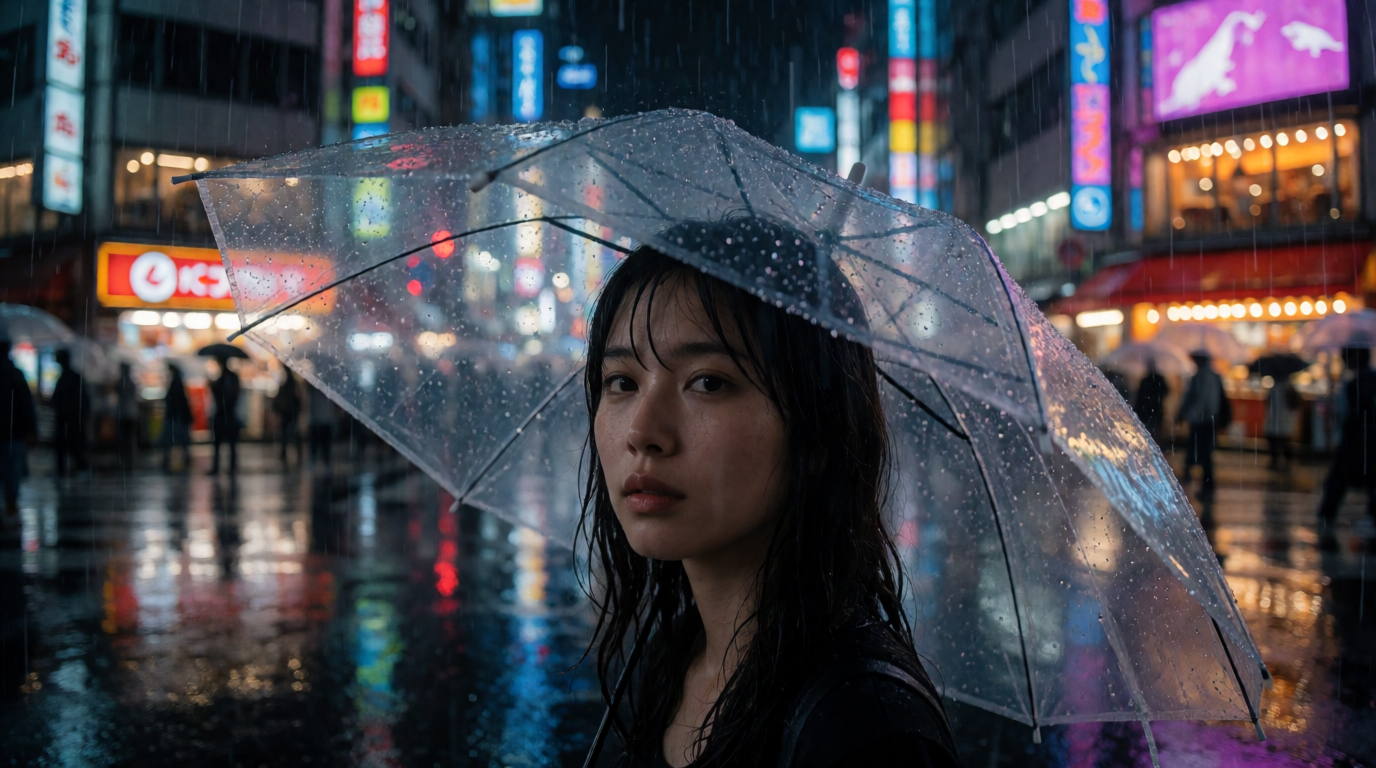
Prompt:
Photorealistic street portrait of a woman under a clear umbrella at a rainy neon-lit Tokyo crossing at night, reflections on wet asphalt, cinematic 85mm depth of field, natural skin texture, editorial photography.
Variation tips: swap “85mm depth of field” for “35mm environmental shot” to pull the scene wider; add a style reference image instead of adjectives when you need a repeatable look.
Style range is the other half of the argument. The grid below is one composition generated four ways — a free plan that only does one look forces a second tool the moment a client wants another:
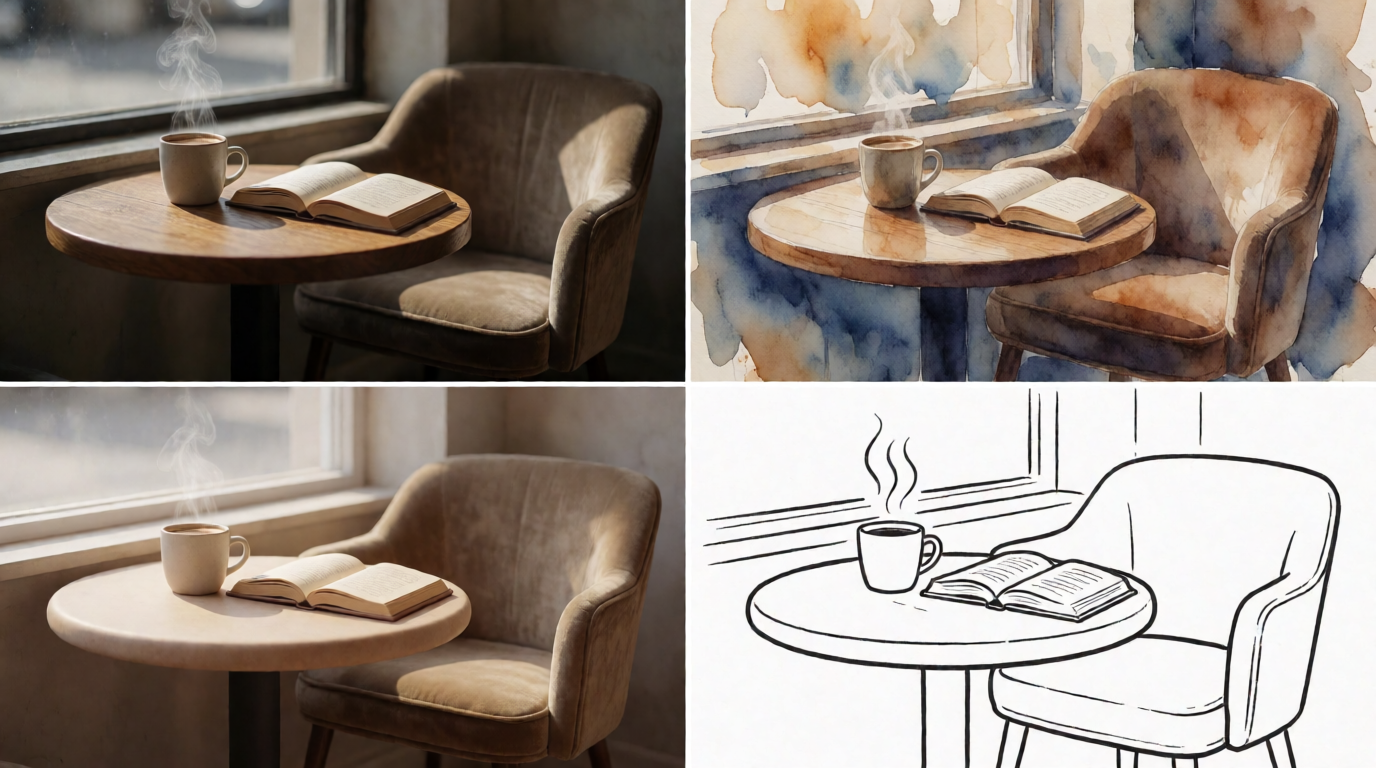
The trade-off: the free tier is images-only — video models, the full third-party library, and the commercial license sit on paid plans (pricing). If you are weighing Krea against Midjourney specifically, see Krea 2 vs Midjourney and our list of Midjourney alternatives.
2. ChatGPT — best free conversational generation
GPT-Image inside ChatGPT understands long, specific prompts better than most dedicated generators, and iterating by conversation (“same scene, but at night”) is natural. The free tier caps generations per day and slows under load, the limit covered in our free alternatives to DALL-E guide.
Prompt:
A flat-lay photograph of a Japanese breakfast on a dark oak table, soft window light from the left, steam rising from a bowl of miso soup, shot from directly above, food-magazine quality. Label nothing; keep the composition asymmetric.
Variation tips: GPT-Image rewards full sentences and negatives (“label nothing”) more than keyword strings; state camera position explicitly.
Where it stops: there is no real editing pipeline after the image — you regenerate rather than refine — and no upscaling, so anything destined for print needs a second tool (our upscaler guide covers that step).
3. Google Gemini — best free text rendering
Gemini’s image model (the Nano Banana family) is free with a Google account and handles text inside images — posters, labels, UI mockups — better than most rivals. Multi-turn editing works well: ask for a change and the model preserves the rest of the frame convincingly.
Prompt:
Using the uploaded product photo, place the bottle on a wet black stone shelf in a spa environment, keep the label text exactly as it reads, add soft steam, and keep the original bottle geometry unchanged.
Variation tips: quote any text you need rendered exactly; do edits as follow-up turns rather than one giant prompt.
Where it stops: limits are generous but not published precisely, output resolution is constrained, and every image carries a visible plus an invisible SynthID watermark. For client work where the watermark matters, that is disqualifying on its own.
4. Ideogram — best free typography
Ideogram’s free plan gives about 10 slow credits per day with the strongest logo and lettering quality of any free tool. If the image is the text — a wordmark, a poster headline, a sticker — start here. (Down from 25 daily credits in 2024; the free tier has tightened every year.)
Prompt:
Bold music festival poster with the headline text “SUMMER FORM” in large experimental typography, riso-print texture, two-color palette of electric blue and warm orange, off-grid layout, visible paper grain.
Variation tips: put the exact text in quotes; regenerate with the same seed and a different palette to keep the layout.
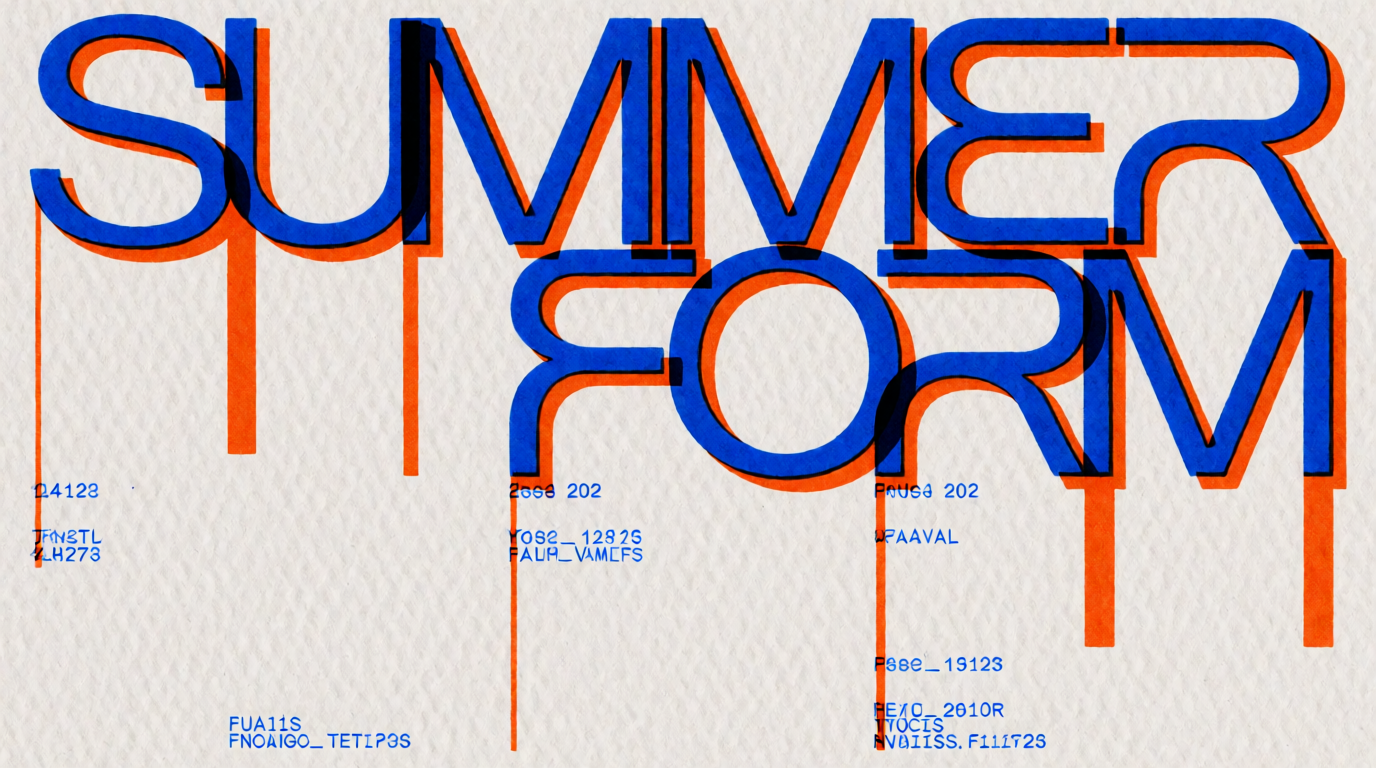
Where it stops: free-tier images are public by default, which rules out confidential client work, and the style range beyond typography-led images is narrower than the general tools above.
5. Leonardo AI — best free tier for game-style assets
Leonardo’s free plan gives 150 fast tokens per day — roughly 10-15 images on its first-party models — with fine-tuned styles suited to game art, characters, and props. The token system is transparent: you always know what a generation costs.
Prompt:
Stylized game asset sheet: one fantasy potion bottle rendered in three levels of detail progression, hand-painted RPG style, rich saturated colors, dark neutral background, professional game-art presentation.
Variation tips: name the art direction (“hand-painted RPG”) rather than an artist; ask for asset sheets, not single objects, to get usable sets.
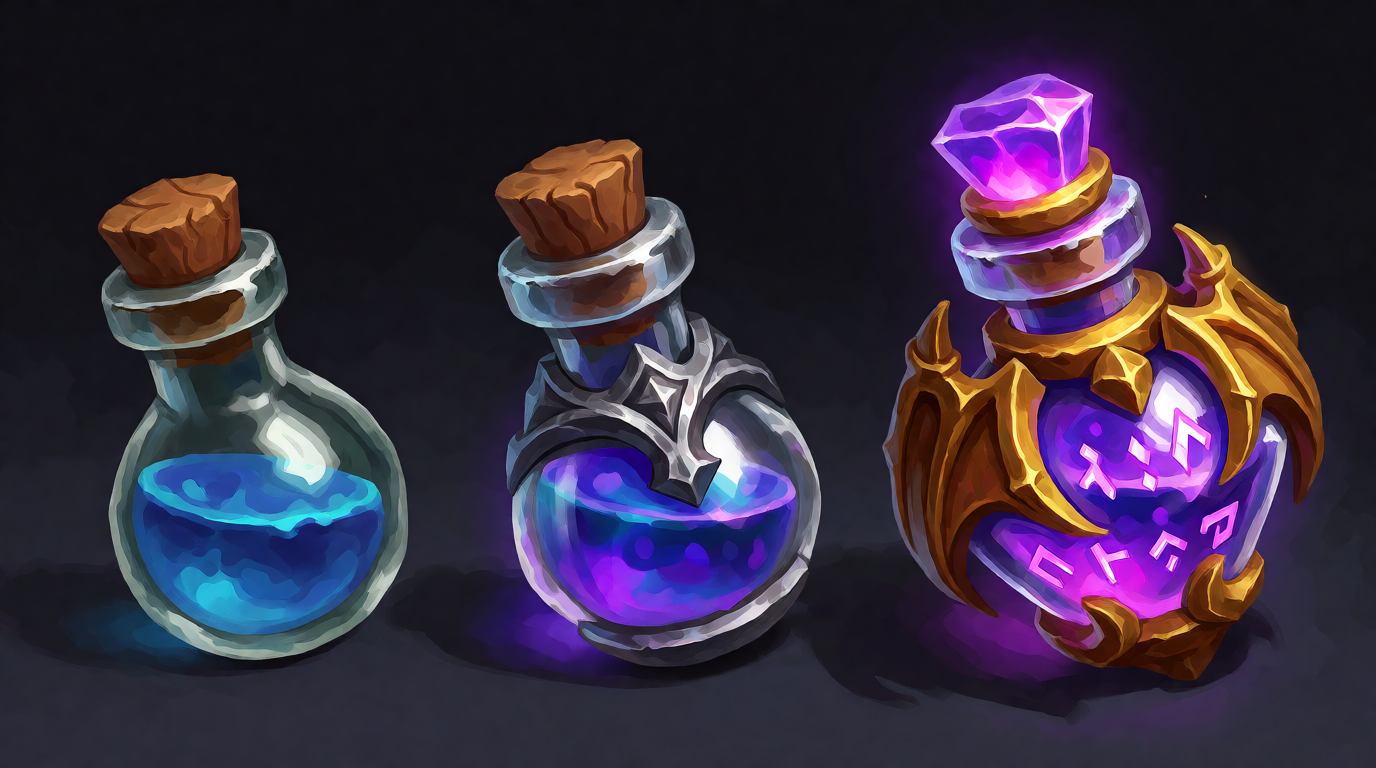
Where it stops: free-plan images are public and Leonardo — not you — holds the IP, which is a hard stop for commercial work. Tokens also meter its editing features, so complex workflows burn the allowance quickly.
6. Microsoft Copilot — simplest free option
Copilot generates images free with a Microsoft account, using OpenAI models: 15 fast “boosts” (Microsoft has shifted between daily and weekly refills), then a slower queue with no hard cap. It is the easiest on-ramp for someone who has never used an AI generator: type, wait, download.
Prompt:
A cozy reading nook by a rainy window, warm lamp light, a sleeping cat on a wool blanket, watercolor illustration style.
Variation tips: keep prompts to one sentence; Copilot ignores most technical camera language.
Where it stops: few settings, no style system, no post-processing. It is a tap, not a pipeline.
7. Canva — free AI images inside a design tool
Canva’s free tier includes roughly 20 premium AI credits per month for image generation (Magic Media / Dream Lab), dropped straight into its layout editor. If the destination is a social post or a slide, generating where you design saves steps.
Prompt:
Minimal abstract background with soft gradient waves in sage green and cream, lots of negative space in the center for overlaid text, calm premium feel.
Variation tips: generate backgrounds, not finished designs — Canva’s own layout tools do the text better than its image model does.
Where it stops: image quality trails the dedicated generators above, and the monthly (not daily) quota is easy to exhaust in one working session.
What a free tier can actually produce
A concrete test we ran while writing this guide: a clean product shot, the kind an early-stage store needs fifty of.
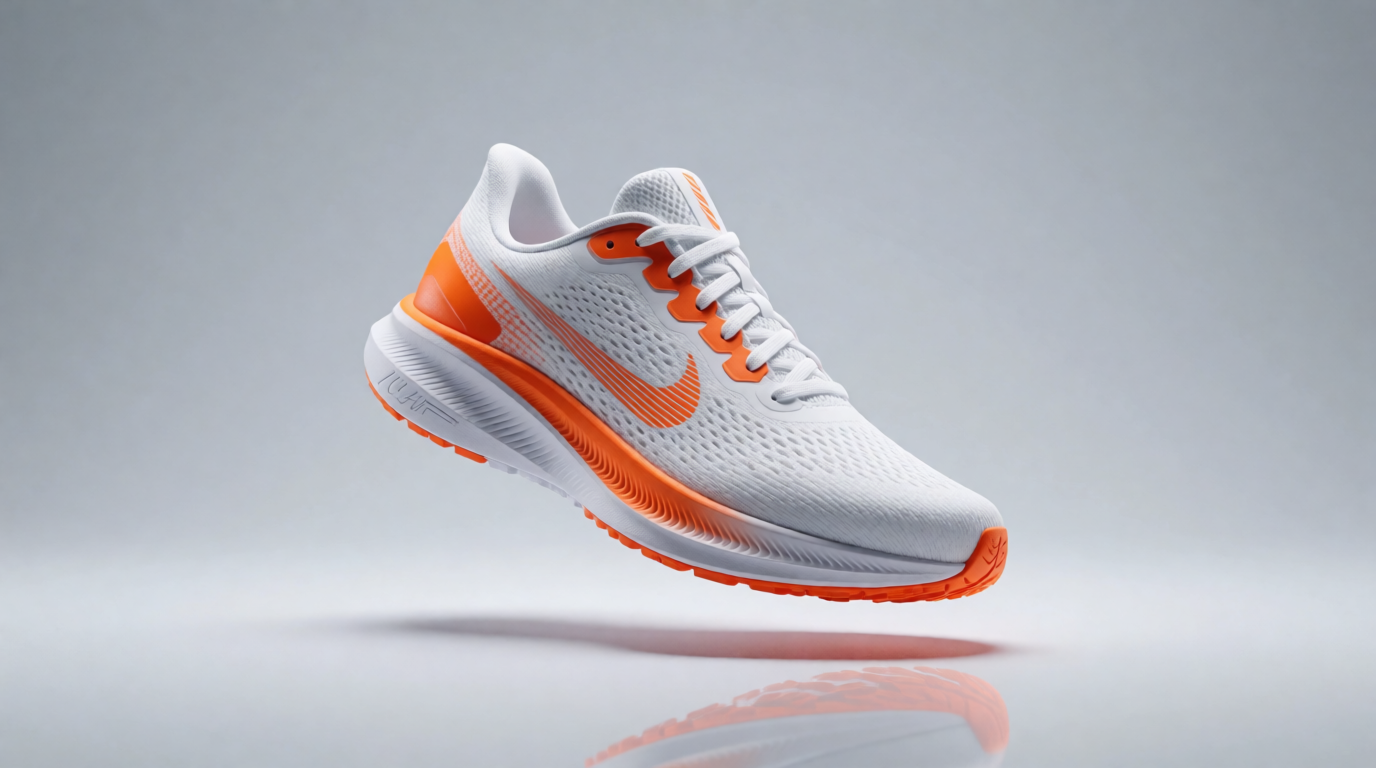
The image above is a raw Krea 2 generation — no retouching. Every tool on this list can approach this look; the differences appear on iteration two. Fixing the shadow without changing the shoe needs an editor (Krea paid, Gemini). Making it print-size needs an upscaler — Krea’s free tier covers 2K, the 8K Enhancer is paid. Putting text on the backdrop needs typography strength (Ideogram, Gemini). Count the second steps your work needs before picking on first-image quality.
Rights, watermarks, and the fine print
| Tool | Free images private? | Commercial use on free tier | Watermark |
|---|---|---|---|
| Krea | Yes | No — commercial license is on paid plans | No |
| ChatGPT | Yes | Yes, per OpenAI terms | No |
| Gemini | Yes | Check Google’s terms | Visible + SynthID |
| Ideogram | No — public | Allowed, but public | No |
| Leonardo | No — public | No — Leonardo holds free-tier IP | No |
| Copilot | Yes | Personal use focus | No |
| Canva | Yes | Yes, within Canva’s terms | No |
Terms change; check the provider’s current license before shipping paid work from a free tier.
Which free generator should you pick?
Pick by the finish line, not the first image:
- The image needs a consistent style across a set → Krea, because style references on a frontier model are the free tier’s core; the full edit/enhance pipeline arrives with paid plans.
- The image needs readable text → Gemini or Ideogram.
- You want zero learning curve → Copilot.
- The image lives inside a social-post design → Canva.
- You are producing game assets in a fixed style → Leonardo — but read the IP terms first.
- You want the model to read a paragraph-long brief → ChatGPT.
And if your project moves beyond stills, the same free-plan logic applies to motion and to 3D — see the best AI video models on Krea and our guide to the best AI 3D model generators.
Frequently asked questions
Which AI image generator is completely free?
Is there a free AI picture generator without sign-up?
What is the best free AI photo generator for realistic images?
Can I use free AI images commercially?
What is the catch with free AI image generators?
Start free with Krea
Generate with Krea 2 free — 100 compute units a day, no credit card. Paid plans unlock every model, 8K enhancing, and commercial use.
Try Krea free