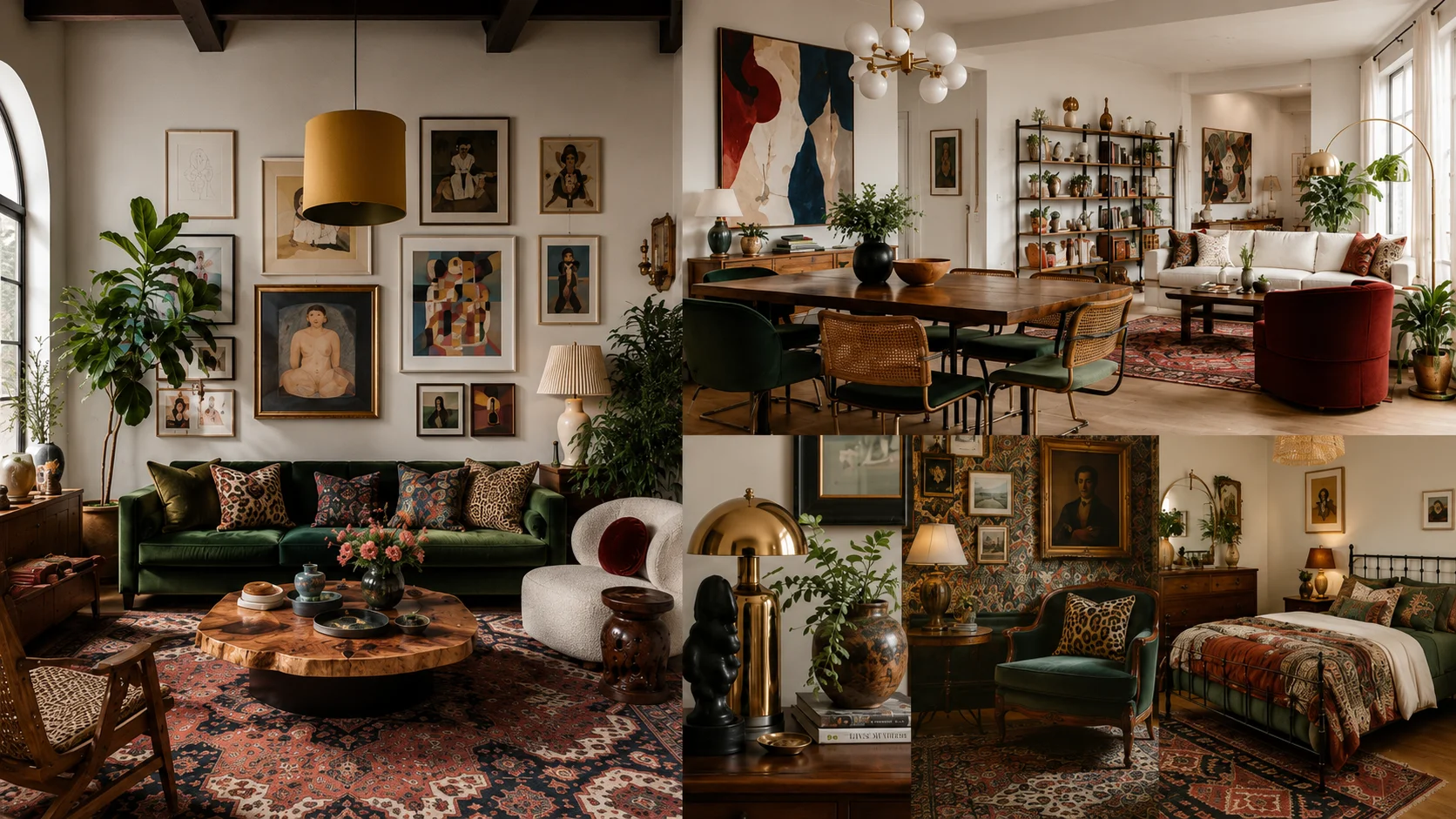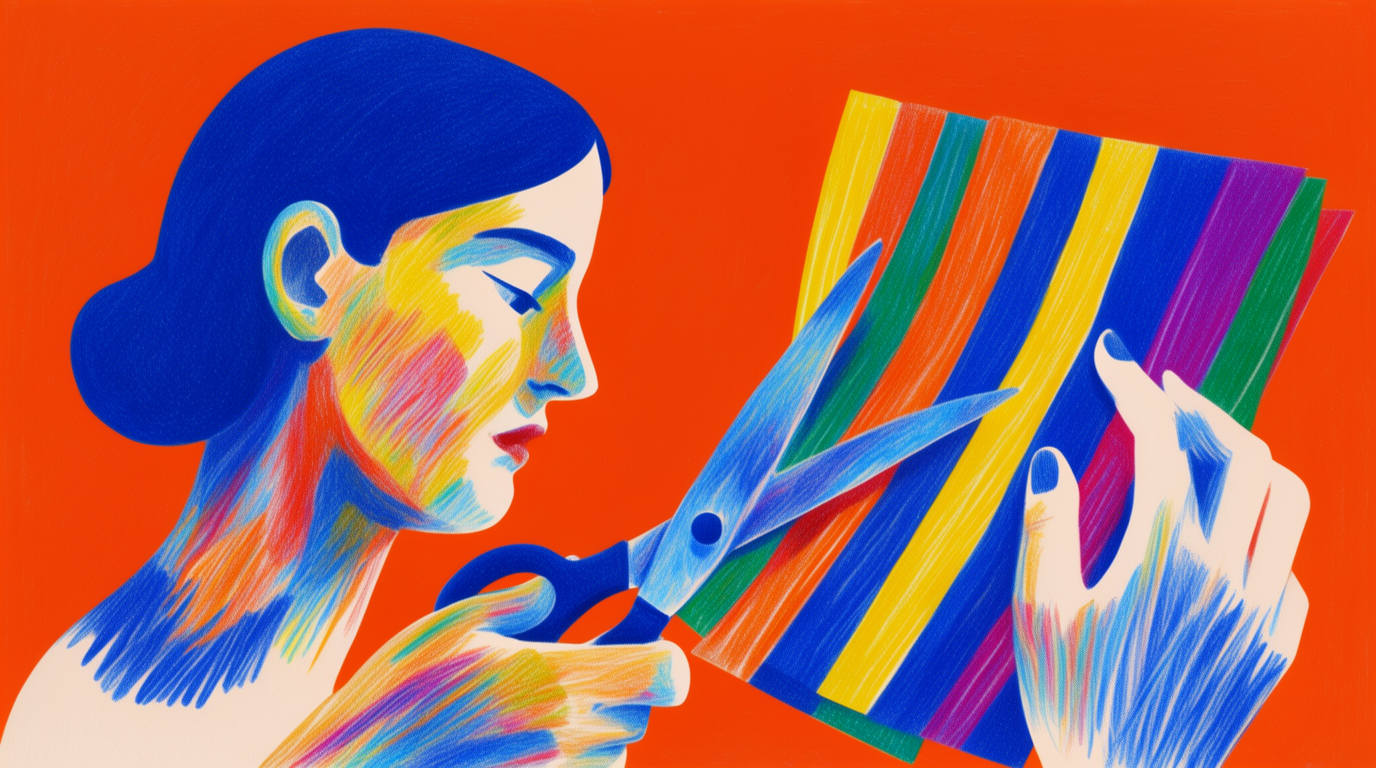
Canva is a layout tool with AI bolted on. That is not an insult — it is the reason people go looking for alternatives. Its editor is built around templates, drag-and-drop, and brand kits; the AI features (Magic Media, Magic Write) are metered add-ons that draw from a small credit pool and trail the dedicated tools in quality. So “what is better than Canva?” has no single answer. It depends on what you make: AI imagery, product design, decks, social posts, or merch.
This guide ranks seven alternatives by that question. Each entry lists what the free tier actually includes (verified against the vendor’s pages in August 2026), a copy-paste prompt or recipe, and where the tool stops. There is also an honest section on where Canva still wins, because for some work it genuinely does.
The best Canva alternatives at a glance
| # | Tool | Replaces Canva for | Free tier | Catch |
|---|---|---|---|---|
| 1 | Krea | AI imagery: generate, edit, enhance | 100 compute units/day | No template/layout editor |
| 2 | Figma | Product, UI, and layout design | 3 design files + limited AI credits | Steeper learning curve |
| 3 | Adobe Express | Like-for-like templates + AI | 25 generative credits/month | Best assets sit behind Premium |
| 4 | Gamma | Decks and one-page sites | 400 one-time AI credits | Free credits never refresh |
| 5 | Microsoft Designer | Quick social graphics | Monthly AI credits (small) | Few controls, no brand system |
| 6 | Picsart | Photo-led social content | 5 AI credits/week | Free tier is thin and ad-supported |
| 7 | Kittl | Merch, logos, print-on-demand | Limited personal-use plan | Low-res exports until you pay |
Make campaign visuals without templates
Generate the product shots and brand imagery Canva's Magic Media can't.
Try Krea 2How we chose and tested
Every allowance above comes from the provider’s published pages as of August 2026 — Figma’s pricing page, Adobe’s generative-credits docs, Gamma’s credits help page, Microsoft Designer’s page, and the pricing pages for Picsart, Kittl, and Canva. Where a vendor does not publish an exact number, we say so rather than invent one. Every AI image in this post is a raw, single Krea 2 generation from the exact prompt beside it — no retouching, no cherry-picking.
1. Krea — replace Canva’s AI, not its canvas
If the reason you are leaving Canva is the AI — image quality, editing depth, upscaling — Krea is the direct answer. The free plan gives 100 compute units per day, no credit card, on Krea 2 — direction-driven generation with style references — plus basic 2K upscaling. Paid plans add the full model library, AI editing for changing an image without regenerating it, and the 8K Enhancer for print-grade upscaling. Canva’s Magic Media gives a free user roughly 20 premium AI credits a month (see what Canva’s free plan actually includes); Krea’s free allowance resets daily.
The honest framing: Krea replaces the making of visuals, not the layout around them. A typical AI-first workflow is Krea for the imagery, then any layout tool — including Canva free — for the text and export sizes.
Here is the kind of social-post visual Canva users generate most, as one raw Krea 2 output:
Prompt:
Social media product announcement visual: a single ceramic coffee tumbler on a floating stone plinth, pastel peach-to-lavender gradient studio backdrop, soft daylight, generous clean negative space on the right for a headline, editorial product photography.
Variation tips: name where the negative space goes and the headline drops in cleanly; swap the palette words to match your brand colors.

Brand-kit work — the style boards Canva Pro sells as a feature — is a prompt away:
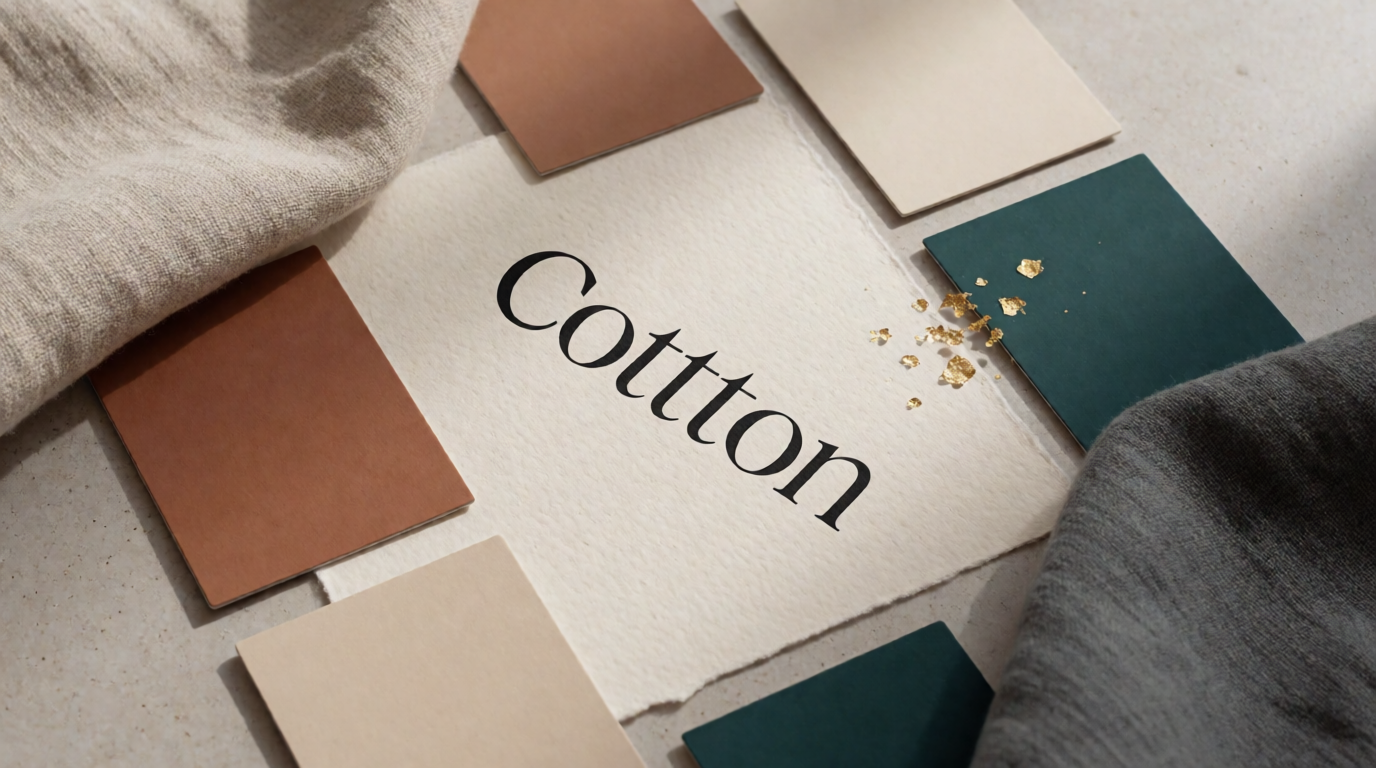
Prompt:
A brand style board photographed flat from above: paper color swatch chips in terracotta, cream, and deep teal, a serif logotype mockup on textured cotton paper, linen fabric samples, subtle gold foil accents, soft natural window light.
Variation tips: list your actual brand colors by name; add “isometric” or “digital UI style” to move it from photography to interface moods.
Where it stops: no templates, no multi-page documents, no drag-and-drop text layout. Krea makes the image; it does not make the Instagram carousel around it. For a wider look at what its free tier covers versus other generators, see our free AI image generators guide.
2. Figma — for real product and layout design
If Canva has started to feel like a toy — you need components, constraints, developer handoff, or a design system — Figma is the professional step up. The free Starter plan includes unlimited personal drafts, 3 shared design files, and Figma’s AI features at 150 AI credits per day (capped at 500 per month). Paid Professional seats start at $16/month with 3,000 AI credits.
Recipe (no image model, so a settings recipe): start from a frame preset (e.g. 1080×1350 for a portrait post), use First Draft / AI to block the layout from a one-line description, then replace the placeholder imagery with generated assets — Figma’s AI is for structure, not final imagery.
Where it stops: Figma’s learning curve is real, its AI does not generate finished marketing graphics, and the 3-file cap on the free plan bites quickly for teams. Non-designers who loved Canva’s guardrails may find Figma’s blank canvas slower, not faster.
3. Adobe Express — the closest like-for-like swap
Adobe Express is the most direct Canva substitute: templates, resizing, brand kits, and a drag-and-drop editor, with Adobe Firefly generation built in. The free plan includes 25 generative credits per month, shared across Firefly, Express, and Photoshop on the web, plus a large slice of the template and font library. Premium (around $9.99/month) raises the credits and unlocks the full Adobe Stock-backed asset library.
Prompt (Firefly, inside Express):
A flat illustration of a sunrise over rolling hills in a three-color palette of coral, cream, and navy, grainy texture, generous sky for headline text.
Variation tips: Firefly responds well to named art styles and palette constraints; use the “match my brand” controls instead of describing fonts.
Where it stops: Firefly’s image quality is tuned for safe, stock-like output — it rarely embarrasses you and rarely surprises you. The 25-credit free pool is the tightest AI allowance on this list after Picsart’s, and the best templates and fonts sit behind Premium.
4. Gamma — for decks Canva was never great at
People make a surprising share of their “Canva designs” for one purpose: presentations. Gamma is AI-first at exactly that job — it writes and lays out a full deck, doc, or simple website from a prompt, and restyles the whole thing coherently in one click. New accounts get 400 one-time AI credits (a full AI generation costs about 40), and the free tier keeps Gamma branding on shared work. Paid plans start around $10-12/month and refresh credits monthly.
Prompt:
Create a 10-slide seed pitch deck for a company that sells software to independent coffee roasters: problem, product, market size, traction, team. Confident, plain tone. Dark theme, one idea per slide.
Variation tips: give it the slide list yourself — Gamma’s structure is only as good as the outline you feed it; paste real numbers in the prompt so it does not invent placeholders.
Where it stops: the free credits never refresh, so it is a trial in practice. Fine-grained visual control is limited — you steer themes, not pixels — and image generation inside Gamma trails the dedicated generators.
5. Microsoft Designer — free quick-hit social graphics
Microsoft Designer is Microsoft’s free Canva counterpart: describe the post, get sized, captioned design options with AI imagery already placed. It is free with a Microsoft account; free users get a monthly batch of AI credits (Microsoft does not publish the exact number — third-party trackers report around 15 — and one credit is spent per AI action), while Microsoft 365 subscribers get roughly four times more.
Prompt:
An Instagram post announcing a weekend plant-shop sale, cheerful spring colors, bold friendly headline, photo-style greenery.
Variation tips: name the platform and the occasion — Designer picks sizes and layout from that; keep it to one sentence.
Where it stops: little manual control, no real brand system, and an opaque, small credit pool. It is a fast lane for one-off posts, not a design tool you grow into.
6. Picsart — photo-led social content
If your posts start from photos rather than templates — retouching, background swaps, stickers, meme-speed edits — Picsart fits that shape better than Canva does. The free tier covers the core photo and video editor with 5 AI credits per week for generative features; Plus at $5/month raises it to 200 credits monthly, and Pro ($15/month, less annually) adds brand kits and bulk editing.
Prompt (AI replace/background, on a photo):
Replace the background with a sunlit terracotta wall and soft afternoon shadows; keep the subject’s edges and hair intact.
Variation tips: edit in passes — background first, then relight, then cleanup — rather than one compound instruction.
Where it stops: 5 weekly credits is the thinnest AI allowance in this list, the free app is ad-supported, and finished-design layout (multi-page, brand fonts) is weaker than Canva’s.
7. Kittl — merch, logos, and print-on-demand
Kittl is a design editor built around decorated typography — t-shirts, labels, badges, posters, and logos — with AI generation woven into a vector-friendly workflow. The free plan is personal-use only with a small project and AI allowance and low-resolution exports; paid plans (from roughly $12/month billed annually) unlock commercial licensing, vector export, and a real monthly AI credit pool. Kittl does not publish exact free-tier numbers on its pricing page, so treat the free plan as an extended trial.
Prompt:
A vintage badge logo for a mountain coffee brand, arched lettering reading “NORTH PEAK ROASTERS”, line-art mountain icon, two-color print style, distressed texture.
Variation tips: put the exact wording in quotes; ask for “two-color print style” to keep results silkscreen-ready.
Where it stops: it is specialized. Outside typography-led merch and label design, its template range is narrow, and the free tier’s export cap makes shipping anything real a paid act.
Where Canva still wins
An honest list, because for some jobs the answer to “what is better than Canva?” is: nothing, keep Canva.
- Template breadth. Canva’s library — hundreds of thousands of templates across every format and holiday — is unmatched. If your work is “make this flyer look done in four minutes”, that library is the product.
- Team workflows. Shared brand kits, approvals, comments, scheduled social publishing, and a Teams tier your non-designer colleagues can actually use. None of the tools above covers that whole loop.
- One tool for everything average. Canva does documents, decks, video, whiteboards, and print in one subscription ($180/year for Pro, more billed monthly). The alternatives above beat it per category, not across all of them.
The pattern in 2026: Canva is the best generalist layout tool with mediocre metered AI (about 20 premium AI credits a month on Free); the tools above are better at the specific thing you actually make.
Free tiers compared: the fine print
| Tool | Free AI allowance | Resets | Branding/watermark | Commercial use on free |
|---|---|---|---|---|
| Krea | 100 compute units/day (Krea 2) | Daily | No | No — commercial license on paid plans |
| Figma | 150 AI credits/day (≤500/mo) | Daily | No | Yes |
| Adobe Express | 25 generative credits/mo | Monthly | No | Yes, per Adobe terms |
| Gamma | 400 credits, one-time | Never | ”Made with Gamma” badge | Yes, badge stays |
| Microsoft Designer | Small monthly credit pool | Monthly | No | Personal-use focus |
| Picsart | 5 AI credits/week | Weekly | Some assets watermarked | Limited on free assets |
| Kittl | Small, unpublished | — | No | No — personal only |
Terms change; check the vendor’s current page before shipping paid work from a free tier.
Which Canva alternative should you pick?
Pick by what you make, not by feature checklists:
- AI imagery is the point (product visuals, campaign art, anything a client sees) → Krea: generation, editing, and enhancement on one daily free allowance.
- You design products or real layouts → Figma.
- You want Canva’s shape with Adobe’s AI → Adobe Express.
- You mostly make decks → Gamma.
- You need a one-off social post in 90 seconds → Microsoft Designer.
- Your content starts from photos → Picsart.
- You sell merch or print-on-demand → Kittl, or sell Canva templates on Etsy if templates are the product.
- You need everything, averagely, with a team → stay on Canva.
One example of the “AI imagery is the point” case — a campaign banner Canva’s Magic Media would struggle to hit, as one raw Krea 2 generation:
Prompt:
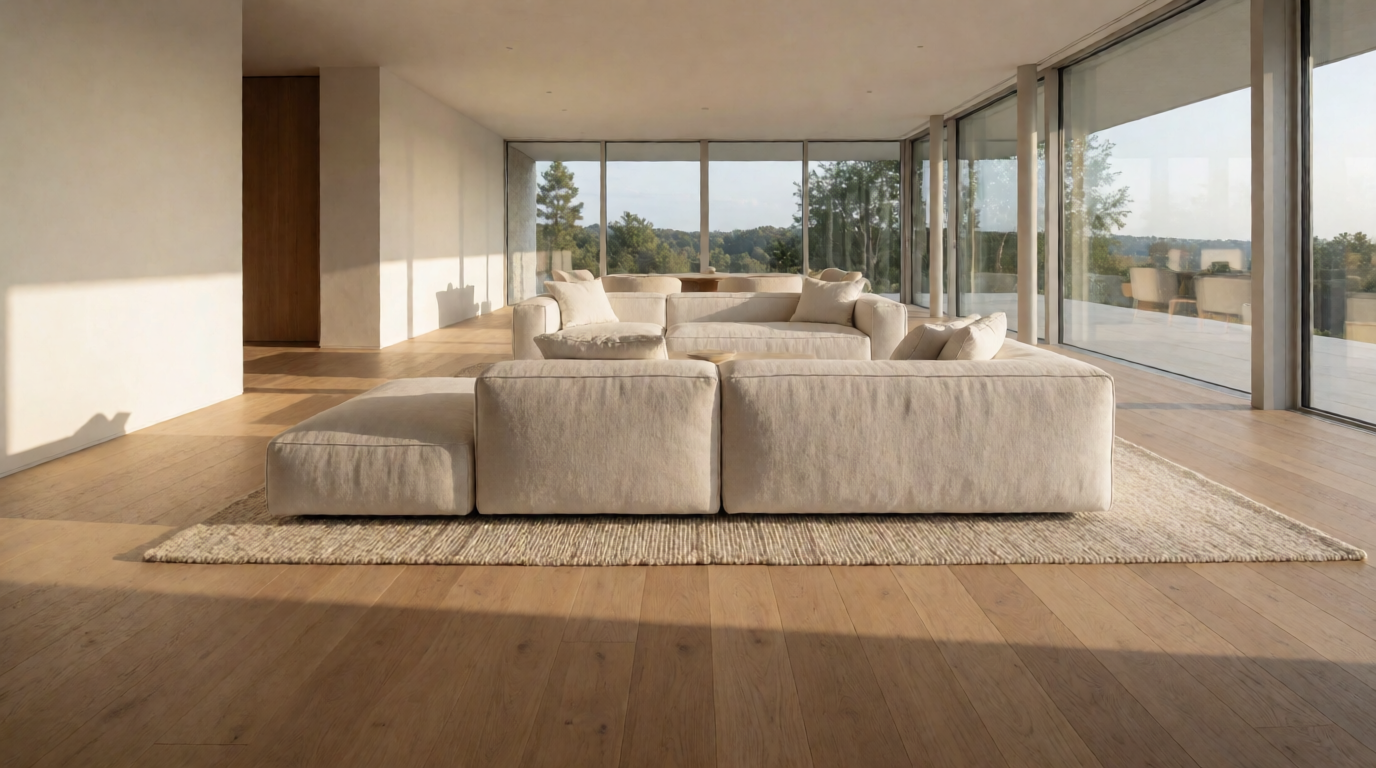
Wide e-commerce hero banner: a lightweight running shoe suspended mid-air above a matte clay podium, dramatic warm side light, fine dust particles, deep orange to charcoal gradient background, clean space on the left for copy, premium athletic brand photography.

And the humbler workhorse — a background with copy space you finish in any layout tool:
Prompt:
Minimal abstract background of layered translucent glass waves in ice blue and warm sand tones, soft diffused studio light, large clean negative space in the center for overlaid text, calm premium feel.

If stills are only half your feed, the same logic extends to motion — see the best AI video models on Krea and Krea’s video tools.
Frequently asked questions
What AI is better than Canva?
Is there a better tool than Canva?
What is the best free alternative to Canva?
Can these tools fully replace Canva?
Is Canva's AI any good?
What do these alternatives cost if I outgrow the free tier?
Replace Canva's AI with the real thing
Generate, edit, and enhance on one free plan — 100 compute units a day, no credit card.
Try Krea free