Use free stock for a generic scene someone has already photographed. Generate your own when you need an exact subject, brand color, or composition that does not exist as a photograph. You need an image for a blog post, a slide, or a product page, and you’re deciding between two very different routes. One is typing a search term into a stock photo site and hoping the fourth or fifth result is close enough. The other is describing the exact image you want and generating it. Both are free to start. They are not the same tool for the same job.
This guide is not about “where do I find a free AI image generator” — we already covered that. It’s about the decision one step earlier: do you even need to generate an image, or does an existing stock photo already cover it? We compare the four places people actually search for free photos — Unsplash, Pexels, Freepik, and Canva’s built-in library — against generating your own, with real license terms and a concrete test of where each one stops.
At a glance
| Option | Cost | License | Best for | Where it stops |
|---|---|---|---|---|
| Unsplash | Free | Free for commercial use, no attribution required | Generic lifestyle, nature, workspace shots | No control over pose, brand, or exact subject |
| Pexels | Free | Free for commercial use, no attribution required | Same generic categories, broader video library | Same coverage gaps as Unsplash |
| Freepik (now branded Magnific) | Free tier + $14.50–$210/mo paid | Free tier requires “Designed by Freepik” credit | Flat icons, vectors, templates alongside photos | Attribution required until you pay; 10 downloads/day cap |
| Canva stock library | Free tier + ~$18/mo Pro | Bundled into Canva’s own terms | Generating inside a layout you’re already building | Best assets are Pro-gated; free tier is a small slice of the library |
| Krea | Free tier (100 compute units/day) + paid plans | Commercial license on paid plans only | An exact subject, brand color, or composition nobody has photographed | Needs compute-unit budget and a decent prompt — no instant zero-skill download |
Generate the exact image a stock site can't give you
Describe the specific product, color, or composition you need and generate it on Krea 2.
Try Krea 2 freeHow we chose and tested
We checked the current free-tier terms directly against each vendor’s own license and pricing page — Unsplash’s license, Pexels’s license, Freepik’s subscription plans (the platform completed a rebrand of its AI tools to “Magnific” in April 2026; the stock photo side still runs at freepik.com), and Canva’s pricing page. We then ran the same test any of these four question families implies: someone needs an image right now and doesn’t know which route is faster.
We split that test into two briefs. The first is generic — a laptop on a desk, the kind of shot every stock library has thousands of. The second is specific — an exact product, in an exact brand color, doing something nobody has photographed before. The image beside each Krea prompt below is the raw, single output of that exact prompt: no retouching, no picking the best of several tries.
The same brief, two ways
Left: a generic desk scene — any of the four stock sources below already has one like it. Right: a specific product, exact brand colors, exact label — no stock library has this because it doesn't exist outside the brief.
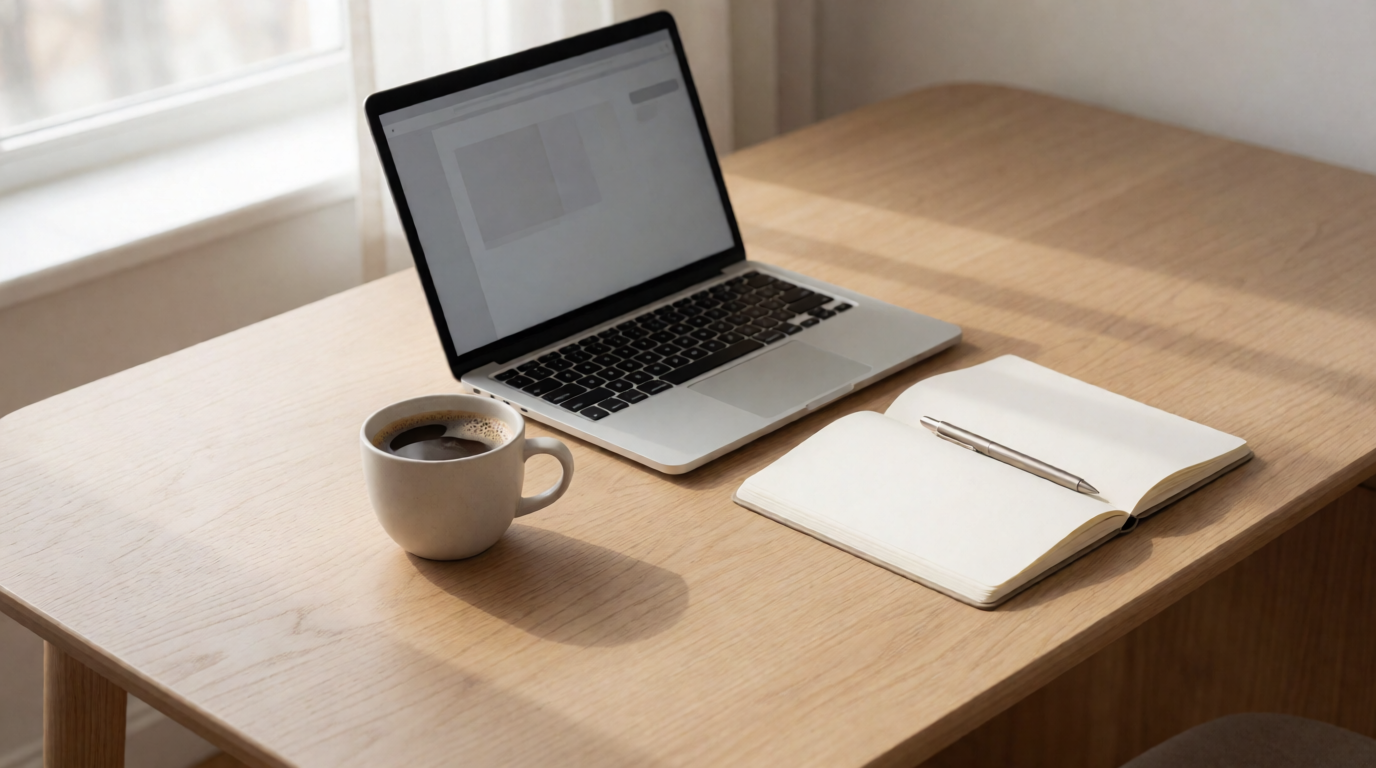
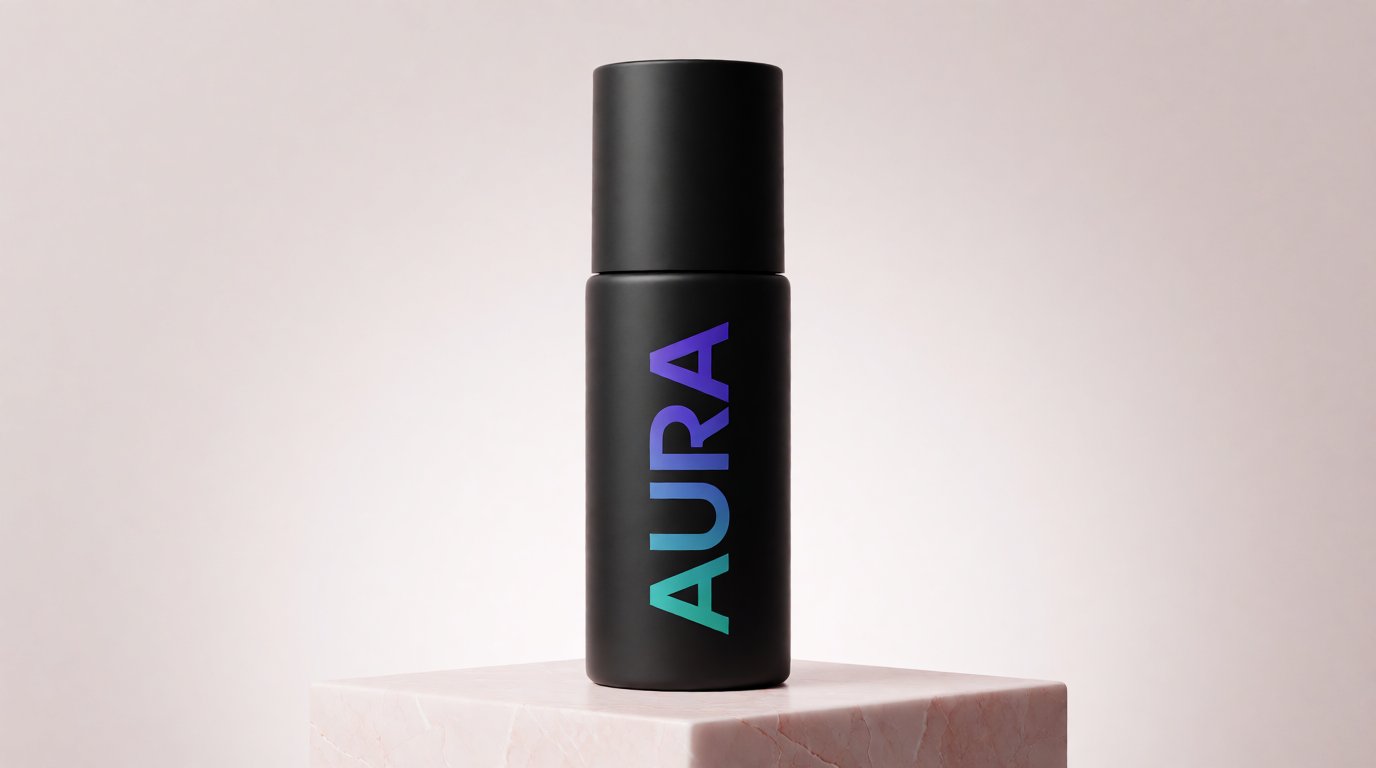
The laptop-on-a-desk shot on the left is a solved problem; a stock search returns dozens of near-identical options in seconds, for free, with no prompt needed. The bottle on the right doesn’t exist as a photograph anywhere — no stock search will ever return it, because “AURA” and that exact gradient are not real. That’s the dividing line this whole guide is built around.
1. Unsplash — the default for generic lifestyle and nature shots
Unsplash is usually the first stop, and for a reason: its license grants an “irrevocable, nonexclusive, worldwide” right to download, modify, and use any photo for free, commercial or not, with no permission needed and no attribution required. The catch sits outside the license text — you cannot resell an unmodified image, and you cannot compile Unsplash photos into a competing gallery service.
Usage recipe: search by subject plus a mood word (“office minimal,” “coffee moody”), then filter by orientation before you filter by color — Unsplash’s color filter is the least reliable of its filters. Sort by “Latest” if you need something a competitor hasn’t already used on their own homepage.
Variation tip: if the first page of results is close but not quite right, search the photographer’s profile directly — most upload shots from the same session, giving you three or four angles of a scene you already like.
Where it stops: Unsplash indemnifies nobody. If a copyright dispute arises over an image — a bystander’s face, a visible logo, an unrecorded model release — you carry the legal exposure, and Unsplash’s own liability cap is $100. And for anything specific — an exact product, a brand color, a pose that matches a layout you’ve already built — you’re searching a library of what other photographers happened to shoot, not describing what you need.
2. Pexels — the same category, a slightly looser license
Pexels covers the same generic ground as Unsplash — workspaces, nature, food, lifestyle — with a license that’s closer to CC0: free for commercial use, no attribution needed, and modification is explicitly encouraged. Its added restrictions are narrow: don’t sell an unaltered copy as a poster or print, don’t imply a person or brand endorses your product, and don’t redistribute the files on another stock site.
Usage recipe: Pexels’s search is more forgiving of natural-language queries than Unsplash’s (“team celebrating in an office” works better here than a two-word tag). Use the “Editorial” toggle to separate posed stock shots from more candid, documentary-style ones.
Variation tip: Pexels also licenses stock video under the same free terms — useful if the same brief needs both a still and a background clip.
Where it stops: identical coverage gap to Unsplash. Pexels is a library of what was already shot, not a way to specify what you need. Neither site will ever return your exact product in your exact color, because neither indexes images that don’t exist yet.
3. Freepik (now Magnific) — free with a credit line, or paid without one
Freepik’s stock side completed a rebrand of its AI generation and upscaling tools to the “Magnific” brand in April 2026, but the photo and vector library still runs at freepik.com under the Freepik name. Its free plan allows 10 downloads a day and requires attribution — a visible “Designed by Freepik” credit on anything you publish, the same kind of fine print that trips people up with free fonts. Premium plans start around $14.50/month (billed annually) and remove the attribution requirement along with the daily cap.
Usage recipe: if you’re not ready to pay, budget your 10 daily downloads deliberately — download once you’ve confirmed the exact photo you want, not while browsing. Freepik’s search mixes photos, vectors, PSDs, and icons in one results grid; use the format filter first or you’ll wade through illustrations to find photography.
Variation tip: Freepik’s “similar images” panel on any photo page is faster than re-searching if the first result is close but the crop is wrong.
Where it stops: the free plan’s attribution requirement is a real cost — it means every free-tier image needs a visible credit line somewhere in your published piece, which most brand style guides won’t allow on a homepage or an ad. Pay to remove it, or accept the credit line.
4. Canva’s stock library — convenient if you’re already designing there
If the destination is a slide, a social post, or anything you’re building in Canva, its bundled stock library saves a round trip: search, drag, done, no separate download and re-upload. The free plan includes a slice of Canva’s stock catalog — commonly cited at a few million elements — while Canva Pro (roughly $18/month per person) unlocks the full library, reported at 140+ million photos, videos, and graphics combined with icons and audio.
Usage recipe: on the free plan, the search results mix free and Pro-locked images in the same grid — Pro items carry a small crown icon. Filter by “Free” in the results panel before you commit to a layout, or you’ll find the perfect photo and then discover it needs an upgrade.
Variation tip: Canva’s own AI image generator (Magic Media) lives in the same sidebar as the stock search — if the stock result is close but not exact, try regenerating it as a variation before leaving the app.
Where it stops: the free tier’s stock selection is noticeably thinner than its Pro tier, and the more distinctive, on-trend photography is disproportionately Pro-gated. Like Unsplash and Pexels, it’s still a search over existing photographs — it can’t produce a subject that was never shot.
5. Krea — for the brief a stock site can’t fill
Everything above searches a library of photographs that already exist. Krea generates the one you describe. That distinction only matters when the brief is specific: an exact product design, a brand’s exact color pair, a pose or composition nobody happened to photograph. For a generic “laptop on a desk” or “handshake in an office,” a stock site is faster and genuinely free — there’s no reason to spend compute generating something four libraries already have for a zero-second download.
Prompt:
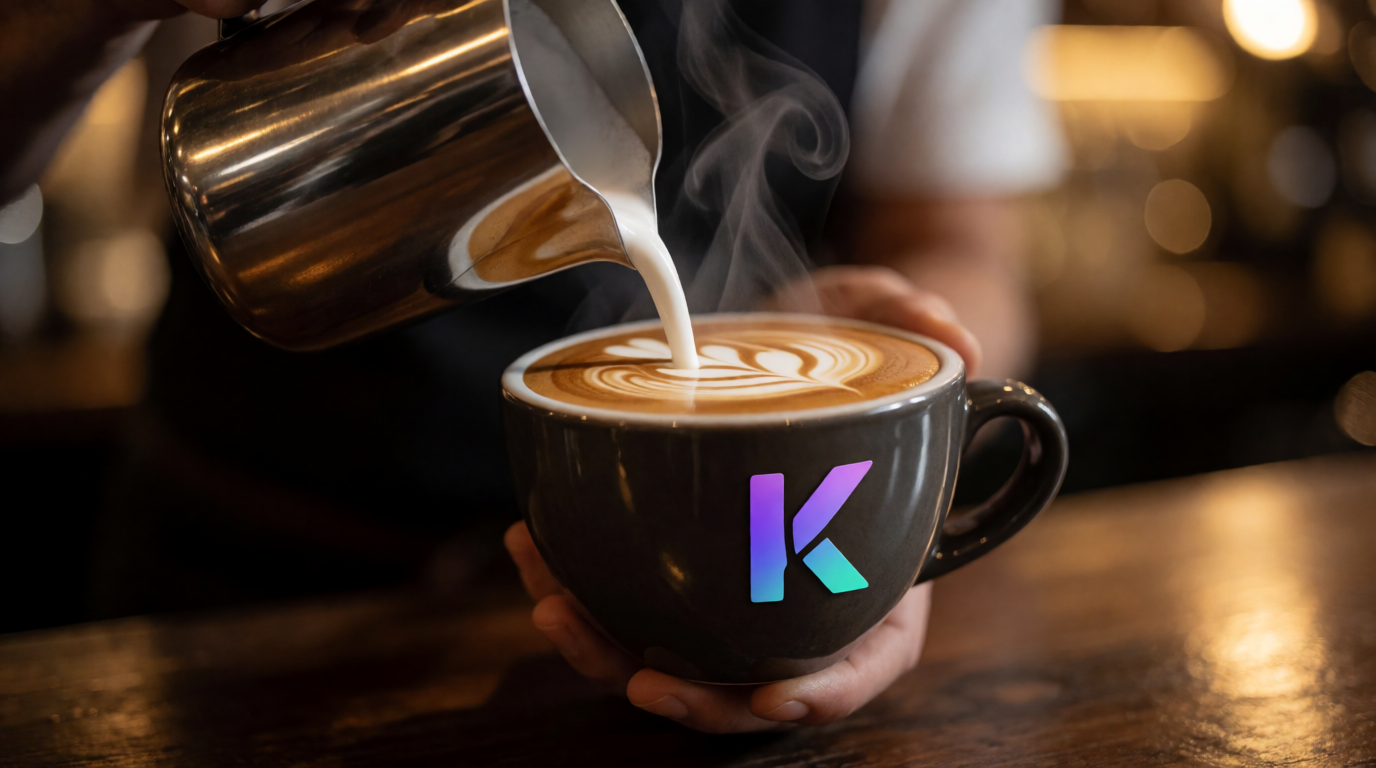
Photorealistic photo of a barista mid-motion pouring latte art shaped like the letter “K” into a cup stamped with a purple-to-teal gradient logo, steam rising, shot from a low three-quarter angle, warm cafe lighting, shallow depth of field, commercial beverage photography.
Variation tips: name the exact brand colors as a gradient direction (“purple-to-teal,” not just “purple and teal”) — Krea 2 follows a directional gradient description more reliably than a color list; keep the camera angle and lighting description fixed across regenerations so a set of images reads as one shoot.
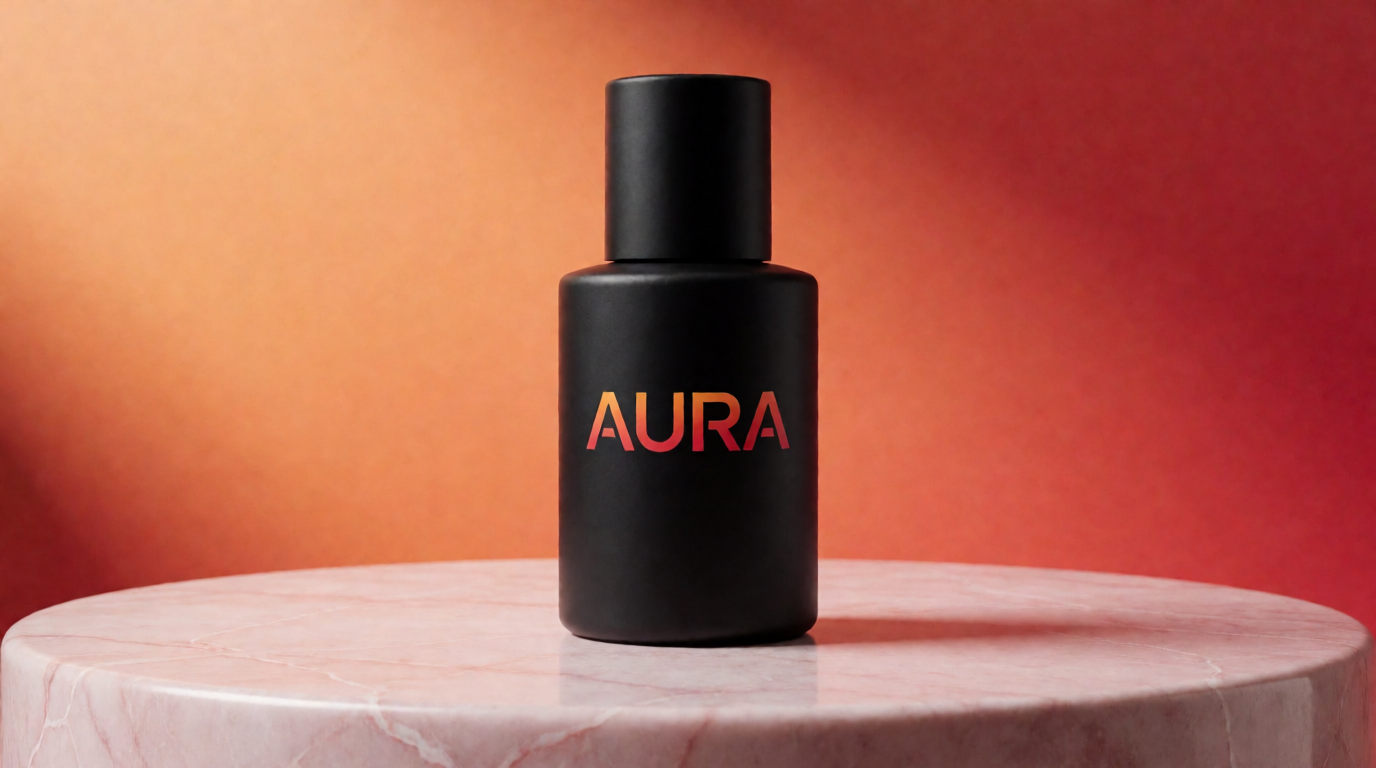
The bottle example from the top of this post makes the brand-consistency case concretely: the same product, the same podium, the same studio lighting, regenerated in a second brand palette in the time it takes to edit one line of a prompt.
Where it stops: Krea’s free plan gives 100 compute units a day, no credit card, for Krea 2 generation and basic 2K upscaling — but it’s a daily budget, not an unlimited download button, and it does not include the full third-party model library, video, 3D, or a commercial license (those sit on paid plans; see pricing). A stock site needs zero prompting skill and returns an answer in one click; Krea needs a specific-enough prompt and a compute budget to match. If your brief really is generic, that trade isn’t worth making.
Try Krea 2 free — and if the result needs a clean background or an upscale afterward, Krea’s background remover and AI upscaler cover those next steps.
When a stock photo is still the right call
Not every brief needs generation. A generic backdrop — a city skyline, a blurred office, a plain sky — is exactly what stock libraries are built for, and searching one is faster than writing and testing a prompt.
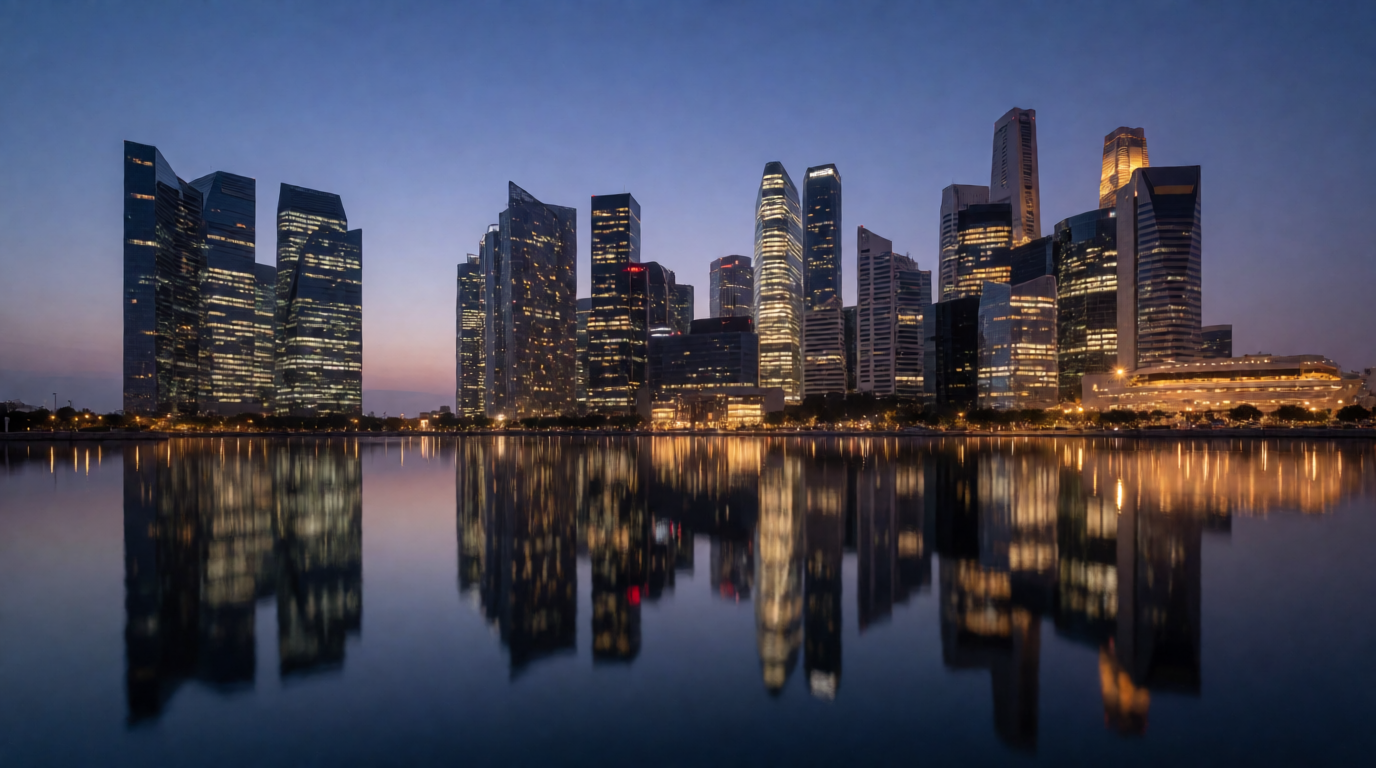
If a stock search returns a usable result on the first page, take it. Reach for generation only once the brief gets specific enough that no search term will find it.
This trade-off scales past single images too. A product line needs the same brand-specific problem solved across dozens of shots at once — see our product photography pipeline for that workflow, and our roundup of creative AI image generators if Krea isn’t the only generator you’re evaluating.
Rights and the fine print
| Source | Attribution required (free tier) | Commercial use (free tier) | Model releases guaranteed |
|---|---|---|---|
| Unsplash | No | Yes | No — you carry the risk |
| Pexels | No | Yes | Not guaranteed |
| Freepik | Yes (“Designed by Freepik”) | Yes, with credit | Varies by asset |
| Canva | No (Canva’s own terms apply) | Yes, within Canva’s terms | Varies by asset |
| Krea | N/A — no stock license involved | No — commercial license is a paid-plan feature | N/A — generated, not photographed |
Check the current terms on the vendor’s own page before shipping paid work; free licenses are renegotiated more often than people expect (Freepik’s April 2026 rebrand changed the platform’s name without changing the stock terms — read the actual page, not an old bookmark).
Which one should you pick?
Pick by whether the subject already exists as a photograph, not by which tool is “better”:
- The brief is generic — an office, a laptop, a handshake, a skyline → Unsplash or Pexels. Free, no attribution, no prompt to write.
- You need photos alongside vectors, icons, or templates in one search → Freepik, and budget for the attribution credit or the $14.50/month plan.
- You’re already building the asset inside a deck or a social post → Canva’s stock library, filtered to “Free” unless you have Pro.
- The brief names an exact product, an exact brand color, or a pose nobody has shot → Krea. This is the one case none of the four stock sources can fill at any price, because the image doesn’t exist to be searched.
- You need the same subject in five brand-color variations, or need to iterate a shot that almost works → Krea; regenerating a variation is faster than a second stock search that will not turn up what you’re picturing.
Frequently asked questions
Frequently asked questions
Where can I find free images?
Where do I look for good images for a specific project?
Can I use a stock image for free commercially?
Do I have to credit the photographer on Unsplash or Pexels?
What's the catch with free stock photo sites?
Is it better to use a stock photo or generate my own image with AI?
Describe the exact image, skip the search
Krea 2 generates the specific product, color, or composition a stock library was never going to have. Free to start, no credit card.
Generate on Krea