Yes, Canva is free. Canva Free costs US$0 with no time limit and includes the editor, 1.6 million templates, 4.7 million stock items, 5GB of storage, and one Brand Kit. Most AI is not free: Free gets up to 20 Standard or Premium AI uses a month, no Ultra AI, and no Canva AI 2.0, as of September 2026.
The free plan is a real product, not a trial. Everything above that sits in Canva Pro (US$144 a year for one person) or Canva Business (US$250 a year per person). This guide answers the questions people ask most, with numbers from Canva’s own pages, then shows where a dedicated image generator like Krea fits beside Canva rather than instead of it.
Canva plans at a glance
| Plan | Price (US) | AI allowance per month | Storage | Notable |
|---|---|---|---|---|
| Canva Free | US$0 | Up to 20 Standard or Premium AI uses; no Ultra AI | 5GB | 1.6M+ templates, 1 Brand Kit (3 colors), Canva AI 1.0 only |
| Canva Pro | US$144/year for one person | Up to 200 Premium or 20 Ultra AI uses; Standard AI tools do not draw from the allowance | 100GB | 3.6M+ templates, 141M+ premium stock, 5 Brand Kits, Canva AI 2.0 |
| Canva Business | US$250/year per person (US$20 per person monthly) | Up to 400 Premium or 40 Ultra AI uses | 500GB | 100 Brand Kits, team admin, AI top-ups; replaces Canva Teams for new sign-ups |
| Canva Enterprise | Contact sales | Up to 400 Premium or 40 Ultra AI uses per member | 1TB | SSO, SCIM, AI output indemnity at 100+ seats |
| Krea Free (for comparison) | $0 | 100 compute units every day | — | Krea 3 and Krea 2 image generation, basic 2K upscaling, no credit card |
| Krea Basic (for comparison) | $9/month ($5/month billed yearly) | 5,000 compute units | — | All image models, selected video models, upscaling to 22K |
Canva figures come from Canva’s pricing page and AI usage article, checked September 2026; the Business monthly price is from Canva’s launch announcement. Krea figures are from krea.ai/pricing, checked October 23, 2026. Canva shows yearly prices by default (yearly “saves from 16%”); we could not render the monthly Pro price, so we do not quote one.
How we chose and tested
Every price, quota, and plan boundary was checked against Canva’s published pages in September 2026: the pricing page, Understanding your AI usage, Get started with Canva AI, the AI quality tiers article, the upgrade guide, and the commercial use guide. For ChatGPT we used OpenAI’s Free tier FAQ. Where a vendor publishes no exact number, we say so. Every example image is a single, raw Krea 2 generation from the exact prompt beside it; none were made with Canva or ChatGPT.
Is Canva completely free?
Canva Free is free for as long as you use it. Per Canva’s pricing page, it includes the editor and 1,000+ design types, 1.6 million+ templates, 4.7 million+ photos, videos, graphics, and audio clips, one Brand Kit limited to 3 colors, 5GB of storage, PDF/JPG/PNG export, and Canva Offline.
What Free leaves out: the 3.6 million premium templates and 141 million premium stock items (crown-marked in the editor), extra Brand Kits, social scheduling, 100GB of storage, Ultra AI tools, and Canva AI 2.0. Canva’s help center says Free users “can access Canva AI 1.0 features and some AI tools like Magic Write and Background Remover with limited monthly usage.” Background removal is one of those limited tools; if you do it often, try Krea’s background remover or see the best AI background removers in 2026.
Commercial use is not a paid feature. Canva’s commercial use guide allows Free and Pro content in original designs you sell, as long as you do not resell Canva’s stock on its own.
Canva Free recipe (no image here — we don’t fake Canva outputs):
Sign up at canva.com. Choose Instagram Post, search templates for “minimal product launch”, pick one without a crown icon, replace the photo with your own upload, and export as PNG. Nothing in this flow touches your AI allowance.
Variation tips: filter the template panel to free-only results; upload your own photos to keep the design original for commercial use.
Is Canva AI available for free? How many times can I use it?
Yes, with a hard monthly cap. Canva meters every AI feature through one shared “AI allowance.” Canva’s AI usage article gives these estimates:
- Canva Free: up to 20 uses of Standard AI tools, or Premium AI tools. No Ultra AI.
- Canva Pro: up to 200 Premium uses, or up to 20 Ultra uses. Standard AI tools do not draw from the allowance on paid plans (fair use applies).
- Canva Business and Enterprise: up to 400 Premium uses, or up to 40 Ultra uses.
Three details matter on Free. The numbers are “up to” estimates for simple tasks; complex prompts use more. Standard tools count too — Magic Write, Canva AI text, the Image Upscaler, and Standard-quality images all draw from the same 20-use pool. And the allowance resets at 12:00 a.m. UTC on the first of each month. When you run out, Canva’s AI quality tiers article says all tiers become unavailable until the reset. One trap: Pro and Business free trials carry the same allowance as Canva Free; per the upgrade guide, the 10x allowance “becomes available once your trial converts to a paid plan.”
Canva Free AI recipe:
Open Canva AI from the side navigation, select the + (Attachments) icon, choose AI quality → Standard, pick Image, and prompt: “Flat-lay photo of a ceramic mug and a notebook on a linen cloth, soft daylight, muted colors.” Standard quality uses the least of your 20 monthly uses.
Variation tips: write the full brief in one prompt — every regeneration is another use; keep Premium quality for the final image.
What does Canva AI do?
“Canva AI” now means two things. Canva AI 1.0 is the single-prompt generator: choose Design, Image, Doc, Code, or Video clip and get a result you open in the editor. Canva AI 2.0, launched at Canva Create 2026, is a conversational assistant inside the editor that refines whole multi-page designs, keeps them on brand, remembers preferences through a Memory Library, runs web research, and connects to outside tools. It is available with Pro, Teams, Business, and Nonprofit plans; Free users stay on 1.0. The pricing page sorts the features into Standard AI (Magic Write, Magic Formulas, Standard-quality images), Premium AI (design, element, and video generation, Canva Code, Magic Layers, Image to Video), and Ultra AI (conversational design with 2.0, high-quality video clips, Ultra-quality images; paid only).
Where it stops: Canva AI is a design assistant, not an image model you control. You cannot pick the model, set a seed, feed a style reference, or train it on your own work. Quality is a Standard/Premium/Ultra menu, and Ultra costs Pro users 20 uses a month. Canva’s job is the finished post or deck; it is not built for exploring a hundred variations of one image.
Canva AI prompt (Design content type):
Create a 5-slide pitch deck for a neighborhood coffee roaster: who we are, our beans, wholesale pricing, three customer quotes, contact. Warm cream and espresso brown palette, one idea per slide, leave placeholders for real numbers.
Variation tips: name the palette and slide count; “leave placeholders” stops it inventing figures. For deck tools compared, see the best AI PPT makers in 2026.
What Canva Pro and Canva Business cost
Canva’s pricing page lists Canva Pro at US$144 a year for one person, with monthly billing at a higher rate. Pro adds premium templates and stock, 5 Brand Kits, social scheduling, 100GB, Canva AI 2.0, and the 200-Premium-or-20-Ultra allowance. Canva Business is US$250 a year per person, or US$20 per person per month per Canva’s announcement, with no seat minimum; it adds team admin, 100 Brand Kits with approvals, 500GB, and double Pro’s AI allowance. Canva Teams is “no longer available for new sign-ups or upgrades.” For more AI, Canva sells AI Pass (“40x more AI than Canva Pro”) and AI top-ups (a 30-day boost for Business) at extra cost; the pricing page does not list their prices.
Settings recipe (which plan):
Count your AI generations in a normal month. Under 20 → Free. 20 to 200 Premium generations, or you need premium templates and Brand Kits → Pro. A team, or 200+ → Business. If images are the bottleneck rather than layouts, compare a generation-first tool before buying AI Pass.
Is Canva AI as good as ChatGPT?
They overlap on one feature: making an image from a sentence. ChatGPT is a general assistant that also generates images; Canva AI is a design assistant that generates images as one step toward a layout.
Where ChatGPT wins. OpenAI’s Free tier FAQ confirms Free users can “Create images in ChatGPT.” Its image model follows long, specific briefs closely and renders in-image text well; see ChatGPT vs Midjourney. Where it stops: OpenAI publishes no daily image number for Free — the FAQ says image generation has “separate usage limits” that “can have stricter limits than paid plans” — and the output is a single image with no layout or brand kit around it.
Where Canva AI wins. The result lands in an editable design on your brand colors, and Canva AI 2.0 can revise a whole deck through conversation. Where it stops: 20 uses a month on Free is fewer image experiments than most people run in a week, and Free never reaches the Ultra quality tier.
ChatGPT image recipe (no image here — we don’t fake ChatGPT outputs):
In a free ChatGPT account type: “Generate a 16:9 image: flat-lay photo of a ceramic mug and a notebook on a linen cloth, soft daylight, muted colors, no text.” If you hit the limit, ChatGPT shows the reset time.
Variation tips: ask for one change per follow-up; each edit is a new generation against the same limit.
Canva AI vs a dedicated image generator (Krea)
Canva makes the layout; a generator makes the picture inside it. Most Canva users who run out of AI uses run out on images, not on Magic Write.
Where Krea wins. Krea’s free plan runs its in-house models, Krea 3 (its latest, for generating and editing images) and Krea 2, with 100 compute units every day (not 20 uses a month), no credit card, plus basic 2K upscaling and limited LoRA training on up to 50 images. You choose the aspect ratio and a style reference image, and you regenerate until it is right. The Basic plan is $9 a month ($5 a month billed yearly) for 5,000 compute units — about 112 Nano Banana 2 images or 15 Seedance 2.0 Fast videos, per Krea’s plan card — and unlocks the full image model library, selected video models, the AI image editor, and the Enhancer up to 22K.
Where Krea stops. Krea is not a layout tool: no templates, Brand Kits, decks, scheduler, or print ordering. You generate in Krea and compose in Canva (or an alternative — see 7 Canva alternatives for AI-first design). The free tier is images only: no video models, no full model library, no 3D or lipsync, no Nodes, and no commercial license — those start at Basic, verified on krea.ai/pricing in October 2026. Heavy video work needs Pro ($35 a month, $21 billed yearly) or above.
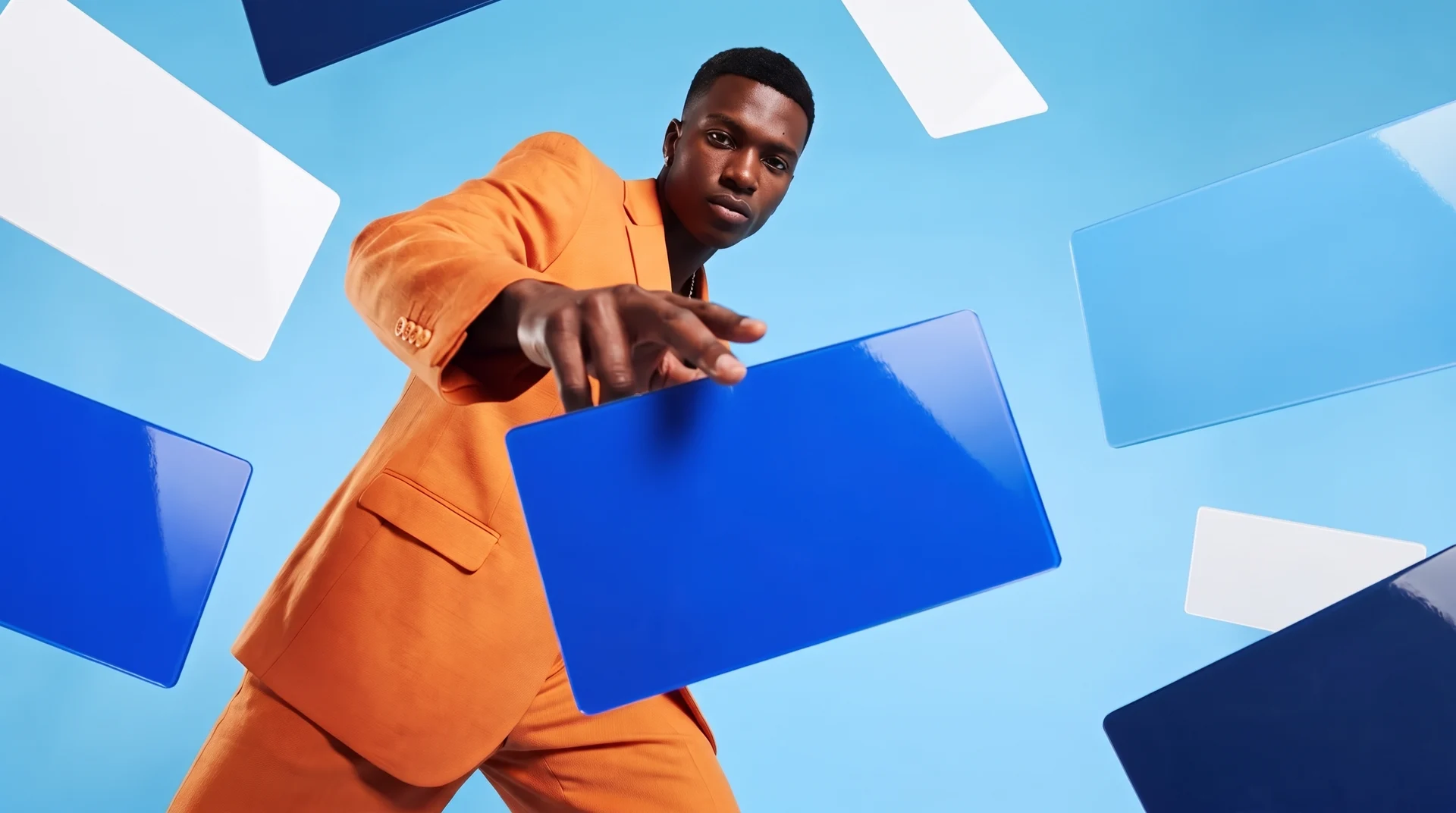
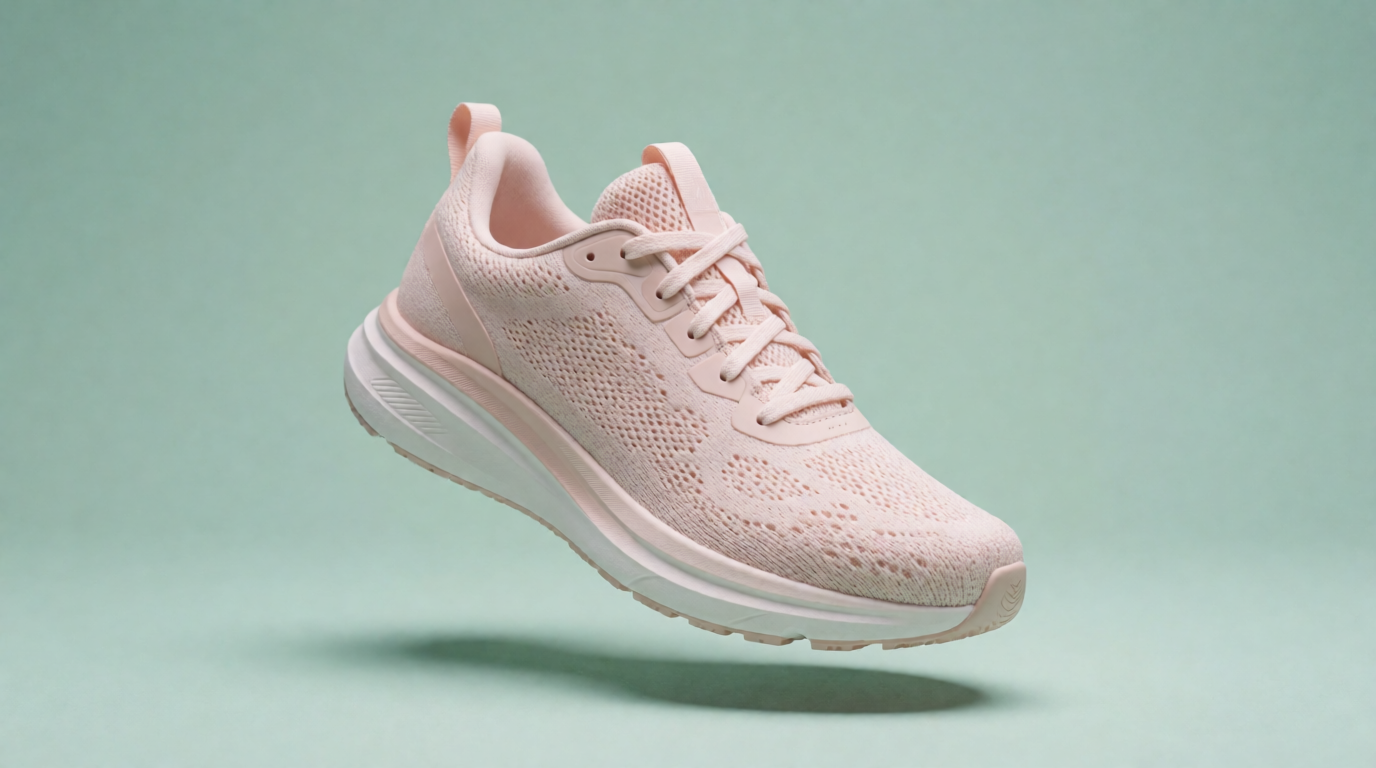
Here is a raw free-tier generation — the kind of hero image that would otherwise cost a Premium AI use. Single Krea 2 output from the exact prompt below, no retouching:
Prompt:
Product photo of a pastel pink running sneaker floating above a seamless mint green background, soft studio lighting, gentle shadow below, e-commerce hero image, 50mm lens
Variation tips: change only the two colors for a matching carousel set; ask for “a white background” if you plan to cut it out in Canva.
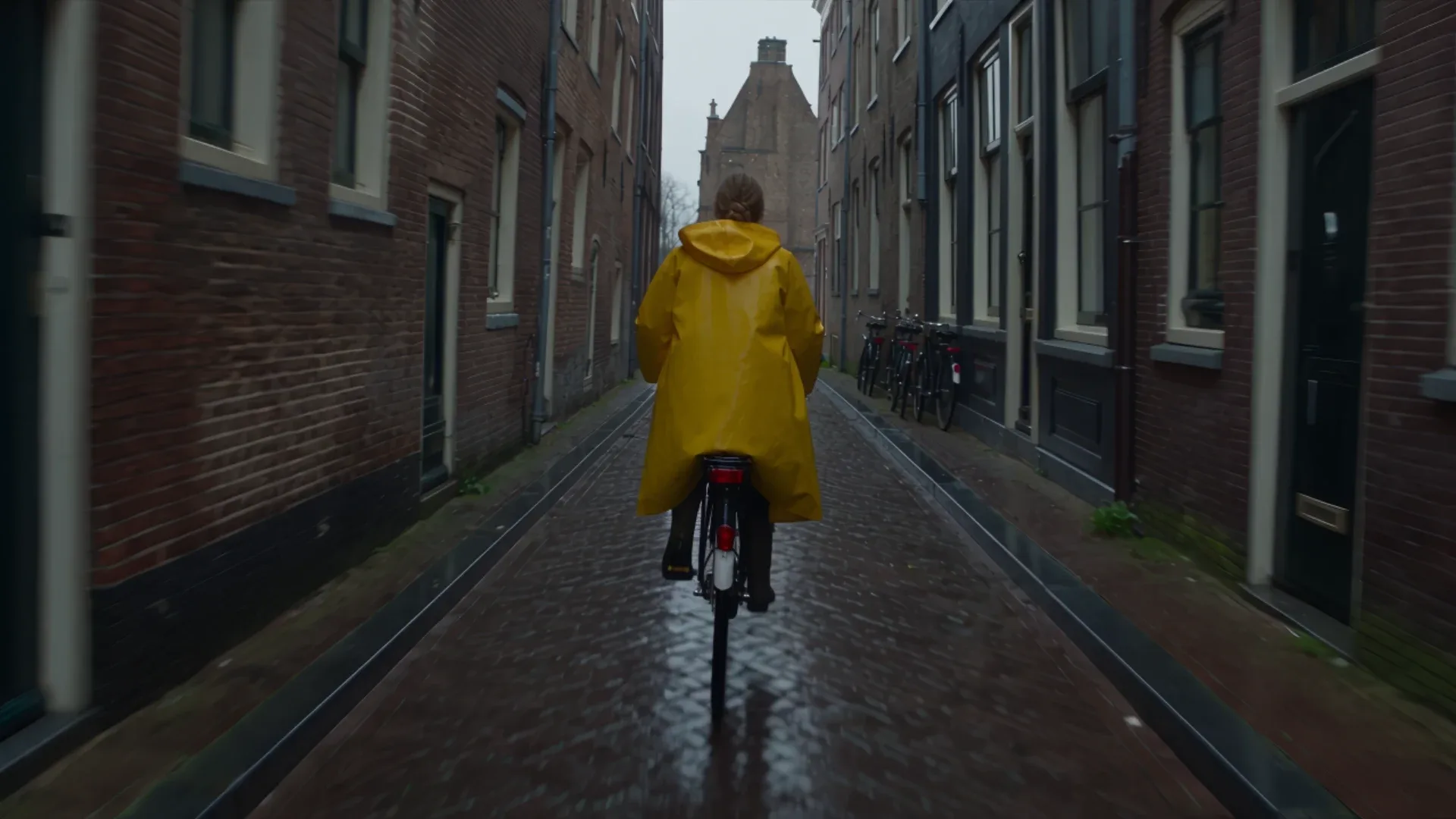
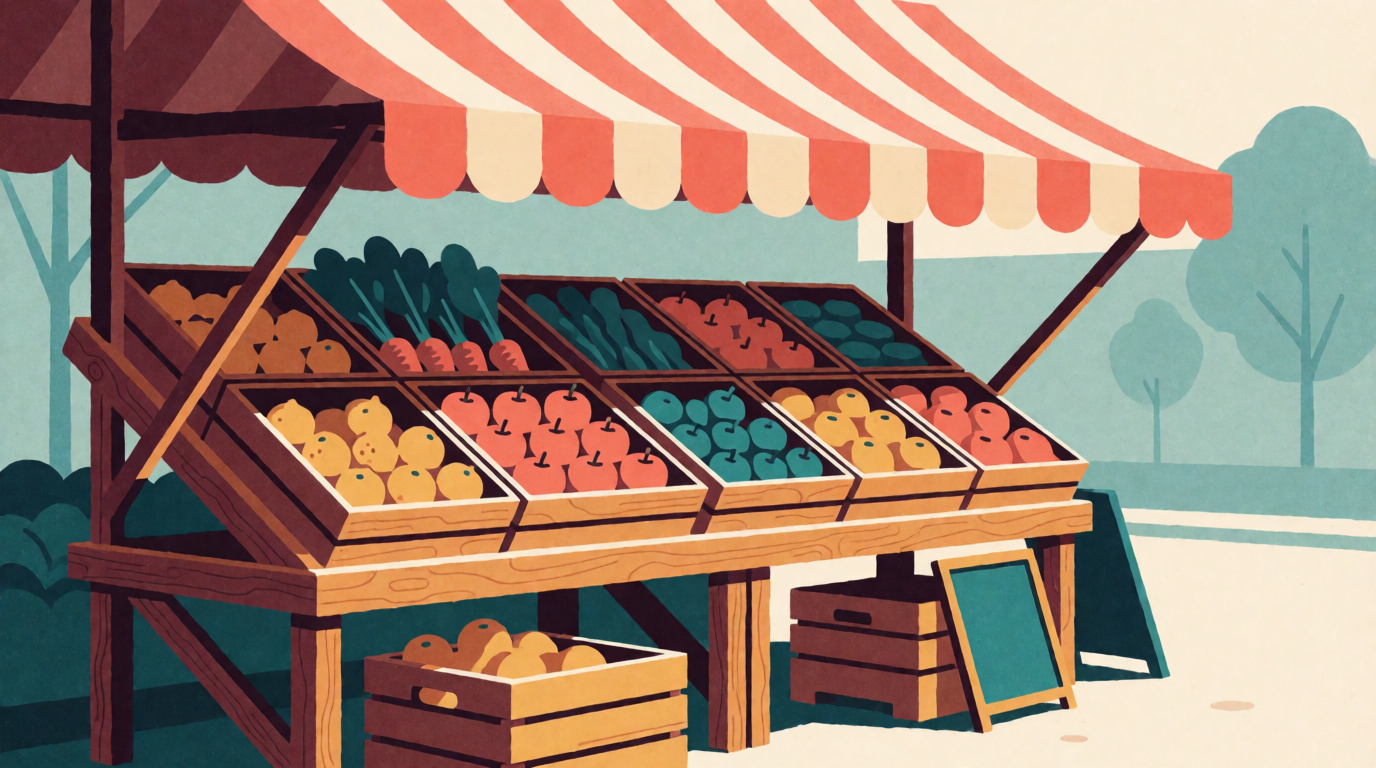
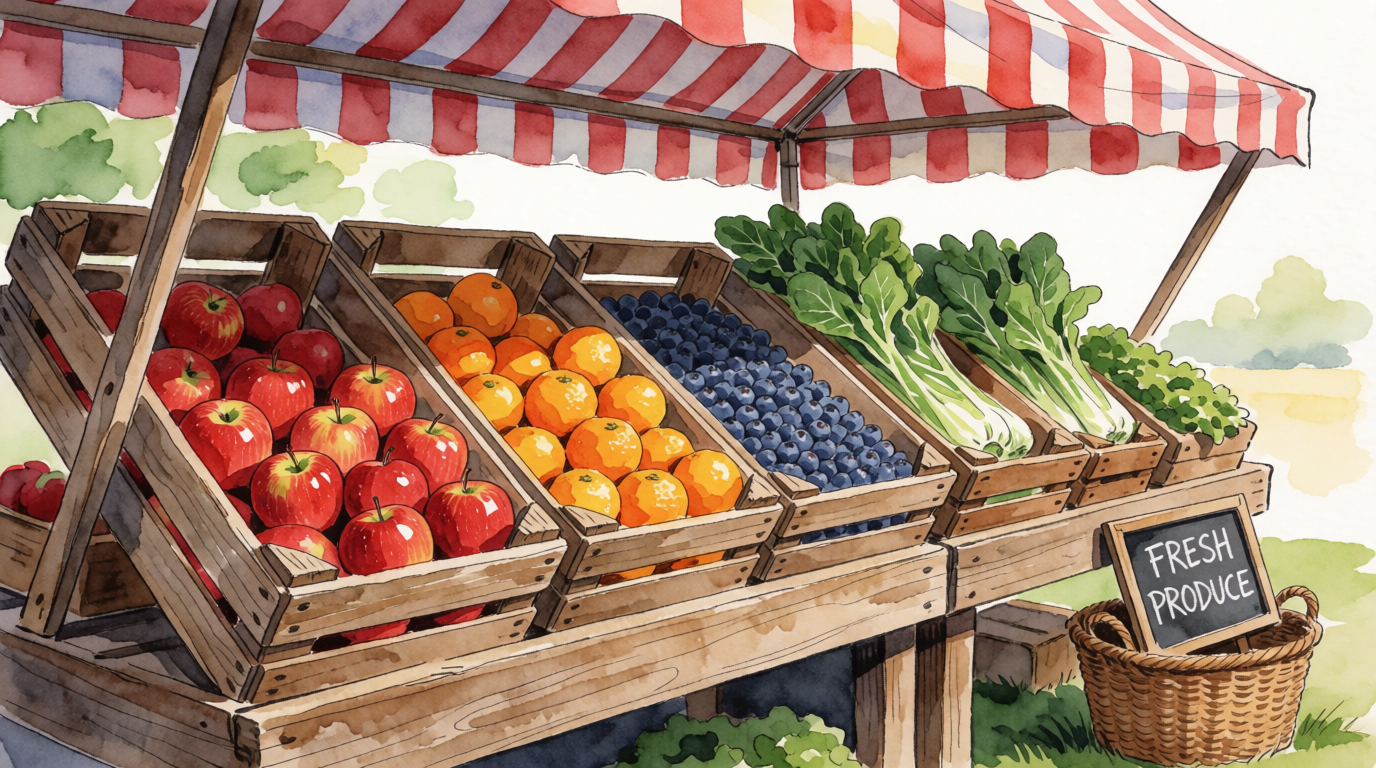
Style range is what Canva’s quality menu does not expose. The pair below is one scene generated twice with only the style clause changed — both raw Krea 2 outputs:
One scene, two styles — raw Krea 2 outputs
Prompts:
Flat vector illustration of a farmers market stall with wooden fruit crates and a striped awning, warm morning light, limited palette of coral, mustard and teal, subtle grain texture
Watercolor illustration of a farmers market stall with wooden fruit crates and a striped awning, warm morning light, loose brush strokes, soft paper texture
Variation tips: hold the scene fixed and swap only the style words to show a client three directions for one brief.
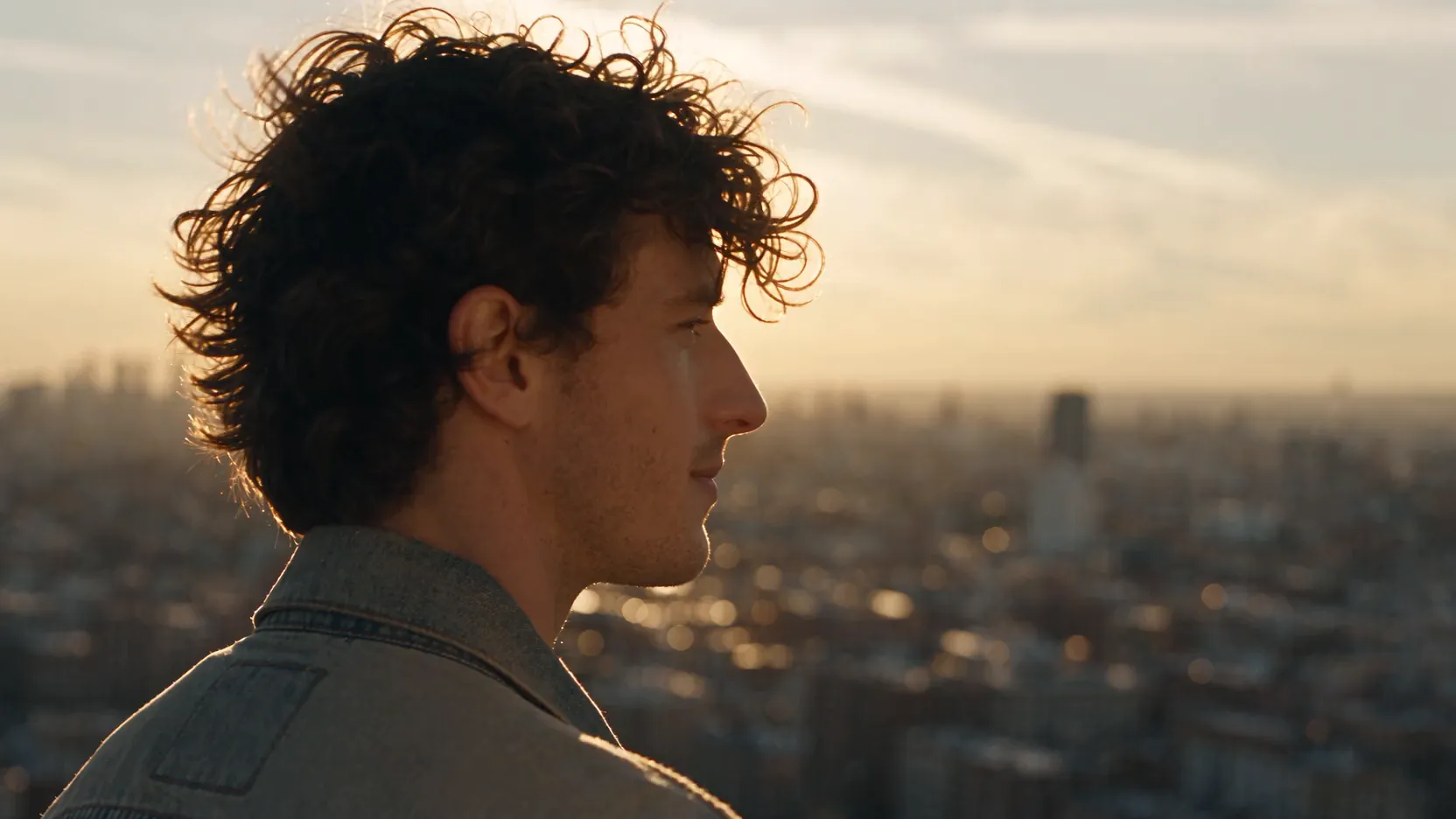
A photograph with room for text is the third common Canva need. Raw Krea 2 output from the prompt shown — drop it into a banner and set the headline over the empty wall:
Prompt:
Wide photograph of a minimalist oak desk with a white ceramic vase and a eucalyptus branch on the right side, large empty wall space on the left for text overlay, soft neutral beige tones, natural light
Variation tips: state which side stays empty and why (“for text overlay”); the model composes around it reliably.

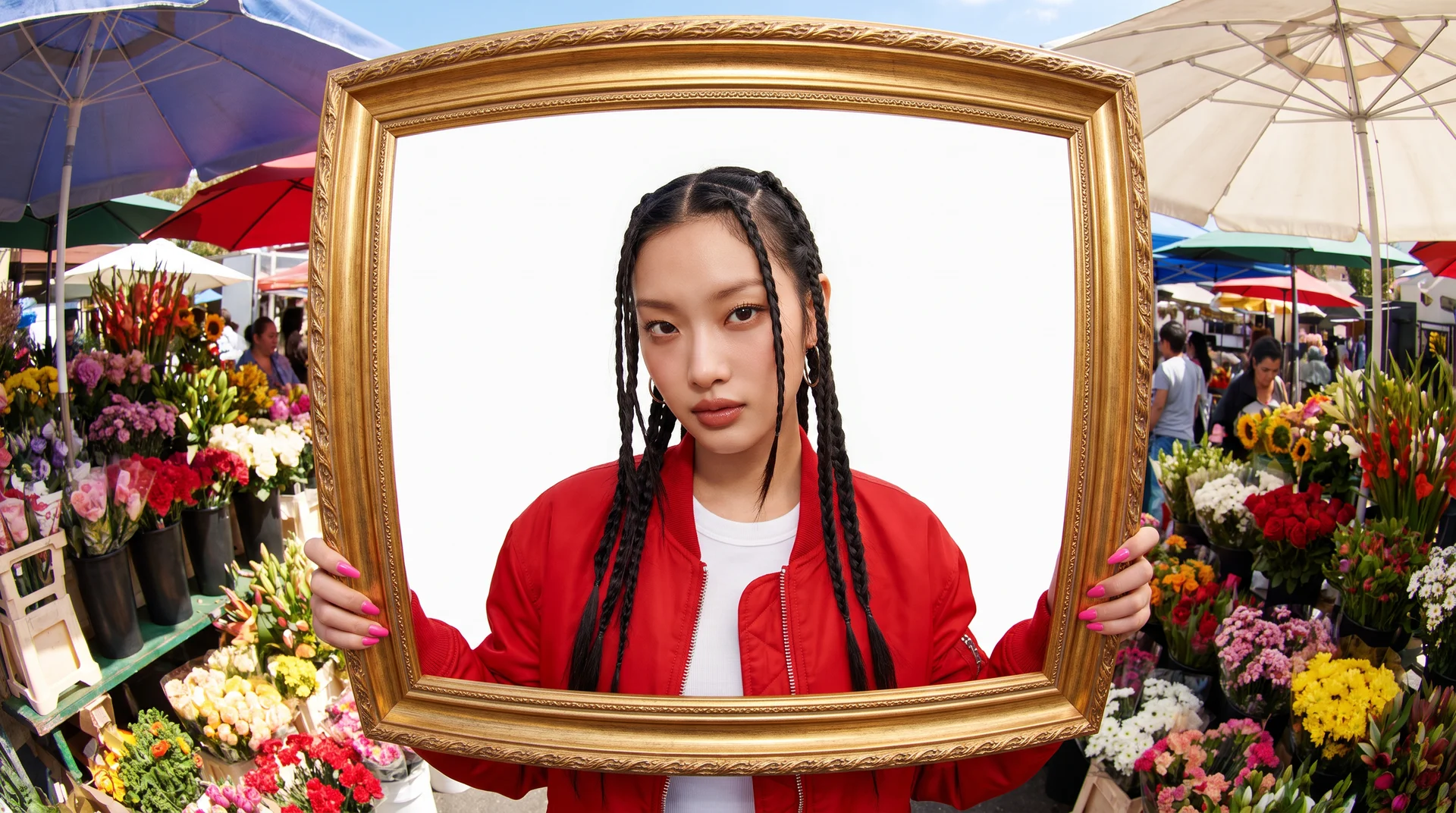
And a people subject — again a raw Krea 2 generation from the exact prompt:
Prompt:
Editorial portrait of a barista in a sunlit cafe, canvas apron, steam rising from a pour-over coffee, natural skin texture, soft window light, 85mm lens, shallow depth of field
Variation tips: name the light and the lens; “soft window light, 85mm” does more for skin than any quality keyword.

Try Krea 3 free — 100 compute units a day, no credit card. For the wider field, see the best free AI image generators in 2026.
Which should you pick?
Pick by what runs out first:
- A few posts a month, little AI → Canva Free. Selling original designs is allowed, including Canva templates sold on Etsy.
- Premium templates, Brand Kits, scheduling, Canva AI 2.0 → Canva Pro at US$144 a year.
- A team, approvals, 100 Brand Kits → Canva Business at US$20 per person per month.
- You burn AI uses on images, not layouts → keep Canva for layout and generate in Krea: 100 compute units a day free, $9 a month for the full image library.
- A chat assistant that occasionally makes a picture → ChatGPT Free, with no published daily image number.
Frequently asked questions
Is Canva completely free?
Can you use Canva for free?
Is Canva AI available for free?
How many times can I use Canva AI for free?
Is Canva AI as good as ChatGPT?
Is Canva a type of software?
Generate the image, then design around it
Krea's free plan runs Krea 3 and Krea 2 with 100 compute units a day and basic 2K upscaling — no credit card. Basic is $9/month for 5,000 units and the full image model library.
Try Krea free