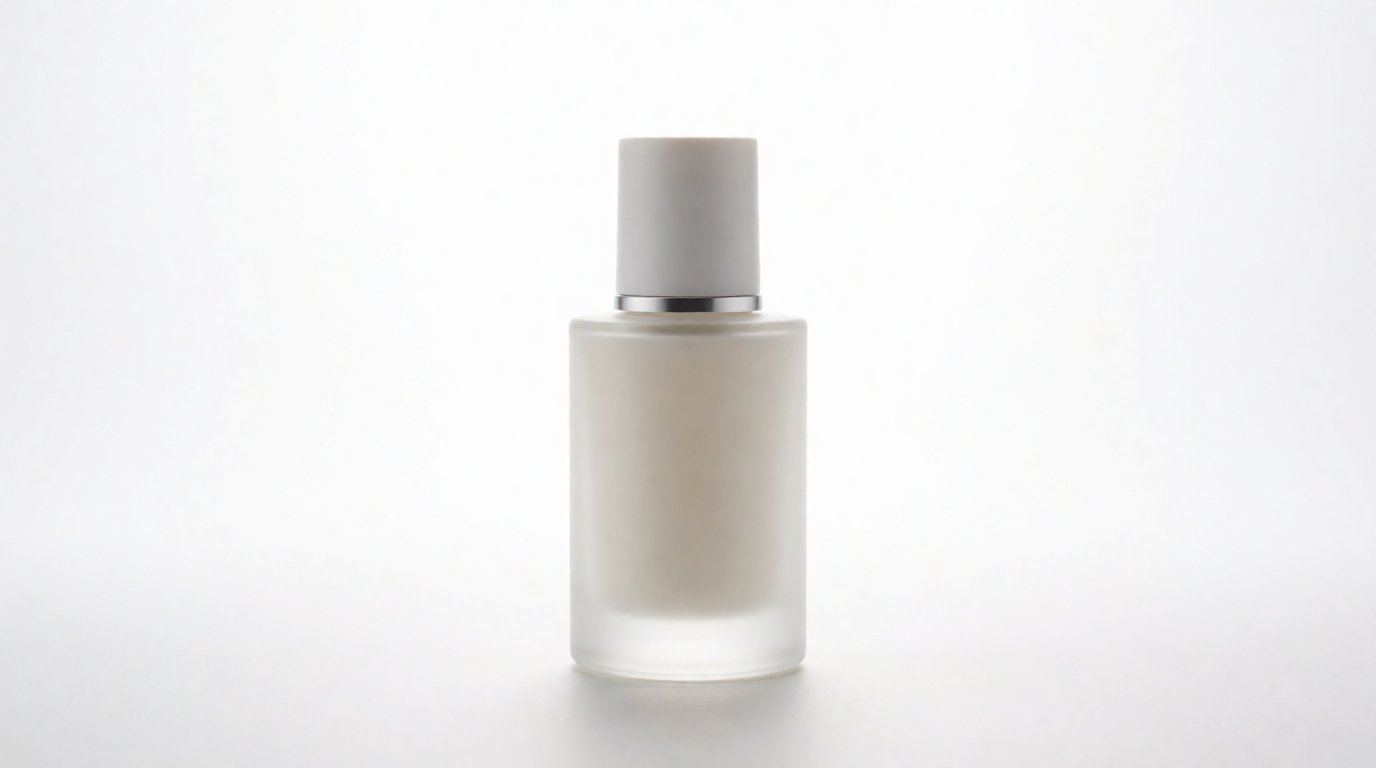
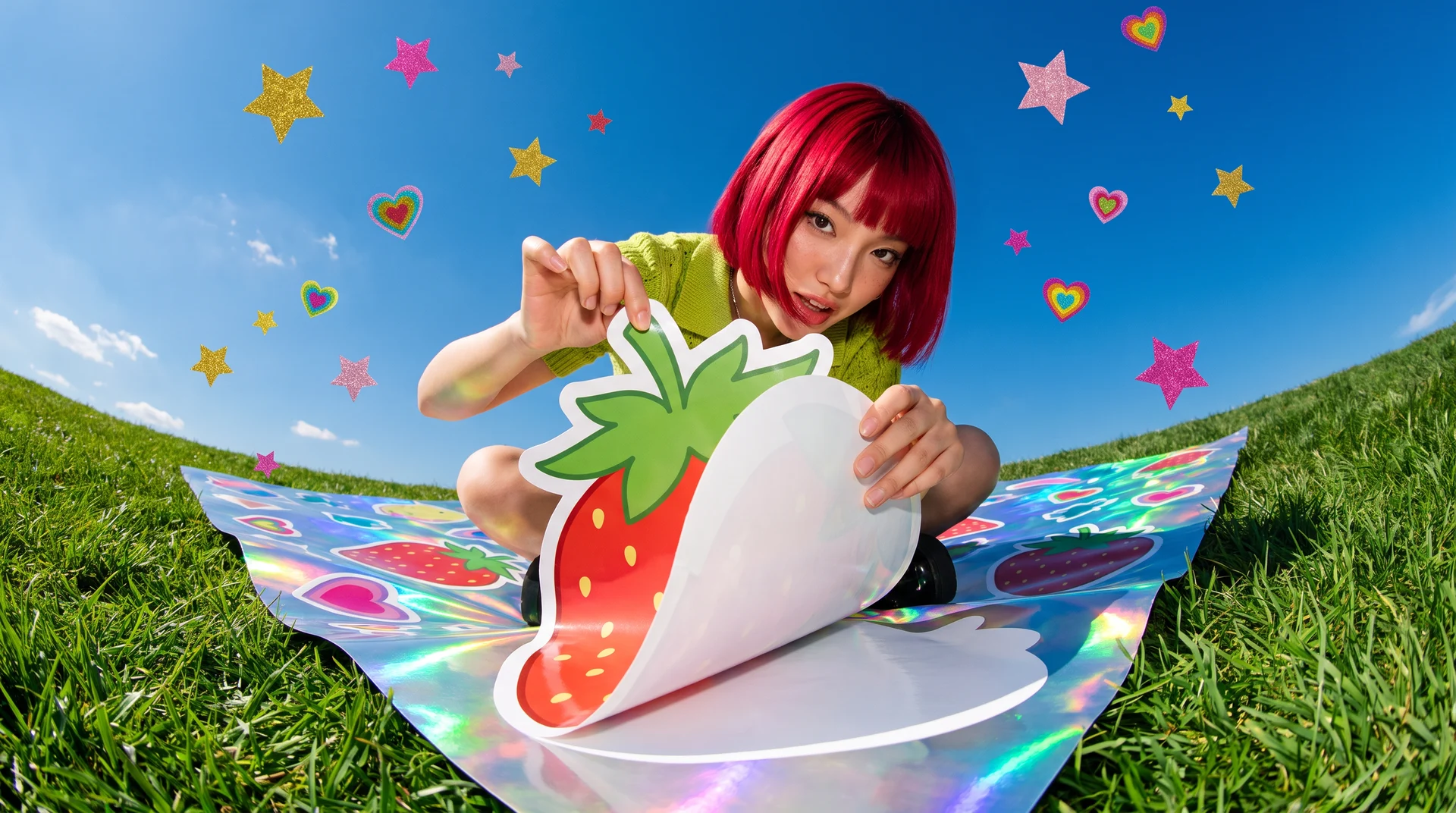
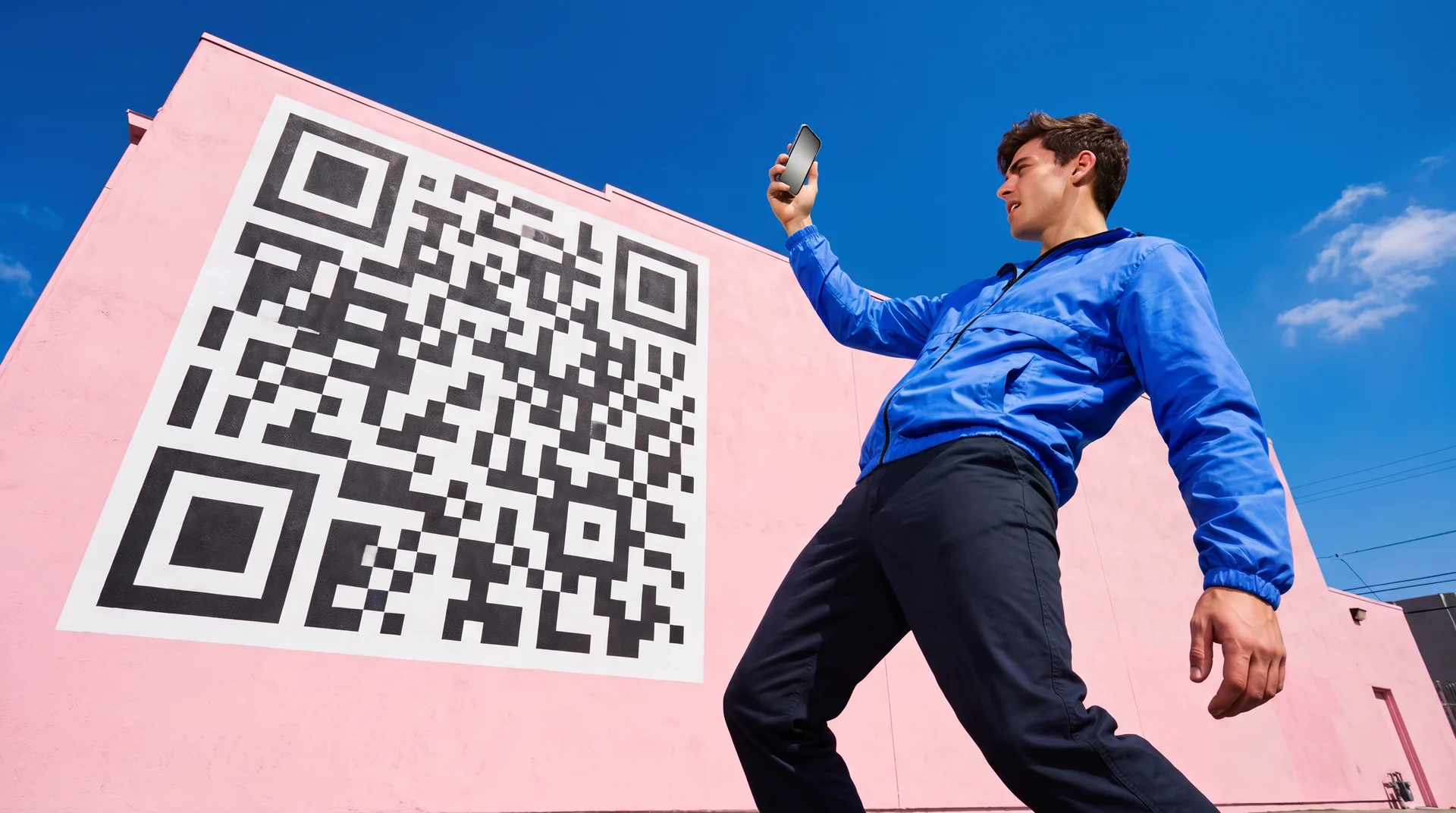
“Make a wallpaper” and “make a background image” are the same job: describe a scene, get a unique image sized for a screen, not a photo shoot to edit. That is a different job from cleaning up a photo you already have — if you need to strip or whiten the background behind an existing photo, see our guides on removing a background and making a white background for photos. This guide is about generating a brand-new image from a text prompt, for a phone lock screen, a desktop, or a website hero.
This guide compares six tools that do that job, with copy-paste prompts, current prices, and where each one stops.
What this guide covers: a wallpaper made from a text prompt, not a photo edit
AI wallpaper generators at a glance
| # | Tool | Best for | Free tier | Paid from |
|---|---|---|---|---|
| 1 | Krea | Fast, high-control prompts across styles | 100 compute units/day | $9/mo (Basic) |
| 2 | Wallpapers.com AI Wallpaper Generator | Purpose-built wallpaper sizes, phone + desktop presets | 1 generation/day signed in | $39.99/mo (annual Premium) |
| 3 | Canva AI Image Generator | Wallpaper as one asset inside a design | 50 lifetime credits | $18/mo (Pro, 500 credits/mo) |
| 4 | Adobe Firefly | Highest prompt fidelity, commercially safe training | Daily free generations | $9.99/mo (Standard) |
| 5 | Bing Image Creator (Image Creator from Designer) | Free, no-subscription option | 15 fast creations/day | Free (Microsoft Rewards for more) |
| 6 | StarryAI | Style variety, 1000+ presets, no watermark on free | 20 images, no watermark | Credits-based, see app |
Generate a wallpaper now
Describe the scene, pick 16:9 for desktop or 9:16 for phone, and download a wallpaper-ready image in seconds.
Open Krea 2How we chose and tested
Every price and limit below comes from the vendor’s own page, checked in September 2026: Krea pricing, Wallpapers.com’s premium plans and its AI wallpaper generator tool page, Canva’s AI Image Generator page and Canva Pro pricing, Adobe’s Firefly overview and plans page, Microsoft’s Bing Image Creator page, and StarryAI’s wallpaper generator page. Every image in this post is a raw, single Krea 2 generation from the exact prompt printed beside it — no retouching, no cherry-picking, and none of these images came from a competitor tool.
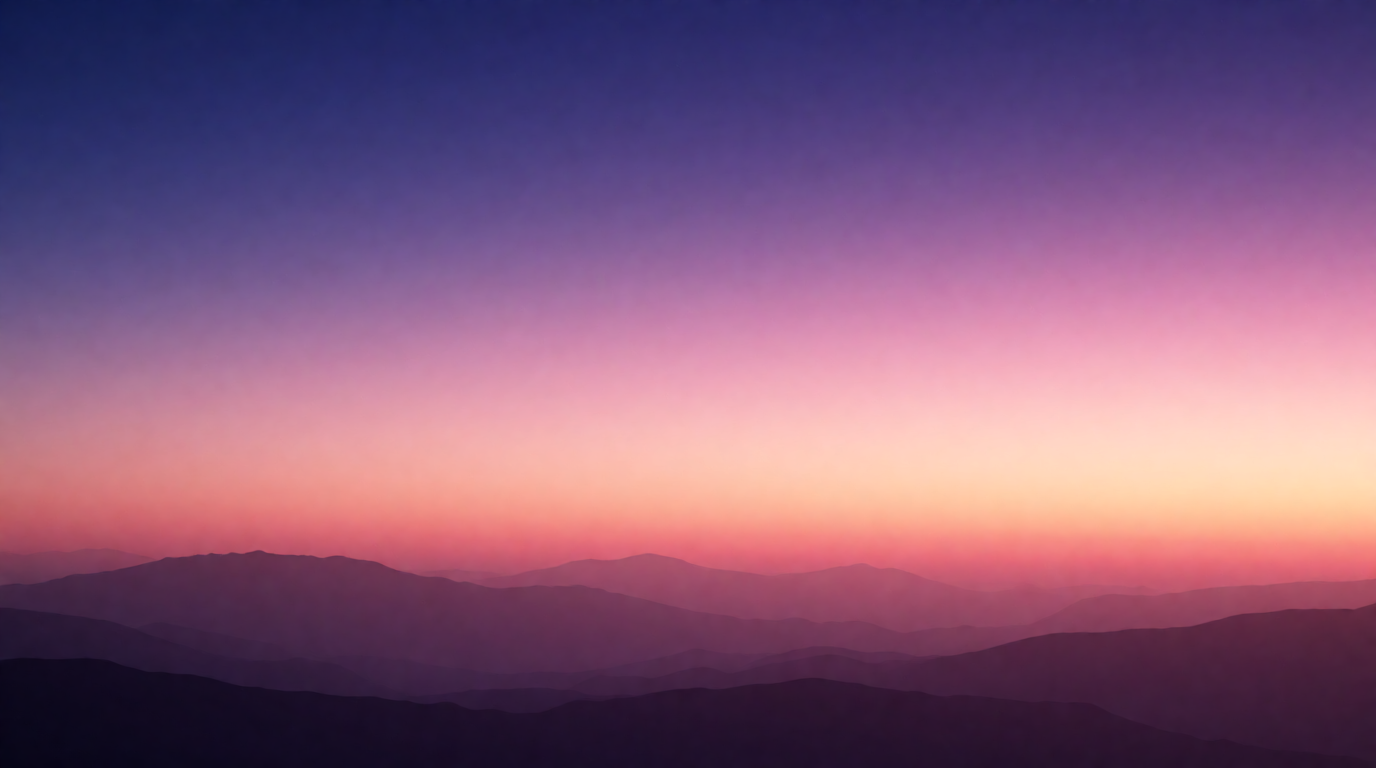
To test a wallpaper generator yourself, a soft gradient scene is the fair baseline — it exposes banding, muddy color transitions, and compression artifacts that a busy photo would hide:
wide desktop wallpaper of a soft gradient sunset sky over calm layered mountain silhouettes, minimal aesthetic, warm pink to deep purple gradient, clean and calming, ultra high definition wallpaper style
Variation tip: keep “gradient” and the two named colors fixed, and swap only the subject silhouette (mountains, city skyline, waves) to reuse the same clean-gradient recipe.
What separates a good wallpaper generator from a good general image generator
- Aspect ratio presets. A phone lock screen (9:16 or taller for tall flagship screens), a desktop (16:9), and a website hero (often 21:9 or a wide banner) are different canvases. Tools built for wallpapers offer the preset; general tools make you guess the ratio.
- Resolution for a real screen. A 1024×1024 image looks soft stretched across a 4K monitor. Look for 2K/4K output or a built-in upscaler.
- The free route, honestly stated. Free often means one generation a day, a watermark, or a small lifetime credit pool — not unlimited use.
- Commercial rights, if the wallpaper goes on a product or a storefront. Personal use and commercial use are frequently gated into different plans.
How do I make a wallpaper with AI?
The steps are the same across every tool below. Open the generator and describe the scene: subject, mood, color palette, and lighting. Pick the aspect ratio for where the wallpaper is going (9:16 for a phone, 16:9 for a desktop). Generate, then look at the result at full size for banding or blur in gradient areas — the most common wallpaper-specific flaw. Download at the highest resolution the plan allows, or run it through an upscaler first. The sections below give the exact recipe per tool.
1. Krea — fast, high-control prompts across any style
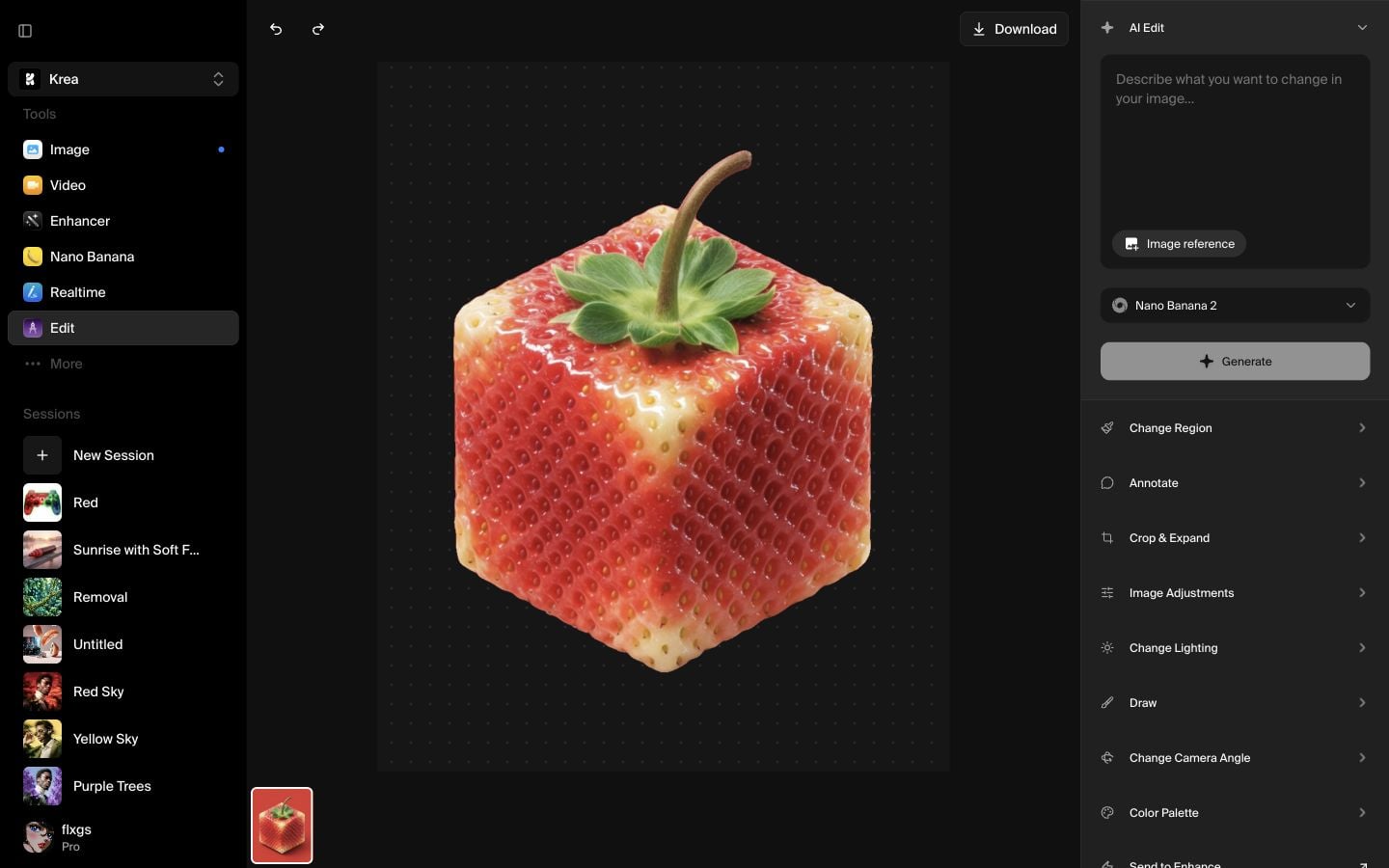
Krea 2 generates a wallpaper-ready image directly from a text prompt, with an aspect-ratio picker that covers 9:16 for phones and 16:9 for desktops in one step, plus 1:1 and ultrawide-friendlier ratios for website heroes.
Copy-paste prompt:
cute kawaii pastel phone wallpaper, small smiling cloud character surrounded by tiny stars, soft pastel pink and lavender gradient background, minimal cartoon style, high resolution mobile wallpaper
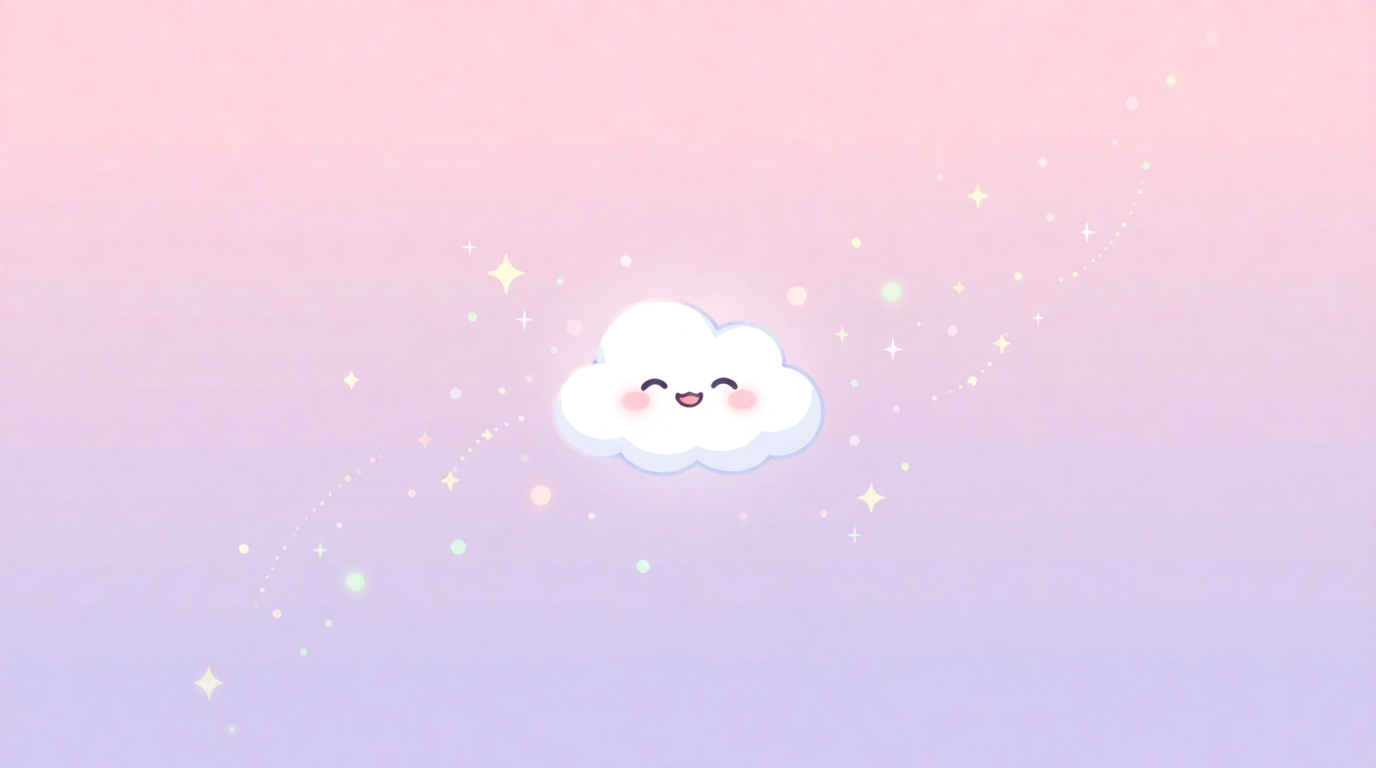
Variation tip: keep “kawaii,” “pastel,” and the named colors fixed, and swap only the small character (cloud, cat, planet) for different cute-wallpaper variants.
Krea’s free plan runs on 100 compute units a day, which covers Krea 2 image generation and basic upscaling to 2K; it does not include the full model library, video, 3D, or the commercial license. Paid plans start at Basic, $9/month for 5,000 compute units, which adds the commercial license (pricing). Krea’s Enhancer can push a generated wallpaper to a sharper 4K or 8K file before it goes on a real screen — see our upscaler comparison for when that step is worth it.
Where it stops: Krea has no dedicated “wallpaper” mode with device-specific size presets (iPhone 16 Pro Max at 1320×2868, for example) — you set the aspect ratio and crop or upscale to the exact device resolution yourself.
Try wallpaper generation on Krea — the free plan covers a full day of prompts.
2. Wallpapers.com AI Wallpaper Generator — built for wallpaper sizes specifically
Wallpapers.com runs a fine-tuned Stable Diffusion XL model with output presets built around the job: 2048×1152 for desktop (16:9) and 1152×2048 for phone (9:19.5), on a site whose core business is wallpaper distribution. A first generation is free with no signup; signed-in free accounts get 1 generation a day.
Settings recipe:
Open the AI Wallpaper Generator → describe the scene → pick desktop or phone aspect ratio → generate → upscale 2x/4x (Premium) → download.
Variation tip: use the site’s built-in style presets alongside your prompt — they’re tuned for common wallpaper looks (abstract, nature, minimal) that the base model alone can undershoot.
Premium runs $39.99/month billed annually (or $49.99/month billed monthly) for 3,000 credits a month — about 120 generations at 25 credits each — plus bulk processing and 8K downloads. Pro, at $71.99/month annual ($89.99/month), adds a commercial license for the AI-generated images, along with higher bulk limits and API access.
Where it stops: the free tier is one generation a day, and the commercial license for AI images sits on the higher Pro tier, not the entry Premium plan — read the plan comparison closely if you plan to sell or license the output.
3. Canva — a wallpaper as one asset inside a bigger design
Canva’s free AI Image Generator turns a text prompt into an image in a chosen style — Photo, Vibrant, 3D Render, Cinematic, and others — that you can then set as a phone or desktop wallpaper, or drop straight into a Canva design (a social post, a deck) as a background layer.
Settings recipe:
Open the Text to Image app in Canva → enter the prompt → choose a style and aspect ratio → generate → download, or keep editing the design around it.
Variation tip: generate at a square or portrait ratio first, then use Canva’s Magic Resize on paid plans to reflow the same image to phone and desktop sizes without a fresh prompt.
Free Canva accounts get 50 AI image credits for the lifetime of the account; Canva Pro, Nonprofit, and Education accounts get 500 credits a month. Canva Pro costs $18/month, or $144/year ($12/month effective).
Where it stops: Canva’s generator is a component inside a design tool, not a dedicated wallpaper workflow — there’s no device-size preset list, and the free tier’s 50 credits are a one-time allowance, not a recurring one.
4. Adobe Firefly — highest prompt fidelity for detailed scenes
Adobe Firefly generates from a text prompt with strong adherence to specific detail — useful for a wallpaper brief with several named elements (time of day, weather, specific color palette) that weaker models blend together. Firefly’s free tier gives limited daily generations; full plan details and a deeper Firefly comparison are in our Is Adobe Firefly free? guide.
Settings recipe:
Open the Firefly web app → Text to Image → enter the prompt → set aspect ratio → generate 4 variations → pick one → download at full resolution.
Variation tip: add a specific time of day and light direction (“golden hour, low side light”) — Firefly follows lighting instructions more literally than looser prompt-expansion models.
Firefly Standard is $9.99/month for 2,000 monthly generative credits; Pro is $19.99/month for 4,000 credits and adds Adobe Express Premium and Photoshop web/mobile; Pro Plus is $49.99/month ($34.97 first year at time of writing) for 10,000 credits (Firefly plans). Adobe states Firefly models are commercially safe and that Adobe does not train on users’ personal content.
Where it stops: the free tier’s exact daily generation count isn’t published, and the deepest features (Express Premium, Photoshop bundling) only show up once you’re on Pro or above — a step up from a pure wallpaper tool’s pricing.
5. Bing Image Creator (Image Creator from Designer) — the free, no-subscription option
Microsoft folded Bing Image Creator into Microsoft Designer branding as “Image Creator from Designer,” but the tool at bing.com/create is unchanged and free for anyone with a Microsoft account: 15 fast generations a day, then a slower generation speed (or spend Microsoft Rewards points to keep the fast lane).
Settings recipe:
Sign in with a Microsoft account at bing.com/create → enter the prompt → generate 4 images → download → set as wallpaper directly from the browser image menu.
Variation tip: keep prompts concrete and visual — the underlying content filter rejects vague or suggestive phrasing more aggressively than most competitors.
Where it stops: a visible watermark sits in the bottom-left corner of every image, which is a real problem for a wallpaper meant to look clean edge-to-edge, and the daily fast-generation cap resets, so it isn’t built for repeated same-day iteration.
6. StarryAI — the widest style range on a free plan
StarryAI’s wallpaper generator offers over 1,000 style presets — anime, cartoon, abstract, pixel art, and a 3D “Luna” style among them — across square, portrait, landscape, mobile, and wide canvas presets, generating up to 4K with an 8K upscale option.
Settings recipe:
Choose a canvas size (mobile, landscape, wide) → pick a style preset → enter the prompt → generate → upscale if needed → download.
Variation tip: run the same prompt through two or three style presets before committing — the style choice changes the result more than small prompt edits do at this stage.
The free plan gives 20 images with no watermark and no credit card required, plus StarryAI states 100% commercial-use rights on generated images even on the free tier — an uncommon combination worth checking against the app’s current terms before a commercial job, since free-tier commercial grants are the exception industry-wide, not the rule.
Where it stops: StarryAI doesn’t publish its post-free-trial paid pricing on the wallpaper page itself; check the in-app Pricing screen before assuming a specific plan cost.
What’s a good wallpaper look right now?
Trend-wise, minimal gradient meshes, glass and liquid-chrome abstractions, and soft pastel palettes are common current picks across the tools above — but “in” is a moving target and none of the tools here can promise a specific look is trending in your country this month. Prompting a named aesthetic (“liquid glass,” “gradient mesh,” “Y2K chrome”) gets you close, then a quick browse of the tool’s own trending or featured gallery (most of the six above have one) shows what other users are actually generating today.
Two more wallpaper styles from one Krea 2 session
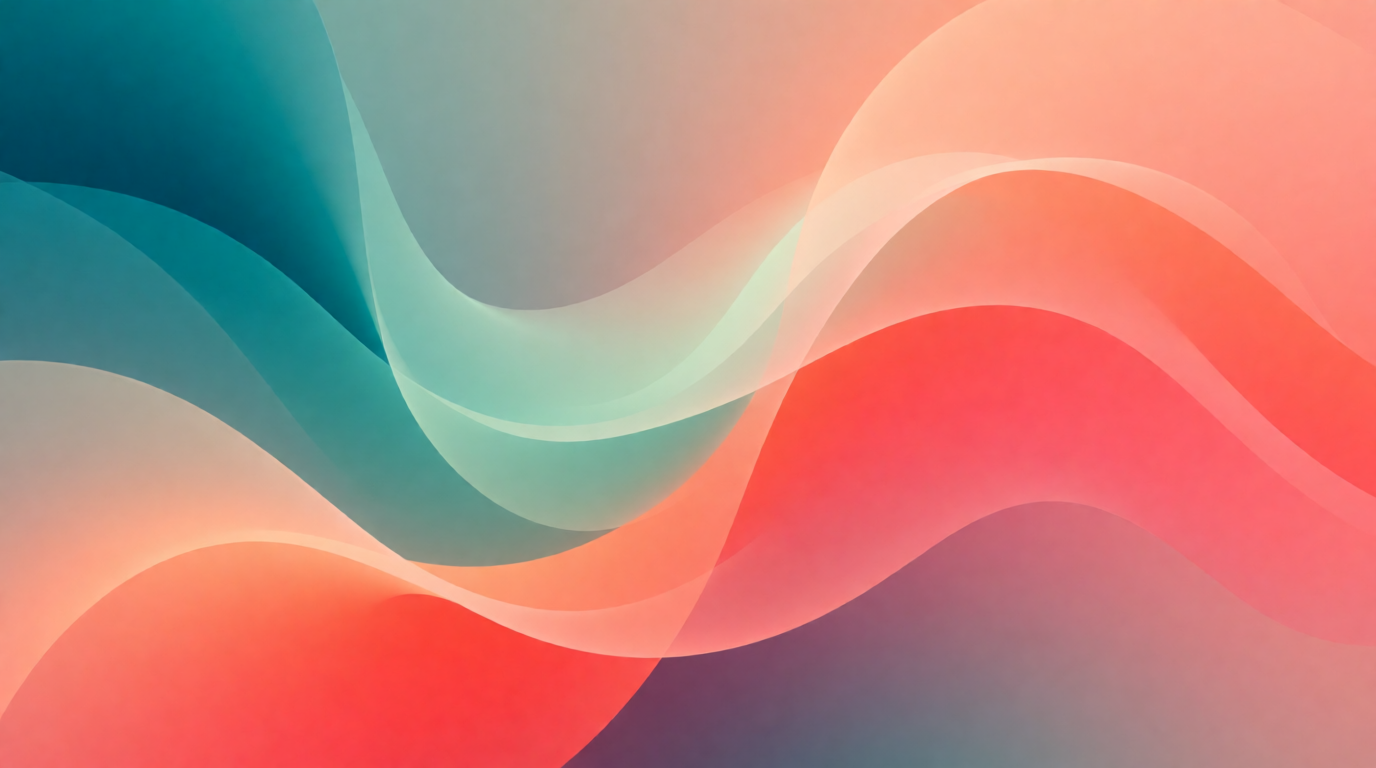
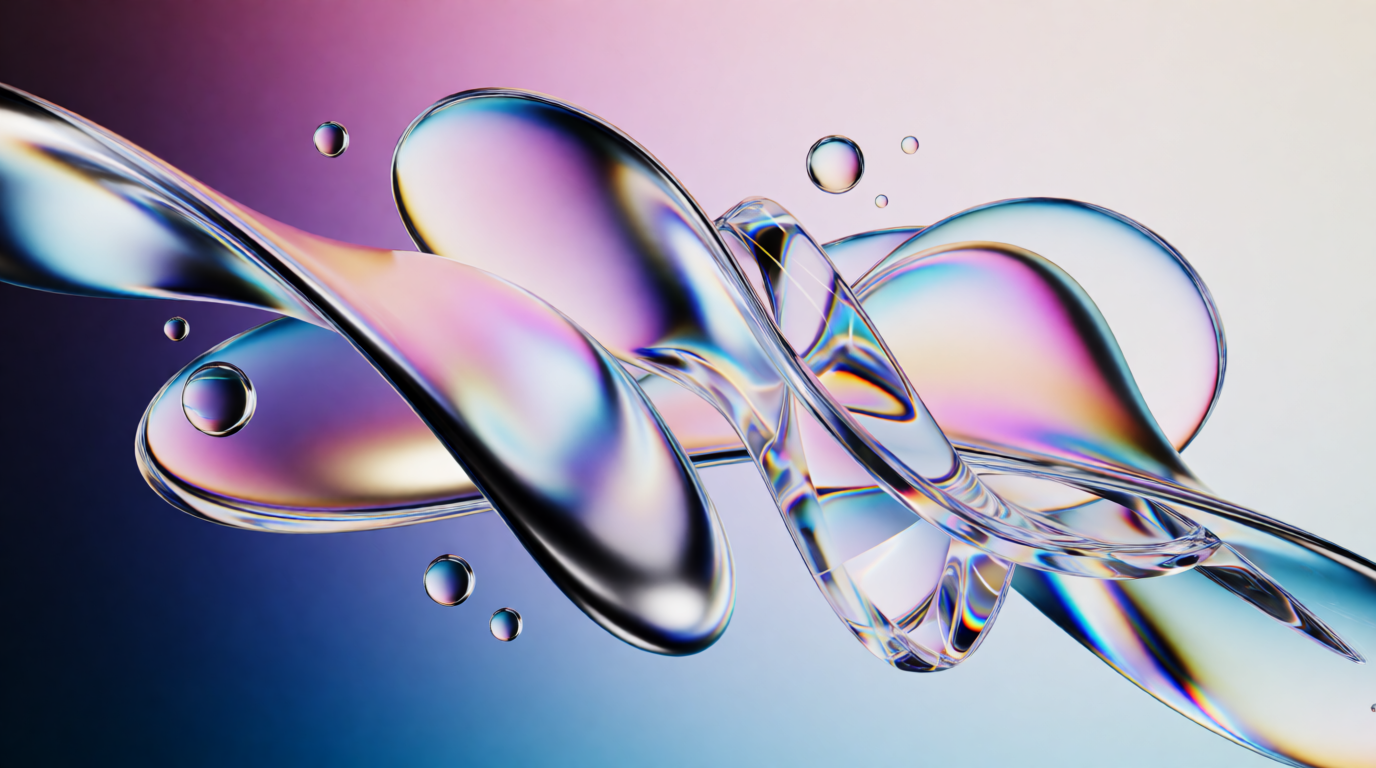
Prompts used above: “minimalist abstract wallpaper, smooth flowing gradient mesh in teal and coral, soft blurred organic shapes, clean modern background image, ultra high definition desktop wallpaper” and “trendy modern desktop wallpaper, liquid chrome and glass abstract shapes, iridescent gradient reflections, futuristic minimal aesthetic, ultra high definition.”
Making a background image for a website, not a screen
“Create a background image” often means a website hero or a card background rather than a phone or desktop wallpaper — the same generators work, but the brief changes: a website background needs empty space for text to sit on top of, and often needs to tile or repeat cleanly.
seamless repeating geometric pattern background, soft blue and white minimal shapes, subtle texture, clean flat design website hero background image
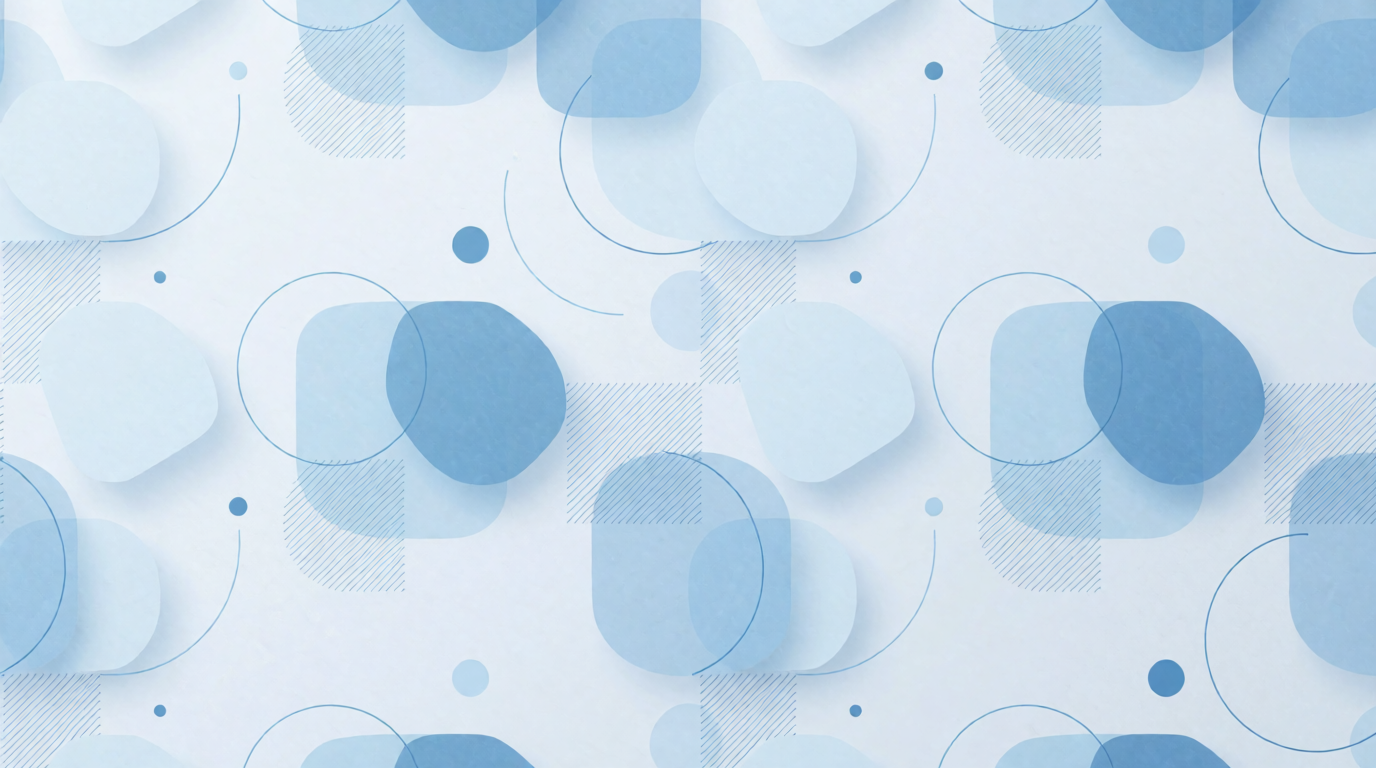
Variation tip: add “seamless” and “repeating pattern” explicitly, and keep the shapes simple — a pattern generator is more forgiving of a plain prompt than a scenic wallpaper prompt is.
Which wallpaper generator should you use? Pick by job
- Fastest, most control over the prompt: Krea — an aspect-ratio picker built in and a free daily allowance.
- You want wallpaper-specific device sizes without doing the math: Wallpapers.com — desktop and phone presets are the product.
- The wallpaper is one asset inside a bigger design: Canva — generate, then keep building the rest of the design around it.
- A detailed brief with several specific elements: Adobe Firefly — the most literal prompt-following of the six.
- Zero budget, zero signup friction beyond a Microsoft account: Bing Image Creator — free, but expect a watermark.
- Widest style range, no watermark on the free tier: StarryAI — 1,000+ presets to browse before you commit to one look.
If the wallpaper is step one of a bigger creative pipeline — album art, a product mockup, a video thumbnail — start where generation lives: generate the image, upscale it for a large display, and see our roundup of free AI image generators if budget is the main constraint.
Frequently asked questions
How do you make a background?
How can I create a background image?
How do I make a cute wallpaper for free?
How do you create a wallpaper?
What wallpaper is in now?
Is there a free way to make an AI wallpaper?
Make your own wallpaper
Describe the scene, pick your aspect ratio, and download a wallpaper-ready image on Krea's free plan.
Open Krea 2