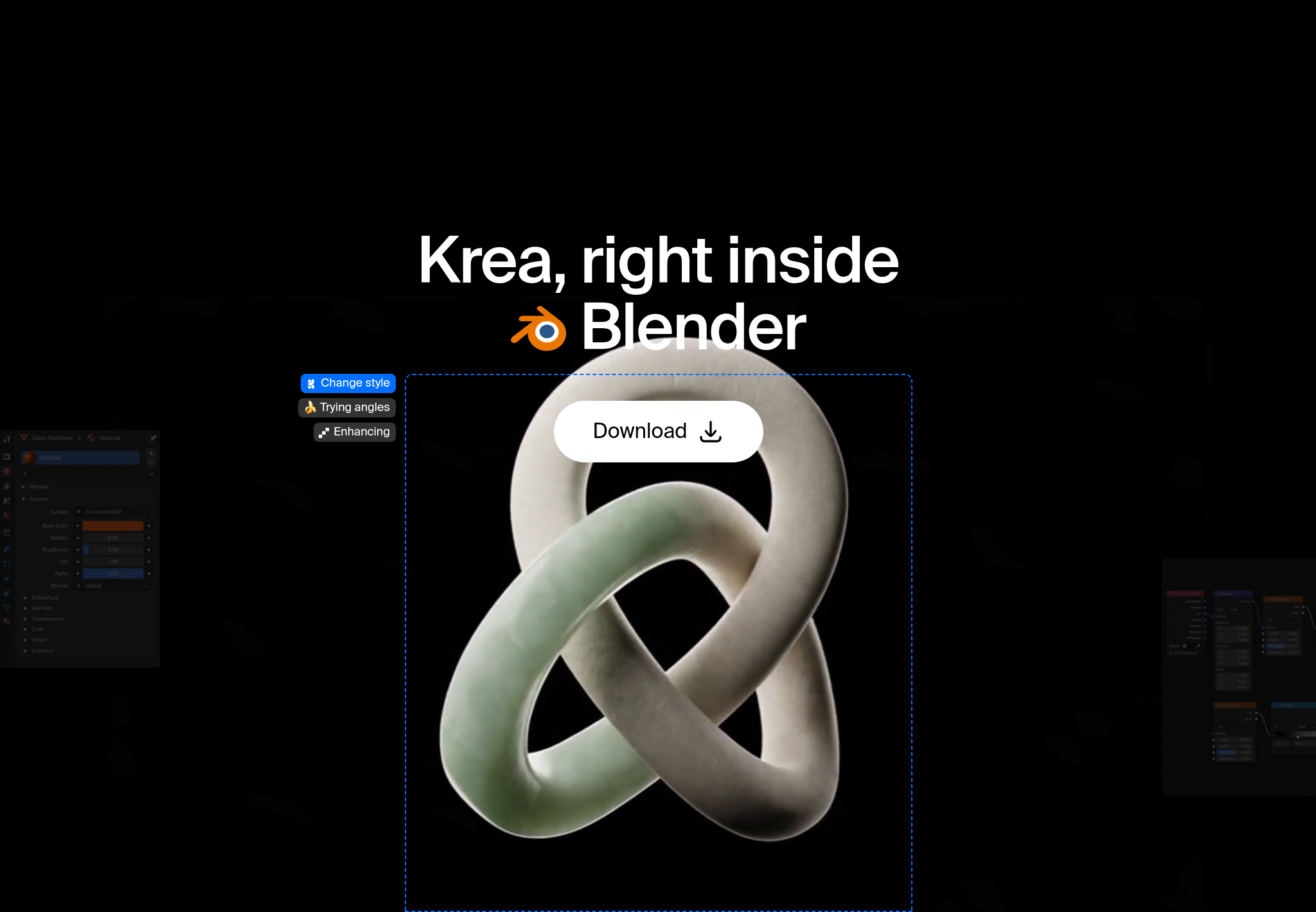
Krea for Blender brings AI visual development into Blender’s 3D Viewport. Explore materials and finishes, environment concepts, lighting directions, and extra camera views around the scene you already have. It works alongside Blender’s modeling, shading, and rendering, and Cycles and EEVEE stay your render engines.
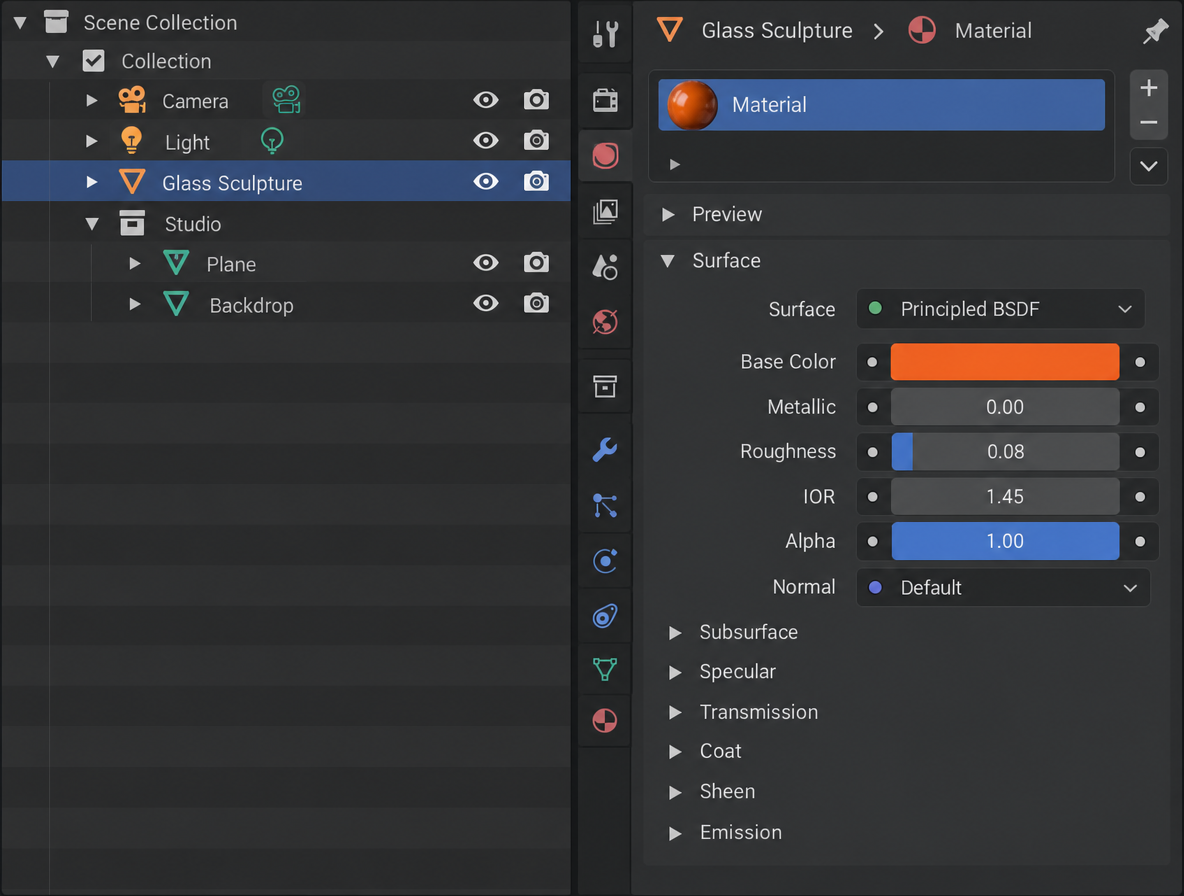
Get Krea for Blender
Look-dev materials, light, and cameras from the 3D Viewport. Blender 5.2 or later.
Open the add-on pageIs there an AI add-on for Blender?
Yes. Krea ships as a Blender add-on for macOS (Apple Silicon or Intel) and Windows, and works with Blender 5.2 or later. It connects Krea’s creative AI tools to your Blender workflow for visual development, materials, environments, and render exploration.
Many “Blender AI” tools generate meshes from text. Krea for Blender does something different: it builds the picture around a scene you already have, with surface references, environment concepts, lighting tests, and alternate cameras. If you need text-to-3D or image-to-3D, use Krea’s 3D tool on the web.
How do I install the Krea add-on in Blender?
There’s no installer. You download a ZIP and install it from inside Blender. You’ll need Blender 5.2 or later, a Krea account, and an internet connection, since generation runs on Krea’s servers.
- Download the ZIP for your Mac or PC from the Blender add-on page. Don’t unzip it; Blender installs the ZIP as is.
- Install it. Drag the ZIP onto the Blender window, or open Edit → Preferences → Get Extensions and choose Install from Disk from the menu at the top right.
- Open the tab. In the 3D Viewport, press N to open the sidebar, then choose the Krea tab.
- Sign in with your Krea account.
How do I explore materials and finishes?
Generate visual references for surfaces, finishes, and material directions before you commit to a shader. Compare plaster, brushed metal, or a glaze side by side, then keep the reference open while you build the node tree.
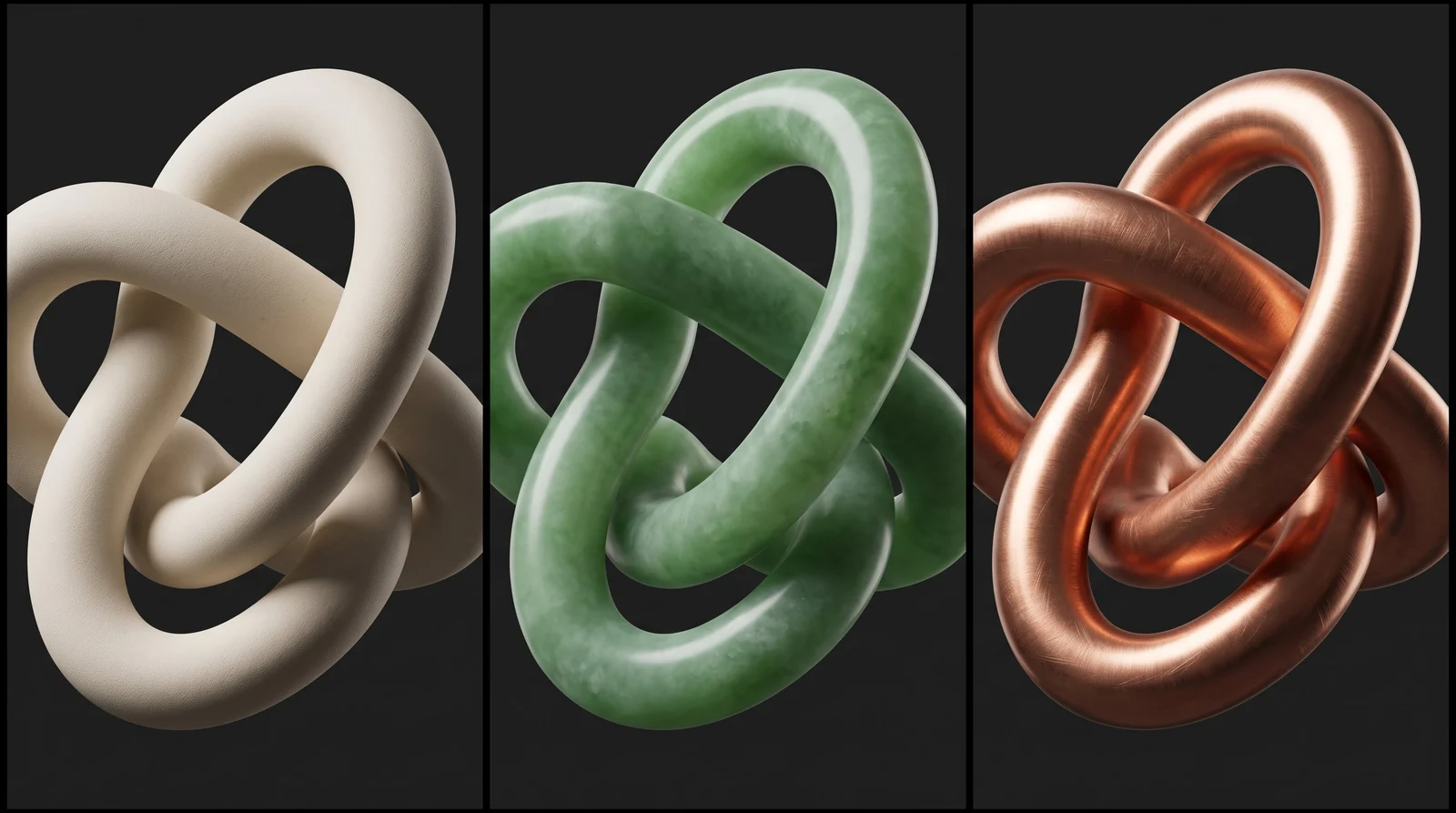
- Set up the object in a clay or untextured viewport so the form reads clearly.
- Open the Krea tab in the sidebar.
- Describe the material direction: the finish, the grain scale, the color.
- Use the result as your reference while you build the shader in Blender.
Working on architecture stills? See sketch to render, pitching architecture projects, and Krea for architecture.
How do I build environment concepts around the scene?
Generate backgrounds and environment references to shape the world around your 3D scene: site context you haven’t modeled, a sky and ground for a product shot, or a room around a piece of furniture.
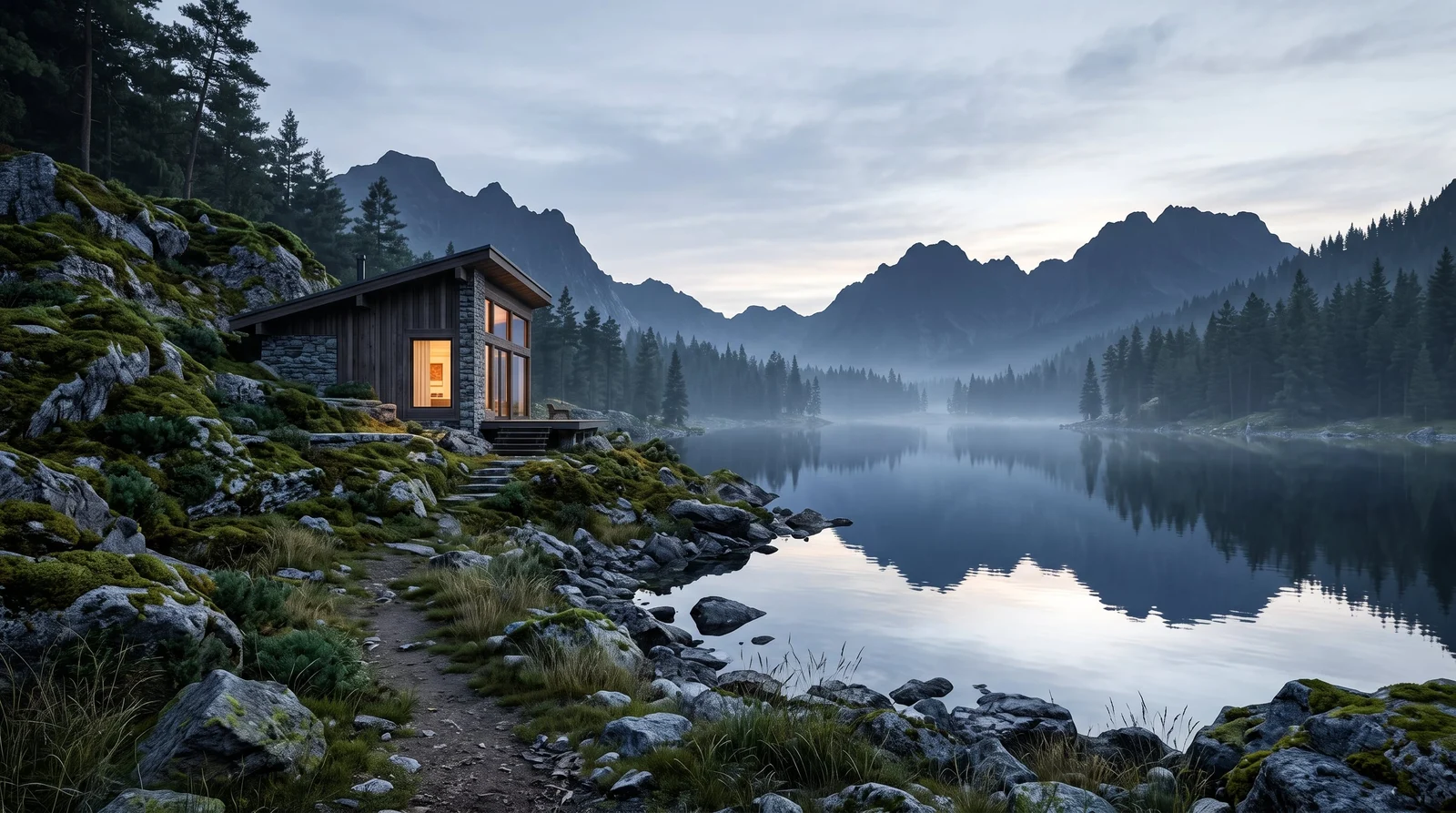
The generated image becomes your target. Place lights and world shaders in Blender to match it.
How do I test lighting directions?
Compare moods, color temperatures, and lighting setups before you refine the render. Ask for a warm key, a north-light interior, or hard sun, pick the one you like, then set up the lights in Blender to match.
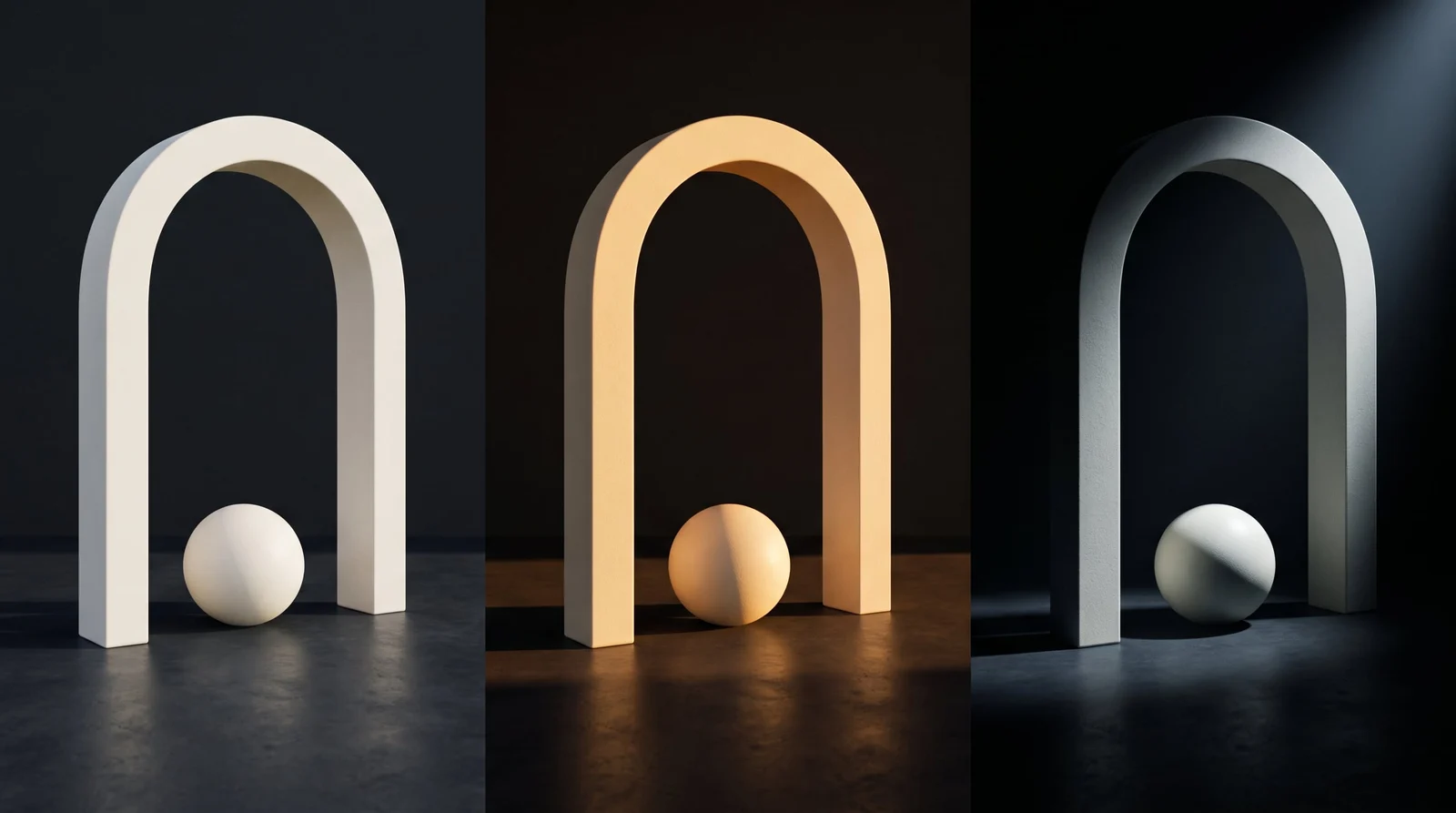
Want to sketch and see results live? Try Krea Realtime on the web.
How do I develop more than one camera view?
Explore alternate framing and presentation angles for products, environments, and characters. From one scene, get a hero three-quarter, a detail, a top-down, and a wider context shot that all stay consistent as the camera moves.
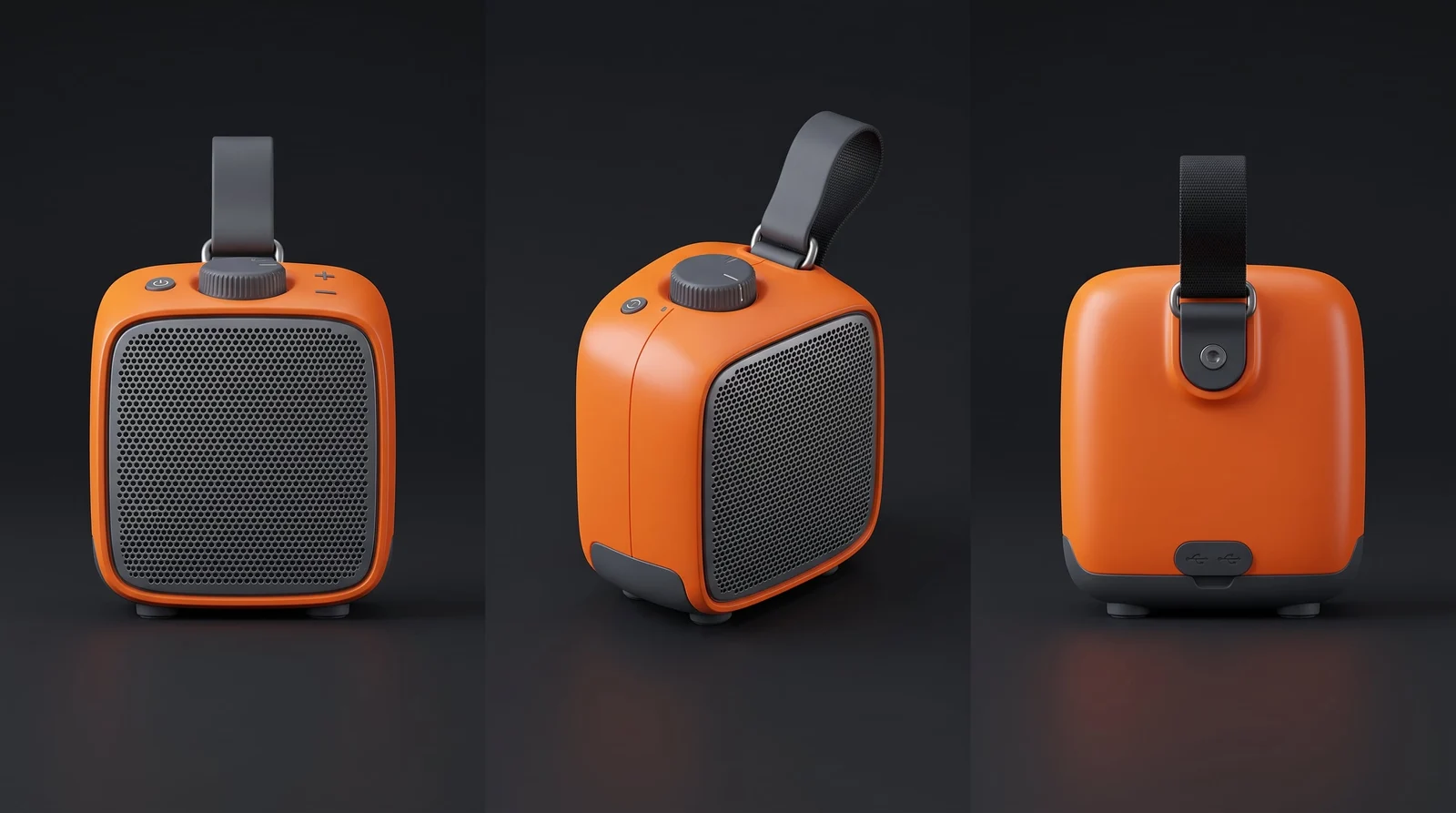
For editing finished stills, try Krea 3 on the web. It takes up to 8 reference images per edit and is 10× faster and 3× cheaper than GPT Image 2 and Nano Banana Pro, with fast, high, and ultra modes. See how it ranks in Krea 3 benchmarks.
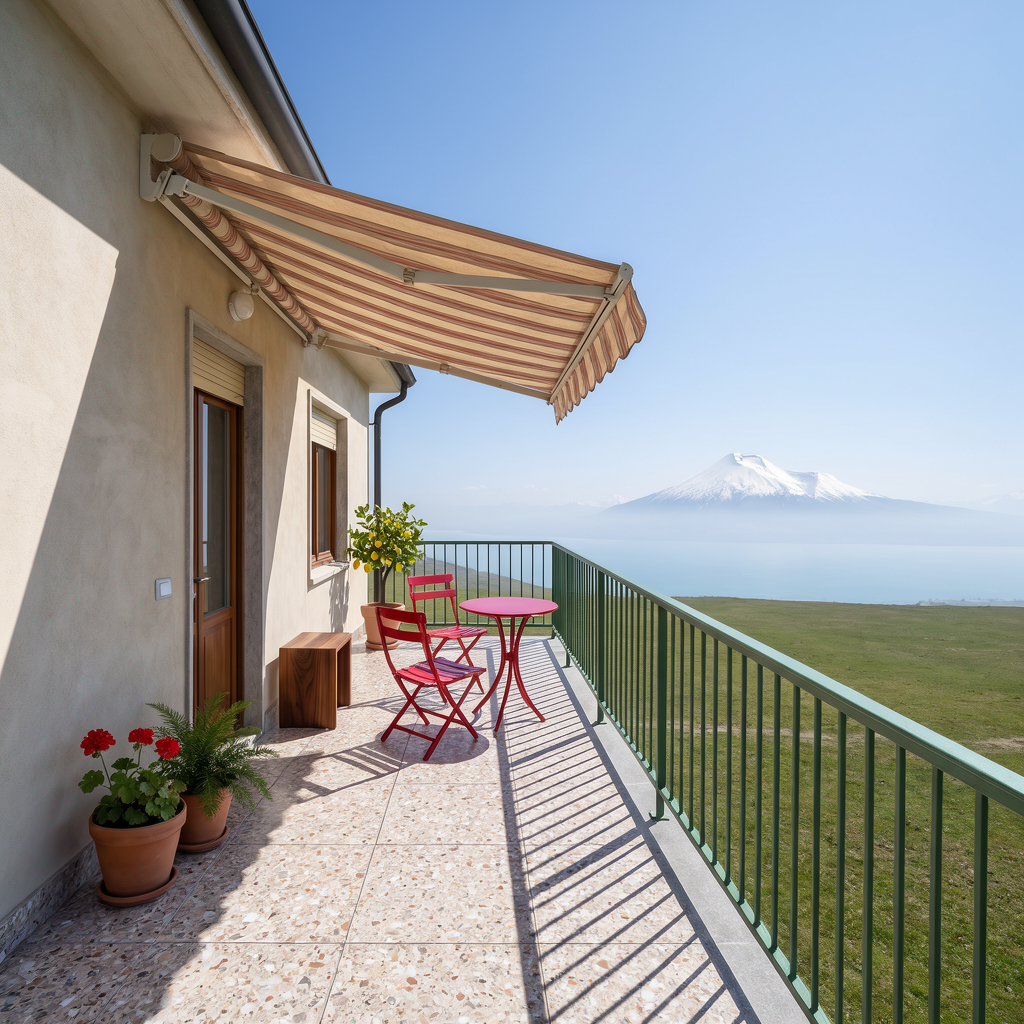
Where does the add-on fit?
- Archviz. Material and lighting studies around a model, plus environment references for views you haven’t built. See Krea for architecture.
- Product visualization. Finish studies and extra camera angles before the studio render.
- Game look-dev. A shared material and lighting direction before final textures are authored.
Need a mesh from a prompt or a photo? Generate it with Krea 3D on the web, then bring it into Blender and use the add-on for the look around it.
What other Krea plugins are there?
Krea has seven plugins. The desktop ones all work the same way: install, sign in with Krea, and generate in the app you already use. See them all on Krea plugins.
- Krea for Photoshop: backgrounds, relighting, and multi-shot layouts as layers.
- Krea for After Effects: plates and motion concepts in your comp.
- Krea for Illustrator: artwork, Image Trace, and Krea Agent.
- Krea for Premiere Pro: shots, inserts, and plates on your timeline.
- Krea for DaVinci Resolve: looks and grade references (macOS and Resolve Studio only).
- Krea for ChatGPT: images, edits, and video in a chat.
Frequently asked questions
Is there an AI add-on for Blender?
Yes. Krea for Blender is a visual-development add-on for materials, environments, lighting, and camera views. It works with Blender 5.2 or later on macOS (Apple Silicon or Intel) and Windows.
How do I install Krea in Blender?
Download the ZIP from the Blender add-on page and keep it zipped. Drag it onto the Blender window, or open Edit → Preferences → Get Extensions and choose Install from Disk. Then press N in the 3D Viewport, open the Krea tab, and sign in.
Does Krea replace Cycles or EEVEE?
No. You still model, shade, and render in Blender. Krea generates the references you work from while you set up materials, environments, and lights.
Does the add-on generate meshes?
The add-on is built for visual development: material references, environment concepts, lighting tests, and camera views. For text-to-3D and image-to-3D, use Krea 3D on the web.
Which Blender versions and operating systems does it support?
Blender 5.2 or later, on macOS (Apple Silicon or Intel) and Windows.
Do I need a Krea account and internet?
Yes. Generation runs on Krea's servers, so you need to be online and signed in to your Krea account.
What is Krea 3?
Krea 3 is Krea's image model on the web. It is 10× faster and 3× cheaper than GPT Image 2 and Nano Banana Pro, takes up to 8 reference images, and offers fast, high, and ultra modes. See the Krea 3 benchmarks.
Is there a free plan?
Yes. Krea's free plan includes 100 compute units a day, with no credit card required. Compare plans on Krea pricing.