















Create
Edit & enhance
Krea vs Magnific
Magnific and Topaz upscalers side by side, up to 22K, in a studio that also generates, edits, and trains.
Krea powers 40M+ creatives, enterprises, and everyday people
Krea or Magnific?
Both are excellent. Here is an honest take on when each one is the better choice.
Choose Krea when you
-
Magnific and Topaz in one enhancer
Run Magnific Creative, Magnific Precise, and Topaz upscalers from the same screen, and compare results without switching tools.
-
Upscale to 22K
Topaz upscaling on Krea goes up to 22K, past the 16K ceiling of Magnific’s own Precision mode.
-
Video enhancement, too
Enhance and upscale footage with Topaz video models next to your image work.
-
Generate and upscale in one place
Create with Krea 3, Nano Banana Pro, GPT Image 2, Seedance, Veo, and Kling, then send the result straight to the enhancer.
-
Real-time and custom training
Explore ideas on a real-time canvas, and train LoRAs on your product, character, or style so the look stays consistent.
Choose Magnific when you
-
You want every Magnific control
Magnific’s own app has the full set of upscaler settings, prompt-guided creative upscales, and Precision mode up to 16x.
-
You relight images
Magnific Relight sets up to three independent lights on any image and can match lighting from a reference.
-
You need stock assets
Magnific, formerly Freepik, bundles a large stock library of photos, vectors, and templates with its plans.
Krea vs Magnific: Key differences
| Feature | Krea | Magnific |
|---|---|---|
| Upscalers | Magnific Creative and Precise, Topaz, and Krea enhancers | Magnific Creative and Precision |
| Max image resolution | Up to 22K | Up to 16K (16384px) in Precision mode |
| Real-time generation | Live canvas, images render as you type or draw | Sketch to Image updates the output as you draw or edit the prompt |
| API & automation | One public REST API plus MCP across Krea’s API catalog | Developer API |
| Price | Free, then from $5.25 a month billed annually | Limited free tier, then from $14.50 a month billed annually |
Last updated: November 2026 · See full comparison ↓
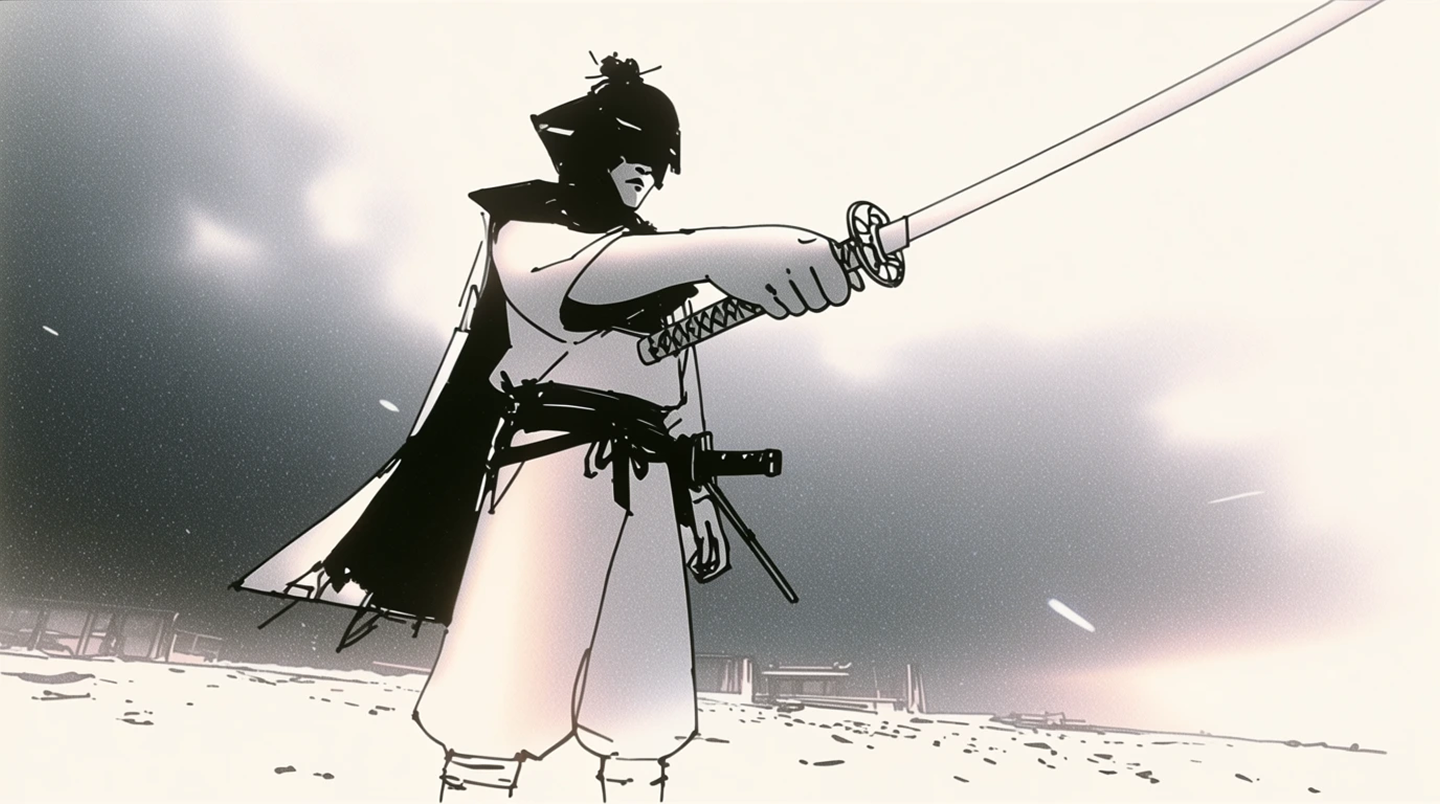
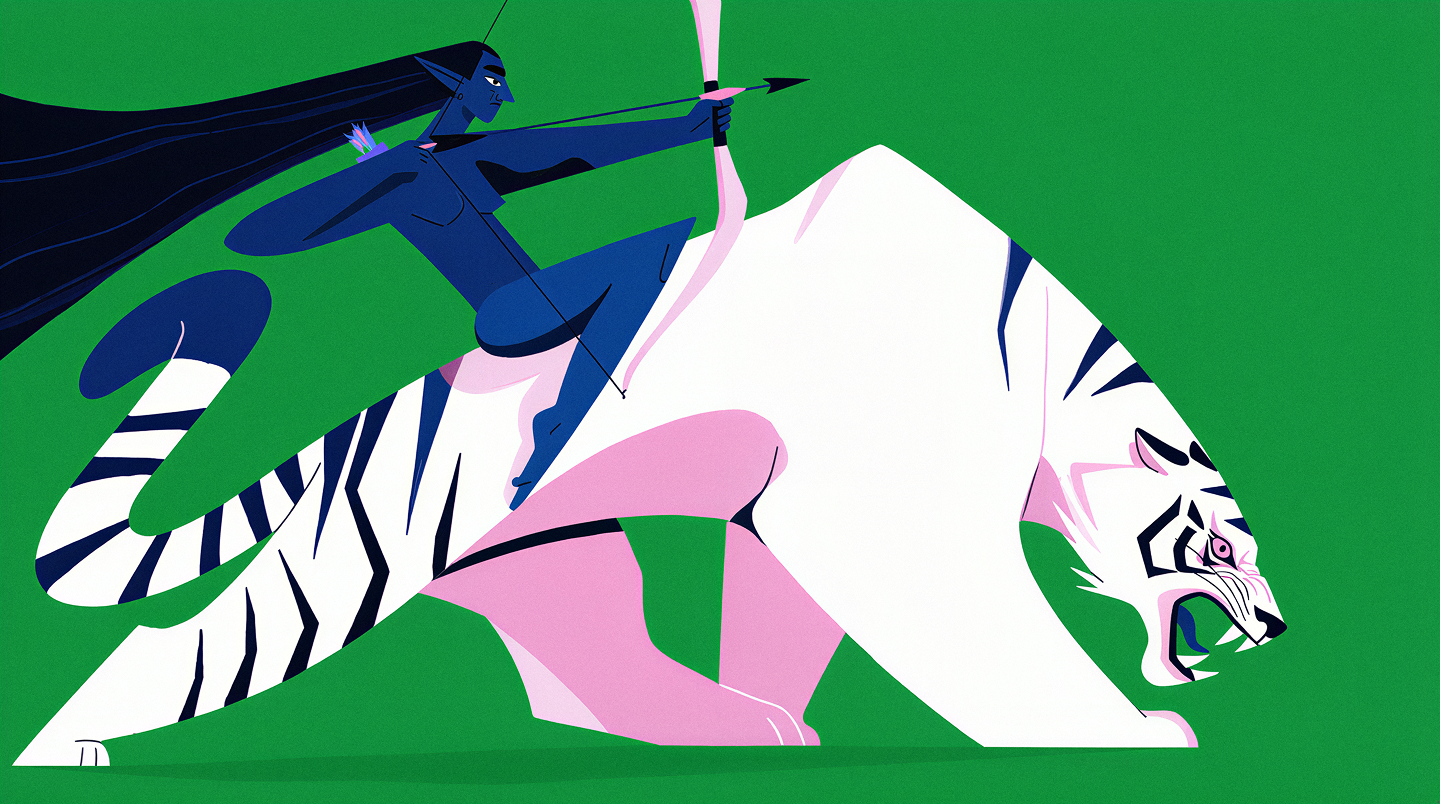
Made in Krea
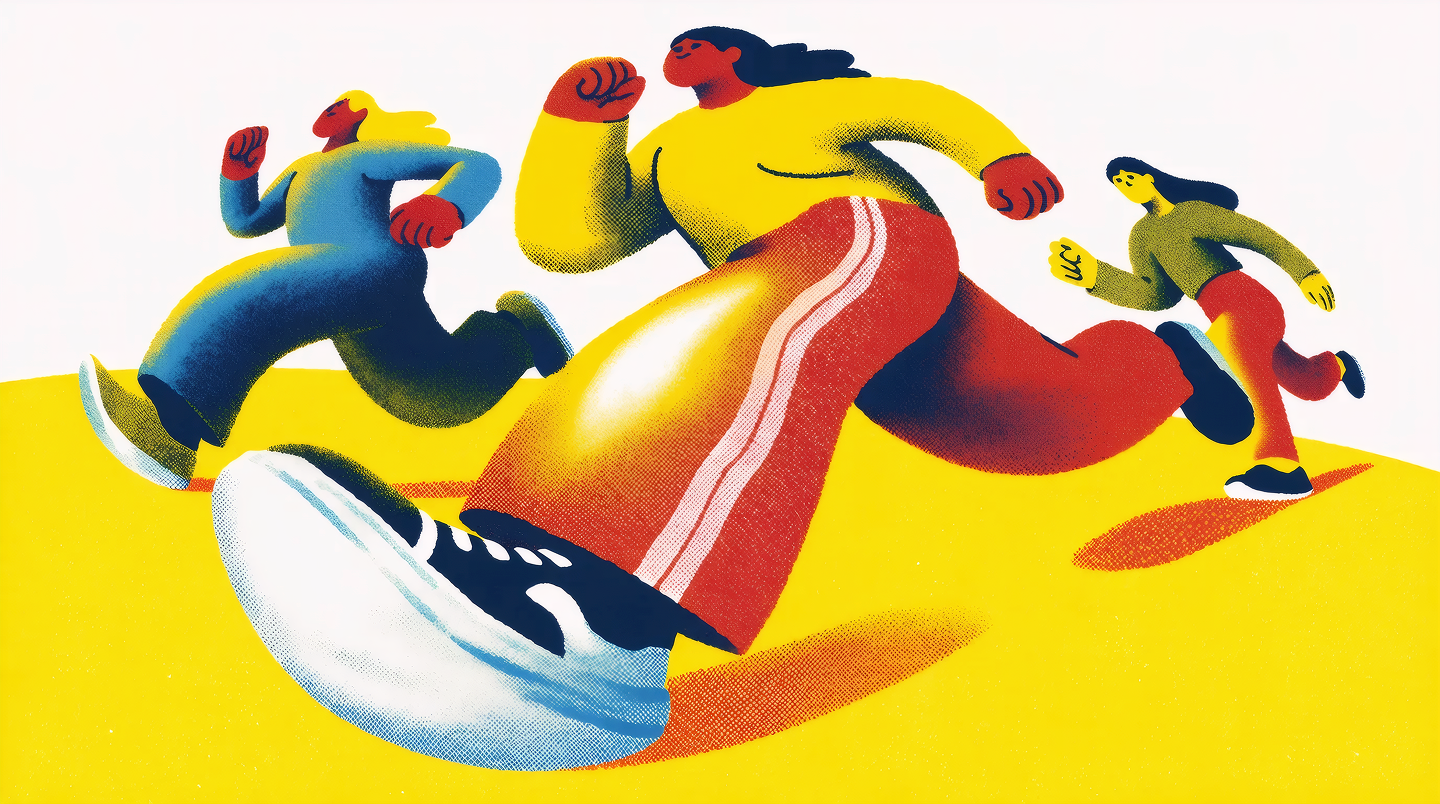
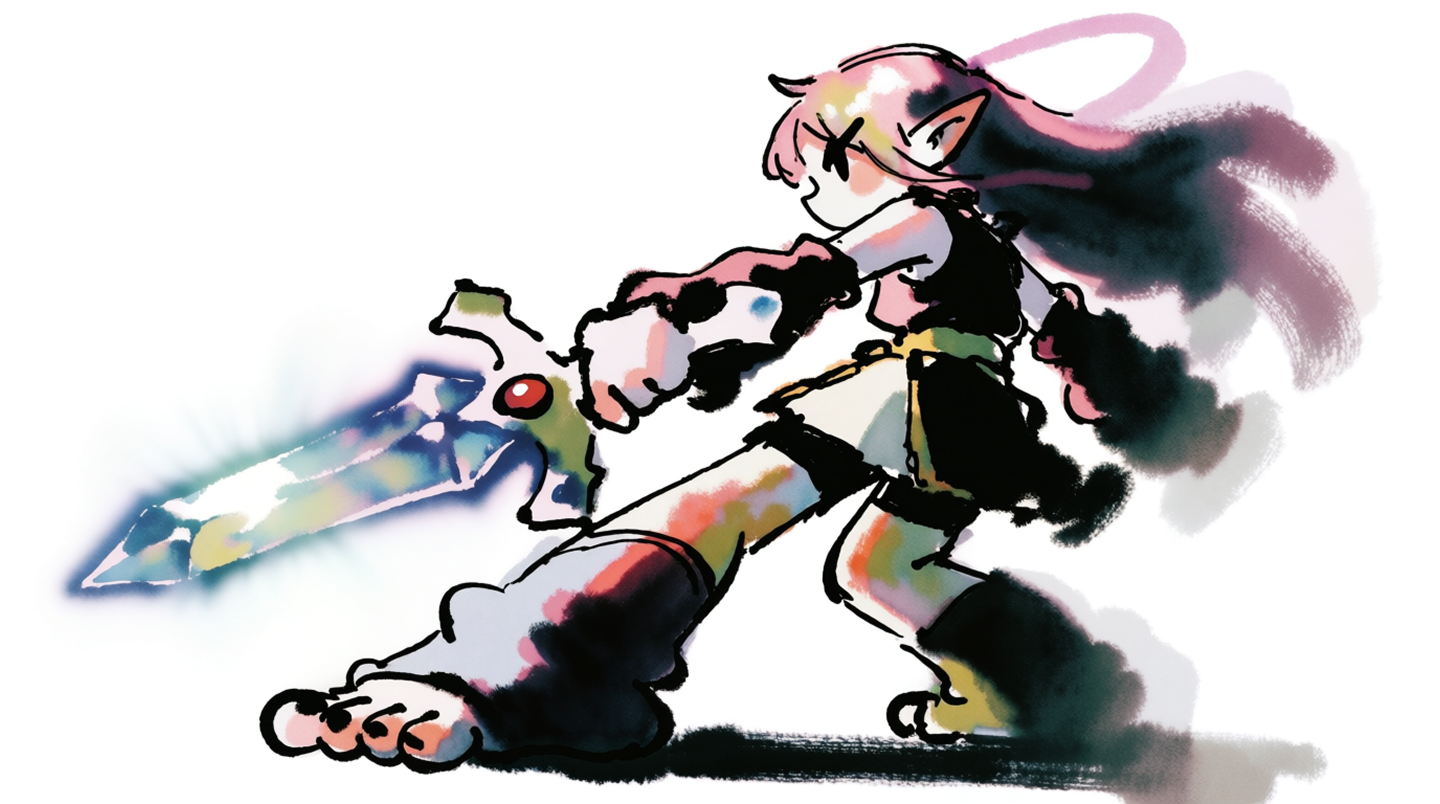
Every image generated with Krea 2, and every one ready to upscale to 22K.


Why creators choose Krea
Every top upscaler, one screen
Krea’s enhancer runs Magnific Creative and Magnific Precise alongside Topaz upscalers and Krea’s own enhancers. Pick a faithful upscale for product photos or a creative one that invents new detail, and go up to 22K.
Open the enhancerFrom prompt to print
Generate a still with Krea 3, Krea 2, Nano Banana Pro, or GPT Image 2, edit it on the canvas, then upscale it for print or animate it into video. The whole pipeline lives in one place.
Generate imagesExplore in real time
Sketch and type on the real-time canvas to find the composition, train LoRAs to keep it on-brand, and chain everything with node workflows or the API.
Try real-timeFull comparison
A detailed, side-by-side look. Pricing and features change often, so check each provider’s site for the latest.
| Feature | Krea | Magnific |
|---|---|---|
| Image upscaling | Magnific Creative and Precise up to 10K, Topaz up to 22K, Krea enhancers | Creative mode up to 4x with prompts, Precision mode up to 16x |
| Video enhancement | Topaz video upscaling and frame interpolation | Video upscaling |
| Image generation | Krea 3, Krea 2, Nano Banana Pro, GPT Image 2, Flux 2, 15+ more | Its own model plus third-party models |
| Video generation | Kling 4.0, Seedance, Veo, Sora, Runway Gen-4.5, Hailuo, Wan | Third-party video models |
| Image editing | Krea 3 edits in under 8 seconds, canvas editing | Image editor, Relight, style transfer, skin enhancer |
| Real-time generation | Live canvas, images render as you type or draw | Sketch to Image updates the output as you draw or edit the prompt |
| Custom training | LoRAs on any style, product, or character | Custom characters and styles |
| Workflows | Node workflows that chain image, video, and upscale steps | Spaces node canvas |
| Stock content | Not offered | Large stock library included with plans |
| Pricing | Free tier, then from $5.25 a month billed annually | Limited free tier, then from $14.50 a month billed annually |
Bring Krea to your whole team
Your team is probably paying for Magnific and three other tools. Krea puts every cutting-edge model in one workspace, with the security, admin controls, and ownership enterprises need.
Security and legal
End-to-end encryption, SSO/SAML, custom DPAs, and full IP indemnification. We never train on your data.
Admin controls
Choose which models each team can use, set per-user spend limits, and track usage across workspaces.
One subscription
50+ image, video, and 3D models in one workspace. One login, one bill, no per-seat surprises.
“Krea has reduced our production time by up to 70%. Our team can move from idea to strong visuals in minutes.”
Build with Krea
Generate from your own apps and agents. Magnific has no public API.
40+ models, one endpoint
Text to image, video, upscaling, and custom LoRA training through a single REST API with SDKs for Python, Node, and Go. Simple compute-unit pricing, and failed jobs never cost you anything.
Explore the APIConnect any agent
Point Claude Code, Cursor, or any MCP client at Krea’s live model catalog. Discover models, inspect schemas, and generate from one endpoint.
{
  "mcpServers": {
    "krea": {
      "url": "https://api.krea.ai/mcp",
      "headers": {
        "Authorization": "Bearer <KREA_API_TOKEN>"
      }
    }
  }
}Questions about Krea and Magnific
Yes. Krea’s enhancer includes Magnific Creative and Magnific Precise next to Topaz upscalers up to 22K, plus image and video generation, real-time, LoRA training, and a public API. Plans start free and go from $5.25 a month billed annually.
Yes. Magnific Creative adds new detail with controls for creativity, HDR, and resemblance, and Magnific Precise keeps closer to the original. Both upscale up to 10K on Krea, and Topaz takes images up to 22K.
Magnific’s own app has the full set of upscaler controls, including prompt-guided creative upscales and Precision mode up to 16x, plus Relight, a skin enhancer, and a large stock library inherited from Freepik.
Yes. Freepik rebranded as Magnific, and the Magnific upscaler is now one tool inside its credit-based creative suite. The old standalone Magnific plans are gone.
Magnific’s paid plans start at $14.50 a month billed annually, or $20 billed monthly. Krea has a free tier, and paid plans start at $5.25 a month billed annually, with compute that covers upscaling and every image model; Pro unlocks every video model on Krea.
Use a faithful upscaler like Magnific Precise or Topaz Standard, which keep labels, edges, and textures true to the original. Save creative upscalers for illustrations and generated art where new detail is welcome.
Of course. Bring your Magnific work into Krea to animate stills into video, edit on the canvas, or train a LoRA so the look becomes repeatable.
Start creating for free
60+ models, real-time, video, enhance, and training in one place. From $5.25 a month billed annually.