













Create
Edit & enhance
Restore Old Photos with AI
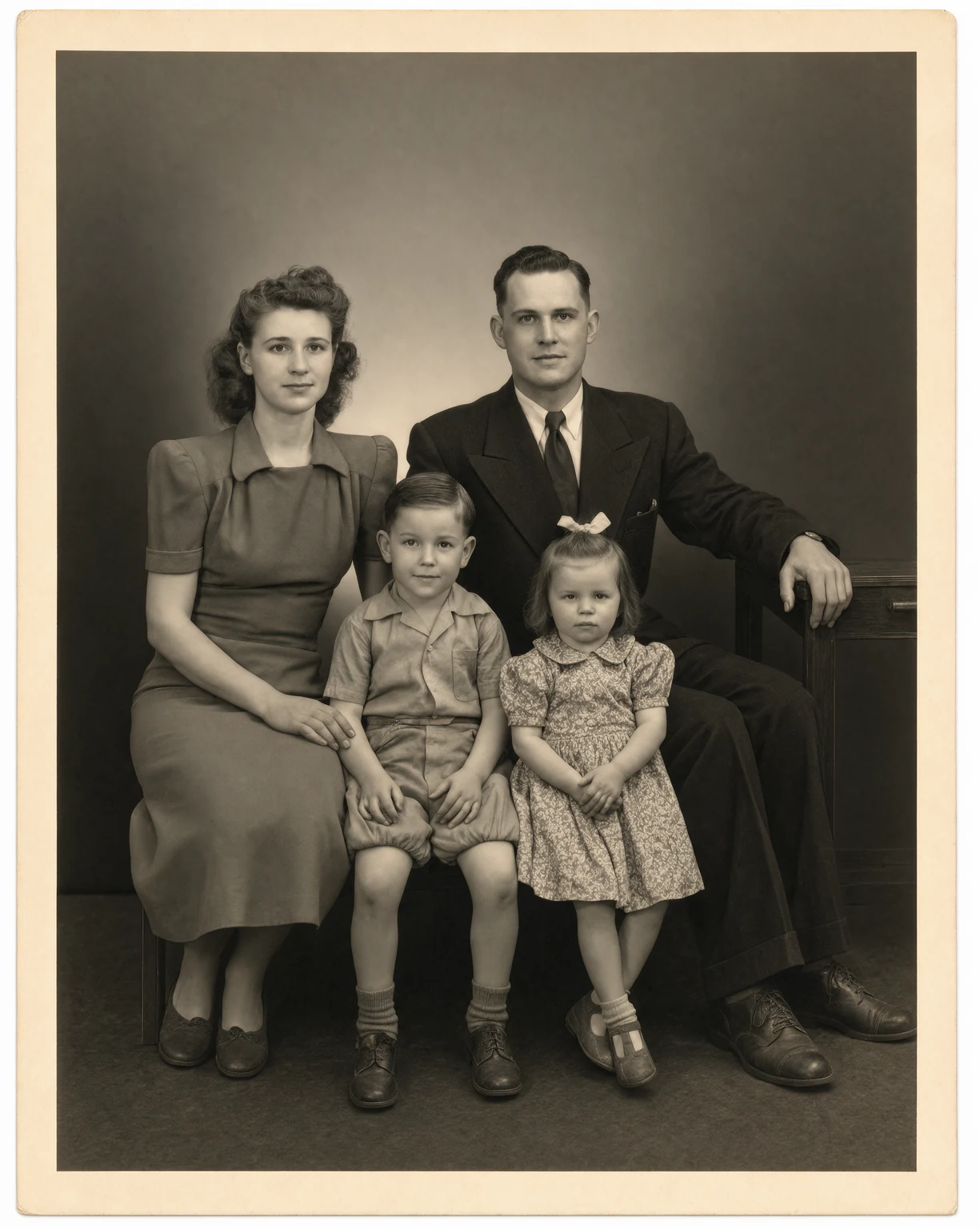
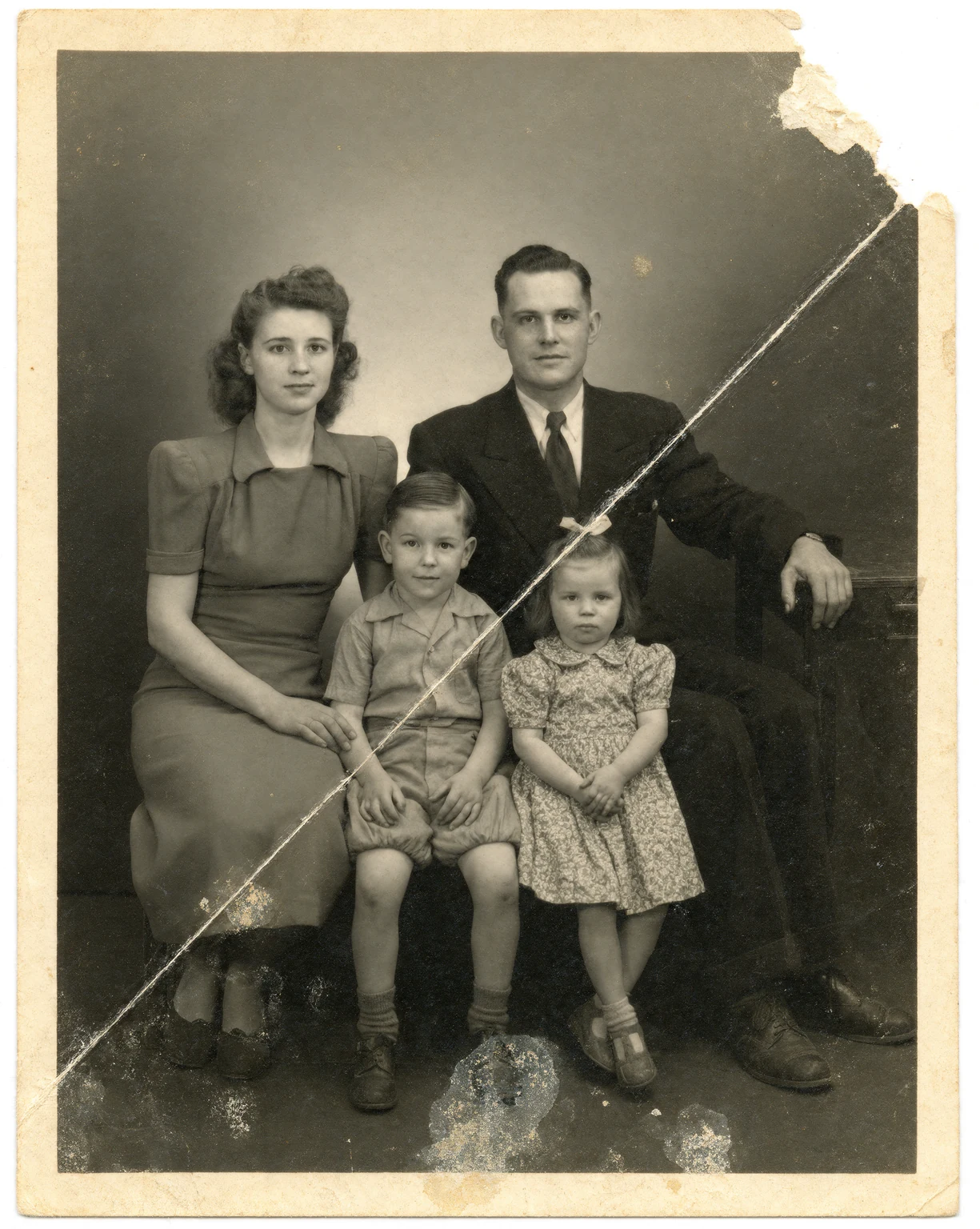
Upload an old or damaged photo and Krea 3 repairs it: scratches, creases, torn corners, stains, and dust disappear, and faded detail comes back. The people, the pose, and the original black and white or sepia look stay the same.
Restore old and damaged photos with Krea 3. Remove scratches, tears, and dust in seconds.
Free Krea account · Most edits in under 8 seconds · Native 2K
Old photo restoration: before and after
Every after image on this page is a Krea 3 edit of the before image.
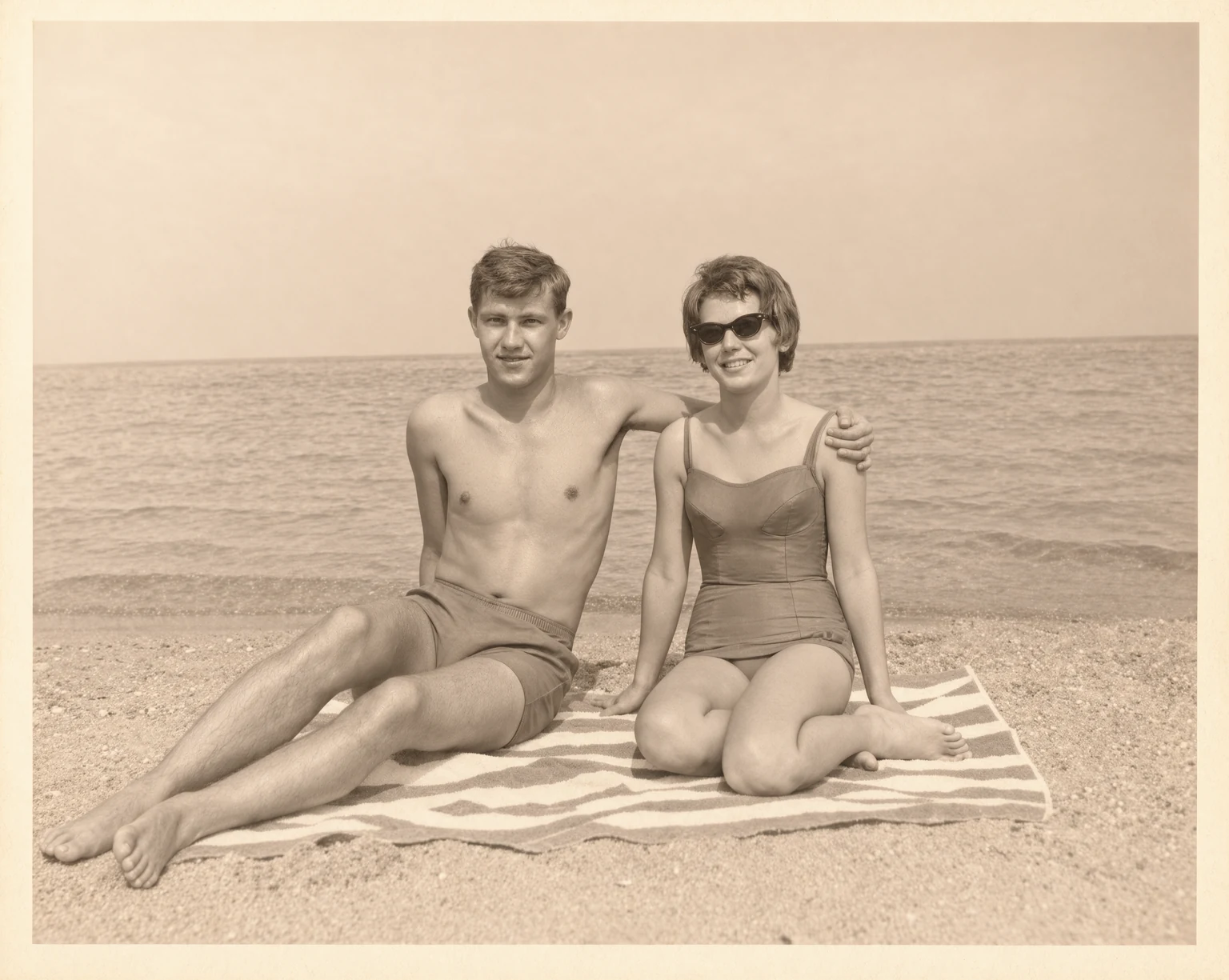
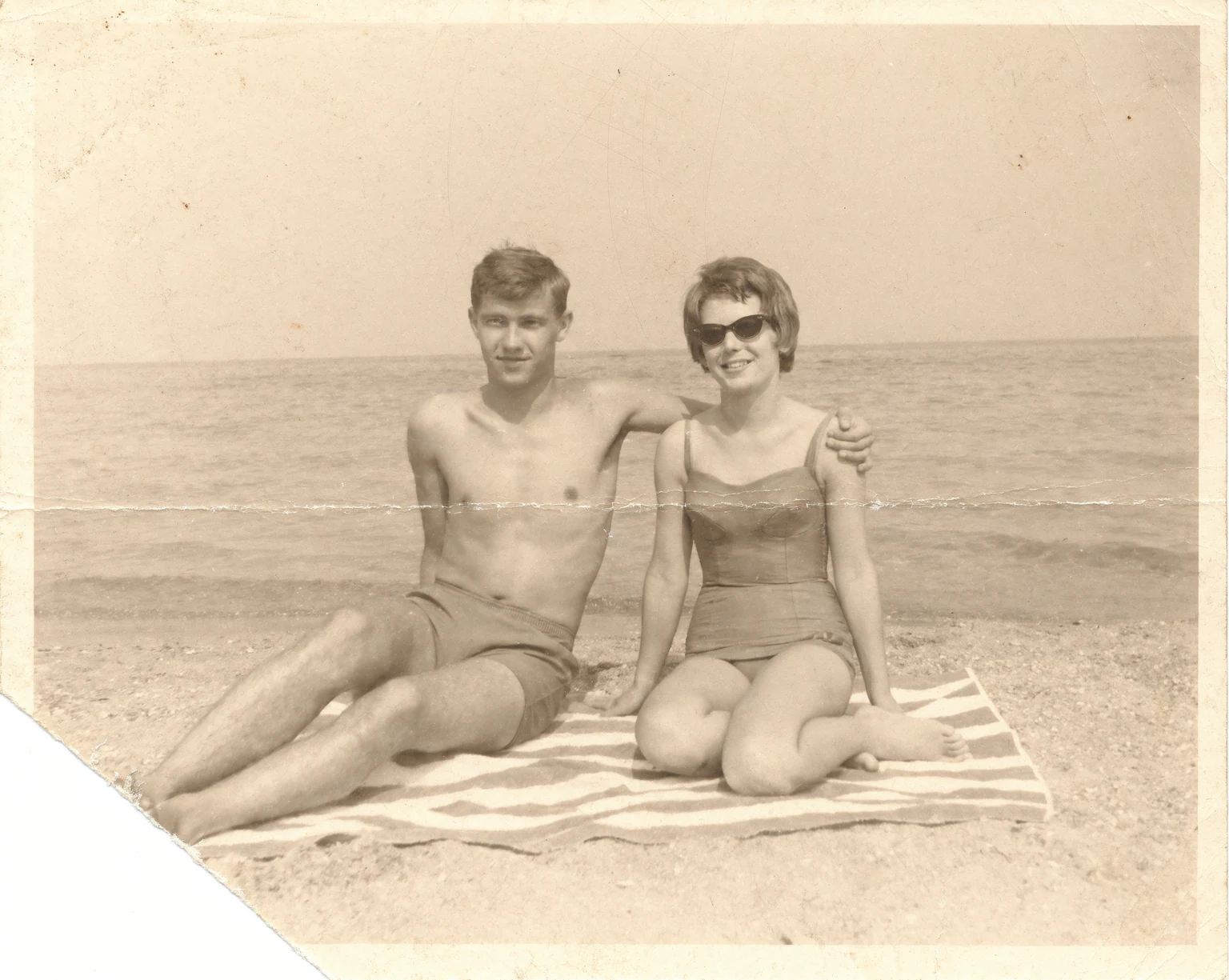
Faded 1960s sepia beach couple photo restored by AI
Restore an old photo in 3 steps
How to restore old photos with AI
- 01
Upload your old photo
Upload a scan or a phone photo of the print. JPG, PNG, HEIC, and WEBP files work.
- 02
Let Krea 3 repair it
Krea 3 removes scratches, creases, tears, stains, and dust, and recovers faded detail. Most edits come back in under 8 seconds.
- 03
Download or keep going
Download the restored photo. Colorize it next, or run it through the enhancer for a large print.
Old photo restoration
Restore old family photos online
Krea 3 restores old photos that show their age: cracked emulsion, folds, water stains, torn corners, and faded contrast. It repairs the damage and keeps the faces, the pose, and the original tones of the print.
Restore a black and white photo and keep it black and white, or open the result in the Krea photo colorizer to add realistic color.
What is Krea 3?
Krea 3 is Krea's new image editing model. Most edits come back in under 8 seconds, end to end, at native 2K. Ask it to change one thing and it changes one thing.
Learn about Krea 3Repairs scratches, tears, and creases
Krea 3 changes only what is damaged. Faces, clothing, and the background stay as they were in the original photo.
Keeps the people as they were
Restoration keeps identity, expression, and pose, so the photo still shows your family, not a new face.
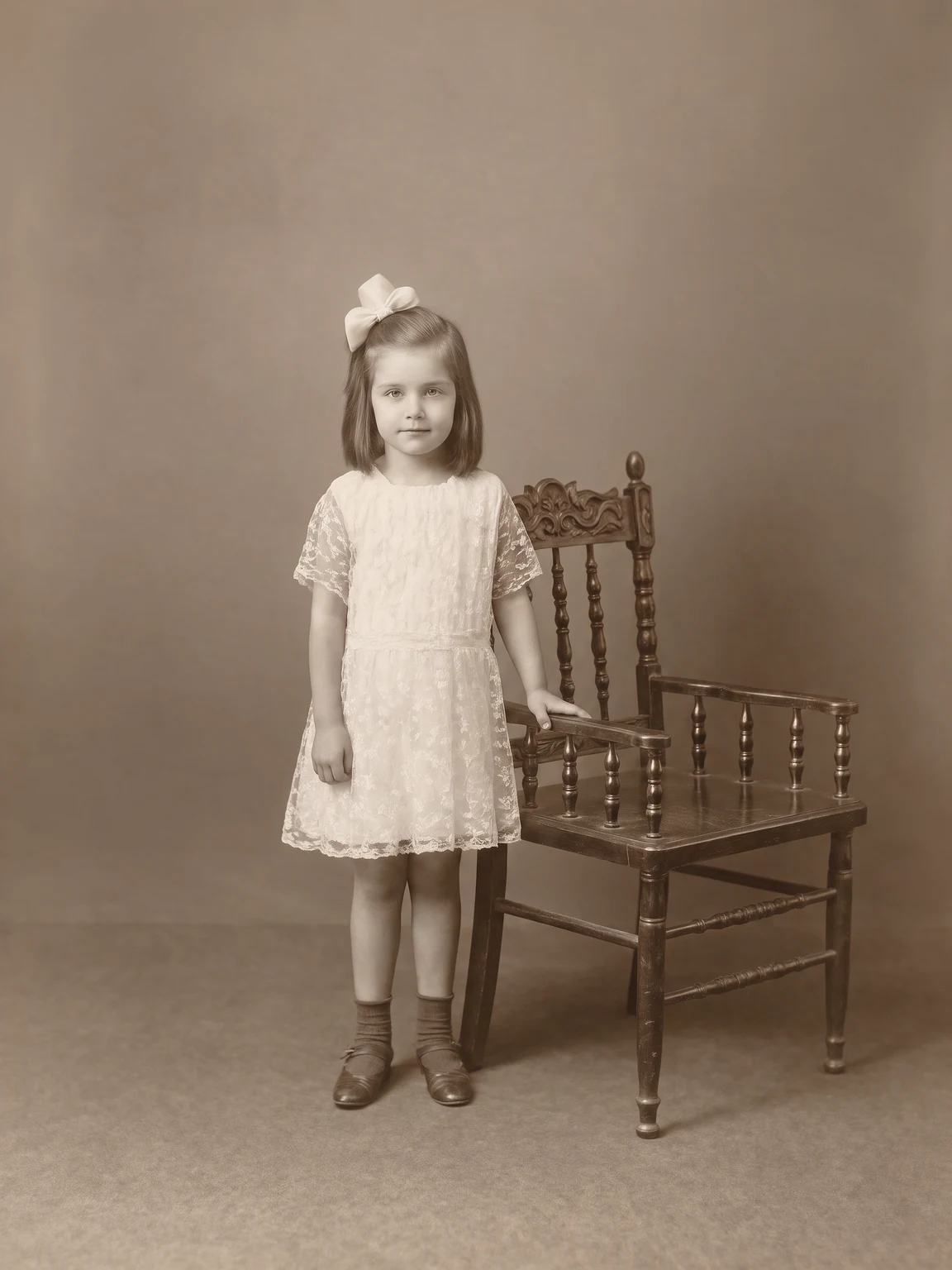
Works on prints, scans, and phone photos
Photograph an album page with your phone or upload a flatbed scan. Krea 3 works with both.
Frequently asked questions
Common questions about how to restore old photos with AI.
Upload a damaged photo and Krea 3 edits only the damage. It removes scratches, creases, tears, stains, and dust, and recovers faded detail. It keeps the people, the pose, and the framing.
Yes. The restoration keeps the original black and white or sepia tones. To add color, open the restored photo in the photo colorizer.
Krea 3 repairs most scratches, folds, stains, and missing corners. When a large part of a face is missing, the model has to invent detail, so compare the result with the original. Every editing model gets things wrong sometimes, so run it again if a result looks off.
Use a flatbed scanner at 600 DPI, or photograph the print in soft daylight without glare. Fill the frame with the photo and keep the camera parallel to it.
You need a free Krea account to run Krea 3 edits.
Krea processes uploaded photos to provide the result and handles them according to the Krea privacy policy. Review the privacy policy for details on storage, retention, and training.
Restore an old photo now
Upload an old or damaged photo and get a restored version in seconds.
More Krea 3 edits
The same model, one edit each. Every example is a real Krea 3 result.
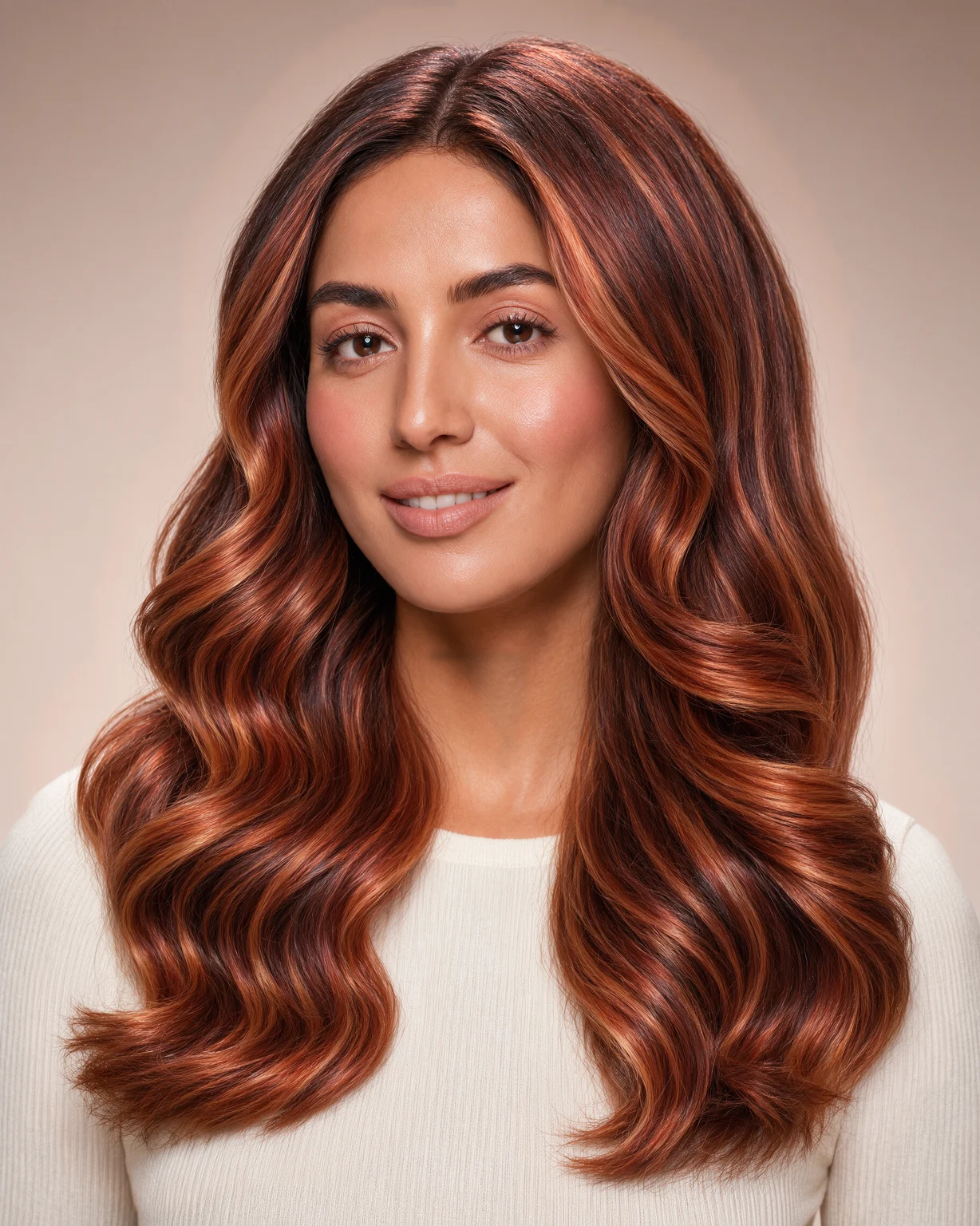
Hair Color Changer
Try any hair color on your photo. Krea 3 changes only the color and keeps your face and haircut.
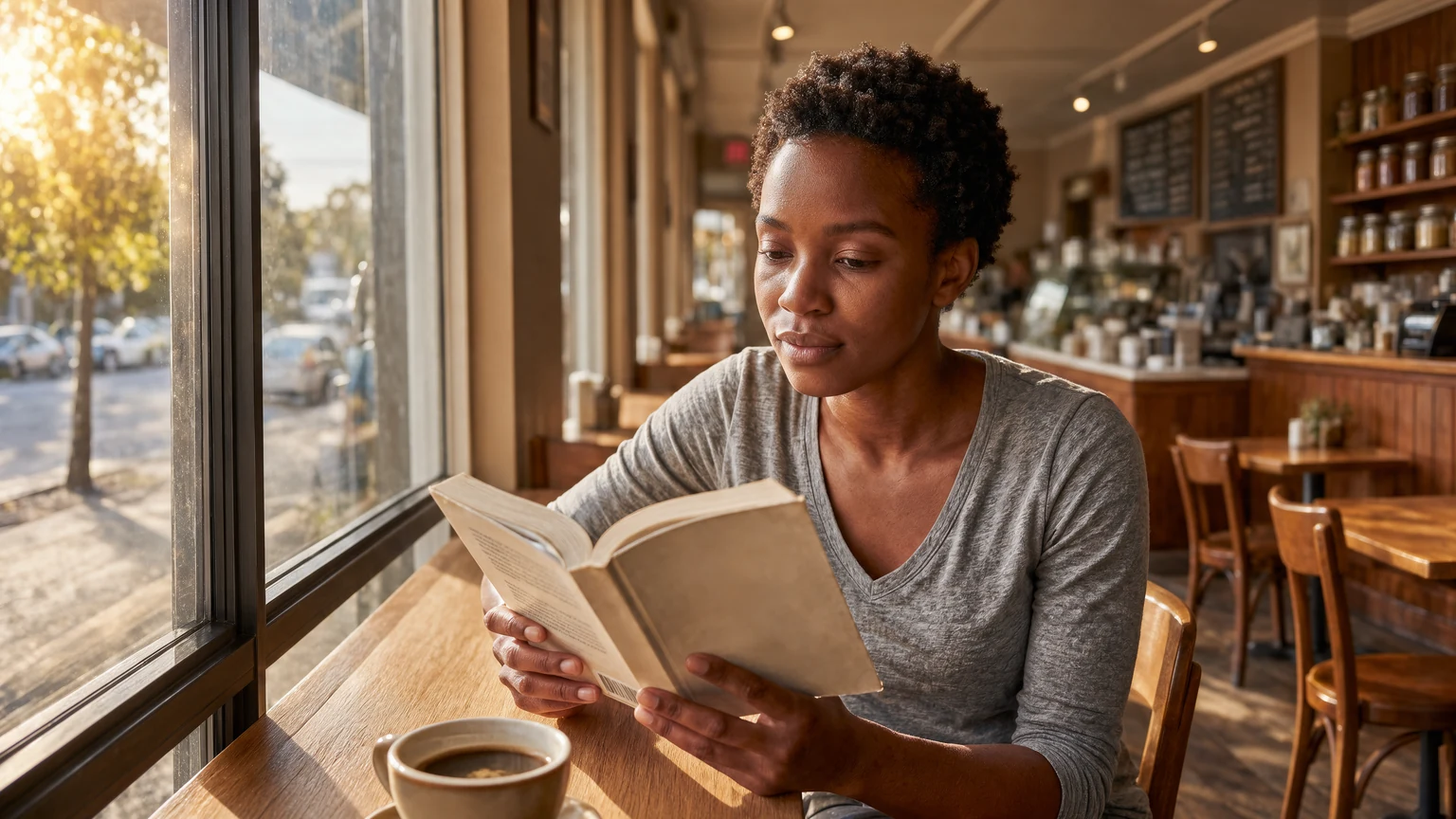
Expand Image
Expand photos beyond their borders. Krea 3 extends the scene with matching light and detail.
Change Background
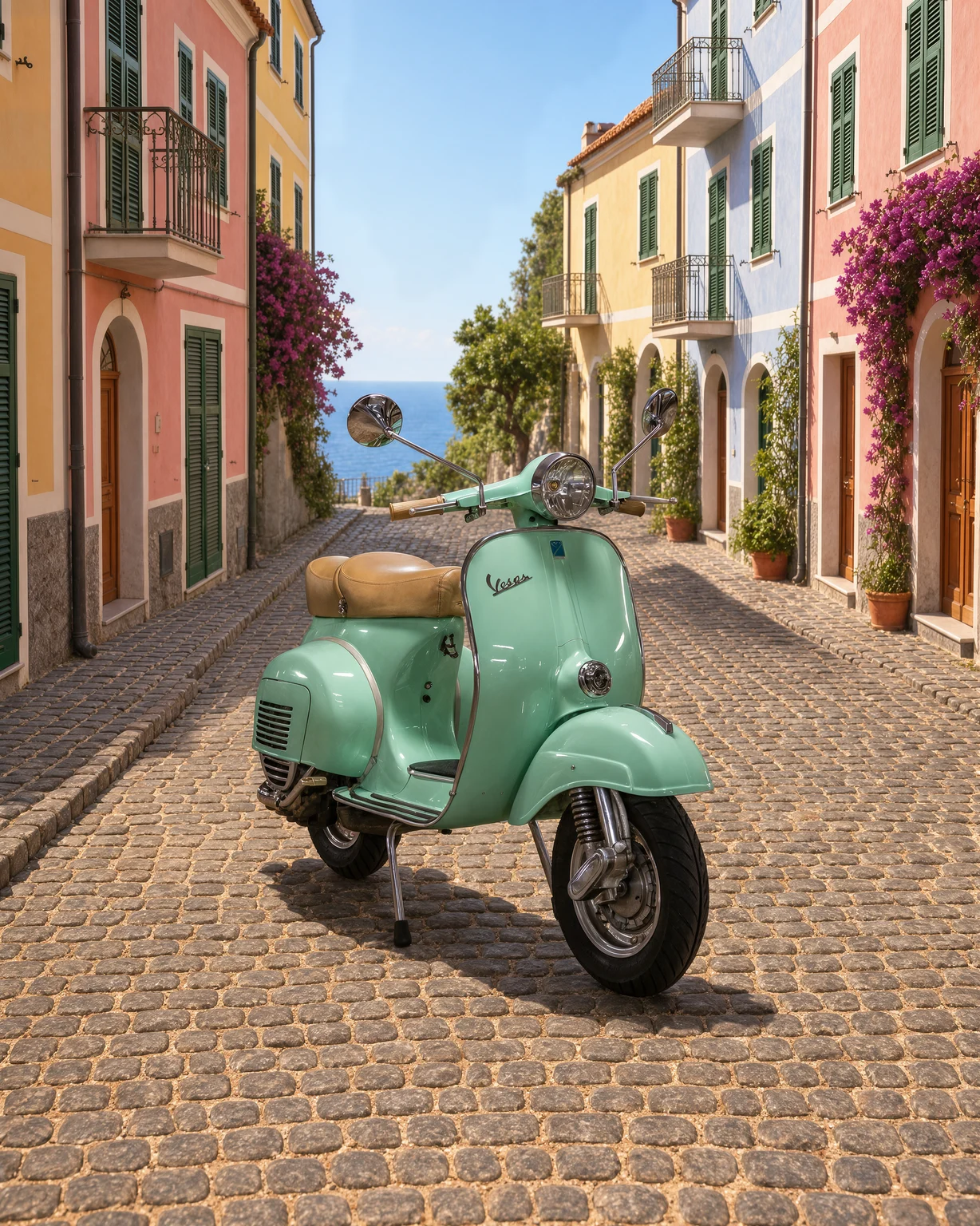
Change the background of any photo. Describe a new scene and Krea 3 keeps your subject as it is.
Unblur Image
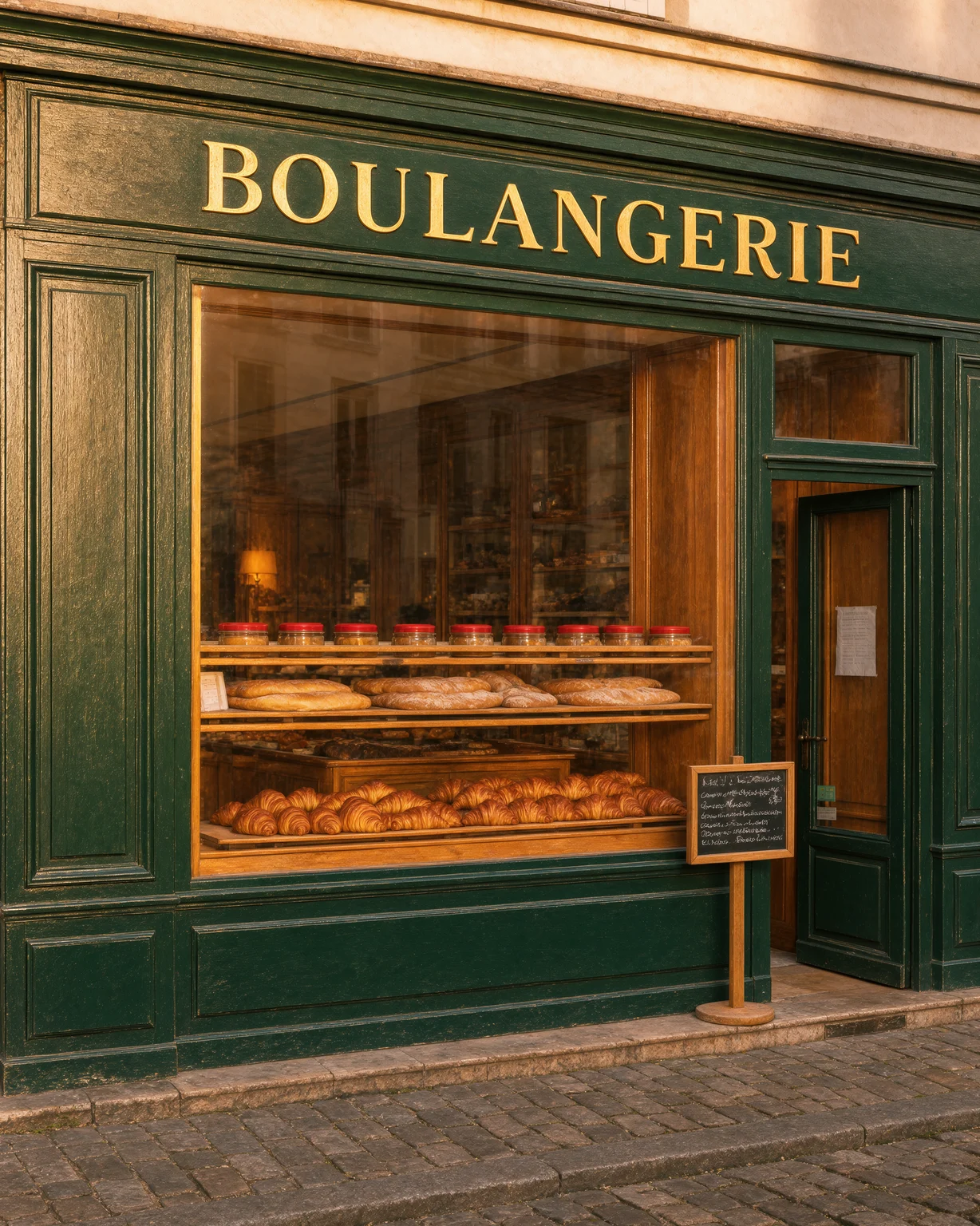
Fix blurry photos. Krea 3 removes motion blur and soft focus and recovers fine detail.