“Free AI video generator” hides more fine print than any other free tier in AI. Video is expensive to serve, so vendors meter it hard: daily credit drops that expire at midnight, 5-second caps, 480p exports, visible watermarks, and free plans that quietly exclude commercial use. One famous option — OpenAI’s Sora — no longer has a free route at all: the consumer app shut down on April 26, 2026.
So this guide compares the free routes that actually exist in August 2026 — what each one renders per day or per month, where the watermark sits, and how long a clip you get — rather than the paid products around them. Every allowance below comes from the vendor’s own published page, checked this week.
The best free AI video generators at a glance
| # | Tool | Best for | Free allowance | Max free clip | Watermark |
|---|---|---|---|---|---|
| 1 | Google Flow (Veo) | Highest-quality free clips | 50 credits/day (~5 Veo 3.1 Lite clips) | ~8 s | Yes |
| 2 | Kling | Most free clips per day | 66 credits/day (~6 standard clips) | 5 s | Yes |
| 3 | Hailuo (MiniMax) | Fast image-to-video tests | Small daily credit drop (a few clips) | 6 s | Yes |
| 4 | Pika | Casual, effect-driven clips | 80 credits/month | Short, 480p | Yes |
| 5 | Krea | Free pre-production, cheapest full library | 100 compute units/day (images); video from $5.25/mo | — | No on paid renders |
Make your first AI video
Run one brief through Veo, Seedance, and Kling side by side on Krea.
Open Krea VideoHow we chose and tested
Every number above comes from the provider’s own pages as of late August 2026: Google’s Flow credits page, Pika’s pricing page, Kling’s in-app membership page, Hailuo’s site, and Krea’s pricing page. Free video terms change constantly — Sora’s free tier went from 30 clips a day to 6 to gone within a year — so we link the source for every claim and note where a vendor publishes the number only inside the app. The stills in this post are Krea 2 image generations we use for storyboarding video work; we caption them as such, and none of them is output from a competitor’s video model.
1. Google Flow (Veo 3.1) — best free video quality
The strongest genuinely free video allowance in 2026 is not in the Gemini app — video generation there requires a paid Google AI plan. It is in Google Flow, Google’s AI filmmaking tool, where accounts without a subscription get 50 free credits per day. A Veo 3.1 Lite generation costs 10 credits, so a free day is roughly five Lite clips with audio. The catch inside the catch: Veo 3.1 Quality costs 100 credits per generation, so the top-tier model stays out of reach of a single free day, and unused daily credits do not roll over.
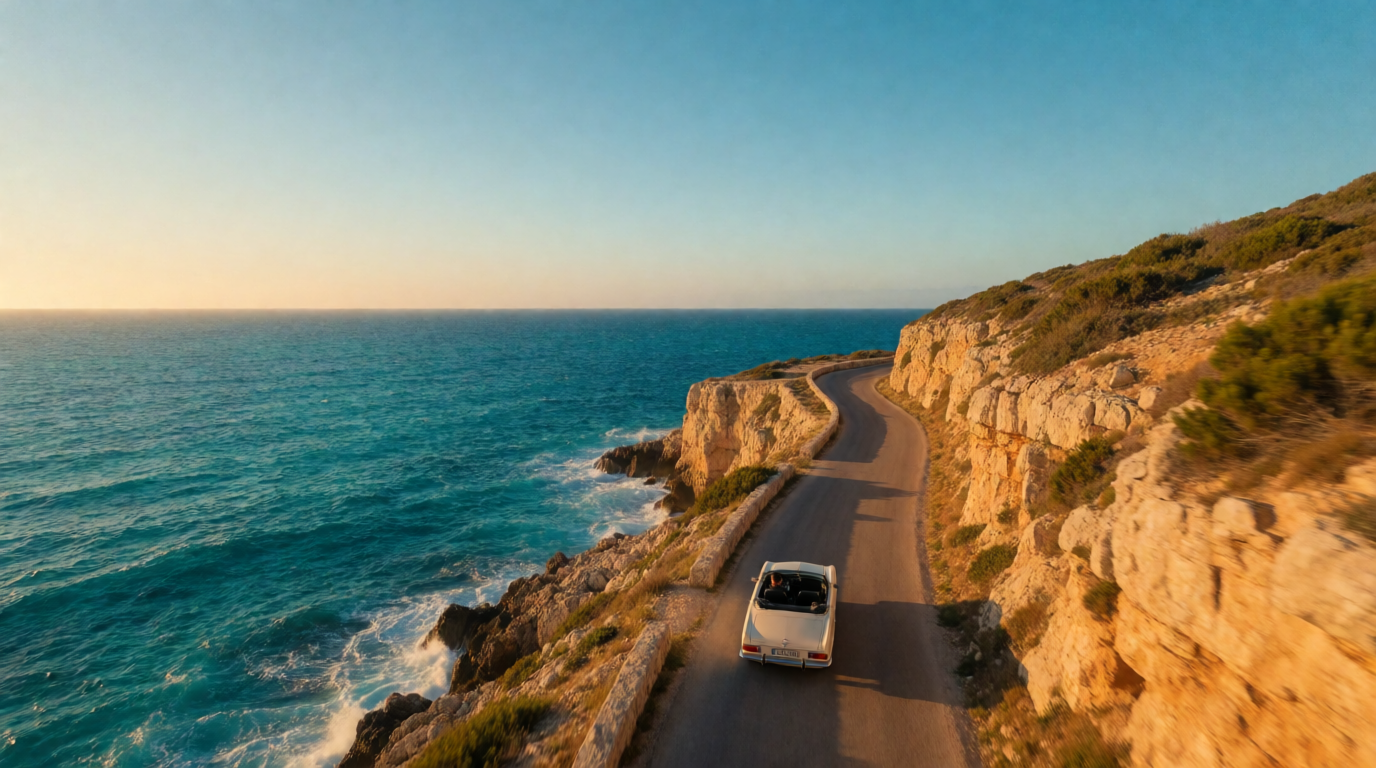
Prompt (text-to-video):
A drone shot follows a vintage convertible along a coastal cliff road at golden hour, turquoise sea below, the camera slowly pulling up and away to reveal the whole coastline, warm cinematic grade, gentle wind sound.
Variation tips: name the camera move explicitly (“slowly pulling up and away”) — Veo follows stated moves better than adjectives; ask for ambient sound, since Veo generates audio natively.
Where it stops: free outputs are watermarked, clips are seconds long, and five Lite generations disappear fast once you start iterating — a single misread prompt costs 20% of the day.
2. Kling — most free clips per day
Kling’s free tier is a daily login drop — 66 credits at the time of writing, shown on Kling’s membership page — which converts to roughly six standard-mode clips a day. That is the most free generations per day of any major video tool, and it resets every 24 hours with no rollover.
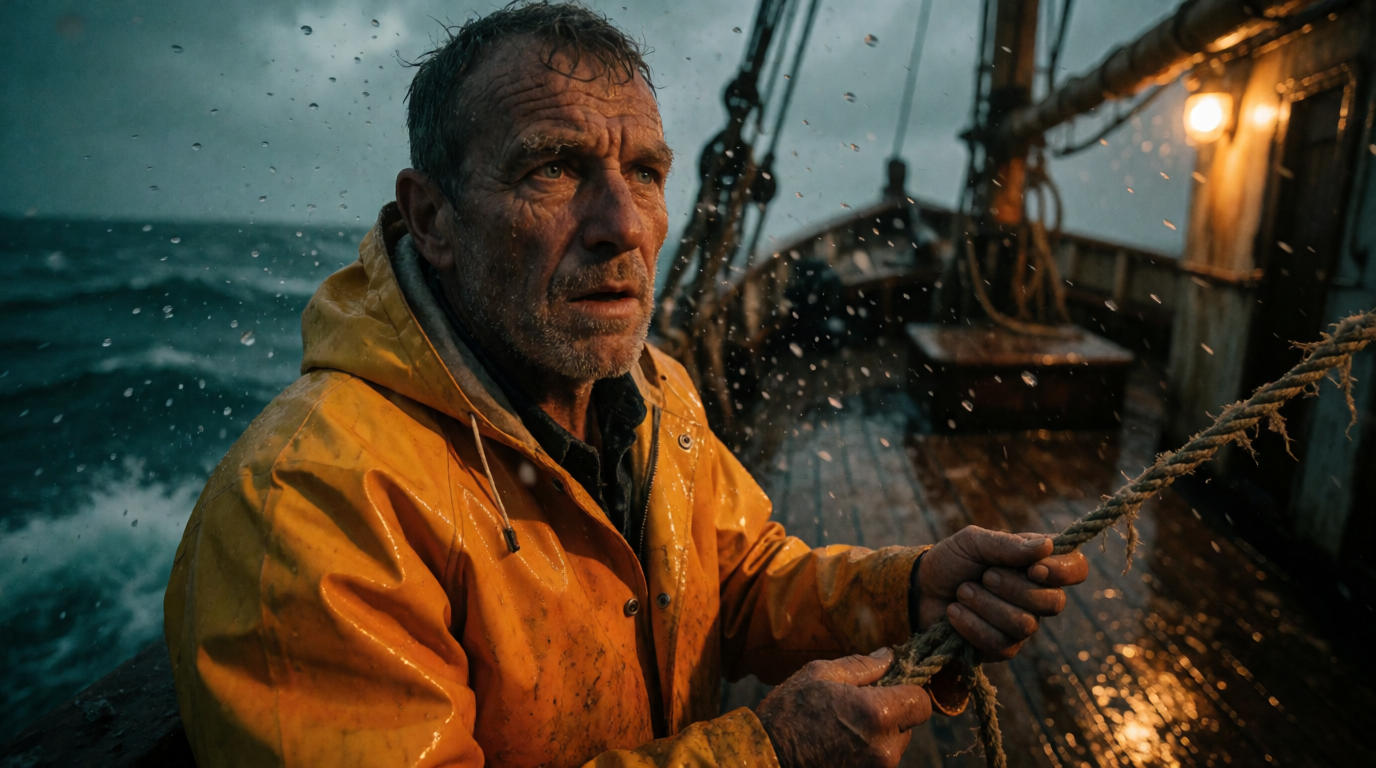
Prompt (text-to-video):
An old fisherman in a yellow raincoat stands on a wooden boat deck in heavy sea spray at dusk, he turns slowly toward the camera as a wave crashes behind him, handheld camera sway, moody teal and amber grade.
Variation tips: Kling rewards one clear subject action per clip (“he turns slowly toward the camera”); stack shots across clips instead of writing multi-action prompts.
Where it stops: every free export carries a visible Kling watermark, free clips cap at 5 seconds, queue priority is standard-speed, and commercial use requires a paid plan. Kling’s newest models and longer durations also sit behind the subscription — the free tier runs the older, cheaper modes.
3. Hailuo (MiniMax) — fast free image-to-video
Hailuo hands out a small daily credit allowance — enough for a few clips a day at standard settings — and it is one of the quickest free ways to animate an existing image. Upload a frame, describe the motion, and the free tier returns a 6-second 720p clip. MiniMax adjusts the exact allowance often and publishes it only in-app, so treat the number you see at login as the current truth.
Prompt (image-to-video, with a product or face image attached):
The woman smiles and lifts the bottle slightly toward the camera, soft handheld movement, bathroom light flickers naturally, subtle depth of field shift to the product label.
Variation tips: with image-to-video, prompt only the motion — the uploaded frame already carries the look; keep motion small (lifts, turns, light shifts) for the cleanest 6-second results.
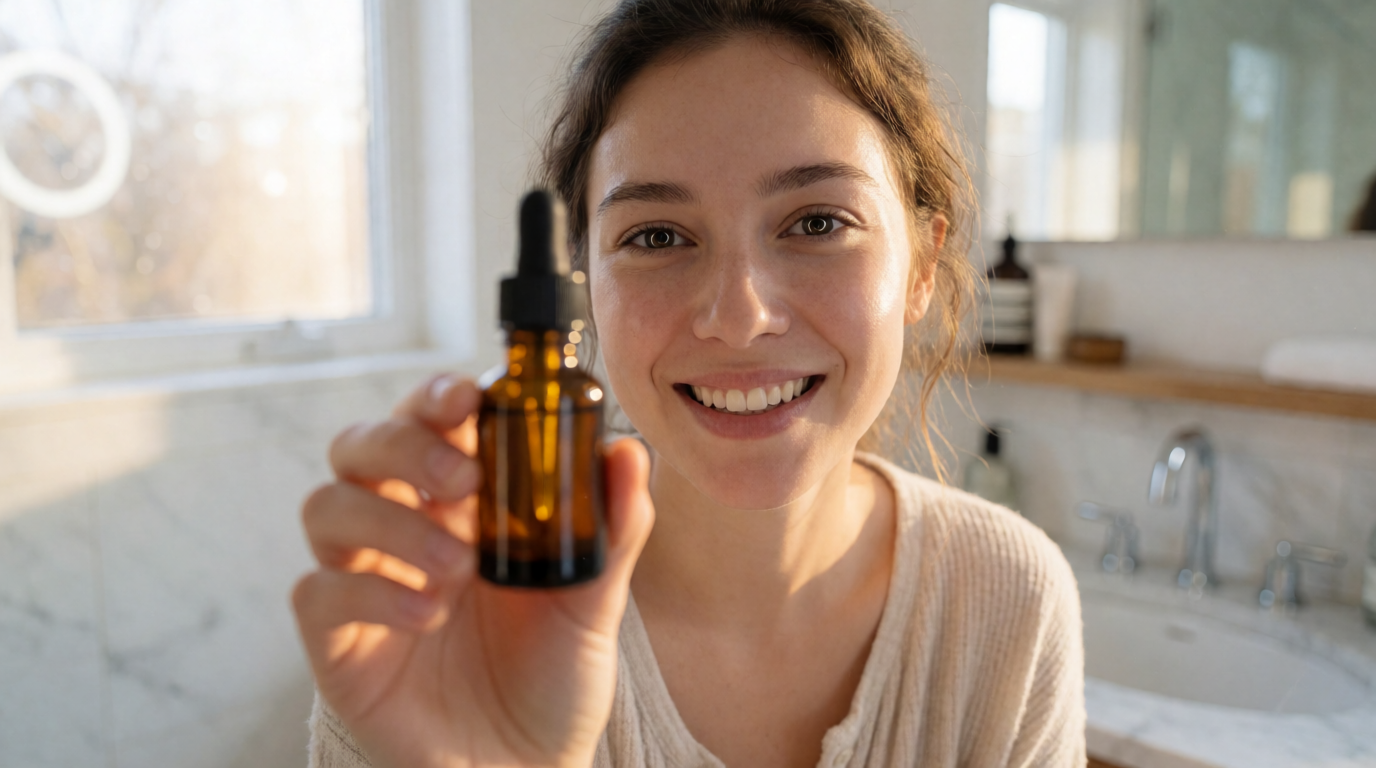
Where it stops: free exports are watermarked, resolution tops out around 720p, you can queue only a few tasks at a time, and daily credits vanish at reset. For UGC-ad pipelines that need dozens of takes, the free tier is an audition, not a workflow — our UGC shorts model guide covers what that workflow looks like at production volume.
4. Pika — free monthly credits for casual clips
Pika’s free plan gives 80 credits per month rather than a daily drop, on its 2.5 model at 480p. The monthly shape suits occasional use: if you make one or two clips a week for fun, Pika’s allowance stretches further than a use-it-or-lose-it daily drop. Its effect templates (morphs, explosions, “Pikaffects”) are also the easiest route to a share-ready gag clip with zero prompt skill.
Prompt (text-to-video):
A ceramic coffee mug on a kitchen table slowly inflates like a balloon and floats upward, morning sunlight, the steam keeps rising from where it stood, deadpan static camera.
Variation tips: Pika shines on one absurd transformation per clip; keep the camera static and let the effect carry the shot.
Where it stops: free exports are 480p and watermarked, credits do not roll over, and the free tier excludes commercial use — three hard stops for client work. Paid plans start at $8/month billed yearly.
5. Krea — free pre-production, and the cheapest full video library
Krea’s free plan does not render video: on Krea’s pricing page, the $0 plan carries 100 compute units per day for image work with Krea 2, and video generation starts on the Basic plan. We list it here anyway, for two honest reasons.
First, the free plan covers the half of video work that free video tiers waste your credits on: pre-production. Every clip above started as a still — a style frame, a character sheet, a product angle — and burning five free Veo generations to discover your look is the expensive way to storyboard. Generating 30 frames on Krea’s free image generator first, then spending video credits only on approved frames, is the workflow that makes the free tiers on this list usable.
Second, when a free tier stops being enough, Krea’s Basic plan is cheaper than most “free” tools’ first paid tier — such as Higgsfield’s Starter plan at $19/month — from $5.25/month billed yearly, with 5,000 monthly compute units (sized at roughly 20 Seedance 2.0 videos), selected video models, no watermark on your renders, and a commercial license. The Pro plan unlocks the full video model library — Veo, Seedance, Kling, and more, side by side with one prompt. That library is the real argument: instead of maintaining five free accounts with five watermarks, you run the same brief through the frontier models in one place. See the best AI video models on Krea for how they rank, and what Seedance 2.5 can do for the current continuity leader.
Prompt (text-to-video, to run across models on Krea):
Studio product shot: matte black wireless earbuds case on a glossy dark turntable, the turntable rotates 90 degrees while a beam of light sweeps across the case, dust particles drift in the beam, macro detail, premium tech-launch aesthetic.
Variation tips: run the identical prompt through two or three models and compare motion handling before committing compute to a final render; attach a product still as an image reference to lock geometry.
The still below is the raw Krea 2 output of that scene described as an image prompt (“Product video hero frame: a matte black wireless earbuds case rotates on a glossy dark turntable, dramatic rim lighting, fine dust particles in a light beam, macro detail, premium tech-launch aesthetic”) — the frame you would approve before animating it:
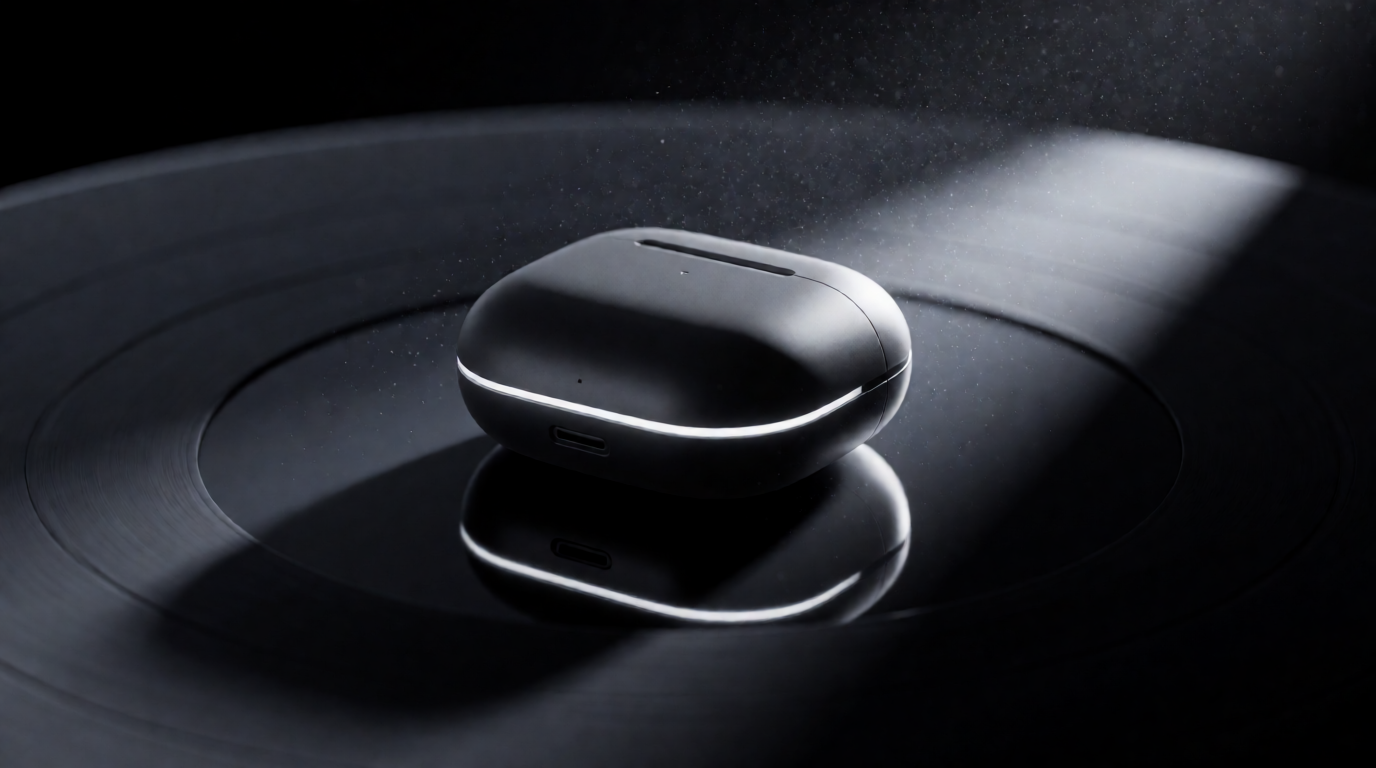
Where it stops: the free plan is image-only — no video renders, no commercial license — so Krea belongs on this list as free pre-production plus the lowest-cost exit from free-tier caps, not as a free renderer. Try Krea free, no credit card required.
What happened to free Sora?
The most-asked-about name is the one that left. OpenAI shut down the Sora consumer app, web experience, and sora.com on April 26, 2026; the free tier had already been cut to six generations per day in late 2025 as OpenAI throttled demand. The Sora API is scheduled to follow on September 24, 2026. In August 2026 there is no free Sora route, and ChatGPT plans are not a way to generate Sora videos. Platforms that integrated Sora 2 through the API can still serve it while the API remains live, but a guide about free tiers cannot recommend a route with a published shutdown date. Treat any site advertising “free Sora generations” today with suspicion.
Watermarks, rights, and the fine print
| Tool | Watermark on free output | Commercial use on free tier | Credits reset |
|---|---|---|---|
| Google Flow | Yes | Check Google’s terms | Daily, no rollover |
| Kling | Yes, visible | No — paid plans only | Daily, no rollover |
| Hailuo | Yes | No — paid plans only | Daily, no rollover |
| Pika | Yes | No — paid plans only | Monthly, no rollover |
| Krea (paid renders) | No | Yes, from Basic up | Free image units daily; paid units monthly |
Two patterns worth internalizing. Every free video export on this list is watermarked — the watermark-free “free AI video” result you see on social media was rendered on someone’s paid plan. And no daily allowance rolls over, which is why the storyboard-first workflow matters: spend free image generations deciding what to make, and video credits only on making it.
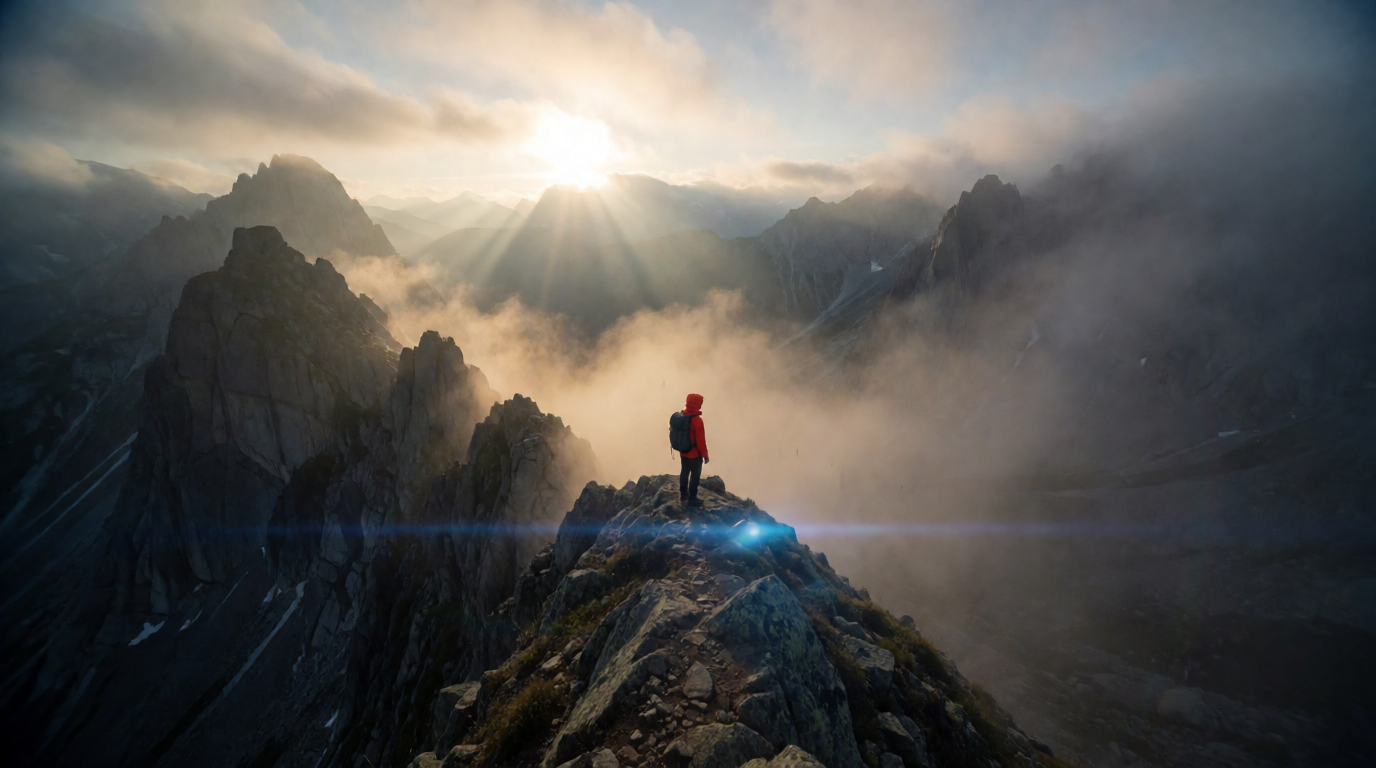
Stills before motion — both generated with Krea 2 on image compute

Which free AI video generator should you pick?
Pick by the clip you need, not the brand:
- You want the best-looking free clip today → Google Flow’s daily 50 credits on Veo 3.1 Lite.
- You want the most attempts per day → Kling’s daily drop, if you can live with the watermark and 5-second cap.
- You have a still image and want it to move → Hailuo, smallest friction from frame to motion.
- You make an occasional fun clip, not a pipeline → Pika’s monthly credits.
- You are storyboarding before you spend anything → Krea’s free plan, 100 image units a day.
- The clip is for a client → no free tier on this list allows it cleanly; the cheapest legitimate route is a low paid tier (Krea Basic from $5.25/month billed yearly, watermark-free with a commercial license).
And if the deliverable is a 3D asset instead of a clip, the same free-tier logic applies — see our guide to the best AI 3D model generators.
Frequently asked questions
Which AI can generate a video?
Is there a free AI video generator?
Can AI make a video for free?
Is Sora free to use?
How can I use Google Veo for free?
What is the catch with free AI video generators?
Storyboard free, then render with frontier models
Krea's free plan gives 100 compute units a day for frames and styleboards — and one low-cost upgrade puts Veo, Seedance, and Kling side by side, watermark-free.
Try Krea's AI video generator