“Which AI PPT maker is best?” depends on what is actually slow about making the deck. For most people it is one of two things: writing the outline and slide copy, or making the deck look like something other than a template. Gamma, Canva, Beautiful.ai, and Microsoft Copilot in PowerPoint all attack the first problem — they take a topic or a document and turn it into slides. None of them are strong at the second problem: original visuals. This guide compares the four deck-builders on free-tier limits, pricing, and what they actually generate, then covers where a dedicated image generator like Krea fits into the workflow — and where it plainly does not.
AI PPT makers at a glance
| # | Tool | What it does | Free tier | Catch |
|---|---|---|---|---|
| 1 | Gamma | Full deck from a prompt or doc, one-click restyle | 400 one-time AI credits | Credits never refresh |
| 2 | Canva | Magic Design builds a deck from a topic, huge template library | 200 standard + 20 premium AI credits/month | Best AI features sit behind Pro |
| 3 | Beautiful.ai | Auto-layout that keeps slides aligned as you edit | None — 14-day trial only | Requires a card, bills automatically |
| 4 | Microsoft Copilot in PowerPoint | Generates a deck from a prompt or Word doc inside PowerPoint | Free Copilot chat only — no in-app deck generation | Full feature needs Microsoft 365 Premium |
| 5 | Krea | Generates the original visuals you drop into any deck above | 100 compute units/day (Krea 2 images) | Not a deck builder — no slides, no outlines |
Make slide visuals that don't look like stock art
Generate on-brand hero images and backgrounds with Krea 2, then drop them into whichever deck tool you use.
Try Krea 2How we chose and tested
Every price and quota below comes from the vendor’s own pricing or help pages, checked in September 2026: Gamma’s pricing page and Gamma’s credits help article, Canva’s pricing page, Beautiful.ai’s pricing page, and Microsoft’s Copilot individual pricing page. Where a vendor does not publish an exact figure, we say so instead of guessing. We tested each tool by generating a real 10-slide pitch-style deck from the same prompt and by pushing the free tier until it stopped. Every AI image in this post is a single, raw Krea 2 generation from the exact prompt printed beside it — no retouching, no cherry-picking.
1. Gamma — the fastest full deck from a prompt
Gamma writes and lays out an entire deck, document, or simple website from one prompt, then can restyle the whole thing in one click. New accounts get 400 one-time AI credits — Gamma’s own help article confirms these do not renew: “Once your initial credits are used, you must either earn more through referrals or upgrade to a paid plan.” A full deck generation runs proportional to card count, and restyling, image generation, and text expansion each cost more credits on top. Paid plans are Plus at $9/seat/month (1,000 credits/month), Pro at $18/seat/month (4,000 credits/month), and Ultra at $90/seat/month (20,000 credits/month), each with monthly rollover capped at 2x the plan allowance.
Prompt (deck outline):
Create a 10-slide seed pitch deck for a company that sells inventory software to independent hardware stores: problem, product, market size, business model, traction, team, ask. Confident, plain tone. Dark theme, one idea per slide, no invented numbers.
Variation tips: give Gamma the slide list yourself rather than a one-line topic — its output is only as well-structured as the outline you feed it. Add “no invented numbers” so it leaves placeholders instead of making up traction figures.
Where it stops: the free credits are a one-time trial, not a tier you can live on. Gamma’s own image generation inside a deck trails dedicated image generators, and fine visual control is limited — you pick a theme, not exact pixels.
2. Canva — Magic Design plus the biggest template library
Canva’s Magic Design builds a structured slide deck from a topic or pasted content and applies Canva’s template library to it. The free plan includes up to 200 standard and 20 premium AI credits per month, shared across every Magic Studio feature (Magic Design, Magic Media, Magic Write) — not a dedicated presentation allowance. Canva Pro is $144/year (about $12/month) for one person and raises the pool to 2,000 standard, 200 premium, and 20 ultra AI uses per month.
Prompt (Magic Design input):
A 12-slide product launch deck for a subscription meal-kit service, sections: problem, solution, how it works, pricing, testimonials, roadmap. Clean, modern brand style, blue and cream palette.
Variation tips: name a specific palette and one adjective for tone (“clean,” “playful,” “corporate”) — Magic Design maps those words directly to template choices, more reliably than describing layout.
Where it stops: Magic Design’s output leans on Canva’s stock template shapes, so decks from the same prompt family tend to look alike. The 20-premium-credit free pool is the tightest part of the free plan, and full Magic Studio access — including higher-quality AI image generation — sits behind Pro, the same free-AI-credit squeeze that shows up in free resume builders.
3. Beautiful.ai — auto-layout without the free tier
Beautiful.ai does not generate a deck outline from a prompt the way Gamma or Canva does. Its core feature is a design engine that auto-adjusts spacing, alignment, and sizing as you add or rearrange content, so slides stay visually consistent without manual fiddling. There is no permanent free plan: Beautiful.ai offers a 14-day free trial with full Pro access, and a credit card is required — billing starts automatically if you do not cancel before the trial ends. Pro (Individual) is $14.50/month billed annually; Team (2-20 seats) is $40/user/month billed annually or $50/user/month billed monthly; a single-project option runs $45 one-time.
Settings recipe (no prompt box — Beautiful.ai builds from templates and rules):
- Start from a “Pitch Deck” or “Sales Deck” smart template.
- Add your content slide by slide; let the design engine auto-place and auto-size each element.
- Apply one “Smart Theme” across the whole deck instead of styling slides individually.
- Use the built-in DesignerBot chat to ask for a specific layout change on one slide at a time.
Variation tips: feed it short bullet fragments rather than full paragraphs — the auto-layout engine sizes text boxes around what you give it, and long paragraphs force awkward shrinking.
Where it stops: no lasting free tier means you cannot trial it without a card on file, and its AI is layout automation, not content or image generation — you still write the words and source the visuals yourself.
4. Microsoft Copilot in PowerPoint — built in, but paid
Microsoft Copilot inside PowerPoint can generate a full deck from a prompt or an existing Word document, restructure slides, and summarize long decks — a materially different feature from the older, free “Designer” tool, which only suggests layout options for slides you have already built. Microsoft’s individual pricing page lists Microsoft 365 Premium at $19.99/month, which bundles Copilot across Word, Excel, PowerPoint, and Outlook plus the Microsoft 365 apps and additional cloud storage. The genuinely free tier is Copilot chat (web or app) — useful for drafting slide text to paste in yourself — but it does not include in-app deck generation inside PowerPoint; that requires a paid Microsoft 365 plan with Copilot.
Prompt (Copilot in PowerPoint, “Create presentation”):
Create a presentation about our Q3 sales results: highlights, region breakdown, top accounts, risks for Q4, and next steps. Use a professional blue theme.
Variation tips: point Copilot at an existing Word doc or outline instead of a bare topic when you have one — “create from file” produces a much more accurate deck than a one-line prompt, since it pulls real content instead of inventing filler.
Where it stops: the free tier is chat only, with no in-app generation inside PowerPoint. Copilot’s generated slides also lean on a small set of built-in Microsoft themes; anything genuinely on-brand still needs custom images and layout work afterward.
5. Krea — the visuals, not the deck
Krea is not a slide-deck builder. It does not write outlines, lay out slides, or manage deck structure — none of the four tools above are what Krea replaces. What it does well is generate the original image a presenter actually needs and none of the deck tools are good at: a hero image for the title slide, a background for a section divider, or a product visual that is not a stock photo. The free plan gives Krea 2 at 100 compute units per day, no credit card, for image generation only — it does not include video, 3D, lipsync, the full model library, or a commercial license on the free tier; those sit on paid plans.
The honest framing: use Gamma, Canva, Beautiful.ai, or Copilot to write and lay out the deck, then replace their stock or AI-template imagery with a Krea generation dropped in as a background or full-bleed image. That is the entire workflow — Krea does not touch slide count, text, or structure. Paid plans add the full model library, AI editing for adjusting a generated image without regenerating it, and the Enhancer for print-grade upscaling on handouts.
Here is a title-slide background, as one raw Krea 2 output:
Prompt:
A title-slide background for a startup keynote: abstract flowing glass ribbons in electric blue and violet gradient, soft directional light, large clean negative space on the left for a headline and subtitle, premium tech-keynote aesthetic, no text.
Variation tips: name where the negative space goes (“left,” “upper third”) so it lines up with where your deck tool places the title box; swap the two gradient colors to match your brand palette.

And a section-divider background, also one raw Krea 2 output:
Prompt:
A section-divider slide background: a minimal still life of a frosted glass sphere resting on a matte concrete plinth, warm rim light, deep charcoal gradient backdrop, generous negative space on the right for a section title, editorial keynote photography, no text.
Variation tips: ask for “generous negative space” on whichever side your template puts the heading text — most deck tools left- or right-align section titles, and matching that in the prompt avoids a re-crop later.

Where it stops: no slide count, no outline, no text placement, no deck export. Krea makes the image you drop in; the deck tool still owns the deck. For a broader look at what Krea’s free tier covers against other generators, see the free AI image generators guide.
Free tiers compared: the fine print
| Tool | Free allowance | Resets | Deck generation on free? | Card required for free tier |
|---|---|---|---|---|
| Gamma | 400 AI credits, one-time | Never | Yes, until credits run out | No |
| Canva | 200 standard + 20 premium AI credits/mo | Monthly | Yes, limited | No |
| Beautiful.ai | None — 14-day trial only | — | Trial only | Yes |
| Microsoft Copilot in PowerPoint | Copilot chat only | Monthly | No — chat only, no in-app deck gen | No |
| Krea (visuals only) | 100 compute units/day (Krea 2 images) | Daily | Not applicable — image generator, not a deck tool | No |
Terms and credit pools change; check each vendor’s current pricing page before committing a client deck to a free tier.
Slide backgrounds generated with Krea 2
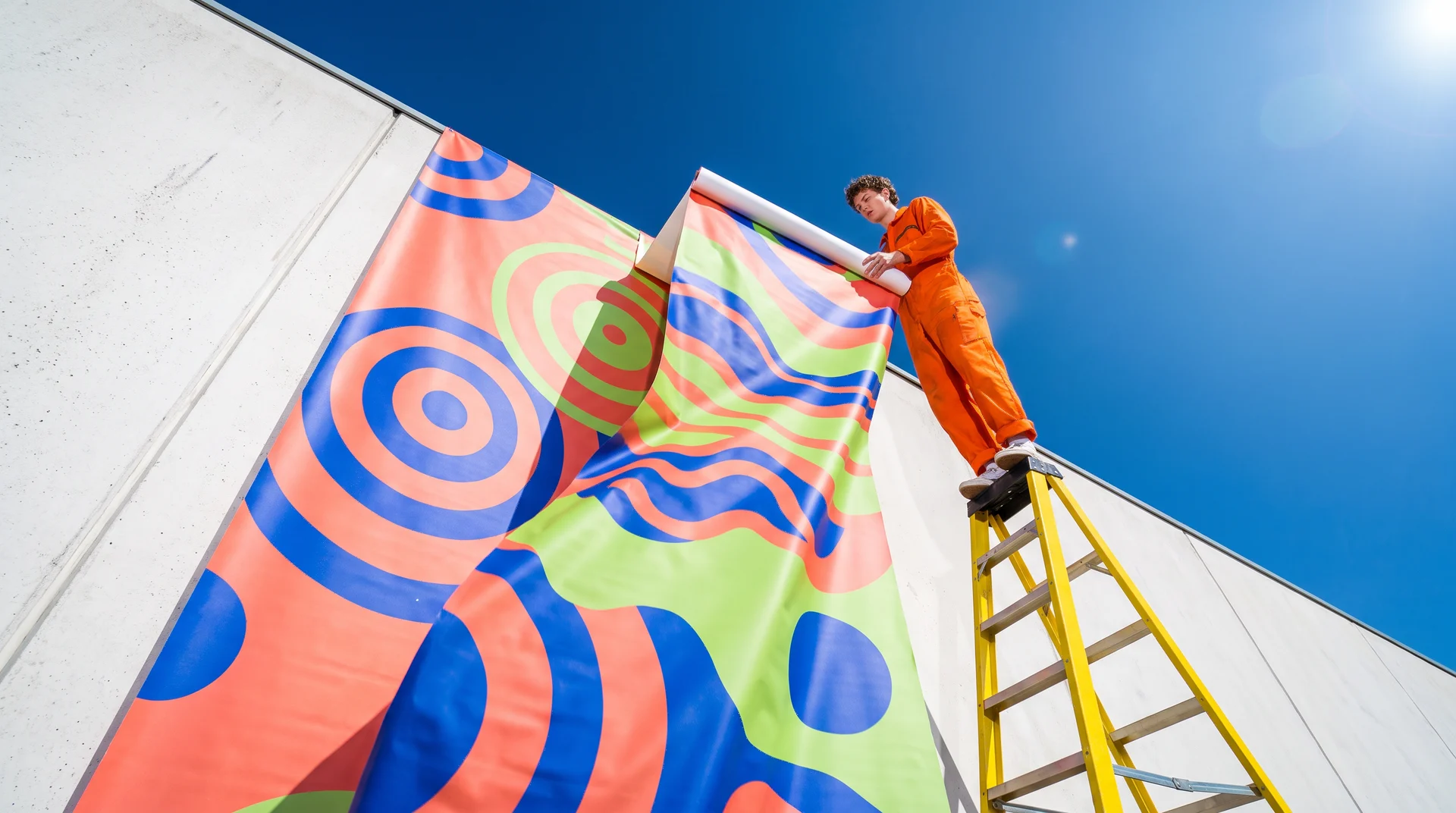
Both are single, raw Krea 2 outputs — dropped in as full-bleed backgrounds behind a title or closing statement in any of the tools above.


Prompt (quarterly-review background):
A quarterly-review slide background: an aerial flatlay arrangement of muted terracotta, sage, and cream paper shapes suggesting a bar chart silhouette, soft even studio light, large clean negative space at the top for a headline, minimal corporate aesthetic, no text.
Prompt (closing-slide background):
A closing-slide background for an investor deck: a single warm brass sphere on a reflective black surface, dramatic rim lighting, deep gradient from black to teal, generous negative space in the center-left for a closing statement, premium keynote photography, no text.
Variation tips: for a recurring monthly or quarterly deck, keep one prompt’s structure fixed and only change the palette words — it keeps the visual identity consistent across the whole series.
Which AI PPT maker should you pick?
Pick by what is actually slow, not by feature checklists:
- You want a full deck from a single prompt, fast → Gamma. The free 400 credits are a real one-time trial; budget for Plus ($9/seat/month) if you make more than a handful of decks.
- You already live in Canva, or need the biggest template library → Canva. Magic Design is convenient inside a tool your team already knows; the 20-premium-credit free pool is the constraint to watch.
- Your team fights with misaligned slides more than blank-page syndrome → Beautiful.ai, if the $14.50/month (no free tier) is worth it for the auto-layout alone.
- You already pay for Microsoft 365 and want deck generation inside PowerPoint itself → Copilot, but only on a paid Microsoft 365 Premium plan — the free tier is chat, not in-app generation.
- Any of the above looks like a template once you add your own images → generate the hero and background visuals with Krea first, then build the deck around them in whichever tool above fits your workflow.
For campaign or social visuals that end up on slides as well as everywhere else, the 8 best creative AI image generators guide and the best color combinations guide cover the adjacent ground — palette words and generator picks — this post does not repeat.
Frequently asked questions
Which AI PPT maker is best?
Which AI makes PPT?
How to make PPT using AI free?
Can Krea make a PowerPoint presentation?
Is Canva or Gamma better for AI presentations?
Does Microsoft Copilot in PowerPoint have a free version?
Generate the visuals your deck tool can't
100 compute units a day on Krea 2, no credit card. Drop the output into any deck.
Try Krea free