Most “free” resume builders are free until the last click. You write every section, pick a template, and then the download button asks for a card. The real question is which tool gives you a formatted PDF, on a free account, that a recruiter or an applicant tracking system can open. This guide compares eight options on that question first, then on templates, AI help, and paid prices. Every price and limit below comes from the vendor’s own page, checked on September 28, 2026. Krea appears once, near the end, in a narrow role: it does not build resumes.
A single, raw Krea 2 generation from the prompt “A single oversized sheet of blank paper standing upright like a monolith in a flat, bold cobalt-blue field, hard black shadow cast to the right, engraving-style cross-hatching on the paper’s curled corner, surreal minimal composition, no text” (Krea 2 medium turbo, 16:9, 1K).
Free resume builders at a glance
| Tool | Free formatted PDF? | Free-tier limit that bites | Cheapest paid option |
|---|---|---|---|
| Google Docs | Yes | Few resume templates, no AI writer built for resumes | Free with a Google account |
| Canva | Yes, if you use free elements only | Premium elements carry watermarks; 20 Standard or Premium AI uses | Pro, US$144/year |
| Teal | Yes, unlimited | 10 templates; 10 AI bullets, 2 AI summaries, 2 AI cover letters | Teal+, $13 every 7 days |
| Kickresume | Yes, unlimited downloads | 4 basic resume templates; AI Writer is Premium | $8/month, billed $96 yearly |
| Novoresume | Yes, for a 1-page Basic resume | One version, one page; no download if you use Premium features | $21.99 one month, no auto-renewal |
| Rezi | Yes, 3 PDF downloads | 1 resume | Pro, $29/month; Lifetime $149 |
| Resume.io | No, TXT only | One resume and cover letter | $2.95 for 7 days, then $29.95 every 4 weeks |
| Zety | No, TXT only | TXT export strips the design | $1.95 for 14 days, then $25.95 every 4 weeks |
The first five give a free user a real PDF. Rezi gives three. Resume.io and Zety export only plain text until you start a trial that renews on its own.
How we chose and tested
We picked tools that come up when people ask ChatGPT “what’s the best site to build a resume?” and “which resume builder is best?”. We then loaded each vendor’s pricing page and help pages on September 28, 2026. We recorded the free export format, the free-tier caps, the trial terms, and the renewal price. Where we could not confirm a detail on a vendor page, we left it out.
We did not score writing quality, ATS parsing, or template beauty. Every image in this post is a single, raw Krea 2 generation from the exact prompt printed beside it. No image shows a real resume builder’s screen or output.

A single, raw Krea 2 generation that illustrates the download paywall. It is not a screen from any resume builder.
Prompt (Krea 2 medium turbo, 16:9, 1K):
A single paper document locked inside an ornate brass birdcage, flat saturated tangerine-orange background, hard black shadow, etched cross-hatching linework, surreal still life, no text
Variation tips: one locked object on one flat colour reads as “paywall” with no text in the frame.
Google Docs: the plain free option
Google Docs is free with any Google account, and its template gallery includes a resume section. Google’s help page shows how to create a file from a template, and the download help page covers File > Download for a PDF copy. There is no trial and no export fee.
Settings recipe:
Open Google Docs > Template gallery > Resumes. Replace every placeholder, then delete any empty section. File > Download > PDF Document (.pdf). Open the PDF once to check page breaks before you send it.
Variation tips: keep one master document and use File > Make a copy for each application, so every tailored version stays separate.
Where it stops: the template choice is small, and there is no resume-specific help such as keyword matching against a job post.
Canva: free PDF, with one trap
“Comment faire son CV sur Canva gratuitement ?” is the largest question in this family, and the answer is yes, with care. Canva’s resume page says you can choose a free template, edit it, and “save and download in your preferred PDF or Word format”. Canva’s pricing page lists 1.6M+ templates on Free and up to 20 Standard or Premium AI uses.
The trap is premium content. Canva’s help page on premium elements says premium elements “will have watermarks (criss-cross patterns) on your design until they’re purchased”. A free user can buy each element or upgrade to Pro at US$144/year. If you use only free templates, fonts, and graphics, the PDF downloads clean.
Canva Magic Write prompt (professional summary):
Write a three-sentence professional summary for a resume. I am a junior UX designer with two years at a fintech startup. I led a checkout redesign and ran 20 user interviews. Tone: plain and specific, no buzzwords, no first person.
Variation tips: give Magic Write your real numbers, or it fills the gap with vague claims.
Where Canva stops: design-heavy templates with columns, icons, and graphics can confuse some applicant tracking systems. For the full free-plan picture, see is Canva free in 2026.
Teal: the most generous free download
Teal’s resume builder page says free users can “download unlimited PDFs — completely free” and create unlimited resume versions. Teal’s pricing page lists the Free Forever caps: 10 templates, top-5 keyword matching against a job description, basic analysis, and one-time AI credits of 10 resume bullets, 2 professional summaries, and 2 cover letters.
Teal+ costs $13 every 7 days, $29 every 30 days, or $79 every 90 days. No credit card is needed to start.
Teal AI bullet prompt:
Rewrite this bullet for a product analyst role, keep it under 25 words, and start with a verb: “Did weekly reports on churn for the sales team and helped them find accounts at risk.”
Variation tips: paste the job description into Teal first, so the keyword match shows which terms your bullets still miss. Spend the free AI bullets on your weakest lines.
Where Teal stops: the free AI credits run out fast, and the weekly Teal+ price adds up if you forget to cancel.
Kickresume: free downloads, AI on Premium
Kickresume’s pricing page lists a free plan with 4 basic resume templates, 4 matching cover letter templates, 1 basic website template, 20,000 pre-written phrases, and unlimited downloads. The AI Writer, the ATS Resume Checker, and 40+ templates are Premium.
Premium is $24/month, $54 every 3 months, or $96 every 12 months. For students, the same page says Kickresume “is free for all students who can prove their student status with ISIC, ITIC or UNiDAYS.”
Settings recipe:
Pick one of the 4 free templates. Start from the pre-written phrases, then rewrite each one with your own numbers.
Variation tips: if you are a student, verify your status with ISIC, ITIC, or UNiDAYS before you pay for anything.
Where Kickresume stops: 4 templates is a small free choice, and the AI Writer is not free.
Novoresume: one page, no subscription
Novoresume’s pricing page offers a free Basic account with a single resume version, a maximum of one page, predefined layouts, 3 fonts, and 30 colour themes. Documents save as PDF. The catch is in the FAQ: most Premium features can be tested on Basic, but “downloading a document with Premium features is not possible in the Basic account.”
Premium is $21.99 for one month, $39.99 for three months, or $149.99 for a year, and the page notes that prices can vary by location. Unlike Resume.io and Zety, Novoresume states “There Is No Automatic Subscription”.
Settings recipe:
Stay on one page. Use only features without the white star, which marks Premium. Before you download, remove any Premium feature you tested, or the download stays locked.
Variation tips: one page suits early-career applicants; with long experience, the cap is the real limit.
Where Novoresume stops: no cover letter and no second version on Basic, and its Premium feature list includes “No Watermark/Branding”, so check the free PDF before you send it.
Rezi: three free PDFs, then pay
Rezi’s pricing page gives the Free plan 1 resume, 1 AI interview, and 3 PDF downloads, plus AI writing tools. Pro is $29/month with unlimited resumes and downloads. Lifetime is $149 once. All paid plans carry a 30-day money-back guarantee.
Settings recipe:
Finish and proofread the full resume in the editor before your first download. Treat each of the 3 PDFs as a final version, not a preview.
Variation tips: if you apply to many different roles, the one-resume cap bites first.
Where Rezi stops: three downloads is enough for one polished resume, not for tailoring a version to each job.
Resume.io and Zety: free to build, paid to download
Resume.io’s pricing page gives Free users one resume and one cover letter with “downloads only in TXT format”. PDF downloads start with a $2.95 trial for 7 days, which “auto-renews to $29.95 billed every 4 weeks”.
Zety’s pricing page has the same shape. The Basic package is free with “TXT format only”. The Pro package starts with a 14-day trial for $1.95, then “auto-renews at $25.95 billed every 4 weeks.” The Annual package is $71.40 paid at once.
Settings recipe (if you pay for a trial):
Build the full resume and cover letter before you start the trial. Download every format you need on day one. Set a calendar reminder two days before the trial ends, then cancel in account settings.
Variation tips: a TXT file drops all formatting; use it only to paste text into an application form.
Where they stop: no designed PDF on free, and both trials renew on their own.
Illustration only — raw Krea 2 outputs
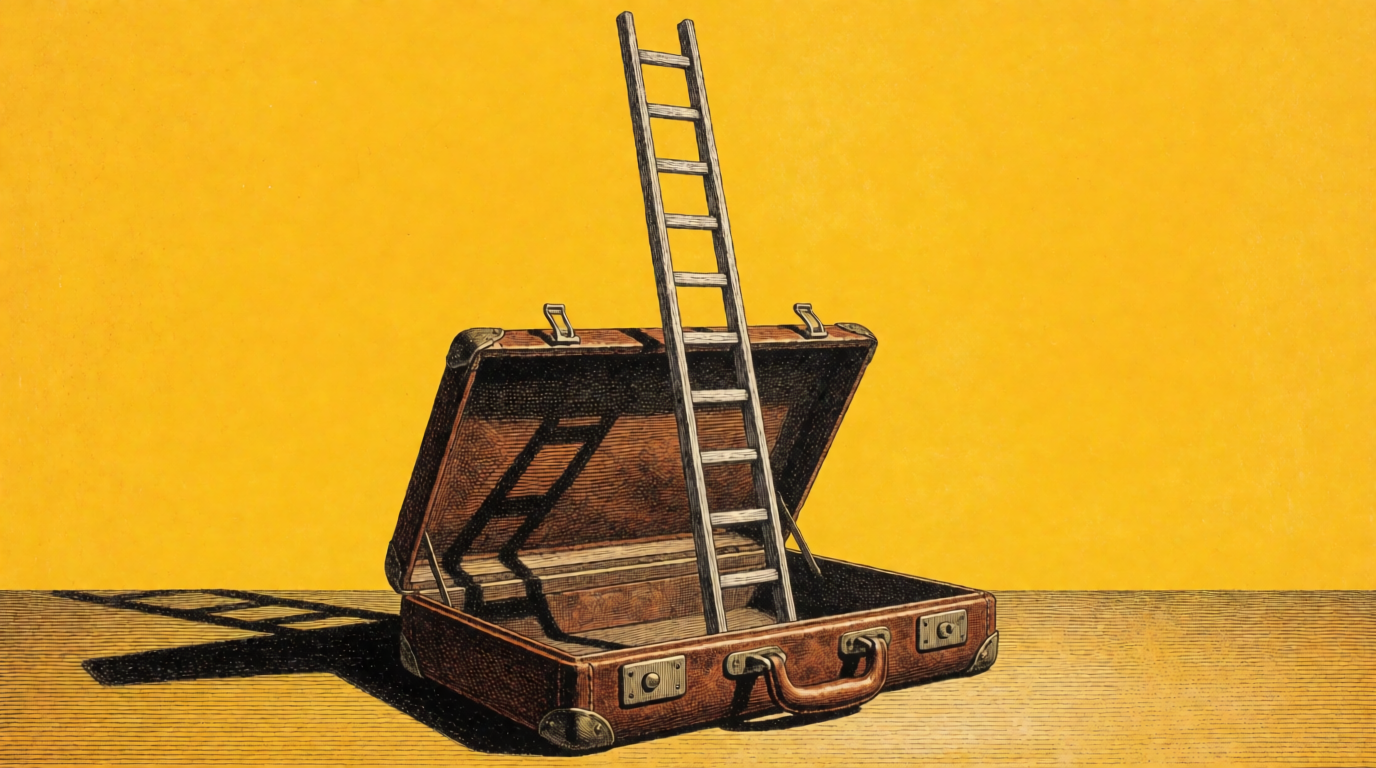
Prompts (Krea 2 medium turbo, 16:9, 1K):
Three blank paper sheets fanned out and floating over a flat saturated magenta field, each sheet marked only with abstract gray bars, hard black shadows, woodcut hatching style, no letters, no text
A wooden ladder rising out of an open leather briefcase into a flat saturated sunflower-yellow sky, hard black shadow, engraving cross-hatch style, surreal single subject, no text
Variation tips: ask for “abstract gray bars” and “no letters” when you want document shapes.
Free export and pricing compared
| Tool | Free export format | Trial | Paid billing |
|---|---|---|---|
| Google Docs | PDF, Word | None needed | No paid plan needed |
| Canva | PDF, Word, JPG, PNG | None needed | Pro, US$144/year |
| Teal | None needed | Teal+ every 7, 30, or 90 days; cancel any time | |
| Kickresume | Unlimited downloads | None needed | Premium every 1, 3, or 12 months |
| Novoresume | PDF, 1 page | None needed | One-time payment, no auto-renewal |
| Rezi | 3 PDFs | None needed | Pro monthly, or Lifetime once |
| Resume.io | TXT | $2.95 for 7 days | Auto-renews, $29.95 every 4 weeks |
| Zety | TXT | $1.95 for 14 days | Auto-renews, $25.95 every 4 weeks |
Where Krea fits, and where it plainly does not
Be clear about this first: Krea does not build resumes or CVs. It has no resume templates and no document export. Use a tool above for the resume itself.
Krea helps with the photo and the visuals around the resume:
- Clean up the headshot you already have. The Krea background remover takes a JPG, PNG, HEIC, or WEBP up to 25MB and returns a transparent PNG. Its page says it is “Free, no signup needed.”
- Sharpen a small or soft photo. The Krea Enhancer upscales an image. On the Free plan, upscaling goes up to 2K with the basic models, per krea.ai/pricing.
- Make portfolio visuals. Generate a portfolio cover or a personal site header with Krea 2.
Do not use Krea to generate a new face or a “better” version of yourself for a resume photo. Use your real photo, and clean up only the background and the resolution.
A plain backdrop is the usual next step after a background removal. Raw Krea 2 output from the prompt below; you place your own cutout on it in a layout tool.

Prompt (Krea 2 medium turbo, 16:9, 1K):
Empty seamless studio backdrop in soft slate gray with a gentle vignette, even professional portrait lighting, no people, no objects, no text
Variation tips: ask for “no people” and “no objects” so the backdrop stays empty. Swap the colour to match your resume.
A portfolio cover, raw Krea 2 output from the prompt below:
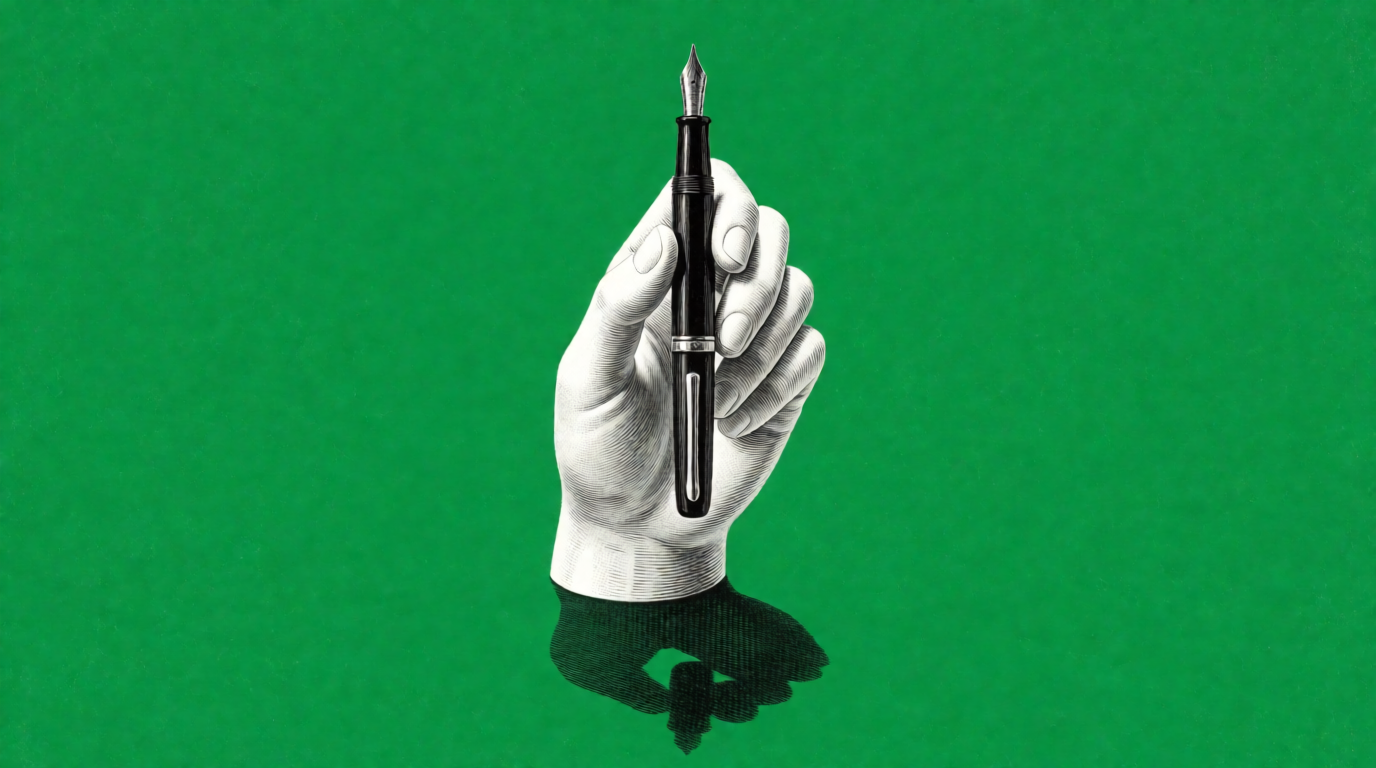
Prompt (Krea 2 medium turbo, 16:9, 1K):
A white ceramic hand rising from the ground and holding a single black fountain pen upright, flat saturated emerald-green field, hard noon shadow, engraved hatching texture, surreal portfolio cover art, no text
Variation tips: name one object that stands for your work (a pen for a writer, a lens for a photographer) and one flat colour.
Where Krea stops: per krea.ai/pricing, the Free plan is $0 with 100 compute units a day and no credit card. It covers Krea 2 image generation and limited upscaling to 2K. The same check list marks “All image models”, video models, and the commercial license with an x, so check that page before you plan on the AI image editor or client use. Paid plans start at Basic: $9/month, or $5/month billed yearly, for 5,000 compute units a month. Basic adds all image models and the commercial license. Try the free background remover on Krea. See also AI background removers compared and how to make a white background for photos.
Need a clean headshot, not a new resume?
Remove the background from the photo you already have, free and with no signup, then upscale it with the Enhancer.
Remove a background freeWhich resume builder should you pick?
Pick by what you need when you click download:
- A clean PDF, no decisions → Google Docs.
- A designed resume → Canva Free, with free elements only.
- Many tailored versions → Teal Free, with unlimited PDF downloads.
- You are a student → Kickresume, free for verified ISIC, ITIC, and UNiDAYS holders.
- Premium features, no subscription → Novoresume, one-time payment per period.
- One polished resume → Rezi Free, with 3 PDF downloads.
- You already built it in Resume.io or Zety → copy the text into a free tool.
- The resume is done, the photo is not → clean it up with Krea’s free tools, and keep it real.