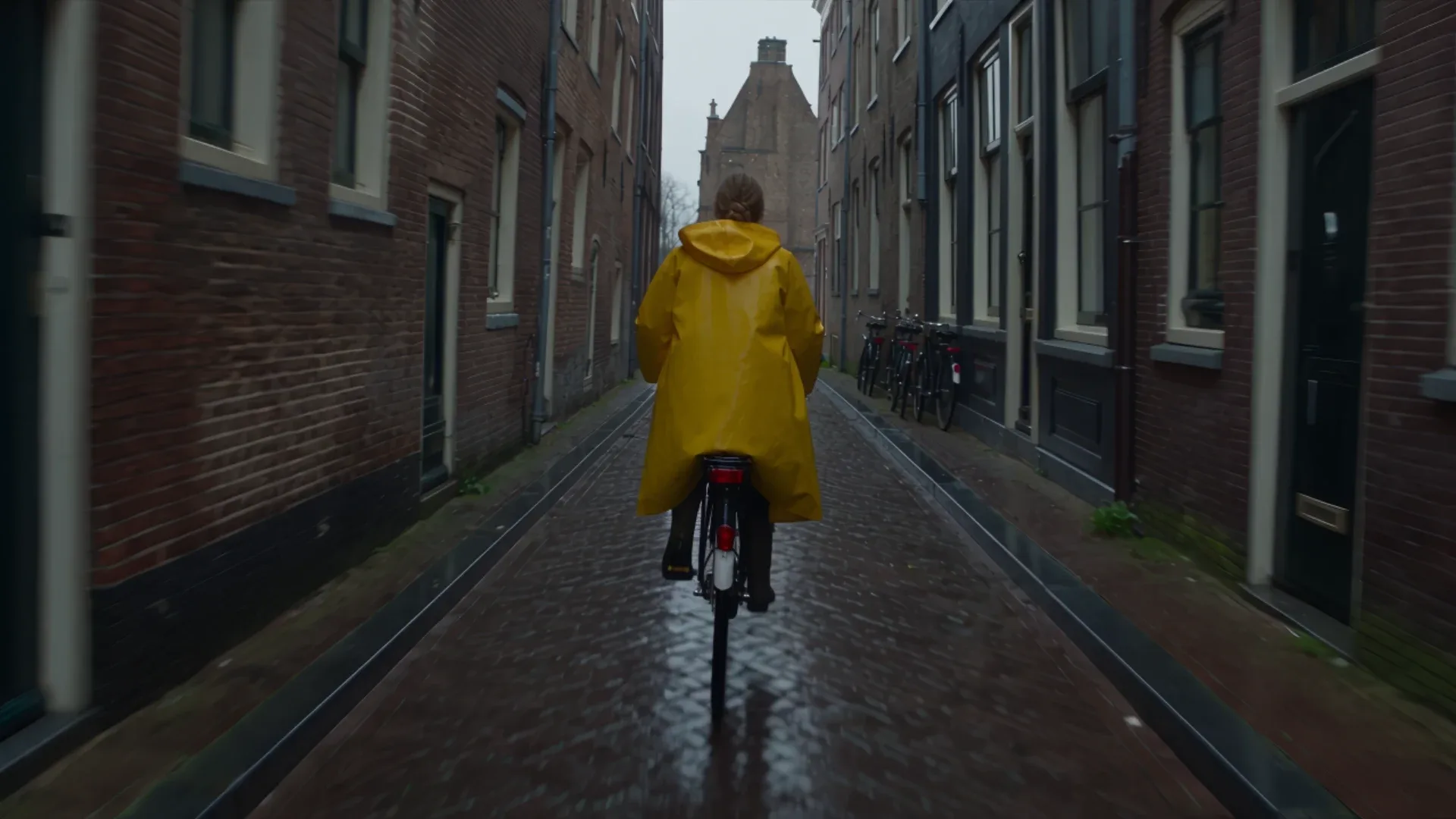
No, Seedance 2.5 is not free on Krea. It is a premium video model available on the Pro plan and above, and every generation spends compute units from your plan. It isn’t included in the Free or Basic plans. There is no unlimited Seedance 2.5 either: each clip is metered by resolution and length. You can still make it cheap. Draft mode, short takes and a 480p-to-1080p workflow keep the cost per finished clip low.
This guide covers what you get with each plan, why “free unlimited Seedance 2.5” offers deserve a second look, and the cheapest way to get a finished clip out of the model.
Key takeaways
- Seedance 2.5 needs a Pro plan or higher on Krea. Free and Basic accounts can’t run it, but Basic users can use Seedance 2.0 Fast and Mini.
- There is no unlimited Seedance 2.5. Every clip spends compute units, and the cost rises with resolution and duration.
- The cheapest workflow is to draft at 480p, lock the motion, and only render the final take at 720p or 1080p.
- Shorter takes cost less. Seedance 2.5 bills per second, so a tight 6-second shot costs a fifth of a 30-second take.
- Block scenes on cheaper models like Seedance 2.0 Mini or MiniMax H3 Max Turbo, then switch to Seedance 2.5 for the take you keep.
Run Seedance 2.5 on Krea
Seedance 2.5 is available on Pro and above, with 30-second takes, native audio and up to 50 references.
Open Seedance 2.5Which Krea plans include Seedance 2.5
| Plan | Seedance 2.5 | What you can use instead |
|---|---|---|
| Free | Not included | Other video models in the Krea video workspace |
| Basic | Not included | Seedance 2.0 Fast and Seedance 2.0 Mini |
| Pro | Included | Full Seedance 2.5: 4–30 seconds, 480p to 1080p, references, draft mode |
| Max | Included | Same as Pro |
Current plan prices and monthly compute units are listed on the Krea pricing page. If you try Seedance 2.5 from a Free or Basic account, Krea shows the plans that include it before you generate.
Why there’s no “free unlimited Seedance 2.5”
Seedance 2.5 is a closed ByteDance model. Every second of video it generates has a real provider cost, which is why Krea meters it in compute units rather than offering it for free or unlimited.
That’s also worth remembering when you see sites advertising “Seedance 2.5 free unlimited”. In general, those offers turn out to be one of the following:
- A trial or welcome bonus. You get a handful of generations, then a paywall.
- A wrapper around another model. It’s branded as Seedance, but the output comes from something cheaper.
- Heavily capped output. It might be watermarked, limited to low resolution, or stuck in a long queue.
Before you upload reference images of your face, product or client work to any site, check who operates it and which model actually runs behind it. On Krea, the model picker names the model, and the generate button shows the compute-unit cost before you commit.
The cheapest way to use Seedance 2.5
Seedance 2.5 bills per second of output, so you control the cost mainly through resolution and duration. These approximate costs are for a 5-second clip with no video references:
| Resolution | Approx. cost per second | 5-second clip |
|---|---|---|
| 480p | ~76 CU | ~380 CU |
| 720p | ~171 CU | 856 CU |
| 1080p | ~421 CU | ~2,106 CU |
A 1080p take costs about 5.5 times as much as the same take at 480p. The full breakdown by duration is in our Seedance 2.5 pricing guide.
1. Use draft mode before every final take
Draft mode renders a fast 480p preview of your prompt, billed at the 480p rate. Use it to check scene structure, motion and timing. When a draft works, Krea regenerates that same task at full quality, so you only pay the high-resolution rate for a shot you already know works. The draft mode guide walks through it.
A real example: what a draft saved us
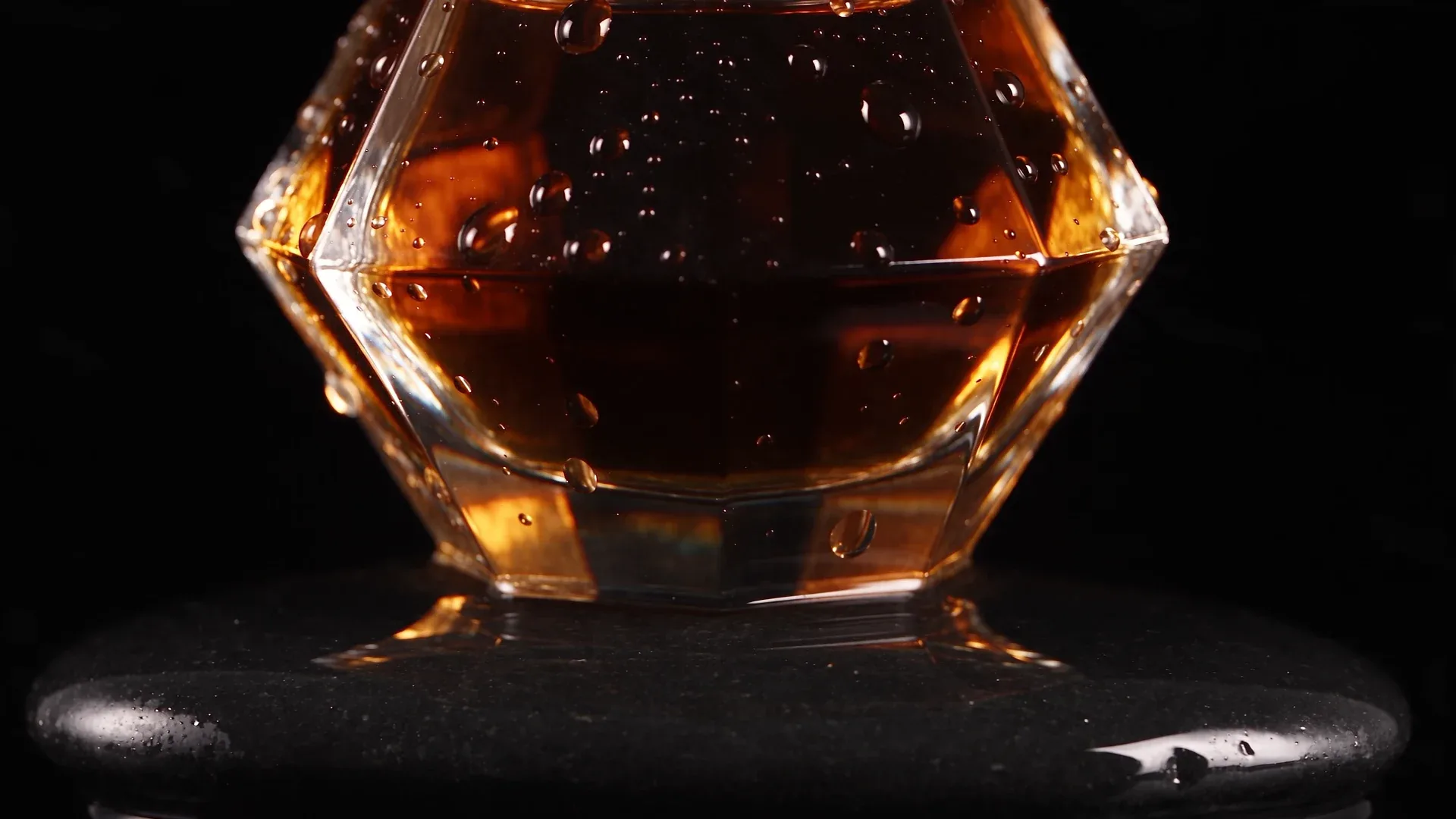
In October 2026 we ran the same 5-second product prompt on Krea twice: once as a 480p draft and once at 720p, with the same seed. The prompt asked for a faceted perfume bottle on a wet stone with a light ring sweeping across it.
| Run | Cost | Render time |
|---|---|---|
| 480p draft | ~380 CU | 1m10s |
| 720p take | 856 CU | 2m24s |
The draft cost about 44% of the 720p take and finished in under half the time. It also showed the main problem with the prompt before we paid full price: “macro, 100mm” cropped the shot to the lower half of the bottle, and the 720p take had the same crop. The fix belongs in the prompt (a wider lens, or “full bottle in frame”), and the draft is the cheap place to find it.
Over a project the savings add up. If you need three attempts to land a 10-second shot, three 1080p takes cost about 12,636 CU. Two 480p drafts plus one 1080p final cost about 5,734 CU, under half as much. One caveat: the same seed doesn’t reproduce a shot exactly at a different resolution, so promote the draft you like in Krea Video instead of re-running the prompt at a higher setting.
2. Generate only the seconds you need
Duration is any whole number from 4 to 30 seconds, and cost scales linearly with it. If the edit only needs a 6-second insert, generate 6 seconds rather than 15 seconds you’ll trim later.
3. Iterate at 480p or 720p, finish at 1080p
Prompt changes, camera moves and reference swaps all read fine at 480p. Save 1080p for the version you’ll deliver. If you need more pixels than that, upscale the finished clip in Krea instead of re-rolling at the top tier.
4. Block the scene on a cheaper model
For rough blocking, such as checking whether a camera path or composition works at all, a cheaper model gets you there for less. Seedance 2.0 Mini and Seedance 2.0 Fast share the Seedance prompting style. MiniMax H3 Max Turbo is another fast, inexpensive option. Once the idea works, move the prompt and references to Seedance 2.5 for the final take.
5. Write a prompt that lands on the first or second try
A failed generation costs as much as a good one. Specific prompts waste fewer generations: name the subject, the action, the camera move, the lighting and the sound. Our Seedance 2.5 prompt guide covers the structure. If you work through the Krea API, the enhance_prompt option expands a short idea into a fuller shot description.
Here’s an example of a tight, single-beat prompt that fits a short, inexpensive take:
Extreme macro shot of espresso pouring into a ceramic cup in slow motion, thick golden crema swirling and folding on the surface, steam rising against a dark background, shallow depth of field, warm studio lighting, ASMR-style sound of liquid hitting liquid.
What Pro unlocks
On Pro and above, you get the full model:
- Any duration from 4 to 30 seconds in one continuous take
- 480p, 720p or 1080p output in 16:9, 4:3, 1:1, 3:4, 9:16 or 21:9
- Up to 50 references: 30 images, 10 videos and 10 audio files
- Start and end frames to pin a shot’s first and last image
- Native audio generated in the same pass as the video
- Draft mode, extension and reframe for iterating on and reworking clips
If you’re new to the model, What Is Seedance 2.5 covers what it does, and How to Use Seedance 2.5 walks through a first generation step by step.
Related reading
- Seedance 2.5 Pricing: What Each Video Costs
- How to Use Seedance 2.5
- Seedance 2.5 Draft Mode, Extend and Reframe
- Can You Run Seedance 2.5 Locally?
- Seedance 2.5 vs MiniMax H3
- Seedance 2.5 vs Wan 3.0
- Seedance 2.5 API Access Guide
Frequently asked questions
Is Seedance 2.5 free on Krea?
Is there a free trial for Seedance 2.5?
Can I get unlimited Seedance 2.5?
What is the cheapest way to use Seedance 2.5?
Can I use Seedance 2.5 on the Basic plan?
Get the most out of every Seedance 2.5 credit
Draft at 480p, lock the shot, then render the final take at 1080p, all in one Krea workspace.
Try Krea Video