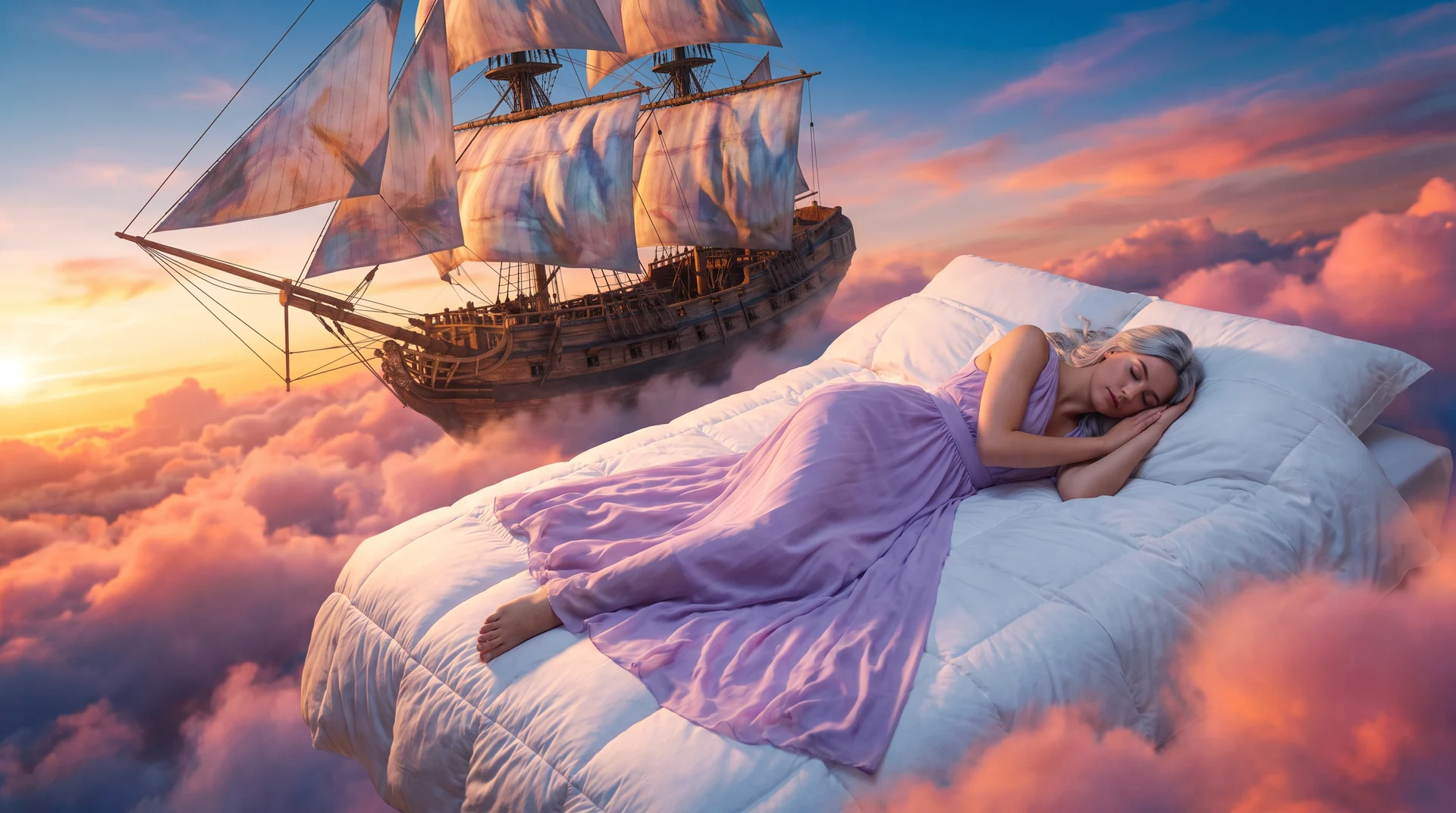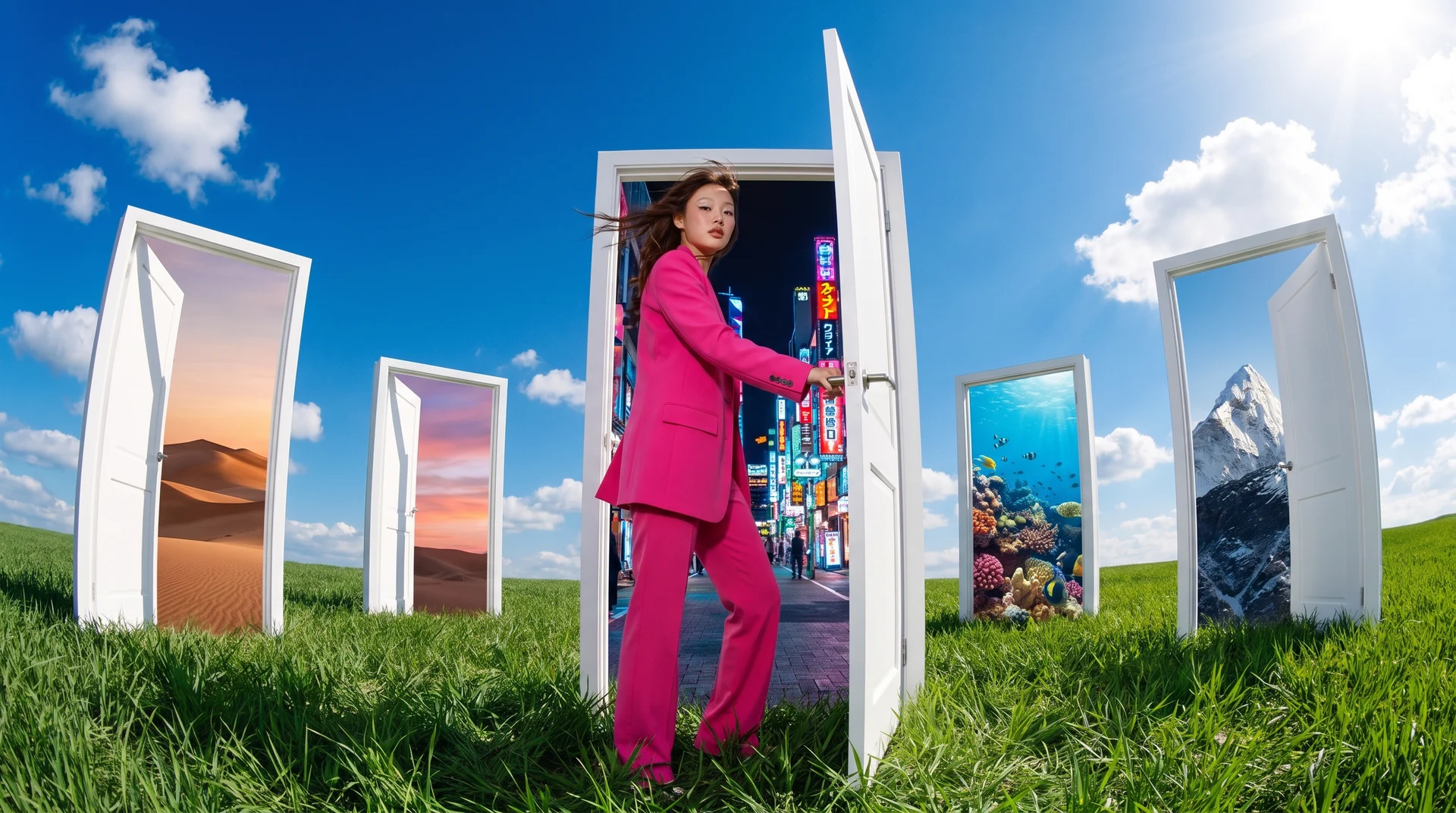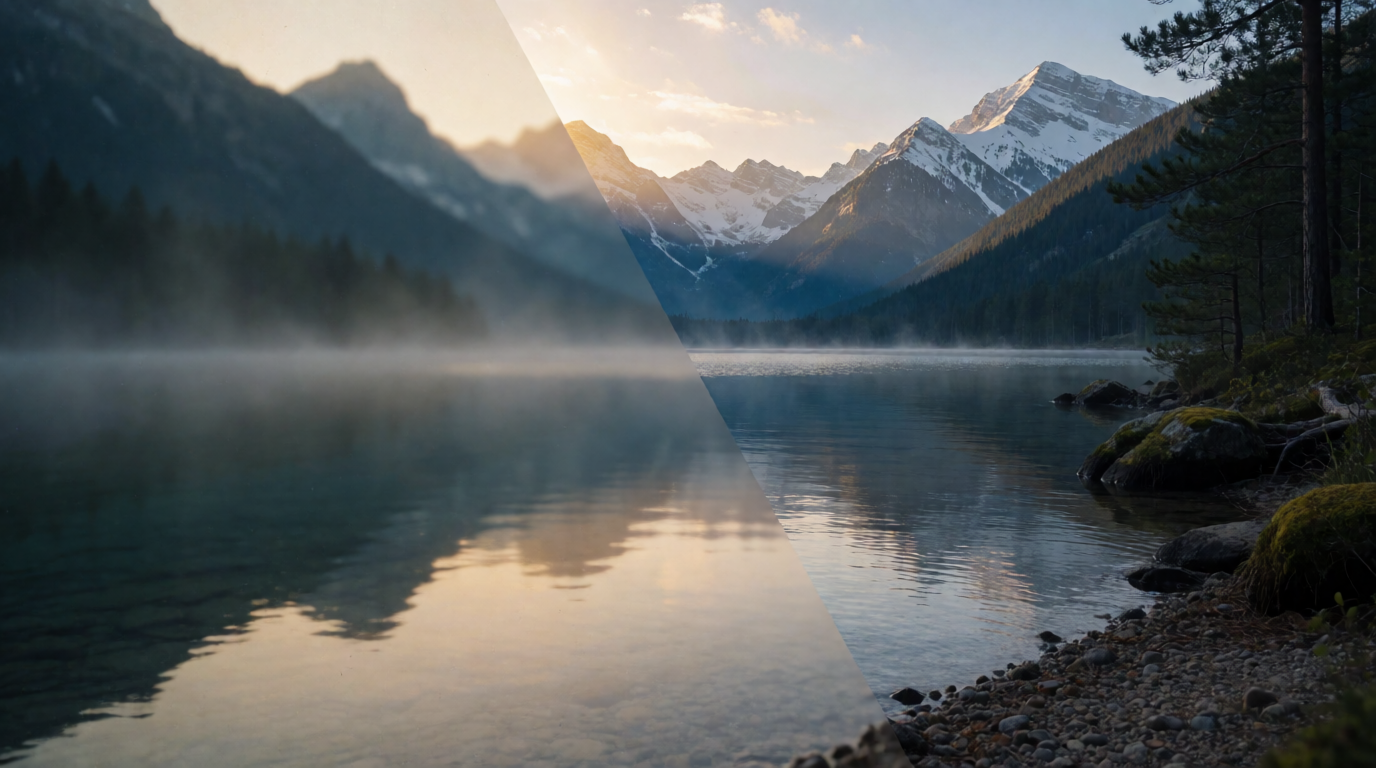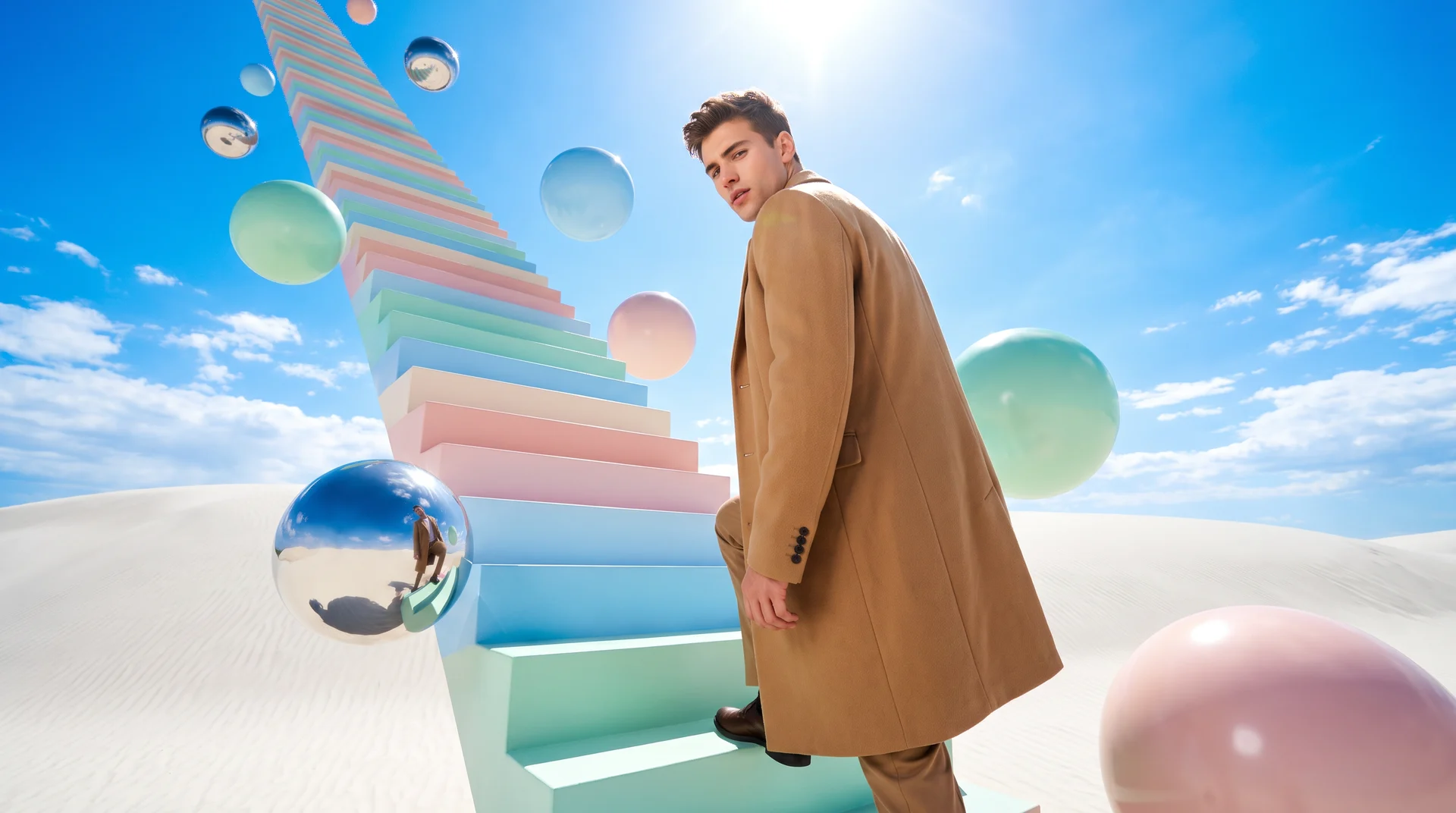
While Midjourney is known for its aesthetic taste in its image generation models, it lags behind in 2026 on region-level editing and revision features. In contrast, Krea 3, Seedream 5 Pro, and Nano Banana 2 offer far more editing control.
Controllable edits in image generation are important because different production jobs require different forms of adjustment after the first render: moodboard direction for fashion, product consistency for ecommerce, and editable layers for design approval. Ecommerce teams need consistent product photography: a retailer can show the same handbag against a spring backdrop and a sale backdrop while keeping its silhouette and finish uniform.
These alternatives rank by the production control they add over Midjourney, with the table identifying the five tools and their strengths. The five picks are Krea (Krea 3 and Krea 2), Nano Banana 2, FLUX.2, Seedream 5 Pro, and Seedream 5 Lite, with free starting routes for Krea, Nano Banana 2, and FLUX.2. For a head-to-head on plans and workflow, see Midjourney vs Krea; for Midjourney’s own plans and trial rules, see Is Midjourney free?
How We Chose These Alternatives
Each pick must provide documented access advantages or a specific production control that supports a defined task more directly than Midjourney. Krea 3, released in October 2026, edits images in under 8 seconds at native 2K while keeping products and characters consistent, and Krea’s June 2026 technical report documents Krea 2’s multi-image style-reference mixing with continuous reference-strength control. Seedream 5 Pro combines annotated region edits with independent transparent layers, giving users precise control to revise a selected area while preserving the approved composition. Those features turn aesthetic direction and small client changes into instructions the model can act on without rebuilding the entire image. Broad rankings measure first-render quality; this article also evaluates how well each tool preserves an approved room during a targeted sofa-material edit.
Edit fast with Krea 3
Generate and edit images with Krea 3, or direct a moodboard with Krea 2 — both on Krea's free plan.
Try Krea 3 freeAt a Glance: The 5 Best Midjourney Alternatives
| # | Alternative | Best for | Free route | Control that matters most |
|---|---|---|---|---|
| 1 | Krea (Krea 3 + Krea 2) | Fast consistent edits and moodboard-led art direction | Yes: Krea free plan includes Krea 3; Krea 2 open weights | Edits that keep the product; style-reference strength |
| 2 | Nano Banana 2 | Conversational photo edits and accurate text | Yes: Gemini app and AI Studio limits apply | Multi-turn preservation |
| 3 | FLUX.2 | Local photoreal production pipelines | Yes: open [dev] and Apache 2.0 [klein] | Multi-reference consistency |
| 4 | Seedream 5 Pro | Layered design work and precise edits | Trials/credits on hosts | Point, lasso, and sketch annotation |
| 5 | Seedream 5 Lite | Current-event and research-led visuals | Trials/credits on hosts | Live online search and visual reasoning |
Free Starts for Creative Direction, Editing, and Local Workflows
1. Krea (Krea 3 and Krea 2) - Best for Fast Edits and Moodboard-Led Art Direction
Krea 3 is Krea’s latest in-house image model, released in October 2026, and it covers the revision step Midjourney is weakest at. Per the Krea 3 launch post, most edits come back in under 8 seconds, end to end, at native 2K, and it keeps a product’s label and logo, or a person’s face, unchanged while it builds a new scene around them. It takes up to 6 reference images per edit. Use it when an approved image needs one change, such as a new backdrop, material, or color, without a full reroll.
Krea 2, Krea’s earlier in-house model, remains the pick for moodboard-led art direction, shown in the example below.
Prompt:
Create an editorial fashion portrait using a mixed visual direction: vaporwave color fields, traditional Japanese ink-wash texture, and brutalist architecture. Use the supplied moodboard references with high style strength while keeping the subject’s pose and facial structure distinct. Add a small quoted headline, “NEW FORM,” integrated into the composition. Preserve imperfect photographic texture rather than a generic polished AI finish. Variation tips: Lower reference strength for looser exploration. Replace one aesthetic reference at a time. Use a LoRA only after the base direction works.
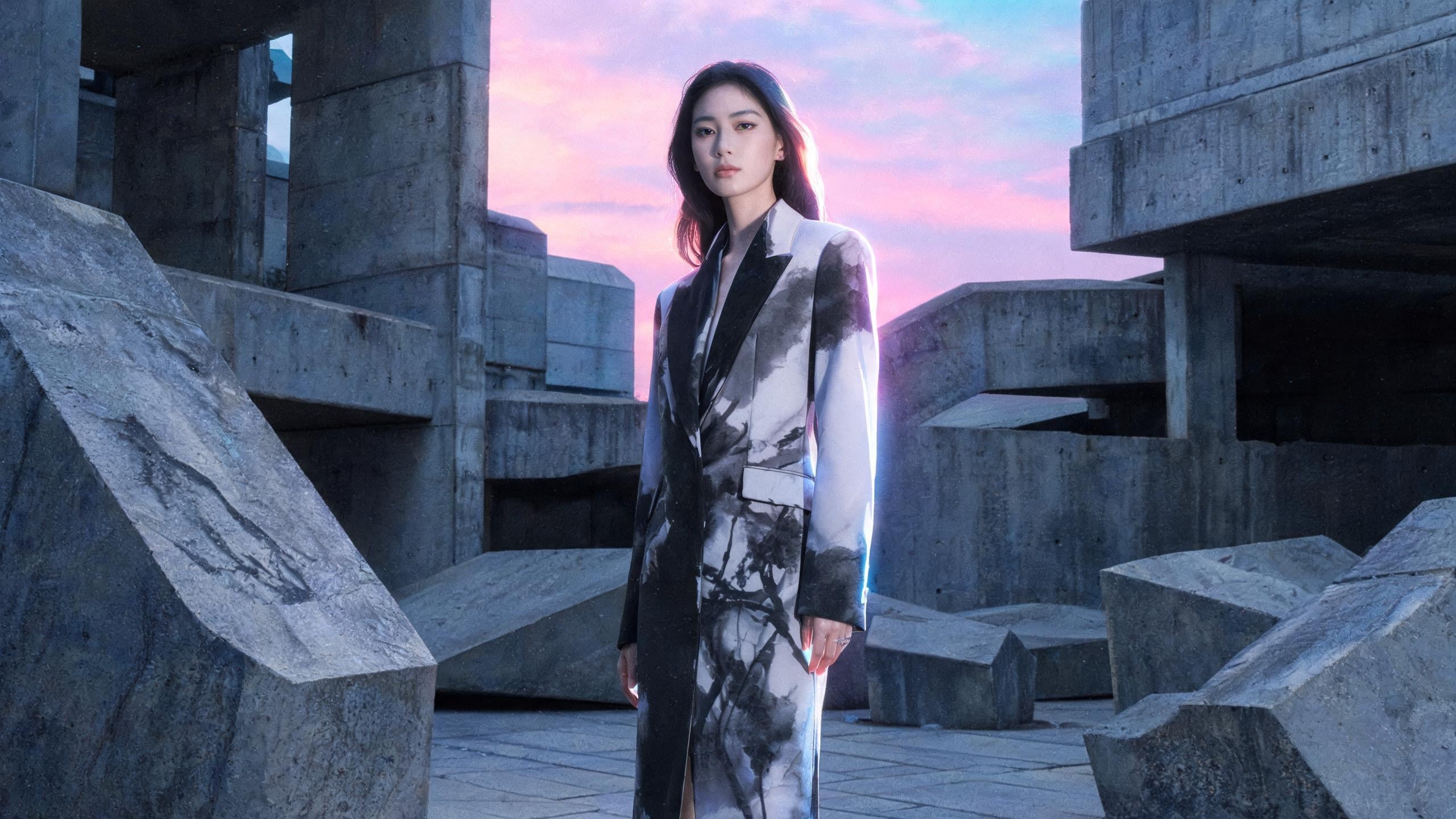
Krea 2 is the first pick when a campaign needs to follow a moodboard without settling into one house style. Krea released its Raw and Turbo open weights on June 23, 2026, and the Krea 2 technical report says the training deliberately spans broad aesthetics rather than favoring a polished default. Its style-reference system semantically mixes several images and lets you adjust reference strength continuously with minimal content leakage.
That control gives references a clear job: they direct the image without becoming rigid source material. You can lower the strength to explore the relationship between ink texture and vaporwave color, then raise it once the campaign direction becomes clear. Raw favors deeper control and LoRA work, while Turbo favors rapid iteration, so the choice depends on whether you are testing a direction or refining a repeatable one.
Krea’s pricing page lists 100 compute units per day on the free plan, which includes Krea 3 for generating and editing images. Paid plans start at $9/month, or $5/month billed yearly. That allowance is enough to compare prompt directions, reference-strength settings, and a few Krea 3 edits before buying more compute. Krea’s reference-strength controls keep an approved moodboard direction in place while a creator tests one visual influence at a time in the next frame.
Try Krea 3 or Krea 2 on Krea.
2. Nano Banana 2 - Best for Conversational Photo Editing and Text
Prompt:
Using the uploaded family photo, transform the daytime street into a rainy Tokyo festival night. Preserve the exact faces, architecture, perspective, and believable lighting relationships. Change the clothing to futuristic festival outfits, add a flying vehicle in the distance, and render the neon sign exactly as “未来祭 2026”. Keep the scene photorealistic and continue to preserve identity in later edits. Variation tips: Edit one scene change per turn. Quote only essential copy. Upload identity references before changing wardrobe.
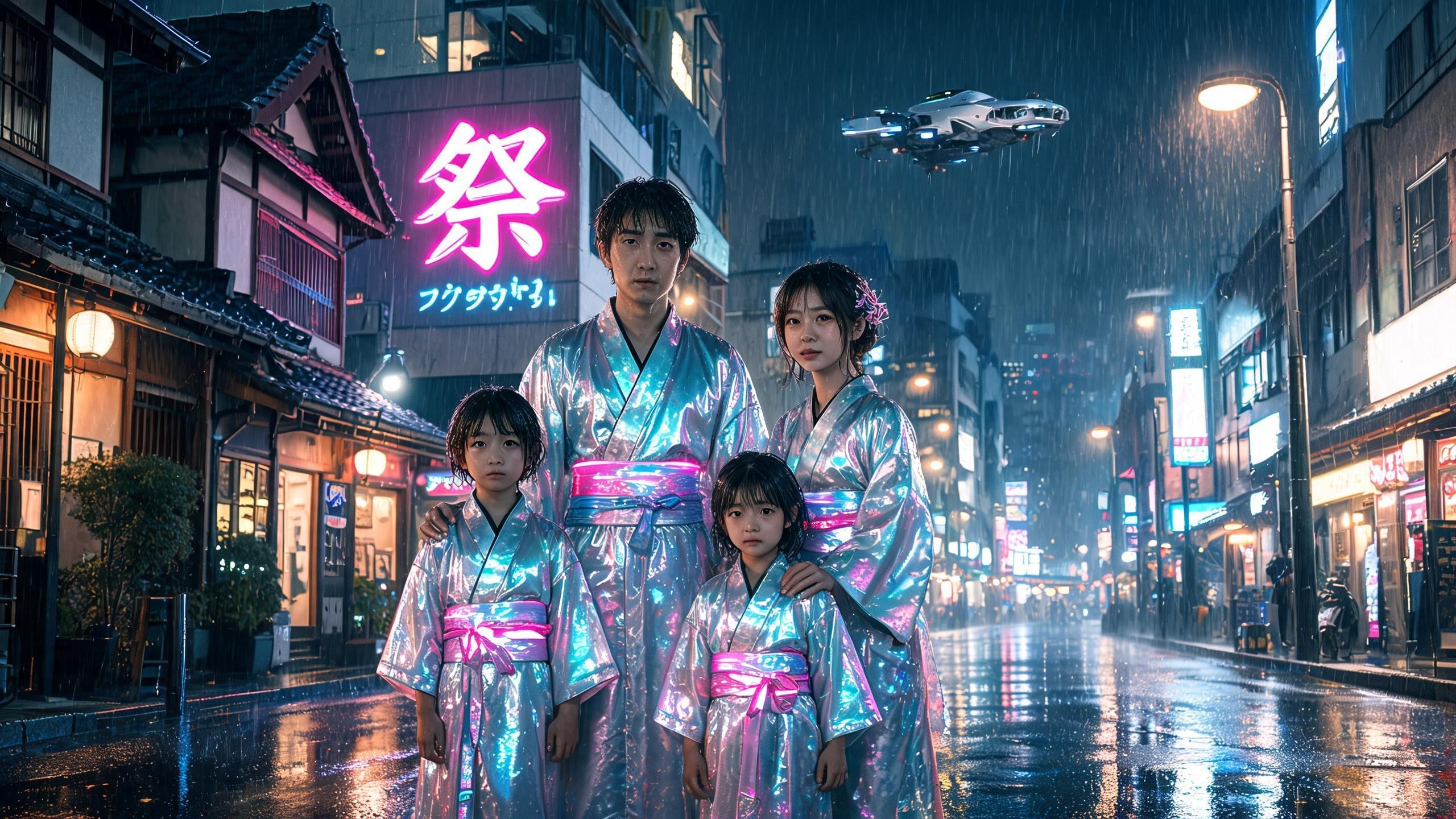
A promising photograph deserves a revision path, and Nano Banana 2 is strongest when you need several natural-language edits without generating the scene again. Google’s Gemini image-generation documentation supports multi-turn editing for object replacement, camera adjustments, and style changes while preserving the scene. Google documents 4K output and multilingual text rendering for deliverables such as posters, logos, and comics, the same territory Ideogram targets directly.
Start with the photograph that already has the right people, perspective, and composition. Then change the weather, update the wardrobe, or replace a distant object in separate turns. That sequence protects the decisions that made the first frame useful, especially when identity and spatial relationships matter more than inventing a fresh variation.
Eligible users can access image generation through the Gemini app and AI Studio, while paid Google AI plans unlock higher-tier Pro access — the same model also runs as a partner option inside Adobe Firefly, covered in Is Adobe Firefly free?. Generation limits reward restraint: establish the base image first, then ask for one meaningful scene change at a time.
3. FLUX.2 - Best for Local Photorealism and Multi-Reference Consistency
Prompt:
Use the supplied references to keep the same product identity, material palette, and campaign styling across a three-image product series. Create an ultra-photoreal weathered astronaut helmet with precise scratches, condensation, and reflections of an alien landscape across the visor. Match the helmet accent color to hex #3E4A2E, use physically believable lighting and materials, and prepare a high-resolution commercial product image. Variation tips: Assign each reference one role. Lock one product angle first. Change a single material property between frames.
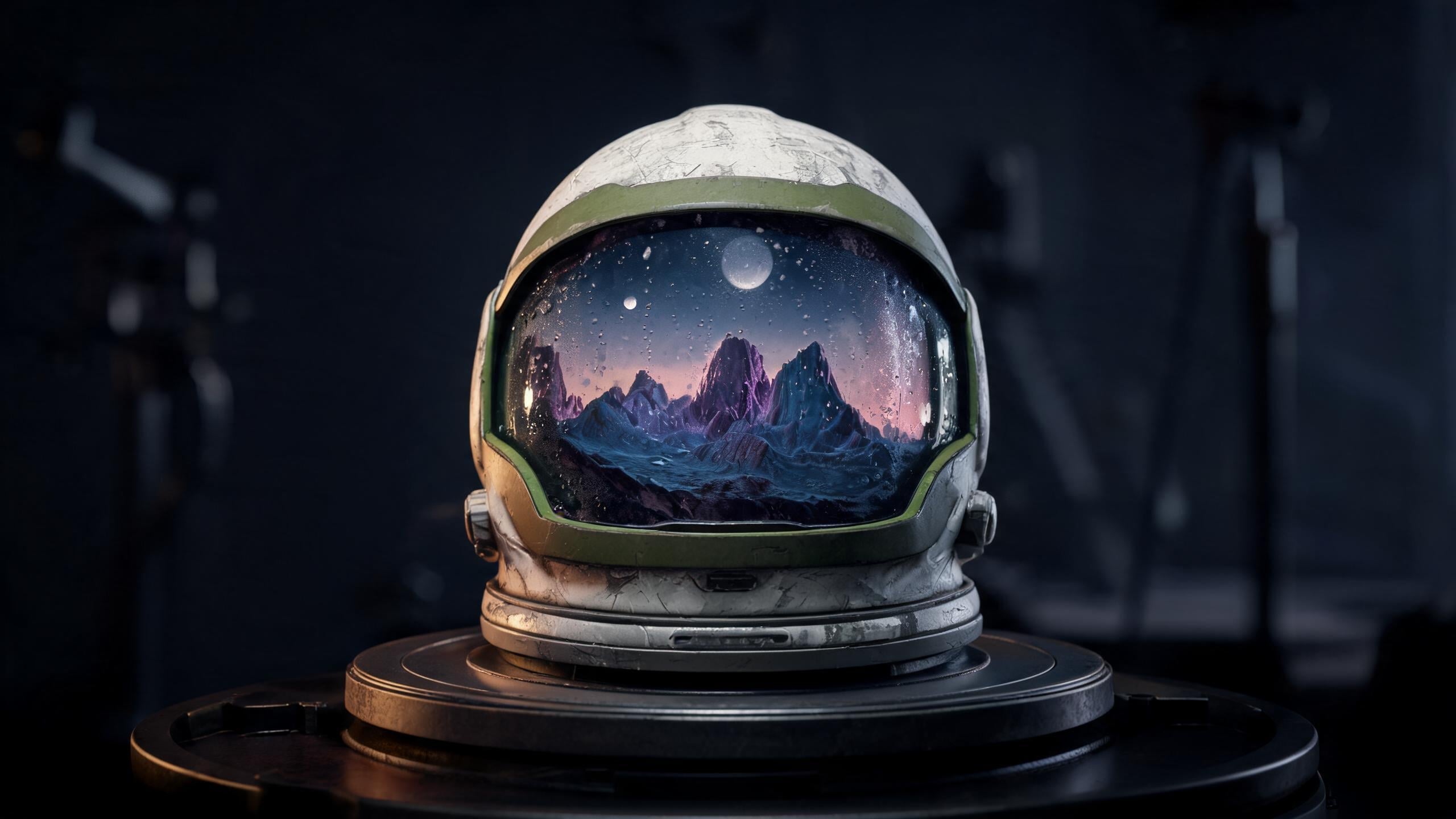
FLUX.2 fits teams that need local control, high-resolution photorealism, and reference-led production. FLUX.2 [dev] is Black Forest Labs’ 32B open-weight release, while FLUX.2 [klein] provides an Apache 2.0 option for local deployment, joining older open-weight families like Stable Diffusion. The family supports up to 10 reference images and outputs up to 4 megapixels in any aspect ratio.
Give each reference image a distinct production purpose so the model receives clearer guidance for continuity across the helmet series. That division helps a local pipeline preserve the same helmet, character, or product system across a series instead of asking a closed service to infer continuity from a new prompt every time. [klein] runs locally on an NVIDIA GPU with sufficient VRAM, plus the required drivers and model runtime.
Specialist Tools for Current Information and Finished Design Assets
4. Seedream 5 Pro - Best for Precise Design Edits and Editable Layers
Prompt:
Create a high-density educational poster about tea oxidation with a flavor wheel, oxidation bars, thermometer indicators, and clear hierarchy. Include native English, Mandarin, and Arabic text. Output the composition as separable transparent editable layers for the background, tea subjects, charts, text, and decorative effects. In a later edit, use a point selection to change only the sofa material in the supplied room image to hex #3E4A2E, add a crystal dragon sculpture on the table, and preserve every other element. Variation tips: Mark the target region first. Keep each layer’s role distinct. Limit dense copy to required labels.
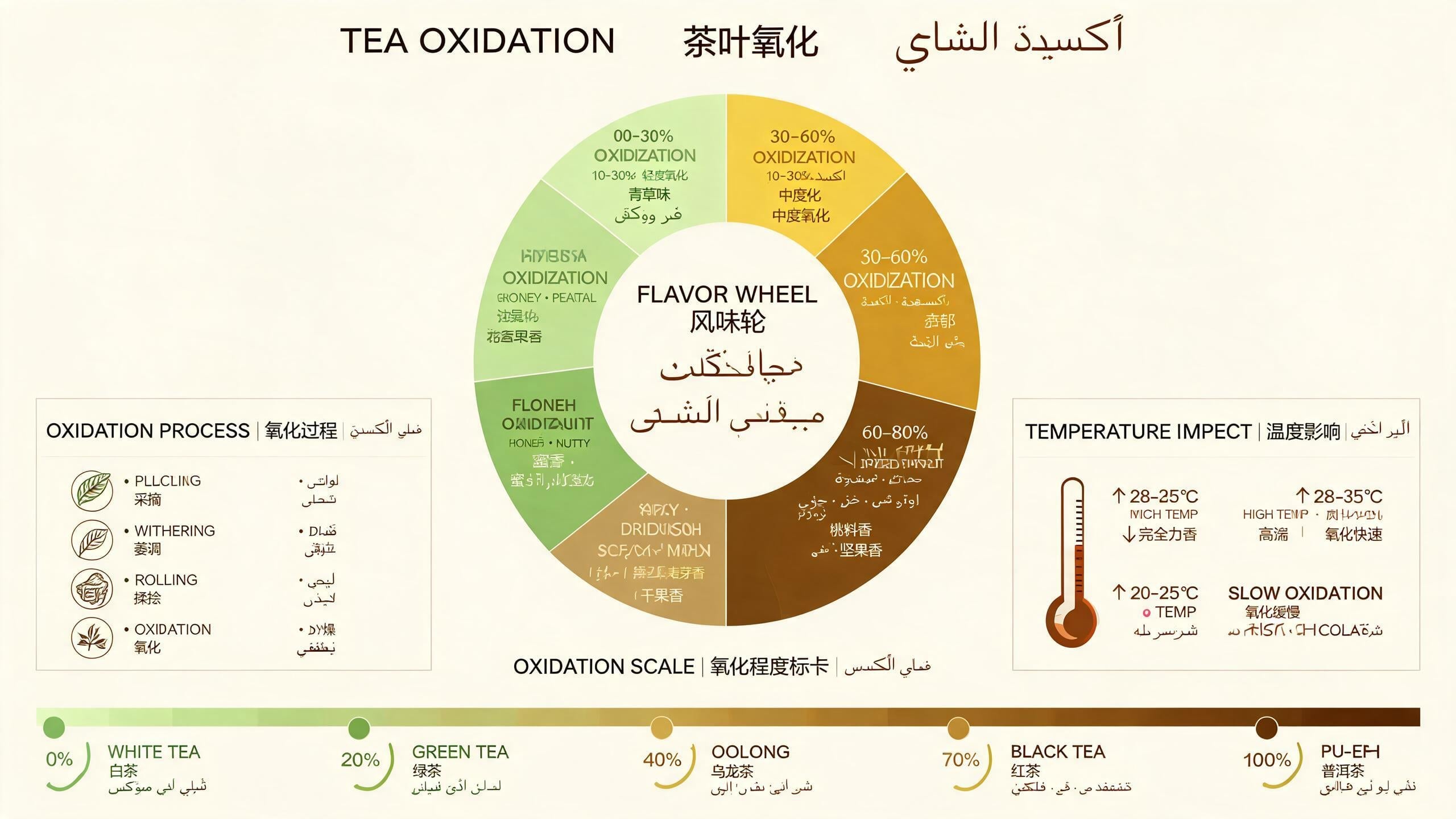
Seedream 5 Pro is the choice for a designer who needs a generated image to behave like an editable layout. Point annotations let designers target a selected area while preserving the rest of the image; ByteDance included them in Seedream 5 Pro’s July 8, 2026 launch. Its Seedream 5 Pro launch documentation describes more than 10 independent transparent layers, allowing a designer to revise one chosen element without rebuilding the composition.
The practical difference appears during feedback. Change the sofa’s finish while preserving the approved lighting, room geometry, and table objects. That avoids the familiar loop where a minor material request causes a full reroll and creates new problems elsewhere in the composition.
It also suits layouts that carry structured information. ByteDance documents native text support in 14 languages for structured deliverables such as timelines, blueprints, and dense multilingual educational posters. Seedream 5 Pro generally uses paid credits or hosted platforms, such as getimg.ai, rather than an unlimited free tier, though some hosts offer trials or credits. That cost makes sense when readable labels, hierarchy, and isolatable assets are part of the deliverable.
5. Seedream 5 Lite - Best for Visuals Grounded in Current Information
Prompt:
Using real-time web knowledge as of [date], visualize the current leading AI image models as a clear comparative mind map with model names, strengths, access routes, and a small ranking chart. Use a logical editorial hierarchy, concise native text, and distinct visual groupings for open models, free-entry tools, and specialist editing tools. Preserve factual labels during later edits. Variation tips: State the date explicitly. Ask for one current data source category. Turn the result into a panoramic strip for updates.
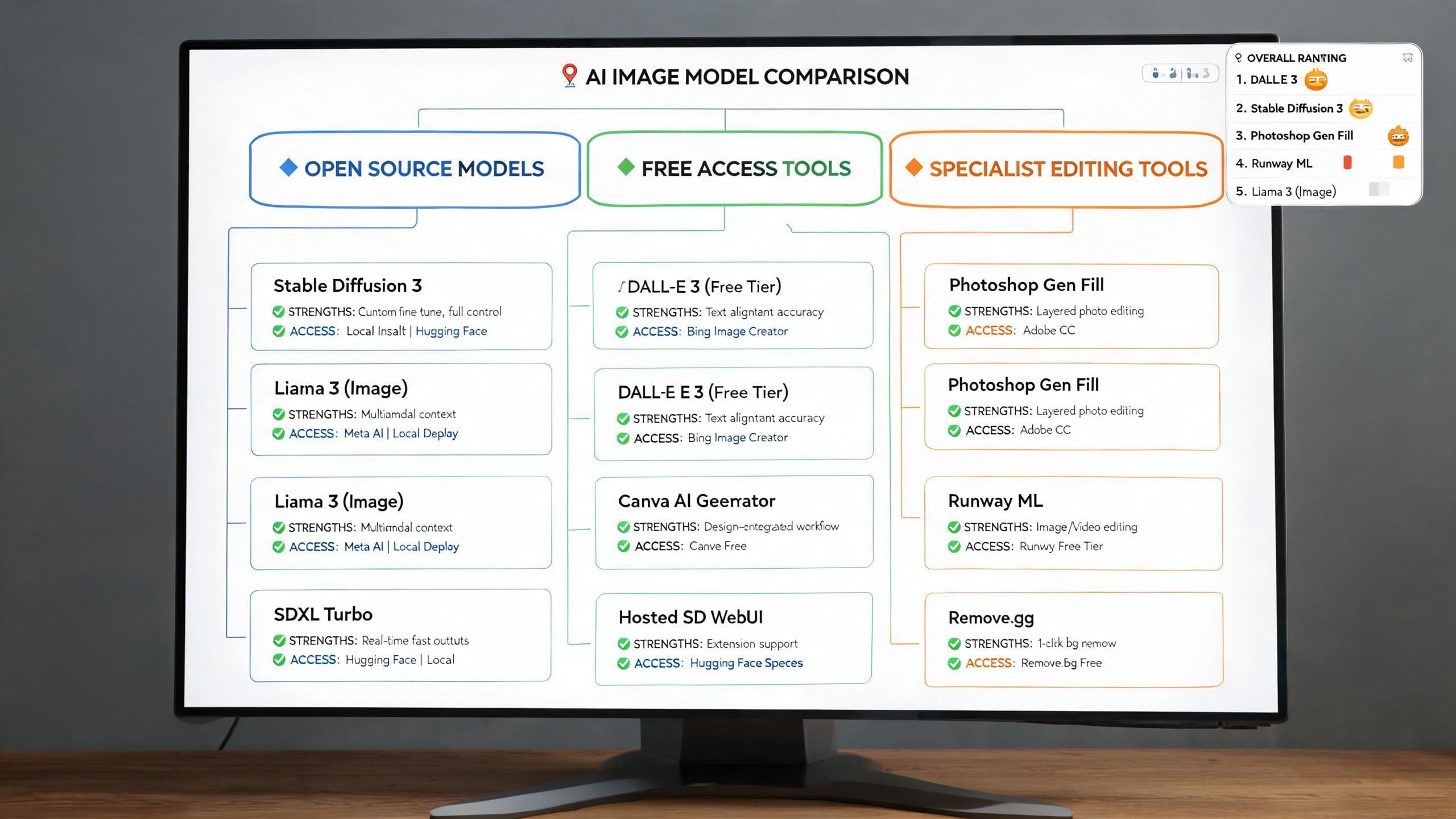
Some visuals depend on facts that change after a model’s training cutoff, and Seedream 5 Lite is built for that job. The February 2026 release added built-in real-time online search for prompts involving live news or current prices. It can map a ball’s path down a ramp before generation, so the resulting visual preserves the intended placement, motion, and physical sequence.
State the date and the information category in the request. A researcher, educator, or social team can then create a timely visual brief with an explicit factual frame, rather than relying on older learned information to fill the gaps. The model supports up to 14 references and is reported at about $0.035 per image in model guides, making it useful for reference-heavy concept boards where several rounds of reasoning matter more than layer separation.
How to Choose and Test an Alternative Without Wasting Generations
Test the one control your workflow cannot afford to lose. Run the approved sofa through the intended edit and record whether the selected tool retained its material, identity, and dated labels. One job-specific test reveals whether the model preserves the decision that matters to the final asset.
Krea combines image, video, and enhancement workflows in one browser suite, so teams can keep approved assets moving through a project without exporting files between tools. Krea lets teams carry a selected image or video through editing, upscaling, and asset organization in the browser. Begin with one controlled frame, then preserve the approved part while changing the one decision still in question: the product finish, the copy, or the date-sensitive data.
FAQ
Frequently asked questions
Why look for Midjourney alternatives in 2026?
Which alternative is best for fast edits and moodboard-style art direction (and is there a free option)?
Which tool is best for conversational editing and keeping text accurate?
What’s the best choice when you need precise, region/layer-based revisions?
Is there a free starting option for FLUX.2?
Start free with Krea 3
Edit an approved image in seconds with Krea 3, direct a moodboard with Krea 2, then carry the frame through upscaling.
Try Krea 3