“Is Stable Diffusion still free?” has a two-part answer. The model weights are free to download, and for most people they are free to use, including commercially. Running them is not free: you need a GPU, or you pay someone who has one. This guide covers which Stable Diffusion models are free and under which license, where the official weights live, what it takes to run them locally with ComfyUI or Forge, what the hosted routes cost, and where a hosted platform like Krea fits. Every number links to the page it came from.
Stable Diffusion in 2026 at a glance
| Option | Is it free? | License | What it costs | What you need |
|---|---|---|---|---|
| SD 1.5 and SDXL 1.0 weights | Yes | CreativeML OpenRAIL-M / OpenRAIL++-M, royalty-free, commercial use allowed | $0 | A GPU with 4 GB VRAM (SD 1.5); SDXL has no published minimum, 8 GB is the usual floor |
| SD 3.5 Large, Large Turbo, Medium weights | Yes, under $1M annual revenue | Stability AI Community License | $0 below the cap; Enterprise License above it | 9.9 GB VRAM (Medium) to 11–19 GB (Large) |
| Run locally: ComfyUI, Forge, AUTOMATIC1111 | Software is free | GPL / open source | Electricity and your GPU | Windows, Linux, or macOS; NVIDIA, AMD, Intel, or Apple Silicon |
| Stability AI API and Stable Assistant | No | Stability terms | Credits: 3 (Core) to 8 (Ultra) per image | An API key or a Stability account |
| Hosted ComfyUI/A1111: ThinkDiffusion, RunDiffusion | Small trial | Vendor terms | $0.99/hr and up, or from $8.79/month | A browser |
| Krea (hosted; Krea 3, Krea 2, and other models) | Free plan, Krea 3 and Krea 2 images only | Krea terms; commercial license on paid plans | $0; Basic $9/month | A browser |
Skip the GPU shopping
Krea's free plan runs Krea 3 in the browser: 100 compute units a day, no card, no drivers.
Try Krea 3 freeHow we checked
Every fact below comes from a page we loaded on 21 September 2026: Stability’s license page, Community License announcement, and SD 3.5 release post; the Hugging Face model cards for SD 1.5, SDXL 1.0, SD 3.5 Large, Large Turbo, and Medium; the READMEs of ComfyUI, Forge, and AUTOMATIC1111; and the pricing pages of ThinkDiffusion, RunDiffusion, and Krea. One gap: Stability’s API pricing page is rendered in the browser and did not load for our crawler, so the price per credit comes from a third-party summary, marked as such below.
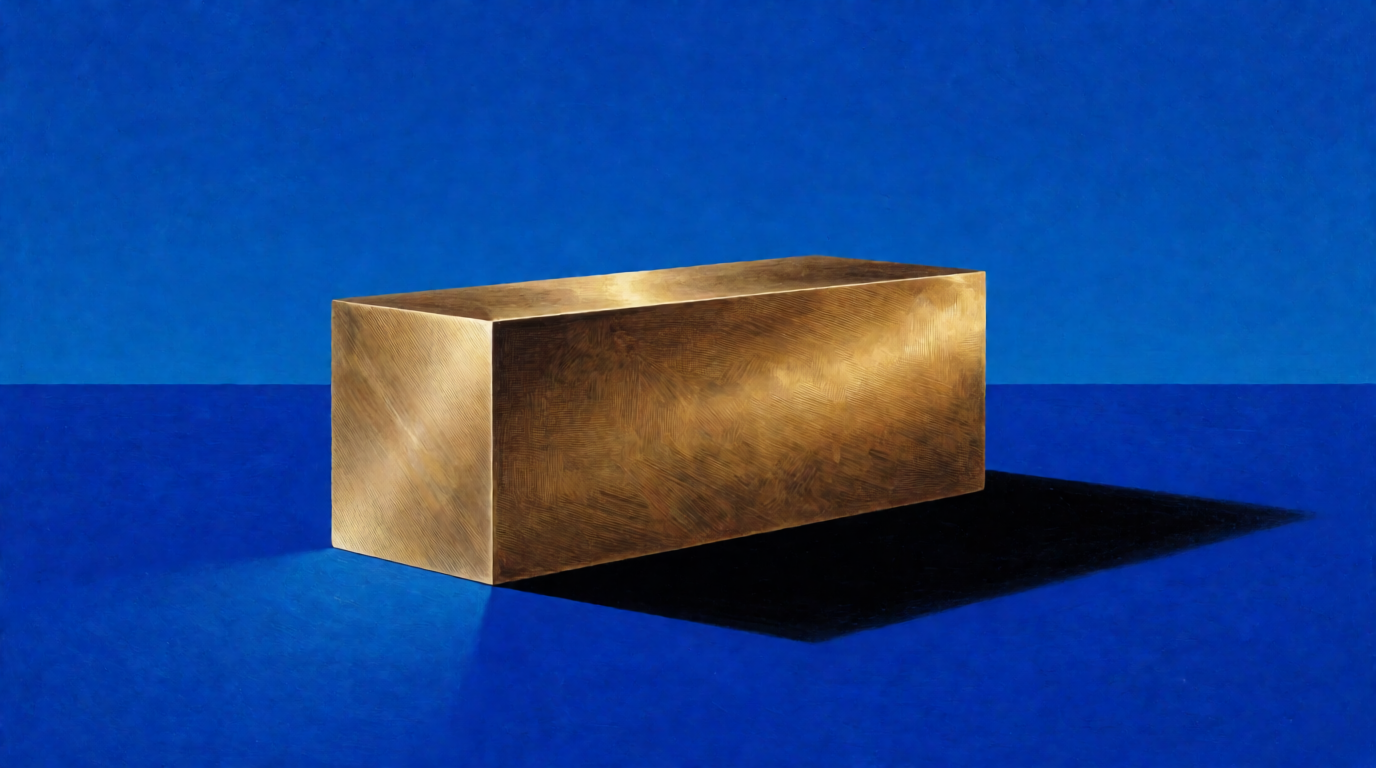
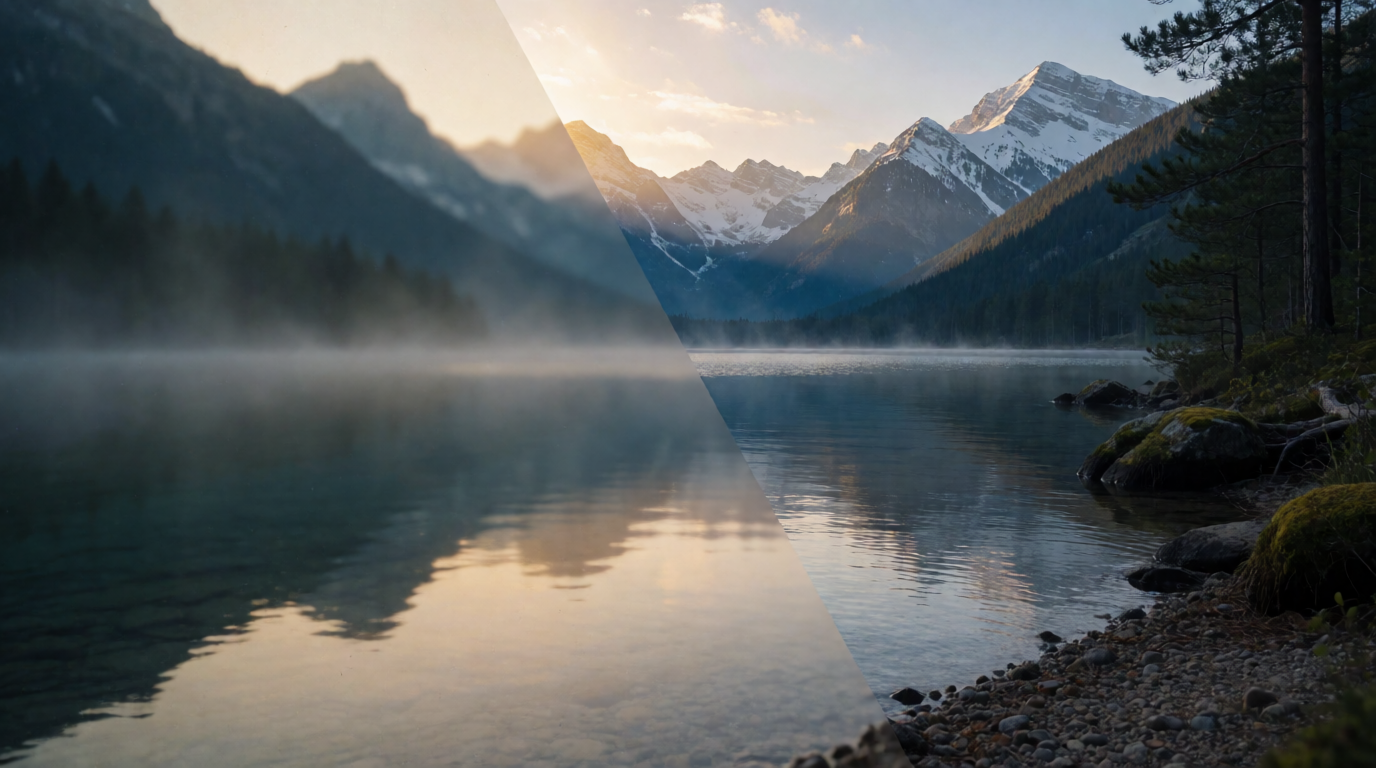
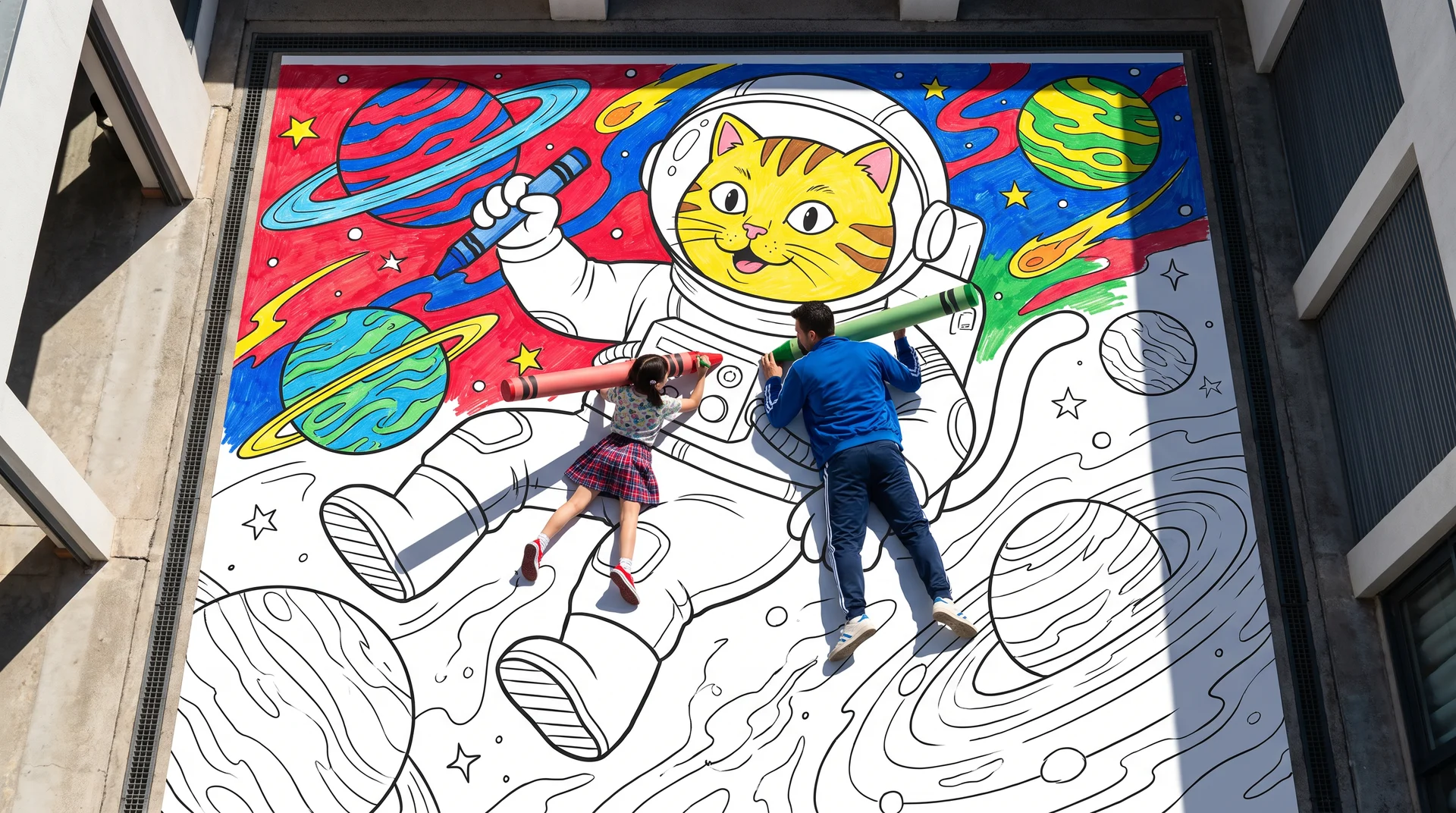
Every image here is a single, raw Krea 2 Turbo generation from the exact prompt beside it, 16:9 at 1K. None was made with Stable Diffusion. Where a prompt is written for a Stable Diffusion model, the image shows how Krea 2 rendered the same words.
Is Stable Diffusion still free?
Yes, the weights are. What changed in 2024 is the license on the newer models. SD 1.5 and SDXL ship under open RAIL licenses with no revenue condition. SD 3 and SD 3.5 ship under the Stability AI Community License, which is free “as long as your annual revenues … don’t exceed USD $1M” per the announcement. So “free” now depends on which model you download and how much money your company makes.
SD 1.5 and SDXL: free weights, open licenses
These are the models most tutorials, LoRAs, and ControlNets were built for. Both remain free with no revenue cap.
SD 1.5 lives at stable-diffusion-v1-5/stable-diffusion-v1-5 on Hugging Face, a mirror of the deprecated RunwayML repo, under the CreativeML OpenRAIL-M license. The card lists v1-5-pruned-emaonly for inference and v1-5-pruned for fine-tuning. It was trained at 512×512.
SDXL 1.0 lives at stabilityai/stable-diffusion-xl-base-1.0 under CreativeML Open RAIL++-M. The license text grants a “royalty-free, irrevocable copyright license to reproduce, prepare, publicly display, publicly perform, sublicense, and distribute” the model and derivatives. There is no revenue threshold. The only conditions are the use-based restrictions in Attachment A: no unlawful use, no harm to minors, no medical advice, and similar. The model card also says SDXL “cannot render legible text.”
Prompt (for SDXL):
A photorealistic portrait of an elderly fisherman mending a net on a wooden dock at golden hour, weathered hands, salt-stained wool sweater, calm harbor behind him, shallow depth of field, 85mm lens, no text
Variation tips: SDXL responds to camera language; swap “85mm lens” for “35mm wide shot” to pull back, and add a negative prompt of “blurry, extra fingers, text.”
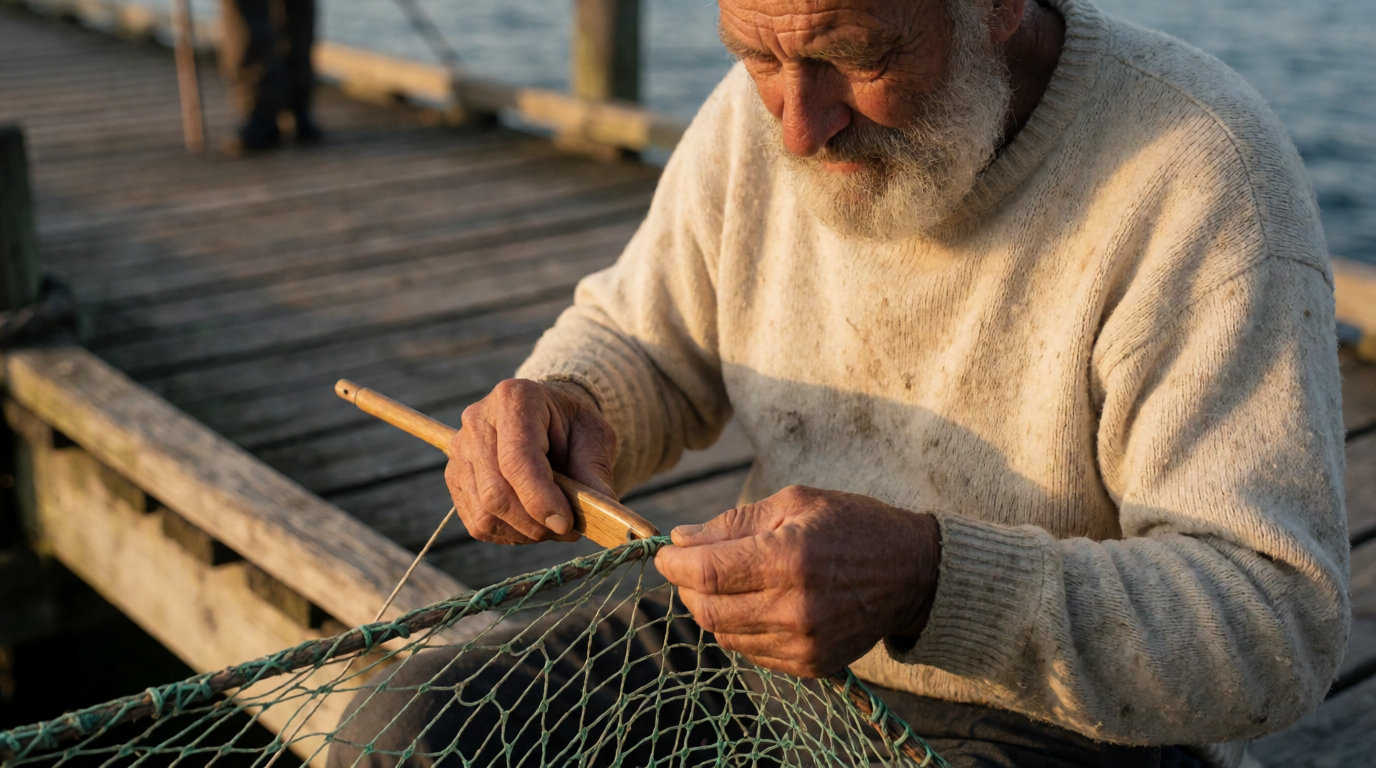
Single, raw Krea 2 Turbo output from the SDXL prompt above. SDXL will render it differently.
Where they stop: SD 1.5 is a 512-pixel model from 2022, and SDXL is from 2023. Both need an upscaler or a community fine-tune to compete with 2026 models on hands, text, and prompt adherence. Neither is gated, so they are the simplest download on this page.
SD 3.5: free below $1M in revenue
Stable Diffusion 3.5 was released on 22 October 2024 in three sizes, per the release post: Large at “8.1 billion parameters,” Large Turbo, distilled to generate “in just 4 steps,” and Medium at “2.5 billion parameters,” which “only requires 9.9 GB of VRAM (excluding text encoders).” All three are gated on Hugging Face: you sign in and accept the license before the files unlock.
The license is the Stability AI Community License. In the page’s own words, it is free for “researchers, developers, small businesses, and creators with less than $1M in annual revenue.” Commercial use is free “unless you’re using the Core Models for a commercial purpose and you or your organization generate over USD $1M … of annual revenue, regardless of the source.” Above that line you need a paid Enterprise License. LoRAs and fine-tunes are allowed; the page says they “are not ‘foundational models.’” You keep ownership of your outputs. SDXL Turbo, the one-step SDXL variant, sits under the same license per its model card.
Prompt (for SD 3.5 Large):
A flat vector illustration of a red vintage bicycle leaning against a pastel yellow wall, a wicker basket of oranges on the handlebars, long afternoon shadows, clean shapes, limited palette, no text
Variation tips: SD 3.5 follows long natural-language prompts well; write full sentences and name the palette (“three colors: red, yellow, teal”) instead of stacking tags.
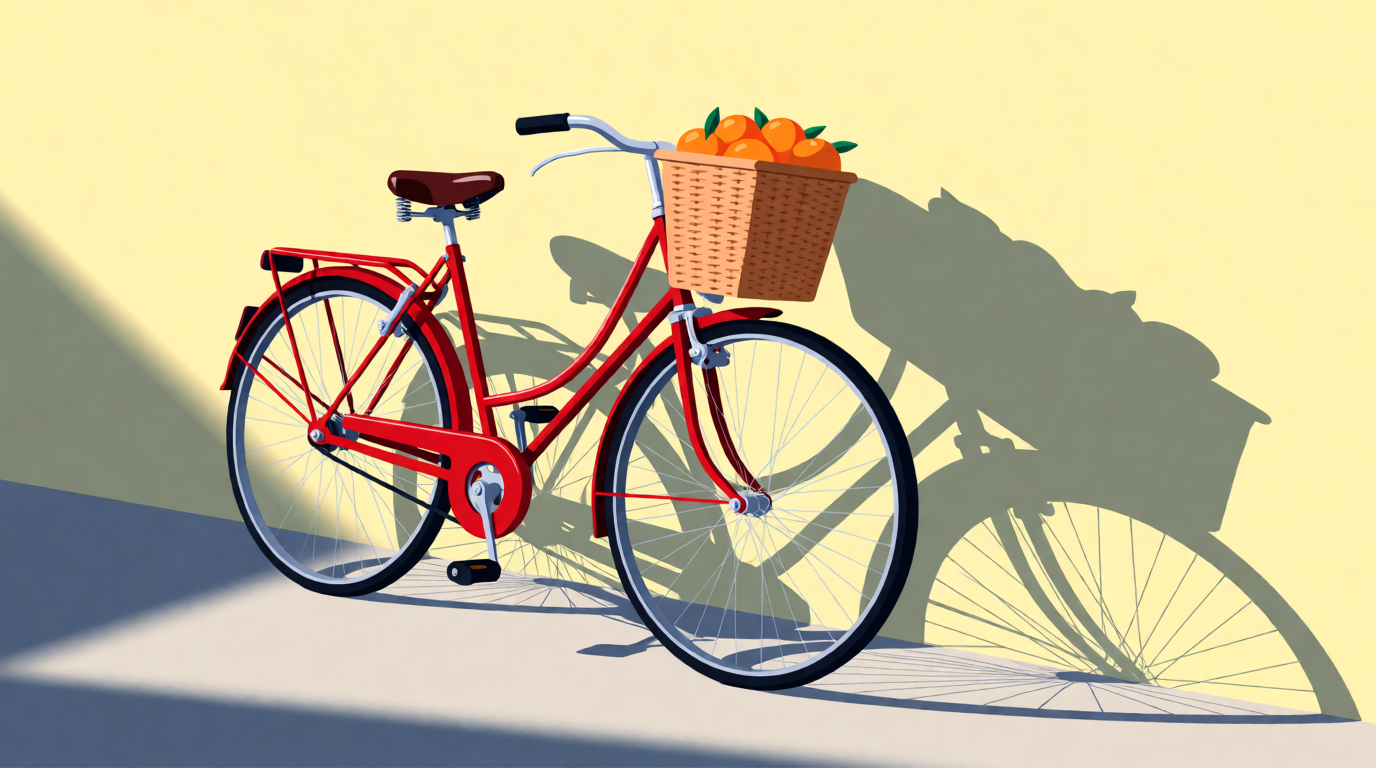
Single, raw Krea 2 Turbo output from the SD 3.5 prompt above.
Where it stops: the cap counts company-wide revenue “regardless of the source,” so a $2M agency cannot use SD 3.5 in client work without an Enterprise License, even if the AI work is a tiny slice. The gate means no anonymous download. And Large needs a serious GPU.
Where can I get Stable Diffusion? Running it locally
There is no “Stable Diffusion app” to install. You install a free, open-source front end, then download a checkpoint into its models folder.
- ComfyUI: node-based. The README offers a Desktop Application (“the easiest way to get started. Available on Windows & macOS”), a Windows Portable build, and a manual install that “supports all operating systems and GPU types”: NVIDIA, AMD, Intel, Apple Silicon, and Ascend. It natively supports SD 1.5, SDXL, SD 3.5, and Flux. The system requirements page adds a
--cpumode, marked “slower.” - Stable Diffusion WebUI Forge: a fork of AUTOMATIC1111 built “to make development easier, optimize resource management, speed up inference, and study experimental features,” with a GPU Weight slider and offload controls. Its README warns the project “is now under some constructions, and docs / UI / functionality may change with updates.”
- AUTOMATIC1111: the original tab-based UI. The README requires Python 3.10.6 on Windows and lists “4GB video card support (also reports of 2GB working).”
Hardware, from the vendors’ own numbers. SD 1.5 runs on 4 GB of VRAM per the AUTOMATIC1111 README. Stability publishes no minimum for SDXL; 8 GB is the usual community floor. SD 3.5 Medium needs 9.9 GB excluding text encoders. SD 3.5 Large needs about 19 GB in BF16; Stability’s TensorRT post says an FP8 build cuts that to 11 GB and runs 2.3x faster on RTX 40 and 50 Series cards. Apple Silicon works in ComfyUI but is slower than a discrete NVIDIA card.
Settings recipe (ComfyUI, SD 3.5 Medium):
- Install ComfyUI Desktop. Put
sd3.5_medium.safetensorsand the three text encoders from the gated Hugging Face repo intomodels/checkpointsandmodels/text_encoders. - Load the SD 3.5 workflow template. Set the empty latent to 1024×576 for 16:9.
- Steps 28, CFG 4.5, sampler
dpmpp_2m, schedulersgm_uniform. Leave the negative prompt empty. - Paste the prompt below and queue. On an 8 GB card, add
--lowvramto the launch arguments if you hit an out-of-memory error.
Prompt:
A cinematic wide shot of a misty pine forest at dawn, a narrow dirt trail leading into the trees, volumetric light rays through the branches, photorealistic landscape photography, no text
Variation tips: change “dawn” to “blue hour” and add “fresh snow on the trail” to test how the model handles cold light without touching the settings.
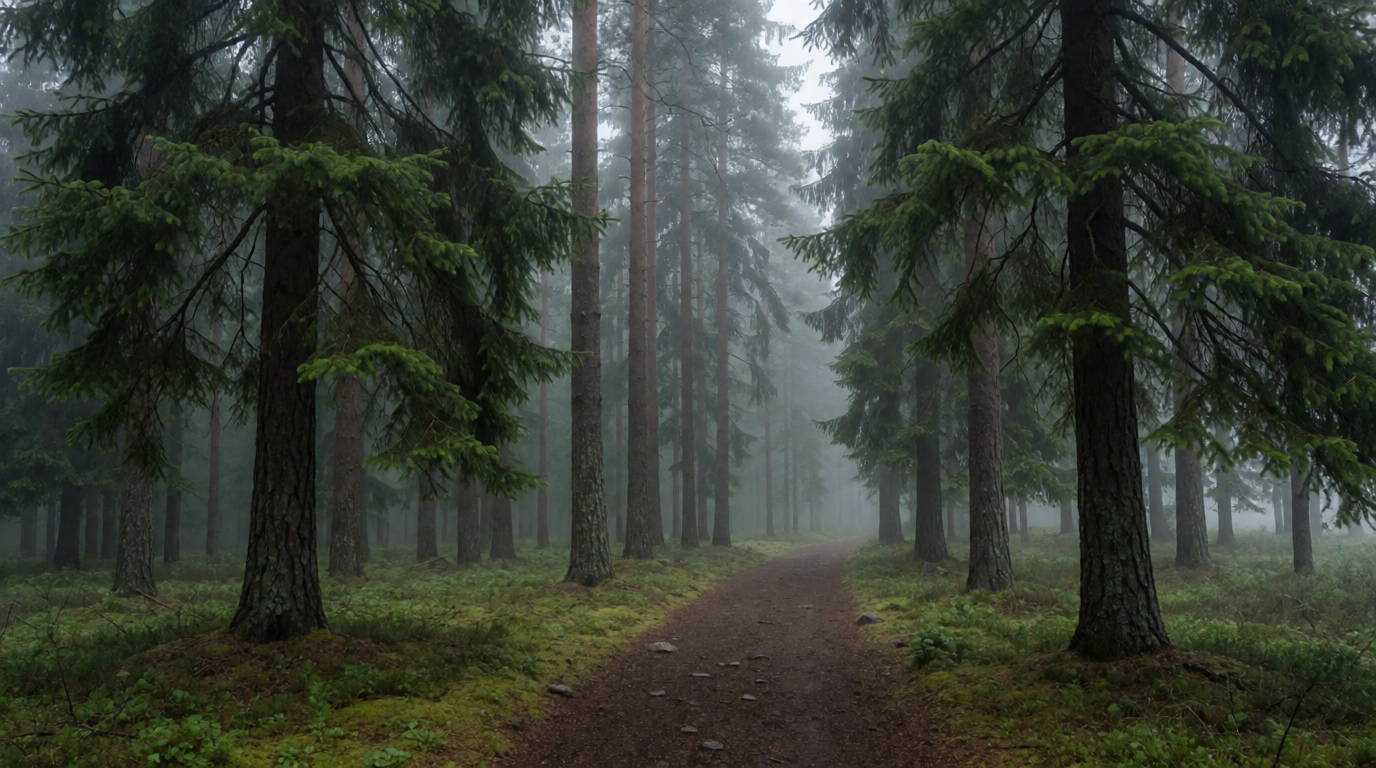
Single, raw Krea 2 Turbo output from the prompt above.
Where local stops: the marginal image is free, but the setup is not. You need a compatible GPU, driver and Python maintenance, and disk for every checkpoint. There is no support desk, and a broken custom node can take down a ComfyUI install after an update. On integrated graphics, the --cpu path works but takes minutes per image.
How much does Stable Diffusion cost if someone else hosts it?
Four routes, from the model maker down to rented GPUs.
Stability AI API. The API reference prices each endpoint in credits: Stable Image Ultra is 8 credits per image and Stable Image Core is 3. Stability’s Stable Assistant page puts an SD 3.5 Large image at “6.5 credits for a successful image generation.” Stability’s pricing page did not render for our crawler; a third-party summary from June 2026 lists 1 credit = $0.01, $10 per 1,000 credits, and 25 free credits on signup. Treat those three numbers as unverified against the vendor page. At that rate an Ultra image is about $0.08 and a Core image $0.03.
Stable Assistant. Stability’s own hosted UI, built on Stable Image Ultra. It bills in the same credits and charges “0.1 credit for each message sent.” The page publishes no plan prices. DreamStudio, its predecessor, now redirects to a separate Brand Studio product.
ThinkDiffusion. Hosted AUTOMATIC1111, ComfyUI, and Fooocus by the hour. The pricing page lists Quick (16 GB VRAM) at $0.99/hr, Turbo (24 GB) at $1.75/hr, and Ultra (48 GB) at $2.50/hr, with 20% off on a TD-Pro subscription at $29.99/month or $19.99/month billed yearly. Trial: “15 minutes free with every sign-up.”
RunDiffusion. The pricing page lists a Free plan with “up to 100 free daily tokens, plus access to open-source apps like ComfyUI and Auto1111,” then Hobby at $8.79/month (10,000 tokens), Pro at $23.99/month, and Team at $179.99/month. Hourly GPU rates are not published there.
Prompt (Stability API, Stable Image Core):
A clean studio product photo of a pair of white leather sneakers on a light grey podium, soft diffused light, subtle soft shadow, neutral background, e-commerce catalog style, no text
Variation tips: at 3 credits per image, Core is the model to iterate on; move to Ultra (8 credits) only for the final hero shot.
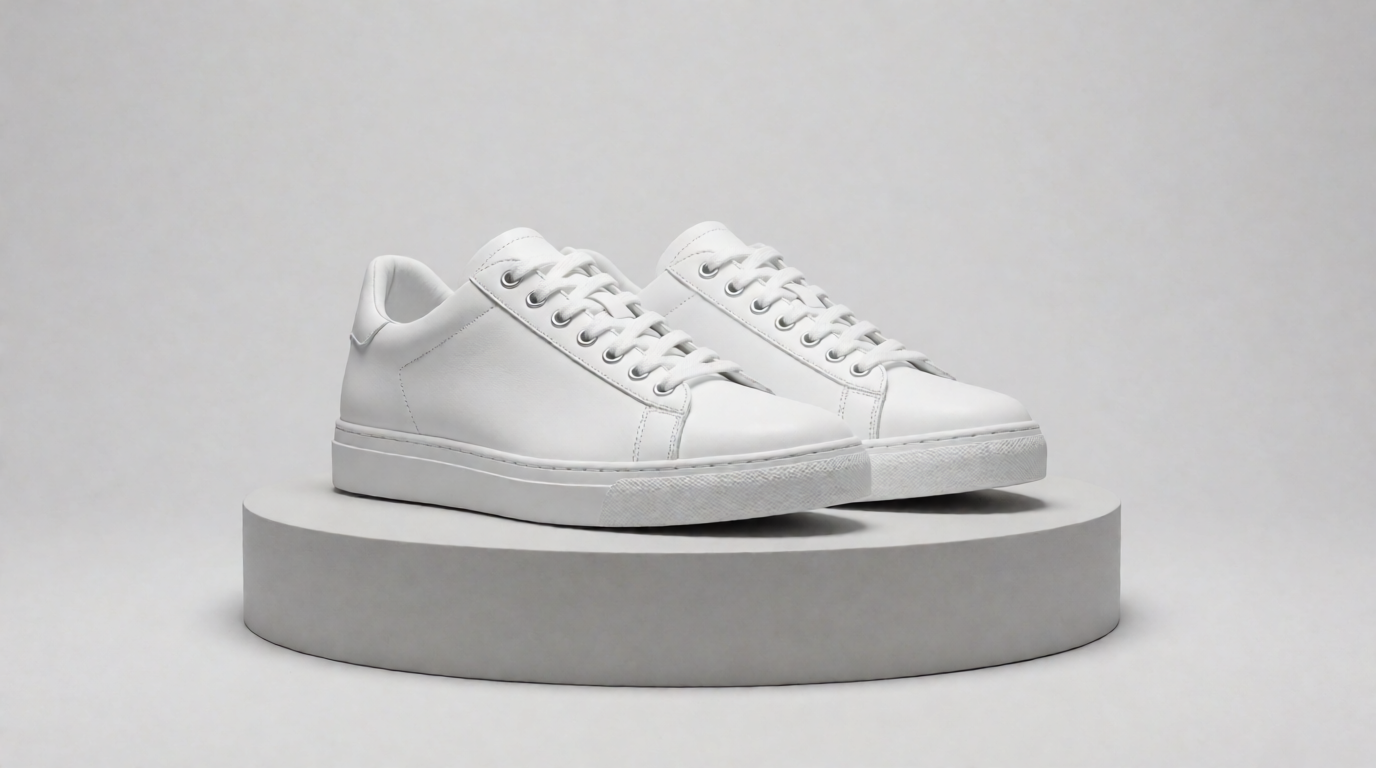
Single, raw Krea 2 Turbo output from the prompt above.
Where hosted stops: the API has no free plan beyond the signup credits, and the per-image price applies to failed experiments as well as keepers. Hourly GPU rentals bill while you read documentation. And none of these routes changes the license.
Krea: hosted Krea 3, Krea 2, and other models, with a free plan
Krea is a hosted platform, not a Stable Diffusion front end. Its latest in-house model is Krea 3, released in October 2026 for image generation and editing; Krea 2 is the in-house model with open weights; and the paid model library adds third-party image models. Three facts matter here, the first two from Krea’s pricing page:
- Free plan. $0, 100 compute units a day, no credit card, Krea 3 and Krea 2 image generation (Krea 3 also edits), real-time models, limited LoRA training (50 images), and basic upscaling to 2K. Image concurrency is 1.
- What Free excludes. The full image-model library, all video models, 3D and lipsync, Krea Nodes and App Builder, relaxed generations, and the commercial license. Those start at Basic: $9/month, or $5/month billed yearly, for 5,000 units a month, which the page sizes as “64 Nano Banana 2 generations, 20 Seedance 2.0 videos.” Max ($105/month, $63 yearly) raises LoRA training to 2,000 images.
- Open weights. Krea 2 ships as two open checkpoints: Krea 2 RAW, an undistilled base for fine-tuning and LoRA training, and Krea 2 Turbo, an 8-step distilled checkpoint for fast inference, both on a 12B DiT backbone. The weights are gated on Hugging Face at krea/Krea-2-Raw and krea/Krea-2-Turbo, with inference code at github.com/krea-ai/krea-2. The Krea 2 Community License mirrors Stability’s structure: commercial use is permitted “only if you … have total company-wide annual revenue of less than one million United States dollars ($1,000,000 USD)”; above that you need an enterprise license from opensource@krea.ai. Details are on the Krea 2 open-source page.
The Stable Diffusion habit of “train a LoRA on the base, run it on the distilled model” carries over: train on RAW, apply on Turbo. If you would rather not run a 12B model at home, the hosted Krea 2 LoRA trainer does it; the Krea 2 LoRA training guide covers the plan requirements.
Prompt (Krea 2 Turbo, the model behind every image here):
A photorealistic interior shot of a small sunlit ceramics studio, wooden shelves of unglazed bowls, a potter’s wheel with wet clay, dusty light through tall windows, film photography look, no text
Variation tips: Krea 2 was trained on long natural-language prompts, so add a sentence about the mood (“quiet, end of a workday”) rather than more nouns.
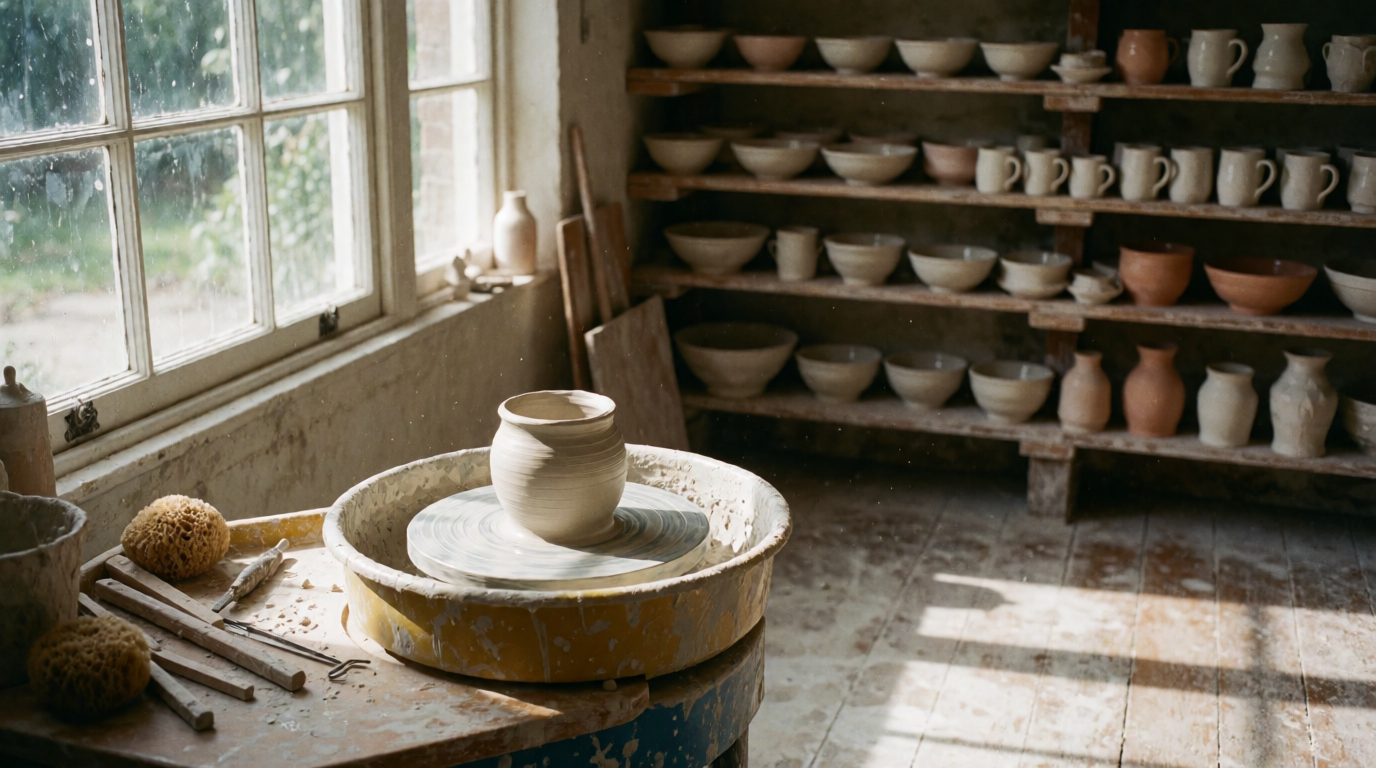
Single, raw Krea 2 Turbo output from the prompt above, 16:9, 1K, made on the free plan’s model.
Try Krea 2 free, or read the Krea 2 Turbo release notes.
Where Krea stops: the free plan is Krea 3 and Krea 2 images only, with no video, no full library, and no commercial license. 100 units a day is a testing budget, not a production one. Krea 2’s open weights carry the same $1M cap as SD 3.5.
Cost per image: local vs API vs Krea
| Route | Upfront | Per image | Notes |
|---|---|---|---|
| Local SD 1.5 / SDXL on a GPU you own | The GPU | ~$0 (electricity) | Free license, no cap |
| Local SD 3.5 Large | A 12–24 GB GPU | ~$0 | Free below $1M revenue |
| Stability API, Core | None | 3 credits | Ultra is 8 credits; SD 3.5 Large is 6.5 |
| ThinkDiffusion Quick machine | None | $0.99 per hour of session time | 15-minute trial |
| RunDiffusion Hobby | $8.79/month | 10,000 tokens/month | Free tier: 100 tokens/day |
| Krea Free | None | 100 compute units/day | Krea 3 and Krea 2 images only |
| Krea Basic | $9/month | 5,000 units/month | Commercial license, full library |
More raw Krea 2 Turbo outputs
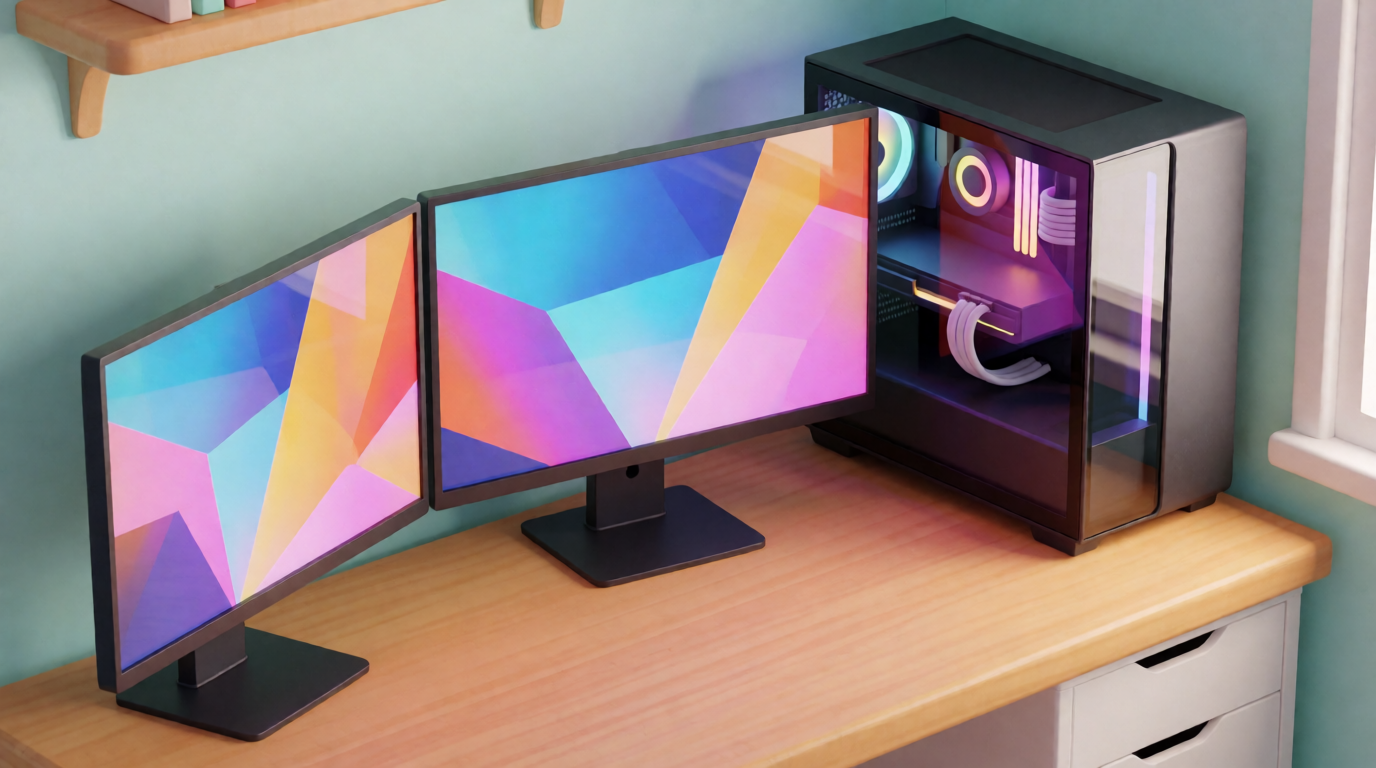
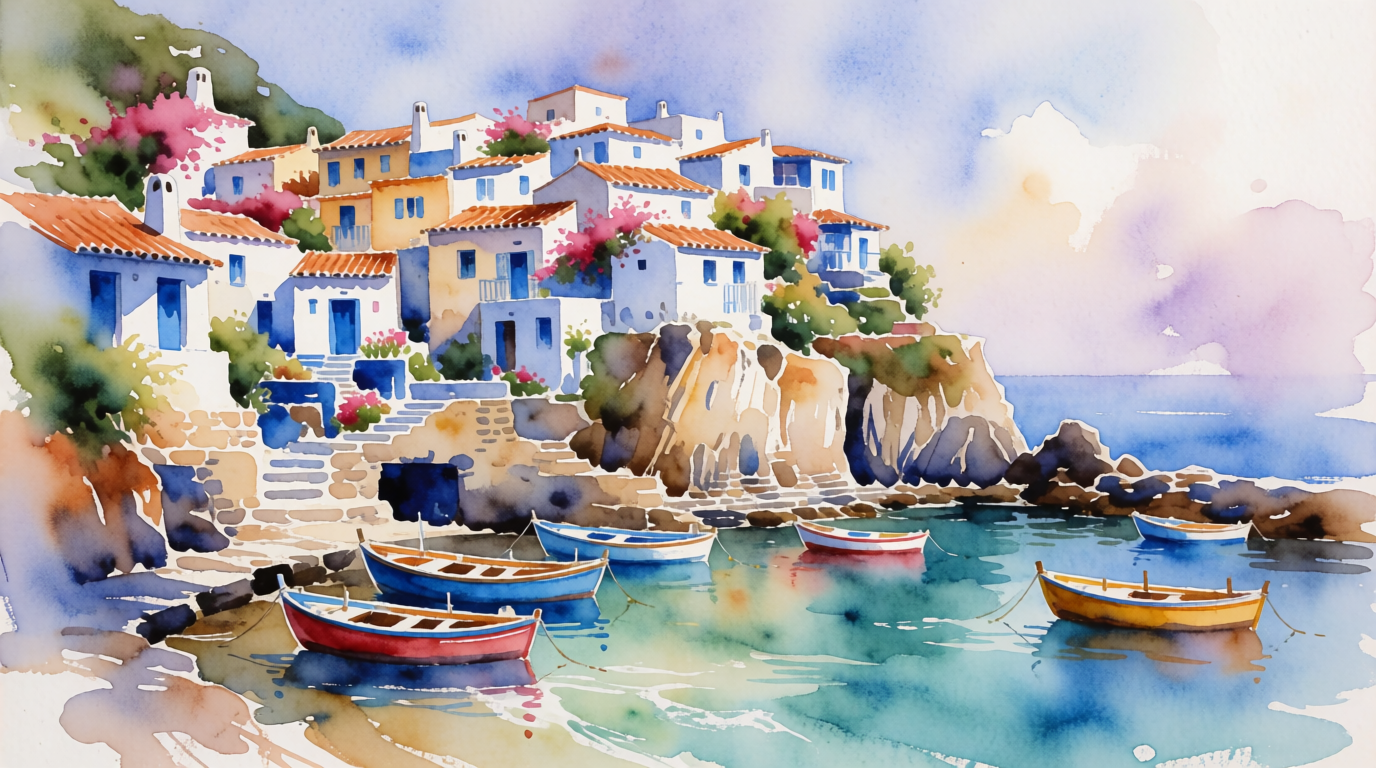
Both are single, raw Krea 2 Turbo generations from the prompts below. Neither was made with Stable Diffusion.
Prompt (home office):
An isometric illustration of a compact home office with a gaming PC, two monitors, houseplants on a shelf, a warm desk lamp, stylized 3D render look, soft ambient light, no text
Prompt (village):
A watercolor painting of a coastal village with white houses and blue doors on a cliff, fishing boats in the small harbor below, loose brushwork, soft washes of color, no text
Variation tips: run both prompts through SDXL and SD 3.5 locally, then through Krea 2. The isometric brief exposes geometry errors; the watercolor brief shows which model keeps “loose brushwork” from smearing the houses.
Which route should you pick?
Pick by what “free” has to mean for you:
- Free forever, no strings, and you own a GPU → SD 1.5 or SDXL in ComfyUI. Royalty-free license, no revenue cap, no gate.
- The newest Stability model at home, under $1M in revenue → SD 3.5 Medium on 10 GB of VRAM, or Large on 12 GB and up with the FP8 build.
- Over $1M a year, shipping SD 3.5 or Krea 2 in a product → budget for an enterprise license from Stability or from Krea. Neither publishes the price.
- No GPU, occasional images, pay-per-use is fine → the Stability API at 3 to 8 credits per image, or a ThinkDiffusion hour for full ComfyUI control.
- No GPU, no setup, a 2026 model today → Krea’s free plan: 100 units a day on Krea 3 and Krea 2. Upgrade to Basic at $9/month for video or the commercial license.
For the wider field of free tiers, see the best free AI image generators and the best free alternatives to DALL-E. To weigh Stable Diffusion against other open-weight families, the Seedream 4.0 vs Flux comparison covers Flux’s non-commercial dev license, and our look at Seedance 2.5 covers a video model with no open weights at all.
Frequently asked questions
Is Stable Diffusion still free?
Where can I get Stable Diffusion?
How much does Stable Diffusion cost?
Can I create an AI image for free?
How to get AI image generator for free?
Is a 32GB GPU overkill?
Test a 2026 model before you buy a GPU
Krea 2 runs in the browser on the free plan: 100 compute units a day, no card. Download the open weights later if you want to run it yourself.
See Krea plans