DeepAI has been online since late 2016, which makes it one of the oldest consumer AI image tools still running — it predates Midjourney, DALL·E 2, and Stable Diffusion by years. That history is exactly why it shows up in searches today: people land on deepai.org, see a plain interface that looks unchanged from an earlier era of AI, and want to know whether it is still worth using, what the free plan actually gives you, and what has replaced it since. This guide answers all three, with every number checked against DeepAI’s own pricing and tool pages this week, plus three current alternatives — Leonardo.Ai, Ideogram, and Krea — so you can decide where to generate your next image.
DeepAI at a glance
| Tool | Free tier | Cheapest paid plan | What free actually gets you |
|---|---|---|---|
| DeepAI | No sign-up required, standard-resolution images, soft usage caps | DeepAI Pro, $9.99/month ($7.50/month billed annually) | Unlimited standard-quality Text to Image generations, no HD/Genius resolution |
| DeepAI Pro | — | $9.99/month | 500 HD images/month, 60 Genius, 10 Super Genius (2K), ad-free, API access |
| Leonardo.Ai | 150 tokens/day, reset every 24 hours, outputs public | Essential, from $15.99/month (in-app) | Phoenix model, canvas tools, some video models — ownership stays with Leonardo on free |
| Ideogram | 30 credits/week, outputs public | Plus, $20/month | Strong text-in-image rendering, public generate feed |
| Krea (for comparison) | 100 compute units/day, no card | Basic, $9/month ($5/month billed yearly) | Krea 2 image generation, basic upscaling to 2K, limited LoRA training |
Figures are from DeepAI’s pricing page, Leonardo’s Tokens FAQ, Ideogram’s plans page, and Krea’s pricing page, all checked October 2026.
Want a frontier model on the free tier?
Krea's free plan runs Krea 2 image generation at 100 compute units a day, no credit card.
Try Krea 2 freeHow we verified this
Every figure in this post comes from a page we loaded on October 5, 2026: DeepAI’s pricing page, its Text to Image tool page, and its about page, Leonardo’s Tokens FAQ, Ideogram’s plans and billing docs, and Krea’s own pricing page. For the popularity question specifically — “how many people use DeepAI” — we checked three independent traffic estimators (Similarweb, Semrush, and Ahrefs) rather than inventing a single number, because none of these tools publish an audited user count and the estimators disagree with each other by a wide margin, which we report plainly below instead of averaging it away. Every image in this post is a single, raw Krea 2 generation from the exact prompt printed beside it — made to illustrate the ideas in this piece, never to imitate a DeepAI, Leonardo, or Ideogram screenshot.
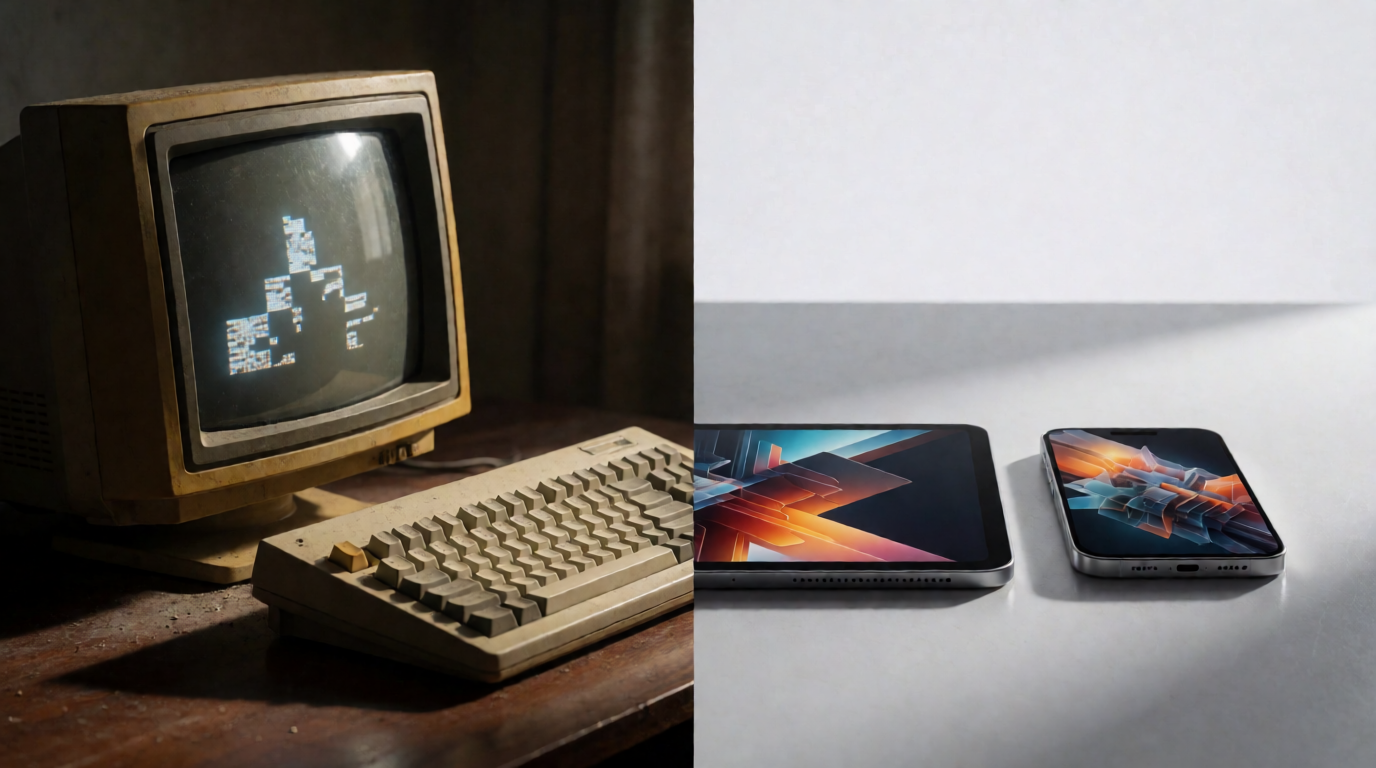
A raw Krea 2 generation illustrating “old tool, new tools” — not a real screenshot of any product.
What is DeepAI?
DeepAI describes itself as “the all-in-one creative AI platform built for everyone.” Per its own about page, it “got our start in late 2016 with the first browser-based text-to-image generator,” which predates the current wave of consumer AI image tools by several years. Since then it has added an AI chat assistant with live web browsing, a photo editor, video generation, music generation, and a voice chat mode, all accessible from the same account.
The core product people search for is still the Text to Image generator: type a description, pick a style, and get an image back. DeepAI’s own tool page states “No Sign-Up Needed: Use all core features immediately — just enter a prompt and go,” which is the main reason the tool still gets traffic — most competitors gate even a first generation behind an account. The page also states that users retain “100% of the rights to everything you create, even on the free plan,” and that outputs carry no copyright restriction on commercial use.
Beyond the consumer product, DeepAI’s about page says it also takes on “custom technical projects for governments, nonprofits, and research organizations,” building computer vision systems for things like conservation and environmental monitoring under what it calls an “AI for Good” initiative. That side of the business is unrelated to the image generator most people land on the site for, but it explains why deepai.org also hosts a large library of machine-learning research paper summaries — a leftover from its original identity as a research-aggregation site before the image generator became its main draw.
Is DeepAI free? What do you actually get?
Yes, with a real, no-account path: you can generate images on deepai.org without creating an account at all. That is a genuine point of difference from Leonardo.Ai, Ideogram, and Krea, which all require a free sign-up before your first generation.
What the free tier does not give you is DeepAI’s higher-quality resolution tiers. The Text to Image page lists four output tiers: Standard (the free default), HD at 640×640, Genius at 1024×1024, and Super Genius at full 2K — and the three higher tiers are gated behind DeepAI Pro. DeepAI’s own pricing page is explicit about the free plan’s shape: “Limited HD images and editing” and “Limited standard chat messages,” alongside a daily AI Voice Chat allowance of 60 seconds and limited video and music generation. DeepAI does not publish an exact daily generation cap on its pricing page, and third-party reviews disagree on the details — several report a handful of no-account generations before the site prompts for sign-up, which is worth confirming yourself if an exact number matters for your use case.
One detail that’s worth flagging honestly: whether free-tier images carry a watermark is not clearly stated on DeepAI’s own pricing or tool pages, and third-party reviews conflict on this point — some report no watermark on Standard images, others describe a watermark that Pro removes. We could not confirm a definitive policy from DeepAI’s own pages, so test a generation yourself before assuming either way.
DeepAI Pro, per the pricing page, costs $9.99/month billed monthly or $7.50/month billed annually, and includes:
- 500 HD images, 60 Genius-tier images, and 10 Super Genius (2K) images per month
- 2,000 chat messages a month, with 250 in Genius Mode and 30 in Super Genius
- 25 seconds of HD video generation, plus 8 seconds in “2K Hollywood Mode”
- 100 AI-generated songs a month
- An ad-free experience and access to premium models
- 12 “Concierge” tasks a month and API access
Beyond the monthly allowance, DeepAI charges overage rates: $1 per 100 additional HD images, $1 per 350 additional chat messages, and 20¢ per additional second of HD video. The pricing page also states “Your price never changes — renews at the same rate, never higher,” which locks in your rate at signup even if list prices rise later.
Prompt (DeepAI Text to Image, free tier):
A cozy reading nook with a window seat, stacks of books, warm afternoon light, soft watercolor illustration style
Variation tips: DeepAI’s style selector matters more than wording tweaks on the free tier — try the same prompt across two or three of its built-in styles before rewriting it, since the underlying model responds more to style choice than to extra adjectives.
Is DeepAI good? What the reviews actually say
Reputation is mixed, and the split is fairly clean: people doing casual, quick, or hobbyist generations tend to report satisfaction; people comparing it against 2026’s frontier models for professional work do not. On Trustpilot, DeepAI holds a 3.8-out-of-5 rating across its review page as of this week, with reviewers commonly citing the low price of Pro and the straightforward interface as positives, and billing clarity and output quality as the most frequent complaints.
On image quality specifically, review sites that test DeepAI side-by-side with current-generation models consistently find it behind: models lag in fine detail, scene coherence, and anatomical accuracy compared with 2026’s leading image generators, and prompt adherence is moderate — complex prompts with multiple subjects more often produce merged or dropped elements than a clean composition. That tracks with DeepAI’s own position: it has not announced a new flagship image model in the way Leonardo, Ideogram, or Krea regularly do, so the gap between it and current frontier tools has widened since 2016 even though the product itself still works.
The honest read: DeepAI is a functional, no-friction tool for a quick, disposable image — a meme, a placeholder, a one-off illustration you won’t reuse. For anything that needs to hold up next to current AI-generated work — marketing creative, a portfolio piece, a client deliverable — the quality gap is the thing to weigh against its price and lack of sign-up friction.

A raw Krea 2 generation illustrating “an early AI tool still running in 2026” — not an actual photo of DeepAI’s product.
How many people use DeepAI?
DeepAI does not publish an audited user count anywhere on its site, so any single figure claiming to answer this exactly is an estimate dressed up as a fact — and the estimates disagree with each other enough to prove the point. Checked this week: Similarweb’s own analytics page shows roughly 8.6 million visits to deepai.org over a trailing three-month window; Semrush’s site-traffic report shows 15.35 million visits in July 2026; and Ahrefs shows 35.9 million visits in August 2026. Those are three different third-party crawlers measuring the same site in roughly the same window and landing more than four times apart from each other — a reminder that traffic estimators use different panels and methodologies, and none of them are DeepAI’s own server logs.
What’s more useful than picking one of those numbers is the shape of the answer: DeepAI clearly still gets meaningful, real traffic nearly a decade after launch — it is not a dead or abandoned tool — but no public source lets you say precisely how many people use it in a given month. If an exact headcount matters for your decision, treat every number above as a rough order of magnitude, not a verified fact, and weigh DeepAI on what it does for you directly instead.
Leonardo.Ai: a real daily free tier, but outputs are public
Leonardo.Ai, now owned by Canva, is a broader image-and-video platform built around its own Phoenix model alongside third-party models. Its Tokens FAQ states plainly: “As a free user you have a daily allowance of 150 Tokens,” which reset every 24 hours and do not carry over if unused. Phoenix, Leonardo’s “foundational image generation model” per its own model page, is available on the free plan.
The catch, per Leonardo’s Commercial Usage article: free-tier generations are “publicly viewable for other Leonardo users to copy and remix,” and ownership of what you create “will vest in us” — meaning Leonardo, not you — until you upgrade. Essential, the cheapest paid plan, runs from $15.99/month on the App Store listing (Leonardo’s own pricing page blocked our direct crawl this week, so treat the in-app price as a starting point and confirm on leonardo.ai/pricing before buying — in-app prices often run higher than the web price for the same plan).
Prompt (Leonardo.Ai, Phoenix model, free plan):
A fantasy game character concept: a female ranger in weathered green leather armor with a longbow, standing on a mossy cliff edge at dawn, mist filling the valley below, painterly concept-art style, dramatic rim light, high detail, no text
Variation tips: Leonardo’s free plan is strongest at painterly, game-art subjects — lean into concept-art language (“painterly,” “rim light,” “concept-art style”) rather than photoreal phrasing, which tends to read better on other tools.

A raw Krea 2 generation from the prompt above — illustrating the painterly style Leonardo’s free plan is known for, not a Leonardo output.
Where Leonardo stops on free: public generations, no ownership of outputs until you pay, no private mode, and only some video models unlocked. For the full breakdown, see Krea’s Leonardo.Ai review.
Ideogram: strongest at text-in-image, smallest free allowance of the three
Ideogram built its reputation on one thing most image models still struggle with: rendering legible, accurately-spelled text inside a generated image — logos, posters, signage. Per its own plans and billing docs, the free plan gives “30 credits each week,” and “on the free plan, everything you generate is public,” visible in Ideogram’s explore feed with no option to make it private.
That weekly allowance is the smallest of the three alternatives here by a wide margin, and Ideogram has cut it before — a few review sites note the free allowance has shrunk from a larger daily figure in past years, which is worth keeping in mind if you’re relying on it long-term. The cheapest paid tier, Plus, runs $20/month per Ideogram’s docs, ahead of both Leonardo Essential and DeepAI Pro on price.
Prompt (Ideogram, free plan):
A minimalist concert poster with bold oversized typography, a single word as the focal point, vibrant gradient background from orange to deep pink, modern graphic design studio aesthetic
Variation tips: keep the word you want rendered short — three to six letters — and state the exact word in quotes; even text-strong models like Ideogram degrade on long phrases or full sentences.
A raw Krea 2 generation illustrating bold poster typography — generated on Krea, not Ideogram, and not meant to show readable text.
Where Ideogram stops on free: 30 credits a week total (shared across every generation, not per-day), fully public outputs, and no option to pay only for privacy without a full plan upgrade.
Where Krea fits — and where it plainly does not
Krea is a different kind of tool than DeepAI, Leonardo, or Ideogram in one specific way: its free plan runs on a daily refill instead of a draining balance or a public-only trade-off. Per krea.ai/pricing, checked this week, the Free plan gives 100 compute units a day, no credit card required, running Krea 2 — Krea’s in-house frontier image model — plus basic upscaling to 2K and limited LoRA training on up to 50 images. Generations stay private by default; there’s no public feed requirement like Leonardo or Ideogram’s free tiers.
Where Krea’s free plan stops: it does not include the full third-party model library (other image and video models), any video generation, 3D or lipsync models, Krea Nodes, or the commercial license — those require Basic at $9/month ($5/month billed yearly) for 5,000 compute units a month. Krea also does not do chat, music generation, or voice chat the way DeepAI’s broader product does; it is focused on image, video, and 3D generation specifically.
Prompt (Krea 2 Turbo, 16:9, 1K):
Studio product photo of a sleek matte ceramic vase with dried pampas grass on a soft pastel gradient background transitioning from blush pink to cream, gentle shadow below, editorial product photography, 50mm lens, no text
Variation tips: naming the exact two gradient colors (“blush pink to cream”) gives cleaner, more repeatable backgrounds than a vague word like “soft” or “pastel.”

Raw Krea 2 output from the prompt above.
Krea 2 also handles photorealistic portraits well, which is a weaker spot for several of the tools above — here’s a raw second generation on the same free plan:
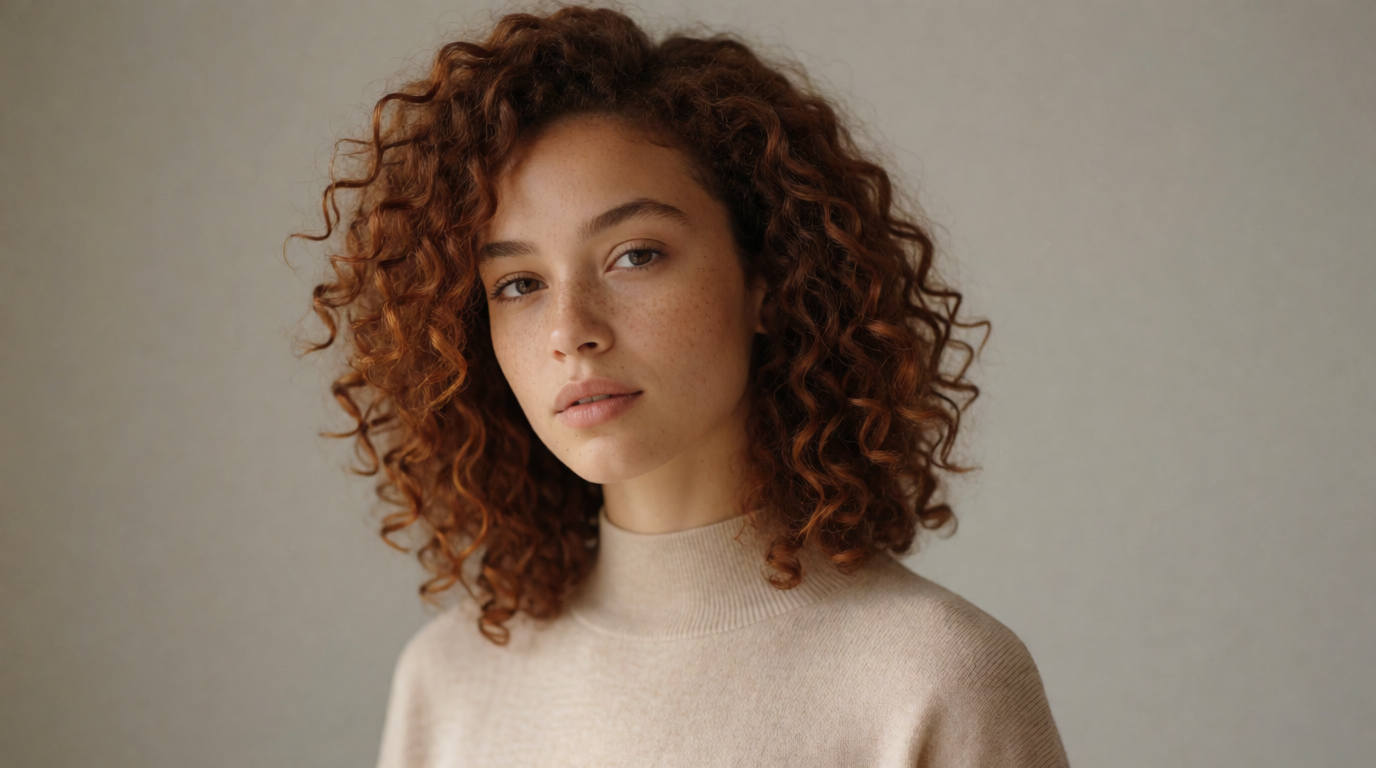
Raw Krea 2 output, same free 100-compute-units-a-day tier as the image above.
Try Krea 2 free — 100 compute units a day, no credit card. For the full field of free options, see the best free AI image generators in 2026 and 8 best creative AI image generators in 2026.
DeepAI vs. the alternatives: a closer look
| Feature | DeepAI | Leonardo.Ai | Ideogram | Krea |
|---|---|---|---|---|
| Account required for first generation | No | Yes | Yes | Yes |
| Free allowance | Soft caps, standard resolution only | 150 tokens/day | 30 credits/week | 100 compute units/day |
| Free outputs private? | Not clearly stated | No — public | No — public | Yes |
| Commercial use on free | Yes, per DeepAI’s terms | Yes, but public/remixable | Not specified as private use | Yes |
| Resolution ceiling on free | Standard (sub-HD) | Model-dependent | Model-dependent | 2K (via upscaling) |
| Cheapest paid plan | $9.99/mo ($7.50/mo annual) | ~$15.99/mo | $20/mo | $9/mo ($5/mo annual) |
| Strongest at | Fast, no-login casual images | Painterly concept art | Text-in-image, typography | Frontier-model general generation |
Which should you pick?
Pick by what you need most:
- A quick, disposable image, no account, no commitment → DeepAI’s free Text to Image tool. Standard resolution is fine for a one-off, but expect a quality gap against 2026’s leading models.
- Painterly or game-art style, and you don’t mind public outputs → Leonardo.Ai’s free 150 tokens/day with Phoenix.
- You need legible text or a logo baked into the image → Ideogram, within its 30-credits-a-week free allowance.
- You want a private, daily-refilling free tier on a current frontier model → Krea, at 100 compute units a day, no card.
- You’re doing paid, professional, or client work → skip every free tier here and go straight to a paid plan matched to volume — DeepAI Pro at $9.99/month for high-volume casual work, or Krea Basic at $9/month ($5/month annual) for the full model library and a commercial license.
Frequently asked questions
Is DeepAI free?
What is DeepAI used for?
Is DeepAI good?
How many people use DeepAI?
Does DeepAI watermark free images?
What's a good free alternative to DeepAI in 2026?
Generate privately on a current frontier model
Krea's free plan runs Krea 2 at 100 compute units a day, no credit card, no public feed. Basic is $9/month ($5/month billed yearly) for the full model library and commercial license.
Try Krea free