Create




Edit & enhance









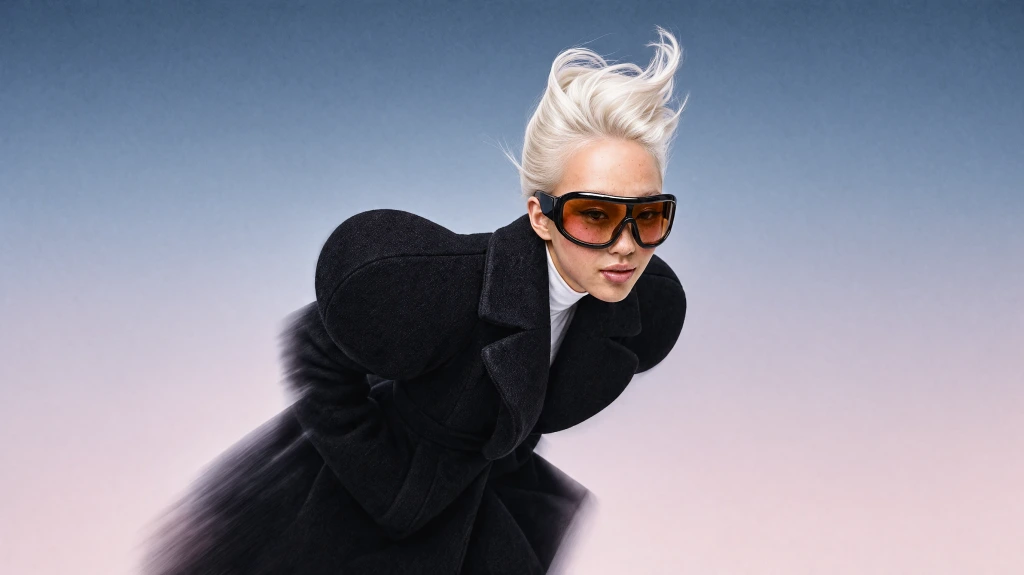
Krea 3
Our most advanced image model. Photoreal, editorial, on-brand.
Try Krea 320+ AI tools for images, video, 3D and audio in one app.
Open KreaCreate
Edit & enhance
Kling o1
by Kling
Intelligent video model that thinks before generating. Supports image, element, and video references for precise creative control.
What Kling o1 Can Do
Kling o1 Prompt-to-Video Workflow
Intelligent model that thinks before generating. Generate cinematic clips from text prompts and iterate quickly on motion and style.
Try Kling o1Reference-Guided Video Generation
Guide shots with reference frames, start images, or other supported references to keep outputs aligned with your direction.
Try Kling o1Fast Iteration for Production Teams
Test multiple motion directions quickly for storyboards, ads, social clips, and prototype video concepts.
Try Kling o1Built for Professional Video Creation
Balanced Quality and Motion
Intelligent video model that thinks before generating. Supports image, element, and video references for precise creative control.
Try Kling o1Reliable Prompt Control
Use detailed prompts to steer scene composition, camera intent, and motion behavior across iterations.
Try Kling o1Reference-Aware Direction
Blend prompt guidance with supported references to keep character, style, and scene direction consistent.
Try Kling o1Production-Ready Video Outputs
Create clips for marketing, storytelling, social content, and rapid prototyping with commercial-ready quality.
Try Kling o1Why creators choose Krea for Kling o1
Trusted by over 30 million creators worldwide.
Real reviews on TrustpilotThe platform that just works
So many AI tools out there but I always come back to Krea. It's really the one AI platform that 'just works'.

FYN
Verified review
Best interfaces in the industry
Krea's interfaces are still the best in the industry. Everything looks and feels so clean and easy to use! Imo the easiest to use gen AI website.

Lynn
Verified review
Fast, simple, always up to date
Ultra fast generations. Extremely simple to use. All the latest AI models.

Daniel
Verified review
The only AI subscription I need
KREA is the only AI subscription I have right now besides ChatGPT.

Sophia M.
Verified review
New models the same day
I'm a Krea Max user. It's crazy how fast they add models. I see a new AI model on twitter and the same day krea already offers it.

Wirot Ch.
Verified review
The most powerful creative suite
Still the most powerful AI creative suite out there.

Gravion
Verified review
Plans & Pricing
Free
Get free daily credits to try basic features.
Basic
Access our most popular features
Pro
Advanced features and discounts on compute units
Max
Full access with higher discounts on compute units
For Teams and Enterprises
Workplace management, collaboration, and enterprise customizations
Business
Secure and collaborative workspace for growing teams
Enterprise
Enterprise-grade security with dedicated support and admin features
Frequently Asked Questions
Kling o1 is an AI video generation model available on Krea. Intelligent model that thinks before generating.
Open the Video Tool, choose Kling o1 from the model selector, enter your prompt, and generate. You can also add references when the model supports them.
Yes. On Krea paid plans, generated videos include commercial licensing for campaigns, products, and client deliverables.
Yes. These workflows on Krea are designed for quick iteration so teams can test directions, prompts, and stylistic variations rapidly.
Detailed prompts usually work best with Kling o1. Describe the subject, style, composition, lighting, camera angle, mood, and any important constraints so the model has clear creative direction.
Yes. Kling o1 supports reference-guided workflows on Krea, so you can use frames, clips, or other references to steer composition, subject identity, style, or motion when the selected mode supports them.
Yes. Krea lets you switch between models in the same creative workflow, so you can test Kling o1 against other video models and choose the output that best fits your project.
Kling o1 is useful for designers, marketers, creative teams, and independent creators who need polished AI-generated videos for concepts, campaigns, client work, and production experiments.
From the Blog
Latest news, tutorials, and updates from the Krea team
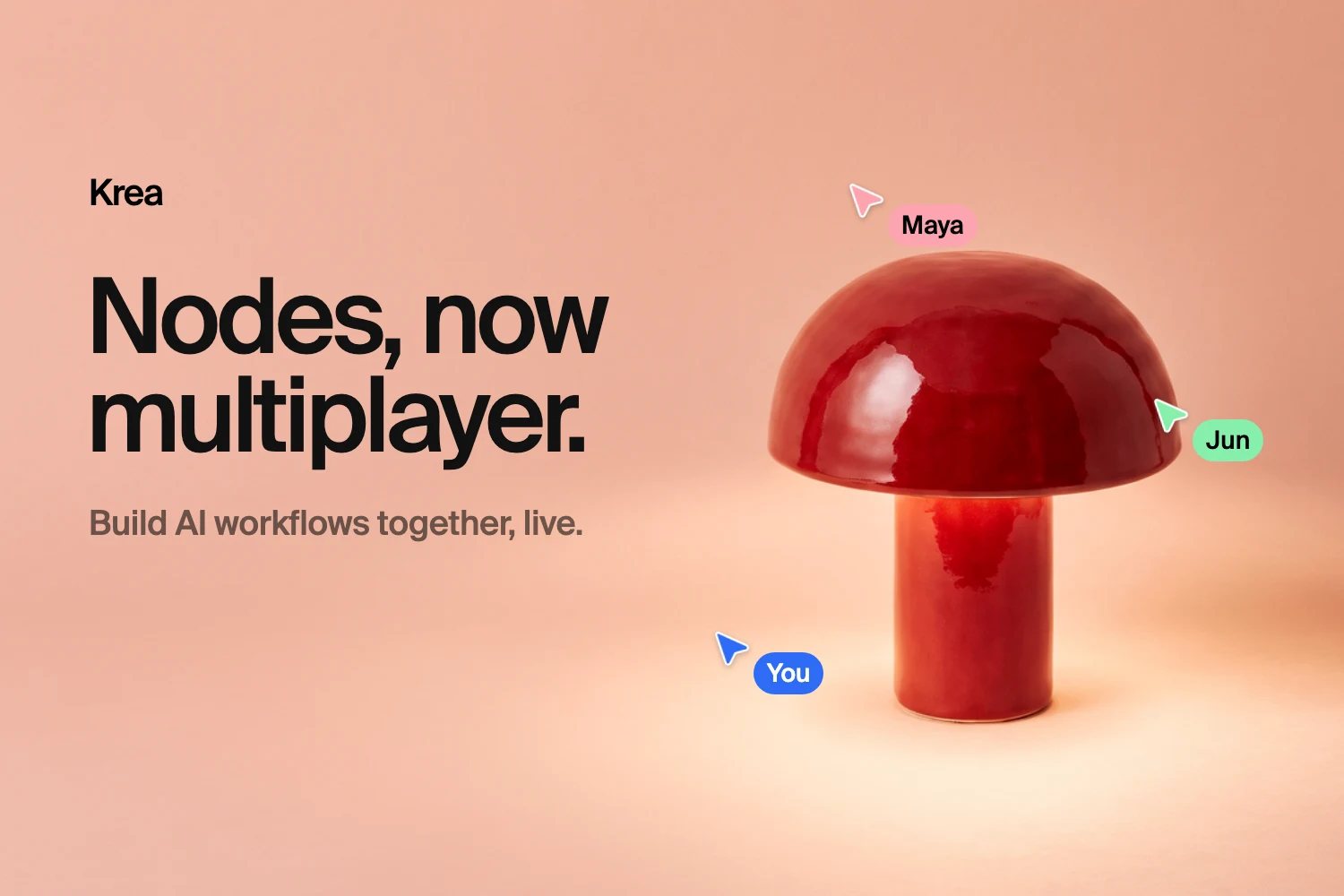
Multiplayer Nodes: Build Krea Workflows Together, Live
Krea Nodes is now multiplayer. Edit the same canvas with your team in real time, with live cursors, shared runs, personal undo, and view or edit sharing.
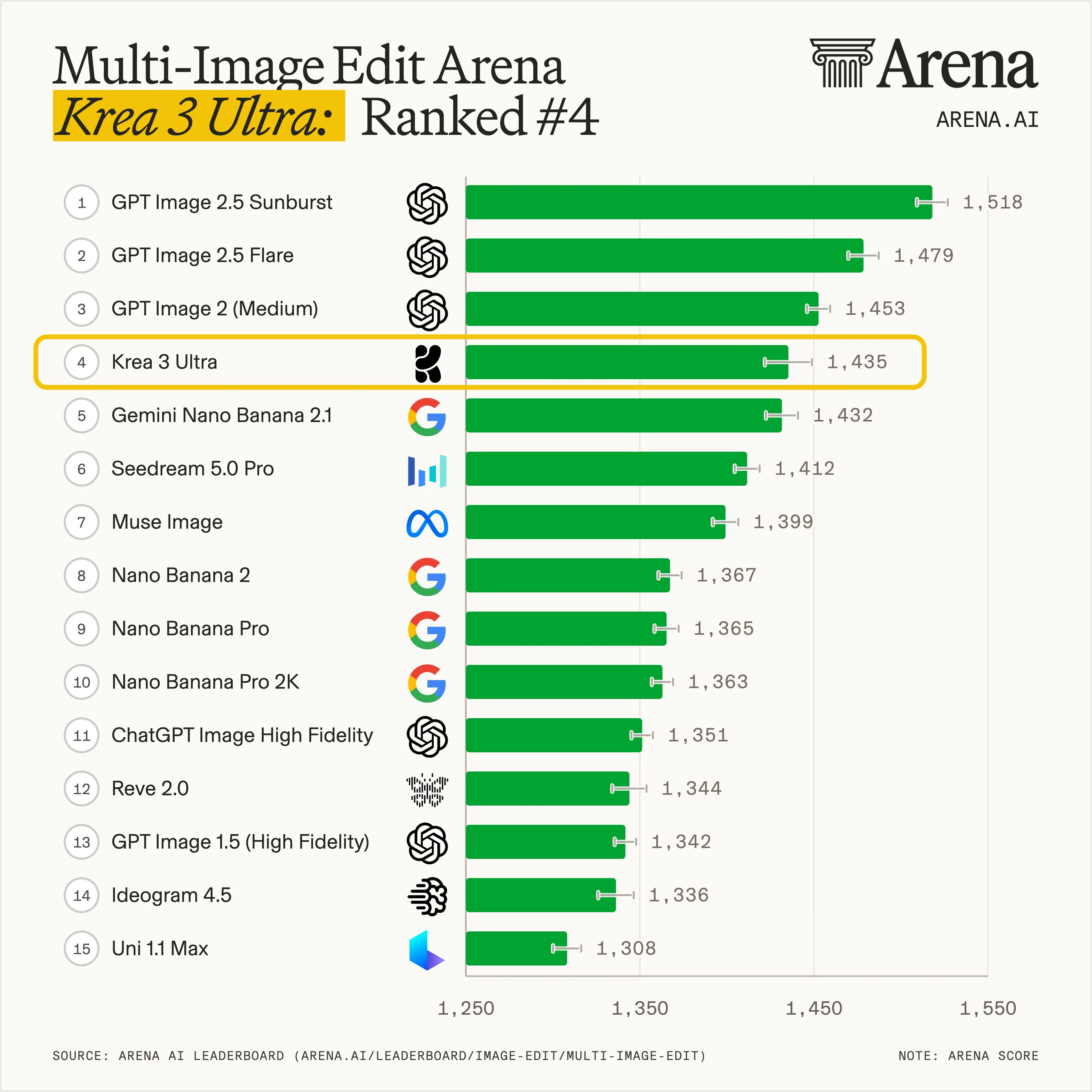
Krea 3 Crashes the Top 4: Every Benchmark, Explained
Krea 3 crashes the top 4. Design Arena, Arena, and Artificial Analysis ranks, explained.
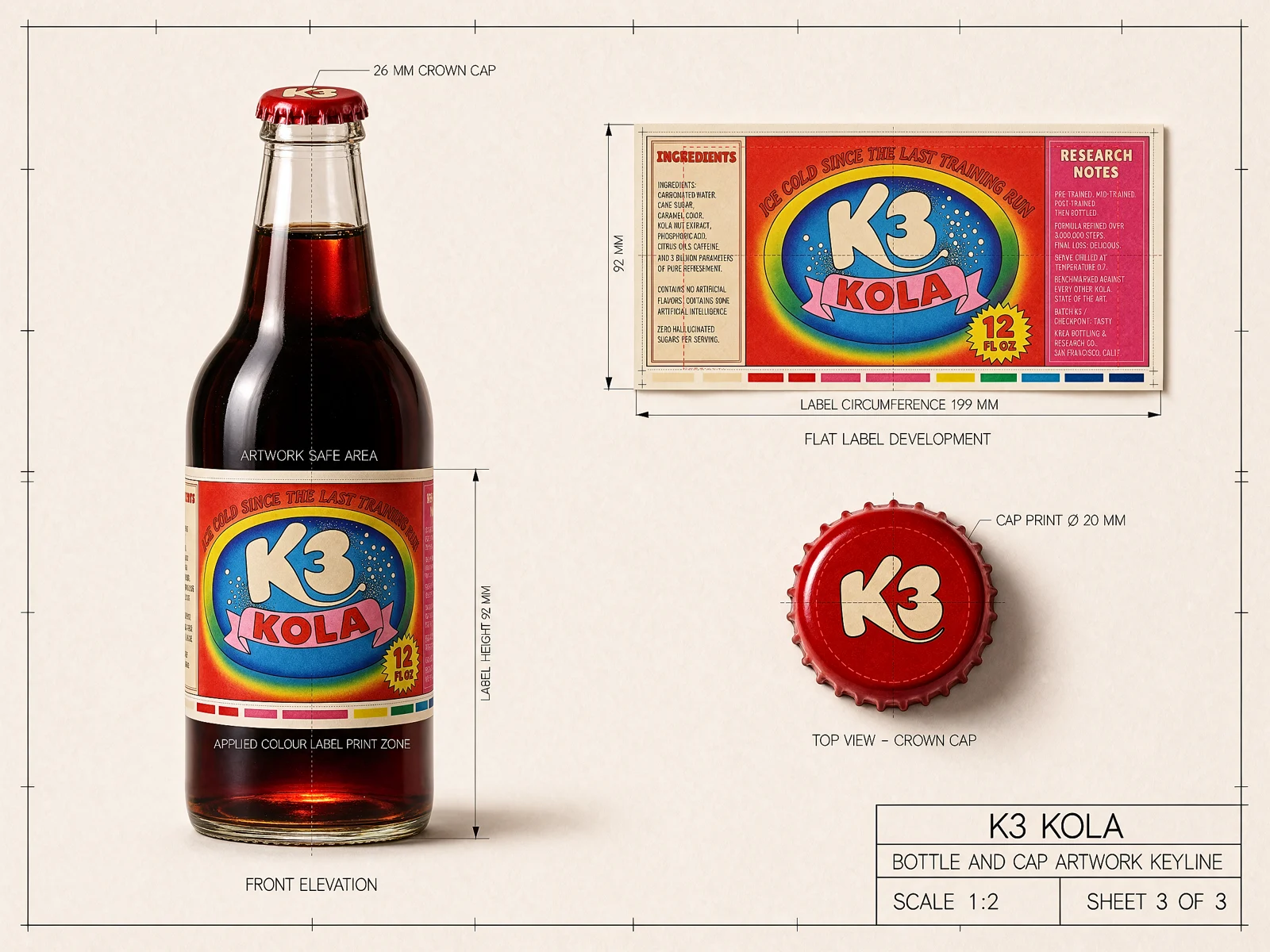
Krea 3 vs GPT Image 2: Which AI Image Editor to Use in 2026
Krea 3 Ultra leads on Artificial Analysis (1151 vs GPT Image 2 (high) 1136) while GPT Image 2 leads on Arena and Design Arena. Krea 3 is 10× faster, 3× cheaper, compared to GPT Image 2 and Nano Banana Pro.
Kling o1 by Kling
Intelligent video model that thinks before generating. Supports image, element, and video references for precise creative control.
Try Kling o1More from Kling
Explore other Kling models available on Krea
-
Kling o1 Image
ImageFrontier model for complex image references.
-
Kling 3.0
VideoFrontier model with audio and up to 15s.
-
Kling 4.0
VideoKling’s newest frontier model, up to 30s at 1080p.
-
Kling 3.0 Turbo
VideoFast text and image-to-video model with up to 15s outputs.
-
Kling o3
VideoAdvanced reasoning model with references.
-
Kling o3 Pro
VideoAdvanced reasoning model, high-quality 1080p.
-
Kling Motion Control v3
Motion TransferTransfer motion from one video to another character
-
Kling Motion Control v2.6
Motion TransferTransfer motion from one video to another character
-
Kling 3 Turbo
VideoA faster Kling 3 video model for high-velocity creative iteration.
-
Kling 1.0 Pro
VideoHigh control with 10s duration.
-
Kling 2.6
VideoFrontier model with native audio.
-
Kling o3 Edit
VideoEdit video content directly with text, image, and element references.
-
Kling o3 Reference
VideoGenerate new shots preserving the cinematic style of a reference video.
Explore Other Models
Discover more AI models for images and videos on Krea
Or try every model side by side in Krea's free AI video generator and AI image generator.