














Step 1
Open Krea Video
Pick Runway Gen-4.5 from the model selector in Krea Video.
Create
Edit & enhance
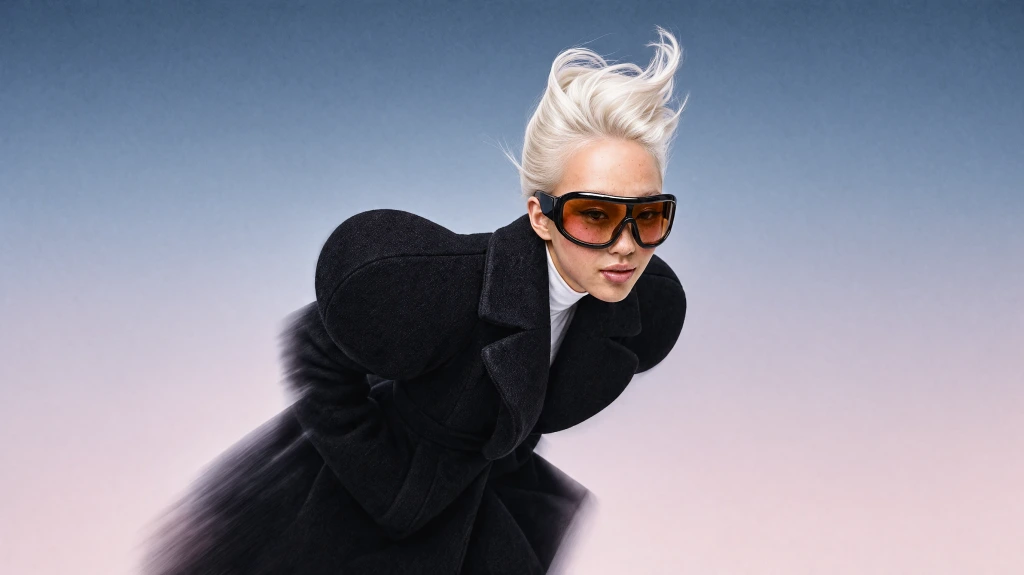
Krea 3
Our most advanced image model. Photoreal, editorial, on-brand.
Try Krea 320+ AI tools for images, video, 3D and audio in one app.
Open KreaCreate
Edit & enhance
Runway Gen-4.5 is the Runway model in Krea Video. Generate from a text prompt, or animate a start frame, in clips from 2 to 10 seconds at 1280×720 or 720×1280.
How It Works
From first prompt to production-ready video in four steps.

Step 1
Pick Runway Gen-4.5 from the model selector in Krea Video.
2Step 2
Describe the shot in text, or upload a start frame. Generate a still in Krea Image when you want a locked opening image.
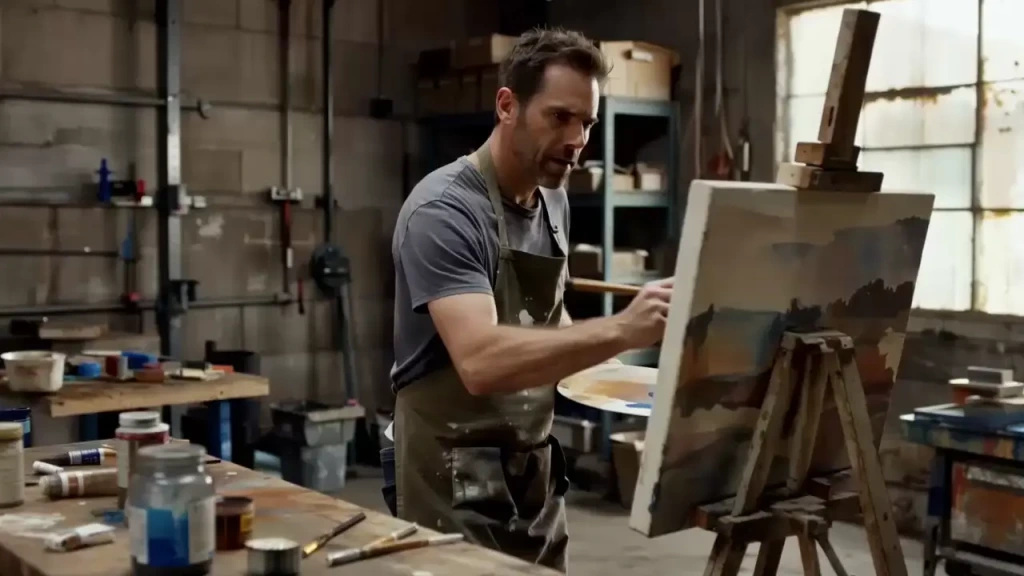
A man painting in his garage, muted tones, high quality shot.
Step 3
Set a length from 2 to 10 seconds, and pick 1280×720 or 720×1280.
Step 4
Compare takes, then enhance and upscale the best one inside Krea.
The Runway model in the Krea Video selector, with native text-to-video
Gen-4.5 clip lengths, chosen per second
Output is 1280×720 (16:9) or 720×1280 (9:16)
Optional image-to-video. Gen-4.5 also generates from the text prompt alone
Text-to-video, plus a start frame when you want to lock the opening image
Widescreen and vertical output
Typical Gen-4.5 generation time on Krea
Gen-4.5 generates a clip from the prompt alone. Draft product videos, concept tests, and social clips without a start image, then add one when you want the opening frame locked.
Generate Video from TextTurn a still into motion. Upload a product shot, an illustration, or a frame from Krea’s image models. Gen-4.5 animates that start frame and does not take an end frame.
Animate a Start FrameGen-4.5 outputs 1280×720 or 720×1280, so the same prompt can be framed for a player or a vertical feed. Each generation is one clip, from 2 to 10 seconds.
Choose a FormatPrompt Examples
When you use a start frame, describe the motion instead of restating what the image already shows. Every clip below is paired with the exact prompt that generated it.
A man painting in his garage, muted tones, high quality shot.
Try this promptPrompt
A fluid tracking shot following a lone figure walking through a rain-soaked dystopian street market at night, shot on Steadicam. The environment is be dense with neon lights (pinks, blues, purples), steam rising from grates, and hanging lanterns. The subject should be slightly underexposed, mysterious, with only rim lighting defining their silhouette.
Try this promptA fluid tracking shot following a lone figure walking through a rain-soaked dystopian street market at night, shot on Steadicam. The environment is be dense with neon lights (pinks, blues, purples), steam rising from grates, and hanging lanterns. The subject should be slightly underexposed, mysterious, with only rim lighting defining their silhouette.
Try this promptPrompt
Documentary, naturalistic shot. An old grizzled mechanic, somewhat overweight, wearing a plaid shirt, sits outside a garage at sunset, the warm light illuminating his face and beard. He's lost in contemplation. In the background we see sparks from welding. Slice of Americana documentary, New Mexico. Shallow depth of field, hard shadows.
Try this promptDocumentary, naturalistic shot. An old grizzled mechanic, somewhat overweight, wearing a plaid shirt, sits outside a garage at sunset, the warm light illuminating his face and beard. He's lost in contemplation. In the background we see sparks from welding. Slice of Americana documentary, New Mexico. Shallow depth of field, hard shadows.
Try this promptPrompt
Luxury Automobile - Cinematic Reveal - A sleek, black sports sedan emerges from darkness. Pull back slowly with a crane or jib to reveal the vehicle's sculptural curves. The car sits on a wet, reflective black surface in a minimal studio environment, lit with a single large soft box from above and slightly behind, creating elegant highlights along the body lines and hood. Position rim lights (hard sources with blue gels) on both sides to define the silhouette against the dark background. Grade with deep, crushed blacks and pristine highlights, emphasizing the premium craftsmanship. The shot should feel aspirational, powerful, and meticulously crafted.
Try this promptLuxury Automobile - Cinematic Reveal - A sleek, black sports sedan emerges from darkness. Pull back slowly with a crane or jib to reveal the vehicle's sculptural curves. The car sits on a wet, reflective black surface in a minimal studio environment, lit with a single large soft box from above and slightly behind, creating elegant highlights along the body lines and hood. Position rim lights (hard sources with blue gels) on both sides to define the silhouette against the dark background. Grade with deep, crushed blacks and pristine highlights, emphasizing the premium craftsmanship. The shot should feel aspirational, powerful, and meticulously crafted.
Try this promptPrompt
A dramatic time-lapse showing storm clouds rolling in over an open landscape or cityscape, captured over 2-4 hours compressed into 10-15 seconds. Highly sped-up footage. Set up a locked-off camera on a sturdy tripod in a location with an interesting foreground element (lone tree, building, or monument) and expansive sky. Shoot one frame every 3-5 seconds depending on cloud speed, maintaining consistent exposure despite changing light conditions. Frame with roughly two-thirds sky to emphasize the meteorological drama. Capture the progression from clear or partly cloudy to ominous storm clouds, including the dramatic shift in lighting as the sun is obscured.
Try this promptA dramatic time-lapse showing storm clouds rolling in over an open landscape or cityscape, captured over 2-4 hours compressed into 10-15 seconds. Highly sped-up footage. Set up a locked-off camera on a sturdy tripod in a location with an interesting foreground element (lone tree, building, or monument) and expansive sky. Shoot one frame every 3-5 seconds depending on cloud speed, maintaining consistent exposure despite changing light conditions. Frame with roughly two-thirds sky to emphasize the meteorological drama. Capture the progression from clear or partly cloudy to ominous storm clouds, including the dramatic shift in lighting as the sun is obscured.
Try this promptPrompt
3D render animation, a cute duckling character does a dance routine on a lilypad, in the style of modern 3D children's animated movies.
Try this prompt3D render animation, a cute duckling character does a dance routine on a lilypad, in the style of modern 3D children's animated movies.
Try this promptCopy the exact prompts behind these Runway clips and start generating your own AI videos.
Trusted by over 30 million creators worldwide.
Real reviews on TrustpilotSo many AI tools out there but I always come back to Krea. It's really the one AI platform that 'just works'.

FYN
Verified review
Krea's interfaces are still the best in the industry. Everything looks and feels so clean and easy to use! Imo the easiest to use gen AI website.

Lynn
Verified review
Ultra fast generations. Extremely simple to use. All the latest AI models.

Daniel
Verified review
KREA is the only AI subscription I have right now besides ChatGPT.

Sophia M.
Verified review
I'm a Krea Max user. It's crazy how fast they add models. I see a new AI model on twitter and the same day krea already offers it.

Wirot Ch.
Verified review
Still the most powerful AI creative suite out there.

Gravion
Verified review
Free
Get free daily credits to try basic features.
100 units / day
Basic
Access our most popular features
5,000 units / month
Pro
Advanced features and discounts on compute units
20,000 units / month
Max
Full access with higher discounts on compute units
60,000 units / month
For Teams and Enterprises
Workplace management, collaboration, and enterprise customizations
Business
Secure and collaborative workspace for growing teams
80,000 units / month

Enterprise
Enterprise-grade security with dedicated support and admin features
The Runway AI video generator on Krea is Runway Gen-4.5 in Krea Video. It generates a clip from a text prompt, and it can also animate a start frame. Clips run from 2 to 10 seconds at 1280×720 or 720×1280.
Runway Gen-4.5 is the Runway model in the Krea Video selector. Its registry description is a frontier model with native text-to-video: generate from a prompt alone, or add a start frame. It does not take an end frame.
No. Runway Gen-4.5 is the Runway model you can select in Krea Video. Gen-4 and Gen-3 stay in the registry for older jobs and are not offered in the selector.
Krea’s free plan includes daily compute units you can spend on Runway Gen-4.5. Paid plans add more generations and commercial licensing.
Runway Gen-4.5 supports any length from 2 to 10 seconds. Output is 1280×720 (16:9) or 720×1280 (9:16).
Gen-4.5 clips typically take about 3 minutes on Krea. Longer clips in that 2 to 10 second range can take longer.
For text-to-video, describe the subject, the motion, and the camera. When you add a start frame, describe how things should move and skip restating the image. Keep each prompt to one shot.
Upload your own still, or generate one with Krea 1 or another model in the Krea Image tool, then select Runway Gen-4.5 in Krea Video.
Yes. On Krea paid plans, generated videos include commercial licensing for campaigns, products, client work, and other production projects.
Runway Gen-4.5 is the text-to-video and start-frame option from Runway, at 2 to 10 seconds and 720p. For other lineups, see the Kling AI video generator, Kling 4, Veo 3.1, and Seedance 2.5.
Latest news, tutorials, and updates from the Krea team
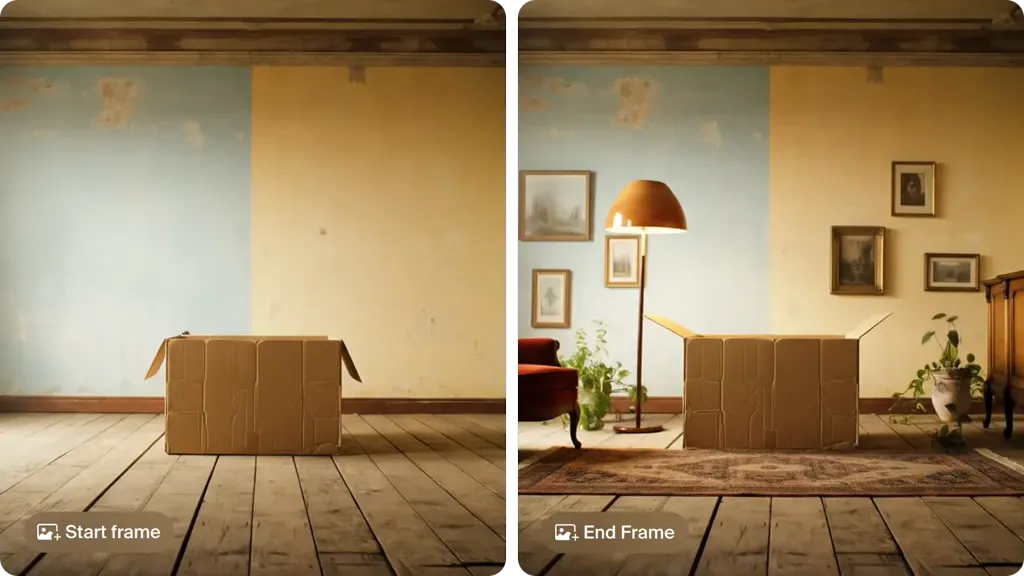
The best image to video AI tools in 2026: Krea, Kling 4.0, Veo 3.1 in Google Flow, Runway, Firefly, Luma, Pika, HeyGen, Hailuo and Vidu, with free tiers, prices and clip lengths.
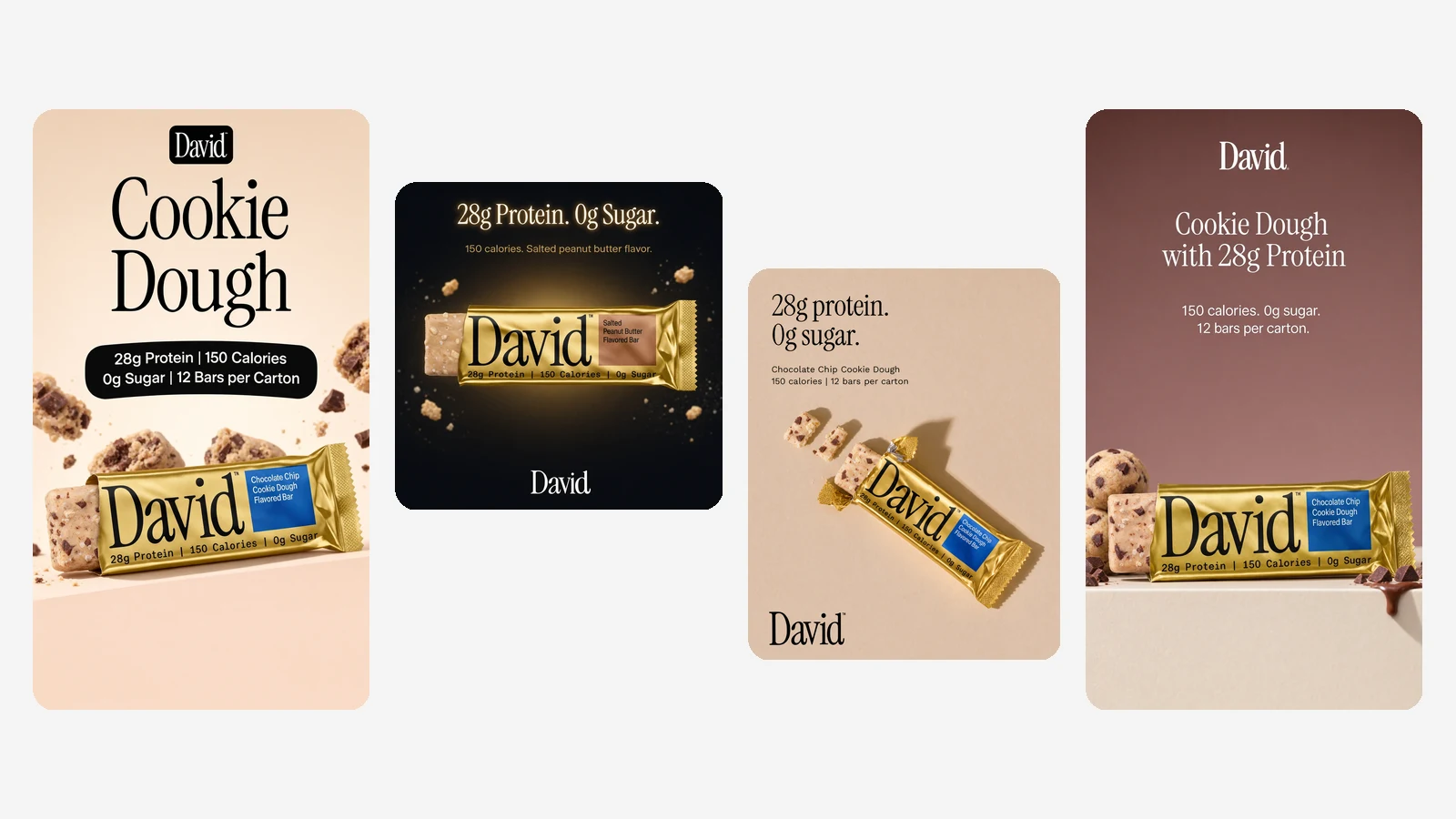
Ad Studio turns your website into a brand kit and on-brand ads made with Krea 3. Paste a URL, pick your products and placements, and get a batch of ads in minutes.
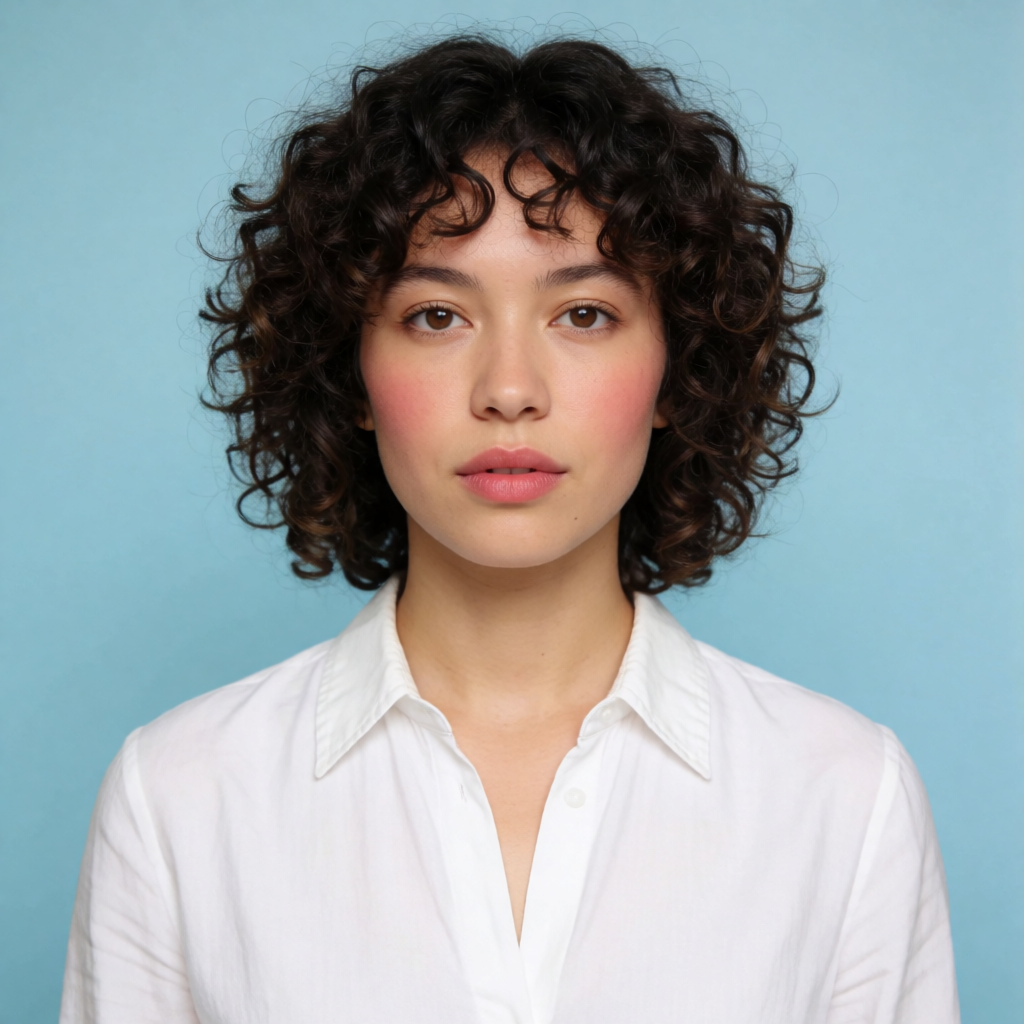
How to do an AI face swap on a photo: upload a target image and a source face in Krea, generate the swap, then refine it. Free to start, no account required.
The Runway AI video generator on Krea runs Runway Gen-4.5. Create a clip from a text prompt, or animate a start frame, in 2 to 10 seconds at 1280×720 or 720×1280.
Try Runway on KreaExplore other Runway models available on Krea
Discover more AI models for images and videos on Krea
Or try every model side by side in Krea's free AI video generator and AI image generator.
Runway Gen-4.5 is developed by Runway. For official model announcements, visit the provider’s site.
Visit the official Runway sitePage last updated