


Inside Krea Agent

A video editor. Built around your ideas.

Put scenes together, cut, extend clips, and add audio. All on a timeline beside your conversation with Krea Agent.

A timeline beside the chat

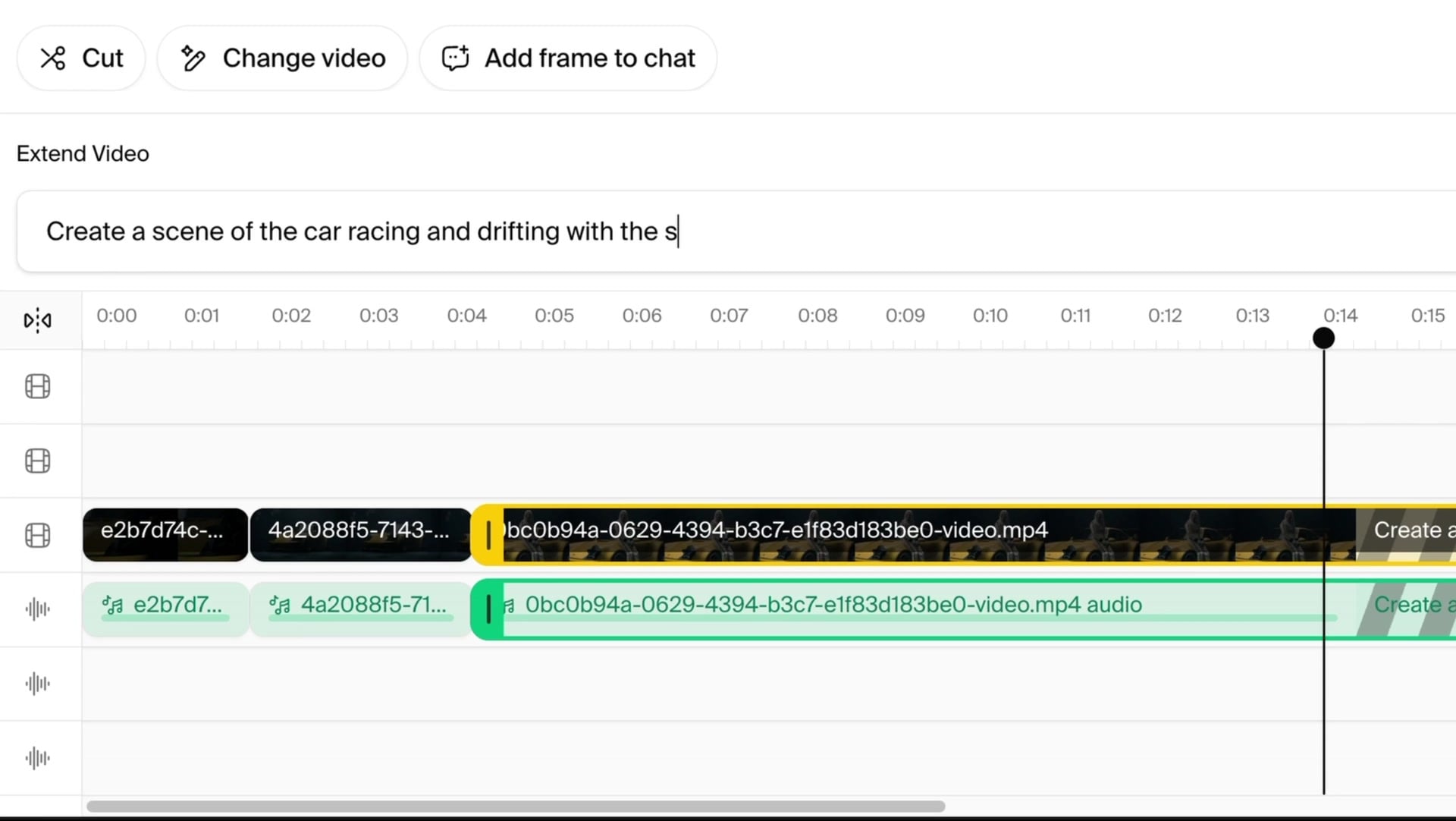
Click a video result and it opens on the timeline. The toolbar has Cut, Change video, and Add frame to chat. Two video tracks and two audio tracks sit under the preview. Export is one button.

The Extend Video prompt above the timeline, with a scene description typed in
Timeline with four tracks
Two video tracks and two audio tracks. Drag clips, trim them, and snap to clip edges.
Cut
Split a clip at the playhead. Ripple the rest of the track, or leave it in place.
Extend a clip
Add 2 to 10 seconds to the end of any clip. The agent generates the extension from the last frames, with the video model you choose.
Add media
Bring in any result from the session, or a file from the context library, as a new clip.
Add a frame to the chat
Pause on a frame and send it into the conversation. Use it as a reference for the next image or the next shot.
Export as one render
The timeline renders as one file. It lands in the transcript and in the context library, like every other result.

Keep the scene
going.

Extend a clip with a prompt. Same scene, a little more time to tell the story.

Try Krea Agent
00:0000:0300:06
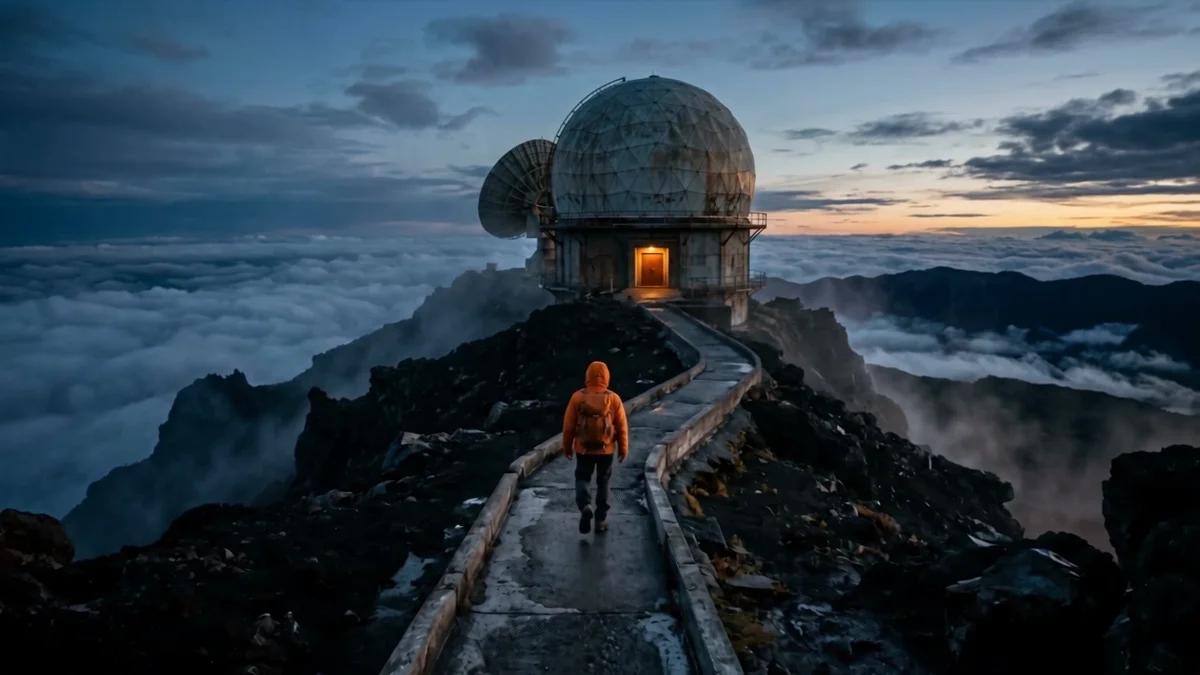
observatory.mp4
3 seconds

Move closer to the observatory.
Keep the camera moving.

Extend · +3 seconds
Krea Agent
Extend this shot by 3 seconds.
Keep the camera moving.

The edited clip returns to your thread

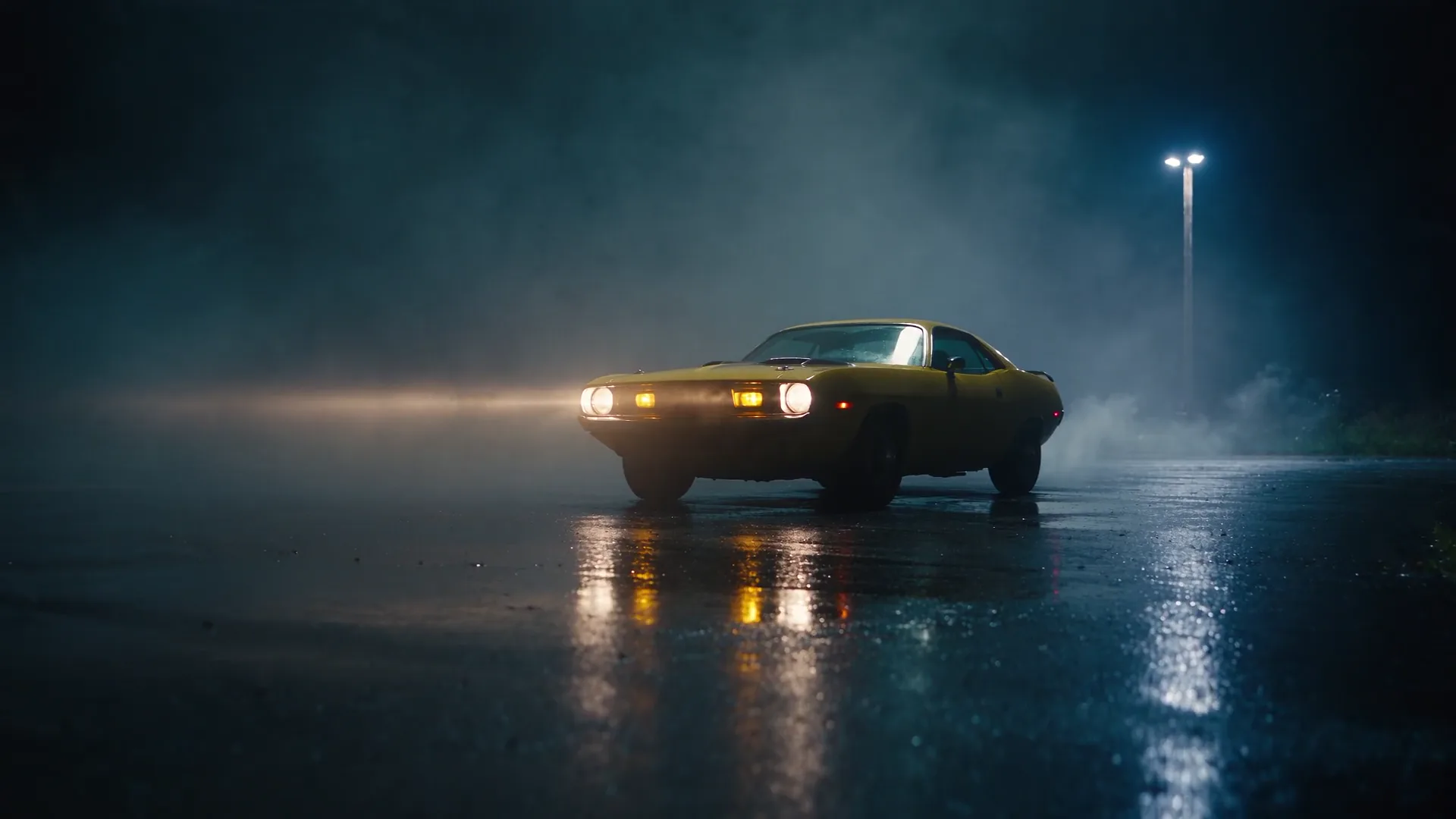
Yellow sports car at night, an example video result in a Krea Agent conversation
car-night.mp4On the timeline
Use this frame
for the next shot.
What would you like to change?

Every edit
is a message.

Your footage, your instructions, and the next idea. All in one thread.

You direct. The agent runs the edit.

Cut, extend, or change. Krea picks a fitting model, or uses the one you name in your prompt.

The result stays with the conversation.

Every new clip and exported timeline lands in the thread and context library, ready to open or download.

A frame becomes your next starting point.

Send a paused frame into the chat. Use it for the next shot, a still, or the start of another video.

Try Krea Agent

The same editor for images

An image result opens in the same panel with four tools. Each one writes a message into the session, and the agent picks the model.

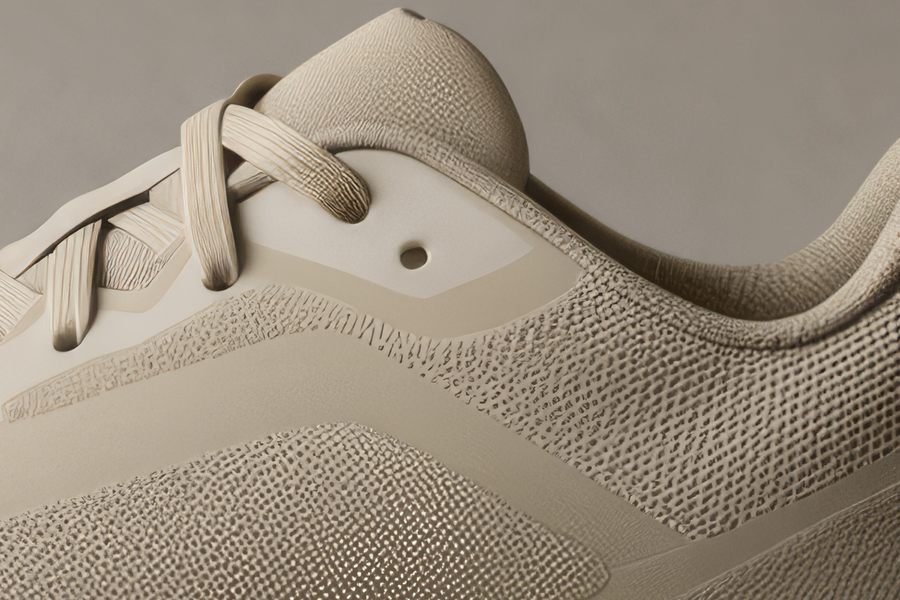
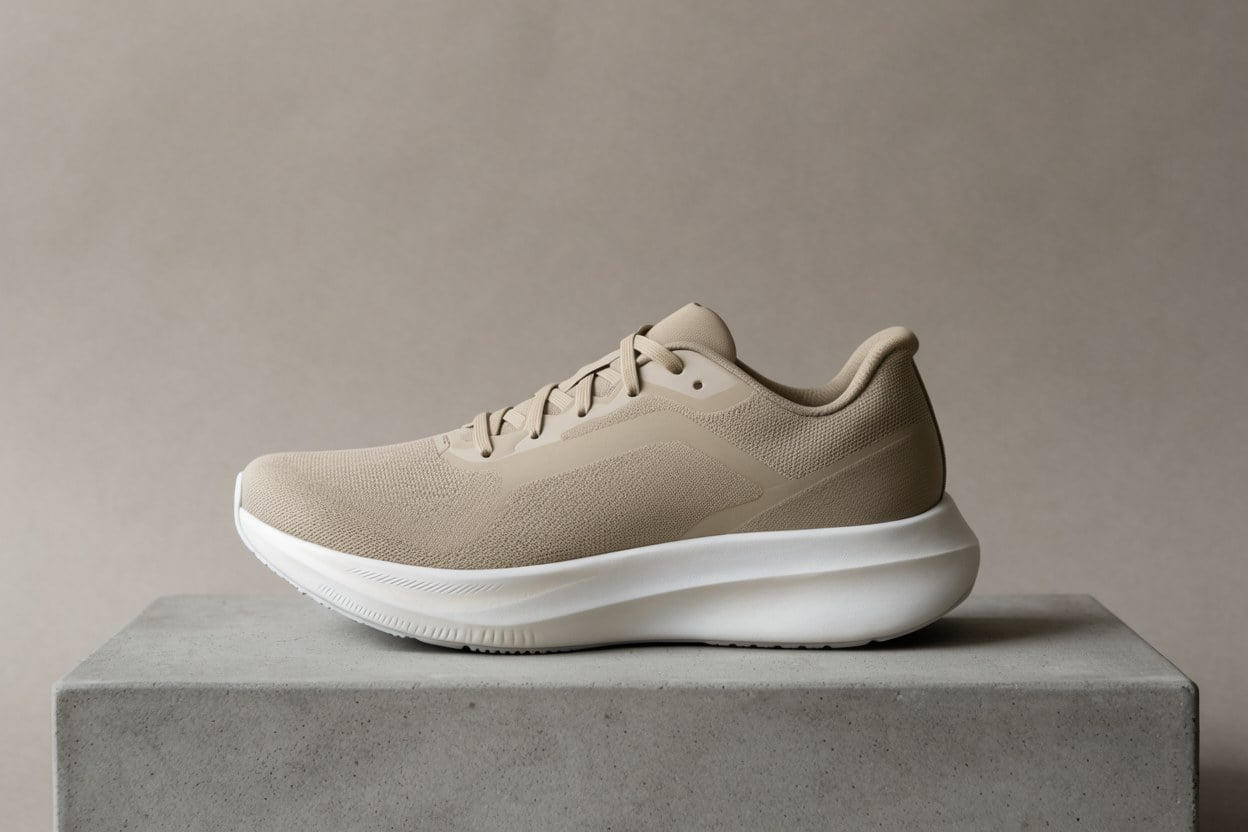
Beige running sneaker on a concrete plinth, studio light The same sneaker, now in green suede with an orange sole Original
Drag to compare. Made with the Change tool.
Beige running sneaker on a concrete plinth, studio light
01

Annotate

The editor detects the objects in the image. Click one, or drag a box, and the region goes into your next message as a reference. You talk about that part of the image, and the agent knows which part you mean.

Try asking

“Make this part matte instead of glossy”
The same sneaker, now in green suede with an orange sole
02

Change image

Describe the change in plain words. The agent picks an editing model, keeps what you did not mention, and returns a new image next to the old one in the transcript.

Try asking

“Forest green suede upper, bright orange sole. Keep everything else.”
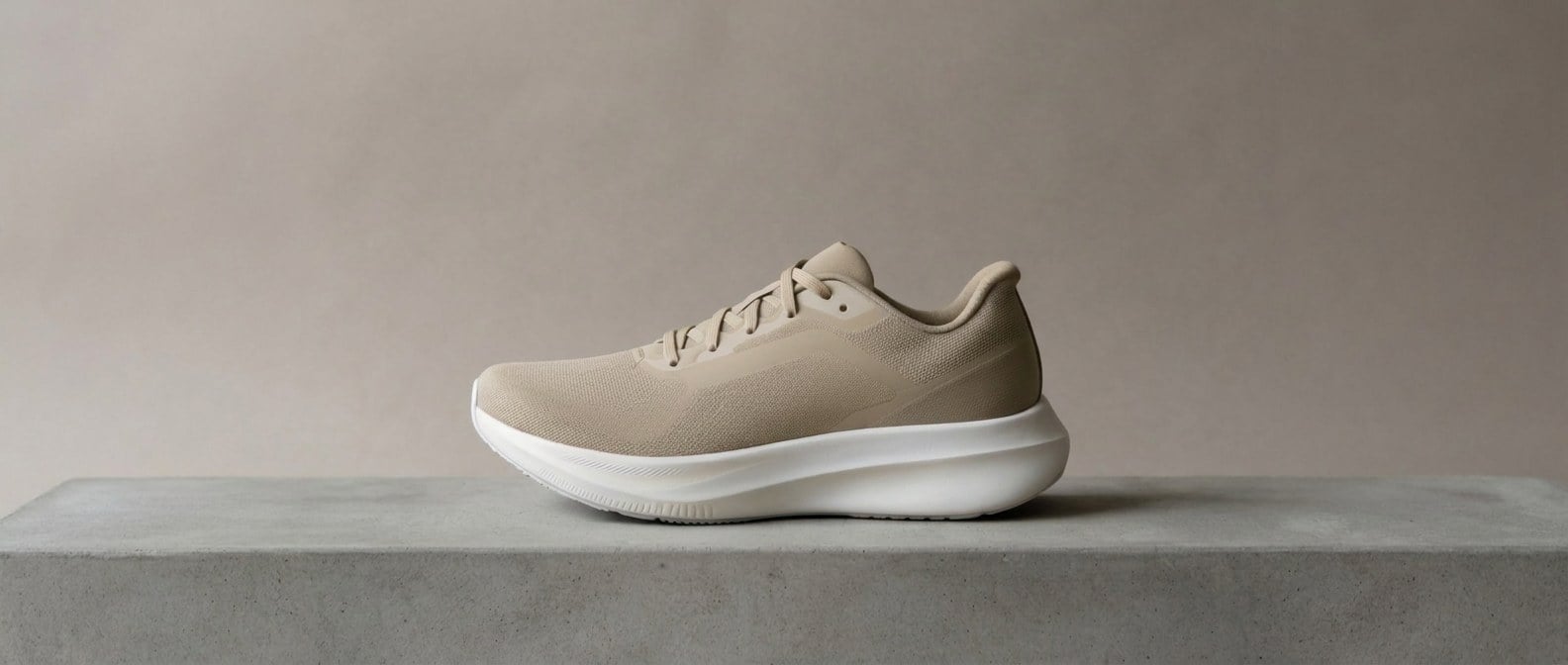
The same scene extended to a wide 21:9 frame
03

Expand

Pick a frame from 21:9 to 9:16, or drag the canvas edges. Snap guides keep the subject where it was. The agent fills the new area with an outpainting model.

  • 21:9
  • 16:9
  • 3:2
  • 4:3
  • 1:1
  • 3:4
  • 2:3
  • 9:16

Try asking

“Extend to 21:9 for the website header”
The same detail after a 4x upscale
04

Upscale

Choose 2K, 4K, 5K, 8K, 10K or 22K. Faithful mode keeps the pixels honest for print. Creative mode adds detail as it scales.

  • 2K
  • 4K
  • 5K
  • 8K
  • 10K
  • 22K

Try asking

“Upscale to 8K for the print run”
Krea Agent 22 integrations

Works where
your team works.

Connect Krea Agent to the tools you already use. From the first brief to the final handoff, keep your creative work flowing.

Frequently asked questions

Open a clip. Start cutting.

Krea Agent is free to try. Every video it makes opens on the timeline.

Try Krea Agent What is Krea Agent