












Create
Edit & enhance
AI Image Extender: Expand and Uncrop Photos
Upload a photo and Krea 3 zooms out: it extends the scene on every side with matching light, perspective, and detail, and keeps the original image in the center. Use it to uncrop a tight shot or to make room for text and new formats.
Expand photos beyond their borders. Krea 3 extends the scene with matching light and detail.
Free Krea account · Most edits in under 8 seconds · Native 2K
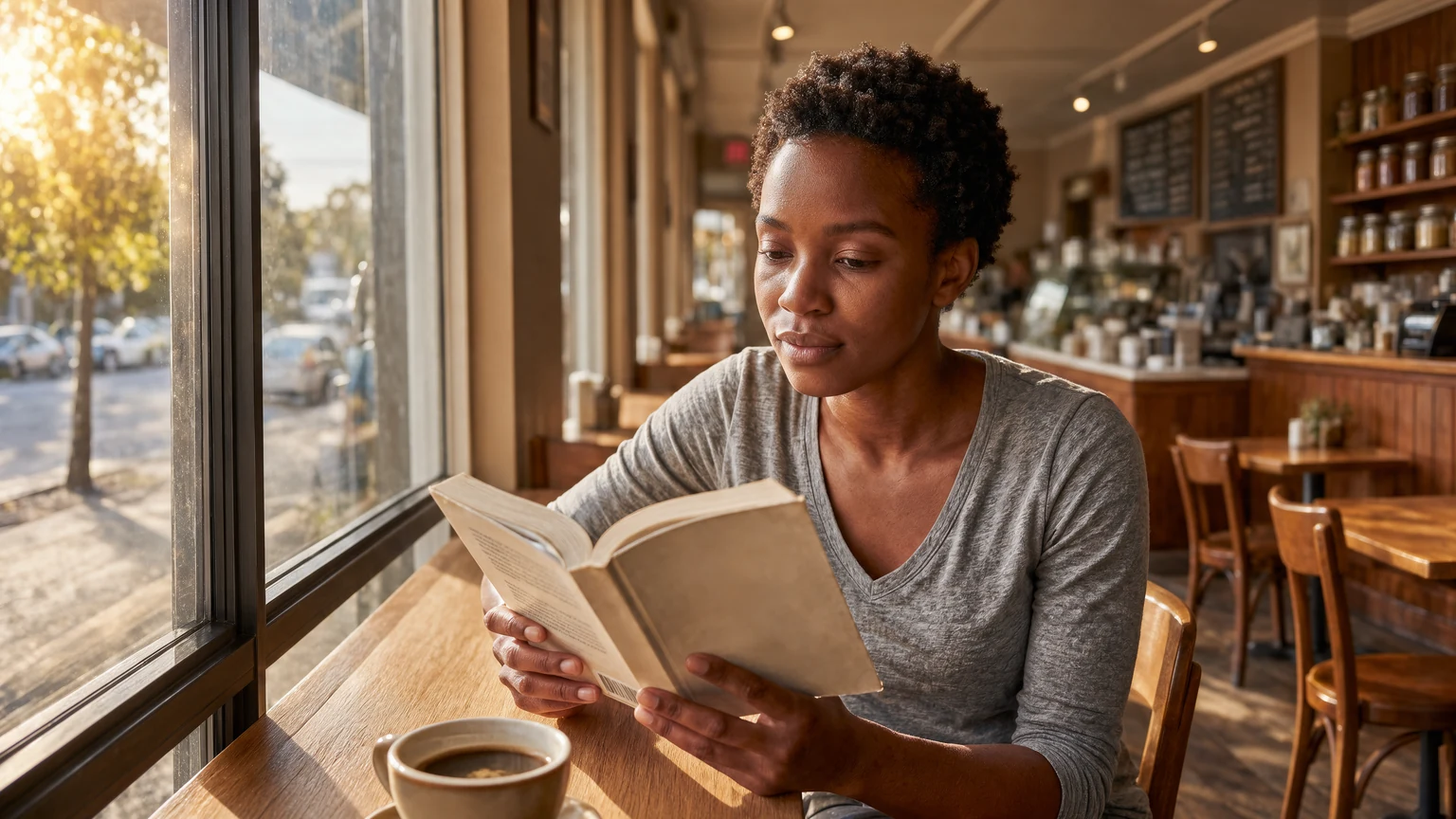
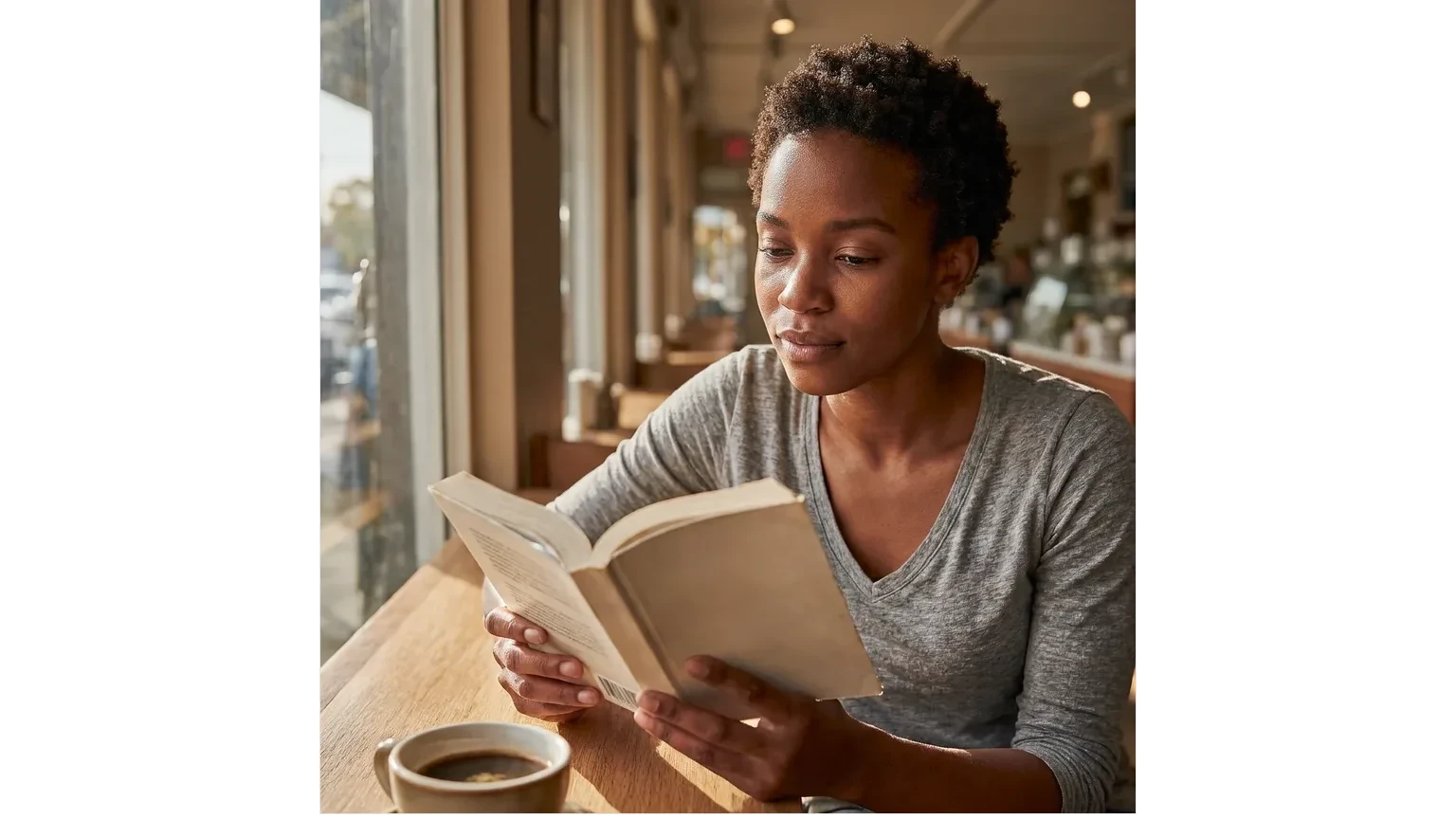
Expand image: before and after
Every after image on this page is a Krea 3 edit of the before image.
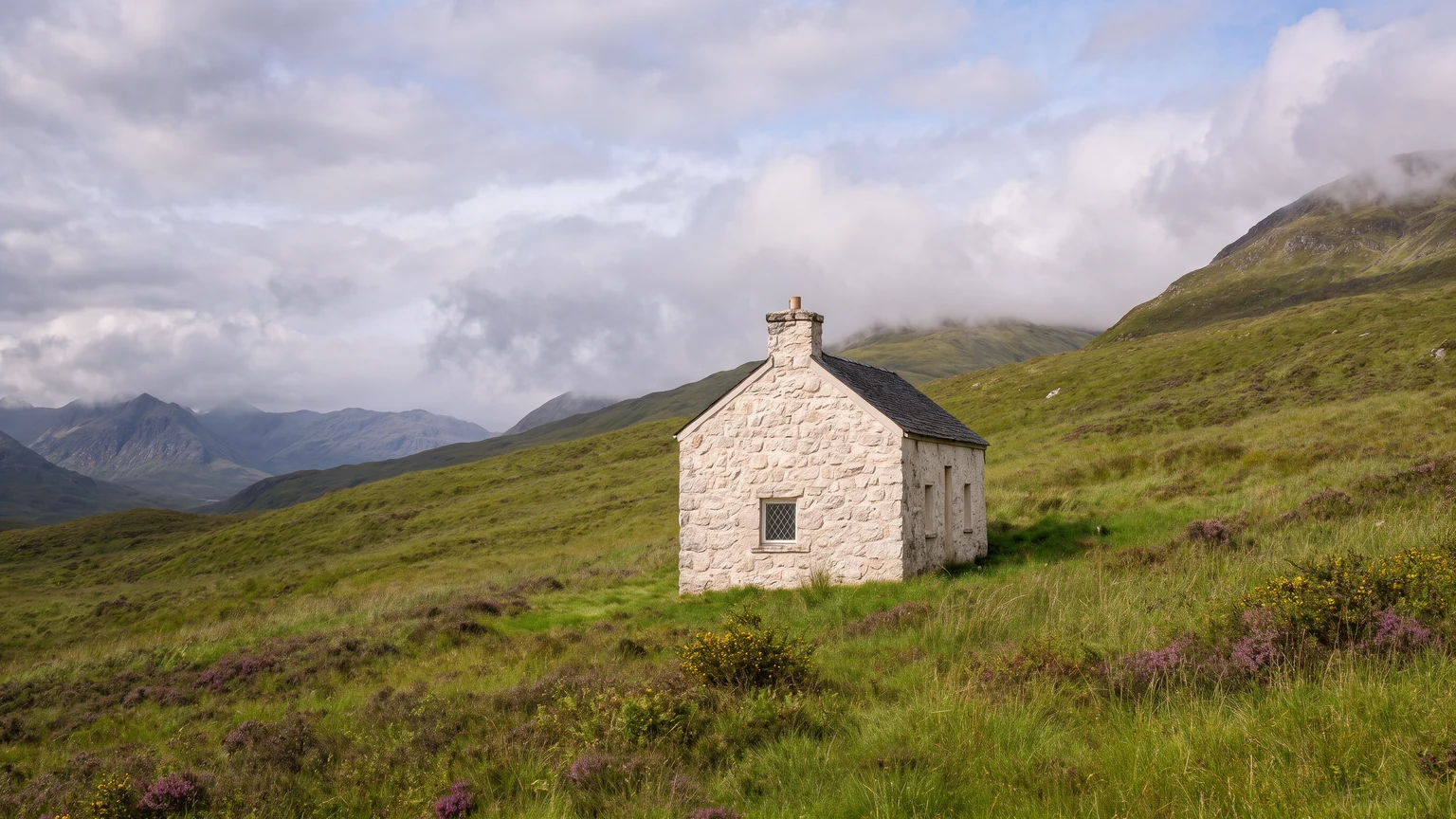
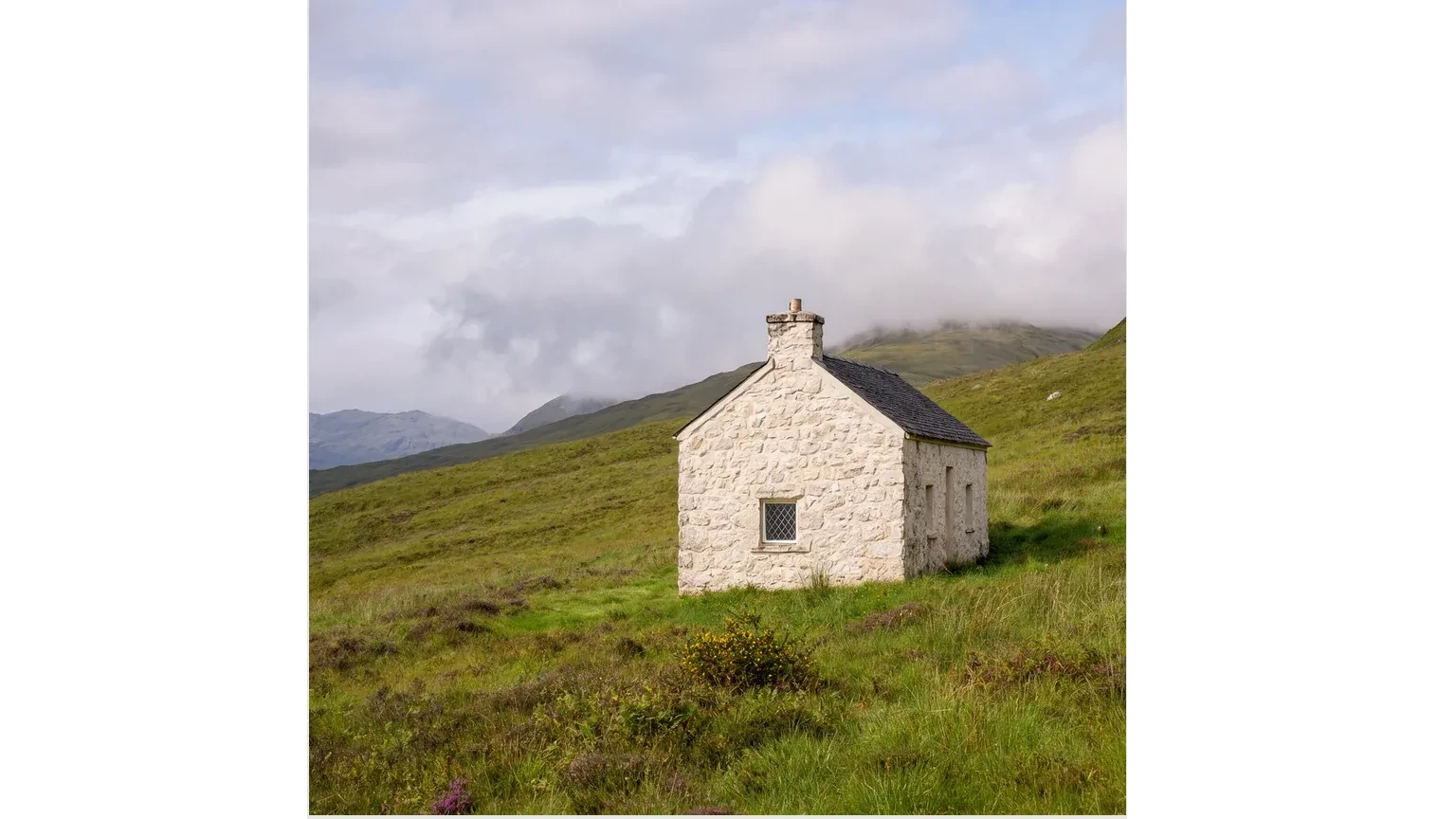
Highland cottage crop expanded into a wide mountain panorama
Expand a photo in 3 steps
How to expand an image with AI
- 01
Upload the photo
Upload any photo: a tight portrait, a product shot, or a landscape.
- 02
Let Krea 3 extend the scene
Krea 3 adds new scene on every side, with matching light, perspective, and detail. Most edits come back in under 8 seconds.
- 03
Download or expand again
Download the wider photo, or expand it again for even more room.
AI image extender
Uncrop photos and add room around the subject
Krea 3 extends a photo beyond its borders. It continues the background, the floor, the sky, and the light so the new area matches the original, and the original stays unchanged in the center.
Use it to uncrop a tight shot, to make room for a headline, or to turn a square image into a banner.
What is Krea 3?
Krea 3 is Krea's new image editing model. Most edits come back in under 8 seconds, end to end, at native 2K. Ask it to change one thing and it changes one thing.
Learn about Krea 3Extends the scene on every side
Krea 3 continues walls, horizons, and textures with matching light and perspective.
Keeps the original photo intact
The original image stays in the center. Only the new border area is created.
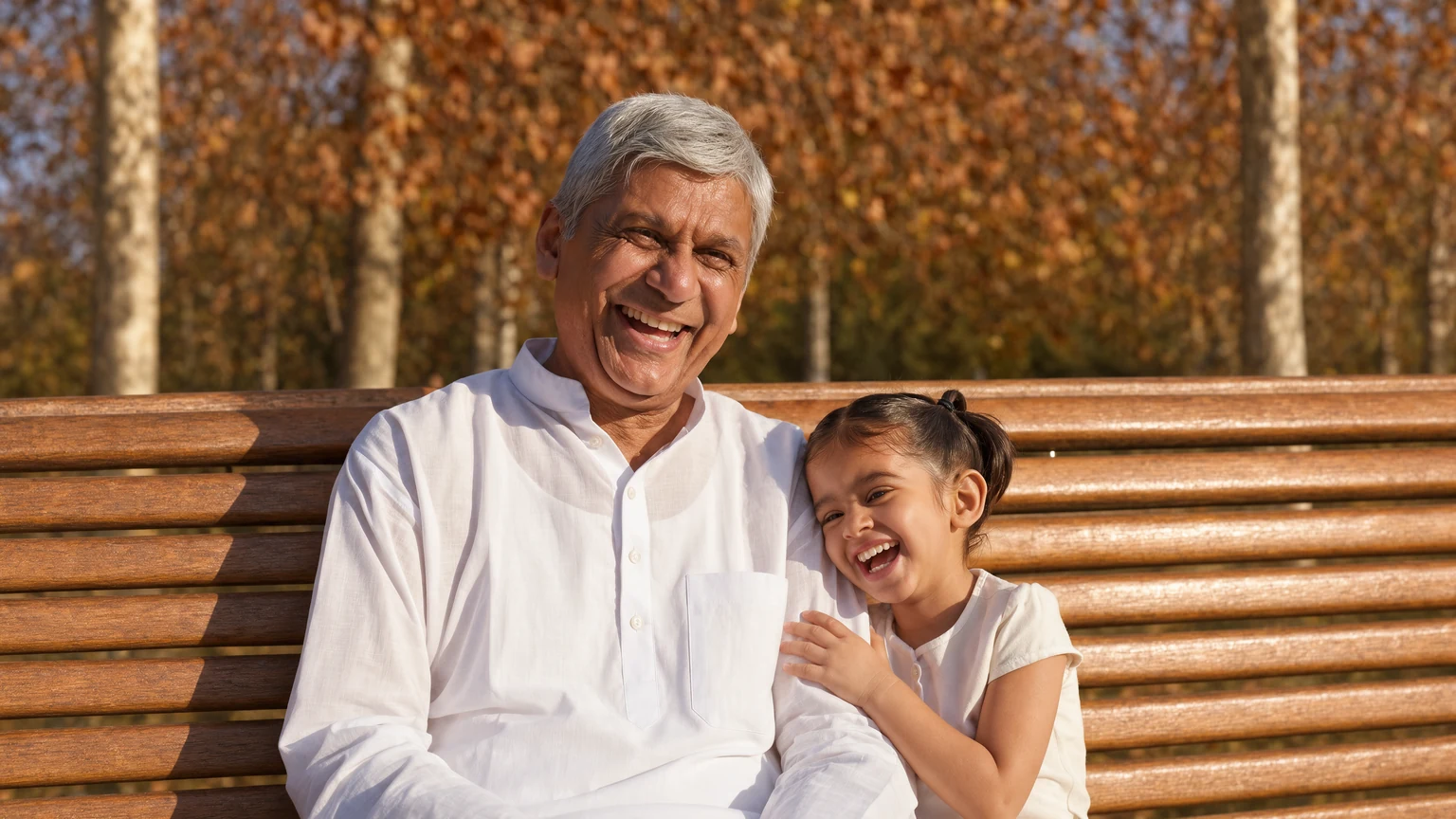
Room for text and new formats
Add space for a headline, a logo, or a call to action, or prepare one photo for several ad sizes.
Frequently asked questions
Common questions about how to expand an image with AI.
The tool places your photo in the center of a larger canvas. Krea 3 then fills the new area around it with a natural continuation of the scene.
Each run makes the scene about 1.5 times wider and taller, with your original photo in the center. Expand the result again for more room.
Krea 3 keeps the original image in the center. Check fine details such as faces after each run, because every editing model gets things wrong sometimes.
Uncropping rebuilds what was outside the frame of a photo, so a tight crop becomes a wider shot.
You need a free Krea account to run Krea 3 edits.
Krea processes uploaded photos to provide the result and handles them according to the Krea privacy policy. Review the privacy policy for details on storage, retention, and training.
Expand a photo now
Upload a photo and give it more room in seconds.
More Krea 3 edits
The same model, one edit each. Every example is a real Krea 3 result.
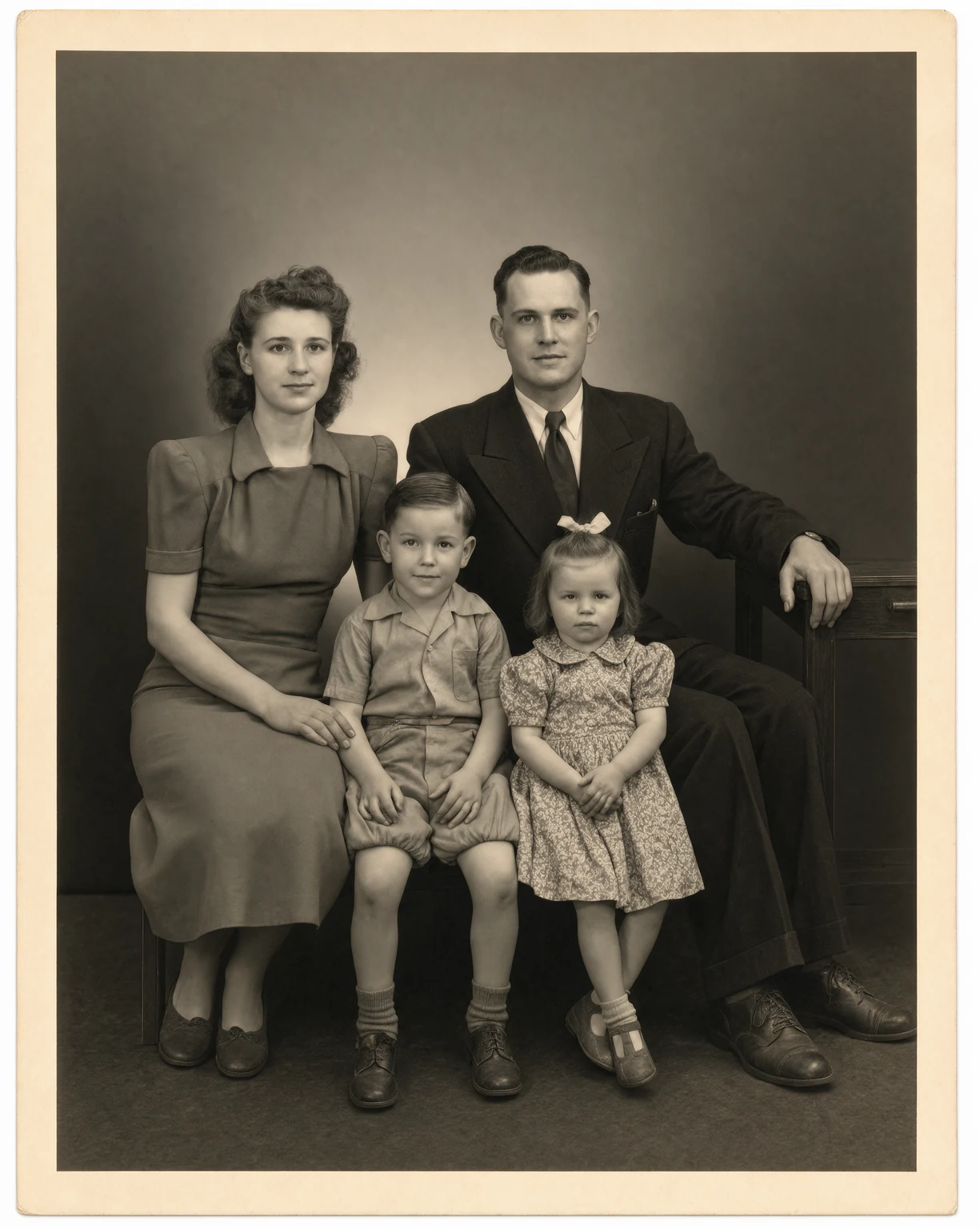
Photo Restoration
Restore old and damaged photos with Krea 3. Remove scratches, tears, and dust in seconds.
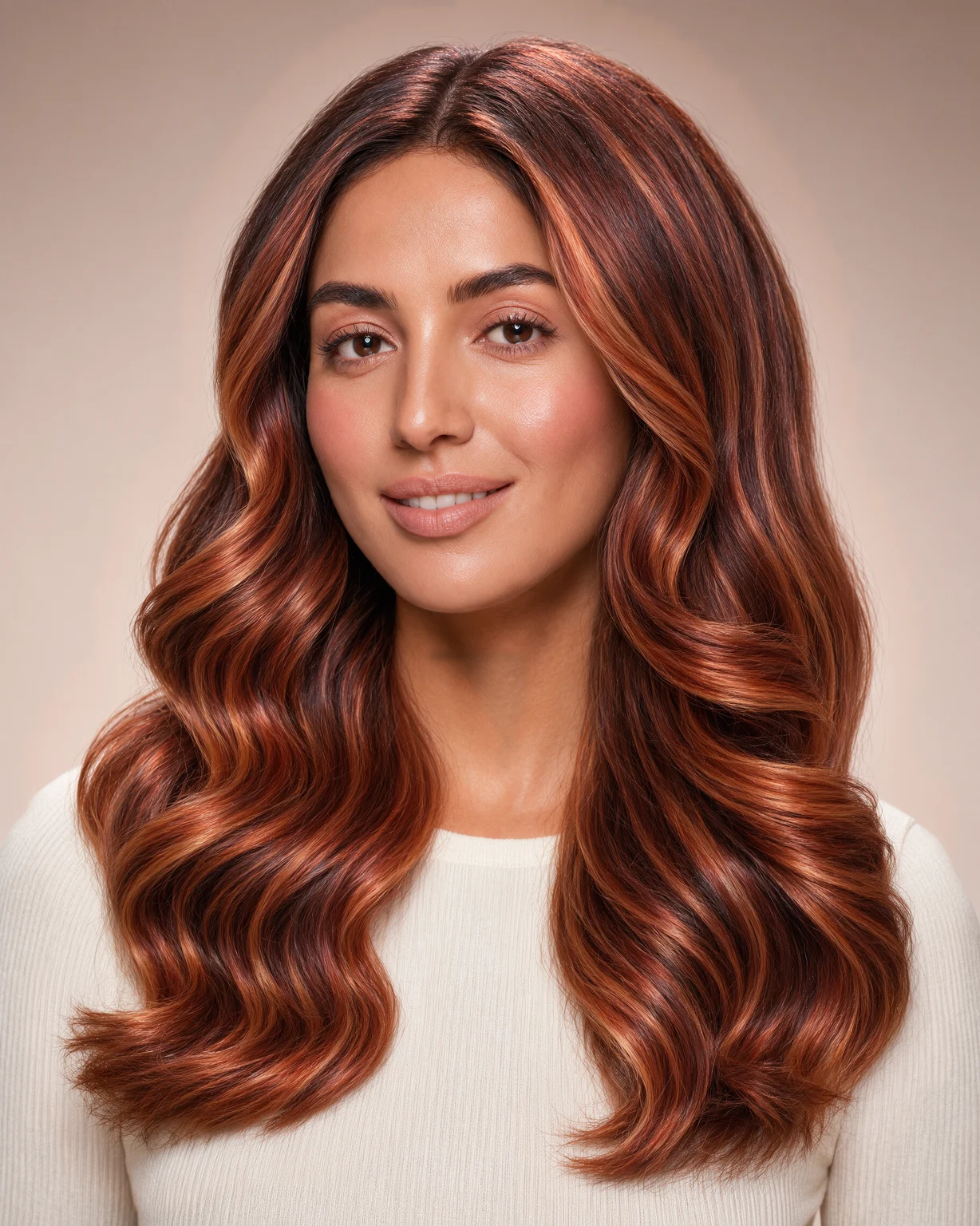
Hair Color Changer
Try any hair color on your photo. Krea 3 changes only the color and keeps your face and haircut.
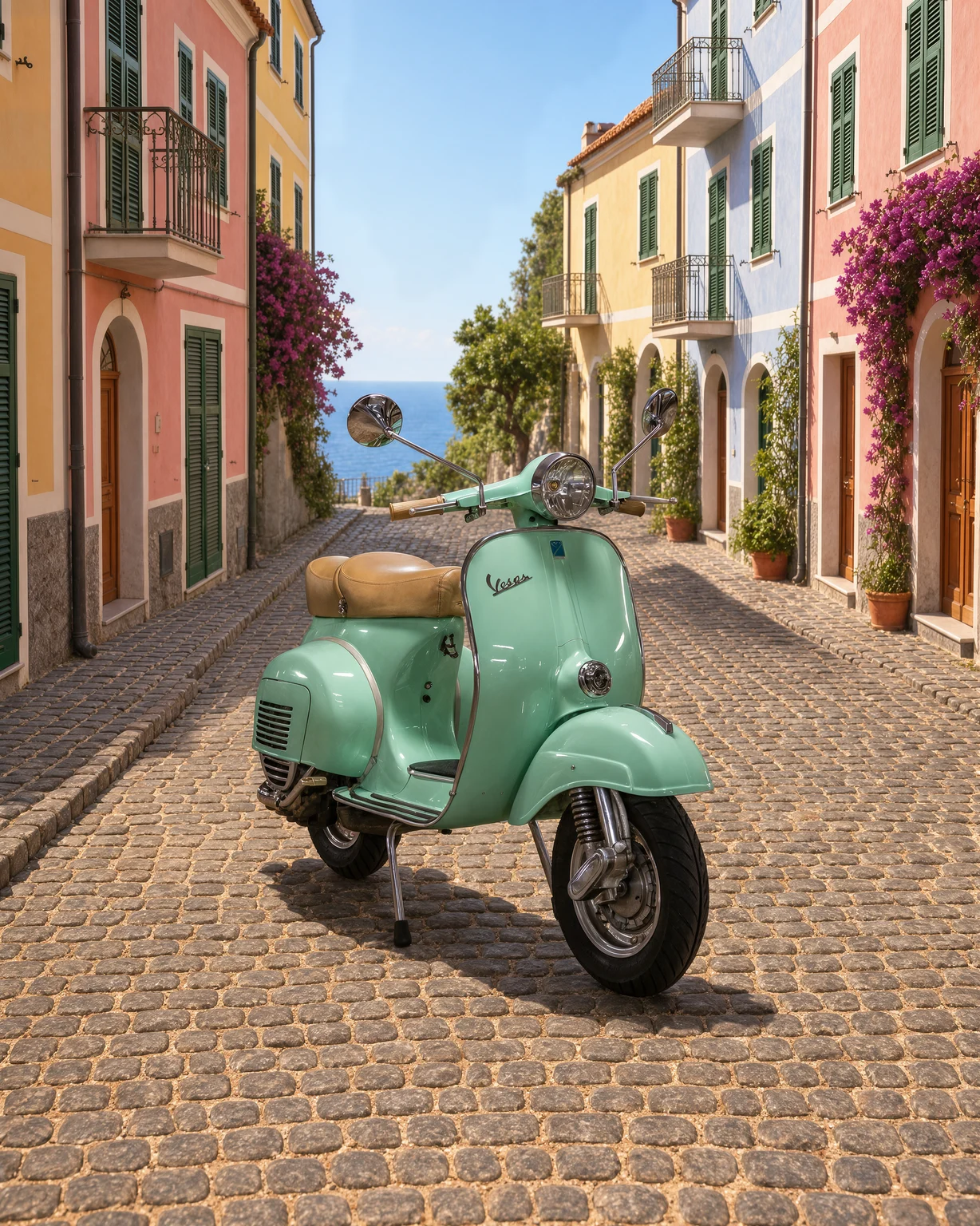
Change Background
Change the background of any photo. Describe a new scene and Krea 3 keeps your subject as it is.
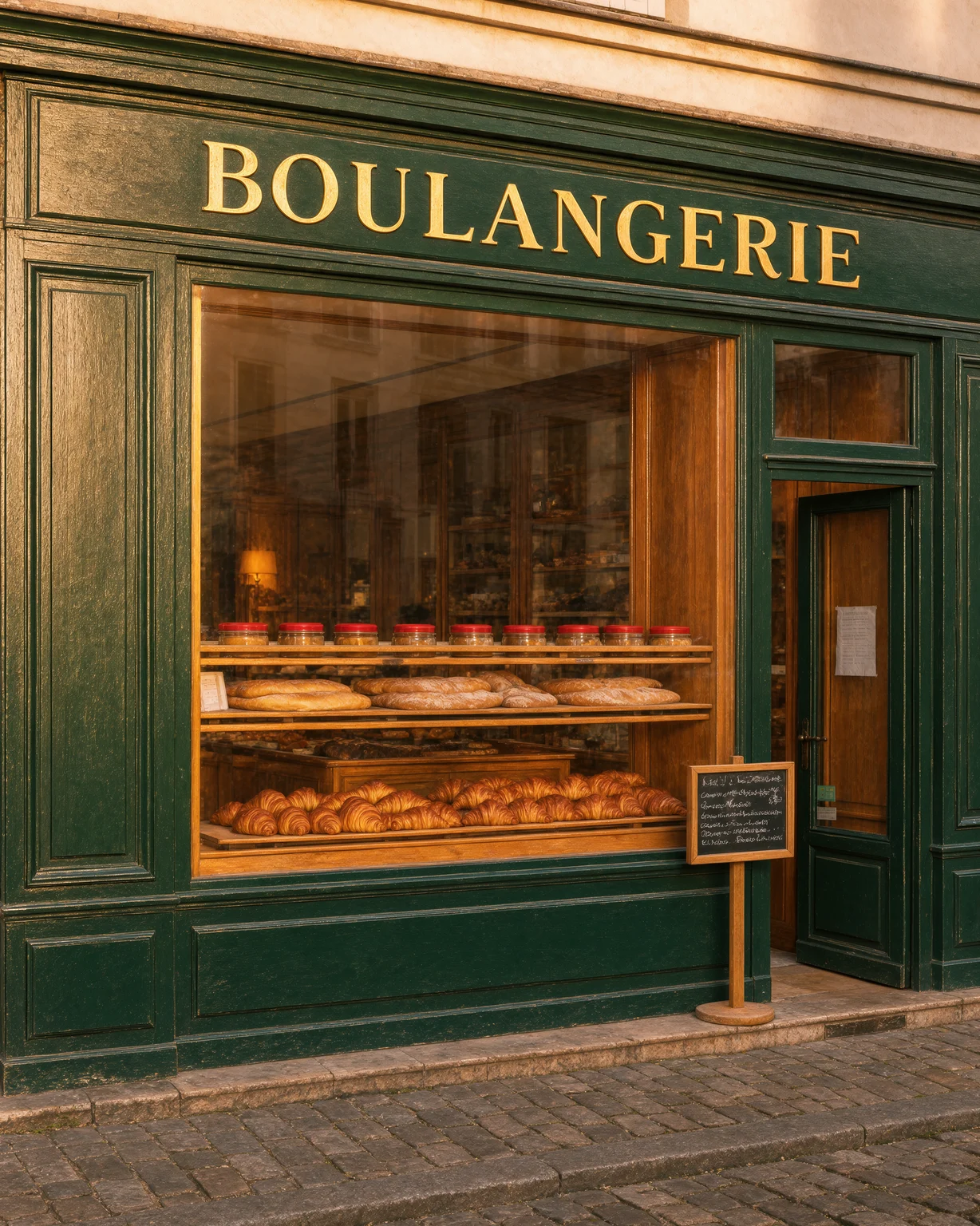
Unblur Image
Fix blurry photos. Krea 3 removes motion blur and soft focus and recovers fine detail.