












Create
Edit & enhance
AI Hair Color Changer: Try Any Hair Color Online
Upload a selfie, type the shade you want, and see it on your own hair in seconds. Krea 3 changes only the hair color: your face, haircut, skin, and background stay exactly as they are.
Try any hair color on your photo. Krea 3 changes only the color and keeps your face and haircut.
Free Krea account · Most edits in under 8 seconds · Native 2K
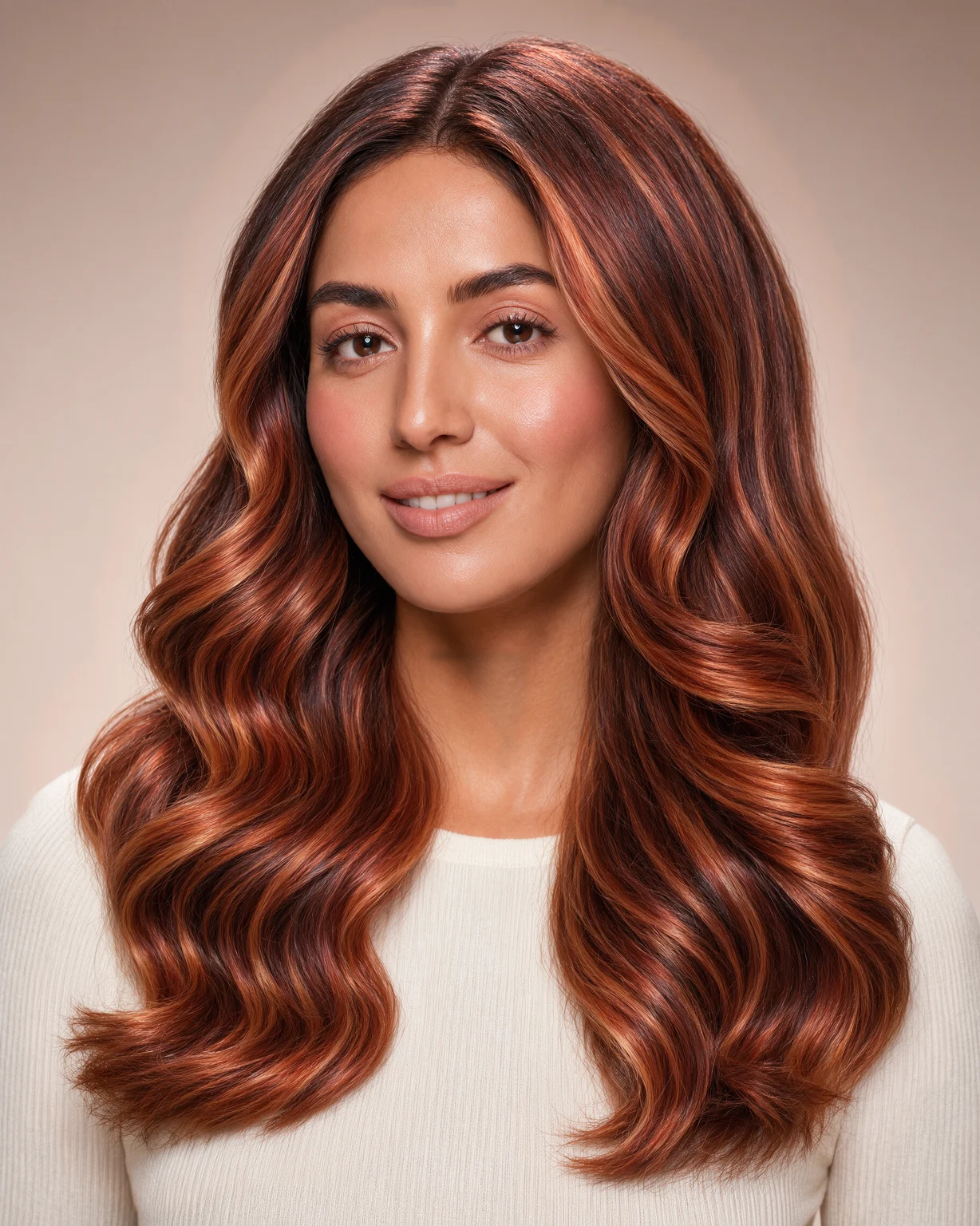
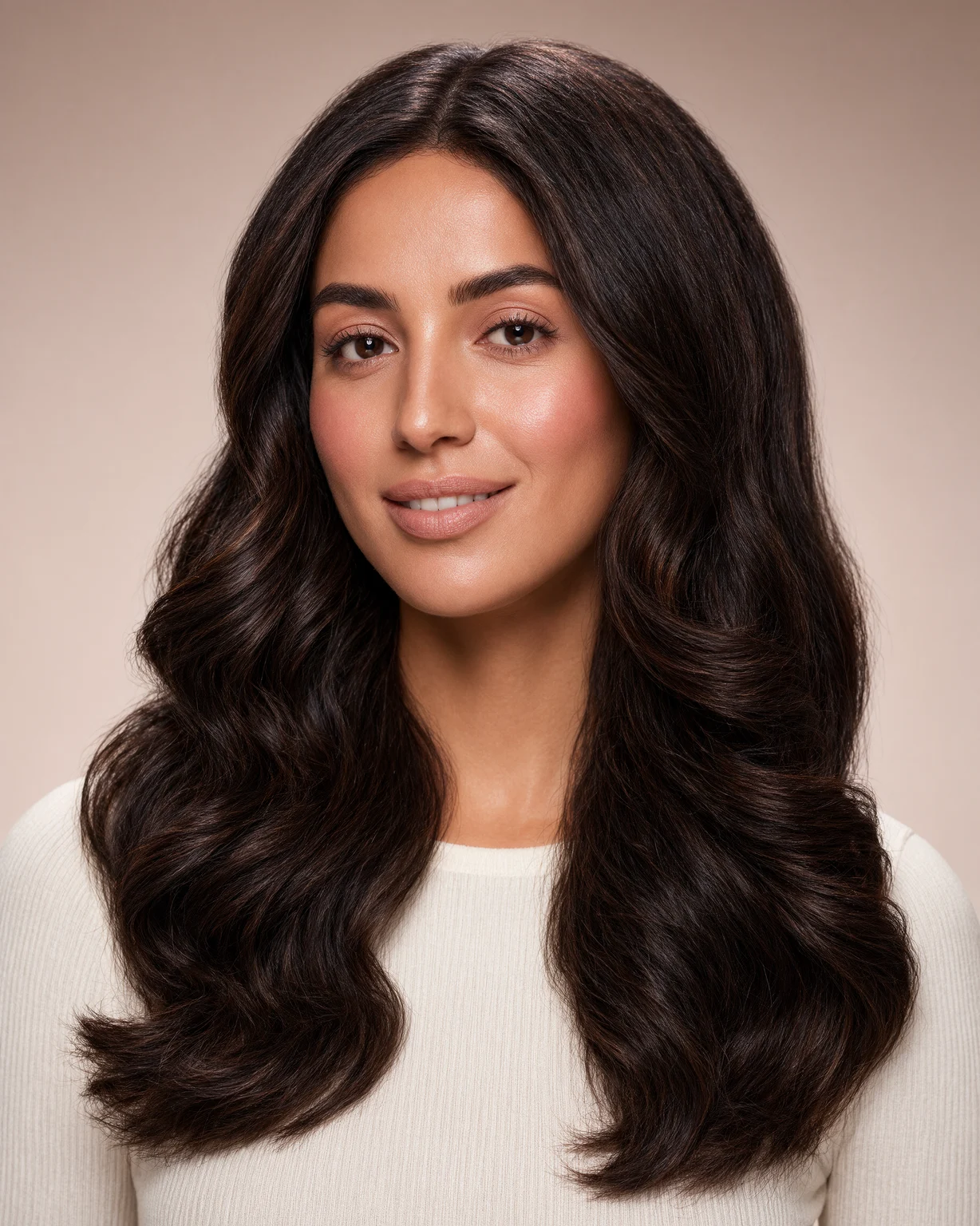
Hair color changer: before and after
Every after image on this page is a Krea 3 edit of the before image.
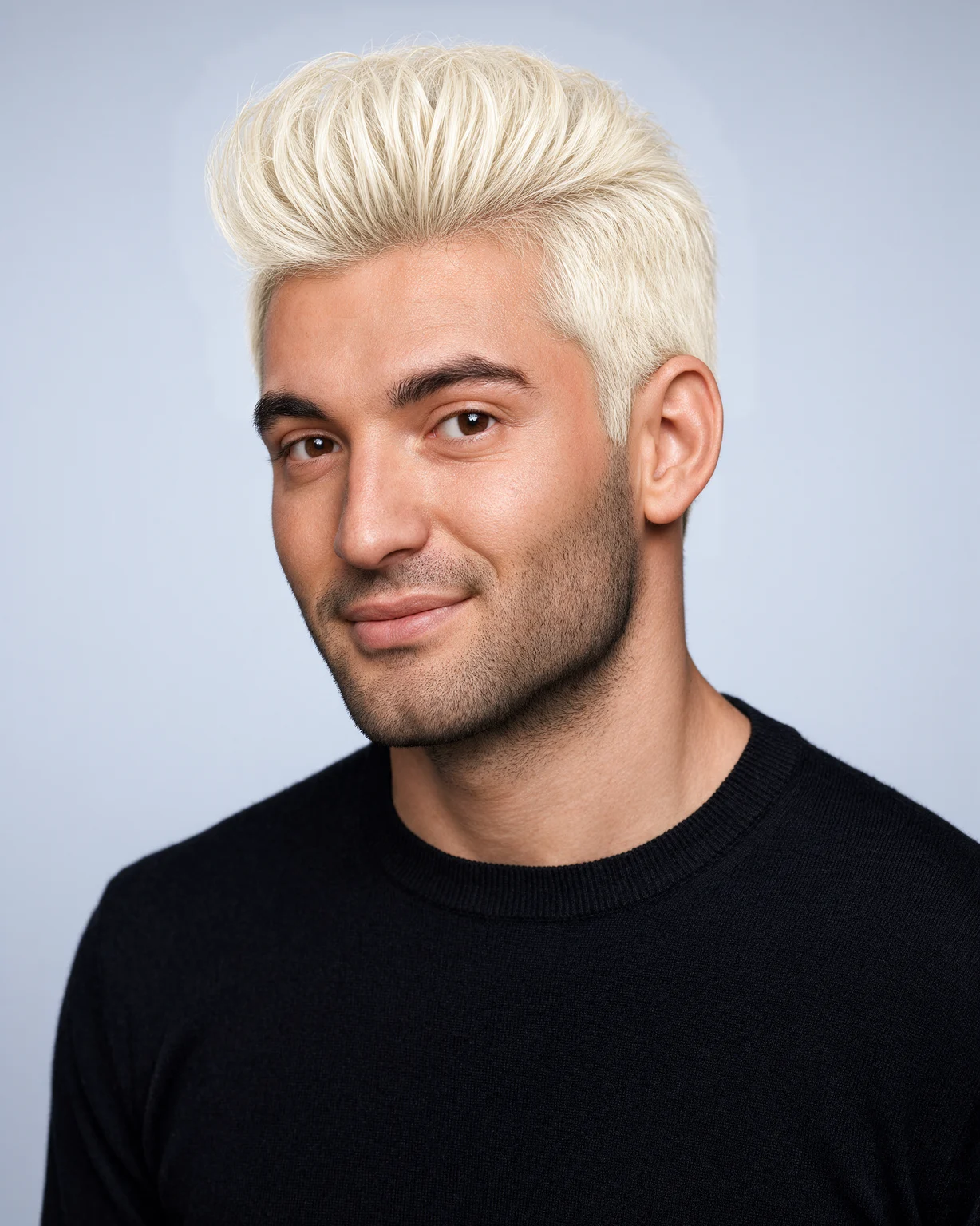
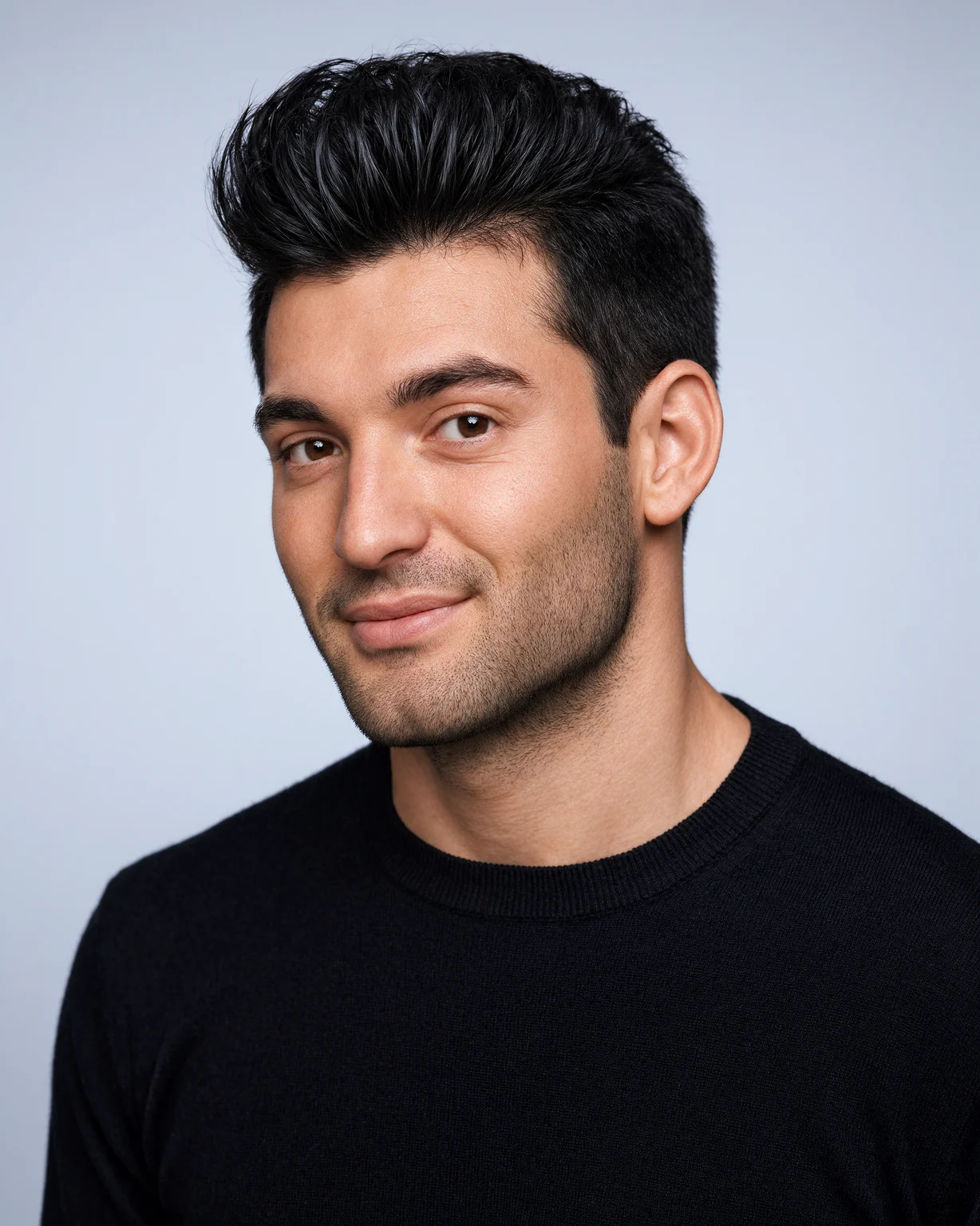
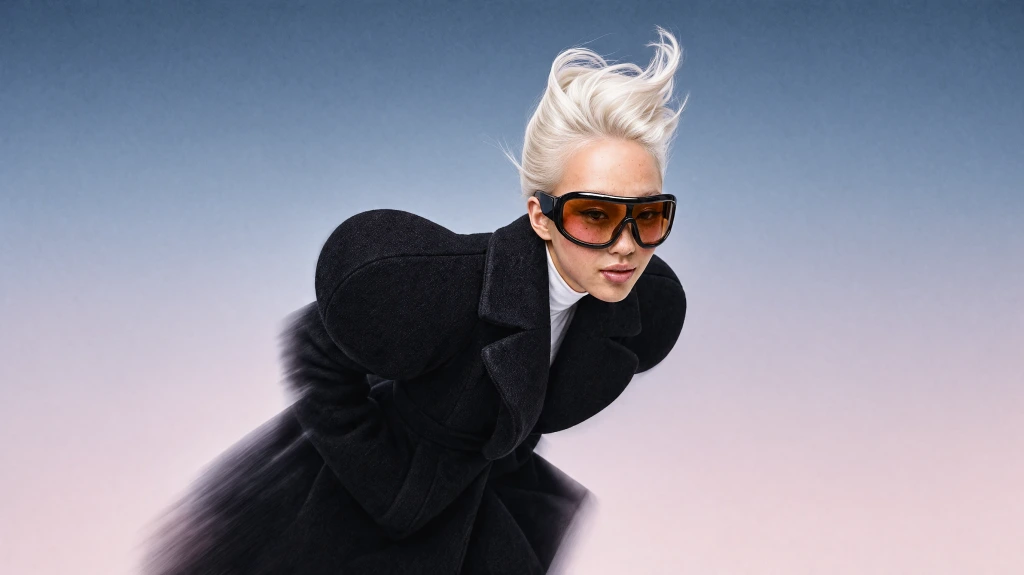
Black textured quiff changed to platinum blonde
Try a new hair color in 3 steps
How to change your hair color with AI
- 01
Upload a clear selfie
Use a front-facing photo in good light, with your hair visible.
- 02
Type the hair color you want
Try "copper balayage", "platinum blonde", "pastel pink", or "dark chocolate brown". Be as specific as you like.
- 03
See the new color on you
Krea 3 changes only the hair color. Most edits come back in under 8 seconds. Download it and show your stylist.
Virtual hair color try on
See a new hair color before you dye
Krea 3 works as a virtual hair color try on for natural shades, highlights, balayage, ombre, pastels, and bold fantasy colors. It changes the color and keeps your haircut, your face, and the light in the photo.
Want a new cut too? Try haircuts and color together in the Krea AI hairstyle changer.
What is Krea 3?
Krea 3 is Krea's new image editing model. Most edits come back in under 8 seconds, end to end, at native 2K. Ask it to change one thing and it changes one thing.
Learn about Krea 3Only the hair color changes
Krea 3 edits one thing at a time. Your face, haircut, skin, clothing, and background stay exactly as they are.
Any shade you can describe
Natural brunettes, blondes, and reds, or rose gold, lilac, and electric blue. Describe highlights, roots, or balayage in your own words.
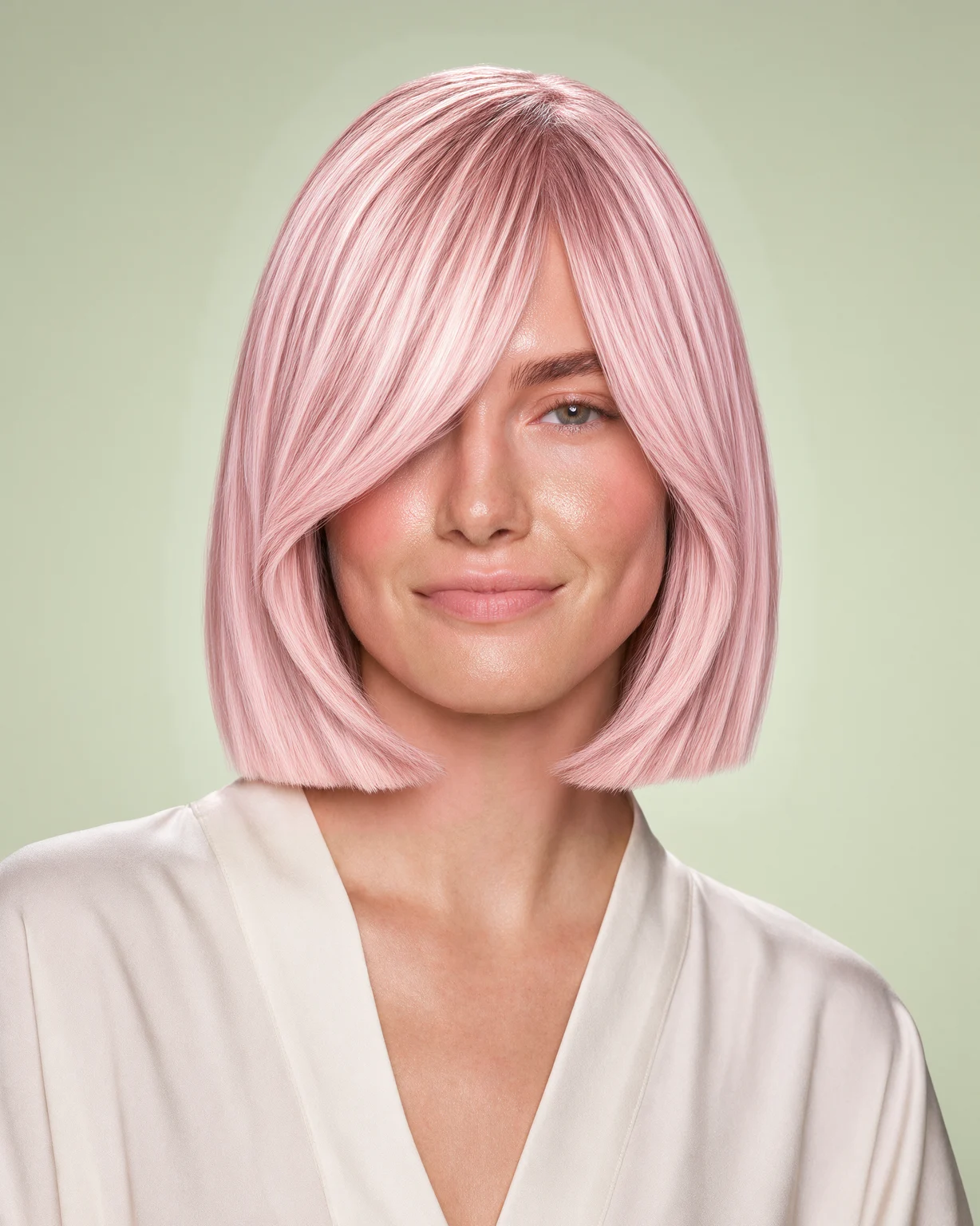
Compare colors in seconds
Most Krea 3 edits come back in under 8 seconds, so you can try five shades before you choose one.
Frequently asked questions
Common questions about how to change your hair color with AI.
Upload a selfie, type the color you want, and press generate. Krea 3 changes only the hair color and keeps the rest of the photo the same.
Krea 3 keeps your face, haircut, and skin as they are. Identity across edits is not perfect in any AI model, so compare the result with your photo and run it again if needed.
Yes. Describe the pattern as well as the color, for example "honey blonde balayage with dark roots" or "subtle caramel highlights".
This page changes the color only. To try a new cut and color together, use the AI hairstyle changer.
You need a free Krea account to run Krea 3 edits.
A sharp, front-facing photo in daylight, with your hair not hidden by a hat or a hood.
Try a new hair color now
Upload a selfie and see any hair color on you in seconds.
More Krea 3 edits
The same model, one edit each. Every example is a real Krea 3 result.
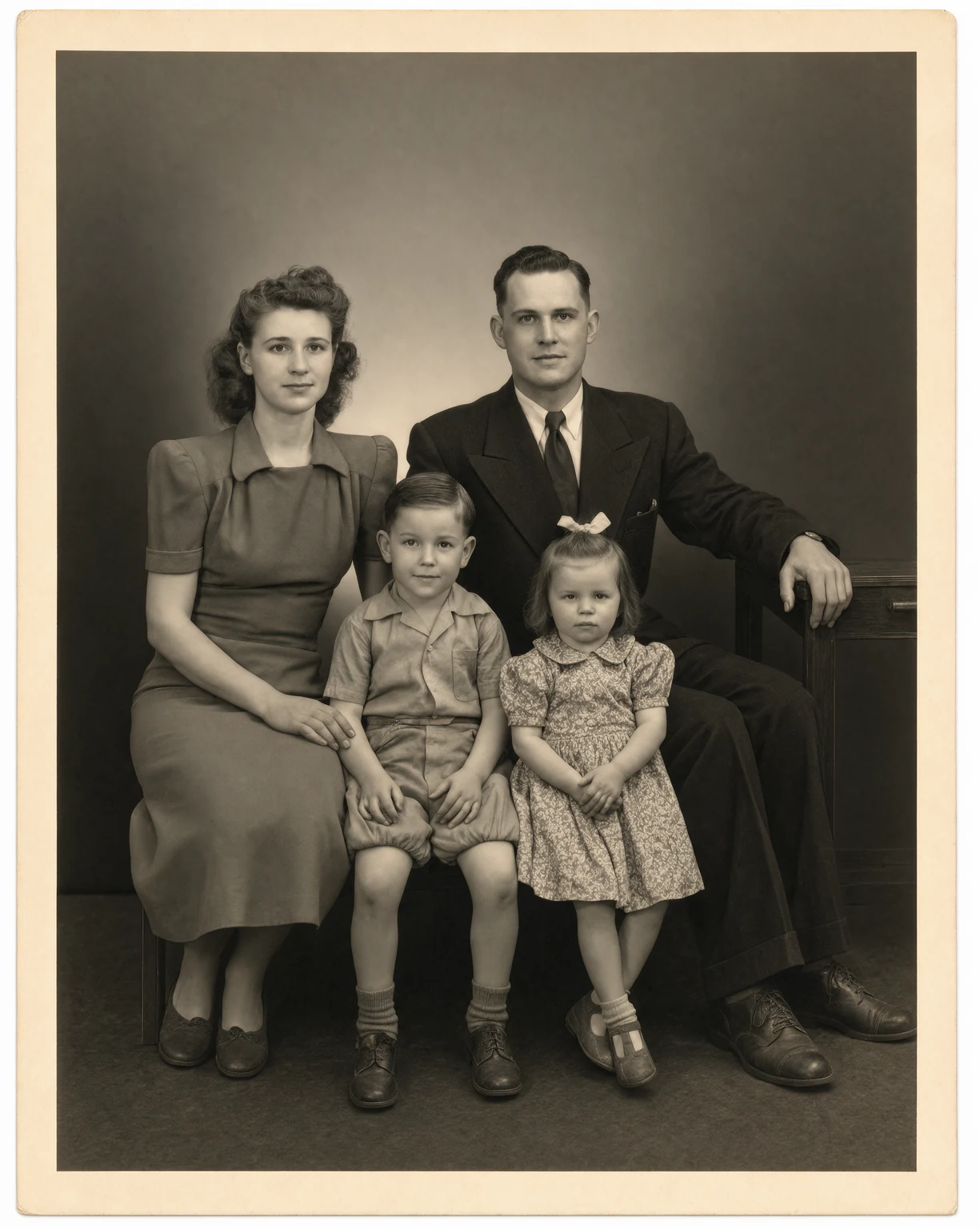
Photo Restoration
Restore old and damaged photos with Krea 3. Remove scratches, tears, and dust in seconds.

Expand Image
Expand photos beyond their borders. Krea 3 extends the scene with matching light and detail.
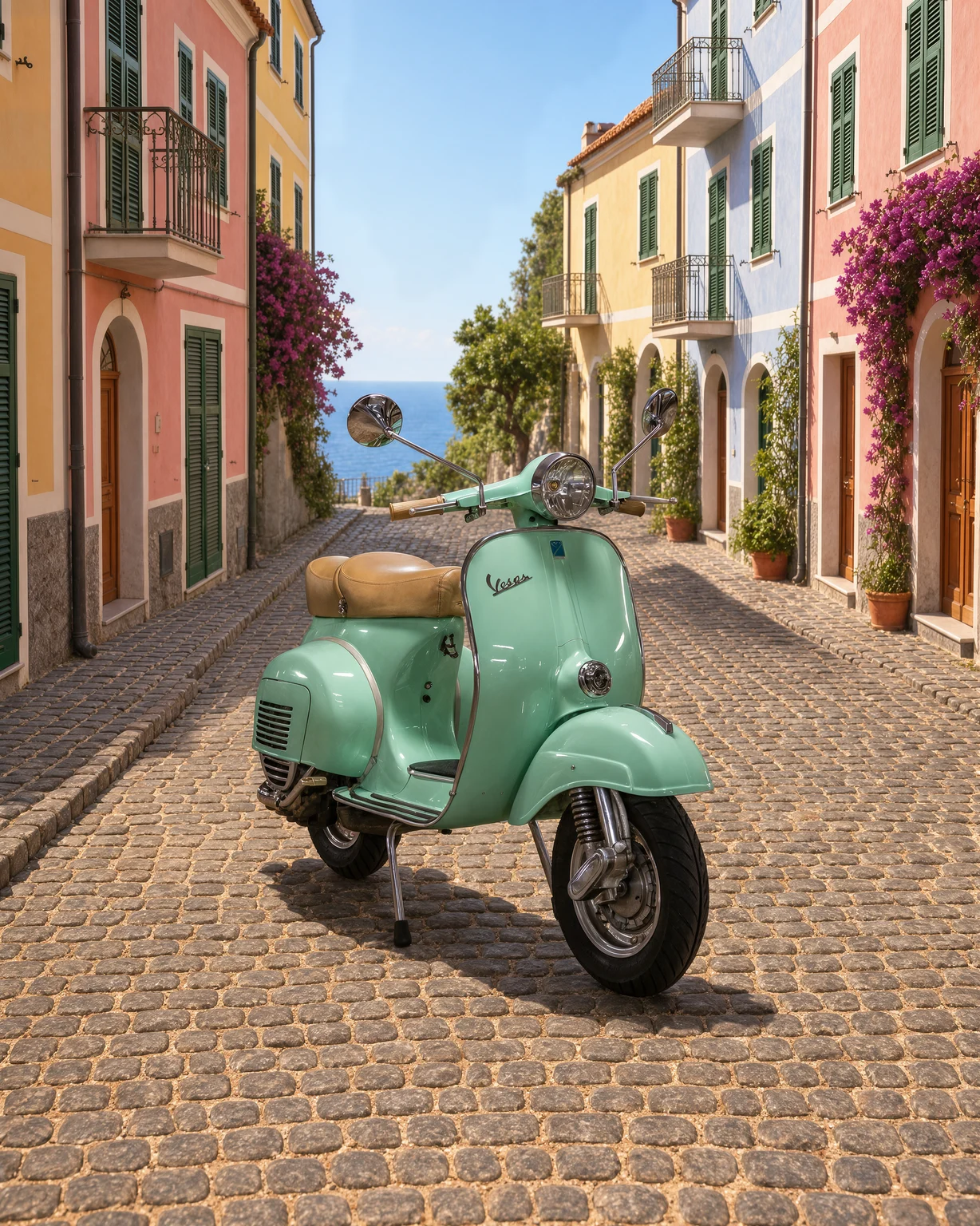
Change Background
Change the background of any photo. Describe a new scene and Krea 3 keeps your subject as it is.
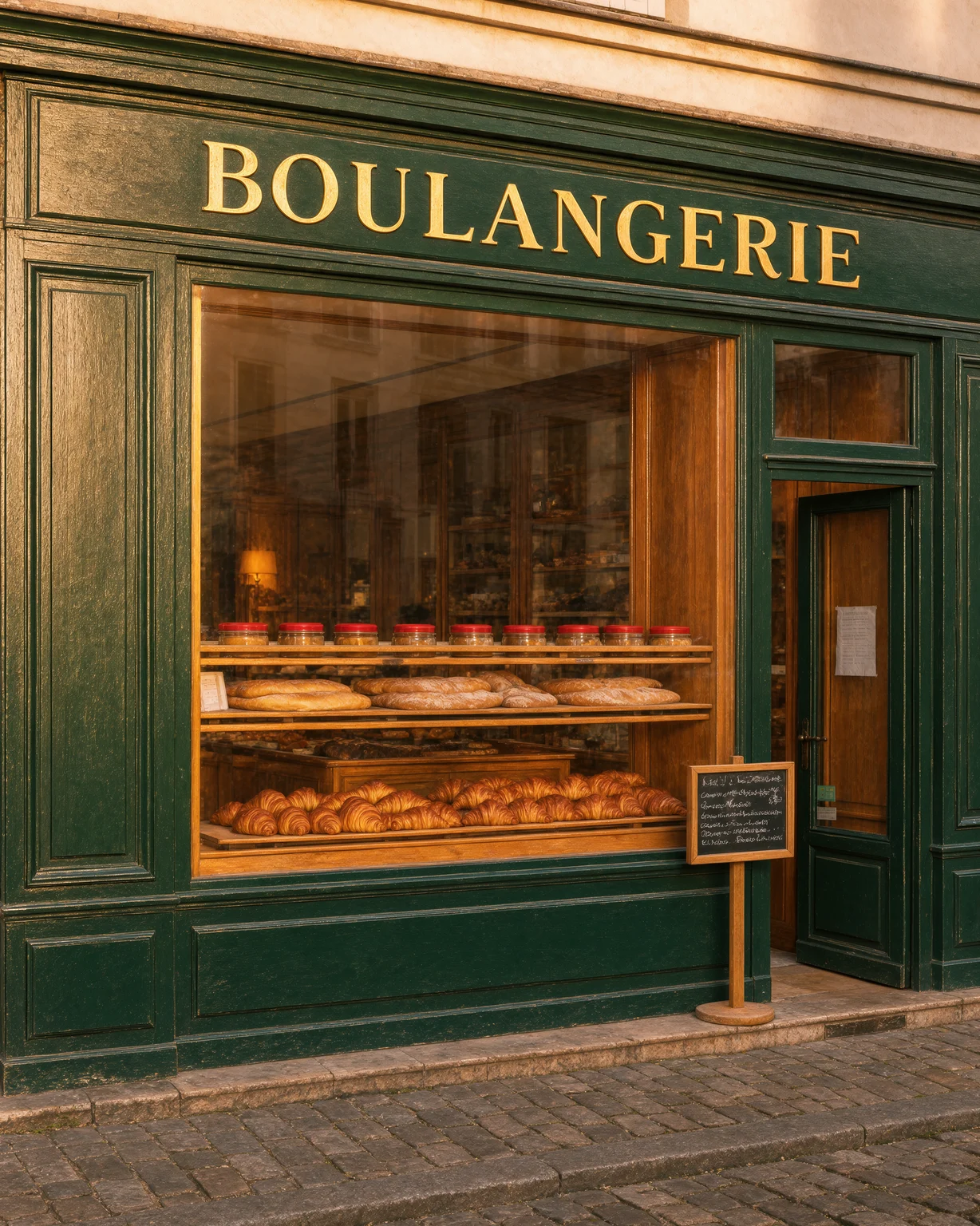
Unblur Image
Fix blurry photos. Krea 3 removes motion blur and soft focus and recovers fine detail.