












Create
Edit & enhance
AI Background Changer: Change the Background of Any Photo
Upload a photo, describe the new background, and Krea 3 builds the scene around your subject. People, products, and pets stay exactly as they are, down to the edges, the label, and the logo.
Change the background of any photo. Describe a new scene and Krea 3 keeps your subject as it is.
Free Krea account · Most edits in under 8 seconds · Native 2K
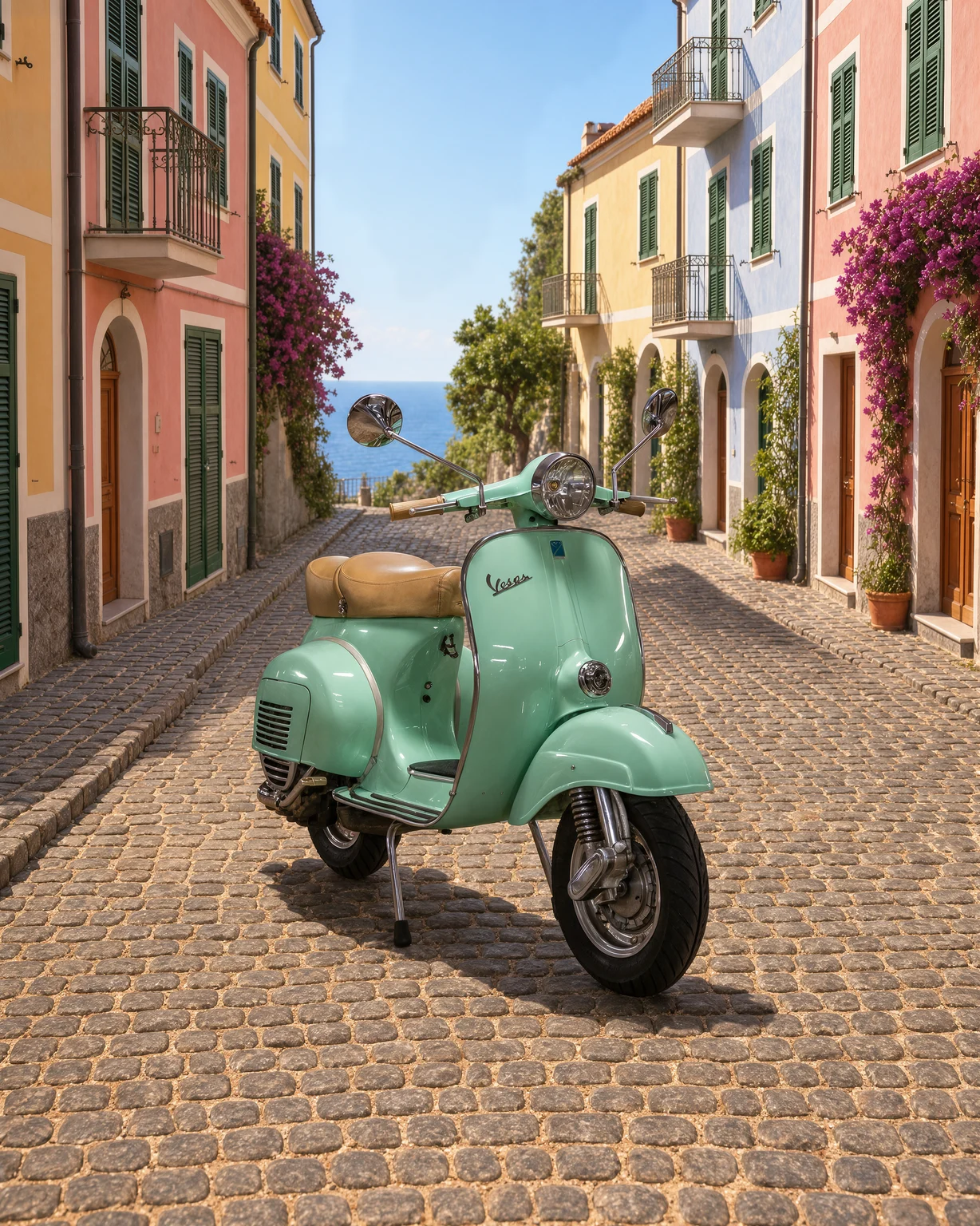
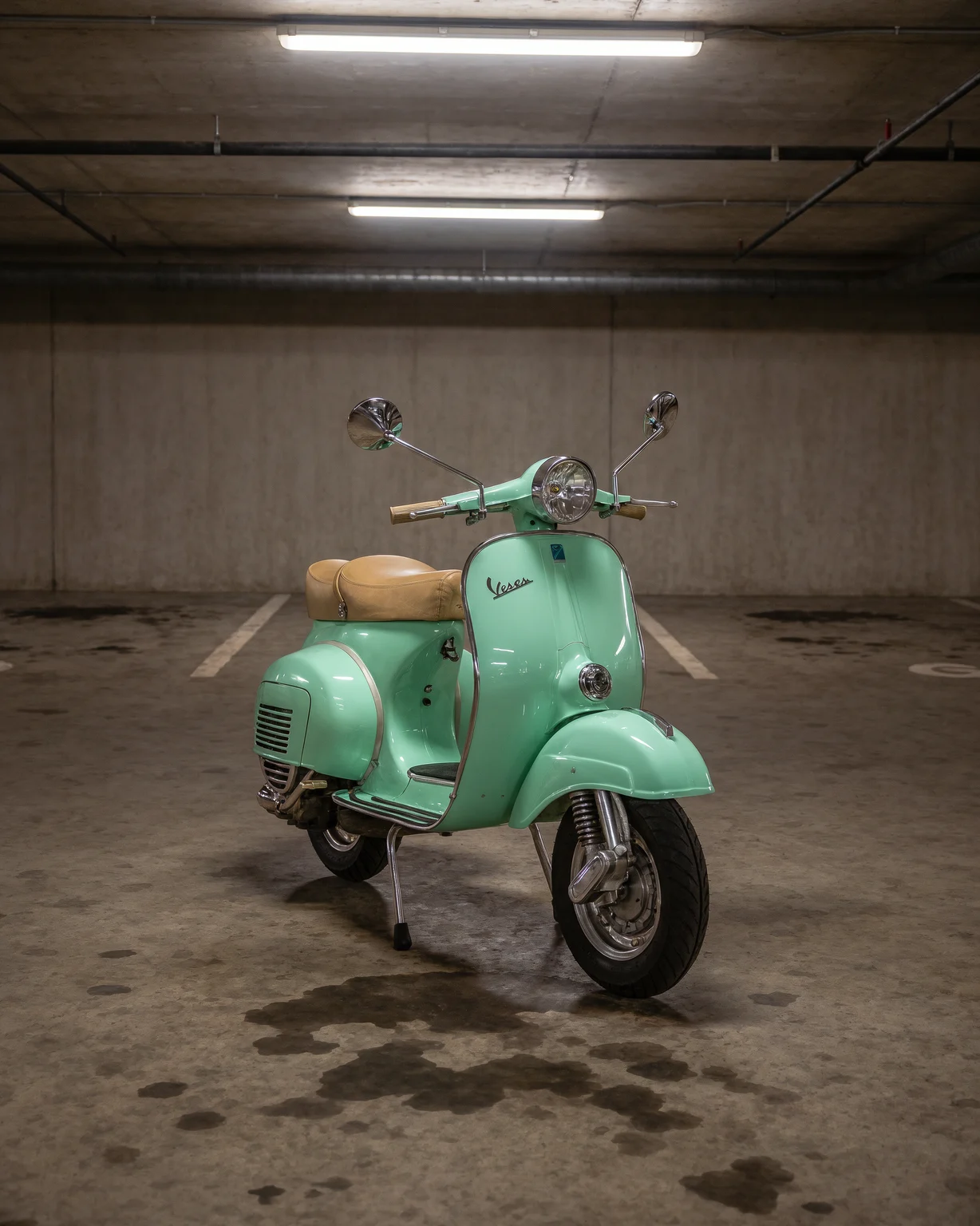
Change background: before and after
Every after image on this page is a Krea 3 edit of the before image.
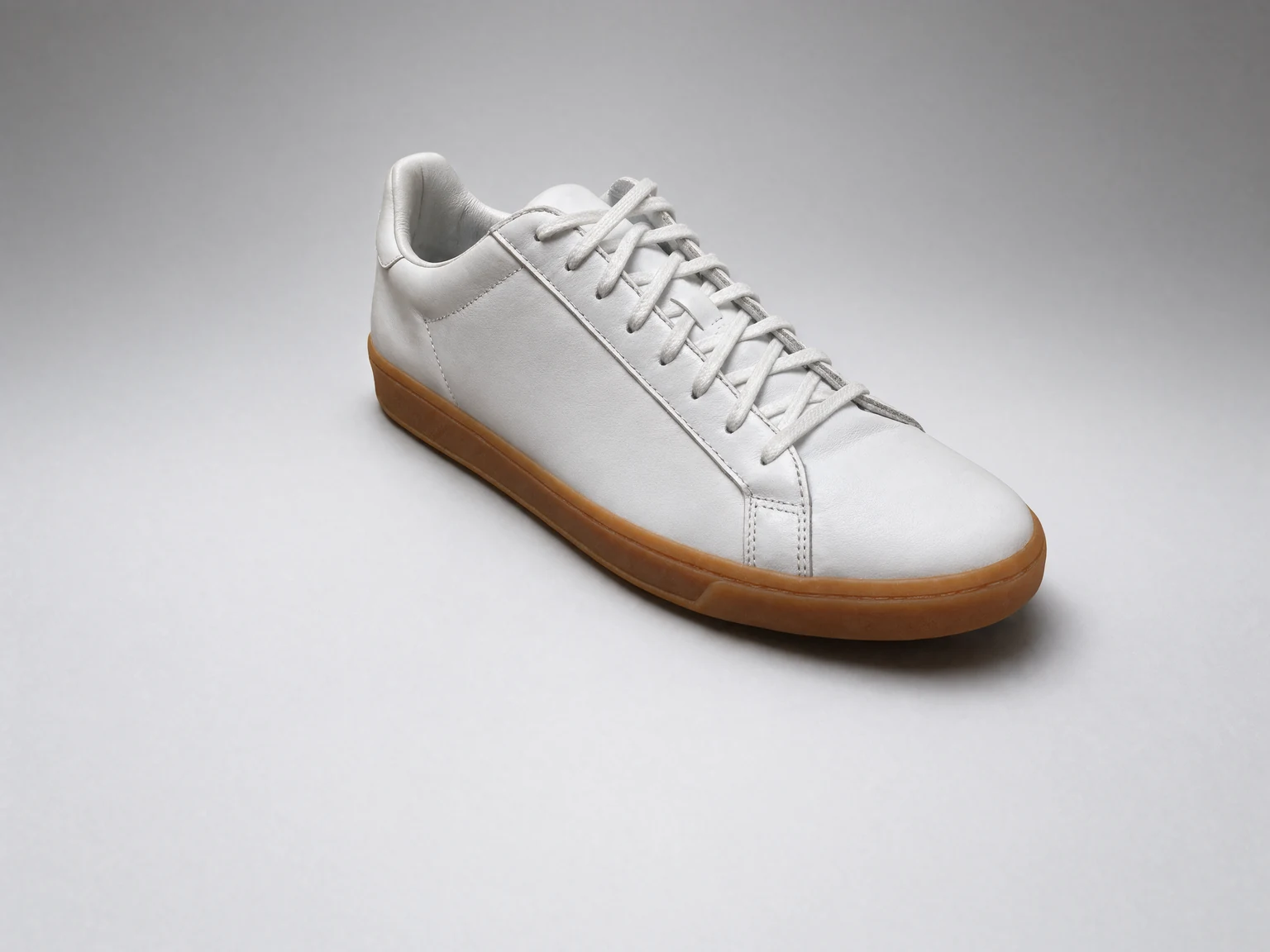
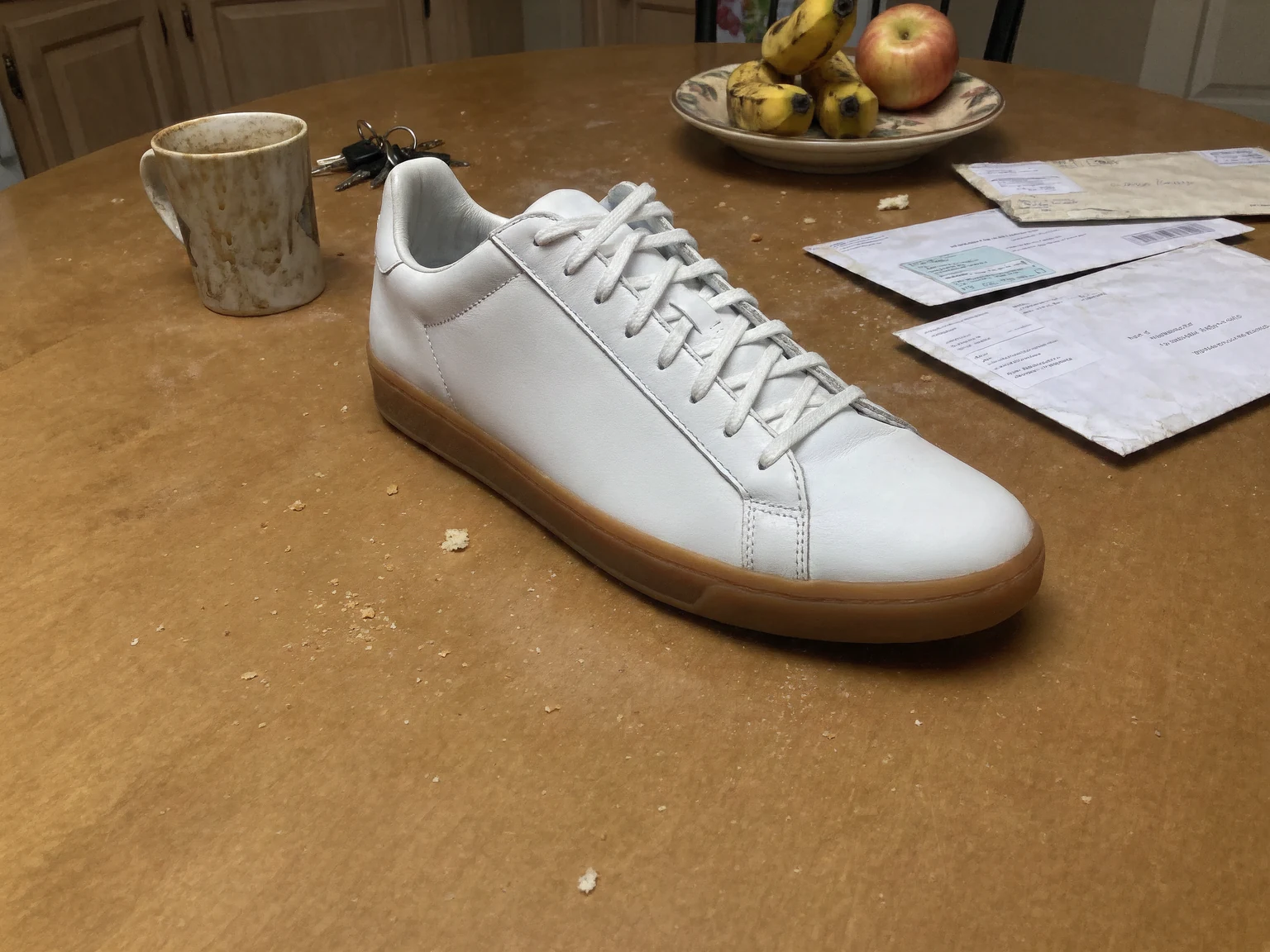
Sneaker on a kitchen table moved to a studio sweep
Change a photo background in 3 steps
How to change the background of a photo
- 01
Upload your photo
Upload a portrait, a product shot, or a photo of your pet.
- 02
Describe the new background
Type the scene: "a sunny beach at golden hour", "a white studio sweep", or "a Paris café terrace".
- 03
Download the result
Krea 3 builds the new scene around your subject. Most edits come back in under 8 seconds.
AI background changer
Put your subject in any scene
Krea 3 keeps the subject as it is, down to the label and the logo, and builds a new scene around it. A packshot on white becomes a campaign photo, and a selfie in the office becomes a beach photo.
Need a plain background instead? Use the Krea background remover for white or transparent backgrounds.
What is Krea 3?
Krea 3 is Krea's new image editing model. Most edits come back in under 8 seconds, end to end, at native 2K. Ask it to change one thing and it changes one thing.
Learn about Krea 3Your subject stays exactly as it is
Krea 3 keeps faces, clothing, products, labels, and logos unchanged while the background changes.
Any scene you can describe
Studios, streets, beaches, kitchens, or a custom brand set. Describe the light and the camera angle too.
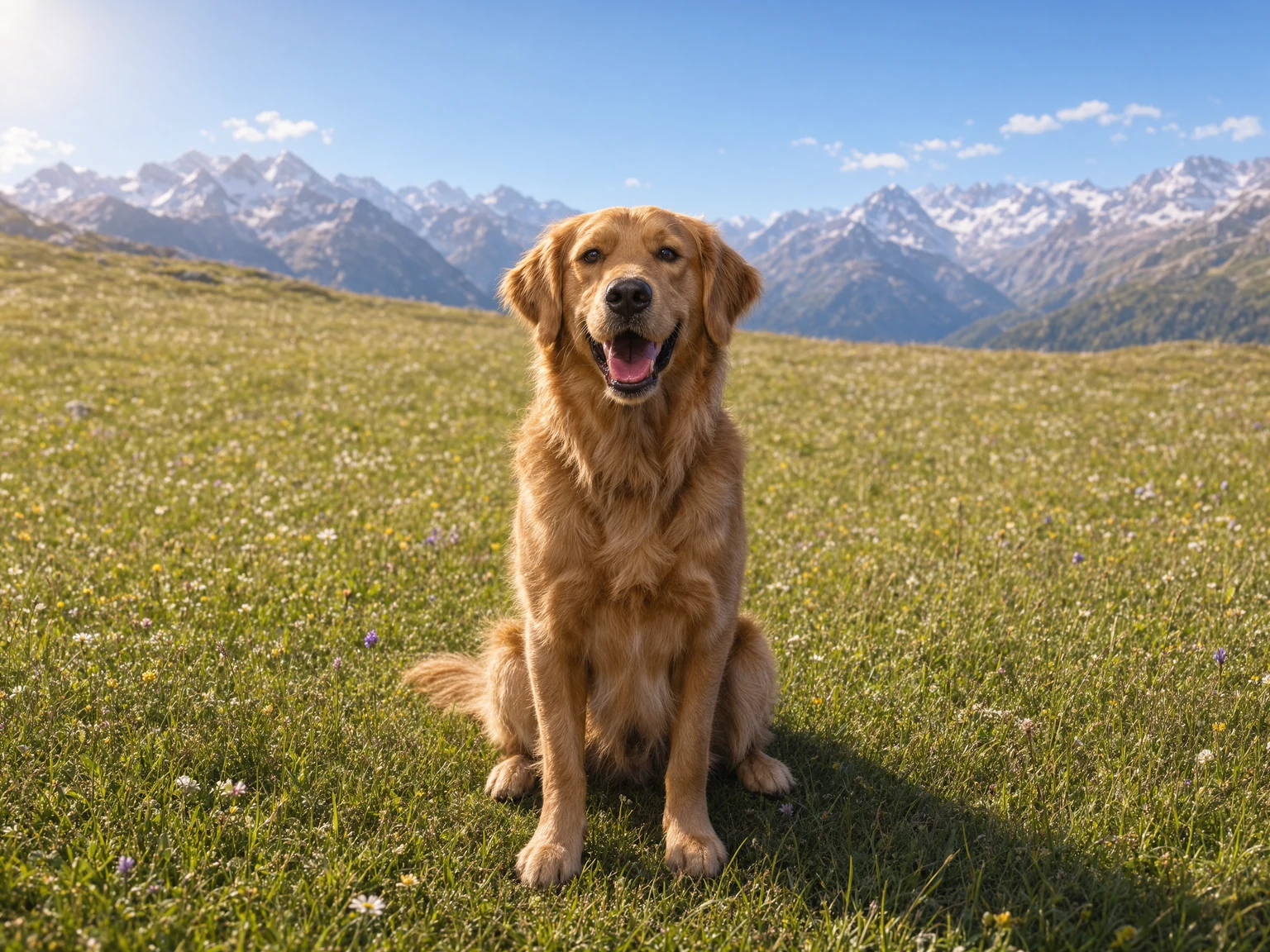
Product photos for every channel
Place one packshot in many scenes for listings, ads, and social posts, without a new photo shoot.
Frequently asked questions
Common questions about how to change the background of a photo.
Upload the photo, describe the new background, and press generate. Krea 3 replaces the background and keeps the subject.
Krea 3 keeps the subject as it is, including labels and logos on products. Small text is still a weak spot, so check fine print after each edit.
Yes. Product scene changes are what Krea 3 does best. Describe the surface, the props, and the light for the new scene.
Yes. Use the white background maker or the transparent background tool.
You need a free Krea account to run Krea 3 edits.
Krea processes uploaded photos to provide the result and handles them according to the Krea privacy policy. Review the privacy policy for details on storage, retention, and training.
Change a background now
Upload a photo and put your subject in any scene in seconds.
More Krea 3 edits
The same model, one edit each. Every example is a real Krea 3 result.
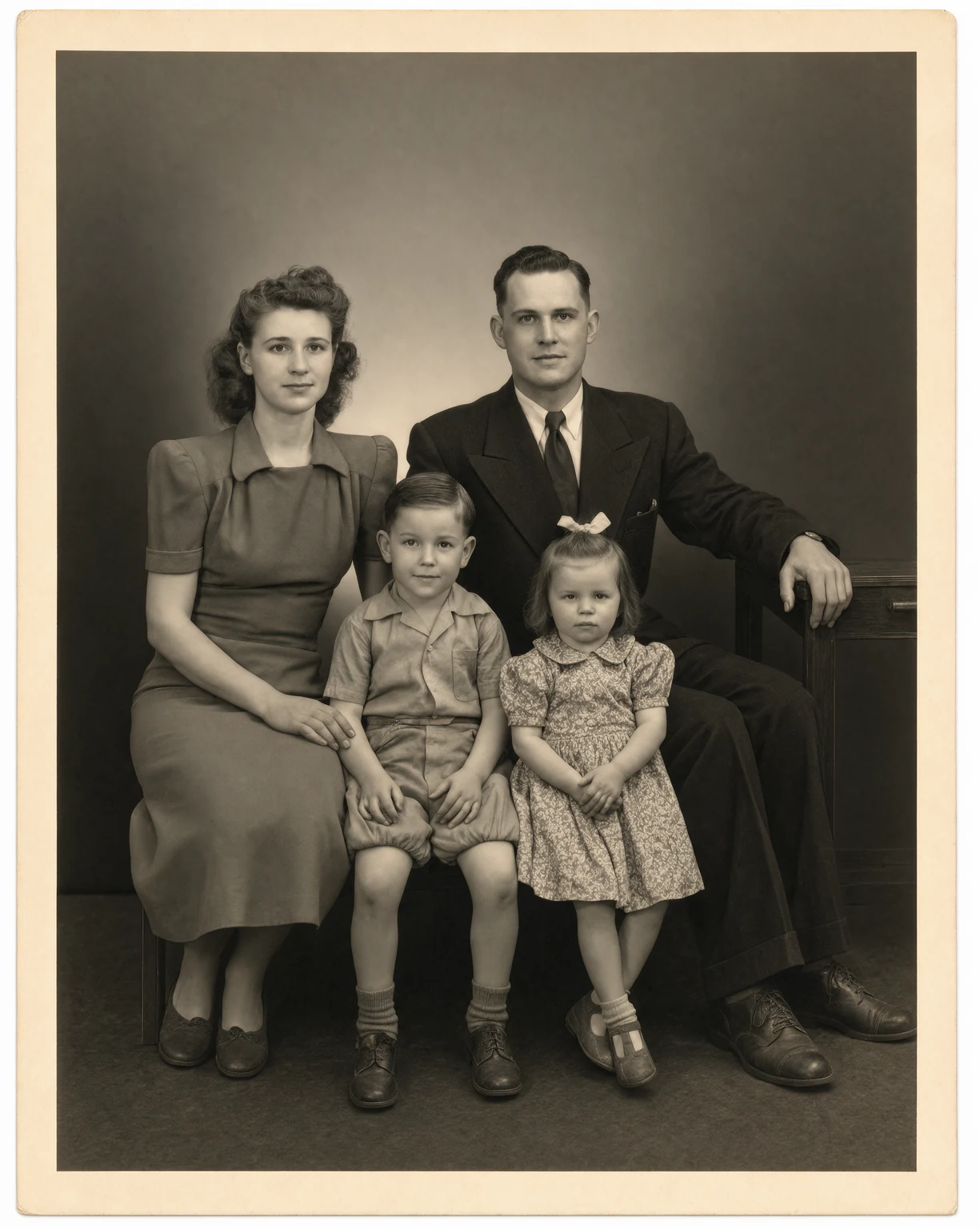
Photo Restoration
Restore old and damaged photos with Krea 3. Remove scratches, tears, and dust in seconds.
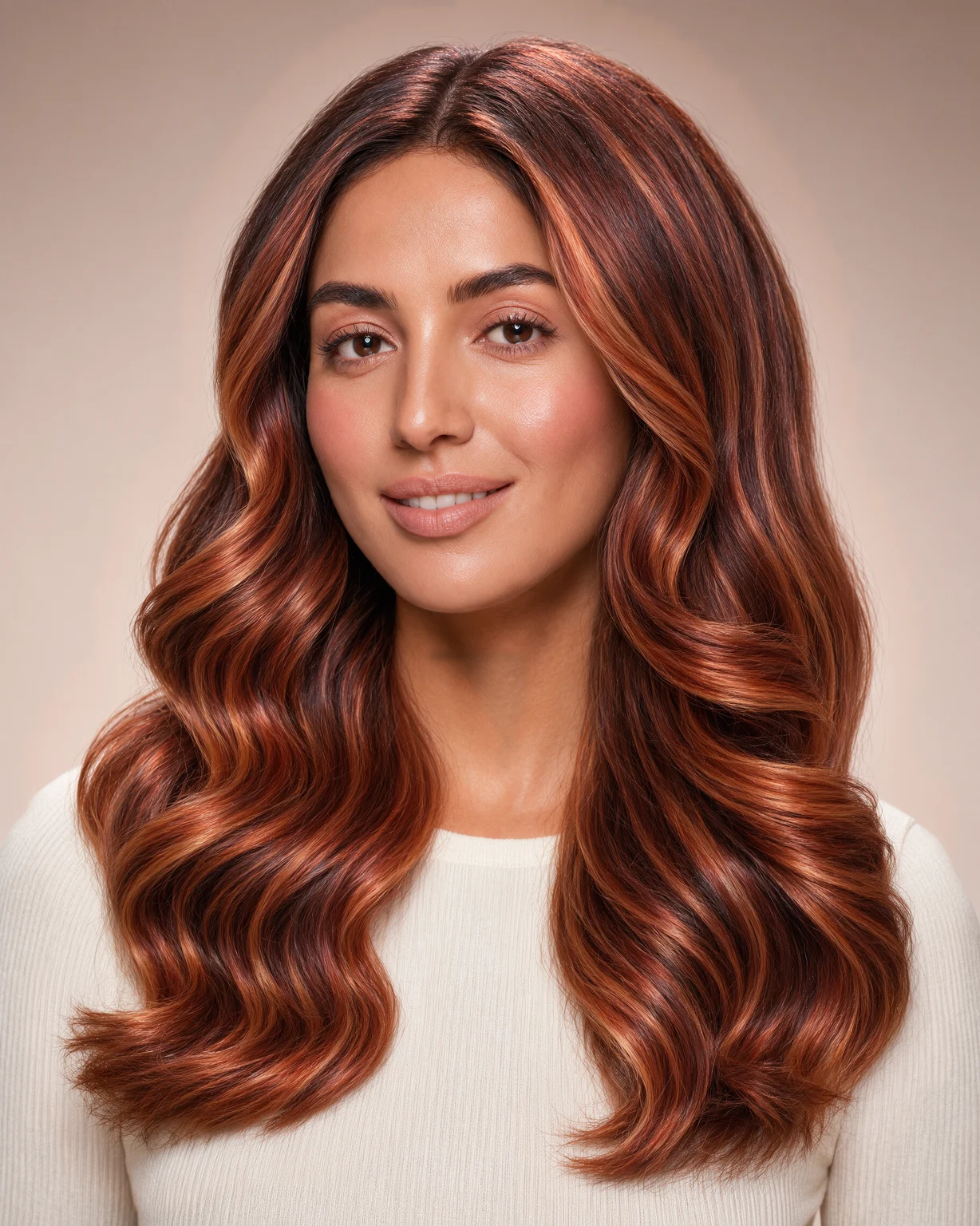
Hair Color Changer
Try any hair color on your photo. Krea 3 changes only the color and keeps your face and haircut.
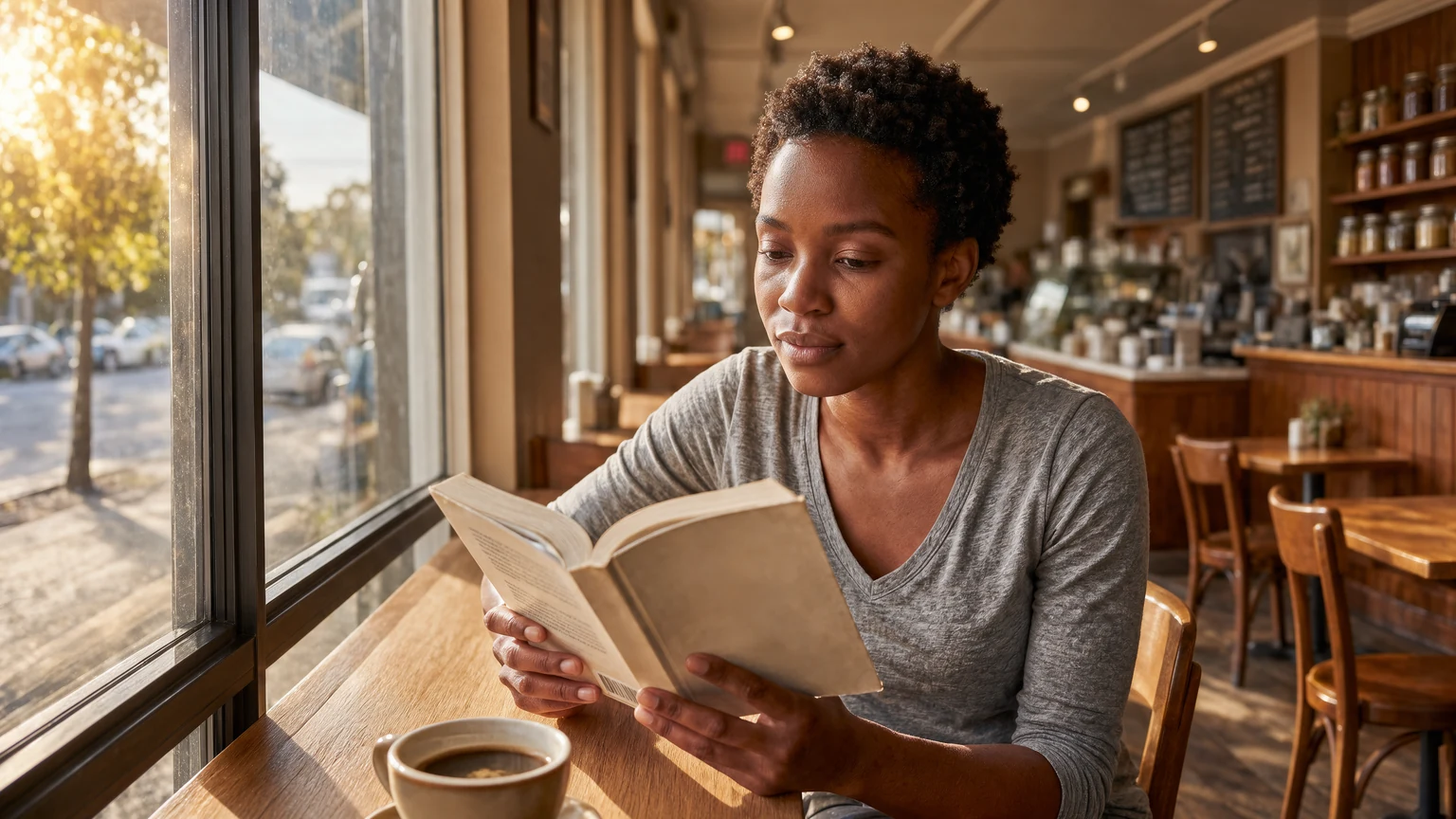
Expand Image
Expand photos beyond their borders. Krea 3 extends the scene with matching light and detail.
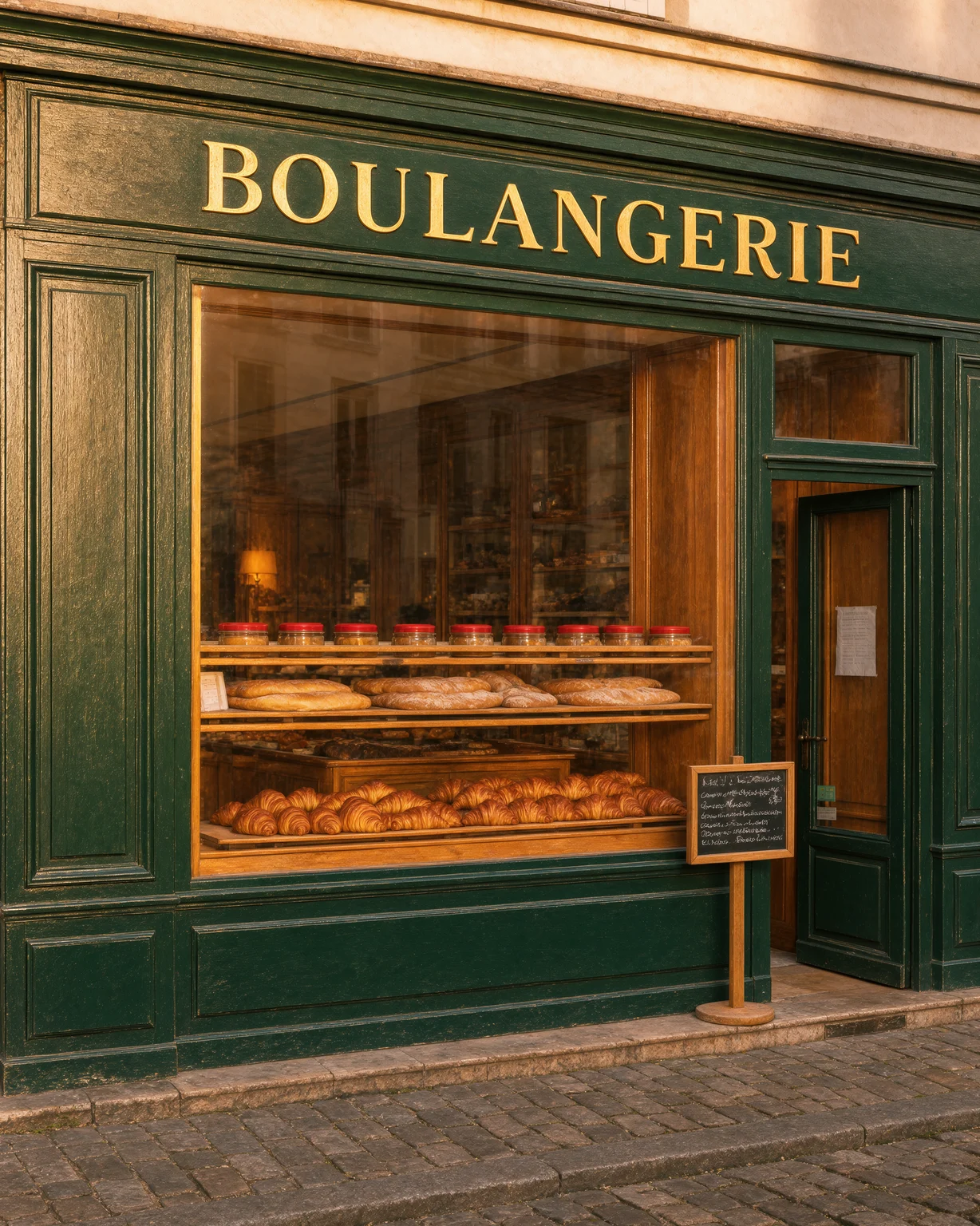
Unblur Image
Fix blurry photos. Krea 3 removes motion blur and soft focus and recovers fine detail.