Text to Image Generator

Free AI Image Generator

Type any description and watch your ideas become high-quality images in seconds. With the best AI image generators all in one place, create professional pictures with precise controls to match your vision.

Lego
Samsung
Nike
Microsoft
Shopify
Lego
Samsung
Nike
Microsoft
Shopify
Lego
Samsung
Nike
Microsoft
Shopify

Explore image generation possibilities.

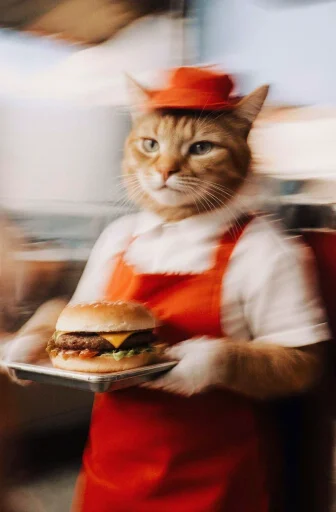
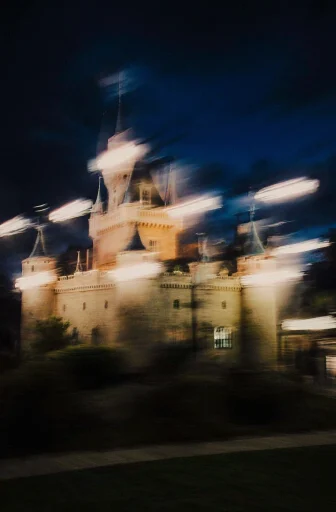
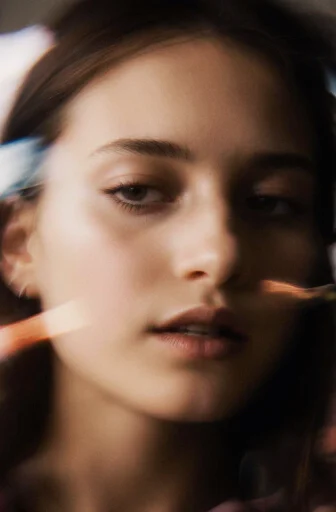
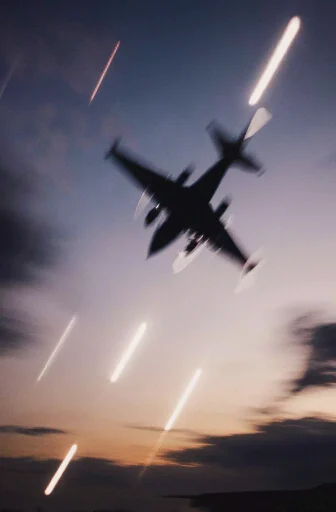
Check out these stunning AI generated images from Krea and the text prompts that generated them.

Cute orange tabby cat in fast food worker uniform, red apron and cap, holding a tray with a cheeseburger, inside a restaurant
A medieval castle
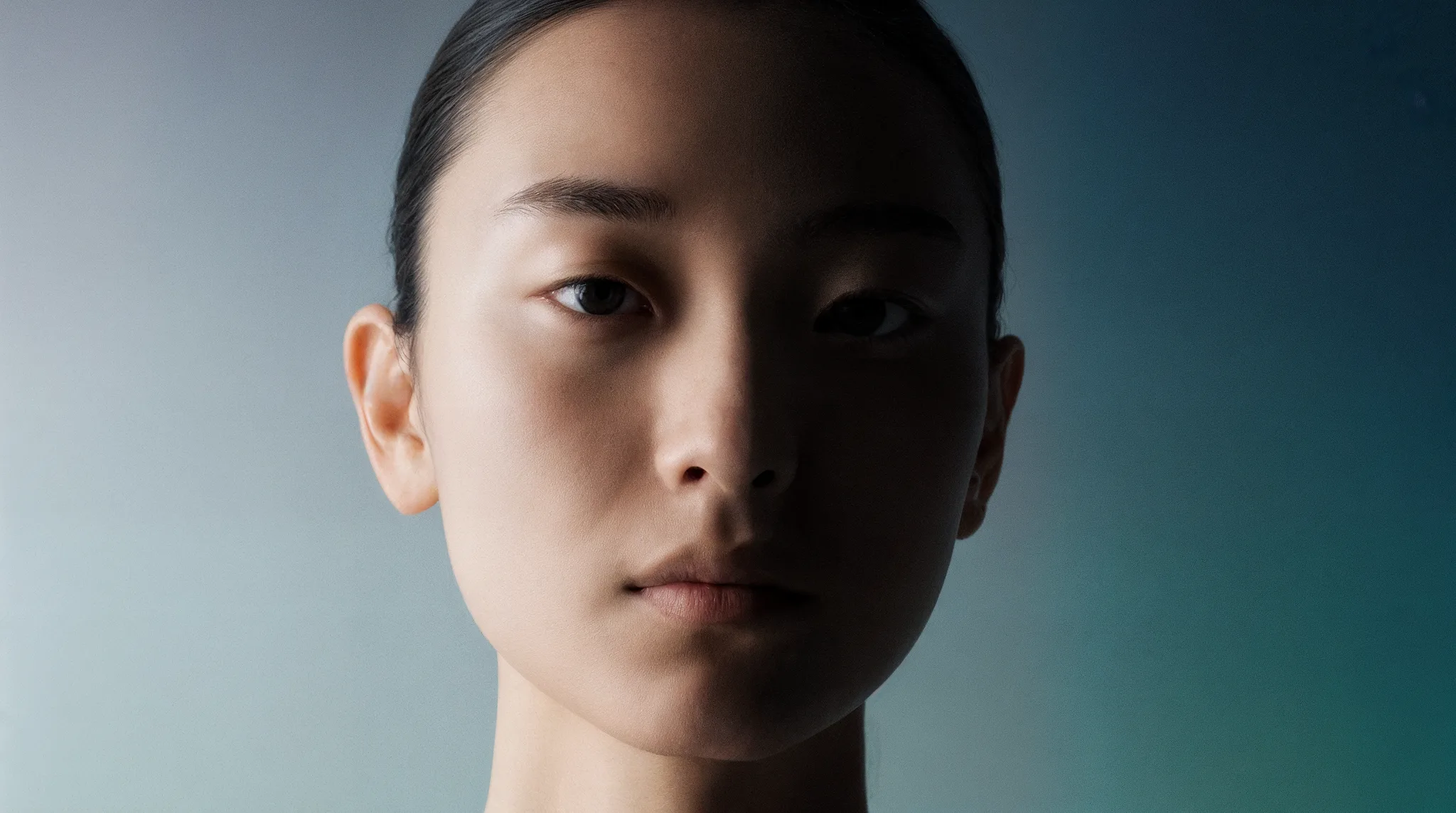
Extreme close-up portrait of a young woman’s face
A passenger plane during takeoff, viewed from below, with landing gear deployed and two turbofan engines

Flux

Flux

Krea

Krea

Imagen

Imagen

Nano Banana

Nano Banana

ChatGPT

ChatGPT

Wan

Wan

Get access to new models on the day they're released

The world's best AI image generators and AI art creators All in one tool

Flux Krea Imagen Nano Banana ChatGPT Wan

All paid plan generations are licensed for commercial use.

Start generating

Krea AI image generation features for creative freedom and precision.

UI for generating AI images with an image prompt in Krea
Quickly bring your own images as references

Image prompt

Upload one or more reference images to guide your AI-generated pictures. The model follows their content, color, and composition while leaving room for your creative direction. Works well for brand consistency, product campaigns, or building from existing visuals.

UI for generating AI variations of an image in Krea
Tweak your generations to perfect your results

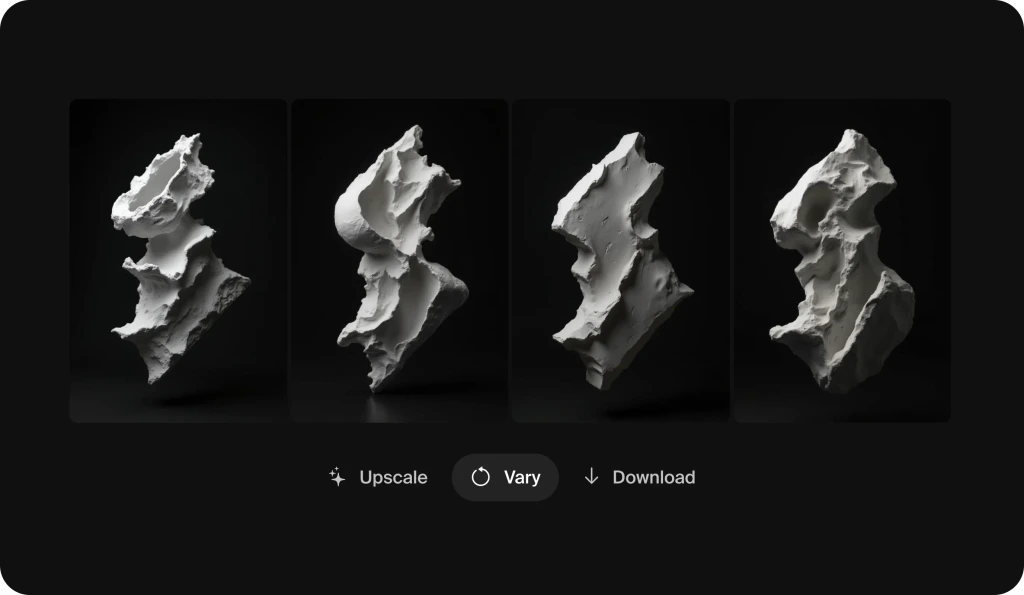
Variations

Explore dozens of variations in one click. Try different compositions, poses, or subtle changes, useful for social posts, banners, ads, or TikToks where you need options fast.

UI for generating AI images with different aspect ratios in Krea
Generate images in whatever size you need

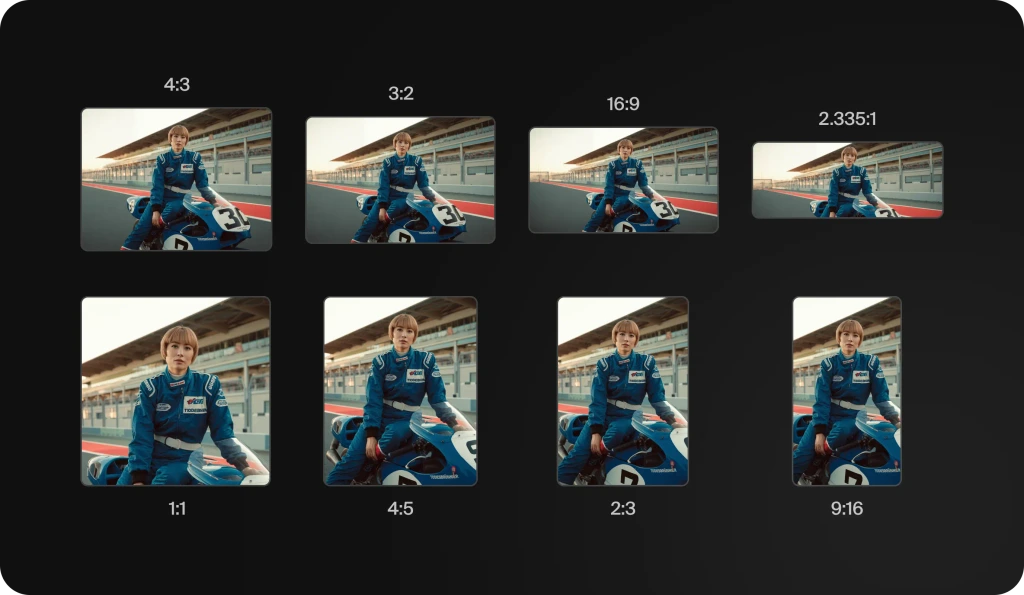
Aspect Ratios

From vertical portraits to cinematic wides, Krea adapts your output to the exact format you need — no cropping or awkward resizing required

UI illustrating AI image generation in Krea
Get results back in seconds

Fastest inference

Krea is more than just an app layer on top of APIs or open-source. We put a lot of effort into having one of the strongest inference infrastructures to make models like Flux or Krea-1 to work in just seconds. Every prompt returns multiple results so you can compare and pick the best one.

Every tool works together to give you complete creative control

Quick Start

How to generate AI images

Easily generate your own images following these quick steps in the online AI image generator.

Step 1

Open the AI image generator in Krea

To get started, sign in to Krea or create a free account. Select the Image Tool on the homepage to start using the free online AI image generator. Pick a model like Krea-1, Flux, or ChatGPT Image and you're ready to go.

Step 2

Write a text prompt

Type a detailed description of what you want to generate in the prompt field. Start with five words or more, for example "a product shot of a sushi roll underwater." Add specific keywords like lighting, angle, or mood to shape the result.

Step 3

Generate your AI image

Click Generate and watch as Krea produces multiple unique image options in just seconds. If you want a more specific style or layout, upload a reference photo or sketch and generate another set of visuals.

Step 4

Refine, edit, regenerate

Edit your image by tweaking the prompt, adjusting the settings, or using Krea Edit to add, remove, or transform elements for a fresh result. Turn your AI generated image into eye-catching social posts, videos, flyers, and more. Once you are happy with your creation, download it or share it directly with others.

Tips

Tips for using the online AI image generator

The best image generation starts with a solid concept, a simple image prompt, and some strong reference images. Use these tips to spark ideas, guide the AI image generator, and get results you'll love.

1

Start with a simple prompt

Start with a simple 4-5 word phrase, such as "raining soccer balls in the desert." Then experiment with different words to see what else Text to Image can create for you. For the best results, be as descriptive as possible. Use simple text prompts and iterate.

2

Upload reference images or shapes

Upload an image whose style you want to replicate, for example, create a white 3D sphere on a blue background. Then build on that structure in the Image Tool to generate similar shapes like basketballs, soccer balls or anything round you can imagine.

3

Create in stages

Use generative AI whenever you are inspired to create images, then reuse the images as style references later. For example, you could create an underwater macro photo of colorful blobs, then reuse that same image to generate more.

Explore generations from the feed

Discover what creators are making in Krea, then jump into the Image Tool and create your own.

Flower and ConcreteWoman of the AirVeggie Burger, Cozy Hillside Cottage, Coffee Mug, FBatman PortraitTubes and FlowersSnake Wrapped Around FaceMan Split Between WorldsWoman Drinking BeerBlue Model PortraitFlowers Under Neon LightCat with GlassesWarrior Kissing SkullModern Apartment BuildingWoman in LeatherJoker in ShadowsUnknownMedieval Warrior PortraitRainy San Francisco NightAnthro Crow in Charcoal SuitCrows in Blizzard

Intuitive, powerful, and free. See what others say about Krea.

Read our testimonials

So many AI tools out there but I always come back to Krea. It's really the one AI platform that 'just works'.
FYN

FYN

Krea's interfaces are still the best in the industry. Everything looks and feels so clean and easy to use! Imo the easiest to use gen AI website.
Lynn

Lynn

Ultra fast generations. Extremely simple to use. All the latest AI models.
Daniel

Daniel

KREA is the only AI subscription I have right now besides ChatGPT.
Sophia M.

Sophia M.

Frequently Asked Questions

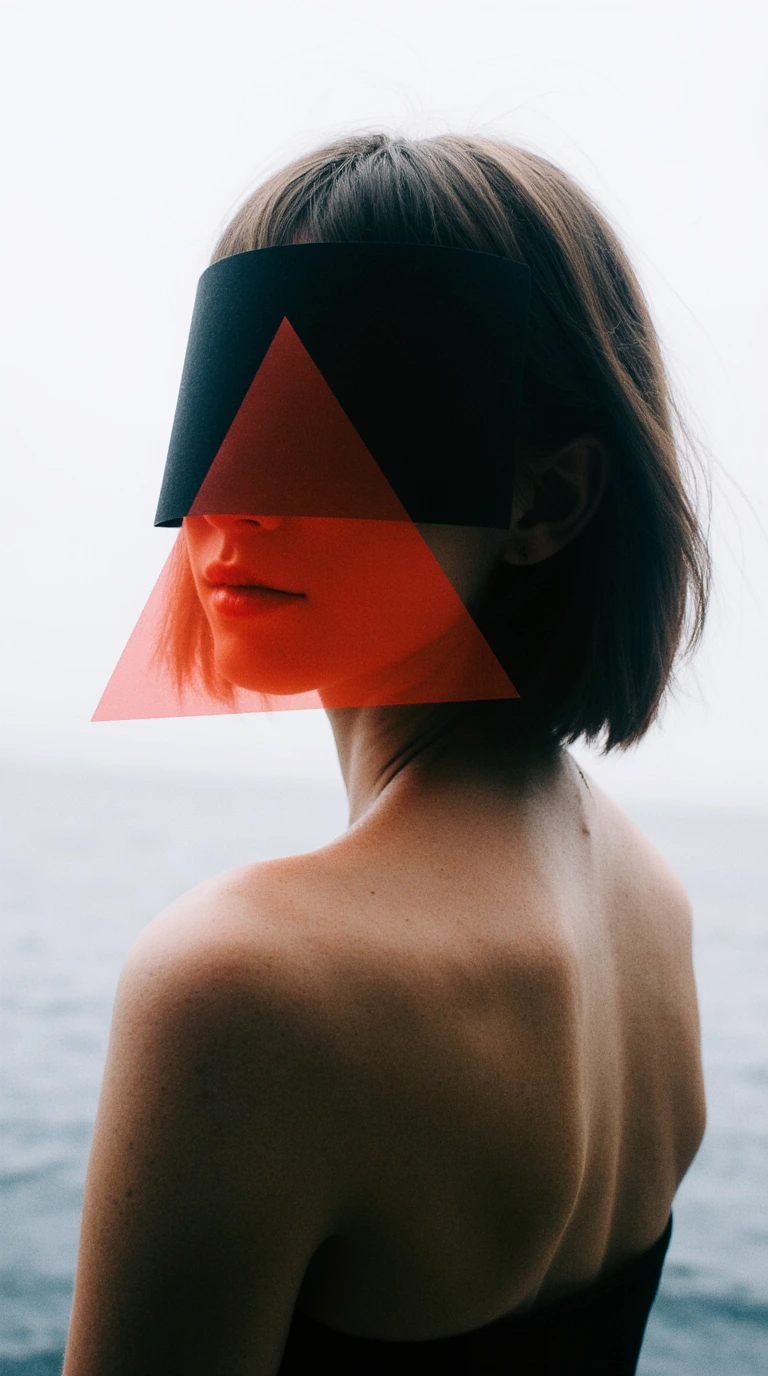
A woman with short brown hair stands by the sea, her back exposed and turned slightly to the camera. Her face is partly obscured by a black visor and a translucent red triangle of plastic, creating a bold, geometric, futuristic look against the pale sky and water
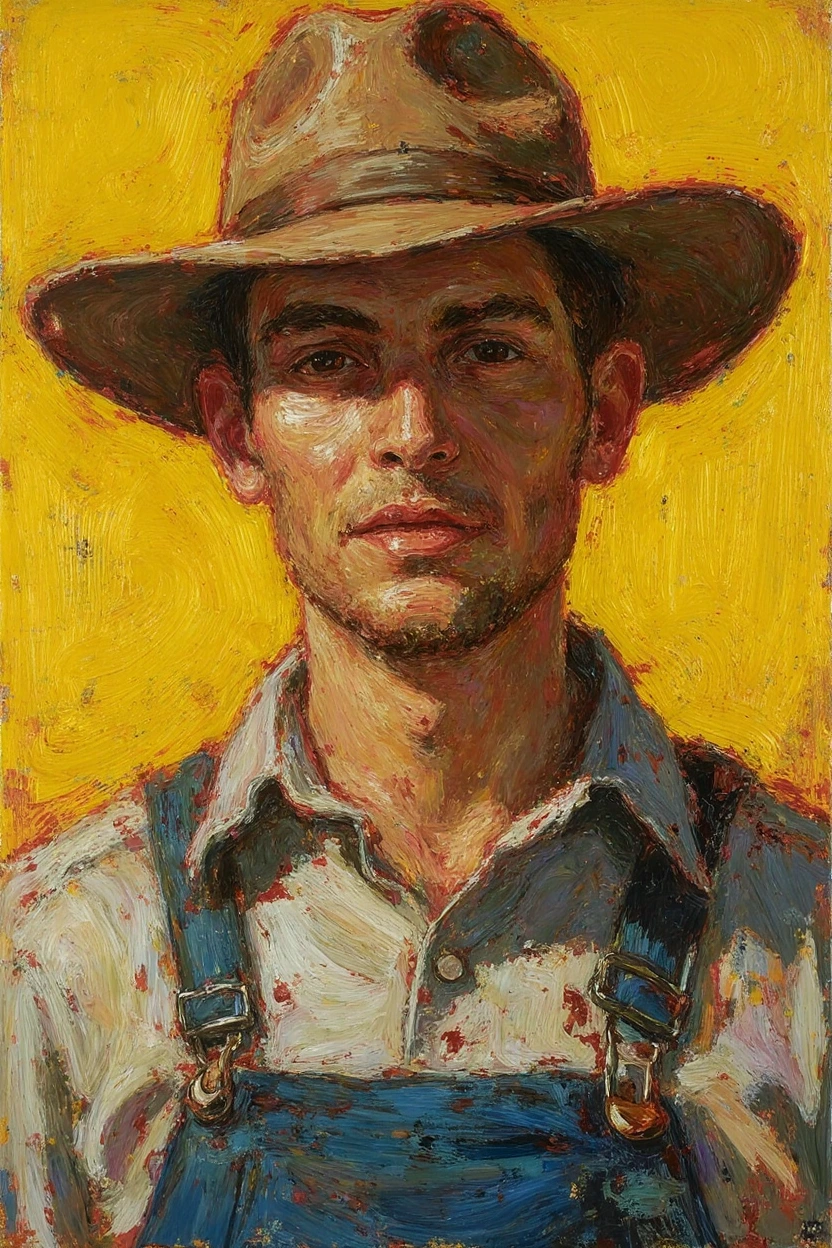
Oil painting of a man wearing a wide-brimmed brown hat, light-colored shirt, and blue denim overalls, shown from the chest up. The portrait uses thick, textured brushstrokes and warm earthy tones against a vivid yellow background, creating a rustic, sunlit atmosphere
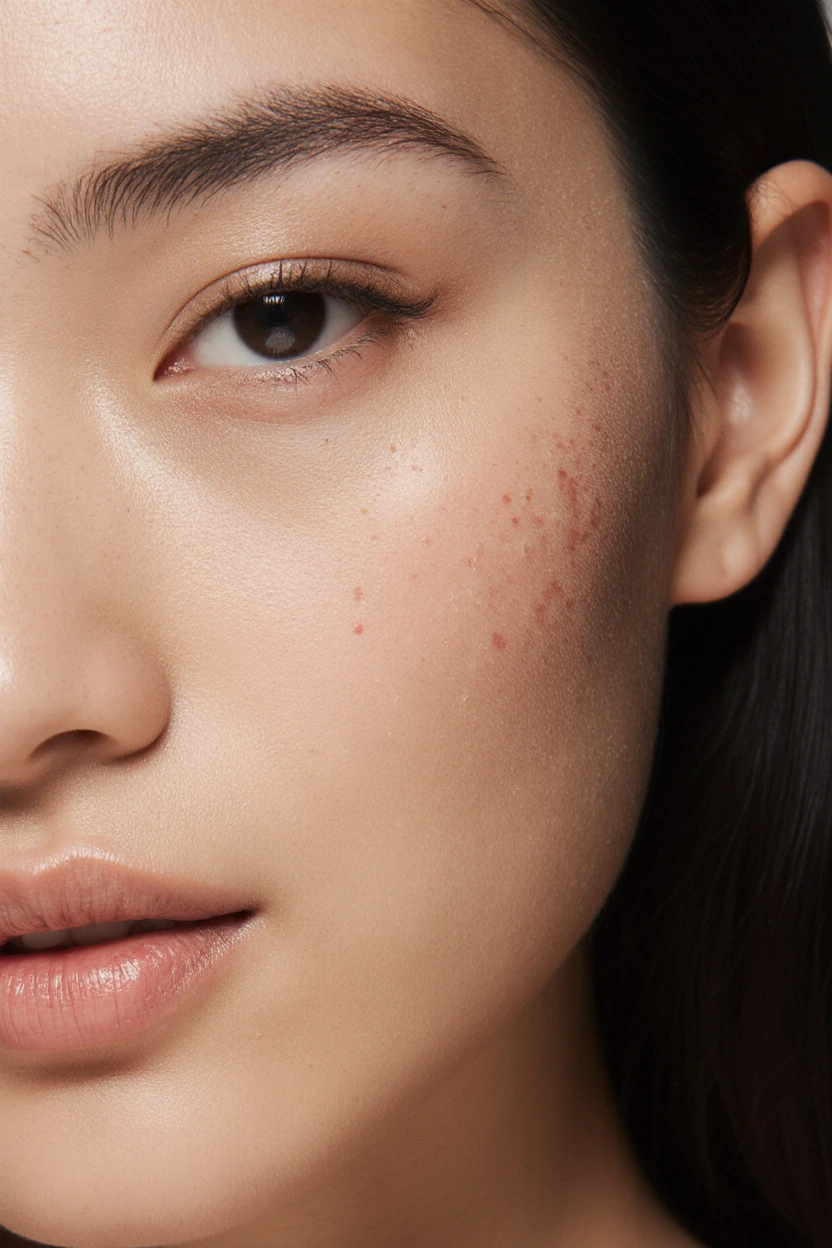
Close-up of a woman’s face focusing on the right cheek, showing smooth skin with subtle texture and small clusters of mild red blemishes or acne spots. Her natural makeup look includes groomed brows, neutral eye makeup, and soft, natural lips
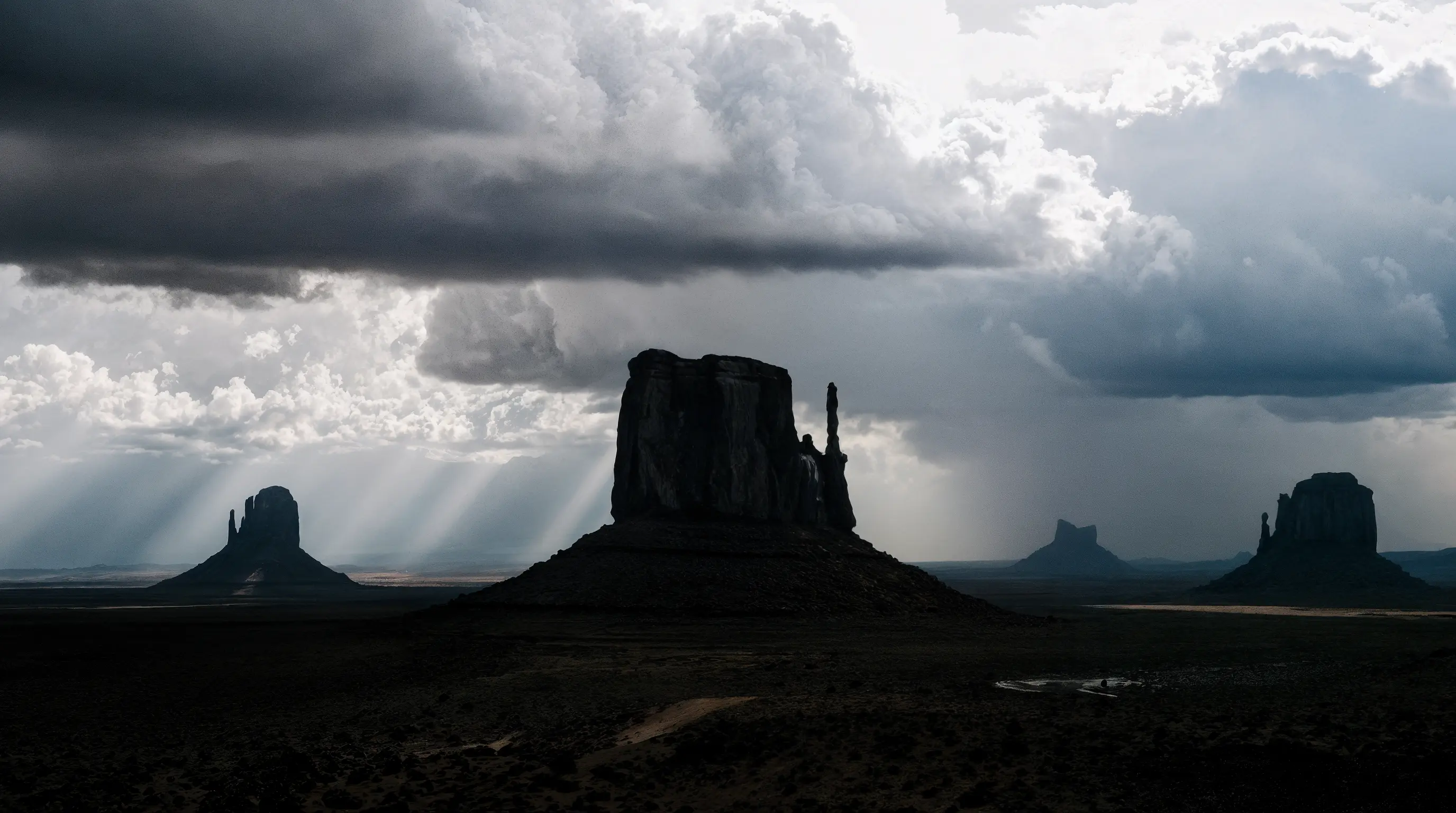
Dramatic desert landscape with towering buttes silhouetted against a stormy sky. Dark rain clouds loom overhead as sunbeams break through gaps, casting striking rays of light across the rugged terrain and highlighting the iconic rock formations

Get started for free

Get started with Krea's free AI image generator and AI art creator. Make text-to-image art, AI-generated photos, and AI pictures using the best AI image generators and AI photo makers in one tool.

Start generating

Krea Image Tool

Generate high-quality images in seconds.

Open Image Tool