Generate
Edit
Customize
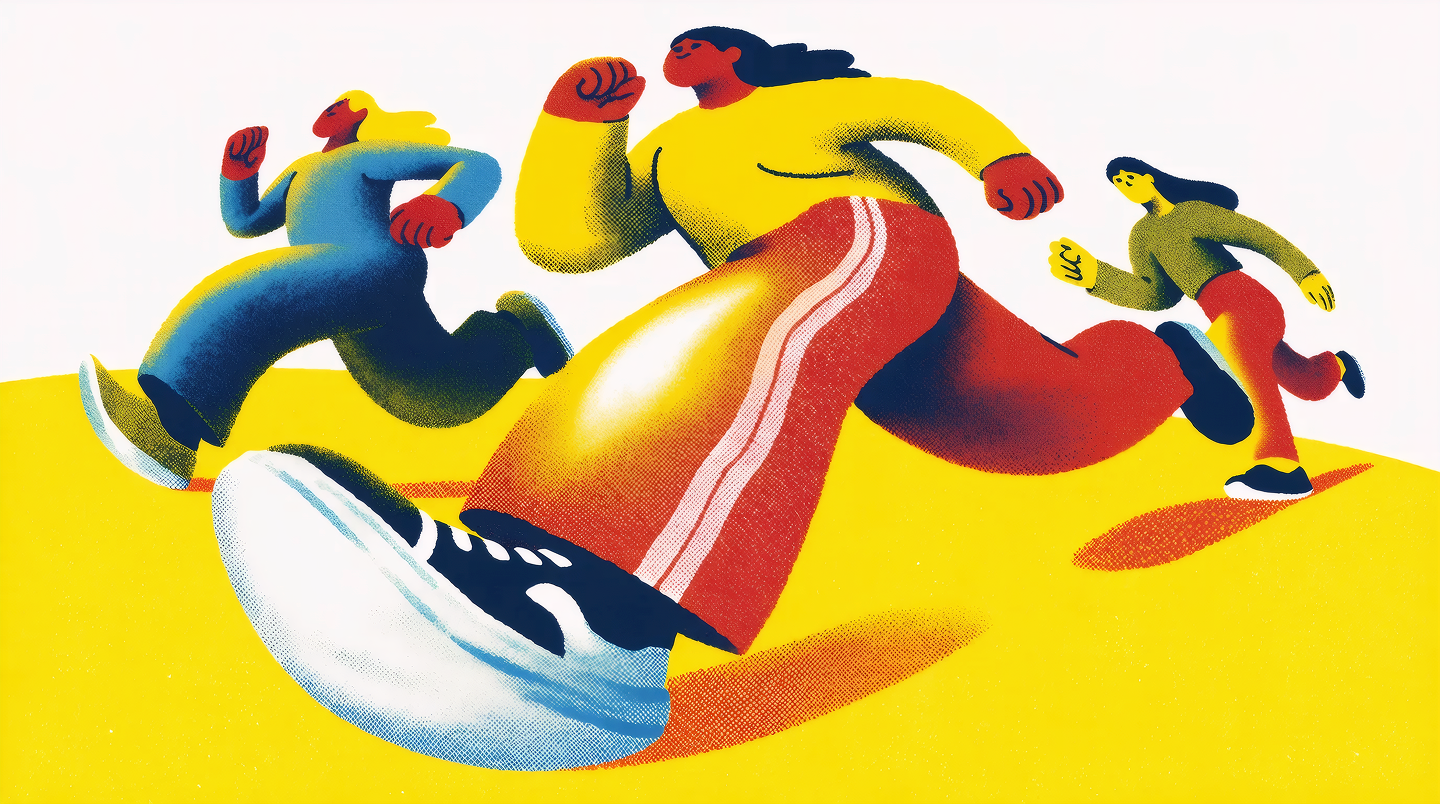
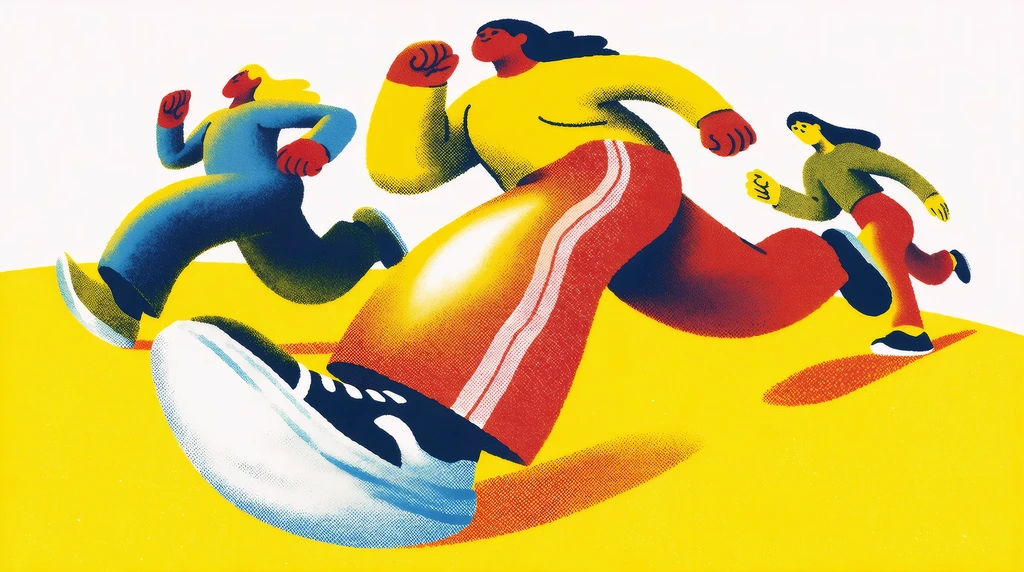
"People running, risograph poster"
Generate
Edit
Customize
Flux.1 Dev
by Black Forest Labs
Best model for LoRA's. Fastest model. Highly customizable less realistic colors and textures.

What Flux.1 Dev Can Do
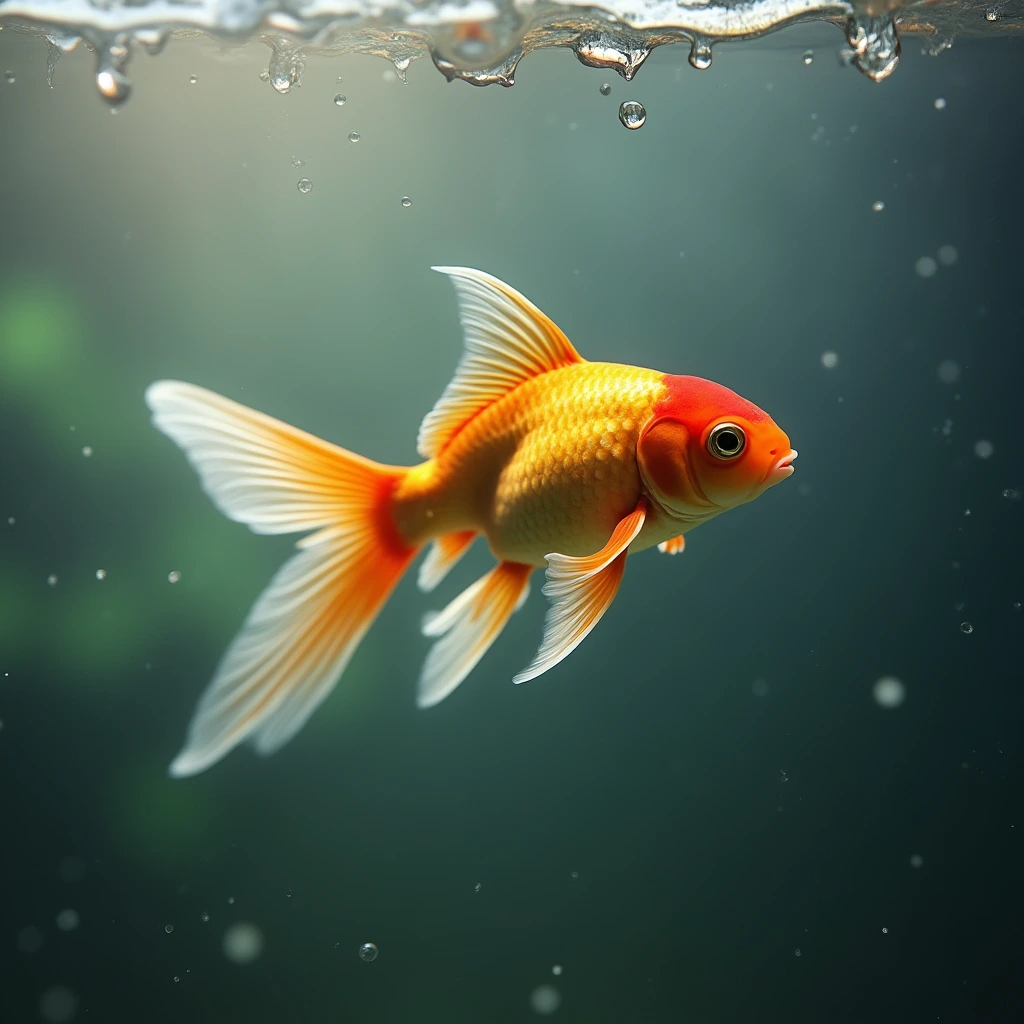
Flux.1 Dev Prompt-to-Image Workflow
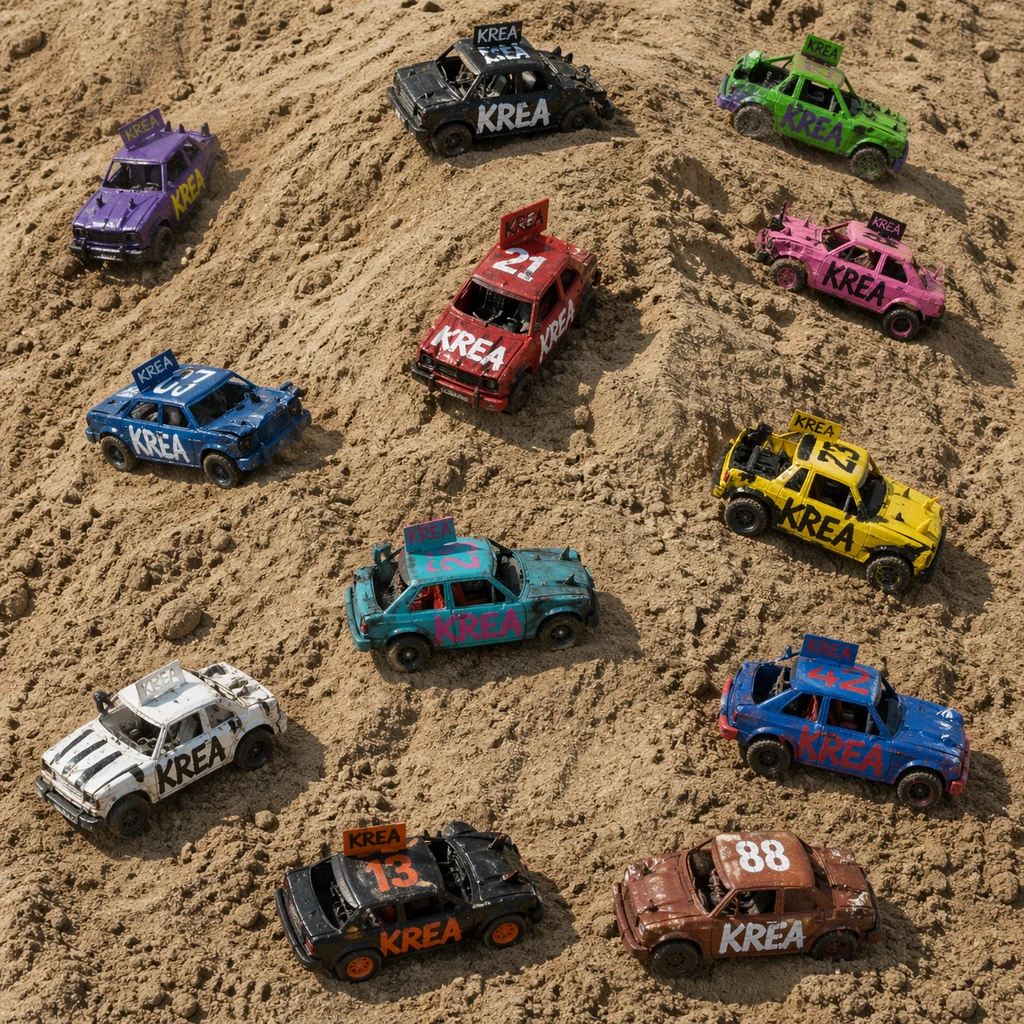
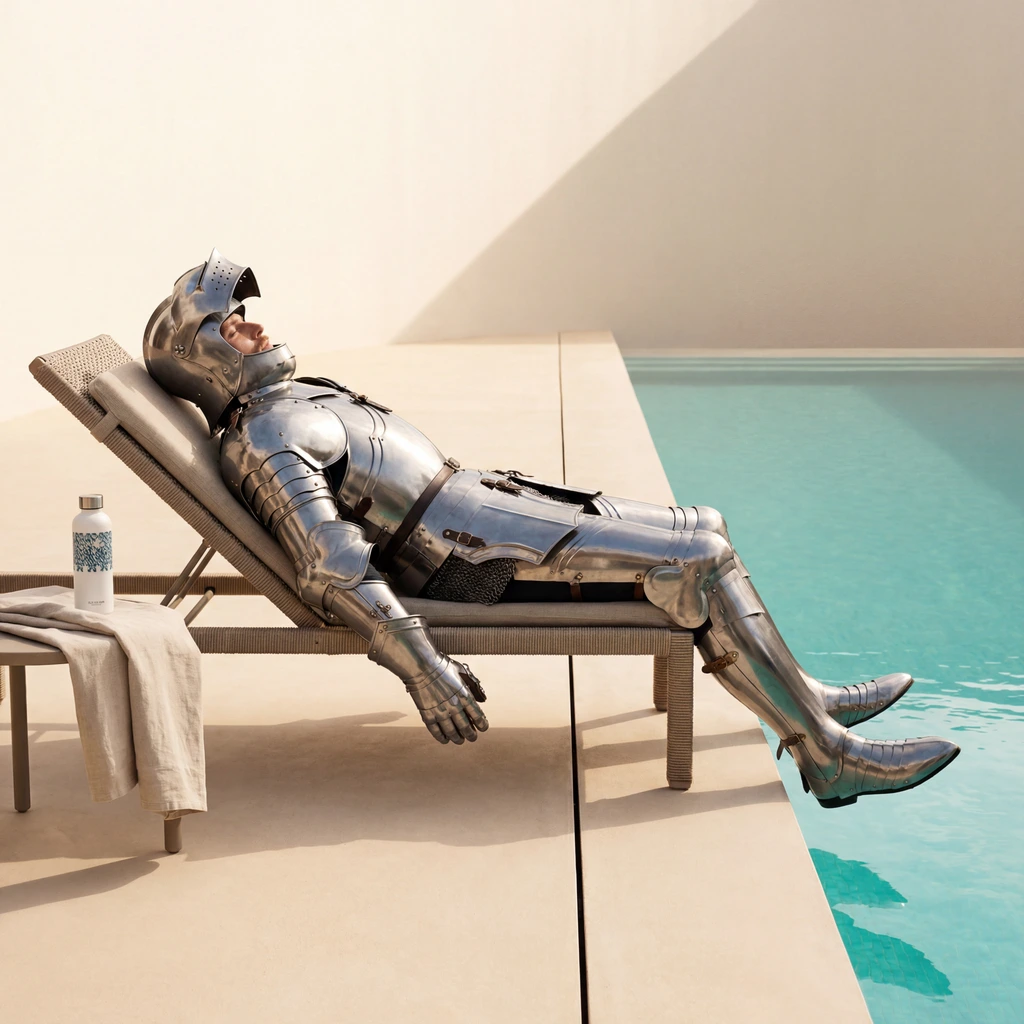
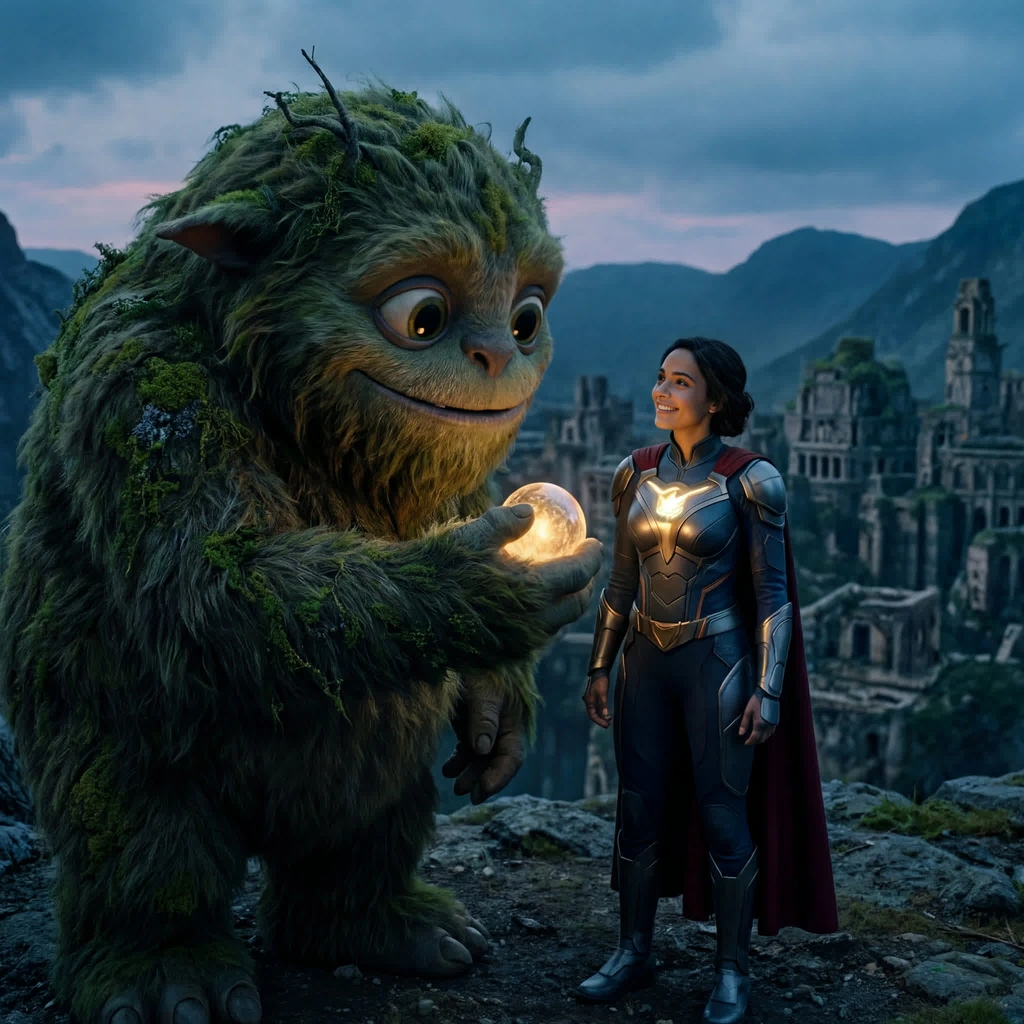
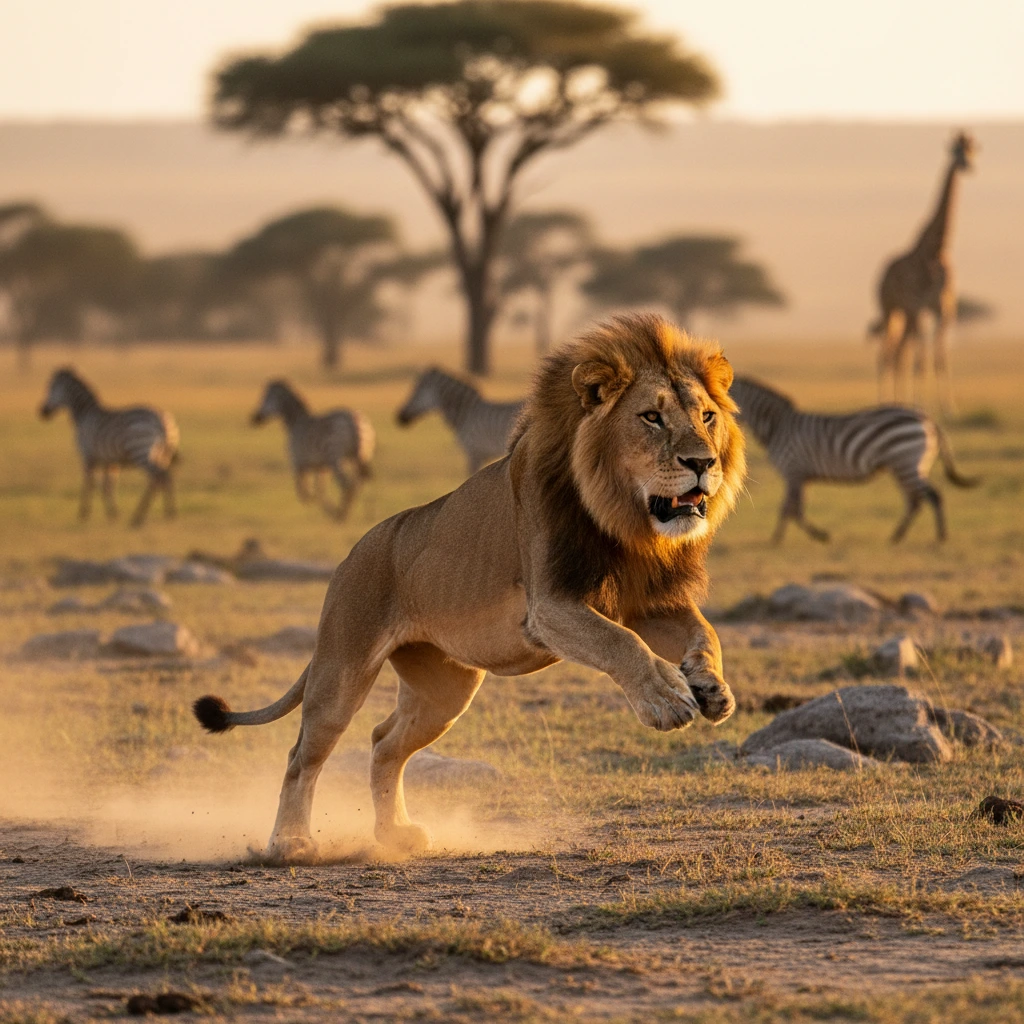
Fast model. Best for LoRAs. Generate polished visuals quickly from text prompts and iterate without friction.
Try Flux.1 Dev
Reference-Guided Generation with Flux.1 Dev
Upload reference images to guide composition, subject, and style while still steering with natural language prompts.
Try Flux.1 Dev
Fast Iteration for Creative Teams
Move from concept to final direction faster. These workflows on Krea are designed for rapid variation and decision making.
Try Flux.1 DevBuilt for Professional Image Creation

Balanced Quality and Speed
Best model for LoRA's. Fastest model. Highly customizable less realistic colors and textures.
Try Flux.1 Dev
Reliable Prompt Control
Use detailed prompts to steer style, framing, and subject intent with consistency across iterations.
Try Flux.1 Dev
Reference-Aware Creative Direction
Blend references and text guidance to keep outputs aligned with your visual direction and brand style.
Try Flux.1 Dev
Production-Ready Outputs
Create assets for social, marketing, concept, and product storytelling workflows with commercial-ready quality.
Try Flux.1 DevWhy creators choose Krea for Flux.1 Dev
Trusted by over 30 million creators worldwide.
Real reviews on TrustpilotThe platform that just works
So many AI tools out there but I always come back to Krea. It's really the one AI platform that 'just works'.

FYN
Verified review
Best interfaces in the industry
Krea's interfaces are still the best in the industry. Everything looks and feels so clean and easy to use! Imo the easiest to use gen AI website.

Lynn
Verified review
Fast, simple, always up to date
Ultra fast generations. Extremely simple to use. All the latest AI models.

Daniel
Verified review
The only AI subscription I need
KREA is the only AI subscription I have right now besides ChatGPT.

Sophia M.
Verified review
New models the same day
I'm a Krea Max user. It's crazy how fast they add models. I see a new AI model on twitter and the same day krea already offers it.

Wirot Ch.
Verified review
The most powerful creative suite
Still the most powerful AI creative suite out there.

Gravion
Verified review
Plans & Pricing
Free
Get free daily credits to try basic features.
Pro
Advanced features and discounts on compute units
Max
Full access with higher discounts on compute units
For Teams and Enterprises
Workplace management, collaboration, and enterprise customizations
Business
Secure and collaborative workspace for growing teams
Enterprise
Enterprise-grade security with dedicated support and admin features
Frequently Asked Questions
Flux.1 Dev is an AI image generation model available on Krea. Fast model. Best for LoRAs.
Open the Image Tool, choose Flux.1 Dev from the model selector, enter your prompt, and generate. You can also add references when the model supports them.
Yes. On Krea paid plans, generated images include commercial licensing for campaigns, products, and client deliverables.
Yes. These workflows on Krea are designed for quick iteration so teams can test directions, prompts, and stylistic variations rapidly.
Detailed prompts usually work best with Flux.1 Dev. Describe the subject, style, composition, lighting, camera angle, mood, and any important constraints so the model has clear creative direction.
Yes. Flux.1 Dev supports reference-guided workflows on Krea, so you can use images to steer composition, subject identity, or style when the selected mode supports them.
Yes. Krea lets you switch between models in the same creative workflow, so you can test Flux.1 Dev against other image models and choose the output that best fits your project.
Flux.1 Dev is useful for designers, marketers, creative teams, and independent creators who need polished AI-generated images for concepts, campaigns, client work, and production experiments.
From the Blog
Latest news, tutorials, and updates from the Krea team
Best Free Alternatives to DALL-E in 2026
DALL-E 3 is retired and ChatGPT's free image limit is roughly 2-3 a day. Five free and freemium alternatives, with current pricing and honest limits.
Is LetsEnhance Safe? What It Does, How to Cancel, and Better Alternatives in 2026
LetsEnhance is a legitimate AI upscaler, 4.1 on Trustpilot, 10 free credits, $9-45/month paid. How to cancel it, and how it compares to Photoshop and Krea.
Is Topaz AI Free? Pricing, System Requirements, and Alternatives in 2026
Topaz Photo AI and Video AI dropped perpetual licenses in 2025. What they cost now, whether you can trial them, the RAM a desktop install actually needs, and three alternatives.
Flux.1 Dev by Black Forest Labs
Best model for LoRA's. Fastest model. Highly customizable less realistic colors and textures.
Try Flux.1 DevMore from Black Forest Labs
Explore other Black Forest Labs models available on Krea
-
Flux 2 Klein
ImageFast lightweight Flux 2 model with reference image support
-
Flux 2 Pro
ImageMedium quality model by Black Forest.
-
Flux 2 Flex
ImageMedium quality model for rendering text.
-
Flux 3 Image
ImagePrecise composition and multi-reference editing by Black Forest Labs.
-
Flux 2 Max
ImageFrontier model by Black Forest Labs.
-
Flux 1.1 Pro
ImageAdvanced yet efficent model from BFL.
-
Flux 1.1 Pro Ultra
ImageBFL's highest quality text to image model.
-
Flux 3 Video
VideoUp to 20s with synchronized sound.
-
Flux Video Edit
VideoEdit any clip with a text prompt.
-
FLUX 3
ImageBlack Forest Labs' FLUX 3 image model — high-fidelity generation and editing with accurate multilingual text, now entering early access.
-
Flux 2
ImageFLUX.2 dev with enhanced realism and native editing capabilities
-
Flux Kontext Dev
ImageFrontier model designed for image editing, optimized for Krea
-
Flux Kontext Pro
ImageFrontier model designed for image editing
Explore Other Models
Discover more AI models for images and videos on Krea
Or try every model side by side in Krea's free AI video generator and AI image generator.