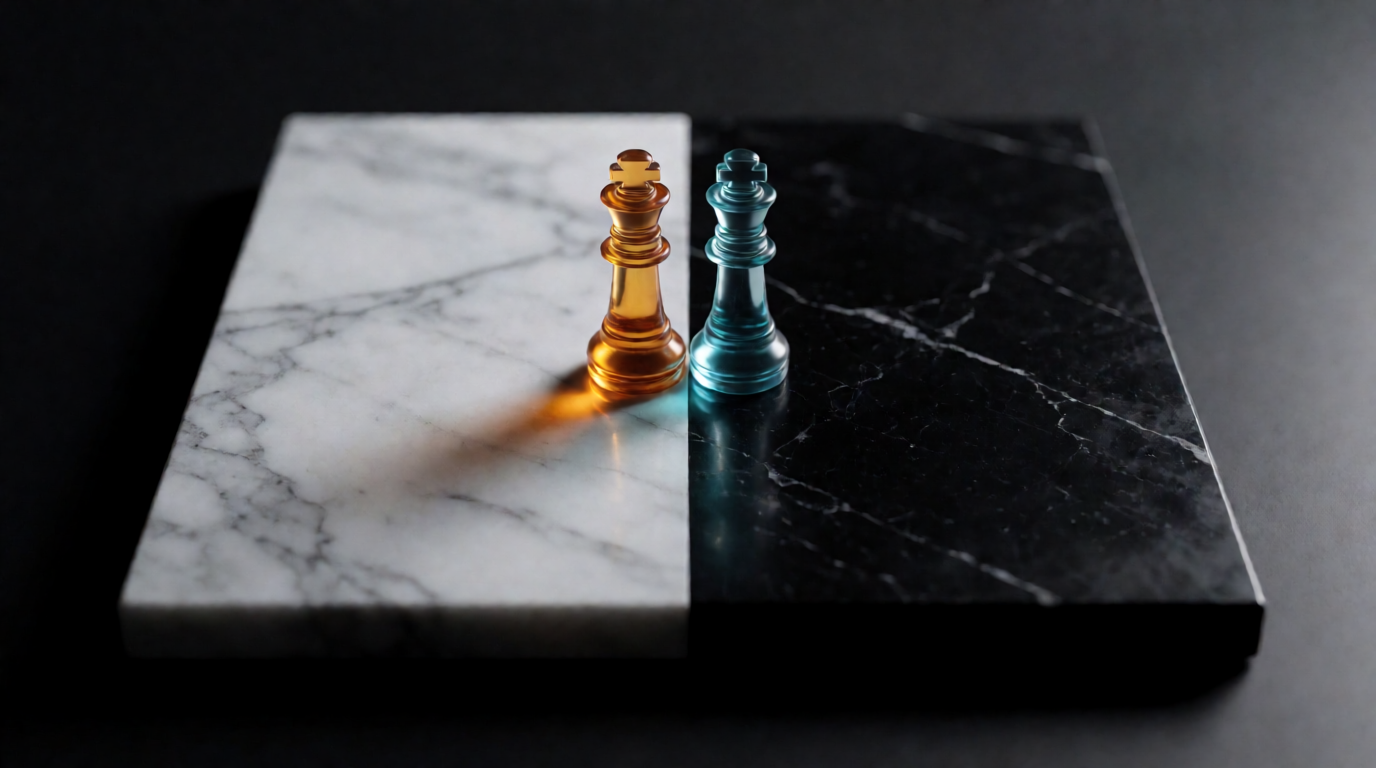
“ChatGPT vs Midjourney” is really a question about what kind of image work you do. ChatGPT is a conversation that happens to produce images: it reads long briefs, holds context, and edits by instruction. Midjourney is an image studio with a devoted community: it produces the most opinionated, polished-looking output in the business, and it costs money from the first image. The two tools barely overlap, which is why “which is better” has a different answer for a marketer, an art director, and someone making one birthday card.
This guide compares them the way you would actually choose: strengths per use case, verified 2026 pricing (one of these tools has no free tier at all), rights and privacy, and a decision framework. It also covers the honest third option — because in 2026, “ChatGPT or Midjourney” is a false binary for a lot of work.
ChatGPT vs Midjourney at a glance
| ChatGPT (GPT-Image) | Midjourney | |
|---|---|---|
| Best at | Long, specific briefs; instruction-based edits | Aesthetic ceiling; stylized, art-directed looks |
| Free tier | Yes — a few images/day, cap varies with load | No free tier, no trial (since March 2023) |
| Entry price | $8/mo (Go) or $20/mo (Plus) | $10/mo (Basic) |
| Pricing model | Flat plan, usage caps | GPU fast-hours per plan |
| Interface | Chat | Web app (and Discord) |
| Images private by default | Yes | No — public unless Pro/Mega Stealth |
| Learning curve | None | Real: parameters, srefs, remix culture |
| Editing after generation | Conversational re-prompts | Web editor, vary/region tools |
Get the look without the paywall
Krea 2 generates aesthetic-first images with style references and keeps them private.
Generate with Krea 2How we chose and tested
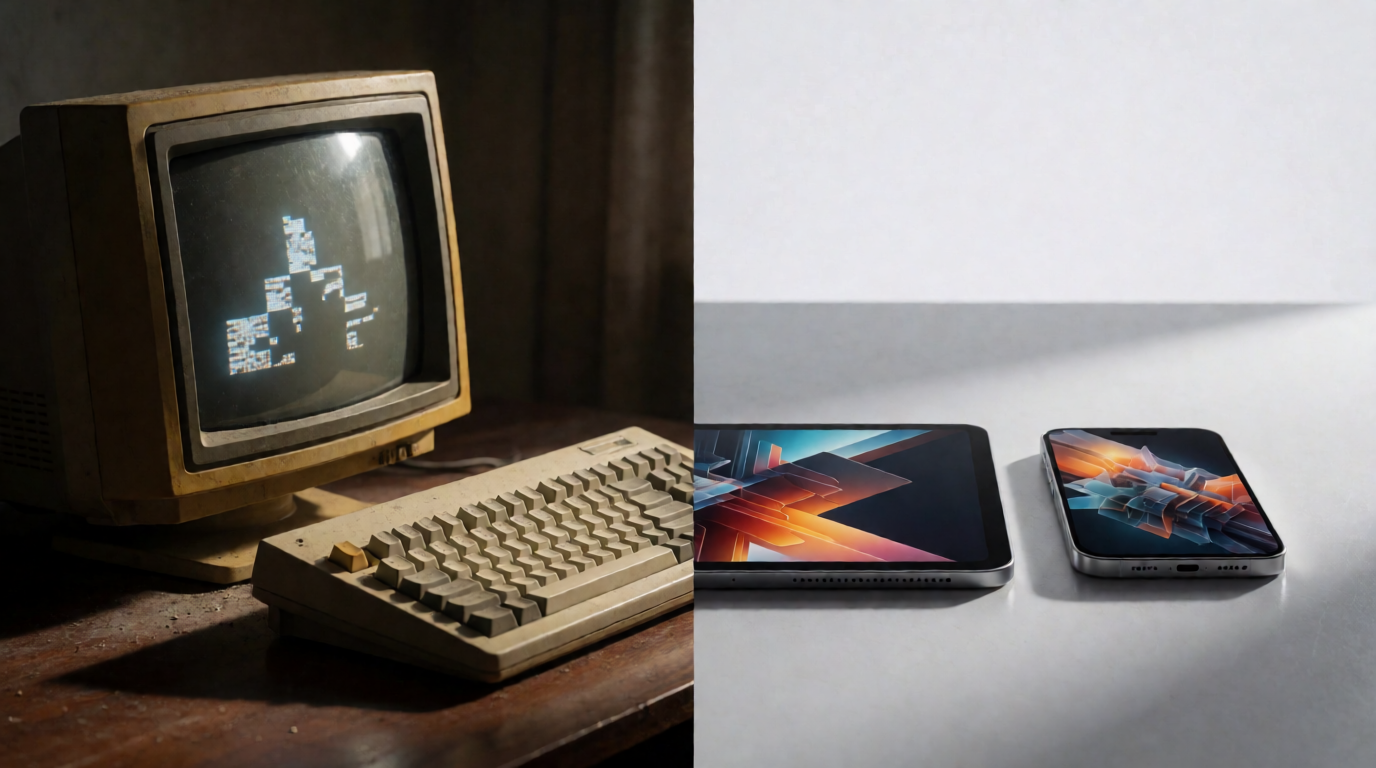
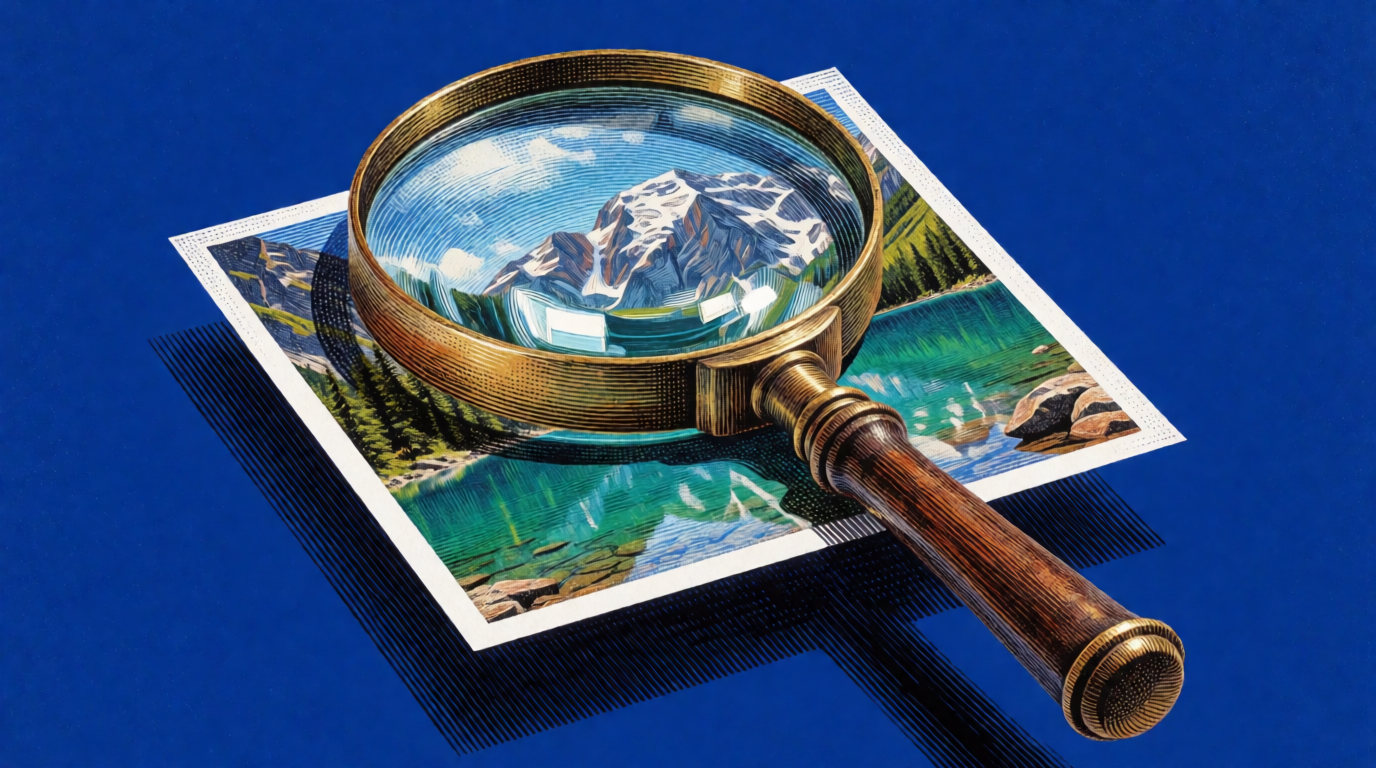
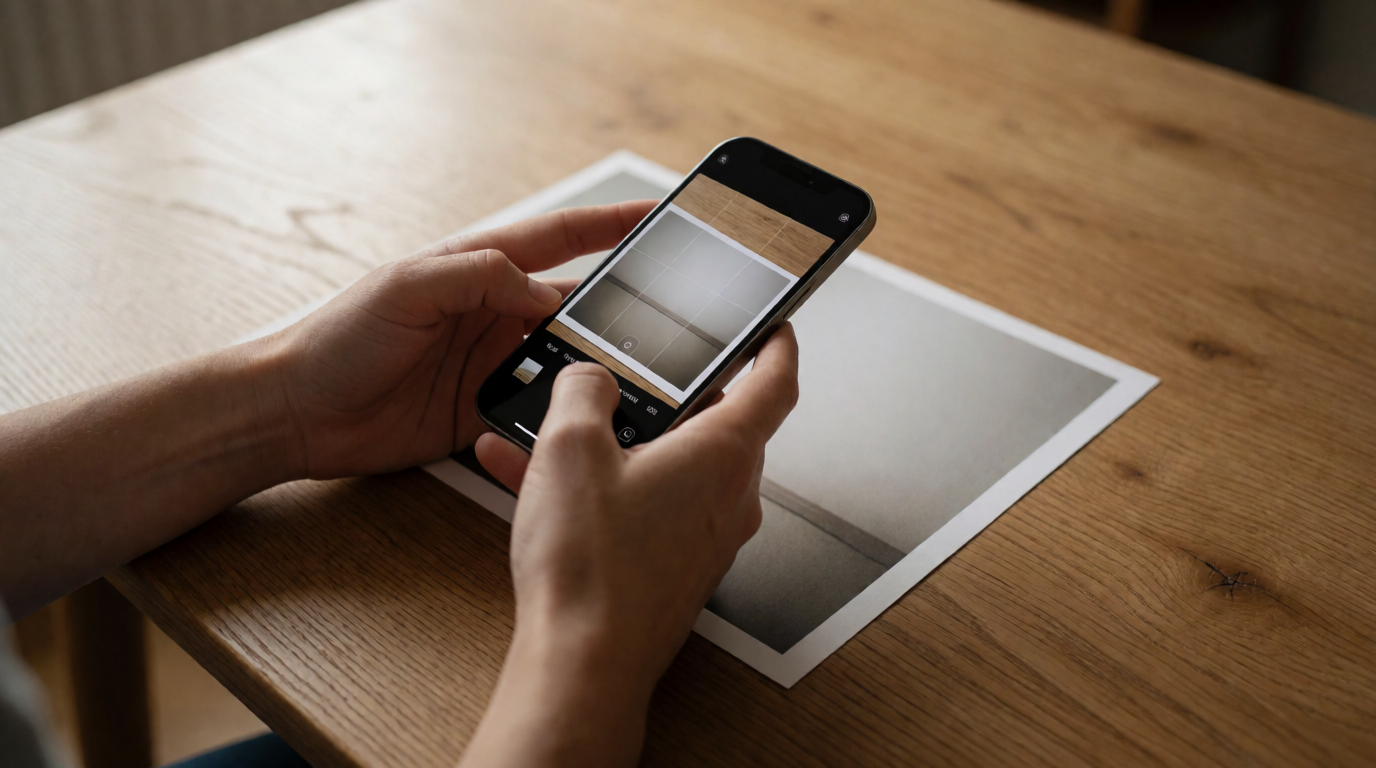
Every price and limit below was checked against the vendors’ published pages in August 2026 — OpenAI’s plan pricing and Midjourney’s plan comparison docs — and cross-checked against multiple current third-party pricing trackers. We also wrote the comparison around real briefs: a specific flat-lay brief for prompt adherence, a cinematic scene for aesthetic ceiling, and a product shot for pipeline depth. The images in this post are single raw generations from the exact prompts shown, produced with Krea 2 — we do not pass off images as another tool’s output, so treat them as illustrations of the brief, not as ChatGPT or Midjourney samples.
ChatGPT: the generator that reads your brief
ChatGPT’s image model (GPT-Image, inside ChatGPT) is the best mainstream tool at doing what you literally asked. Give it a paragraph with spatial instructions, negatives, and constraints, and it follows more of them than almost any dedicated generator. Iteration is conversational: “same scene, move the mug, make it dusk” works, and the model remembers the thread.
A brief that plays to ChatGPT’s strengths:
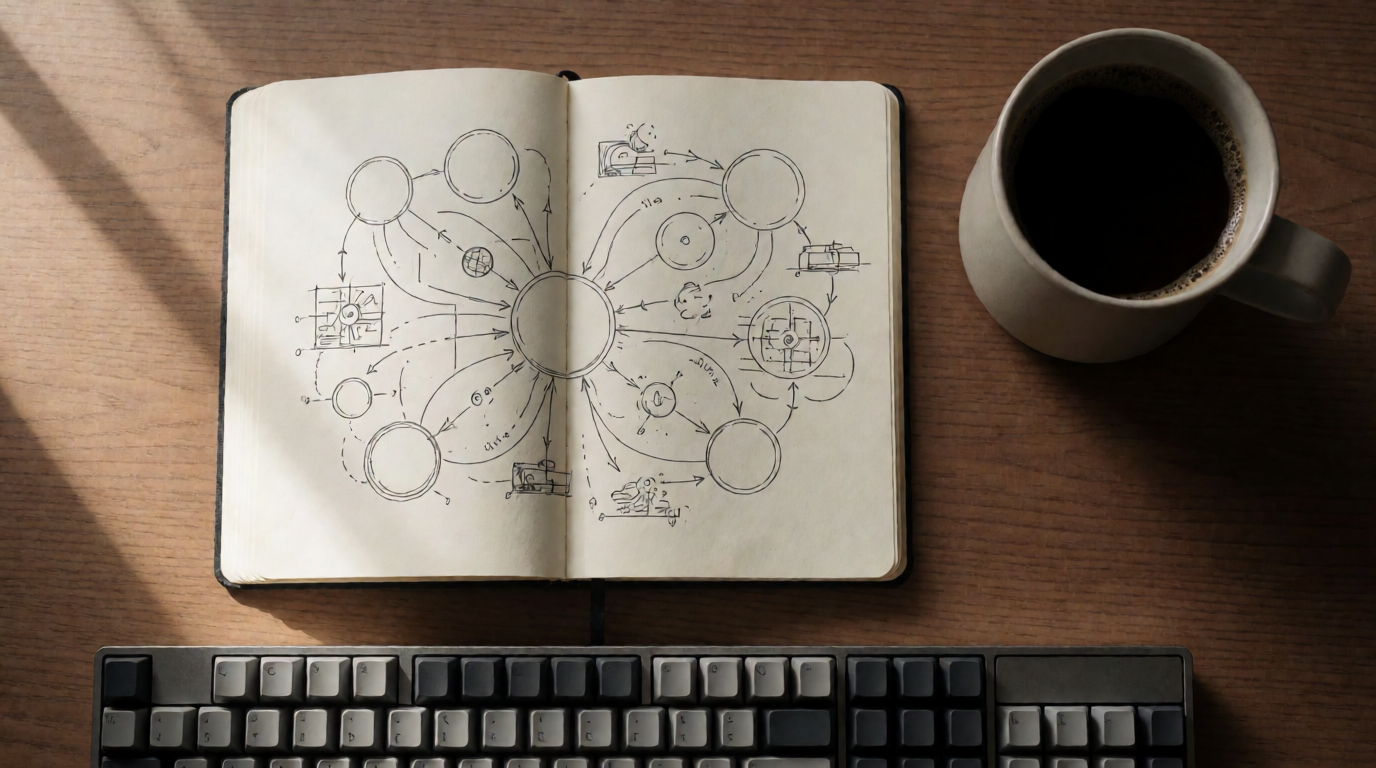
A flat-lay photograph of a home office desk from directly above: an open notebook with a hand-drawn mind map, a ceramic mug of black coffee at the top right, a mechanical keyboard along the bottom edge, warm morning window light from the left, no text or logos anywhere, editorial magazine quality.
Variation tips: full sentences beat keyword strings here; state camera position and exclusions (“no text or logos”) explicitly, and iterate in follow-up messages instead of rewriting the prompt.
Where ChatGPT wins:
- Prompt understanding. Multi-constraint briefs, relative positions, “don’t include X” — it complies more reliably than Midjourney, which still favors its own aesthetic over your literal instructions.
- Conversation and context. It can read your draft blog post and generate the matching diagram, or keep a character consistent across a chat.
- A real free tier. Free accounts can generate images at no cost — expect roughly two to three per day, the cap our best free alternatives to DALL-E guide breaks down. OpenAI adjusts the cap with demand and does not publish a fixed number, so the in-app notice is the source of truth.
- Zero learning curve. If you can type a sentence, you have the whole skill set.
Where it stops: generations are slow (often 30-60+ seconds), the default look is competent rather than striking, and heavy use hits plan caps even on Plus at $20/month. There is no style-reference system, no fine-grained editor, and no upscaler — for print or client work the pipeline ends one step too early, unless you connect Krea to ChatGPT and add all three from the same chat.
Midjourney: the highest aesthetic ceiling, for a price
Midjourney remains the tool people mean when they say an AI image “looks amazing.” Its models are tuned toward composition, lighting, and texture that read as art-directed by default, and features like style references (--sref), personalization, moodboards, and the web editor exist to chase a look across a whole set. The community is a real asset: the public gallery is a giant, searchable prompt library, and remixing other people’s directions is how most users level up.
A brief that plays to Midjourney’s strengths:
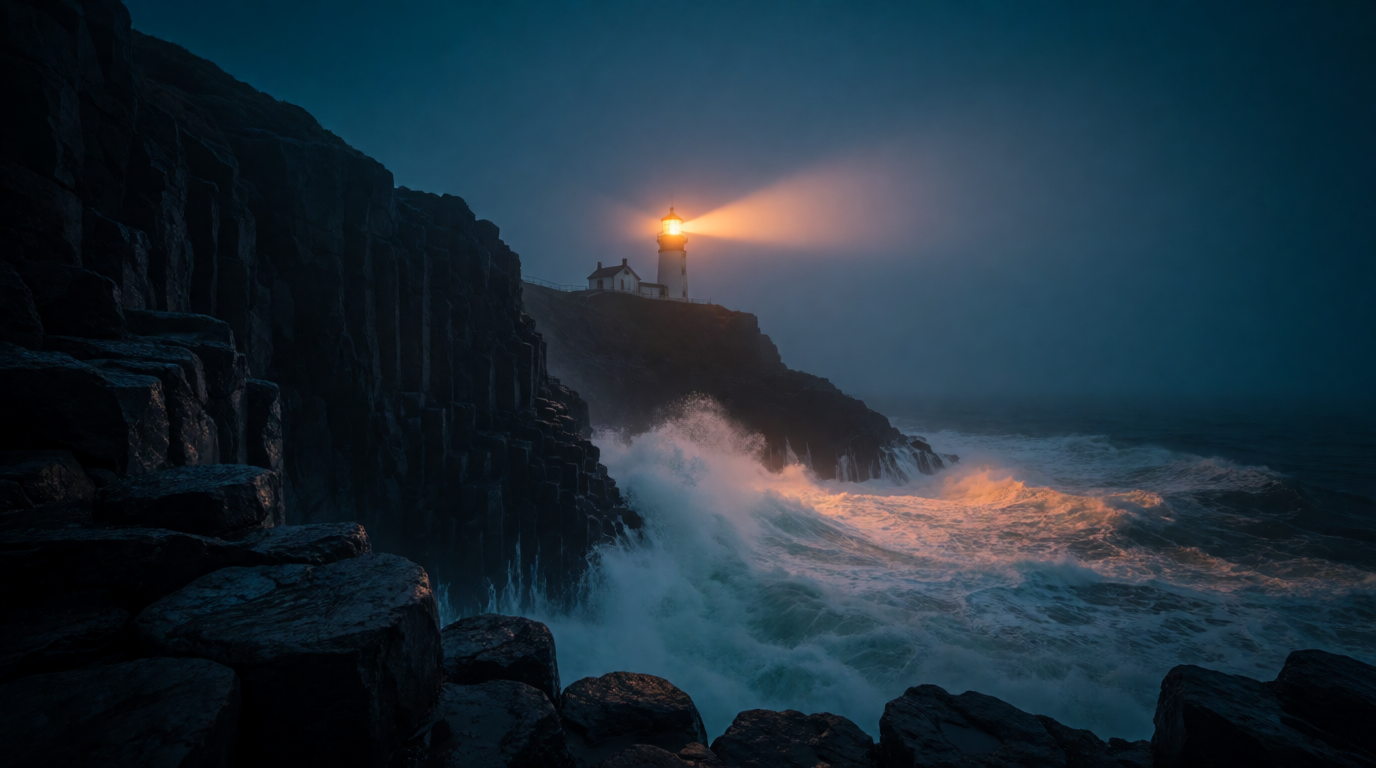
Cinematic wide shot of a lone lighthouse on a basalt cliff at blue hour, crashing waves lit by the rotating beam, volumetric fog, moody teal and amber color grade, epic scale, film still quality.
Variation tips: in Midjourney, append --ar 16:9 for the aspect ratio and try --sref with a reference image to lock the grade; short, mood-first prompts outperform long literal briefs.
Where Midjourney wins:
- The ceiling. For stylized, atmospheric, portfolio-grade single images, its best outputs still beat most rivals’ best outputs.
- Style consistency tools. Style references and personalization make “same look, forty images” a workflow rather than a battle.
- Community. The gallery, ranked feeds, and prompt-sharing culture teach the tool faster than any manual.
Where it stops — and this list is long enough to matter:
- There is no free way to use it. Midjourney ended its free trial in March 2023 and has not brought it back. The cheapest entry is the $10/month Basic plan, which buys about 3.3 fast GPU hours (roughly 200 images).
- Your images are public by default. Keeping generations private requires Stealth Mode, which only exists on the $60 Pro and $120 Mega plans. For client work under NDA, the real price of Midjourney is $60/month.
- Literal briefs frustrate it. Precise spatial instructions, exact object counts, and “plain, not artsy” requests fight the model’s own taste.
- Commercial fine print. Companies with over $1M in gross annual revenue must be on Pro or Mega to use outputs commercially, per Midjourney’s terms.
Pricing in 2026: the numbers side by side
Verified August 2026, monthly billing. Annual billing cuts Midjourney’s prices by 20%.
| Plan | Price | What you get |
|---|---|---|
| ChatGPT Free | $0 | A few images/day (cap varies with demand) |
| ChatGPT Go | $8/mo | Higher image and message limits |
| ChatGPT Plus | $20/mo | Full model access, higher caps |
| Midjourney Basic | $10/mo | ~3.3 fast GPU hours (~200 images) |
| Midjourney Standard | $30/mo | 15 fast hours + unlimited Relax generations |
| Midjourney Pro | $60/mo | 30 fast hours + Stealth (private) mode |
| Midjourney Mega | $120/mo | 60 fast hours + Stealth mode |
Sources: OpenAI pricing, Midjourney plan docs. Two structural differences matter more than the sticker prices. Midjourney sells GPU time, not image counts, so heavy upscaling and video burn the allowance faster than stills. And the privacy line sits in different places: every ChatGPT image is private by default, while Midjourney’s stay public until you pay $60/month.
The third option: when neither is the right answer
A head-to-head hides the case where the honest answer is “neither.” ChatGPT’s weakness is the ceiling and the pipeline; Midjourney’s is the price of entry and privacy. Krea 2 sits deliberately in that gap: an aesthetic-first model with style references for repeatable looks, a free plan of 100 compute units per day (no credit card, images private, basic 2K upscaling included), and — the part neither rival has — a full pipeline in one place on its paid plans: the model library, editing, real-time canvas, and an enhancer for print-grade upscaling.
The pipeline test we use: a product shot, because it always needs a second step (a cleanup, a crop, an upscale) after the first generation.
Photorealistic product shot of a matte ceramic espresso cup on a travertine stone slab, soft directional daylight, gentle steam rising, neutral beige palette, shallow depth of field, premium coffee-brand campaign look.
Variation tips: swap the surface material (“travertine” → “dark walnut”) to re-stage the same product; attach a style reference from a previous shot to keep a campaign consistent.

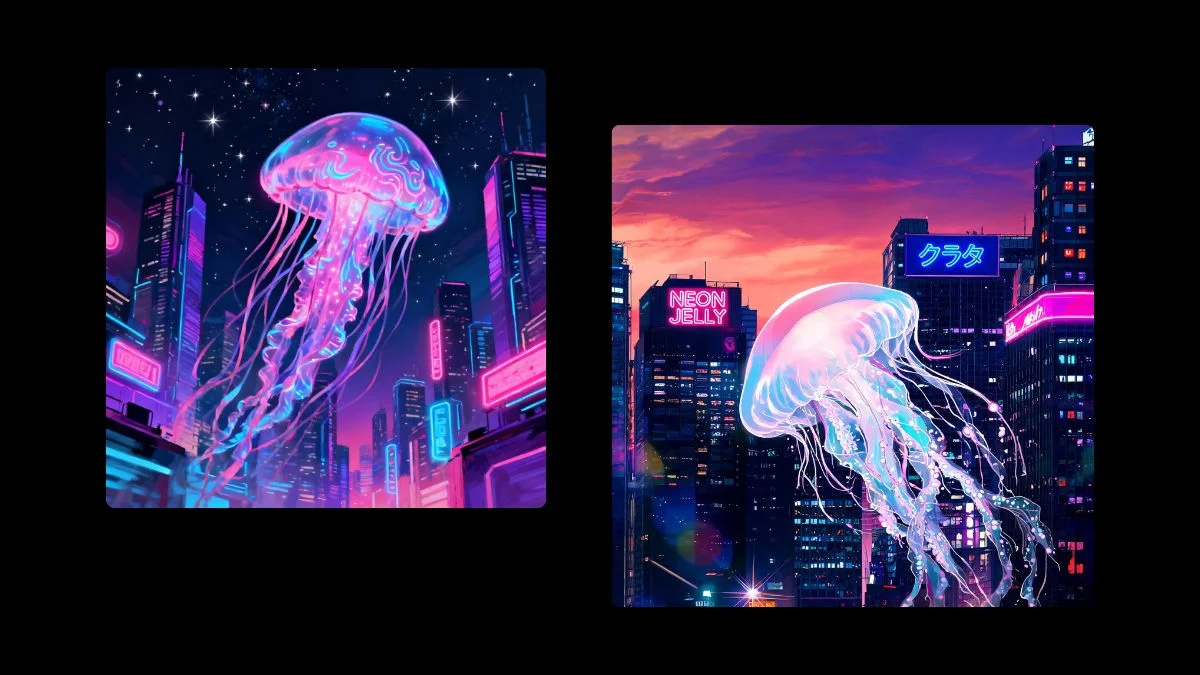
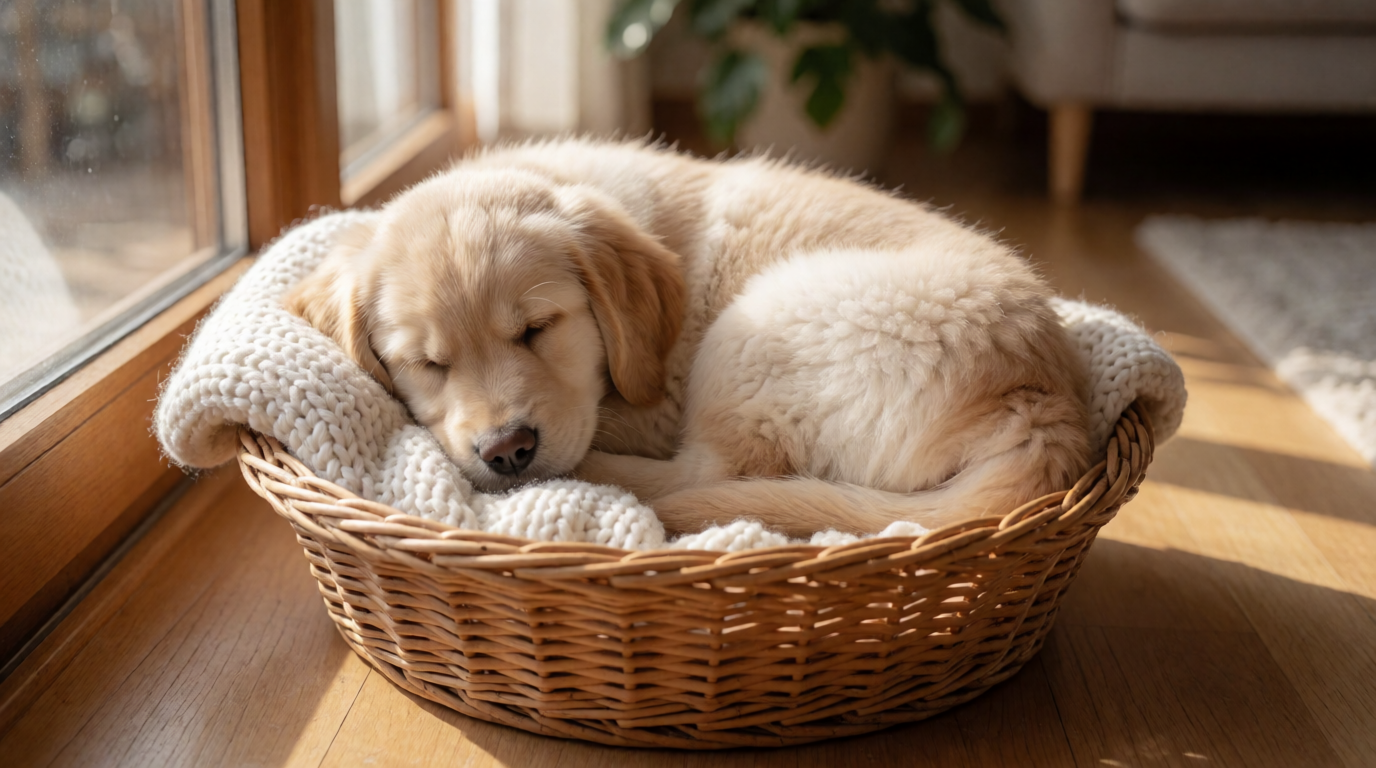
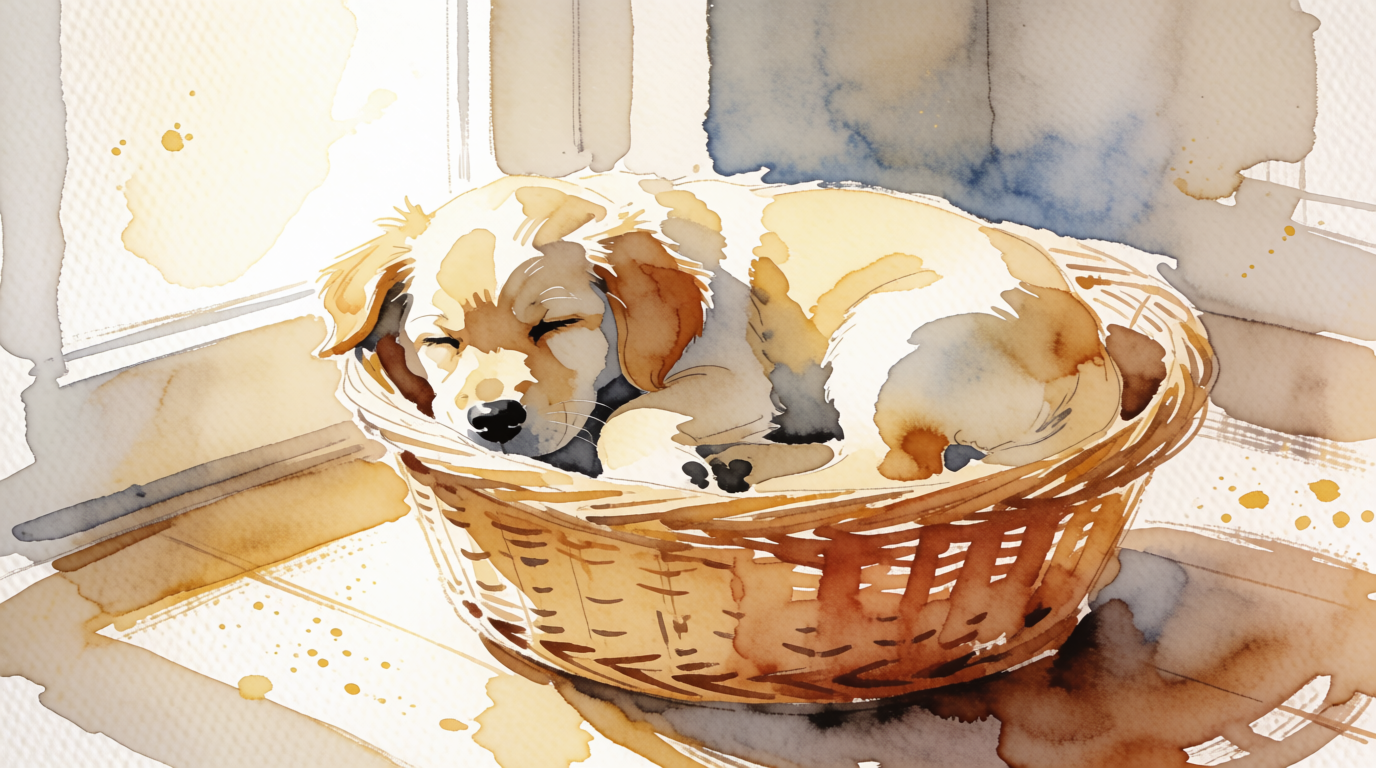
Style range is the other relevant claim, since that is Midjourney’s home turf. The pair below is one subject, two prompts — the same scene as a photograph and as a watercolor:
One scene, two styles — raw Krea 2 outputs
Where Krea stops, in the same spirit: the daily free compute is shared across every tool, so a heavy enhance-and-video day drains it quickly, and Krea has nothing like Midjourney’s public gallery culture — if community remixing is how you learn, Midjourney still owns that. For a deeper cut of this specific matchup, see Krea 2 vs Midjourney and the wider field in the 5 best Midjourney alternatives, the best free AI image generators, how an Adobe-ecosystem tool stacks up in Is Adobe Firefly free?, and whether a bundled multi-model subscription is worth it in our getimg.ai review.
Try Krea 2 free — 100 compute units a day, no card.
So which should you use?
Pick by the work, not the brand:
- You write paragraph-long briefs with exact constraints → ChatGPT. Nothing follows instructions better.
- You need occasional images and want to pay nothing → ChatGPT’s free tier — or Krea’s, which is larger and runs a frontier image model.
- The image is the product and the look is everything → Midjourney, if $10-30/month is fine and public generations are acceptable.
- Client work under NDA → not Midjourney below the $60 Pro plan. ChatGPT or Krea keep images private at $0.
- A consistent style across a large set → Midjourney (srefs + personalization) or Krea 2 (style references), not ChatGPT.
- The image needs edits and print-size output → Krea, because generation, editing, and enhancement share one free allowance.
- You learn by remixing a community’s prompts → Midjourney, without question.
The realistic answer for many teams in 2026 is a split: ChatGPT for literal, throwaway, and in-conversation images; a dedicated tool with a style system — Midjourney or Krea — for anything a client sees.
Frequently asked questions
Is ChatGPT better than Midjourney?
Is ChatGPT or Midjourney better for beginners?
Can you use Midjourney for free?
What is Midjourney used for?
Can ChatGPT generate images for free?
Is there a free alternative to both?
Skip the either/or
Krea 2 pairs an aesthetic-first model with style references, editing, and 8K-class enhancing — free at 100 compute units a day, images private, no card.
Try Krea 2 free