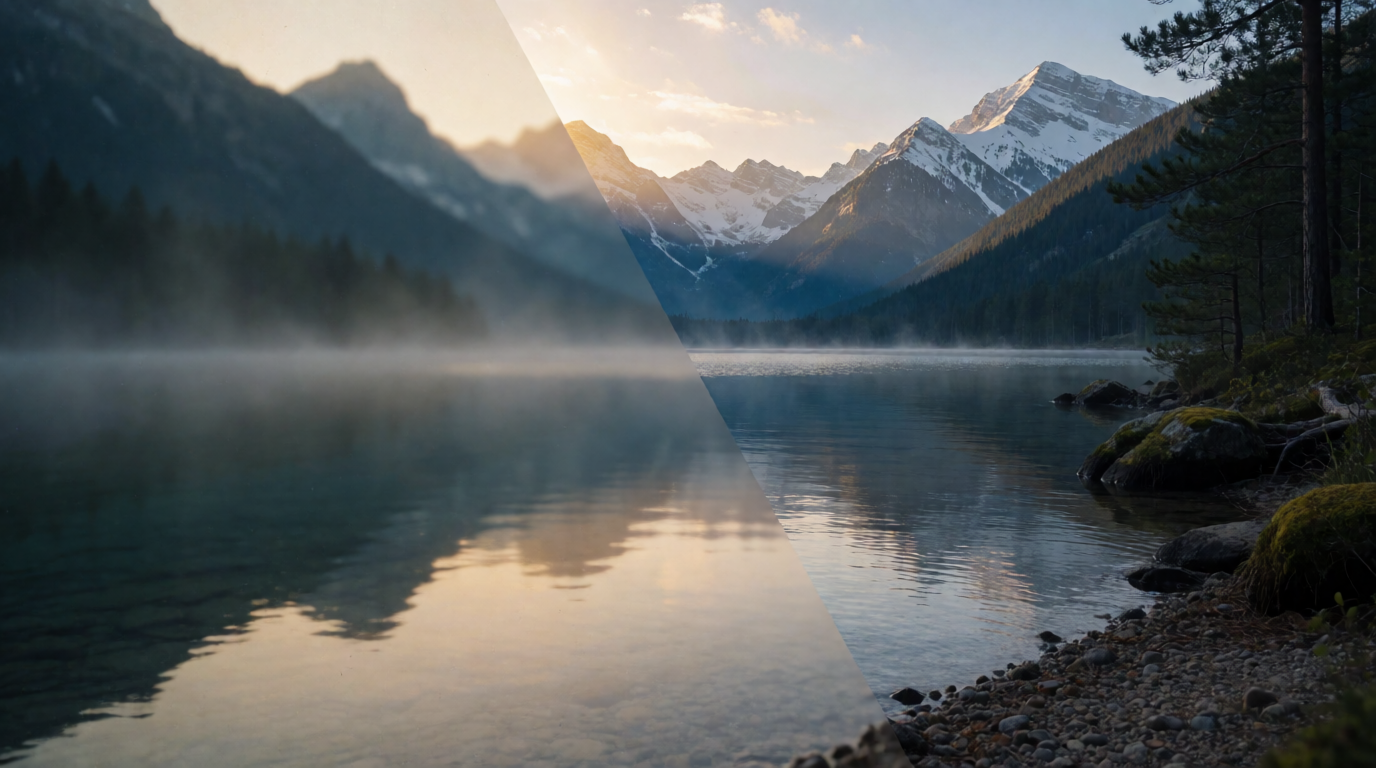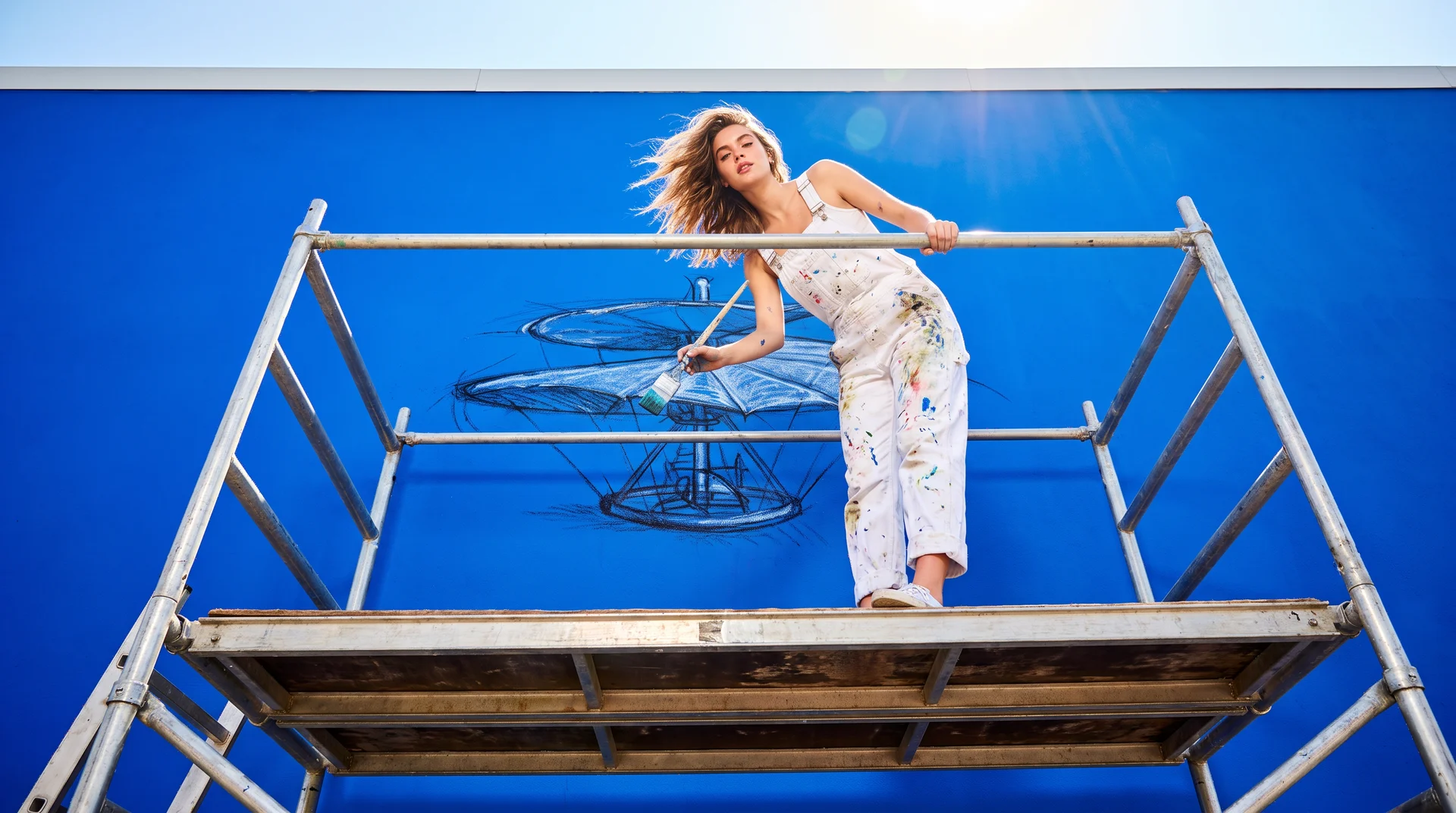
“Is Leonardo.Ai any good?” is usually three questions in one: can I use it for free, can I use what it makes, and is it better than the other free generators. The short version: Leonardo.Ai is a broad, mature image-and-video platform with a real free tier of 150 tokens a day, but free generations are public and the free plan does not own its outputs. This review covers what Leonardo does, where it comes from, what the free plan includes and excludes, what its terms say about commercial use, whether it runs on a phone, and how it compares with Krea, SeaArt, and Ideogram. Every number links to the page it came from.
Leonardo.Ai at a glance
| Tool | What it is | Free tier | Free images public? | Video on free? |
|---|---|---|---|---|
| Leonardo.Ai | Multi-model image and video platform with canvas tools, owned by Canva | 150 tokens/day, reset every 24 hours | Yes | Some models only; no image upload for video |
| Krea | Krea 3 and Krea 2 image models, Enhancer, editing, video, real-time, Agent | 100 compute units/day (Krea 3 and Krea 2 images) | No | No — video models are paid |
| SeaArt | Community model hub (Stable Diffusion, Flux, video apps) | 130 Stamina/day | Yes (community feed) | Yes, within Stamina |
| Ideogram | Text-strong image generator | Weekly slow credits, amount not published | Yes | No video |
Want the same thing without public outputs?
Krea's free plan gives 100 compute units a day on Krea 3, our latest image model. Your generations stay in your account.
Try Krea 3 freeHow we checked
Every fact below comes from a page we loaded in September 2026: Leonardo’s Tokens FAQ, Leonardo’s Commercial Usage article, Leonardo’s video guide, Leonardo’s Phoenix article, Leonardo’s terms of service, the App Store and Google Play listings, Canva’s announcement and TechCrunch’s report of the acquisition, SeaArt’s Mall page, Ideogram’s pricing page, and Krea’s pricing page. One gap: Leonardo’s own pricing page blocked our crawler, so its paid prices come from the App Store listing. Every AI image in this post is a single, raw Krea 2 Turbo generation from the exact prompt printed beside it. None of them were made in Leonardo or SeaArt.
What does Leonardo.Ai do?
Leonardo.Ai is a web and mobile platform for generating images and short videos with a menu of models. Its own flagship is Phoenix, which Leonardo describes as its “foundational image generation model,” built for long-prompt adherence and for rendering readable text inside images. Phoenix is available on every plan, including Free. The platform also hosts third-party models: the video guide names Veo 3 and Kling Video 3.0, and the App Store listing lists Nano Banana by Google and GPT Image 1 from OpenAI.
Beyond the prompt box, the help guides document a Canvas Editor for inpainting and extending images, a Realtime Canvas that regenerates as you sketch, Elements (Leonardo’s name for LoRAs) that you can train on your own datasets, a Pro Upscaler, a 3D generation tool, and image guidance for style and structure references.
Can Leonardo.Ai create videos from images? Yes. Leonardo’s video guide says you can “hover over any generated image anywhere on the Leonardo.Ai platform and click Generate Video,” which opens Motion 2.0 Fast by default. On the free plan, only some video models are open, and uploading your own image as a start frame is paid.
What country is Leonardo.Ai from?
Leonardo.Ai is Australian. TechCrunch reports that the company was founded in Sydney in 2022 by Jachin Bhasme, J.J. Fiasson, and Chris Gillis. The terms of service name the operator as Leonardo Interactive Pty Ltd (ACN 662 209 485), governed by the law of New South Wales.
In July 2024 Canva, also Australian, acquired Leonardo.Ai. Canva’s announcement says Leonardo’s team of 120 joins Canva, that “more than 19 million people use their products,” and that “Leonardo will continue to operate independently.” TechCrunch adds that the deal was a mix of cash and stock, with the total undisclosed. In practice this means Leonardo.Ai is still a separate product with its own plans, and its models also power parts of Canva’s Magic Studio.
Is Leonardo.Ai free to use?
Partly. Leonardo’s Tokens FAQ states: “As a free user you have a daily allowance of 150 Tokens.” Tokens reset every 24 hours and do not accumulate: “if you don’t use them all then unfortunately they expire and do not carry over to the next day.” The FAQ does not publish a fixed cost per image because it depends on the model, resolution, and settings; the cost shows on the Generate button before you click it.
How do I use Leonardo.Ai for free? Sign up at leonardo.ai or in the mobile app, no card required, and generate with Phoenix or any other free-plan model. The 150 daily tokens are the ceiling. What free excludes:
- Privacy. Free generations are public. Leonardo’s Commercial Usage article says they are “publicly viewable for other Leonardo users to copy and remix.” Private generation is paid.
- Ownership. On the free plan, ownership of outputs vests in Leonardo, not you (see the legal section).
- Video from your own images. Uploading a start frame is paid, and only some video models are open to free users.
- Rollover, relaxed mode, and training. The token Rollover Bank, Relaxed Generations, and training your own Elements are paid features.
Is Leonardo.Ai completely free? No. It is free to try every day, with a public feed and 150 tokens as the trade-off. It is not free for private, owned, high-volume, or video-heavy work.
Leonardo.Ai paid plans
Leonardo sells three individual plans, Essential, Premium, and Ultimate, plus team and API plans. The Tokens FAQ explains the paid mechanics: a monthly token allowance, a Rollover Bank that keeps unused tokens “up to 3 month’s worth,” top-up token packs, and Relaxed Generations on Premium and Ultimate when tokens run out. The paid plans also unlock private generation and image upload for video.
Leonardo’s pricing page blocked our crawler in September 2026, so we did not read the web prices. The App Store listing shows the in-app prices: Essential $15.99/month or $159.99/year, Premium $39.99/month or $384.99/year, Ultimate $79.99/month or $749.99/year, plus token packs from $13 to $259. In-app prices are often higher than the web price for the same plan; check leonardo.ai/pricing before you buy.
Is Leonardo.Ai legal and trustworthy?
Using Leonardo.Ai is legal in the ordinary sense: a registered Australian company, owned by Canva, with published terms of service. The question people mean is “can I use what I make,” and the terms answer it plan by plan. This is a summary of the published text, not legal advice.
- Who owns the output. For paid subscribers, IP in content you create “will vest in you upon creation.” For free users, it “will vest in us upon creation,” meaning Leonardo. The Commercial Usage article then grants free users a commercial licence over their images, which stay public and open to remix.
- Public content. Leonardo takes a “non-exclusive, irrevocable, perpetual, royalty-free” licence over public content, including training AI models and “any commercial purpose.” For private content on a paid plan, the licence covers only running the service, and model training needs consent.
- Prohibited content. The terms ban sexual abuse and violence, child exploitation, animal cruelty, gore, impersonation, hate speech, and material “contrary to community standards.”
- Minimum age. Users must be at least 13, or the local age of digital consent if higher. The App Store rates the app 18+; Google Play rates it Teen.
Is Leonardo.Ai trustworthy? On its published terms and its ownership by Canva, yes, if you pick the plan that matches your privacy needs. The trap is the free plan: “free and commercial use allowed” does not mean “mine and private” on Leonardo.
Can I use Leonardo.Ai on my phone?
Yes. Leonardo.Ai - Image Generator is on the App Store for iPhone and iPad (requires iOS 16.0 or later, seller Leonardo Interactive Pty Ltd) and on Google Play, where the listing shows 10M+ downloads and a 4.7-star rating from about 110K reviews. The apps share one account with the web app, so a project started on desktop continues on the phone. The web app also works in a phone browser.
Leonardo.Ai prompt and settings recipe
Leonardo is strongest at painterly concept art and stylized characters, so this is the kind of prompt to test the free plan with:
Prompt:
A fantasy game character concept: a female ranger in weathered green leather armor with a longbow, standing on a mossy cliff edge at dawn, mist filling the valley below, painterly concept-art style, dramatic rim light, high detail, no text
Settings recipe (Leonardo web app):
- Model: Phoenix (available on Free).
- Aspect ratio: 16:9. Leave resolution at the default to keep the token cost low.
- Number of images: 1 or 2 on the free plan. Each extra image costs tokens.
- Style preset: Dynamic or Illustration. Contrast: Medium.
- Watch the token cost on the Generate button before you click.
Variation tips: swap “painterly concept-art style” for “cinematic photograph” to move Phoenix from illustration to photoreal. Add a text phrase in quotes if you want to test Phoenix’s text rendering.

A single, raw Krea 2 Turbo output from the prompt above, shown to illustrate the prompt. Leonardo’s Phoenix will render it differently.
Where Leonardo stops: free outputs are public and not yours. Token costs vary by model, so 150 tokens can be a dozen generations on one model and a handful on another. Free video is limited to some models, with no image upload.
What is the difference between Leonardo AI and SeaArt AI?
Both are free-to-start generators with public community feeds, built differently. Leonardo is curated: Phoenix, a fixed set of third-party models, and integrated canvas, video, and 3D tools, owned by Canva. SeaArt is a community model hub: its Mall page advertises “1M+” models and “100K+” AI apps, mostly user-uploaded Stable Diffusion-family and Flux checkpoints and LoRAs, with a heavy anime and character-art skew.
SeaArt’s free tier, per the FAQ on its Mall page, is 130 Stamina a day, “approximately 21 image creations,” with 2 tasks at a time (an older SeaArt guide still says 150). SVIP tiers give 300, 700, 2,100, or 3,500-plus Stamina a day and 5 to 20 concurrent tasks. Stamina resets daily with no rollover; Credits are bought separately and do not expire. SeaArt shows plan prices only inside the logged-in Mall, so we could not read them. On rights, the same FAQ says: “The intellectual property rights of the content generated by you on SeaArt belong to you,” and commercial use is allowed, with permission needed for other people’s works. We found no official SeaArt statement on free-tier watermarks.
Prompt (SeaArt):
An anime-style illustration of a girl in a navy school uniform standing under a blooming cherry tree, pink petals drifting in the wind, soft pastel morning sky, clean cel shading, detailed background, gentle expression, no text
Settings recipe (SeaArt):
- Pick an anime checkpoint from the community model list (Illustrious- or NoobAI-family models are common).
- Steps: 25 to 30. CFG: 5 to 7. Sampler: the model card’s recommended one.
- Size: 1024×576 or the model’s native 16:9 preset.
- Add the model’s recommended quality tags at the start of the prompt if the card lists them.
Variation tips: SeaArt models often expect tag-style prompts; try “1girl, school uniform, cherry blossoms, wind, pastel sky” if the sentence form drifts.

Again a single, raw Krea 2 Turbo output. SeaArt’s community checkpoints will look different, usually more tag-driven.
Where SeaArt stops: quality varies by model because most are community uploads, prices hide behind login, and the feed is public. In one line: Leonardo gives fewer, curated models and a bigger toolset; SeaArt gives far more models and less curation.
Krea — private free tier, Krea 3 and Krea 2 models, no free video
Krea takes a different position. The free plan, per Krea’s pricing page, is $0 with 100 compute units a day, no credit card, and includes image generation and editing with Krea 3 (Krea’s latest in-house model, released October 2026) and Krea 2, the Krea Agent, real-time models, limited LoRA training (50 images), and basic upscaling to 2K. Free generations stay in your account; there is no public feed. Image concurrency is 1.
Where Krea stops on free: no full image-model library, no video models, no 3D or lipsync, no Krea Nodes or App Builder, no commercial license, no relaxed generations. Video concurrency is 0. If image-to-video is your main job, Leonardo’s free tier does more today. Paid plans open all of that: Basic (5,000 compute units a month) lists at $9/month, or about $5/month billed yearly, Pro (20,000 units) is $35/month or $21/month billed yearly, and Max (60,000 units) is $105/month or $63/month billed yearly. Paid plans carry the commercial license, the video models, the full set of editing models beyond Krea 3, and the Enhancer.
A prompt Krea 2 Turbo, the model behind every image in this post (made before Krea 3 launched), handles well:
Prompt:
A photorealistic product shot of a matte black ceramic coffee mug on a walnut table, thin steam rising, soft morning window light from the left, shallow depth of field, a folded linen napkin beside it, editorial food photography, no text
Variation tips: name the light direction (“from the left”) and one prop (“folded linen napkin”) for a composed still life; drop them for a plain catalog shot on white.

Single, raw Krea 2 Turbo output from the prompt above, 16:9, 1K.
Try Krea 3 free, or read the Krea 2 Turbo release notes and the Krea 2 LoRA training guide for what the free plan’s training allowance covers.
Leonardo vs Krea vs SeaArt vs Ideogram
| Leonardo.Ai | Krea | SeaArt | Ideogram | |
|---|---|---|---|---|
| Free tier | 150 tokens/day | 100 compute units/day | 130 Stamina/day | Weekly slow credits, amount not published |
| Free outputs | Public | Private | Public feed | Public by default |
| Paid entry price | Essential, $15.99/mo in-app (web price not read) | Basic, $9/mo ($5/mo billed yearly) | Not exposed outside the logged-in Mall | Plus, $20/mo or $15/mo yearly |
| Model access | Phoenix plus Veo 3, Kling 3.0, Nano Banana, GPT Image 1 | Krea 3 and Krea 2 on free; full library on paid | 1M+ community models | Ideogram’s own models |
| Video | Yes; some models on free, image upload paid | Paid plans only | Yes, within Stamina | No |
| Commercial use | Free: licence, Leonardo owns output. Paid: you own it | Paid plans only | Yes; you own your outputs | Free: public images; paid: unpublished |
Ideogram is in the table because it is the other name people weigh against Leonardo for text-in-image work. Its free plan gives weekly slow credits in an amount Ideogram does not publish, and “by default, all images on Ideogram are published.” Plus is $20/month or $15/month billed yearly for 1,000 priority credits and unpublished images; Pro is $60/month or $42/month billed yearly for 3,500 credits. No video.
Terms change often: Leonardo has renamed its plans, SeaArt’s pages disagree on the free Stamina number, and Ideogram has cut free credits before. Check the linked pages before you commit.
More raw Krea 2 Turbo outputs
Both are single, raw Krea 2 Turbo generations from the prompts below, made on the free plan's model. Neither was made in Leonardo, SeaArt, or Ideogram.

Prompt (game shop):
An isometric illustration of a cozy retro game shop interior: wooden shelves of colorful cartridges, a glowing arcade cabinet, warm neon signs, a sleeping cat on the counter, stylized 3D render look, soft ambient light, no text
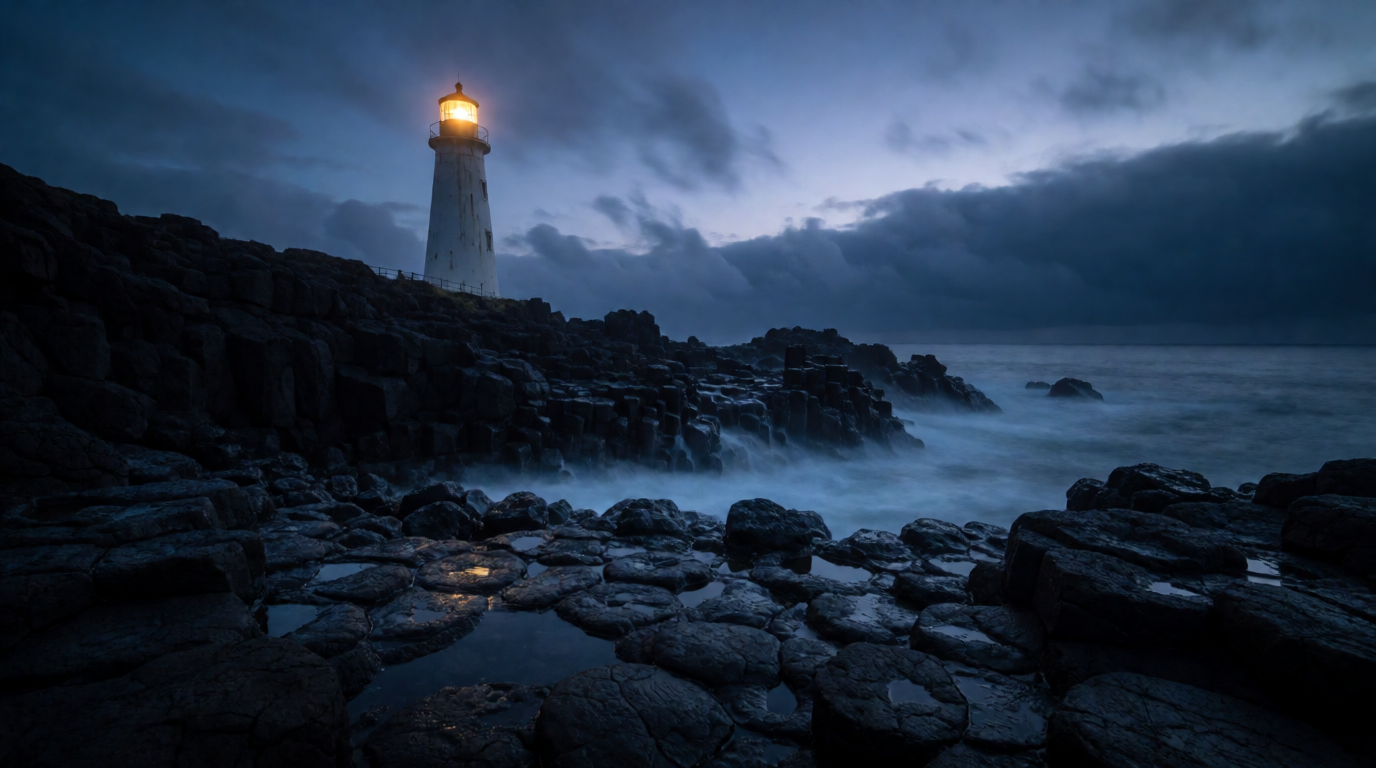
Prompt (lighthouse):
A cinematic wide shot of a lone white lighthouse on a black basalt coast at blue hour, long-exposure silky waves, a single warm light in the lantern room, moody low clouds, photorealistic landscape photography, no text
Variation tips: both prompts share one skeleton: subject, three concrete details, a style phrase, a light phrase, “no text.” Keep it and swap the nouns to test all four tools on equal terms.
Which should you pick?
Pick by what you need to be true about the output, not by feature lists:
- A broad free playground with canvas tools and some video, public outputs fine → Leonardo.Ai: 150 tokens a day, Phoenix on free, image-to-video on some models.
- Free generations that stay private, and a photoreal image model → Krea: 100 compute units a day on Krea 3 and Krea 2, no public feed; video and the commercial license are paid.
- Thousands of community checkpoints and LoRAs, mostly anime → SeaArt: 130 Stamina a day; quality varies by model and prices hide behind login.
- Readable text in images, and you will pay to keep them unpublished → Ideogram Plus at $20/month.
- You will sell what you make → Leonardo on a paid plan with private generation; Krea on a paid plan for the commercial license; SeaArt on any plan, since you own your outputs.
For the wider field, see the best free AI image generators, the 5 best Midjourney alternatives, the 8 best creative AI image generators, the Adobe Firefly free-tier review, our DeepAI review, and, for portrait restyling specifically, our FaceApp alternatives comparison. For video, the best free AI video generators guide covers Leonardo’s competitors on that axis.
Frequently asked questions
Is Leonardo.Ai any good?
Is Leonardo.Ai free to use?
How do I use Leonardo.Ai for free?
What is the difference between Leonardo AI and SeaArt AI?
Is Leonardo.Ai trustworthy?
Can I use Leonardo.Ai on my phone?
Generate privately, 100 units a day, no card
Krea 3 on the free plan keeps your images in your account. Upgrade when you need video or the commercial license.
See Krea plans